> ## Documentation Index
> Fetch the complete documentation index at: https://www.krea.ai/docs/llms.txt
> Use this file to discover all available pages before exploring further.
# Krea changelog
> Track weekly updates to Krea's image and video models, API, and product experience, including new features, improvements, and bug fixes.
## Choose a workspace when connecting to MCP
**The MCP OAuth consent screen now includes a Workspace picker.** When your client asks you to sign in to Krea, you'll see every workspace you belong to and can pick which one this MCP session runs against.
* The selected workspace is bound to the OAuth session and determines where **compute units are billed** and where **uploaded assets are saved**.
* Your default workspace is pre-selected — switch it if you want the session to run somewhere else (for example, a shared studio workspace instead of your personal one).
* To rebind, disconnect Krea in your MCP client and reconnect. Legacy sessions without an explicit binding continue to fall back to your default workspace.
See [MCP authentication](/developers/mcp#authentication) for the full flow.
## Upload local files through MCP with `get_upload_url`
**The MCP upload flow now uses presigned URLs.** The new `get_upload_url` tool returns a short-lived URL that your client `POST`s the file to as `multipart/form-data`, and the response contains an asset URL you can pass straight into a `generate` call.
* Presigned URLs are valid for **three hours** — plenty of time for a client to stream the file up before generating.
* If your file is already reachable at a public URL, or you can encode it as a base64 data URI, skip the upload and pass that value directly instead.
See [Uploading a local file with `get_upload_url`](/developers/mcp#uploading-a-local-file-with-get-upload-url) for a walkthrough.
## Media URL inputs are consistent across the API
**Every endpoint that accepts a media URL now takes the same three forms interchangeably** — an external URL, a base64 data URI, or an uploaded asset URL from `POST /assets` or MCP's `get_upload_url`. The API reference now calls this out up front so you can pick whichever fits your workflow.
See [Media URL inputs](/api-reference/introduction#media-url-inputs) in the API reference introduction.
## Krea 2 Raw and Krea 2 Turbo open weights
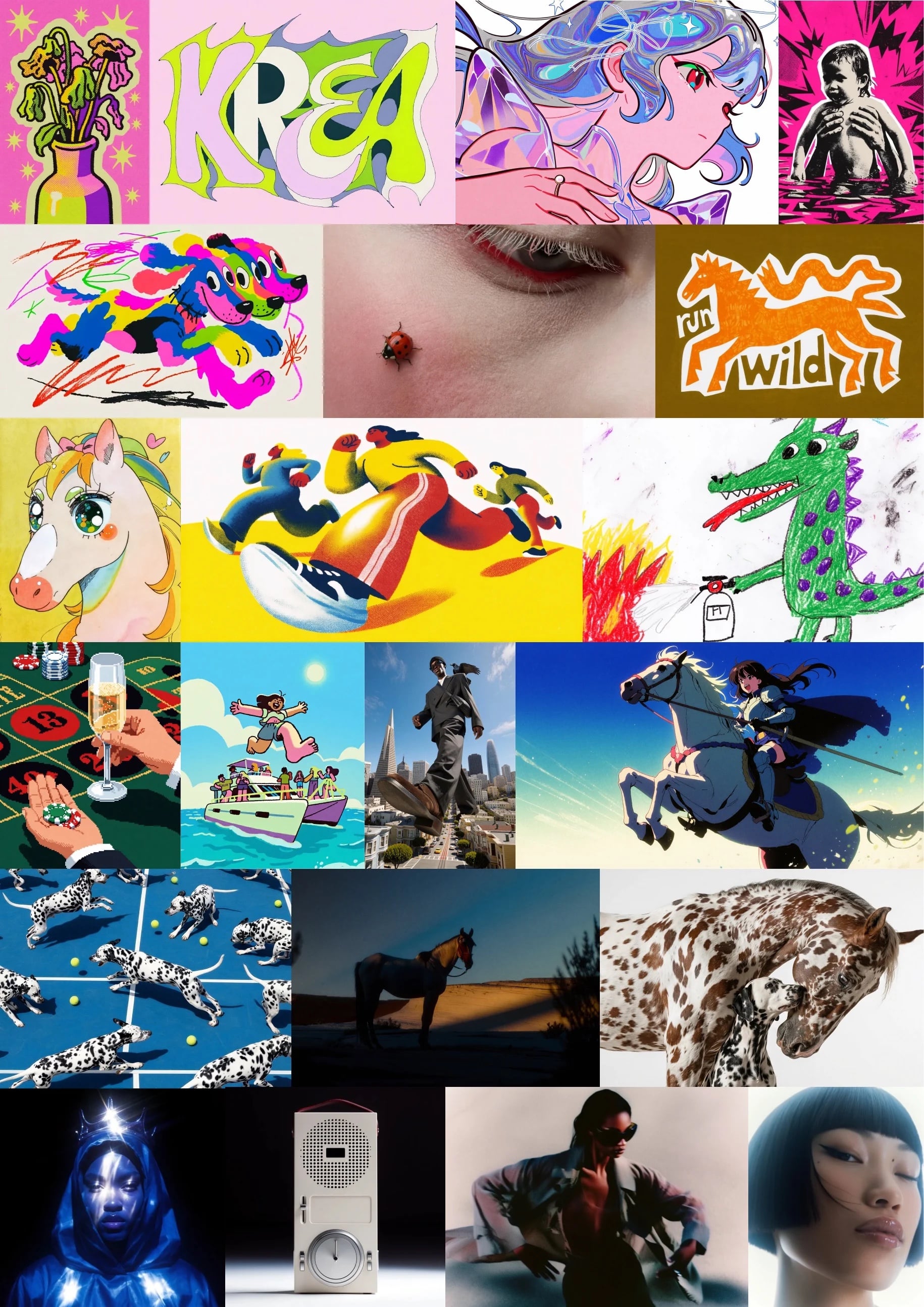
**Krea 2 is now open-weights.** We've released Raw and Turbo checkpoints under a permissive license, alongside a full technical report covering data, architecture, training, and infrastructure.
* **Krea 2 Raw** — the base text-to-image foundation model focused on aesthetic range and creative control.
* **Krea 2 Turbo** — the distilled variant for fast generation, compatible with style references, moodboards, and LoRAs.
* Weights are on [Hugging Face](https://www.krea.ai/krea-2/huggingface) and inference code is on [GitHub](https://www.krea.ai/krea-2/github).
* Read the full [Krea 2 Technical Report](https://www.krea.ai/blog/krea-2-technical-report) for details on the multi-stage training pipeline, prompt expander, and style-reference system.
You can still run Krea 2 hosted in the [Image tool](https://www.krea.ai/image/k2) or call it through the [Krea 2 API](/developers/krea-2/overview).
## Pass reference images by URL or data URI
**You can now provide reference and source images without uploading them to `/assets` first.** Image-to-image, image-to-video, and Krea 2 style transfer endpoints accept three formats interchangeably:
* An asset URL returned from `POST /assets`.
* A public external URL pointing to the image.
* A base64 data URI (for example, `data:image/jpeg;base64,...`) for fully inline payloads.
This makes one-shot scripts and quick experiments simpler — no upload step required. The asset upload flow is still recommended for images you reuse often.
See [image-to-image](/developers/examples/image-to-image), [image-to-video](/developers/examples/image-to-video), and [Krea 2 style transfer](/developers/krea-2/style-transfer) for examples in Node.js, Python, cURL, and Go.
## Organizations in private beta for enterprise
**Organizations are now in private beta for enterprise customers.** An Organization sits above your workspaces and centralizes billing, members, verified domains, and Single Sign-On under one enterprise account.
* **Owner, Admin, and Member roles** at the organization level, separate from workspace roles.
* **Organization dashboard** for Owners and Admins to create workspaces, invite members, assign roles, and manage access in one place.
* **Domain verification** unlocks Domain Capture (auto-enroll users with matching email addresses) and is a prerequisite for SAML SSO.
* **SAML Single Sign-On** so your team signs in with your identity provider.
* **Model Access Controls** (Business and Enterprise) to restrict which AI models are available to members using allowlist or blocklist modes.
Start with [Organizations](/user-guide/help-and-support/organizations), then see [Managing your organization](/user-guide/help-and-support/organization-management), [Domain verification](/user-guide/help-and-support/domain-verification), [SAML SSO setup](/user-guide/help-and-support/saml-sso-setup), and [Model access controls](/user-guide/help-and-support/model-access-controls). [Contact sales](mailto:sales@krea.ai) to join the beta.
## Zero Data Retention available for Krea enterprise API
**Zero Data Retention is now available for enterprise API customers.** Send the `X-Api-Zero-Data-Retention: 1` header on a request and Krea won't persist your prompt or generation after it's returned.
* Supported on `krea-2/medium`, `krea-2/large`, and `krea-2/medium-turbo`.
* Any reference images (for example style references) must be passed as data URIs — remote URLs aren't supported under ZDR.
* Contact [support@krea.ai](mailto:support@krea.ai) to enable ZDR on your workspace.
See [Zero Data Retention](/developers/zdr) for the full request format.
## OAuth sign-in for the Krea MCP server
**Sign in to the Krea MCP server with OAuth.** You can now connect MCP-compatible clients to Krea without creating an API key — just point your client at `https://api.krea.ai/mcp` and complete the browser sign-in.
* Works out of the box with Claude Code, Codex, Cursor, and other clients that support OAuth.
* API token authentication is still supported for clients that don't speak OAuth.
## MCP billing now follows your auth method
**Clearer billing for MCP usage.** MCP requests are now billed based on how you authenticate:
* **OAuth** — usage is charged to your Krea account's compute units.
* **API token** — usage is charged to your workspace's API balance, same as direct API calls.
See [MCP](/developers/mcp) for setup and troubleshooting, and [API keys and billing](/developers/api-keys-and-billing) for details on the API balance.
## Generative sliders land in the Krea 2 API
**Generative sliders for Krea 2 are now available on the API.** Three new fields — `intensity`, `complexity`, and `movement` — let you steer the visual character of a Krea 2 generation without changing your prompt.
* Each slider takes an integer from **−100 to 100**, with `0` as neutral.
* `intensity` controls how stylized the image feels, `complexity` controls how dense the composition is, and `movement` controls pose energy and implied camera motion.
* Supported on all Krea 2 variants: `krea-2/medium`, `krea-2/large`, and `krea-2/medium-turbo`.
* Sliders don't change the cost of a generation and compose cleanly with [style transfer](/developers/krea-2/style-transfer) and [moodboards](/developers/krea-2/moodboards).
See the [generative sliders reference](/developers/krea-2/generative-sliders) for examples and recommended starting points.
## Introducing Krea 2 Turbo
Introducing Krea 2 Turbo. Generate high-quality images in just 2 seconds with a faster Krea 2 experience, compatible with style references, moodboards, and LoRAs.
## Ideogram v4.0 is now available in Krea
Ideogram v4.0 is now available in Krea, with 2K native resolution, excellent text rendering, and support for JSON prompts.
## Krea 2 on Artificial Analysis
Krea 2 is now listed on Artificial Analysis, ranking as the #1 image model from an independent research lab and #6 globally on the text-to-image leaderboard.
## Krea 2 LoRAs are available to everyone
Krea 2 LoRAs are now available to everyone. Create and use custom LoRA styles with Krea 2 directly in Krea.
## Moodboard Gallery + Random and Auto
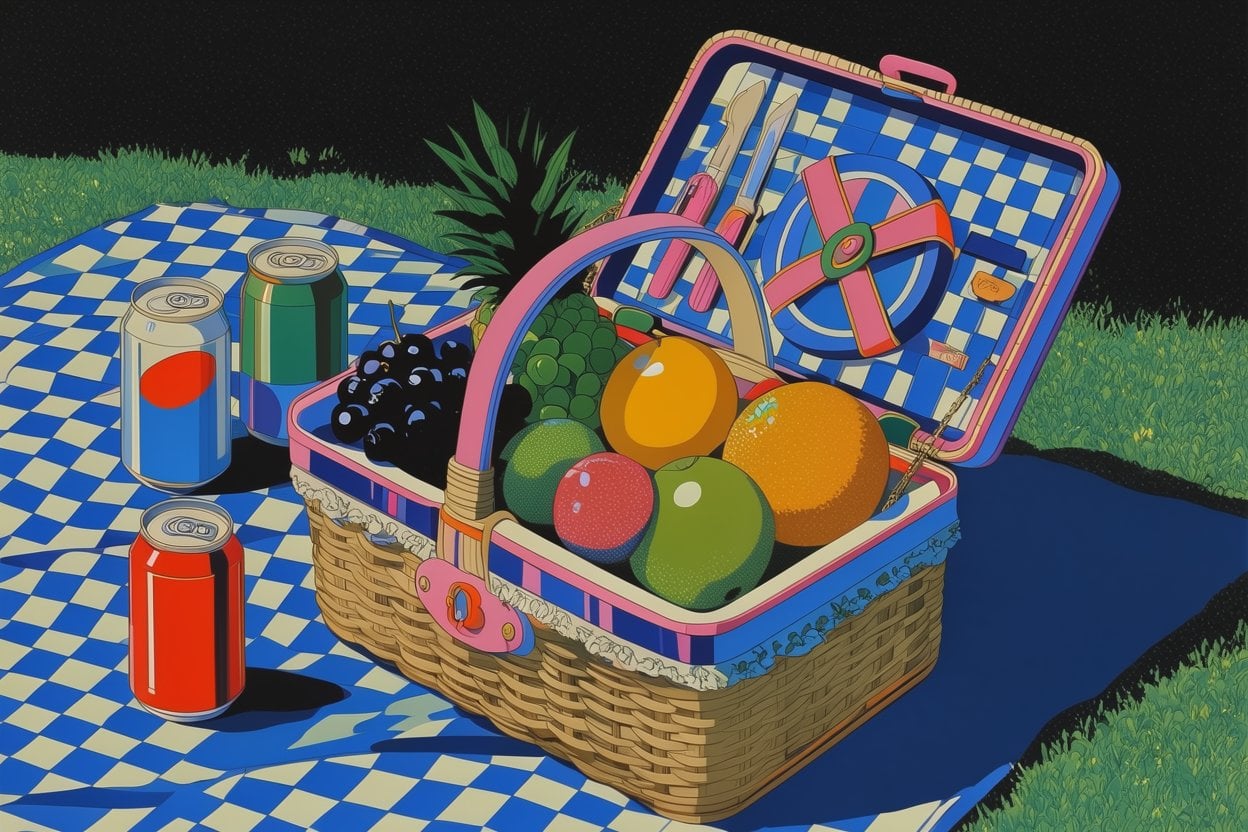
Introducing Moodboard Gallery. We added thousands of new moodboards in our gallery for you to explore and generate with Krea 2.
## Krea 2 LoRA training is here
Train your own Krea 2 LoRA from a small set of images and use it directly in the Image tool. Capture a style, character, or object once and reuse it across every generation.
## Krea 2 deep dive
A new walkthrough of Krea 2 — how to use style references, build moodboards, and prompt for the results you want.
## Krea 2 is live for everyone
Krea 2 is now available to everyone. To celebrate, we're offering unlimited Krea 2 generations to all subscribers for the entire week.
## K2 is now available for Pro
Krea 2 (K2), our new in-house image model, is now available to all Pro users. K2 was built for creative range — strong on illustration, painterly looks, manga, anime, VHS, and word marks, on top of photorealism. Open the image tool, pick Krea 2 Large or Krea 2 Medium, and start generating.

[Try Krea 2 now](https://www.krea.ai/image)
## Style refs in the gallery + arrow navigation
Style references are now visible and one-click copyable directly from the gallery. Spot a look you like? Grab its sref instantly and reuse it in your next generation.
## A new gallery feed
The gallery has a fresh feed experience. Browse community creations in a smoother, faster layout designed to help you discover inspiration and remix what catches your eye.
## Moodboard Sharing
Share your Krea 2 moodboards with anyone via a public link. From the Moodboards page, right-click any moodboard and select Share to open the sharing dialog.
### How it works
* Click Create public link to generate a shareable URL (krea.ai/moodboards?s=...)
* Recipients can generate using your moodboard, but not edit it
* A Link sharing toggle lets you enable/disable access at any time (shows the date shared)
* Copy the link to clipboard with one click
## Krea 2 is here
Krea 2 is here. Our first foundation image model built completely from scratch, focused on aesthetics and creative control.
Most image models are good at understanding what you want in an image. Krea 2 is built around the second part: how you want it to look. It can render a wide range of styles, from grainy film photography to clean studio shots, cinematic stills, illustrations, digital paintings, and more experimental directions.
## Introducing Seedance Effects
Apply motion and style effects to any video in one click. Open the video tools, hit "add effects" to browse the library, and use the suggested tags in your prompt.
## Compare models side by side
Turn on Multiple Models in the image tool to generate with several models from the same prompt and settings, then compare results side by side. Pick the model that nails the look you want.