
> ## Documentation Index
> Fetch the complete documentation index at: https://www.krea.ai/docs/llms.txt
> Use this file to discover all available pages before exploring further.

# 风格迁移

> 使用一张或多张参考图像驱动 Krea 2 生成的风格,并可针对每张参考图调节强度。

Krea 2 配备了市场上最强大的风格迁移系统。传入单张参考图或组合多张,Krea 2 会提取其风格并应用到您的输出中——由您决定每张参考图对最终图像影响的强弱程度。

## 示例

每个示例左侧展示**风格参考图**,右侧展示**生成的输出**。

<div className="not-prose space-y-8">
  <div>
    <div className="grid grid-cols-2 gap-3">
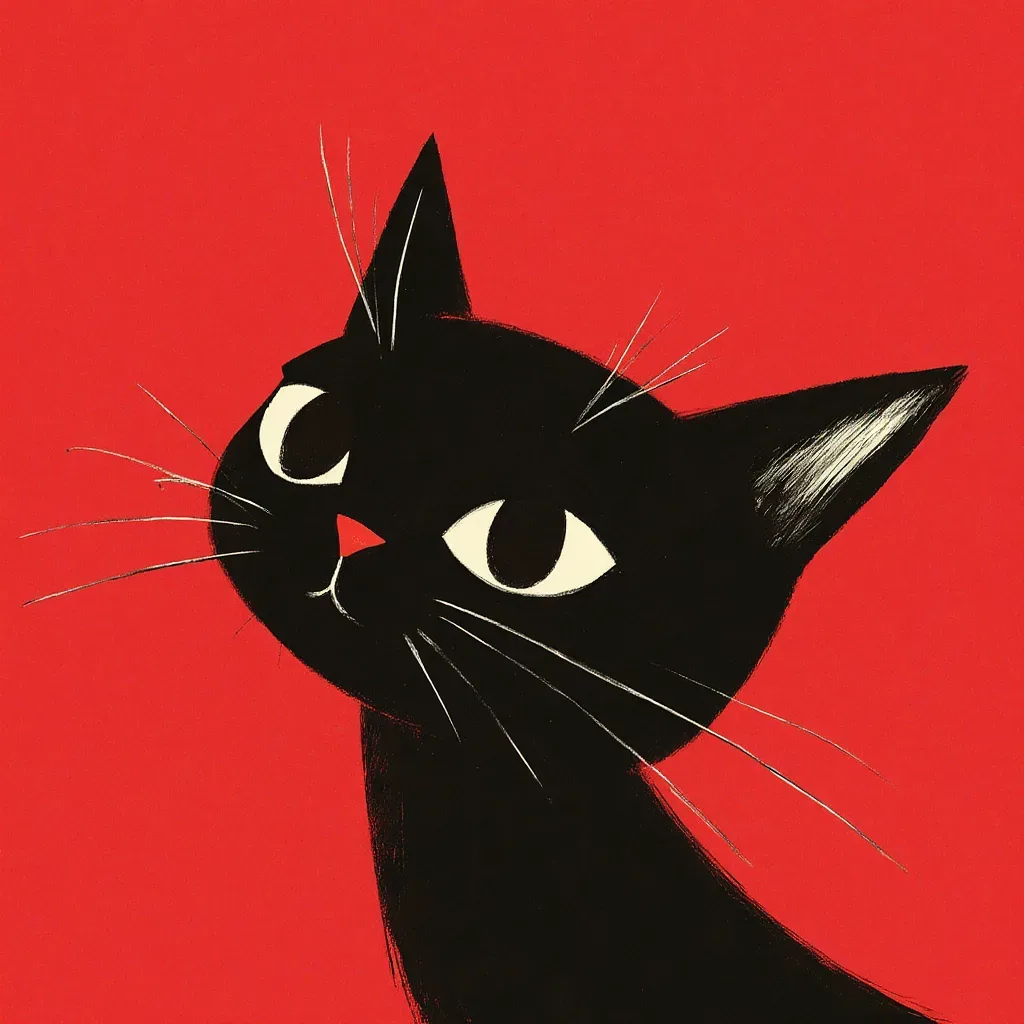
      <img src="https://s.krea.ai/docs/krea-2/style-transfer-cat-ref.webp" alt="风格参考图:在草地中奔跑的卡通形象" className="rounded-lg w-full object-cover m-0" style={{ aspectRatio: "4/3" }} />

      <img src="https://s.krea.ai/docs/krea-2/style-transfer-cat-out.webp" alt="输出:一只侧身跳跃的猫" className="rounded-lg w-full object-cover m-0" style={{ aspectRatio: "4/3" }} />
    </div>

    <p className="mt-2 text-sm text-gray-600 dark:text-gray-400">提示词:<em>a cat jumping sideways</em></p>
  </div>

  <div>
    <div className="grid grid-cols-2 gap-3">
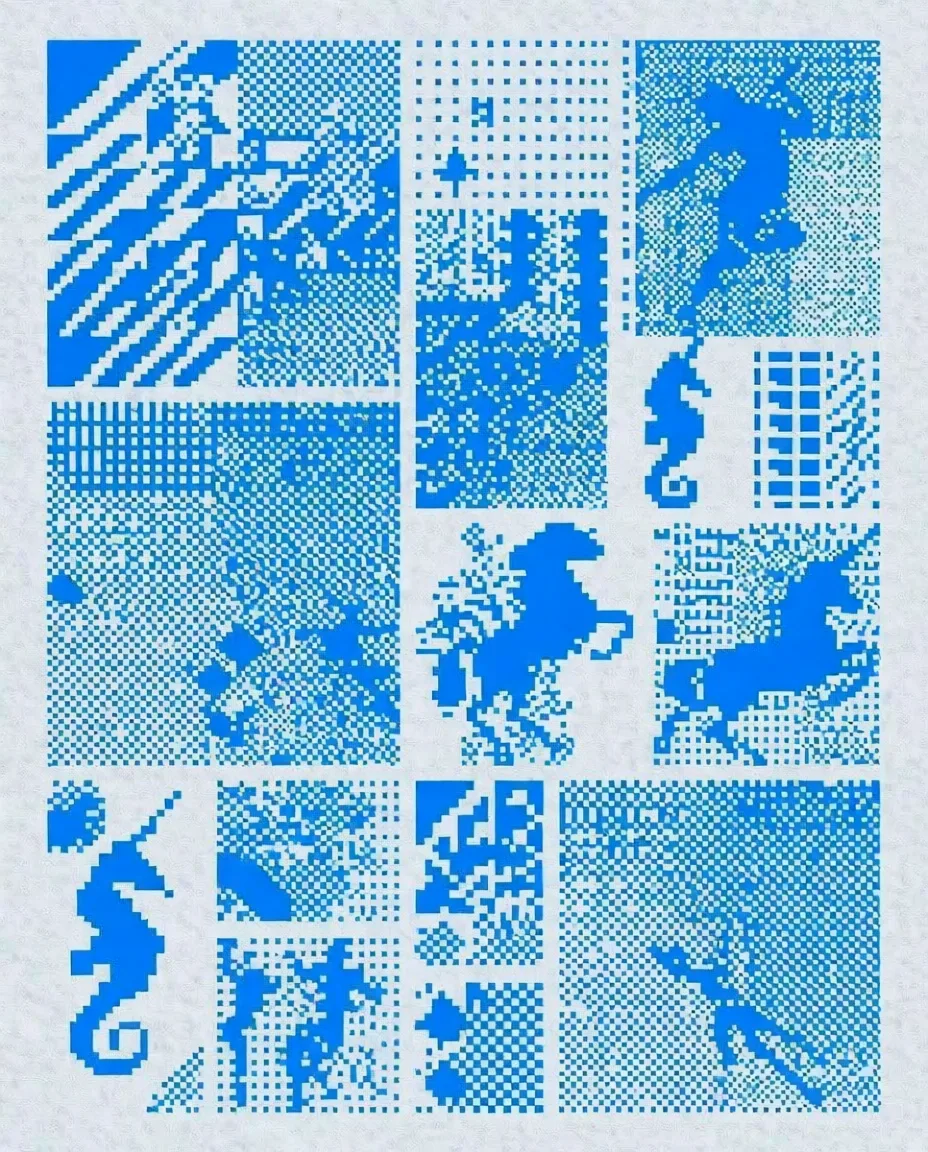
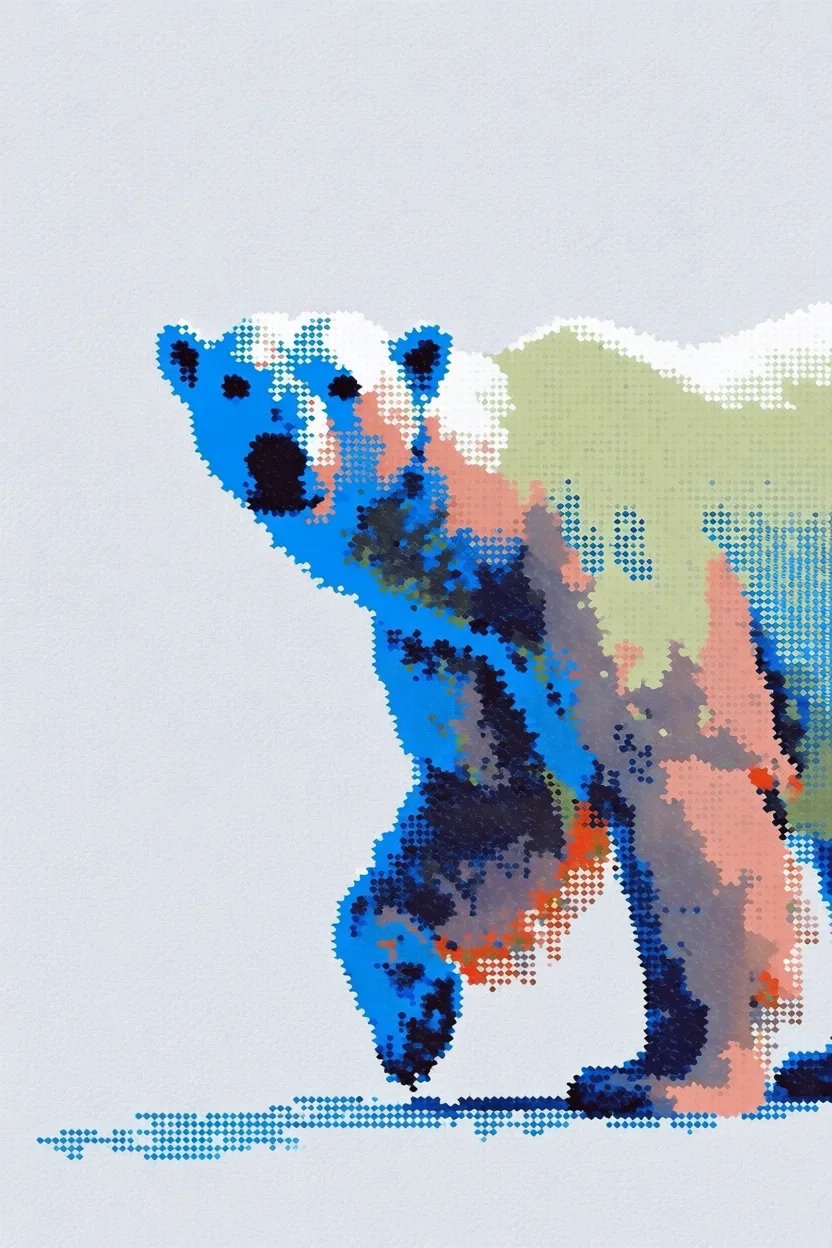
      <img src="https://s.krea.ai/docs/krea-2/style-transfer-polar-bear-ref.webp" alt="风格参考图:8 位像素艺术网格" className="rounded-lg w-full object-cover m-0" style={{ aspectRatio: "4/3" }} />

      <img src="https://s.krea.ai/docs/krea-2/style-transfer-polar-bear-out.webp" alt="输出:一只北极熊" className="rounded-lg w-full object-cover m-0" style={{ aspectRatio: "4/3" }} />
    </div>

    <p className="mt-2 text-sm text-gray-600 dark:text-gray-400">提示词:<em>a polar bear</em></p>
  </div>

  <div>
    <div className="grid grid-cols-2 gap-3">
      <img src="https://s.krea.ai/docs/krea-2/style-transfer-cowboy-ref.webp" alt="风格参考图:Krea 1 风格的草图" className="rounded-lg w-full object-cover m-0" style={{ aspectRatio: "4/3" }} />

      <img src="https://s.krea.ai/docs/krea-2/style-transfer-cowboy-out.webp" alt="输出:一位牛仔" className="rounded-lg w-full object-cover m-0" style={{ aspectRatio: "4/3" }} />
    </div>

    <p className="mt-2 text-sm text-gray-600 dark:text-gray-400">提示词:<em>a cowboy</em></p>
  </div>

  <div>
    <div className="grid grid-cols-2 gap-3">
      <img src="https://s.krea.ai/docs/krea-2/style-transfer-muppet-ref.webp" alt="风格参考图:芝麻街风格的马" className="rounded-lg w-full object-cover m-0" style={{ aspectRatio: "4/3" }} />

      <img src="https://s.krea.ai/docs/krea-2/style-transfer-muppet-out.webp" alt="输出:布偶风格的猫和狗" className="rounded-lg w-full object-cover m-0" style={{ aspectRatio: "4/3" }} />
    </div>

    <p className="mt-2 text-sm text-gray-600 dark:text-gray-400">提示词:<em>a scene from the live-action Muppets movie featuring a grey cat muppet and his dog friend</em></p>
  </div>
</div>

## 工作原理

<Steps>
  <Step title="提供您的参考图">
    您可以通过三种方式引用图像:将图像 `POST` 到 `/assets` 并使用返回的 URL、直接传入外部 URL,或提供 data URI。
  </Step>

  <Step title="通过 URL 引用">
    在 `krea-2/medium` 或 `krea-2/large` 请求的 `image_style_references` 数组中包含图像 URL 或 data URI。
  </Step>

  <Step title="调节强度">
    为每张参考图设置 `strength`,取值范围为 -2 到 2。约 0.6 是一个合理的起点——增大数值会让风格更显著,降低数值则使影响更微妙。
  </Step>
</Steps>

## 端到端示例

本示例上传一个本地文件作为风格参考图,并在 Krea 2 Medium 生成中使用它。

<CodeGroup>
  ```javascript Node.js theme={null}
  // npm install @krea-ai/sdk
  import { openAsBlob } from "node:fs";
  import { Krea } from "@krea-ai/sdk";

  const krea = new Krea({ apiKey: process.env.KREA_API_KEY });

  // 1. Upload the style reference
  const file = await openAsBlob("./style-reference.png", { type: "image/png" });
  const asset = await krea.assets.upload(file, {
    filename: "style-reference.png",
    description: "Style reference for Krea 2",
  });

  // 2. Generate with the reference
  const result = await krea.subscribe("image/krea/krea-2/medium", {
    input: {
      prompt: "A portrait of a dancer in a quiet studio",
      aspect_ratio: "4:3",
      resolution: "1K",
      creativity: "medium",
      image_style_references: [{ url: asset.image_url, strength: 0.6 }],
    },
  });

  console.log(result.data?.urls[0]);
  ```

  ```bash cURL theme={null}
  # 1. Upload the style reference
  curl -X POST https://api.krea.ai/assets \
    -H "Authorization: Bearer $KREA_API_TOKEN" \
    -F "file=@./style-reference.png" \
    -F "description=Style reference for Krea 2"
  # Response includes { "image_url": "https://..." }

  # 2. Generate with the reference (replace IMAGE_URL with the response above)
  curl -X POST https://api.krea.ai/generate/image/krea/krea-2/medium \
    -H "Authorization: Bearer $KREA_API_TOKEN" \
    -H "Content-Type: application/json" \
    -d '{
      "prompt": "A portrait of a dancer in a quiet studio",
      "aspect_ratio": "4:3",
      "resolution": "1K",
      "creativity": "medium",
      "image_style_references": [
        { "url": "IMAGE_URL", "strength": 0.6 }
      ]
    }'
  ```

  ```python Python theme={null}
  import os
  import requests

  API_BASE = "https://api.krea.ai"
  API_TOKEN = os.environ["KREA_API_TOKEN"]
  headers = {"Authorization": f"Bearer {API_TOKEN}"}

  # 1. Upload the style reference
  with open("style-reference.png", "rb") as f:
      upload = requests.post(
          f"{API_BASE}/assets",
          headers=headers,
          files={"file": ("style-reference.png", f, "image/png")},
          data={"description": "Style reference for Krea 2"},
      )
  upload.raise_for_status()
  asset = upload.json()

  # 2. Generate with the reference
  generation = requests.post(
      f"{API_BASE}/generate/image/krea/krea-2/medium",
      headers={**headers, "Content-Type": "application/json"},
      json={
          "prompt": "A portrait of a dancer in a quiet studio",
          "aspect_ratio": "4:3",
          "resolution": "1K",
          "creativity": "medium",
          "image_style_references": [
              {"url": asset["image_url"], "strength": 0.6},
          ],
      },
  )
  generation.raise_for_status()
  print(generation.json())  # { "job_id": "..." } — poll /jobs/{id} for the result
  ```
</CodeGroup>

<Note>
  REST 示例是异步的——`POST /generate/...` 会立即返回一个 `job_id`。Node.js SDK 示例使用 `subscribe(...)`,会等待结果完成。轮询模式请参阅[任务生命周期](/developers/job-lifecycle),或使用 [webhook](/developers/webhooks) 来完全跳过轮询。
</Note>

## 调节强度

`strength` 的取值范围为 `-2` 到 `2`。以下是一些经验法则:

* **约 0.3–0.5** — 影响较弱;适合让提示词主导,参考图仅增添一些特征。
* **约 0.6** — 适用于大多数场景的平衡起点。
* **约 0.8–1.0** — 参考图风格占主导;适合提示词较为通用、视觉特征主要来自参考图的情形。
* **负值** — 让输出远离参考图的风格。

如果输出感觉过于直白(参考图过强)或过于通用(参考图过弱),请以 0.1 为步长进行微调。

## 组合多张参考图

在 `image_style_references` 中传入多个对象即可融合多种风格。每张参考图都可以有自己的 `strength`。

```javascript Node.js theme={null}
const result = await krea.subscribe("image/krea/krea-2/medium", {
  input: {
    prompt: "A portrait of a dancer in a quiet studio",
    aspect_ratio: "4:3",
    resolution: "1K",
    image_style_references: [
      { url: assetA.image_url, strength: 0.6 },
      { url: assetB.image_url, strength: 0.4 },
    ],
  },
});
```

多张参考图会以叠加方式融合——建议从总和接近 `1.0` 的强度开始,然后再进行调节。