> ## Documentation Index
> Fetch the complete documentation index at: https://www.krea.ai/docs/llms.txt
> Use this file to discover all available pages before exploring further.
# Nano Banana
> 使用 Nano Banana 进行快速、高效的图像生成,具备强大的提示词遵循能力,非常适合快速迭代和高吞吐工作流。
 ## 概述
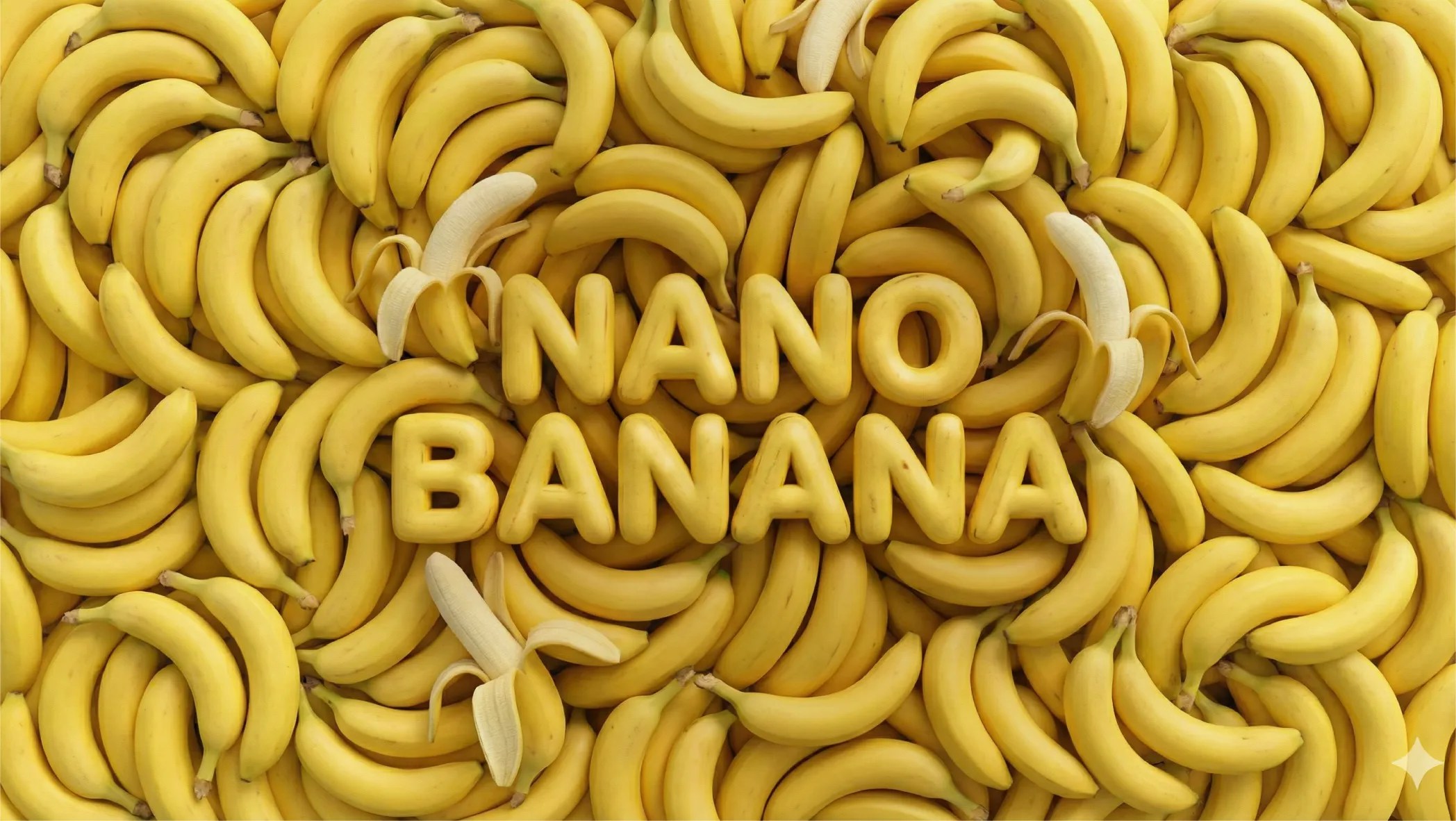
Nano Banana 是 Google DeepMind 首个广泛可用的 AI 图像生成模型,基于 Gemini 2.5 Flash 构建(2025 年 8 月推出)。
Nano Banana 针对**精准提示词遵循和速度**做了优化。它是 Google 最高效的图像模型,为对周转时间敏感的高吞吐任务而生。虽然相较于其后续版本它被限制在 1K 分辨率,但对于日常创作工作——肖像、风景、产品照片和风格化场景——输出质量都很强。作为一个推理模型,它对自然语言描述和场景元素之间关系的理解,比标准扩散模型更深入。
你可以用日常语言描述复杂场景,并获得准确反映你意图的结果,无需按特定格式雕琢提示词。
## 开始使用
1. **前往图像生成** — 打开 [krea.ai/image](https://krea.ai/image) 或从下拉菜单选择。
2. **选择 Nano Banana** — 打开模型选择器,在 Intelligent Models 部分选择 Nano Banana。
3. **撰写提示词** — 清晰描述主体。Nano Banana 能很好地处理多种风格和主题。
4. **添加参考图像(可选)** — 上传图像以引导风格或构图。
5. **选择宽高比** — 选择纵向、横向或方形。
6. **生成** — 点击 Generate。Nano Banana 很快,会迅速返回结果。
7. **迭代** — 调整提示词后再生成,或将结果带入 Edit 或 Enhancer 工具。
## 一览
| 特性 | 详情 |
| ---------- | ---------------------------------------- |
| **速度** | 快 (3/3) |
| **额度** | 每次生成约 30 |
| **底层模型** | Gemini 2.5 Flash Image (Google DeepMind) |
| **分辨率** | 最高 1K |
| **参考图像支持** | 是 |
| **擅长** | 通用、精准提示词遵循、速度 |
## 何时使用 Nano Banana
| 何时使用 | 何时避免 |
| ------------------------ | ------------------ |
| 你需要针对通用任务快速、可靠的结果 | 你需要 2K 或 4K 分辨率的输出 |
| 你在快速迭代许多想法 | 你需要支持超过几张参考图像 |
| 提示词遵循很重要但预算需要控制 | 你需要高级图像编辑能力 |
| 你希望有一款可靠的多用途模型来处理大多数日常任务 | 你在处理高度专业化或复杂的多元素场景 |
## 常见用例
* **人物和肖像**:具备准确光照和表情的写实人物
* **风景与环境**:细致的自然和城市场景
* **概念探索**:跨多种创意方向的快速迭代
* **风格化图像**:3D 手办、艺术渲染、混合风格构图
* **通用创作**:任何不需要 4K 输出或大量编辑的工作
## 提示词技巧
| 建议 | 示例 |
| ---------------- | ----------------------------------------------------------------- |
| 用自然的方式书写——无需特殊语法 | 像给人解释一样描述场景 |
| 描述元素之间的关系 | "A dog sitting to the left of a woman on a park bench" |
| 对光照和情绪要具体 | "Overcast afternoon light, muted palette, quiet atmosphere" |
| 如有需要指定艺术风格 | "3D figurine style,"、"editorial photography,"、"flat illustration" |
| 使用参考图像来锁定风格 | 上传视觉参考图像,而不是尝试用文字描述风格 |
## 示例提示词
*A woman in her 30s reading in a sunlit cafe, warm afternoon light, shallow depth of field, candid documentary style*
*A photorealistic 3D figurine of an astronaut in a glass dome, soft studio lighting, white background, product photography*
*An aerial view of a coastal village at sunrise, terracotta rooftops, Mediterranean style, cinematic composition*
*A minimalist flat illustration of a bicycle against a pastel background, clean lines, simple color palette*
## 概述
Nano Banana 是 Google DeepMind 首个广泛可用的 AI 图像生成模型,基于 Gemini 2.5 Flash 构建(2025 年 8 月推出)。
Nano Banana 针对**精准提示词遵循和速度**做了优化。它是 Google 最高效的图像模型,为对周转时间敏感的高吞吐任务而生。虽然相较于其后续版本它被限制在 1K 分辨率,但对于日常创作工作——肖像、风景、产品照片和风格化场景——输出质量都很强。作为一个推理模型,它对自然语言描述和场景元素之间关系的理解,比标准扩散模型更深入。
你可以用日常语言描述复杂场景,并获得准确反映你意图的结果,无需按特定格式雕琢提示词。
## 开始使用
1. **前往图像生成** — 打开 [krea.ai/image](https://krea.ai/image) 或从下拉菜单选择。
2. **选择 Nano Banana** — 打开模型选择器,在 Intelligent Models 部分选择 Nano Banana。
3. **撰写提示词** — 清晰描述主体。Nano Banana 能很好地处理多种风格和主题。
4. **添加参考图像(可选)** — 上传图像以引导风格或构图。
5. **选择宽高比** — 选择纵向、横向或方形。
6. **生成** — 点击 Generate。Nano Banana 很快,会迅速返回结果。
7. **迭代** — 调整提示词后再生成,或将结果带入 Edit 或 Enhancer 工具。
## 一览
| 特性 | 详情 |
| ---------- | ---------------------------------------- |
| **速度** | 快 (3/3) |
| **额度** | 每次生成约 30 |
| **底层模型** | Gemini 2.5 Flash Image (Google DeepMind) |
| **分辨率** | 最高 1K |
| **参考图像支持** | 是 |
| **擅长** | 通用、精准提示词遵循、速度 |
## 何时使用 Nano Banana
| 何时使用 | 何时避免 |
| ------------------------ | ------------------ |
| 你需要针对通用任务快速、可靠的结果 | 你需要 2K 或 4K 分辨率的输出 |
| 你在快速迭代许多想法 | 你需要支持超过几张参考图像 |
| 提示词遵循很重要但预算需要控制 | 你需要高级图像编辑能力 |
| 你希望有一款可靠的多用途模型来处理大多数日常任务 | 你在处理高度专业化或复杂的多元素场景 |
## 常见用例
* **人物和肖像**:具备准确光照和表情的写实人物
* **风景与环境**:细致的自然和城市场景
* **概念探索**:跨多种创意方向的快速迭代
* **风格化图像**:3D 手办、艺术渲染、混合风格构图
* **通用创作**:任何不需要 4K 输出或大量编辑的工作
## 提示词技巧
| 建议 | 示例 |
| ---------------- | ----------------------------------------------------------------- |
| 用自然的方式书写——无需特殊语法 | 像给人解释一样描述场景 |
| 描述元素之间的关系 | "A dog sitting to the left of a woman on a park bench" |
| 对光照和情绪要具体 | "Overcast afternoon light, muted palette, quiet atmosphere" |
| 如有需要指定艺术风格 | "3D figurine style,"、"editorial photography,"、"flat illustration" |
| 使用参考图像来锁定风格 | 上传视觉参考图像,而不是尝试用文字描述风格 |
## 示例提示词
*A woman in her 30s reading in a sunlit cafe, warm afternoon light, shallow depth of field, candid documentary style*
*A photorealistic 3D figurine of an astronaut in a glass dome, soft studio lighting, white background, product photography*
*An aerial view of a coastal village at sunrise, terracotta rooftops, Mediterranean style, cinematic composition*
*A minimalist flat illustration of a bicycle against a pastel background, clean lines, simple color palette*