> ## Documentation Index
> Fetch the complete documentation index at: https://www.krea.ai/docs/llms.txt
> Use this file to discover all available pages before exploring further.

# Moodboards

> Steuere eine Krea-2-Generierung mit einem Moodboard aus Referenzbildern, um Farbpalette, Textur, Beleuchtung, Stimmung und Komposition in jeder API-Anfrage festzulegen.

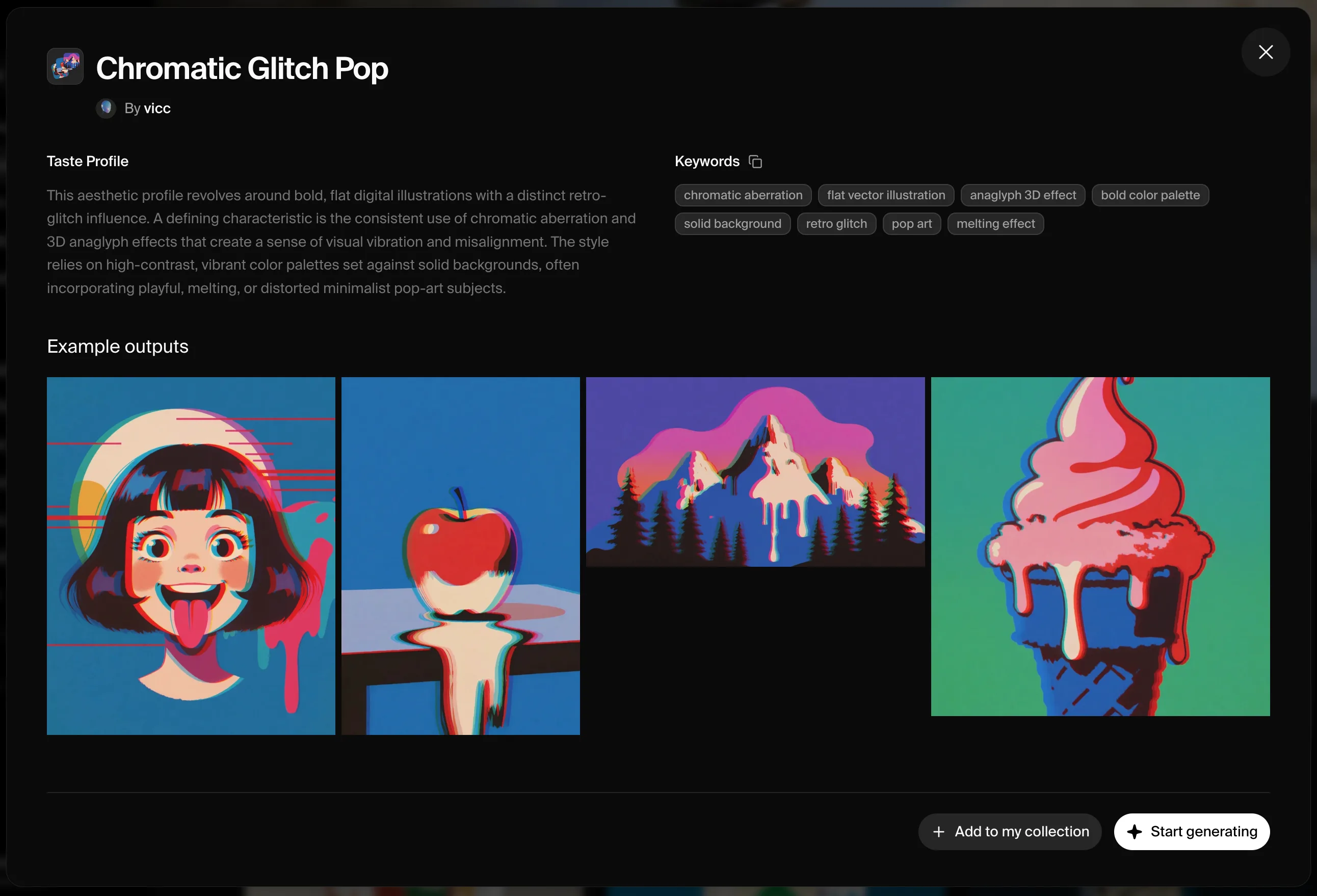
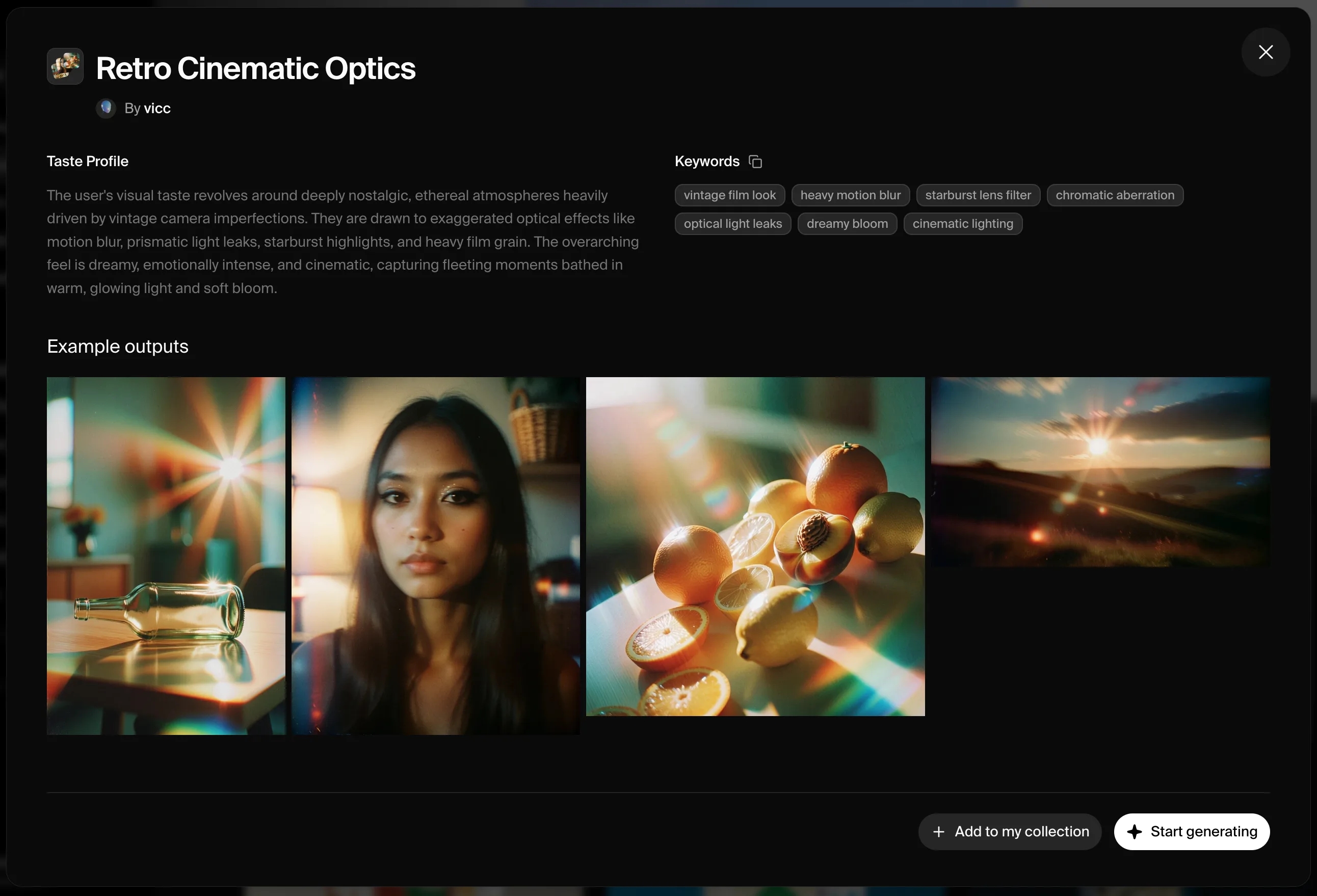
Ein Moodboard ist die präziseste Möglichkeit, mit Krea 2 eine visuelle Richtung vorzugeben. Moodboards sind Gruppen von Bildern, die eine gemeinsame kreative Richtung teilen — Farbpalette, Textur, Stil, Stimmung oder Komposition. Du erstellst ein Moodboard in der Krea-Webapp und referenzierst es dann über die API.

<Warning>
  **Moodboards müssen zunächst in der Krea-Webapp erstellt werden.** Die API referenziert bestehende Moodboards per ID; sie erstellt sie nicht.
</Warning>

## Beispiele

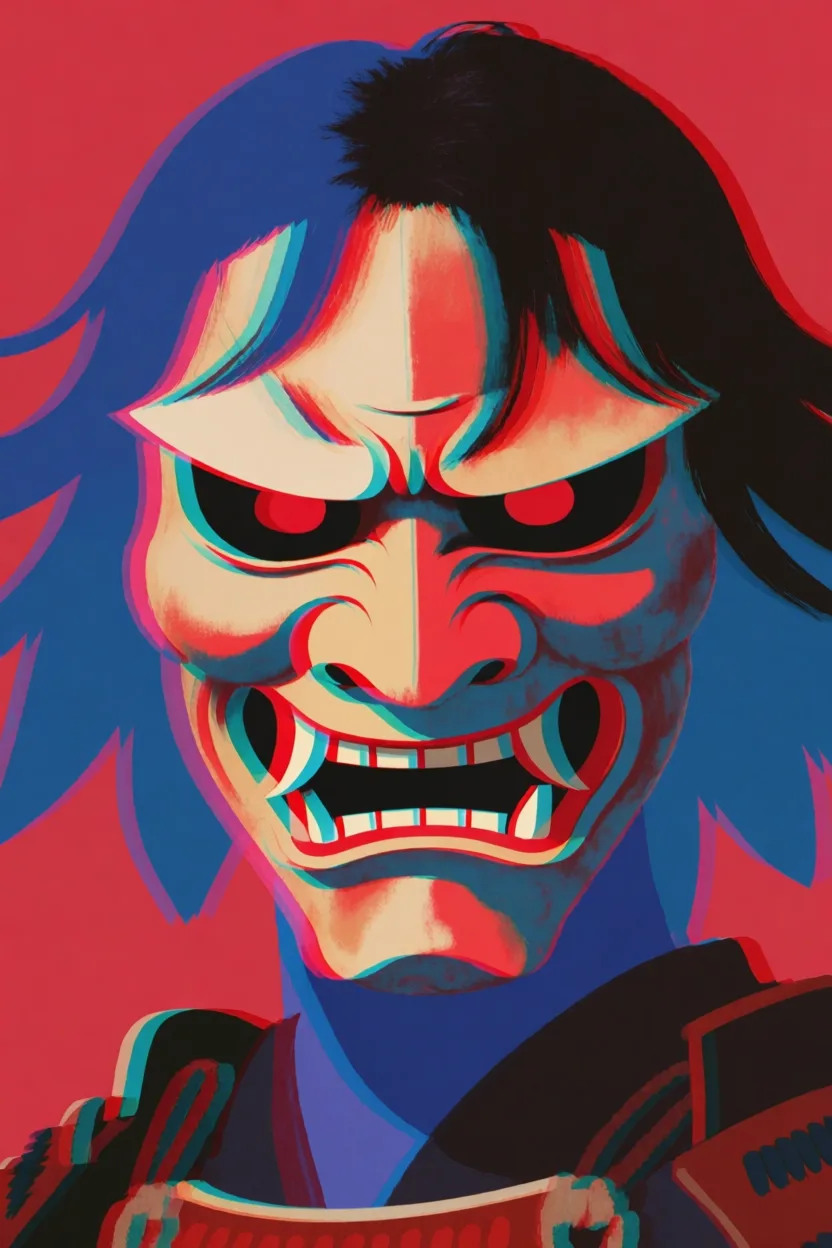
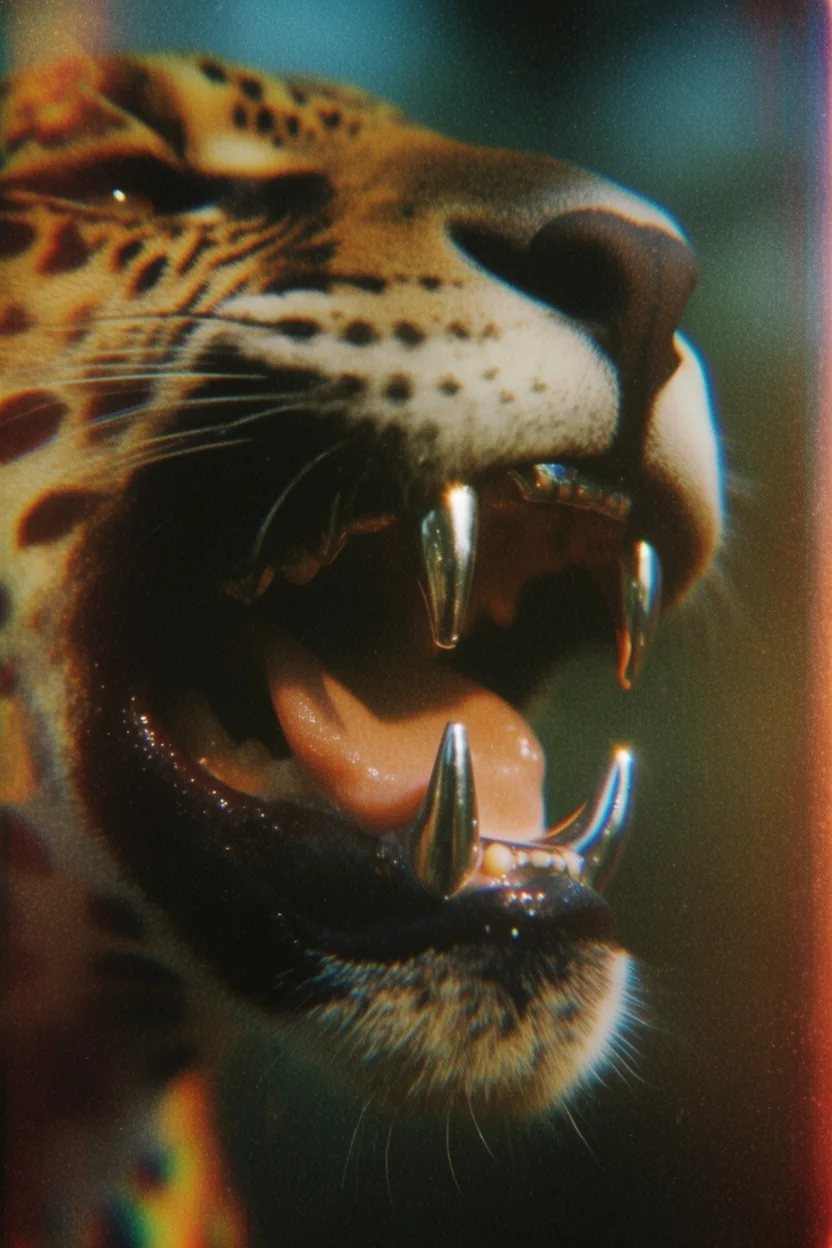
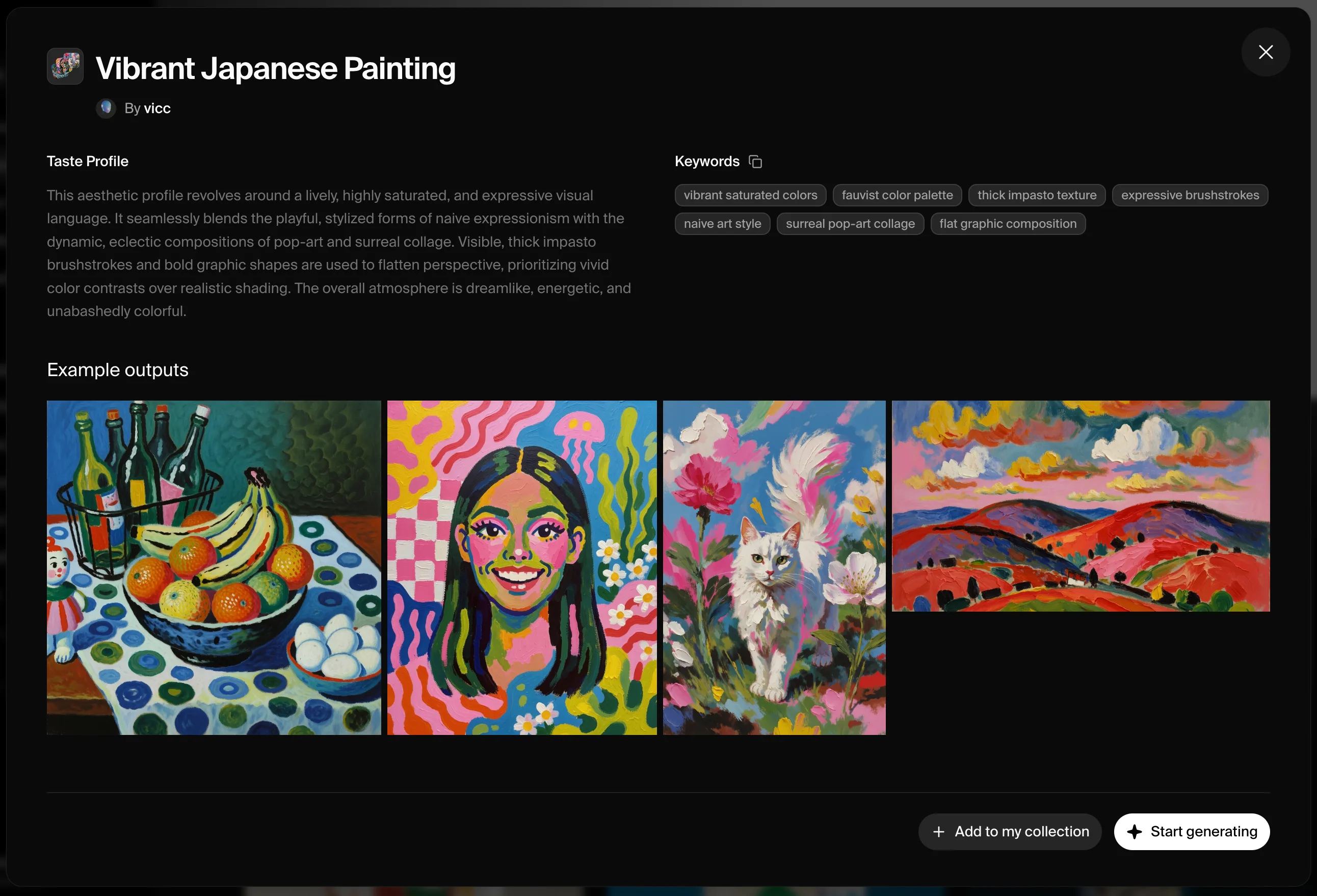
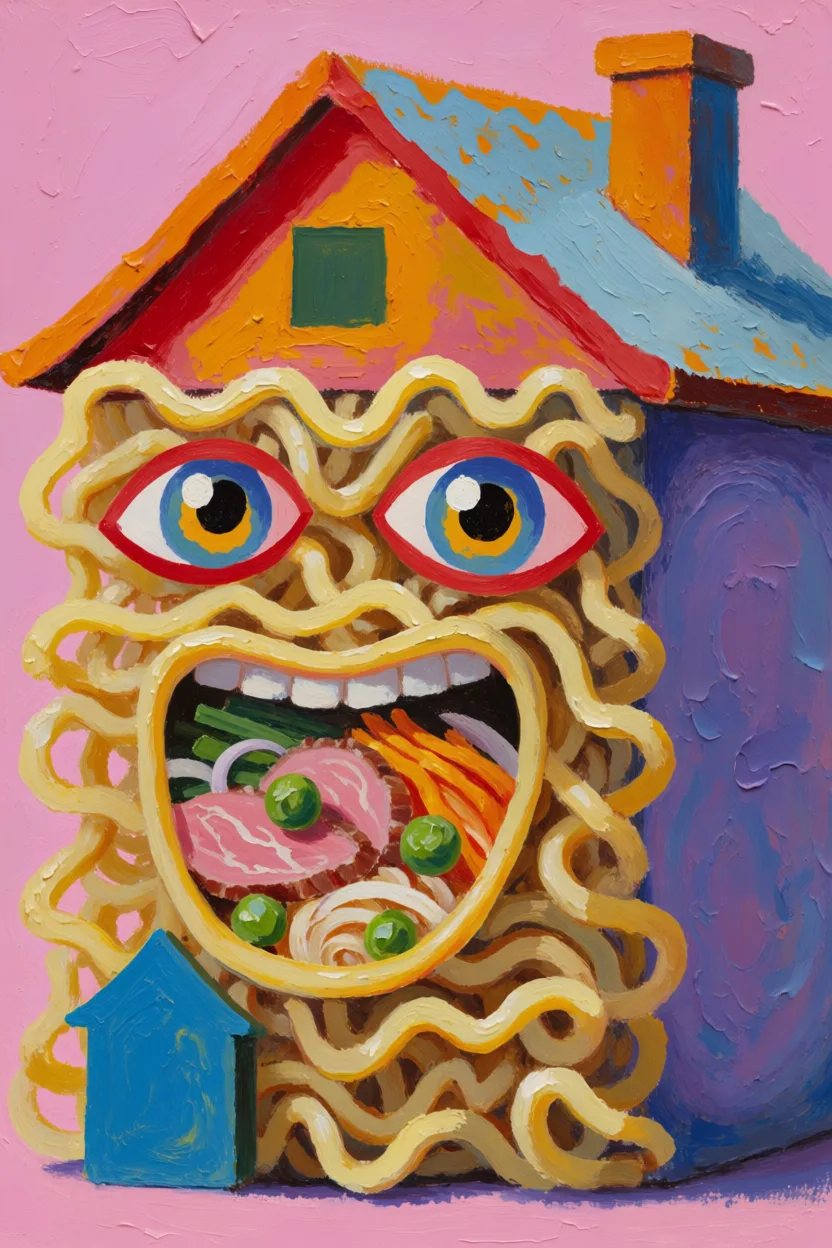
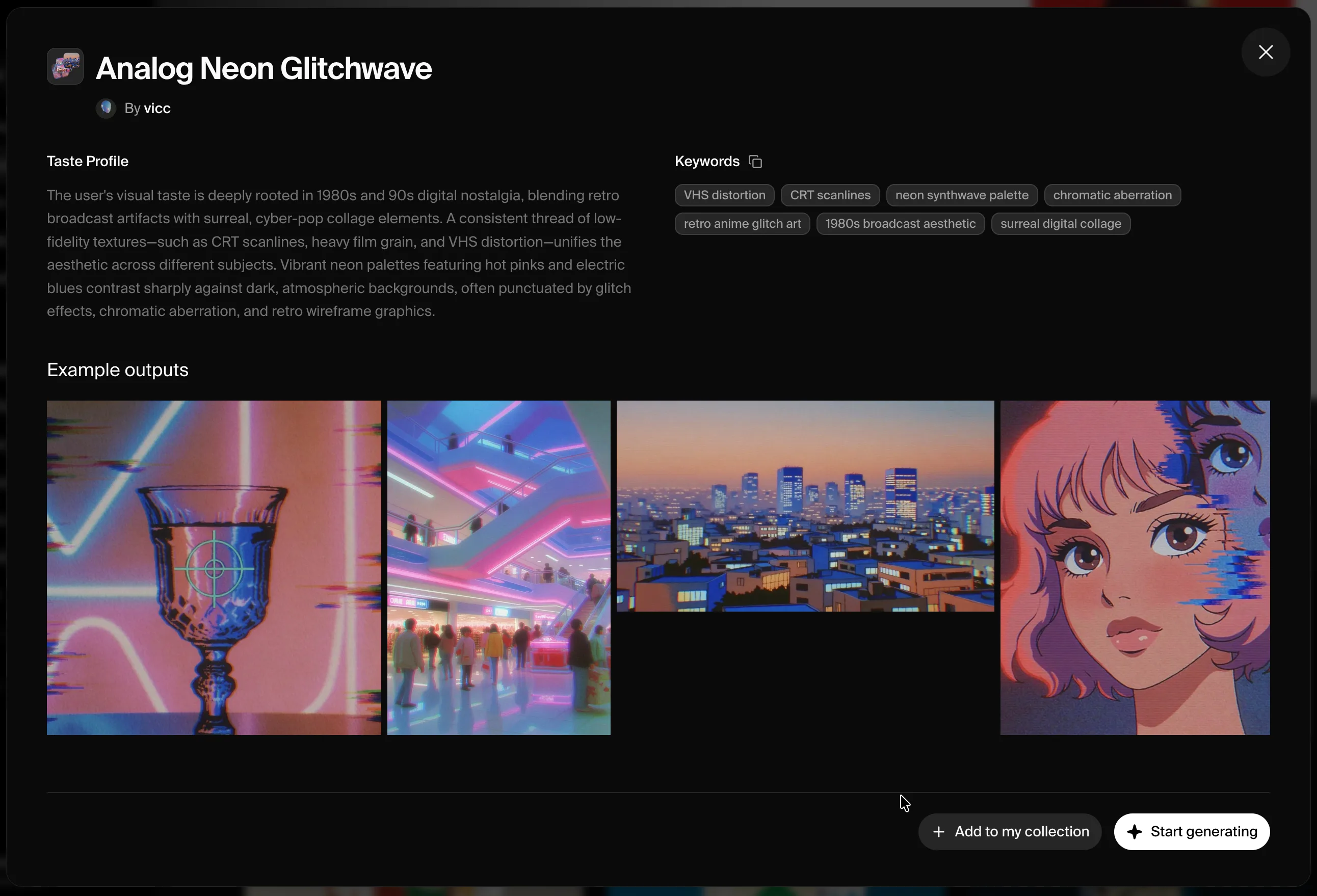
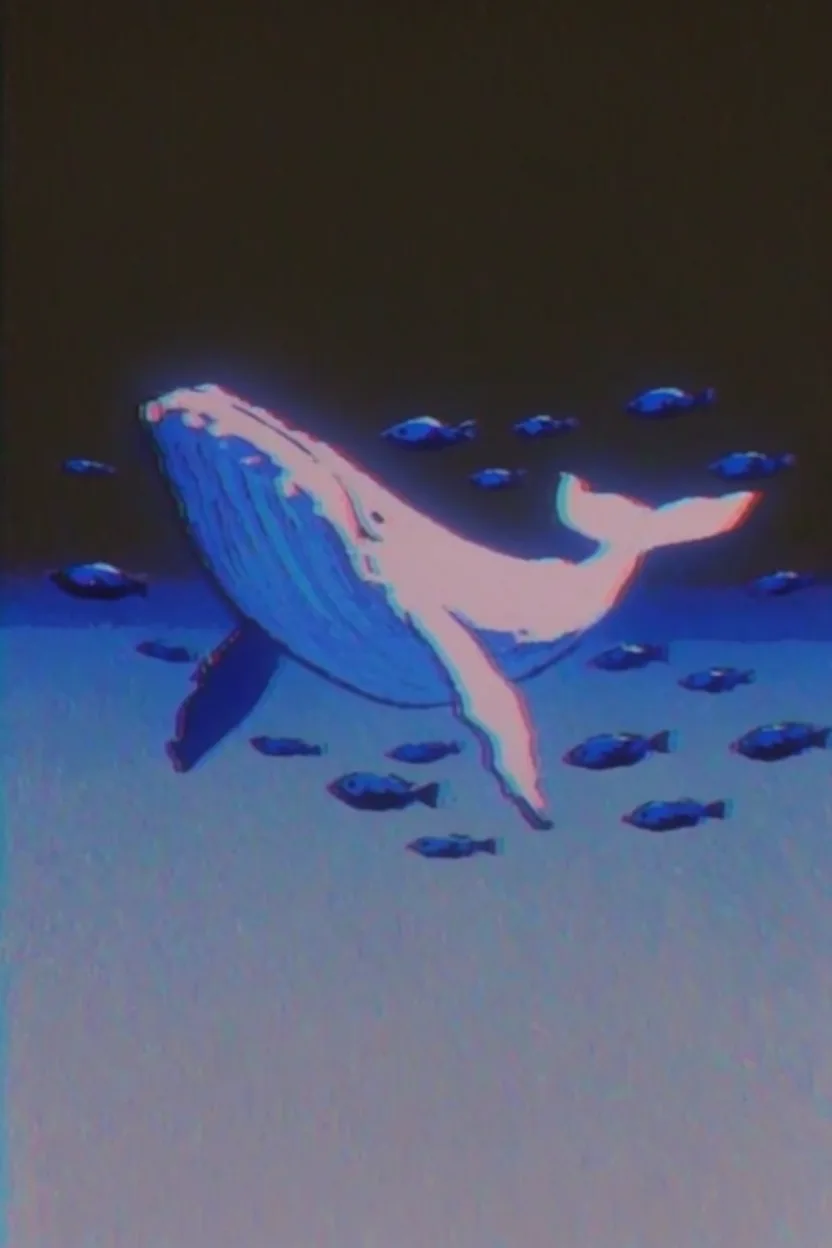
Jedes Beispiel zeigt links das **Moodboard** und rechts die **generierte Ausgabe**. Klicke auf ein Moodboard-Cover, um es in Krea zu öffnen.

<div className="not-prose space-y-8">
  <div>
    <div className="grid grid-cols-2 gap-3">
      <a href="https://www.krea.ai/moodboards?share=1e51738c-7413-469e-93b6-ad50db460a1f" target="_blank" rel="noopener noreferrer" className="block">
        <img src="https://s.krea.ai/docs/krea-2/moodboard-flying-whale-cover.webp" alt="Moodboard für fliegenden Wal" className="rounded-lg w-full object-cover m-0 hover:opacity-90 transition-opacity" style={{ aspectRatio: "4/3" }} />
      </a>

      <img src="https://s.krea.ai/docs/krea-2/moodboard-flying-whale-out.webp" alt="Ausgabe: ein fliegender Wal" className="rounded-lg w-full object-cover m-0" style={{ aspectRatio: "4/3" }} />
    </div>

    <p className="mt-2 text-sm text-gray-600 dark:text-gray-400">Prompt: <em>a flying whale with small fish swimming around her in the air</em></p>
  </div>

  <div>
    <div className="grid grid-cols-2 gap-3">
      <a href="https://www.krea.ai/moodboards?share=2ab1e2e1-b561-4fc5-8bf1-0250a948f22f" target="_blank" rel="noopener noreferrer" className="block">
        <img src="https://s.krea.ai/docs/krea-2/moodboard-samurai-mask-cover.webp" alt="Moodboard für Samurai-Maske" className="rounded-lg w-full object-cover m-0 hover:opacity-90 transition-opacity" style={{ aspectRatio: "4/3" }} />
      </a>

      <img src="https://s.krea.ai/docs/krea-2/moodboard-samurai-mask-out.webp" alt="Ausgabe: eine Samurai-Maske" className="rounded-lg w-full object-cover m-0" style={{ aspectRatio: "4/3" }} />
    </div>

    <p className="mt-2 text-sm text-gray-600 dark:text-gray-400">Prompt: <em>a samurai mask</em></p>
  </div>

  <div>
    <div className="grid grid-cols-2 gap-3">
      <a href="https://www.krea.ai/moodboards?share=98930754-e374-4ef8-837a-8fa2daaa0df7" target="_blank" rel="noopener noreferrer" className="block">
        <img src="https://s.krea.ai/docs/krea-2/moodboard-jaguar-chrome-cover.webp" alt="Moodboard für Jaguar mit Chromzähnen" className="rounded-lg w-full object-cover m-0 hover:opacity-90 transition-opacity" style={{ aspectRatio: "4/3" }} />
      </a>

      <img src="https://s.krea.ai/docs/krea-2/moodboard-jaguar-chrome-out.webp" alt="Ausgabe: Jaguar mit Chromzähnen" className="rounded-lg w-full object-cover m-0" style={{ aspectRatio: "4/3" }} />
    </div>

    <p className="mt-2 text-sm text-gray-600 dark:text-gray-400">Prompt: <em>extreme close-up of a jaguar's mouth with chromed teeth, side view</em></p>
  </div>

  <div>
    <div className="grid grid-cols-2 gap-3">
      <a href="https://www.krea.ai/moodboards?share=5ef5c53c-af9a-4fc1-8602-01dba7da0250" target="_blank" rel="noopener noreferrer" className="block">
        <img src="https://s.krea.ai/docs/krea-2/moodboard-ramen-house-cover.webp" alt="Moodboard für Ramen-Haus" className="rounded-lg w-full object-cover m-0 hover:opacity-90 transition-opacity" style={{ aspectRatio: "4/3" }} />
      </a>

      <img src="https://s.krea.ai/docs/krea-2/moodboard-ramen-house-out.webp" alt="Ausgabe: ein Haus aus Ramen" className="rounded-lg w-full object-cover m-0" style={{ aspectRatio: "4/3" }} />
    </div>

    <p className="mt-2 text-sm text-gray-600 dark:text-gray-400">Prompt: <em>a house made of ramen</em></p>
  </div>
</div>

## So funktioniert es

<Steps>
  <Step title="Erstelle ein Moodboard in Krea">
    Öffne [krea.ai](https://www.krea.ai/), erstelle ein neues Moodboard, füge die Bilder hinzu, die deine kreative Richtung teilen, und speichere es.
  </Step>

  <Step title="Hol dir die Moodboard-ID">
    Öffne den [API Playground](https://www.krea.ai/app/api/playground) — deine gespeicherten Moodboards werden dort mit ihren IDs aufgeführt. Du kannst eine ID auch aus einer Moodboard-Share-URL auslesen: `https://www.krea.ai/moodboards?share=<id>` — die UUID hinter `?share=` ist die ID.
  </Step>

  <Step title="Referenziere es in der API">
    Gib die UUID als `id` im `moodboards`-Array an, zusammen mit einer `strength` zwischen -0.5 und 1.5. Verwende es mit `krea-2/medium` oder `krea-2/large`. Beginne bei etwa `0.35` und erhöhe den Wert, wenn das Moodboard die Ausgabe stärker dominieren soll.
  </Step>
</Steps>

## Codebeispiel

```javascript Node.js theme={null}
// npm install @krea-ai/sdk
import { Krea } from "@krea-ai/sdk";

const krea = new Krea({ apiKey: process.env.KREA_API_KEY });

const result = await krea.subscribe("image/krea/krea-2/large", {
  input: {
    prompt: "A campaign image for a new outdoor lamp collection",
    aspect_ratio: "16:9",
    resolution: "1K",
    creativity: "high",
    // From a share URL like https://www.krea.ai/moodboards?share=<id>
    moodboards: [{ id: "1e51738c-7413-469e-93b6-ad50db460a1f", strength: 0.35 }],
  },
});

console.log(result.data?.urls[0]);
```