

Examples
Each example shows the moodboard on the left and the generated output on the right. Click any moodboard cover to open it in Krea.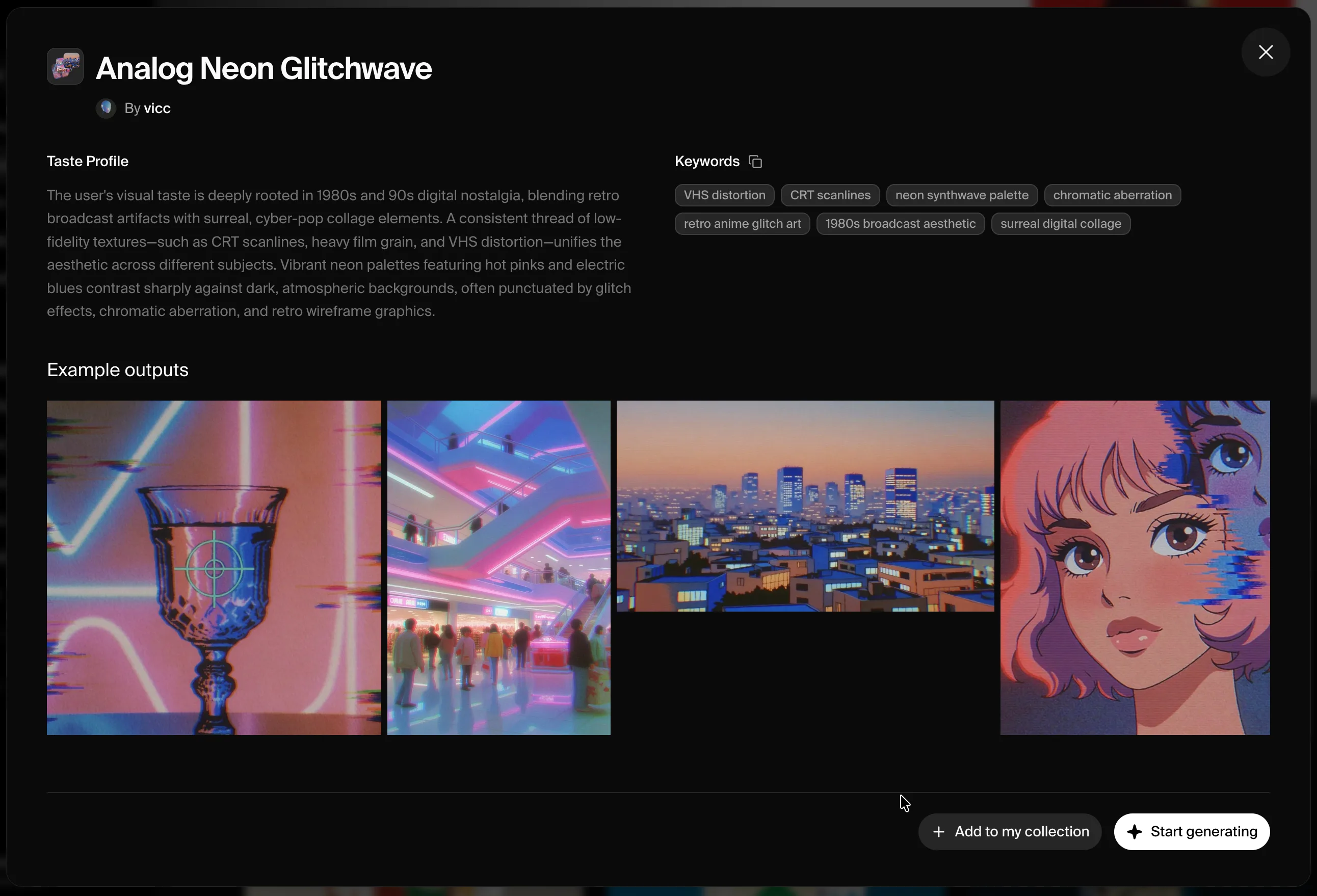
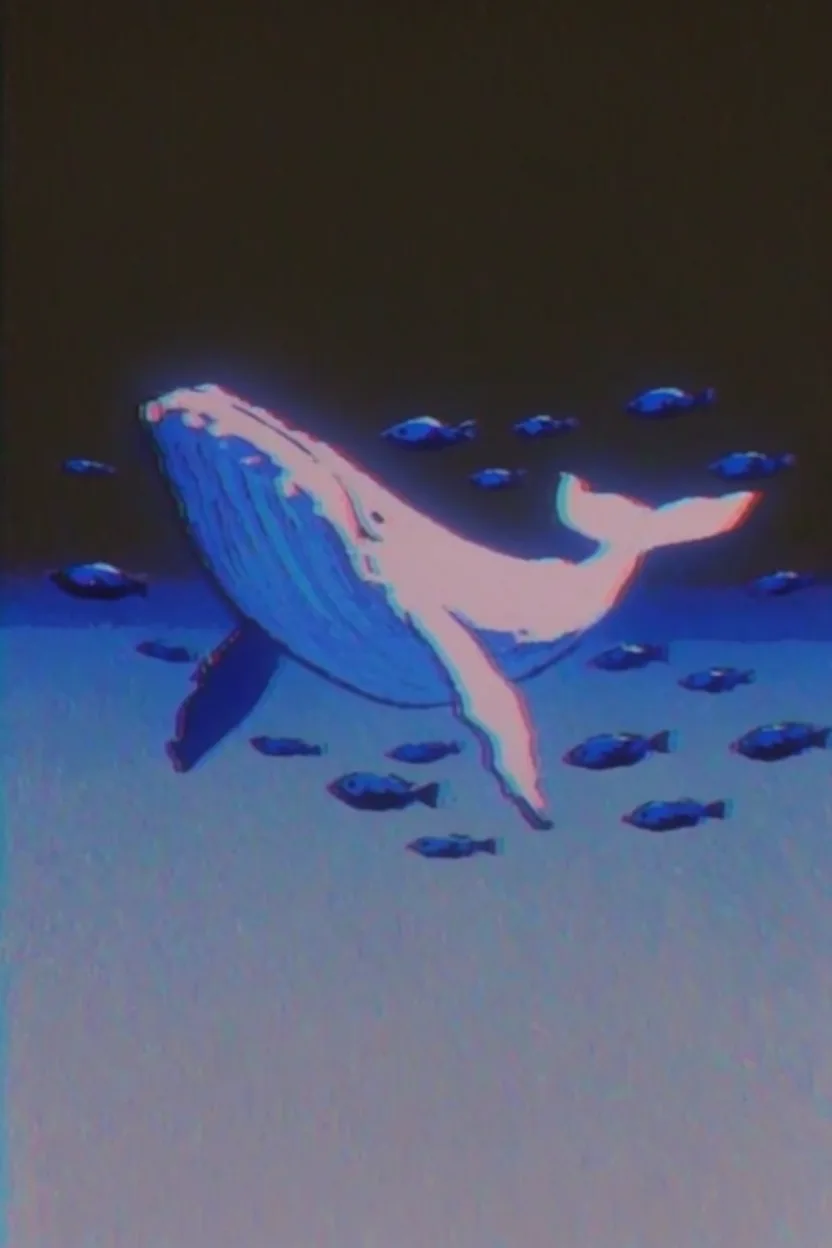
Prompt: a flying whale with small fish swimming around her in the air
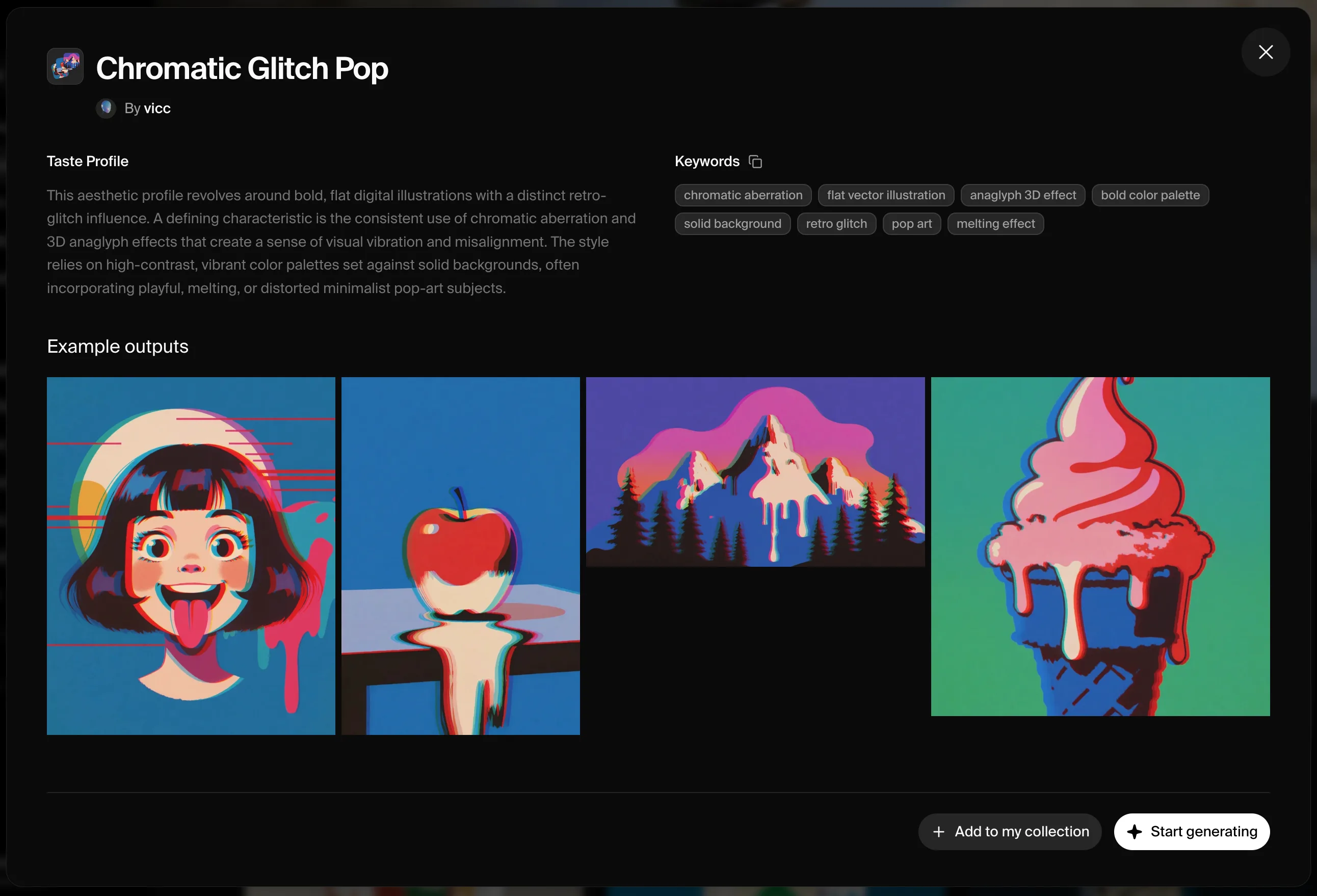
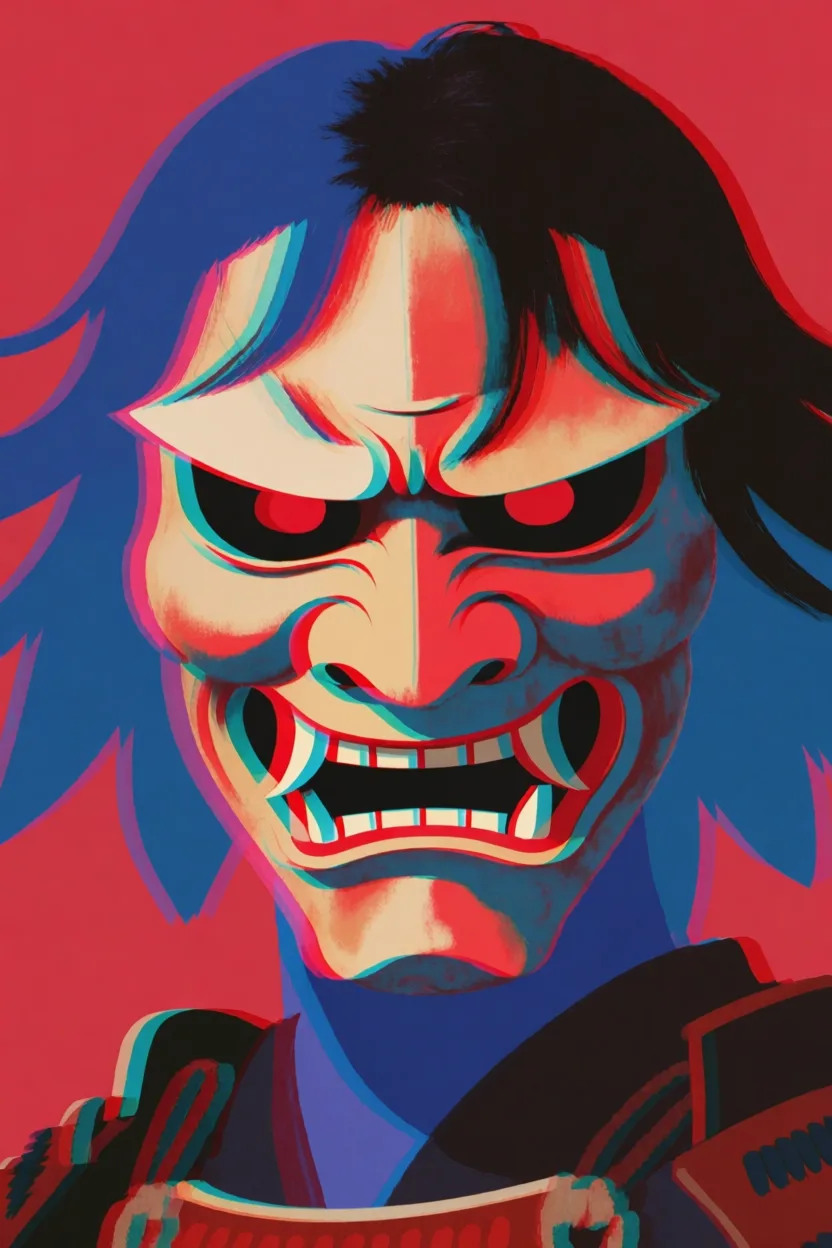
Prompt: a samurai mask
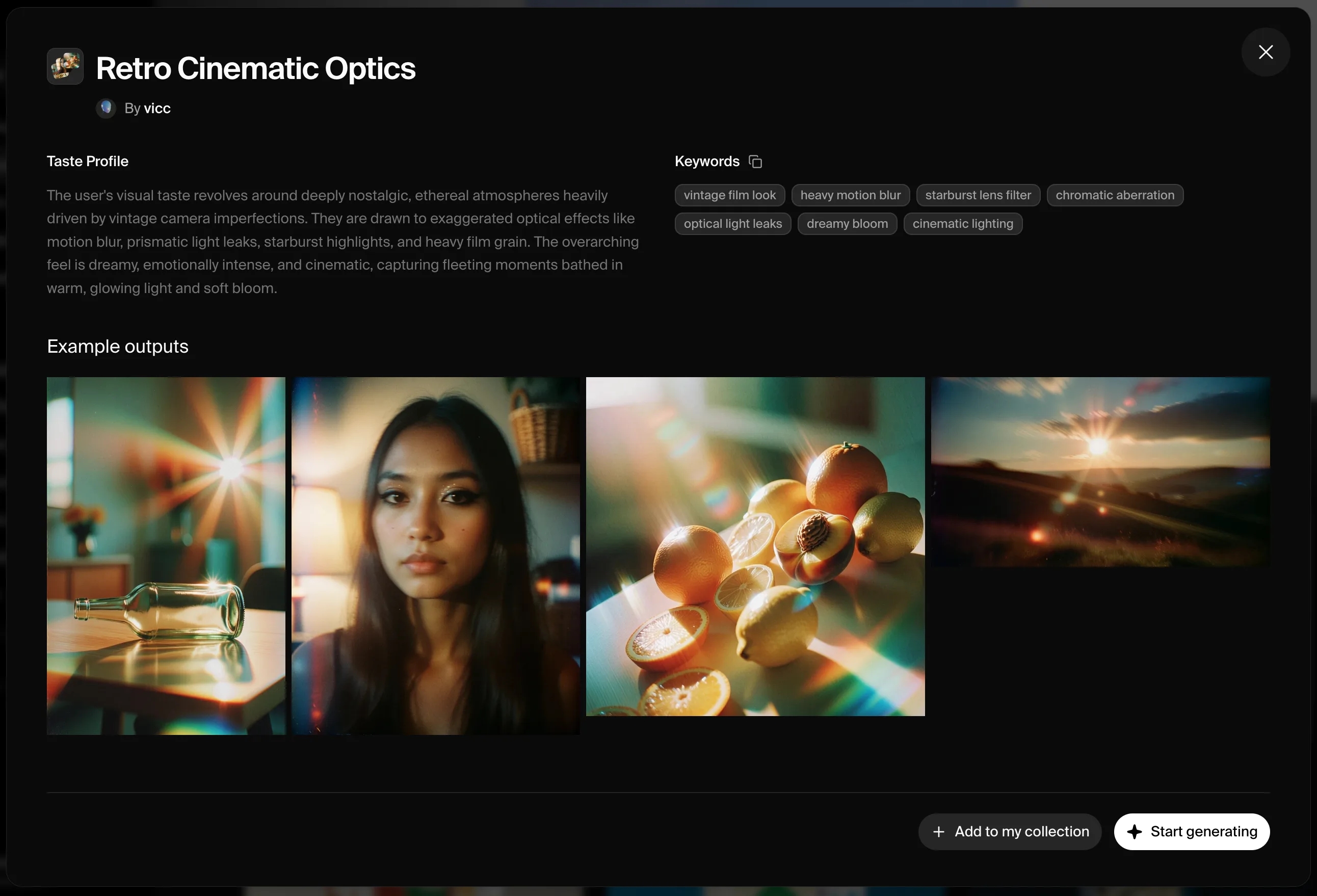
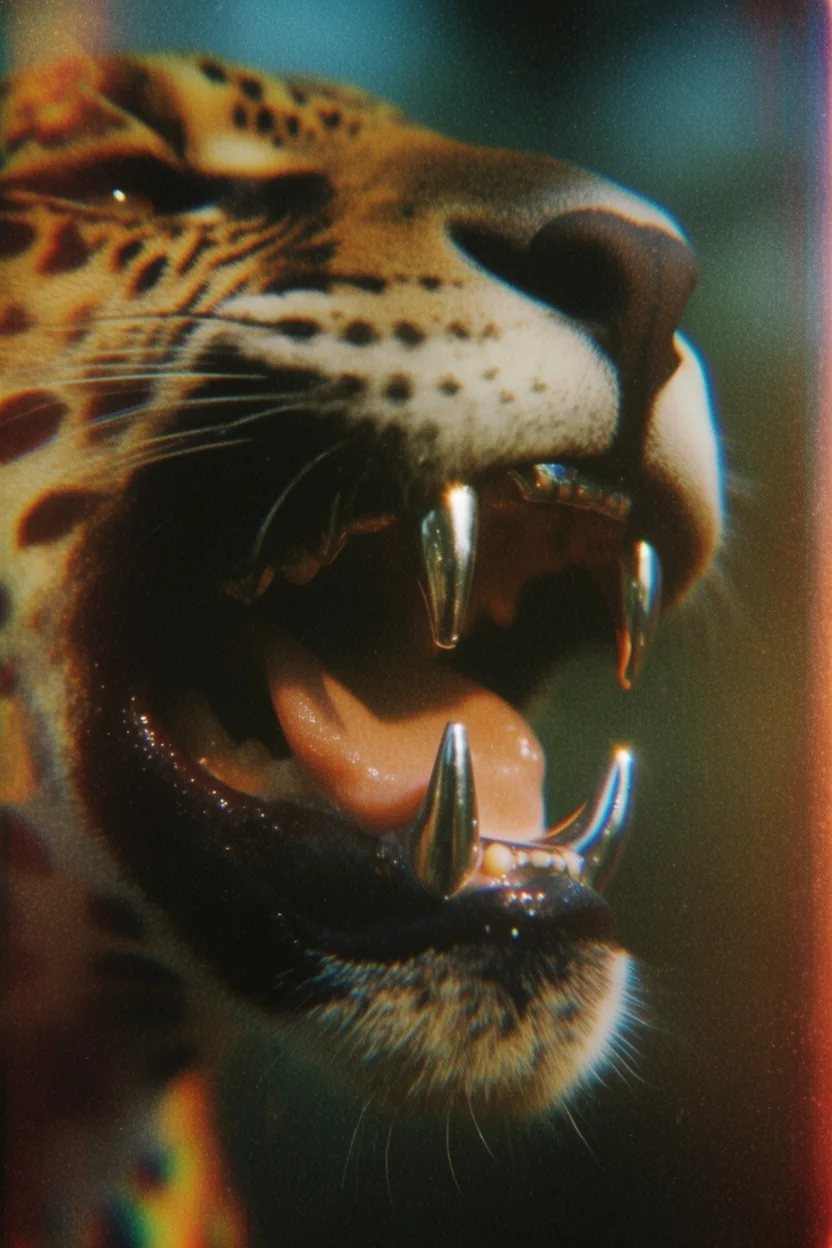
Prompt: extreme close-up of a jaguar’s mouth with chromed teeth, side view
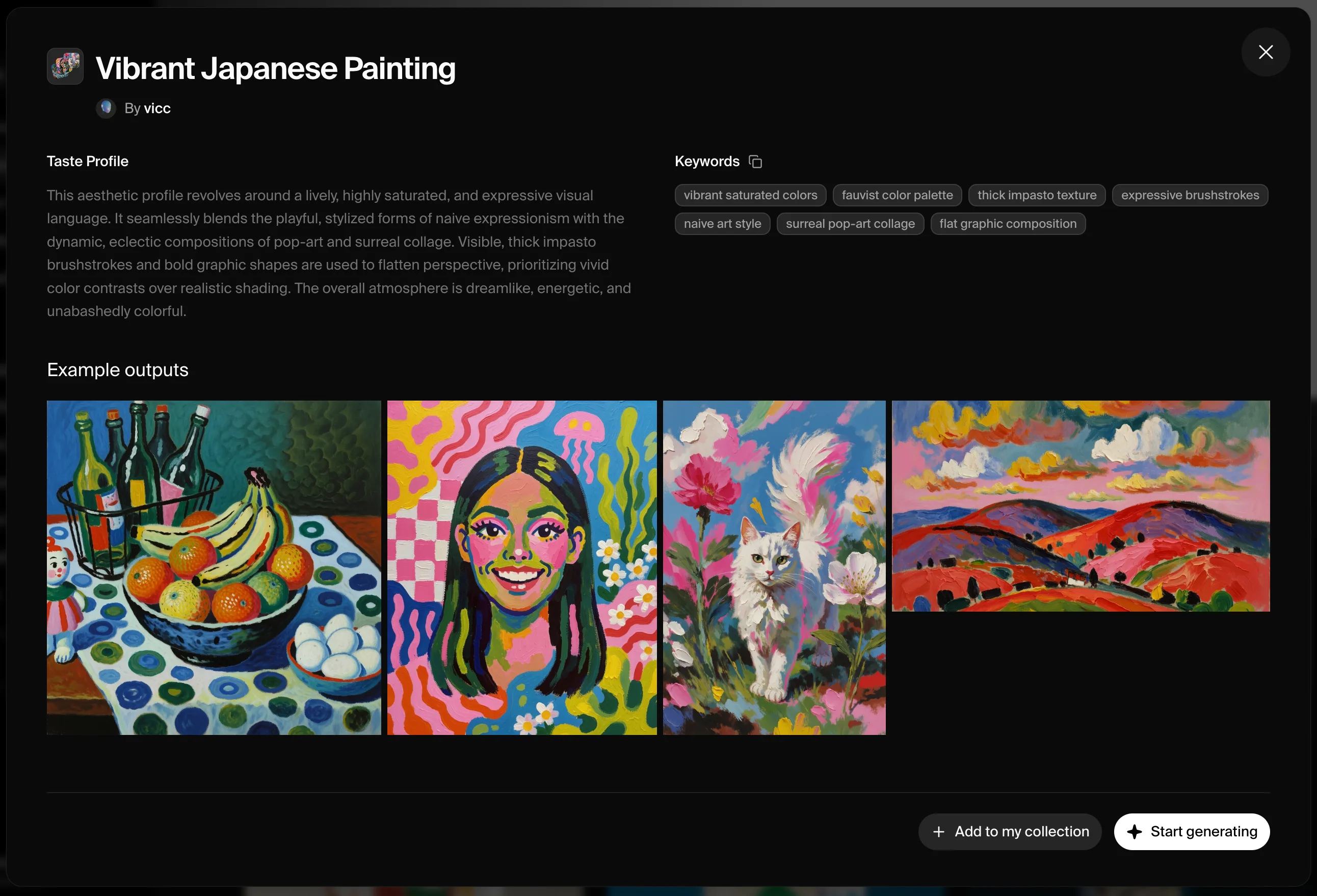
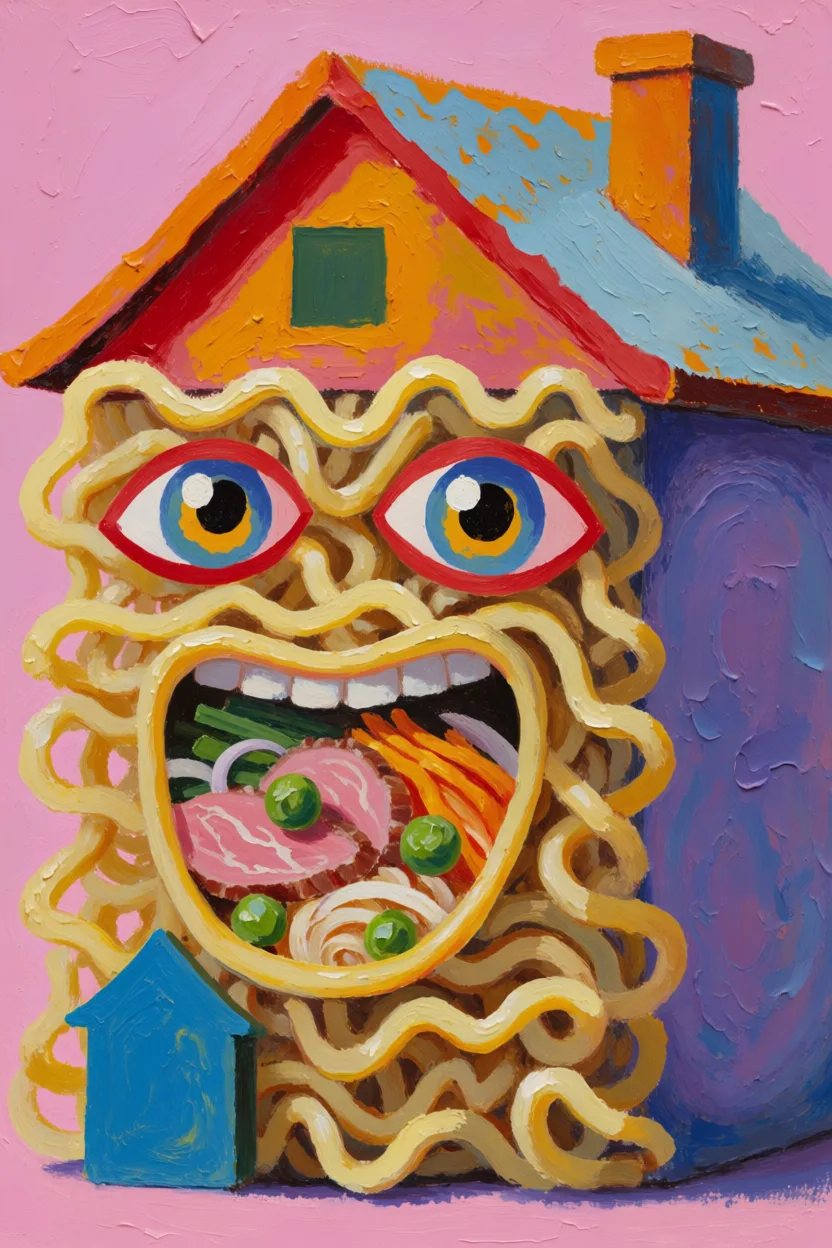
Prompt: a house made of ramen
How it works
1
Create a moodboard in Krea
Open krea.ai, create a new moodboard, drop in the images that share your creative direction, and save it.
2
Get the moodboard ID
Open the API playground — your saved moodboards are listed there with their IDs. You can also grab one from a moodboard’s share URL:
https://www.krea.ai/moodboards?share=<id> — the UUID after ?share= is the ID.3
Reference it from the API
Pass the UUID as
id in the moodboards array, along with a strength between -0.5 and 1.5. Use it with krea-2/medium or krea-2/large. Start around 0.35 and tune up if you want the moodboard to dominate the output.Code example
Node.js