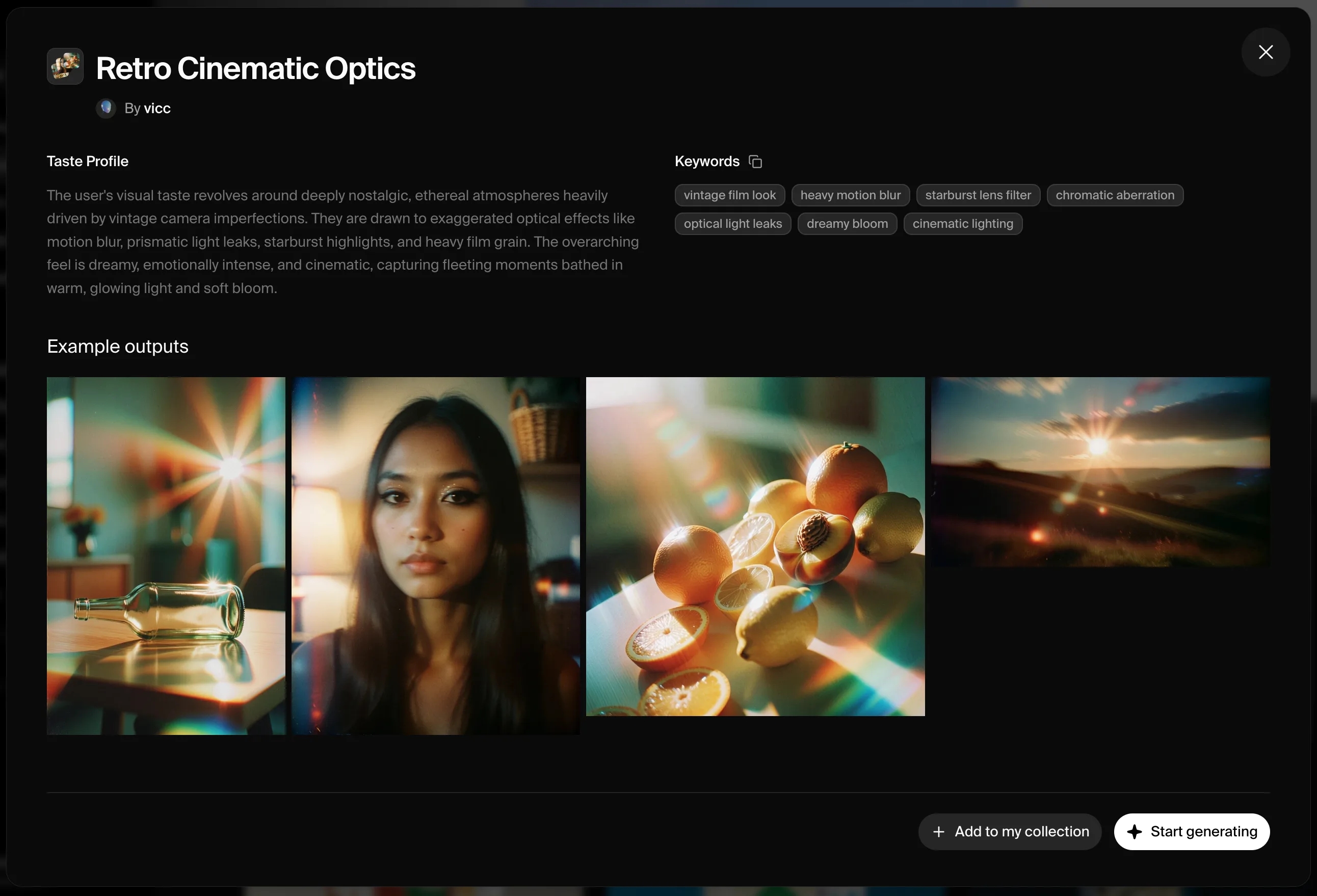
무드보드는 Krea 2로 비주얼 방향성을 가장 정확하게 설정할 수 있는 방법입니다. 무드보드는 팔레트, 텍스처, 스타일, 무드, 구도 등 전체적인 크리에이티브 방향을 공유하는 이미지들의 모음입니다. Krea 웹앱에서 하나를 만든 다음 API에서 참조할 수 있습니다.
무드보드는 반드시 Krea 웹앱에서 먼저 생성해야 합니다. API는 기존 무드보드를 ID로 참조하며, 무드보드를 생성하지 않습니다.

예시

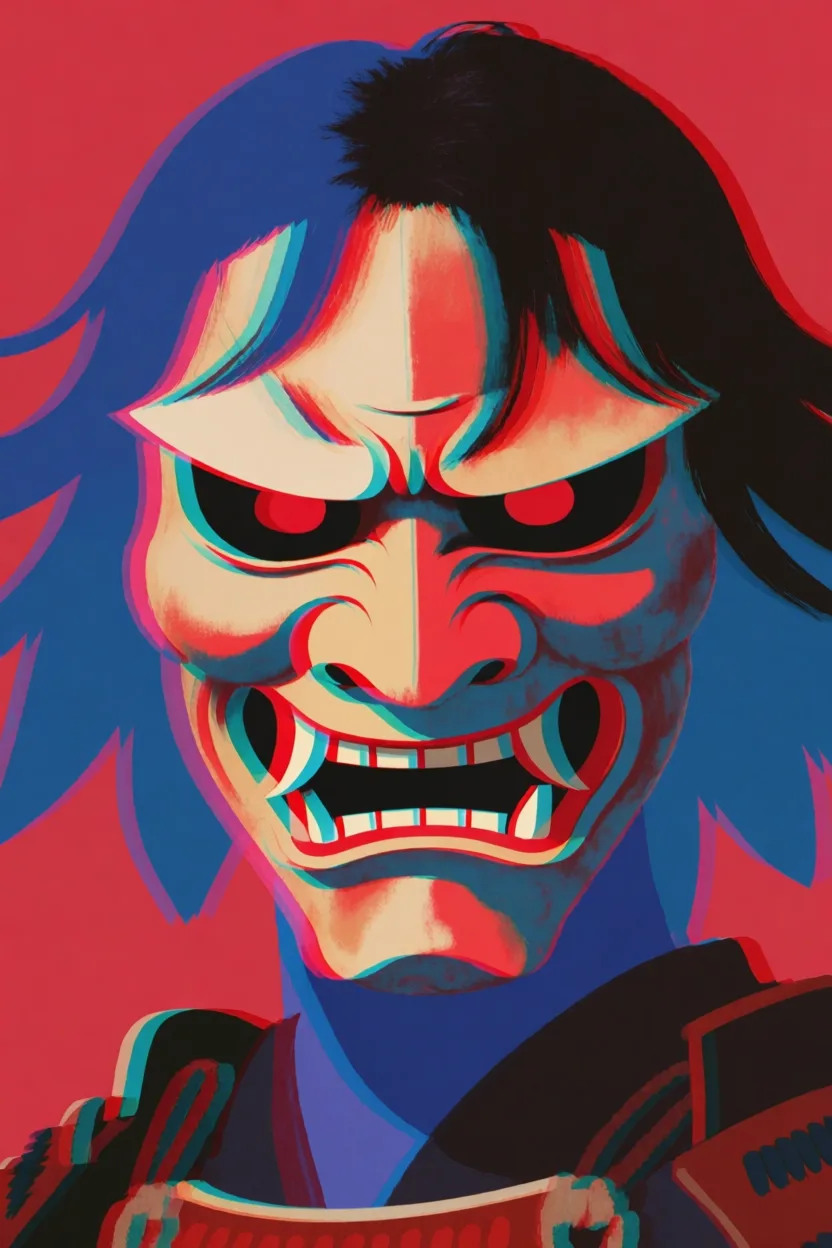
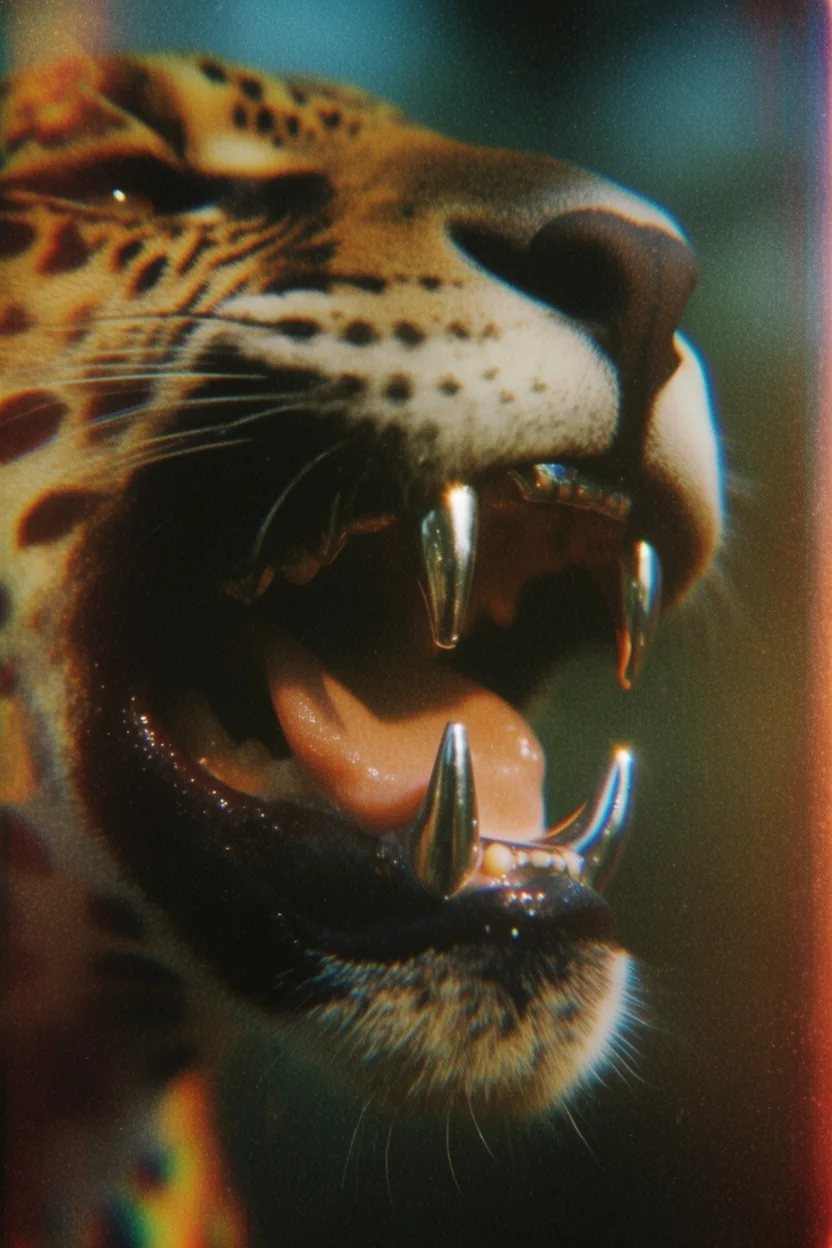
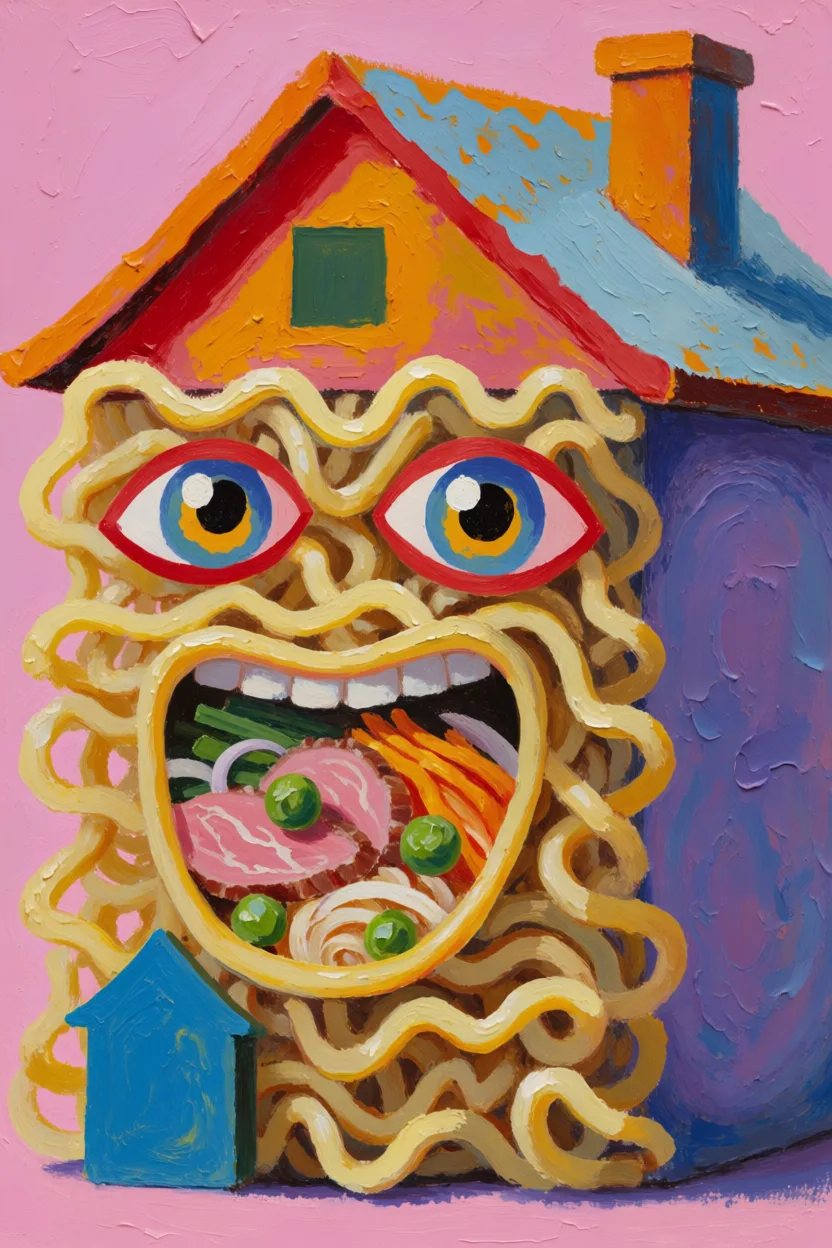
각 예시는 왼쪽에 무드보드, 오른쪽에 생성 결과를 보여줍니다. 아무 무드보드 커버나 클릭하면 Krea에서 해당 무드보드가 열립니다.
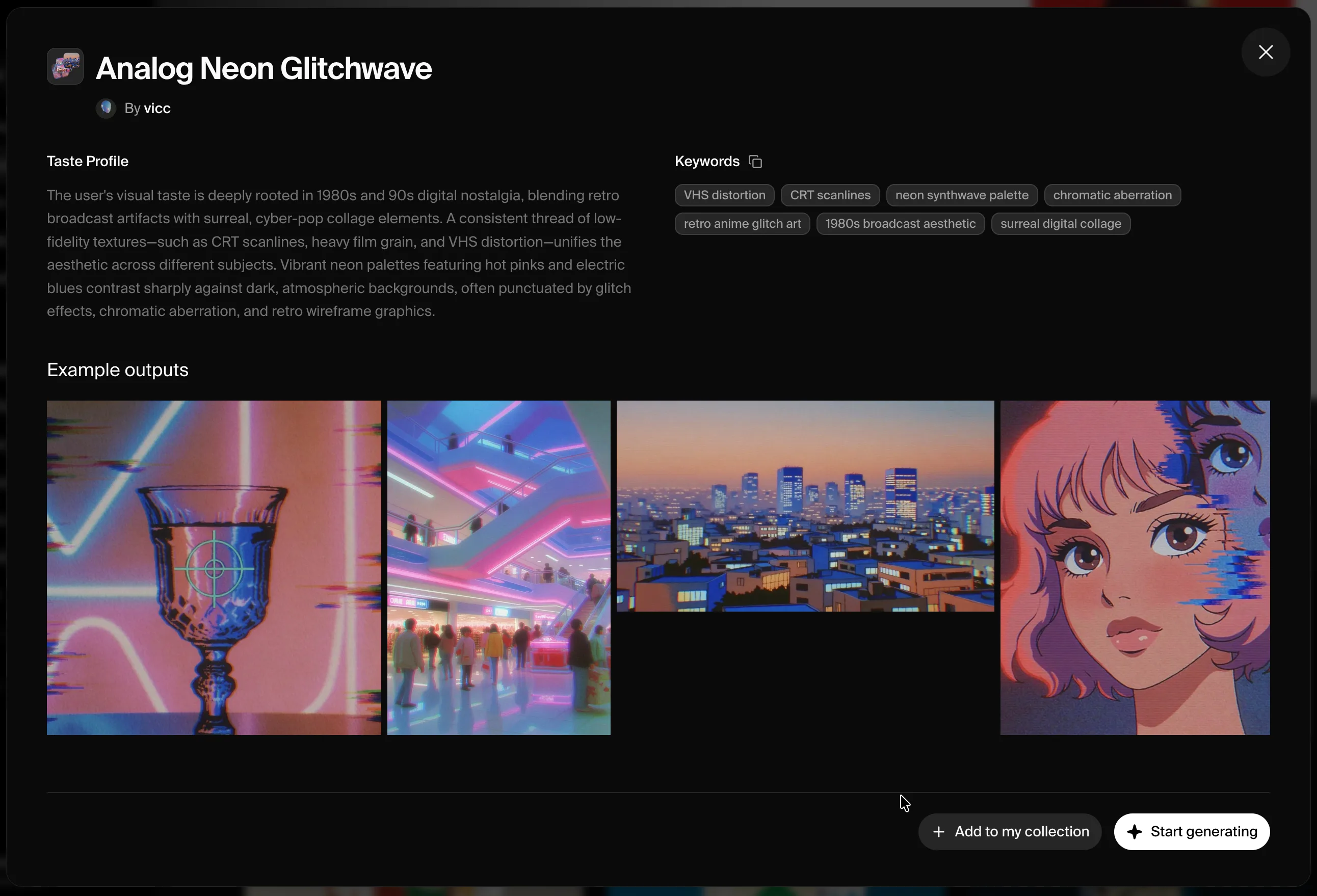
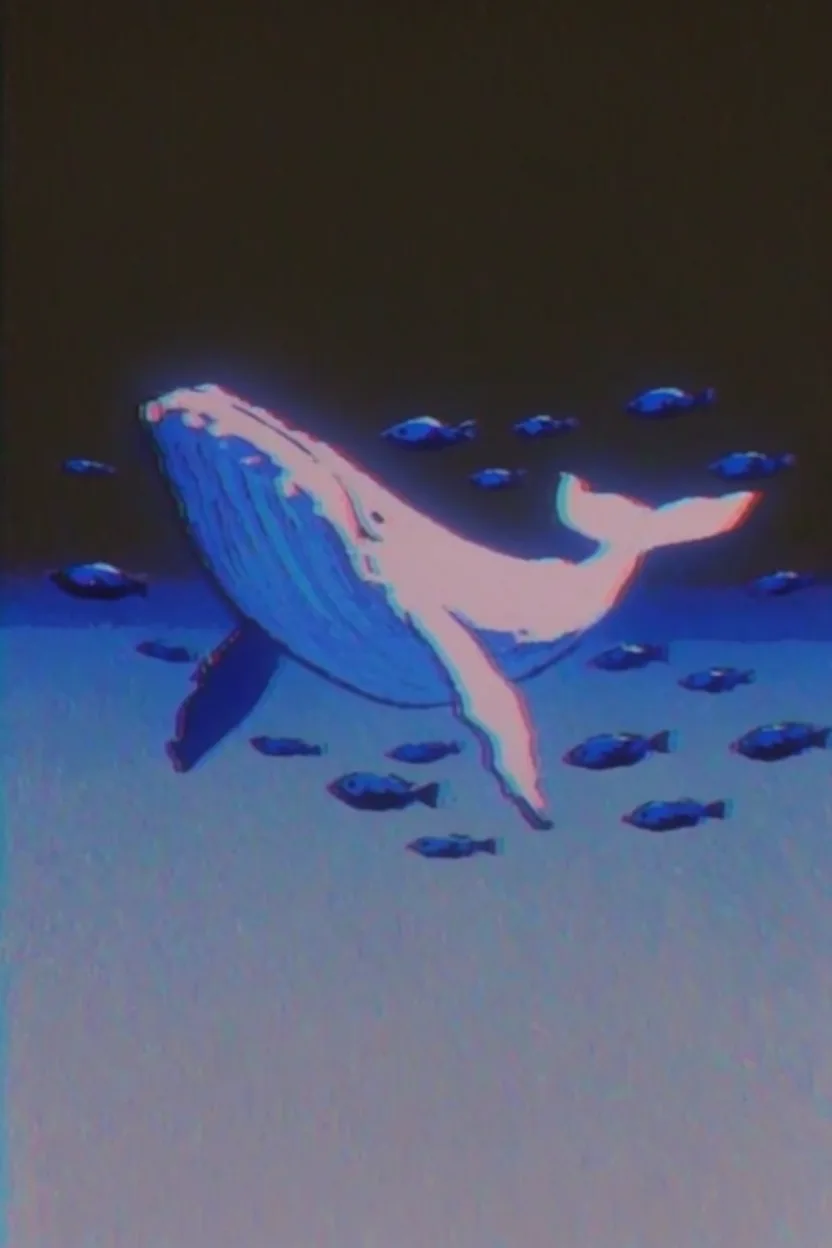
Moodboard for flying whaleOutput: a flying whale

프롬프트: a flying whale with small fish swimming around her in the air
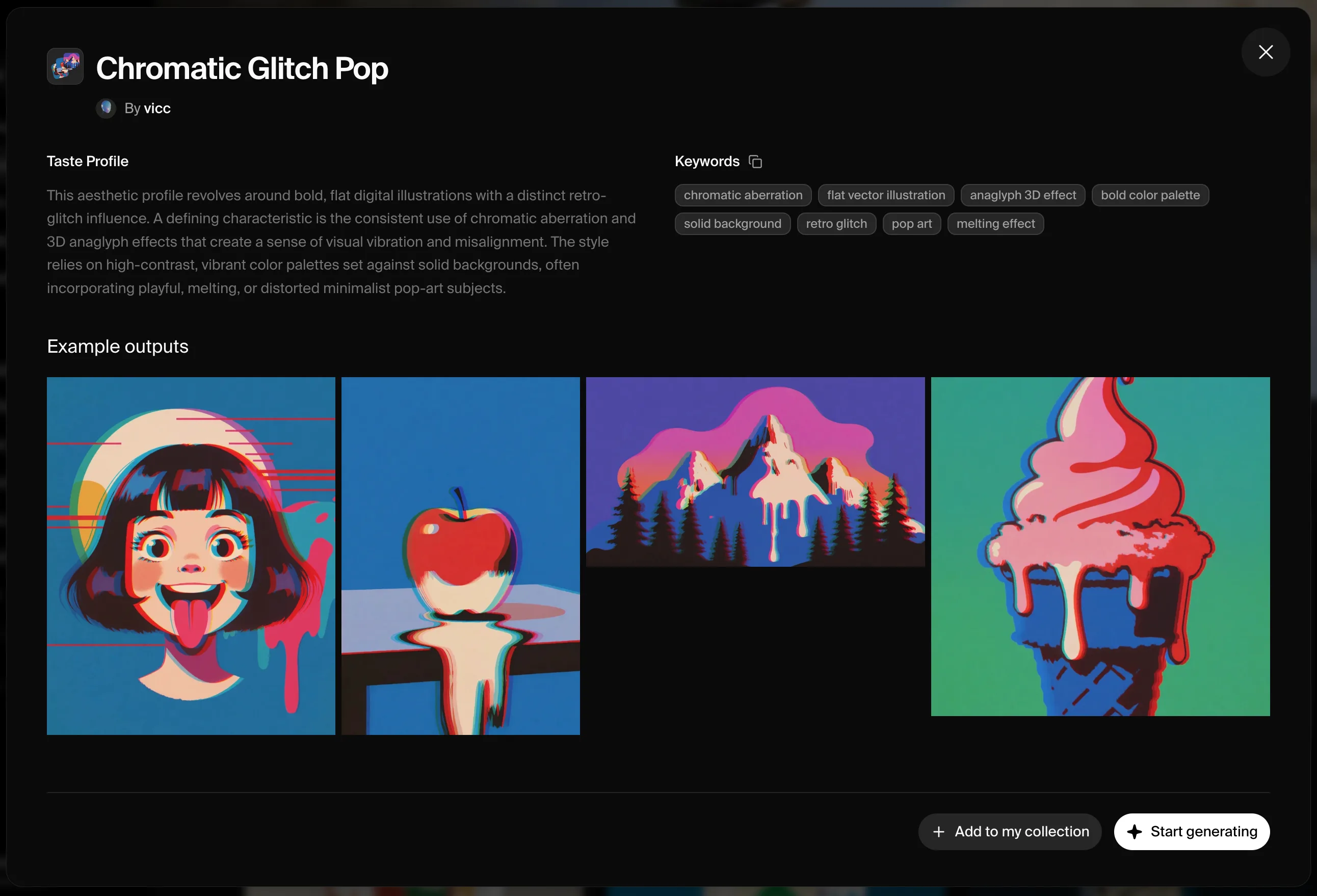
Moodboard for samurai maskOutput: a samurai mask

프롬프트: a samurai mask

Moodboard for chrome jaguar teethOutput: jaguar with chrome teeth

프롬프트: extreme close-up of a jaguar’s mouth with chromed teeth, side view
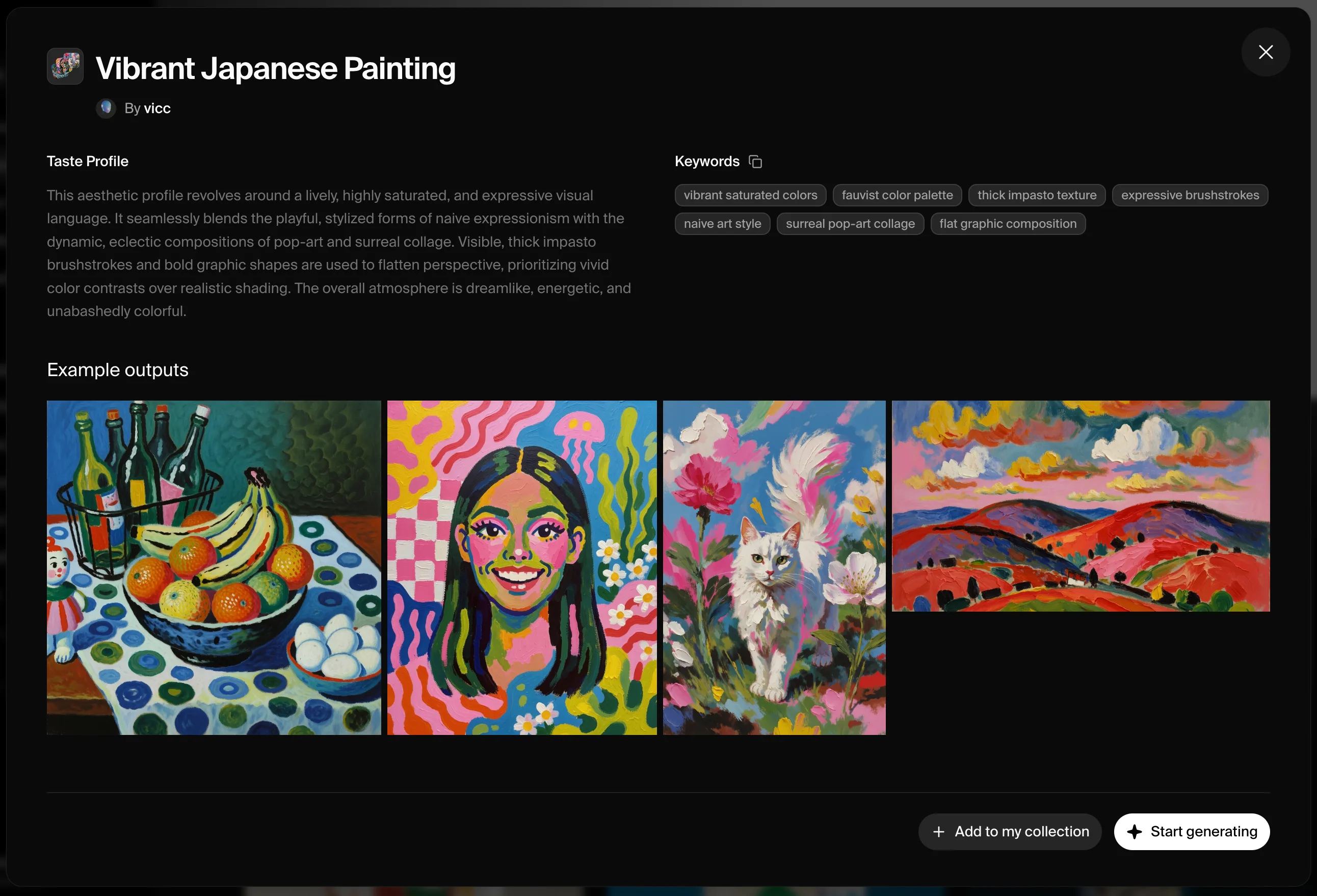
Moodboard for house of ramenOutput: a house made of ramen

프롬프트: a house made of ramen

작동 방식

1

Krea에서 무드보드 생성하기

krea.ai를 열고, 새 무드보드를 만들어 크리에이티브 방향을 공유하는 이미지들을 추가한 뒤 저장하세요.
2

무드보드 ID 가져오기

API 플레이그라운드를 여세요 — 저장된 무드보드가 ID와 함께 표시됩니다. 무드보드의 공유 URL에서도 얻을 수 있습니다: https://www.krea.ai/moodboards?share=<id>?share= 뒤의 UUID가 ID입니다.
3

API에서 참조하기

UUID를 moodboards 배열의 id로 전달하고, -0.5 ~ 1.5 사이의 strength를 함께 지정하세요. krea-2/medium 또는 krea-2/large와 함께 사용합니다. 약 0.35에서 시작해 무드보드가 결과를 더 지배하길 원할 때 값을 올리세요.

코드 예시

Node.js
// npm install @krea-ai/sdk
import { Krea } from "@krea-ai/sdk";

const krea = new Krea({ apiKey: process.env.KREA_API_KEY });

const result = await krea.subscribe("image/krea/krea-2/large", {
  input: {
    prompt: "A campaign image for a new outdoor lamp collection",
    aspect_ratio: "16:9",
    resolution: "1K",
    creativity: "high",
    // From a share URL like https://www.krea.ai/moodboards?share=<id>
    moodboards: [{ id: "1e51738c-7413-469e-93b6-ad50db460a1f", strength: 0.35 }],
  },
});

console.log(result.data?.urls[0]);