

What K2 is for
K2 is optimized around two ideas: aesthetic diversity and aesthetic control. In practice, that means it is designed to render a wide range of visual languages, from raw film-like imagery and studio photography to illustration, graphic design, digital painting, and more expressive or unusual styles that often get flattened by the “AI look” in other models. Krea’s framing is that most models are strong at understanding what should be in an image, but weaker at controlling how that image should look. K2 is built to close that gap by giving users direct control over style direction, variation, references, and taste shaping through visual inputs instead of relying on prompt wording alone.Core product principles
1. Exploration first
K2 is meant to support exploratory image generation, especially in the early stage of a creative process when the idea is still forming. Simple prompts can produce a diverse range of outputs, helping users discover different aesthetic directions before narrowing into a more specific style or concept. This makes K2 especially useful for concept discovery, mood exploration, and generating a compelling starting image that can later be refined, edited, turned into video, or used in other Krea workflows.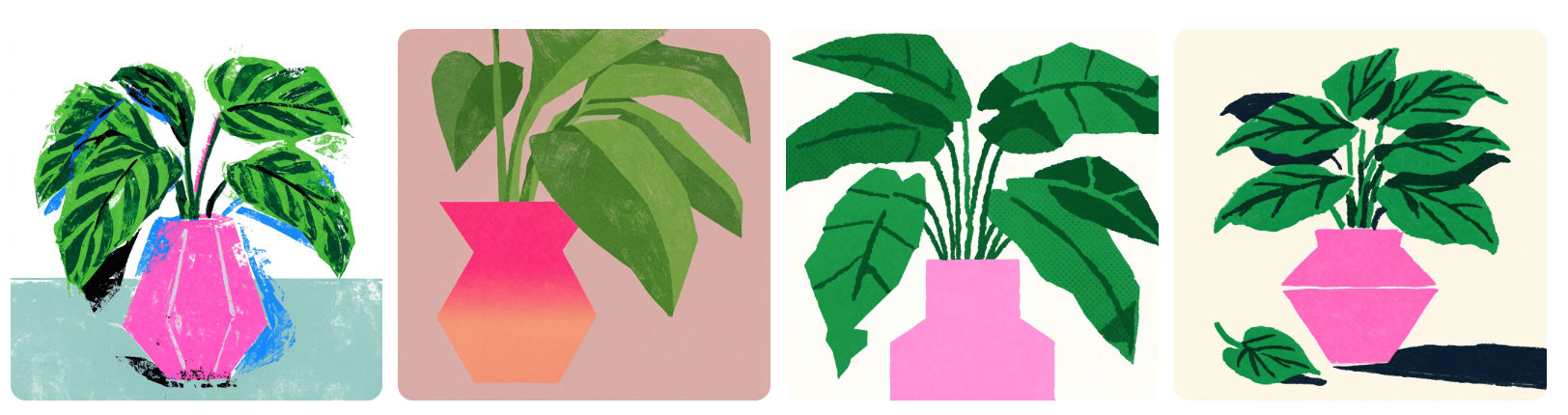

2. Style as a controllable input
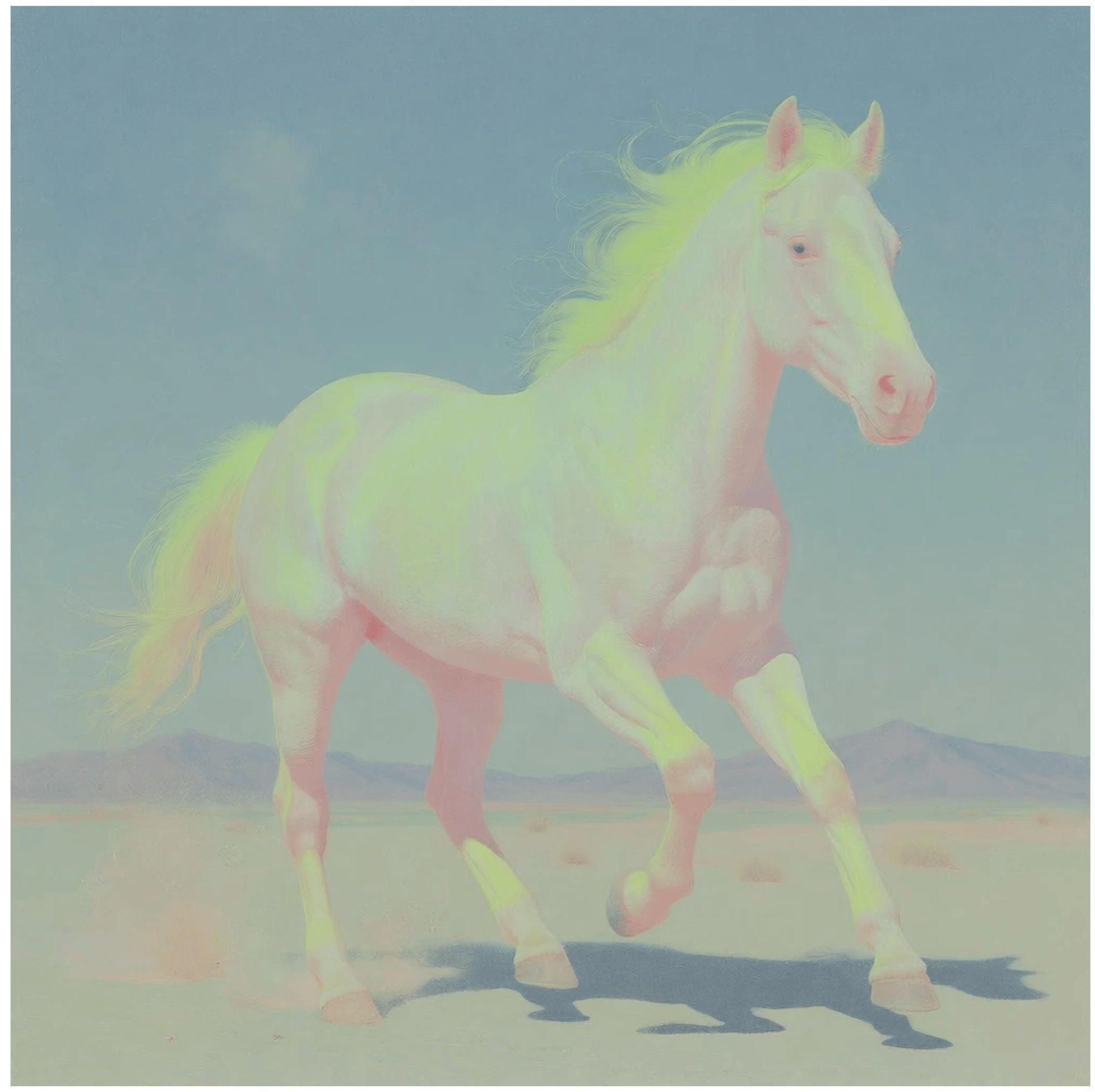
A central idea behind K2 is that style should be something users can explicitly guide, mix, strengthen, reduce, and experiment with, rather than a vague adjective in a text prompt. K2’s style system lets users apply one or more reference images, transfer stylistic components into a new generation, and adjust how strongly each reference affects the result.- Start by training a new Lora
(note: it takes a few minutes for the Lora to be trained before you can use it in your image prompt)

- Select the Lora in the image generator
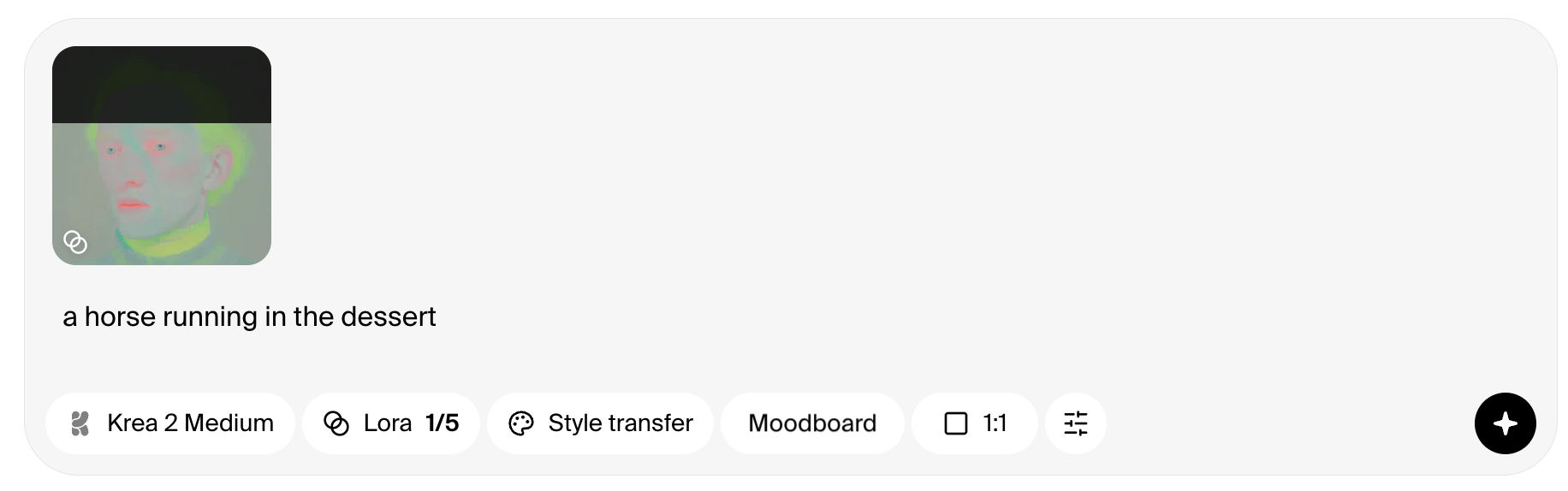
- By selecting the % of influence, you should see the result in the generated image
3. Raw creative medium
K2 doesn’t arrive with a point of view. That’s the point. Where most models quietly impose a house aesthetic — a particular smoothness, a recognizable finish — K2 holds back, leaving room for the creator to do the imposing. Push it, steer it, combine it with other tools, break it deliberately. The model follows.Key features
Text-to-image workflow
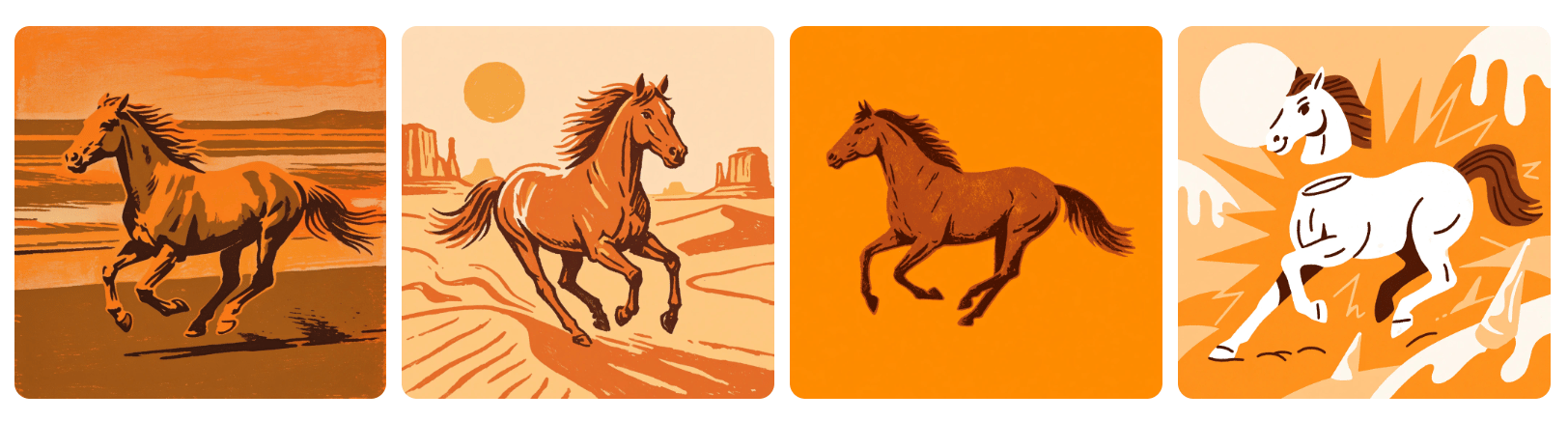
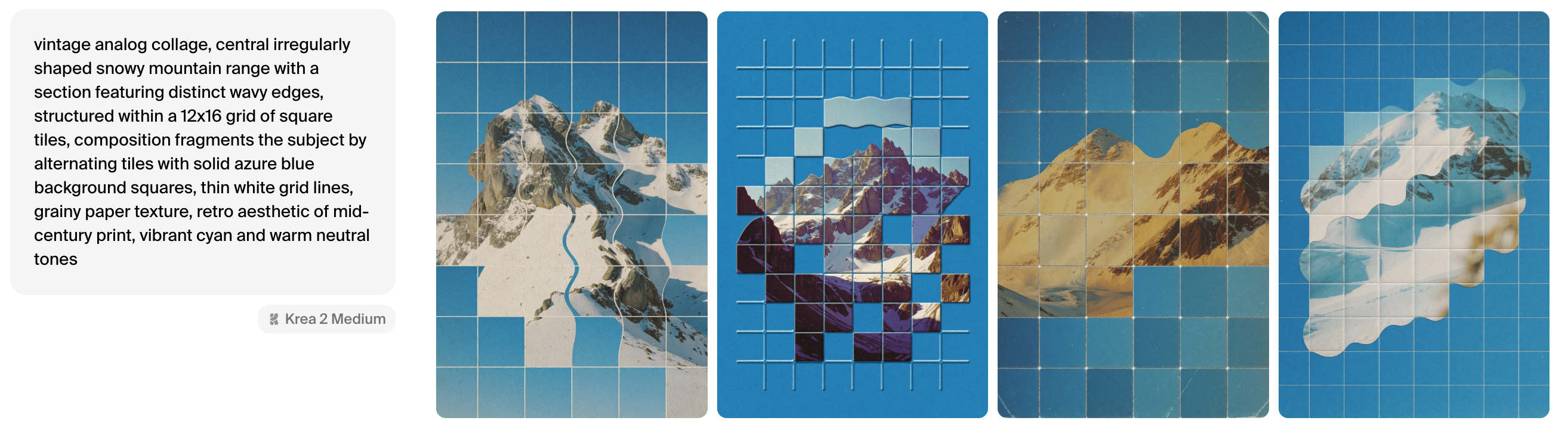
K2 supports traditional text-to-image prompting, but the intended experience is more exploratory than deterministic. With a simple prompt, the model can return outputs that differ meaningfully in medium, composition, and aesthetic treatment, helping users discover possibilities they may not have fully specified yet in words.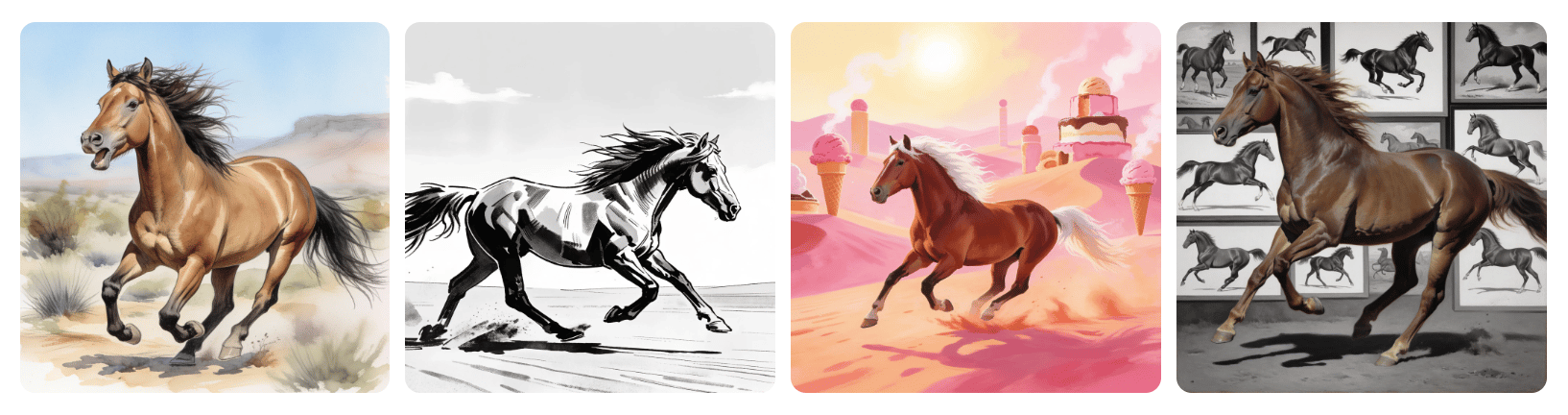
Style References
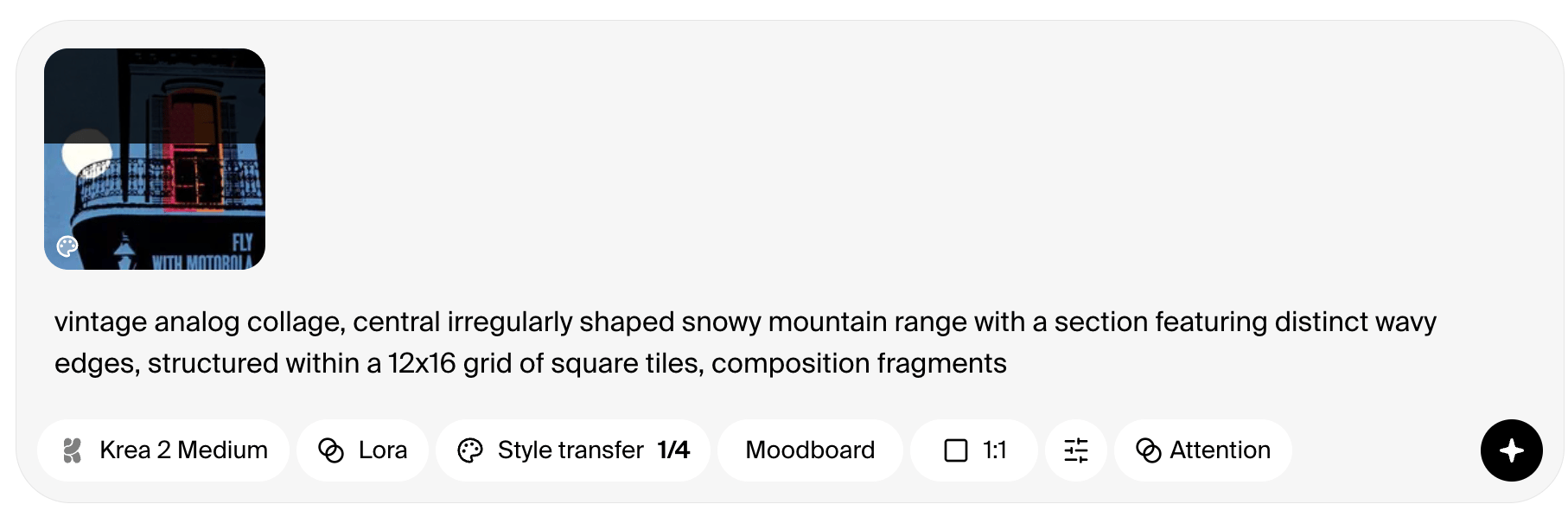
Style References are one of K2’s defining capabilities. Upload a reference image, and K2 extracts stylistic components such as palette, texture, tonal quality, and overall visual direction, then transfers those characteristics to a new prompt.

When to use S-Refs
Use Style References when the brief depends on preserving the visual language of a specific image or set of images. They are especially useful for transferring palette, texture, illustration style, photographic treatment, or graphic sensibility onto a different subject.Moodboards
Moodboards expand K2’s style-guidance workflow beyond a small set of reference images. According to the provided product material, moodboards can use more than four images and rely on a more complex analysis system that considers not only style, but also concepts, characters, expressions, and overall mood across the set. Before use, the board is analyzed. That analysis generates three outputs: a Taste Profile, a set of Keywords, and a set of Avoids. Together, these help translate a curated image set into a reusable visual direction for generation.Moodboard outputs
Moodboards are best suited for broader direction setting than direct style transfer. Instead of closely mirroring a single image, they help K2 generate within the range of moods, concepts, and aesthetics implied by a curated set. This makes them useful for worldbuilding, campaign exploration, taste mapping, and early-stage visual development.