














Step 1
Upload
Add a clear selfie or portrait. Crop if needed so your face and key details are visible for accurate AI toy conversion.
Turn yourself into a collectible art toy with AI. Upload a photo, pick a style, and generate studio-quality toy renders fast. Try Art toy now.
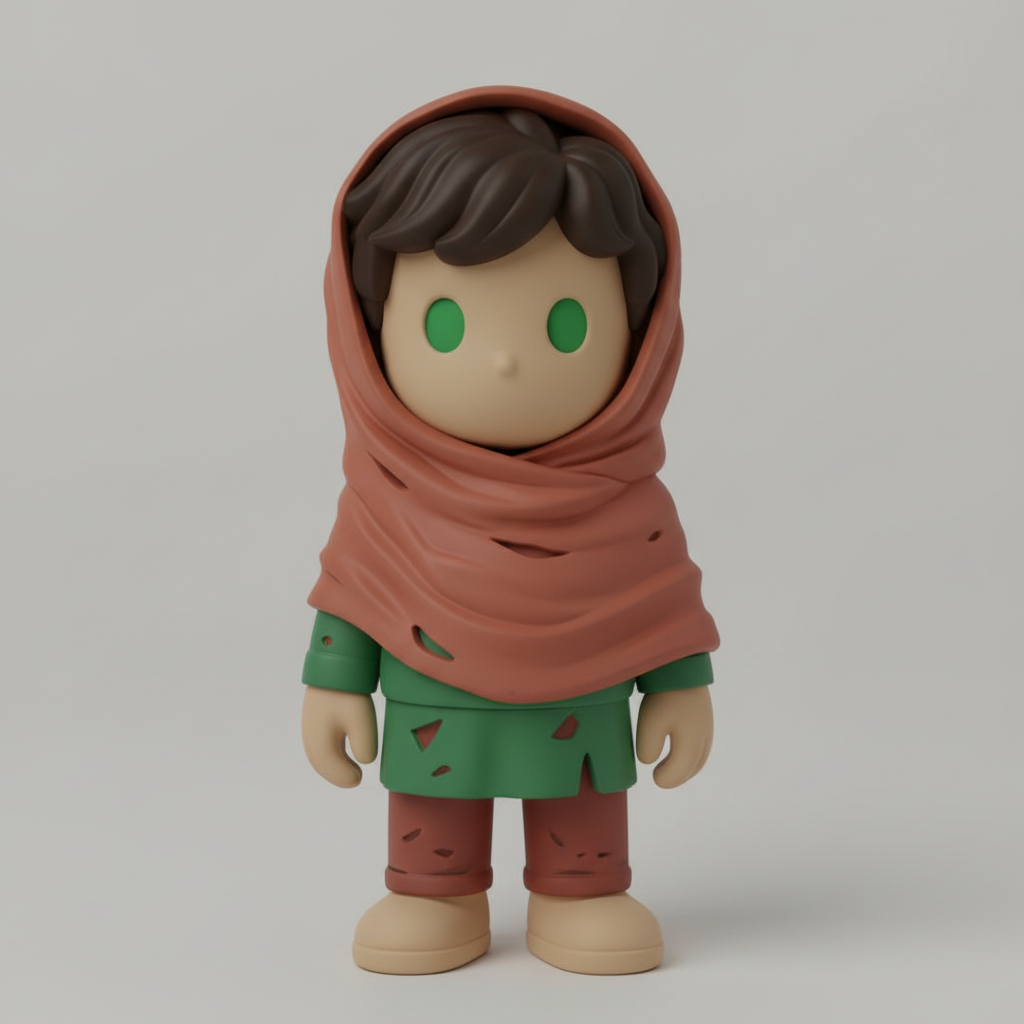
How to use Art toy
This quick guide shows how to turn a selfie into an art toy render. Upload a photo, choose the toy aesthetic, then generate and download high-quality images for sharing or mockups.
Step 1
Add a clear selfie or portrait. Crop if needed so your face and key details are visible for accurate AI toy conversion.

Step 2
Pick an art toy look like vinyl, matte plastic, or glossy paint. Adjust colors and vibe to match your character concept.

Step 3
Click generate to create toy-style renders. Download your favorites in high resolution for profiles, moodboards, or product-style mockups.
Features
Art toy uses AI to transform a photo into a collectible figure aesthetic with clean shapes, toy materials, and consistent character details. Generate multiple variations fast, refine the look with style choices, and export high-quality renders for avatars, concepts, and mockups—all in a simple workflow.
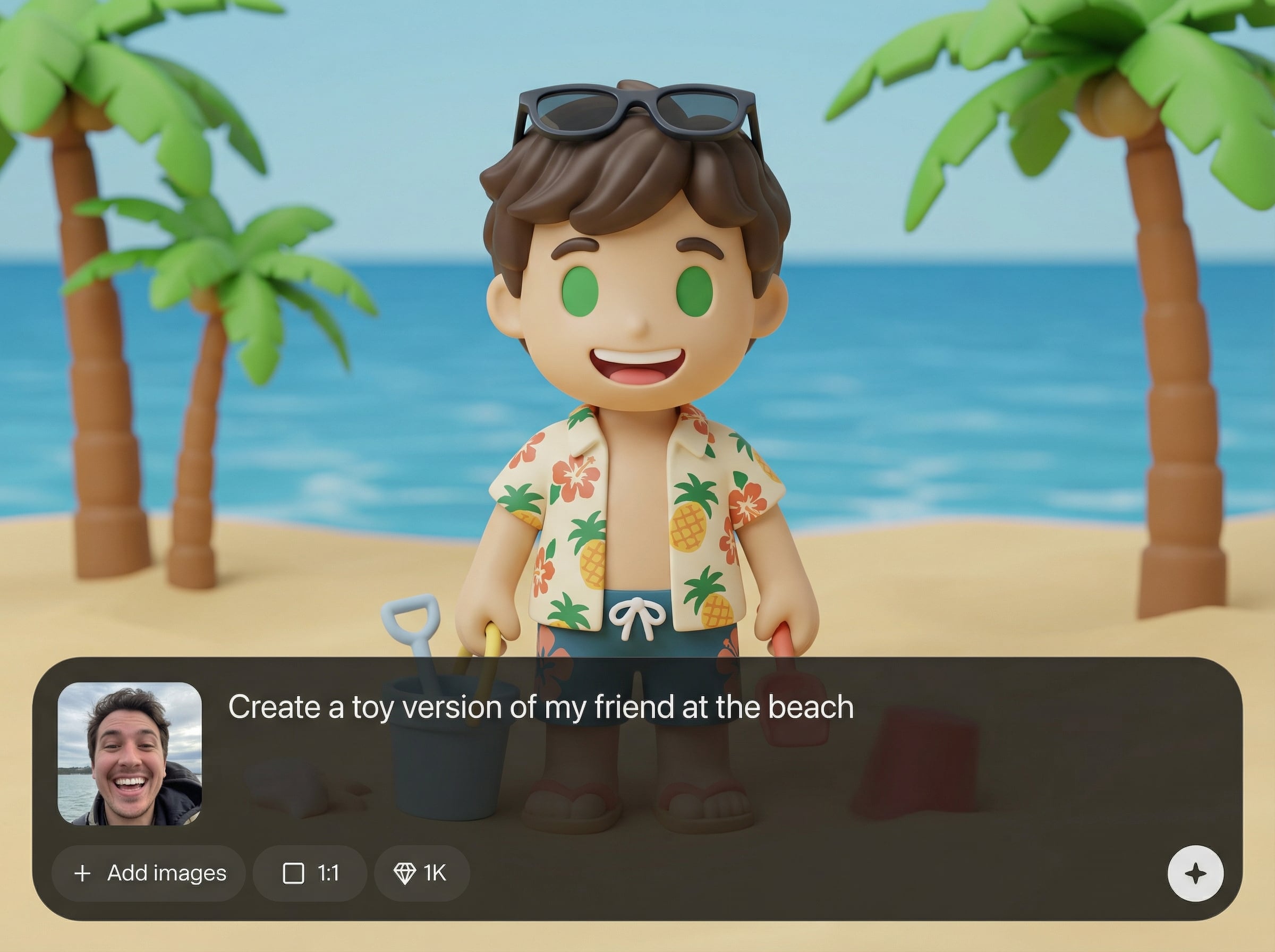
Turn a single photo into a toy-like character with smooth geometry, simplified features, and believable materials. Keep key facial identity while shifting to a collectible figure style.
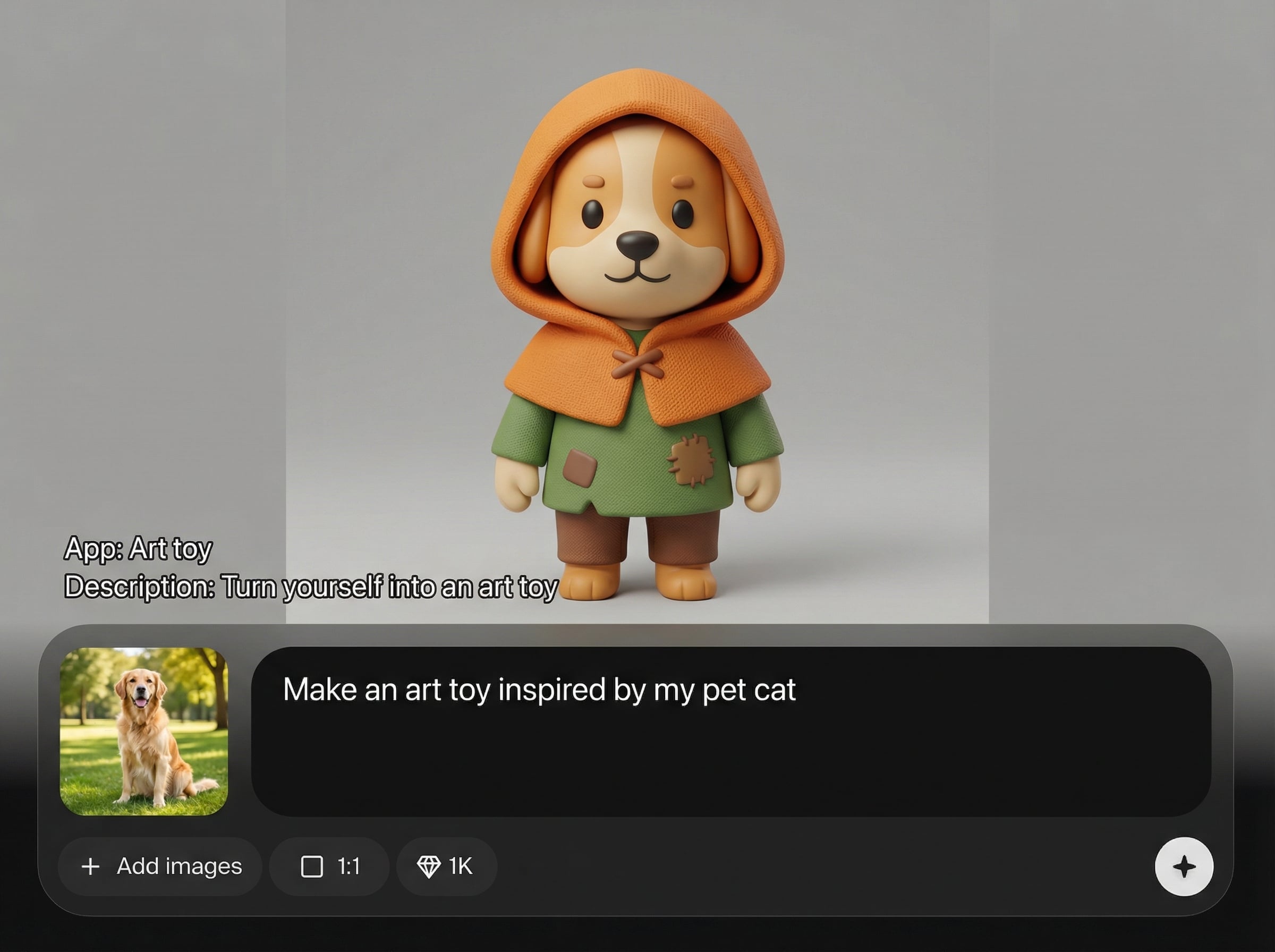
Choose vinyl, plastic, matte, or glossy finishes and steer color tone and mood. Create consistent variants for character sets, brand avatars, or themed collections.
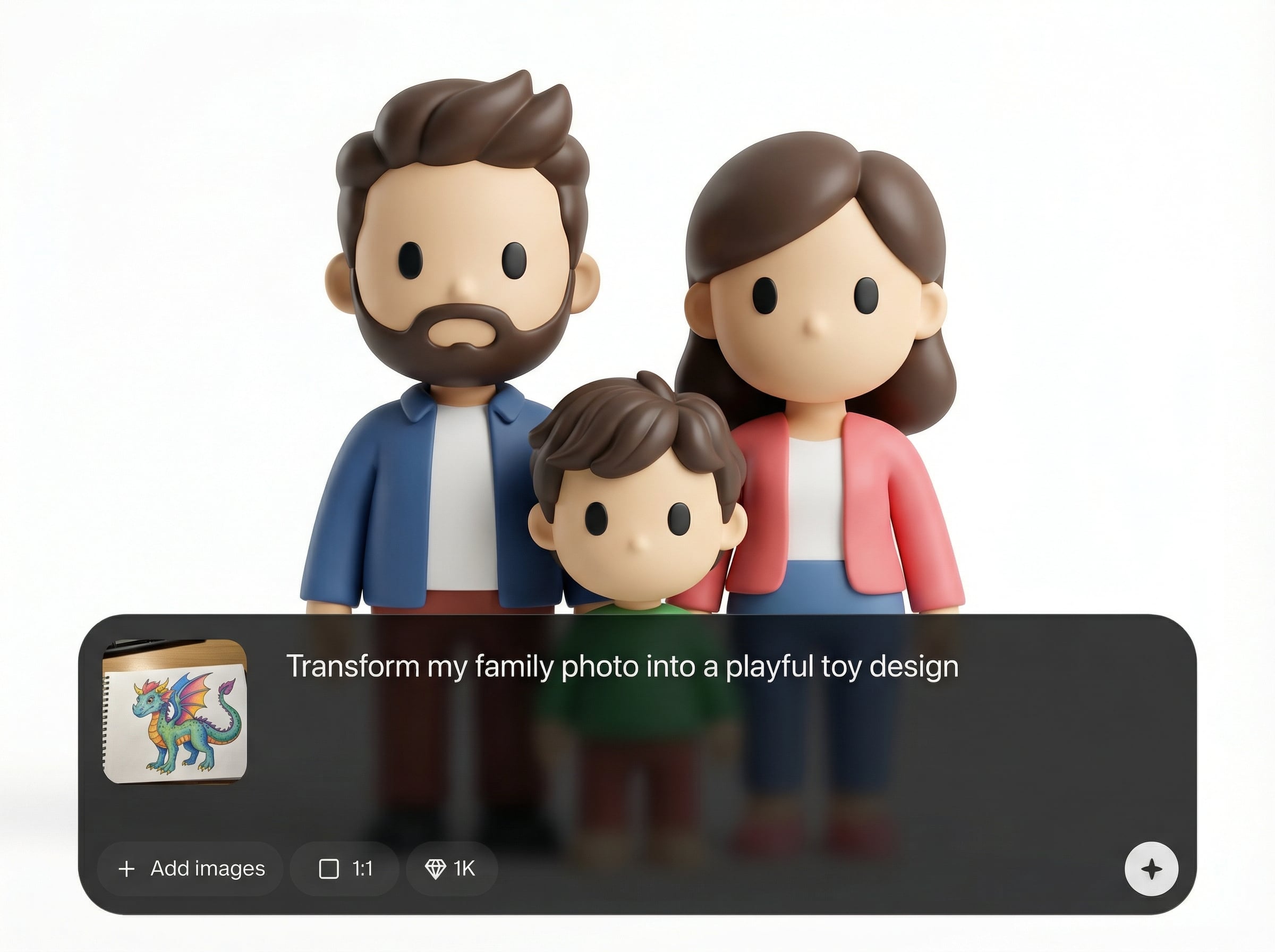
Generate results quickly and export crisp images suited for social profiles, pitch decks, and mockups. Iterate in minutes to find the best pose, lighting, and toy look.
About
Art toy turns your photo into a collectible-style art toy in seconds. Upload an image, choose a vinyl, plastic, or stylized 3D look, and generate polished toy renders with consistent details. Perfect for avatars, character concepts, product mockups, and shareable toy-style portraits—no modeling skills required.
Art toy delivers a fast, consistent art toy aesthetic from a single photo, with controllable styles and polished render quality. Generate multiple variations quickly, keep recognizable identity, and export ready-to-use images for avatars, concepts, and mockups.
Getting started is simple: upload a clear portrait, pick a vinyl or plastic style, and generate. Save your favorites, rerun for variations, and download high-resolution renders when you’re ready.
Use cases
Discover how different creators use this app in their workflow.
Create a standout avatar that looks like a collectible figure. Generate multiple versions to match different moods, outfits, or color themes.
Prototype characters in an art toy aesthetic without 3D modeling. Iterate on materials, palettes, and silhouettes to refine a consistent design direction.
Produce toy-style renders for product pages, presentations, and social posts. Keep a cohesive look across campaigns with repeatable AI styling.
Krea is one of the world's leading generative AI platforms. See what others say.
Real reviews on TrustpilotSo many AI tools out there but I always come back to Krea. It's really the one AI platform that 'just works'.

FYN
Krea's interfaces are still the best in the industry. Everything looks and feels so clean and easy to use! Imo the easiest to use gen AI website.

Lynn
Ultra fast generations. Extremely simple to use. All the latest AI models.

Daniel
KREA is the only AI subscription I have right now besides ChatGPT.

Sophia M.
Answers to common questions about the Art toy AI generator and results.
Art toy is an AI tool that transforms your photo into a collectible art toy look. It generates toy-style renders with stylized materials, simplified shapes, and consistent character details.
Use a sharp, well-lit portrait with your face clearly visible. Neutral backgrounds and minimal motion blur help the AI detect features and produce cleaner toy-like geometry and textures.
Yes. Select from toy-inspired aesthetics such as vinyl, matte plastic, or glossy finishes. You can generate several variations to find the look that best fits your character concept.
Generation is designed to be quick, so you can iterate in minutes. Create multiple options, compare styles, then download the best render for avatars, mockups, or sharing.
Yes. Export high-quality images suitable for profile pictures, presentations, and marketing assets. Higher resolution outputs help preserve clean edges, materials, and toy-like lighting.
Upload a photo, choose a toy style, and generate collectible-quality renders in minutes.

