Generate
Edit
Customize

"People running, risograph poster"
Generate
Edit
Customize
Visualise design
intent at every stage
Turn sketches, models, renders and working views into images, edits and motion studies for concept design, client reviews and competitions.
Over 40 million users trust Krea
Including leading architecture and design practices



Use the material already in your design process
Work from sketches, models, renders and references to explore options faster, without waiting for a final CGI.
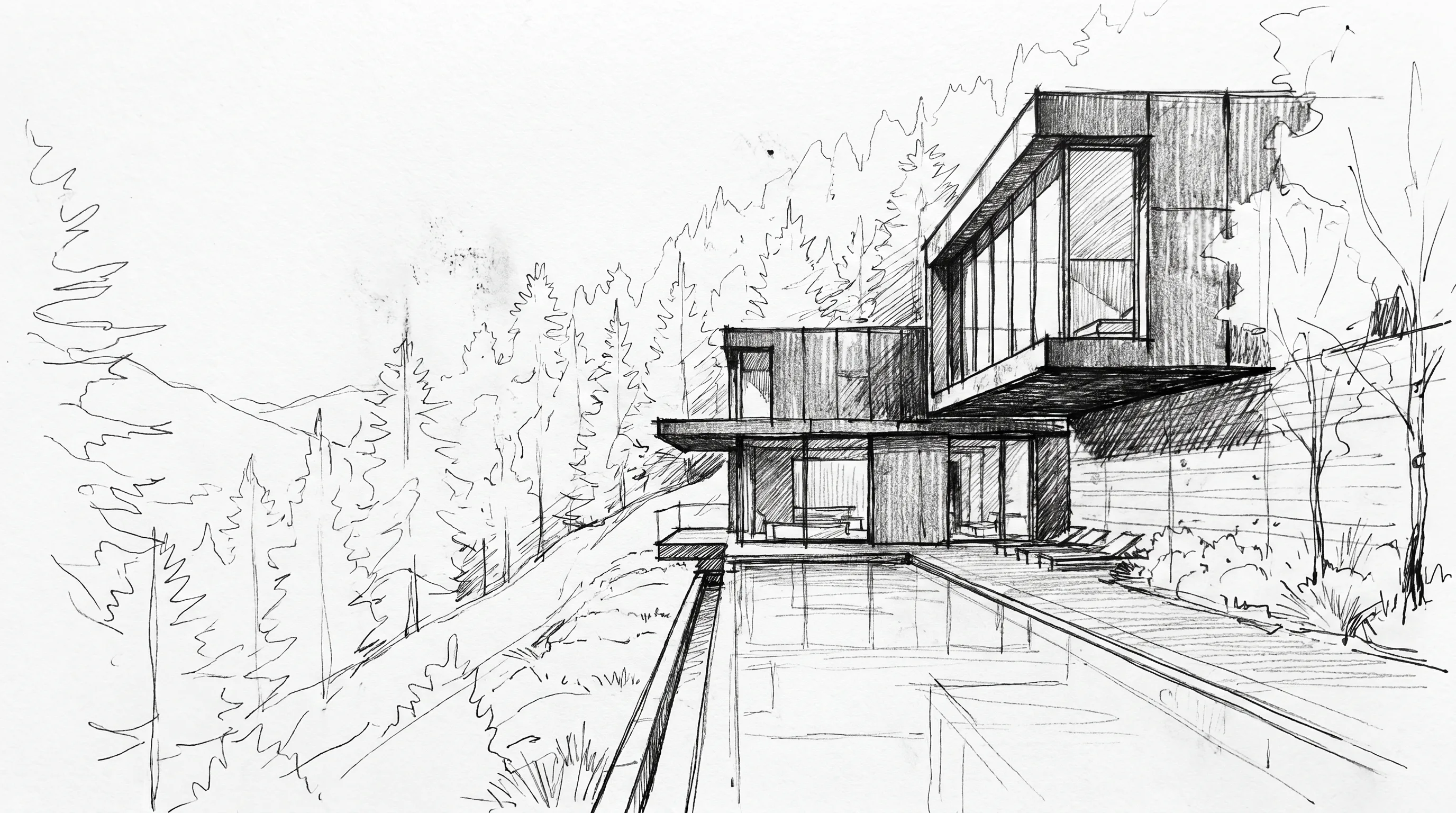 Rough sketch input
Concept Design
Explore early design directions from sketches, massing models, references or viewport captures before committing time to detailed visualisation.
Start with
- Sketch
- Clay model
- Viewport capture
- Reference image
Create
- Facade concepts
- Massing directions
- Atmosphere studies
Use your model as the prompt.
RealtimeShare a live viewport into Krea Realtime. Explore visual options as the model changes, without stopping to export a new still.
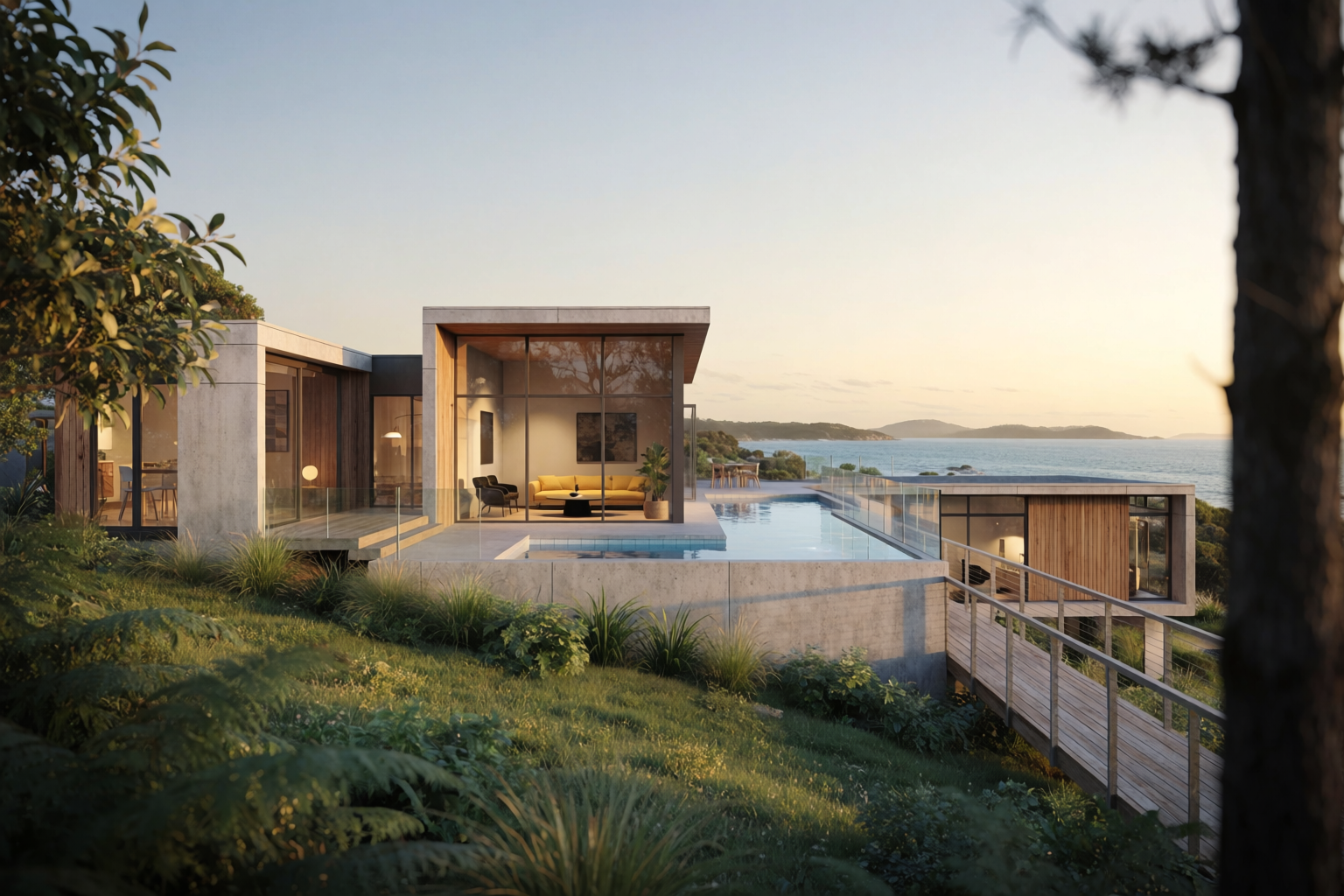
Use sketches, clay views or detailed models to test massing, light, material direction and atmosphere during the review.
- ✓ Work from the tools already in the studio
- ✓ Explore visual options during design review
- ✓ Move from working view to presentation image faster
.webp)
Build visual workflows your team can reuse.
NodesNodes gives teams a clear visual process.
Connect sketches, references, prompts, edits, upscaling and video without hiding the workflow inside one prompt. Save the setup for competitions, material studies, seasonal sets and client decks, then adapt it for the next view or project.
- ✓ Keep each step visible
- ✓ Create consistent variants from one source
- ✓ Share reusable setups across the team
Where it fits in practice.
Competition concepting
Move from sketch and massing to visual options for internal review and early presentation routes.
Client alignment
Show material, lighting and seasonal options before commissioning a final CGI or animation pass.
Design reviews
Use working views to test atmosphere and context while the model is still changing.
Studio production
Save repeatable workflows for recurring visual tasks across project teams and client decks.
Confidential project work needs studio-grade controls.
Enterprise adds the controls larger practices need to manage that work properly, from secure access and legal clarity to model permissions, usage visibility and dedicated rollout support.
Legal clarity
Custom DPAs, IP indemnification and commercial rights for professional project work.
Secure access
SSO, SAML and workspace controls for larger architecture teams.
Admin visibility
Spending limits, model permissions, billing controls and workspace-level visibility.
Rollout support
Priority support, Slack Connect, onboarding and training for studio rollout.
Start with your own sketch, model or render
Try Krea for freeRelated articles
.webp)
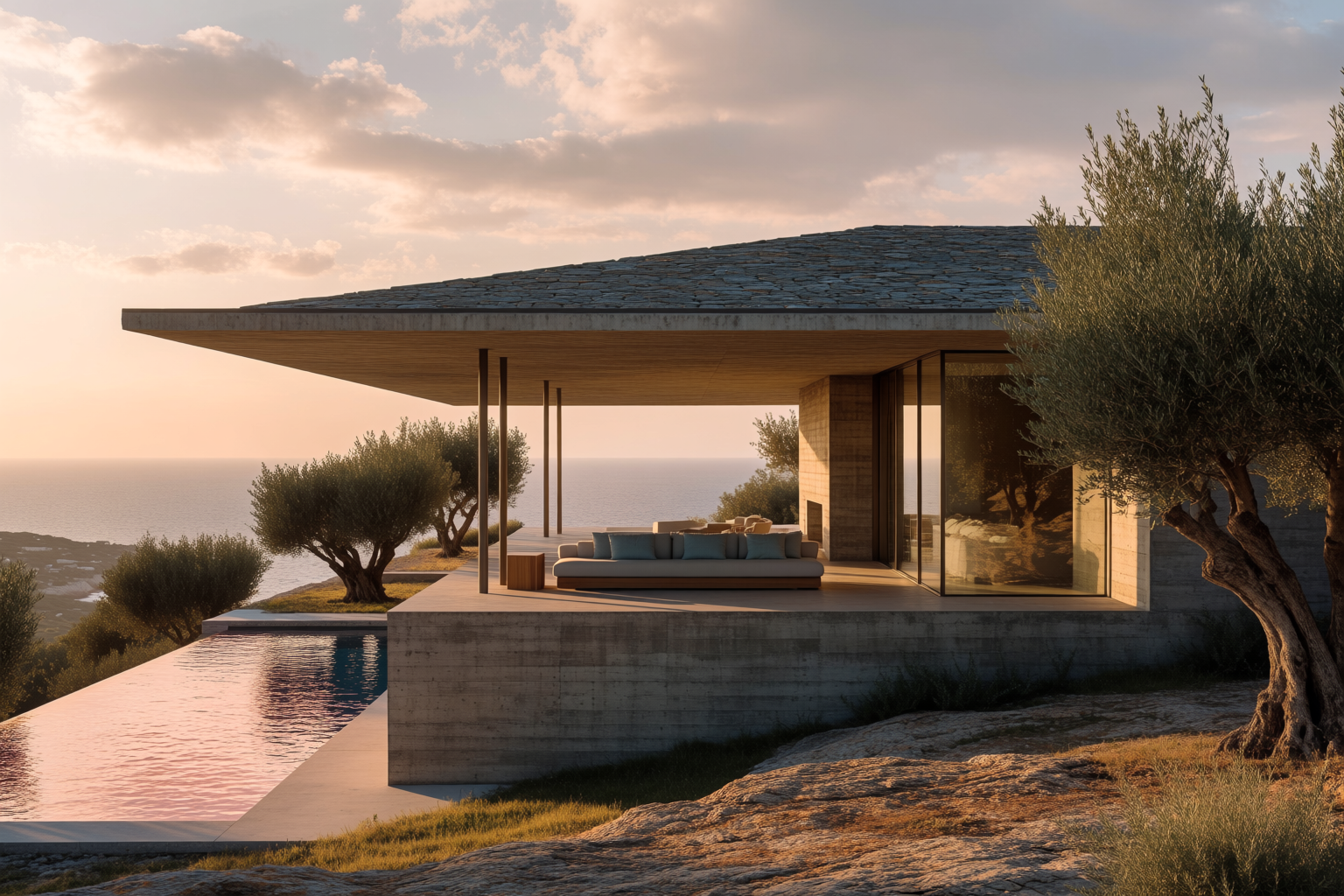
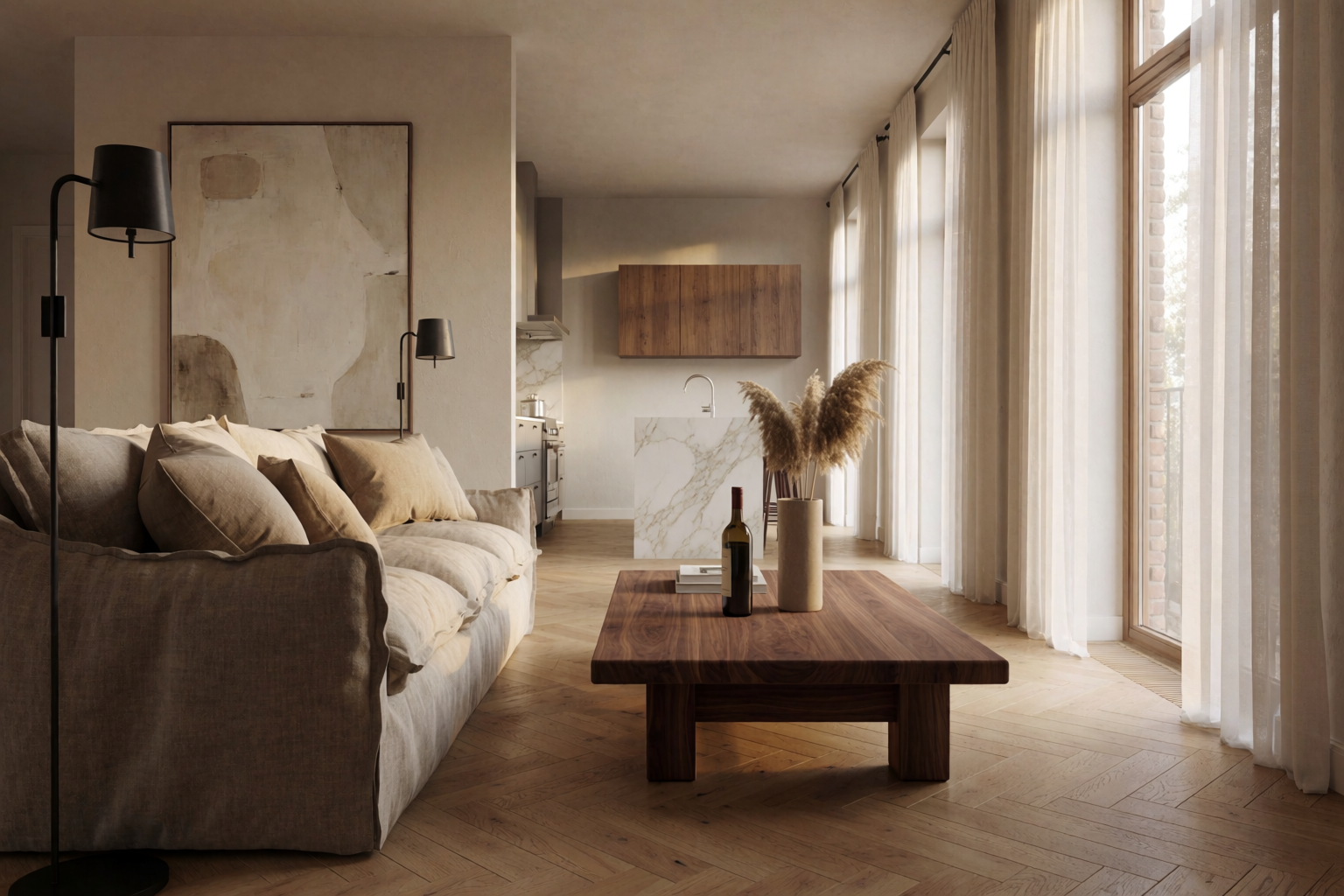
Start individually. Scale across the studio when the workflow proves itself.
Free
Get free daily credits to try basic features.
Pro
Advanced features and discounts on compute units
Max
Full access with higher discounts on compute units
For Teams and Enterprises
Workplace management, collaboration, and enterprise customizations
Business
Secure and collaborative workspace for growing teams
Enterprise
Enterprise-grade security with dedicated support and admin features
Frequently Asked Questions
Yes. Krea turns sketches, models, viewport captures and working renders into presentation-quality architectural images in seconds. It is strongest in the exploratory stages — concept design, client reviews and competitions — where you need to communicate design intent fast, before committing to a final CGI.
Krea is built for how architecture teams actually work: start from your own sketches, models or renders, iterate in real time, and keep design intent under your control. With Krea 2 and 100+ models in one workspace, it covers concept visualisation, light and material studies, targeted edits and motion studies — without replacing your CAD, BIM or final production pipeline.
Yes — you can start for free and try Krea on your own architectural renders with daily credits, no credit card required. Paid plans add higher resolution, more models, and full commercial rights for client and competition work.
Both, but it is strongest in the fast, exploratory stages: concept design, client reviews, and competitions. Use Krea to explore directions, test atmosphere, and align stakeholders quickly, then commission a final CGI or animation when the design is locked.
You stay in control. Start from your own sketches, models, or viewport captures and use them as references so the output follows your intent. Targeted edits let you change one element at a time while keeping the rest of the view intact.
Yes. Krea works from the views and exports you already produce. Share a live viewport into Krea Realtime, or bring in stills and clay renders from Revit, Rhino, SketchUp, 3ds Max, Blender, Lumion, or AutoCAD as references.
Enterprise adds the controls confidential work needs: SSO and SAML, custom DPAs, IP indemnification, model permissions, and workspace-level usage visibility. We never train on your work, and outputs are yours to use.
Yes. Paid plans include full commercial rights, so renders and motion studies are ready for client presentations, competition submissions, and marketing.
Use Nodes to build a visual workflow once and reuse it across views, projects, and client decks. Save setups for competitions, material studies, and seasonal sets so the whole team produces consistent variants from one source.
Yes. Produce hero shots, atmospheric views, and motion studies that hold together, then upscale every frame to print resolution for the board or the deck.