Same workspace
Keep projects, generations, and history synced between mobile and desktop.
Generate
Edit
Customize
"People running, risograph poster"
Generate
Edit
Customize
Generate images and videos with Krea from anywhere. The iOS app gives you the same fast creative workflow you already use on web.
Download for iOSGenerate on iPhone, iterate on iPad, and continue on desktop. Krea for iOS keeps your workflow moving wherever you are.
Keep projects, generations, and history synced between mobile and desktop.
Use the best image and video models in one app without hopping between tools.
Prompt, refine, and iterate quickly with controls designed for phone and tablet.
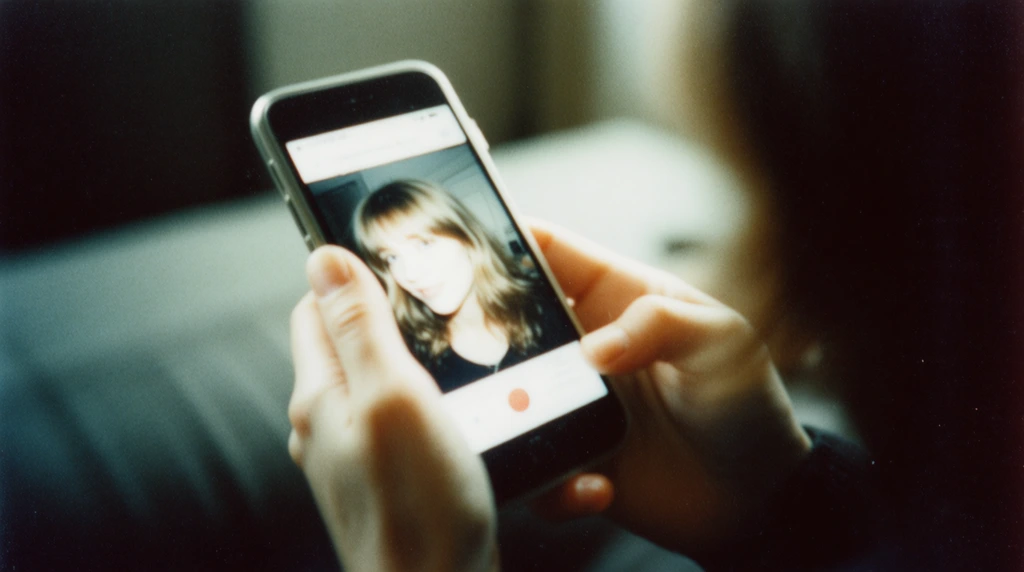
Sketch ideas as soon as they appear. Generate multiple options, reroll quickly, and keep momentum without opening your laptop.
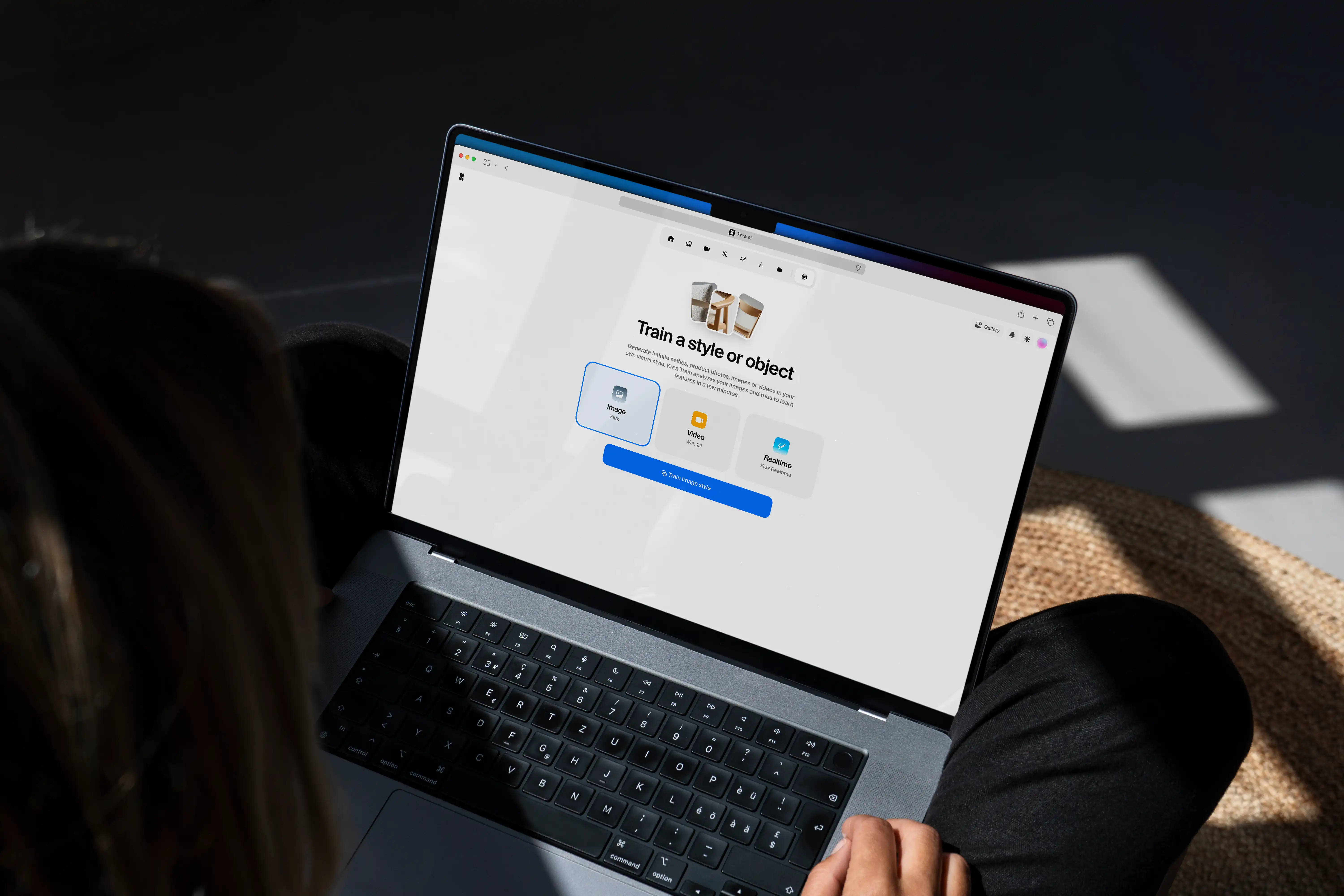
Start a concept on iPhone or iPad and continue refining it on desktop with the same workspace, history, and project context.
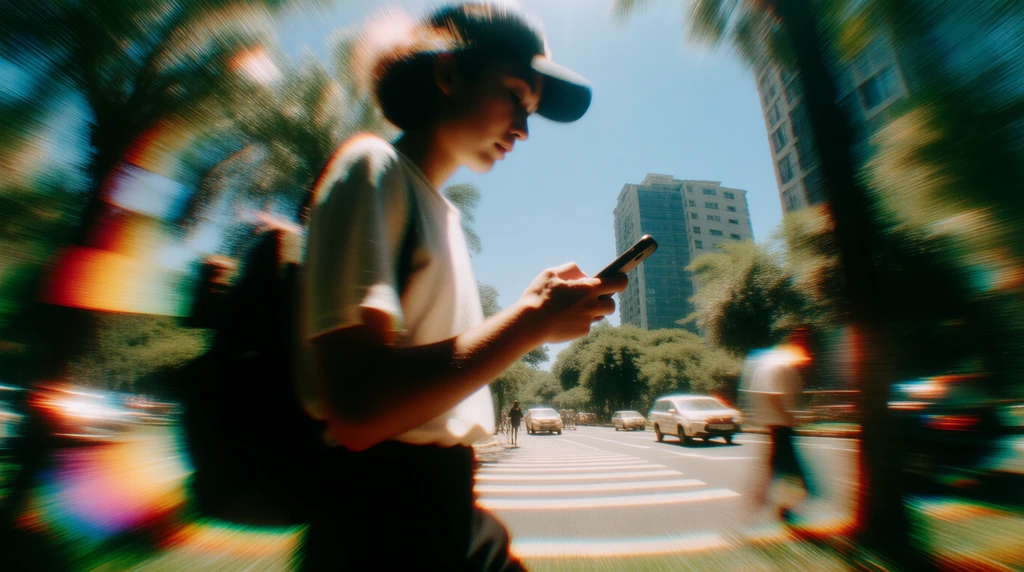
Use touch-first controls and iPad-ready workflows to direct generations, refine prompts, and ship content from anywhere.
Yes. You can download Krea for iOS for free and start creating with our free usage tier.
Yes. Your projects are linked to your Krea account, so you can move between iPhone, iPad, and web seamlessly.
Yes. Krea for iOS supports both AI image and AI video workflows, with model access depending on your plan and region.
Yes. Krea is designed for both iPhone and iPad, including iPad-native workflows like Voice Mode and realtime creation.
Yes. Krea for iOS complements the web app. You can start on mobile and continue in the full web workspace anytime.
Install the app and start creating with Krea on iPhone and iPad.
Download for iOS