Step 1
Upload a room photo or start from a prompt
Drop in a photo of a living room, bedroom, kitchen, or office — or describe the space you want from scratch in Image. For a quick photo redesign, try the free room redesign app.
Generate
Edit
Customize
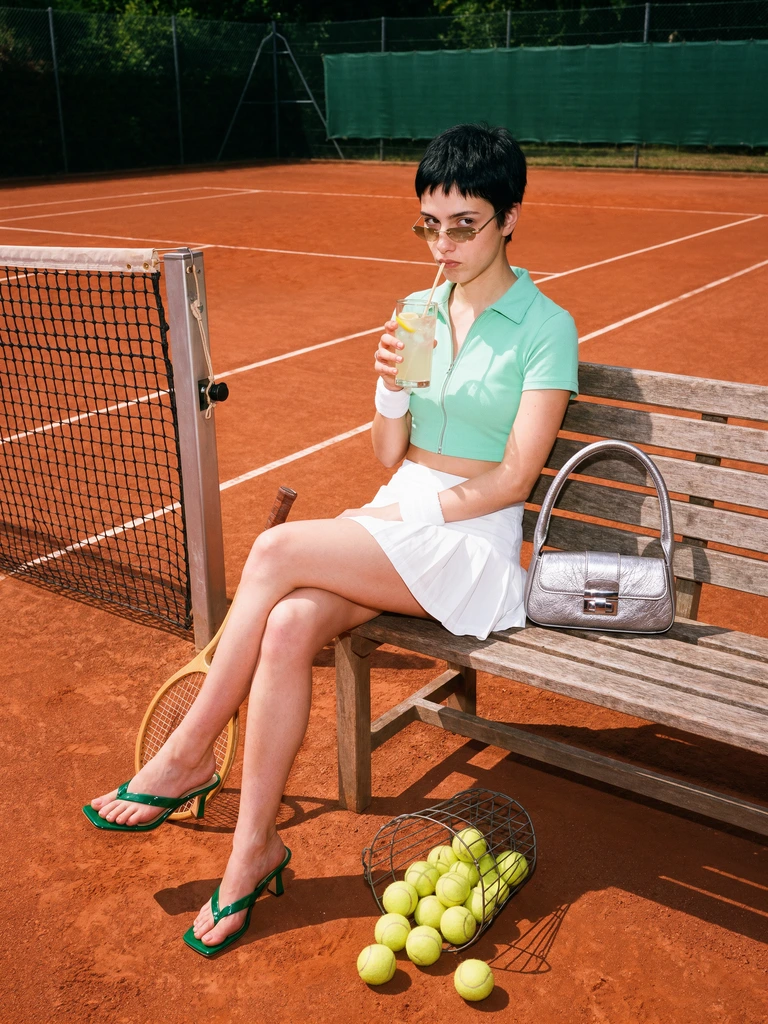
Y2K tennis-court fashion editorial
Generate
Edit
Customize
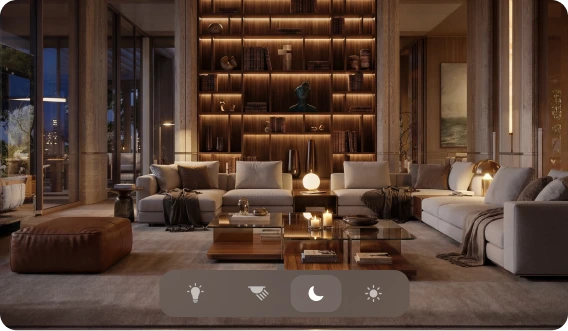
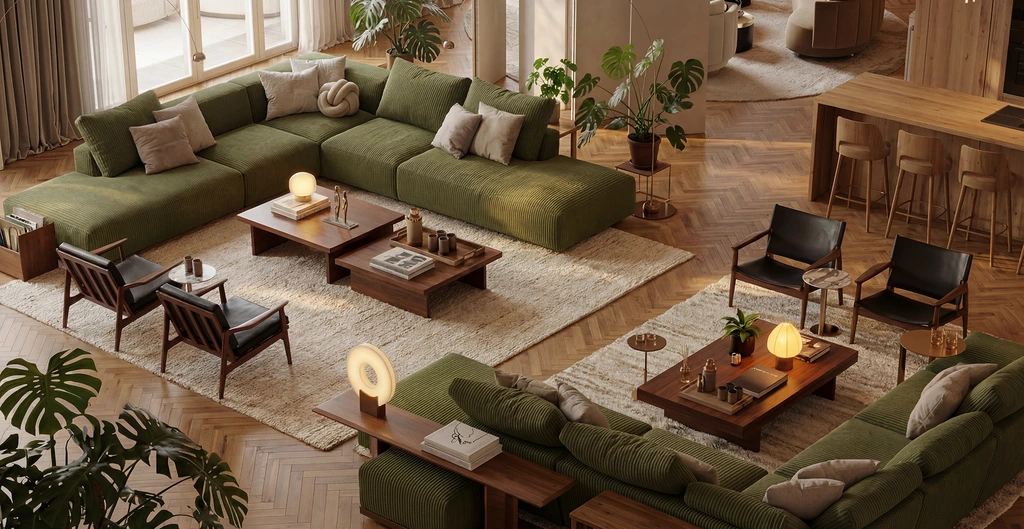
Generate, edit, and upscale room concepts in one flow. Explore layouts, materials, lighting, and decor without rebuilding scenes.
By uploading an image or URL you agree to our Terms of Service and Privacy Policy.
Trusted by creators and design teams
worldwide
 Amazon
 Prime Video
 Fox Studio
 Nespresso Amazon Prime Video Fox Studio Nespresso Amazon Prime Video Fox Studio Nespresso
How It Works
Krea's interior design workflow is part of our AI for architecture platform, used by studios like Henning Larsen. Start from a room photo or a prompt and iterate to a client-ready visual.
Step 1
Drop in a photo of a living room, bedroom, kitchen, or office — or describe the space you want from scratch in Image. For a quick photo redesign, try the free room redesign app.
Step 2
Tell Krea the direction in plain language: “warm Scandinavian living room with oak floors and linen curtains.” Reference styles, materials, color palettes, and lighting moods.
Step 3
Keep the approved layout and change only what you want — swap furniture, finishes, decor, or lighting in Edit while preserving the structure of the room.
Step 4
Bring the final concept to client-ready resolution with Enhancer — crisp textures, clean lines, and print-quality output.
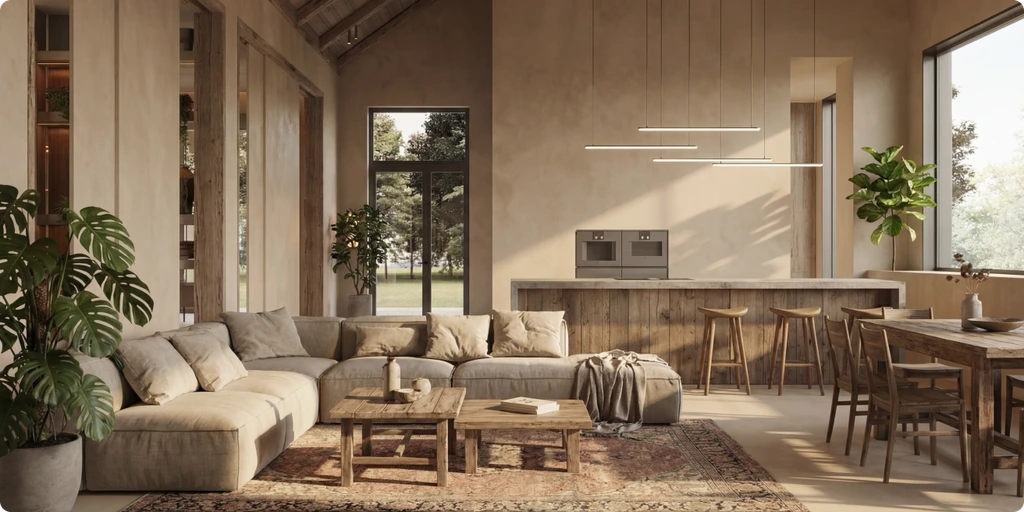
Restyle my room
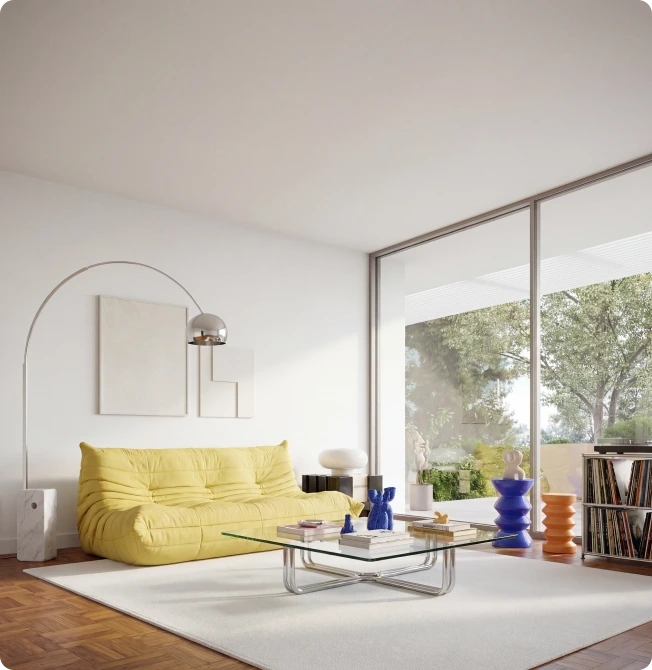
Furnish my space
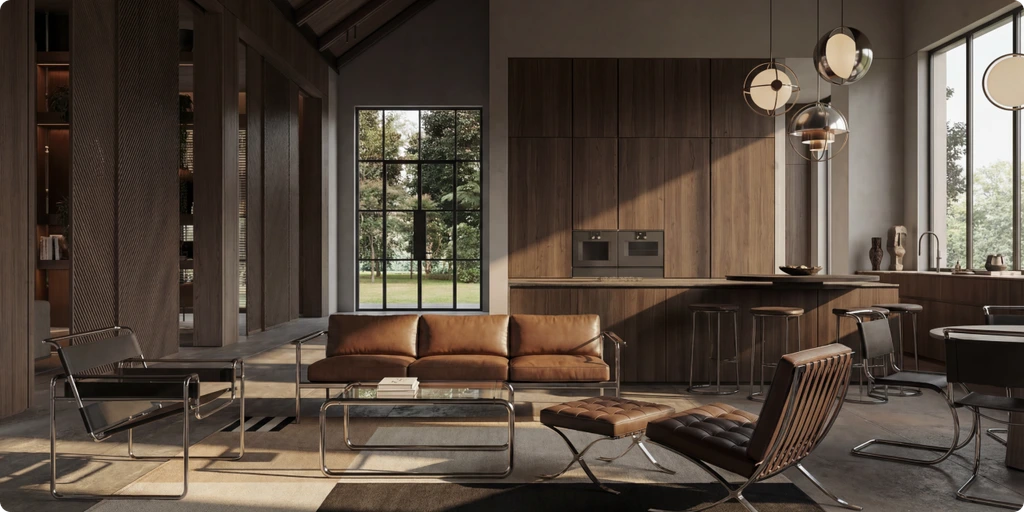
Moodboard directions
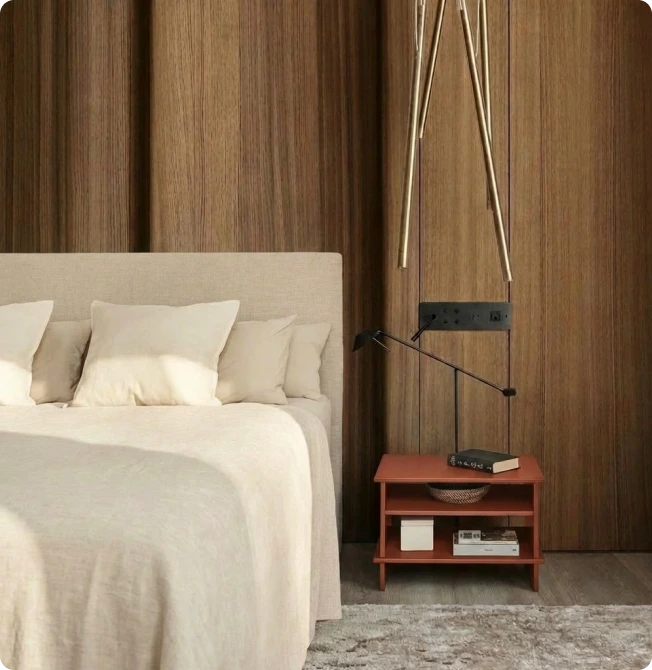
Decor swaps
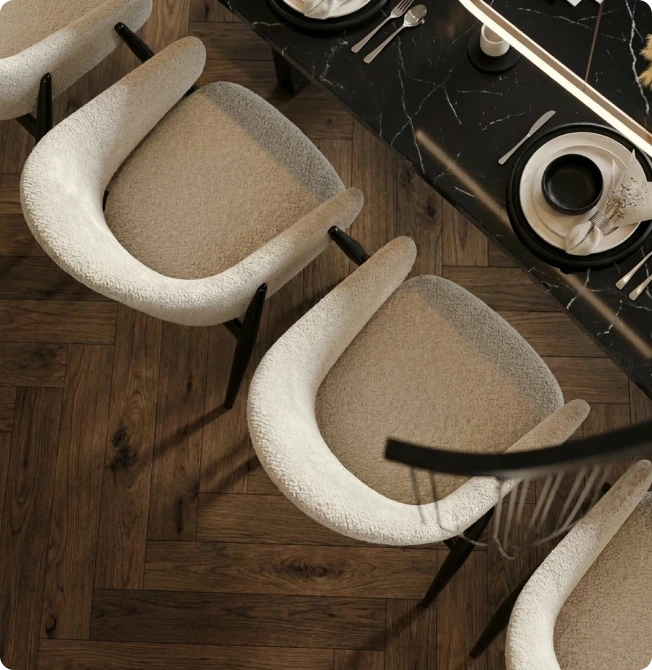
Material studies
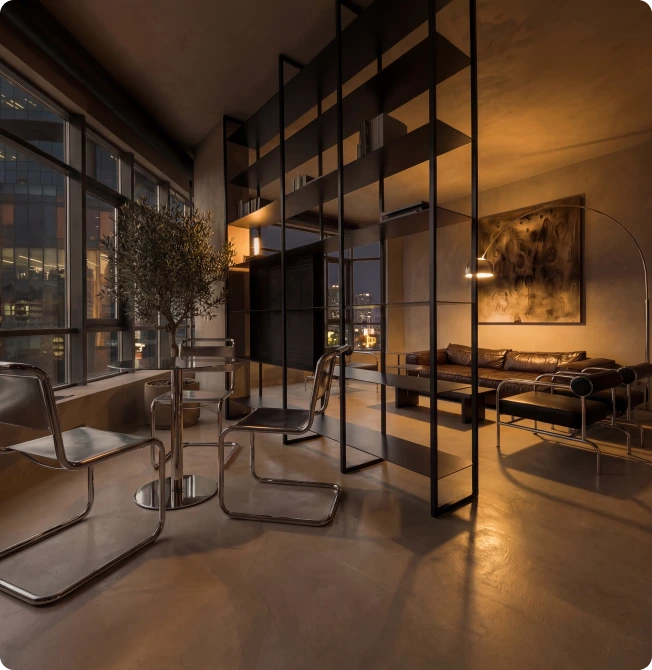
Lighting variants

Test furniture layouts, decor styles, and color palettes in minutes. Compare options side by side and converge on a stronger direction before finalizing.

Adjust wood, stone, fabric, metal finishes, and lighting mood while preserving composition. Keep your approved layout and evolve the look with targeted edits.

Move seamlessly between generation, editing, and upscaling. Reduce handoffs and keep every revision in a connected workflow.

Create polished visuals for approvals, proposals, and stakeholder reviews with less production friction. Iterate confidently and hit deadlines with high-quality outputs.
Explore more directions
Use Krea’s image generator to develop new rooms, materials, lighting studies, and visual concepts from a prompt or reference image.
Styles
Test any direction on the same room before committing — each style is one prompt away.
Clean lines, open layouts, and neutral palettes with glass, steel, and matte finishes. Prompt for “modern interior with floor-to-ceiling windows and low-profile furniture.”
Light woods, white walls, soft textiles, and functional simplicity. Ask for oak floors, linen curtains, and warm layered lighting.
Japanese minimalism meets Scandinavian warmth: low furniture, natural materials, muted earth tones, and uncluttered surfaces.
Pared-back spaces with hidden storage, monochrome palettes, and a few sculptural statement pieces.
Walnut and teak furniture, tapered legs, organic curves, and saturated accent colors straight from the 1950s and 60s.
Exposed brick, concrete floors, black metal frames, and Edison lighting for loft-style character.
Airy whites and blues, rattan and driftwood textures, and light-filled rooms with a relaxed beach-house feel.
Layered rugs and textiles, plants, vintage finds, and eclectic color mixes with a collected-over-time look.
Shiplap walls, reclaimed wood, apron sinks, and cozy neutrals that mix rustic and contemporary elements.
Bold geometry, brass and velvet, lacquered surfaces, and jewel tones for glamorous, high-contrast rooms.
Get free daily credits to try basic features.
Access our most popular features
Advanced features and discounts on compute units
Full access with higher discounts on compute units
Workplace management, collaboration, and enterprise customizations
Secure and collaborative workspace for growing teams
Enterprise-grade security with dedicated support and admin features
Yes. AI can help you generate realistic room concepts, explore style directions, and refine details quickly while preserving your core design intent.
Yes. Krea offers free usage to start: upload a room photo, describe the style you want, and generate redesign concepts at no cost. Upgrade when you need higher limits and commercial rights.
Upload a photo of your room, describe the direction you want — for example “warm Scandinavian with oak floors and linen curtains” — and generate. Then refine furniture, materials, and lighting with targeted edits and upscale the final image for presentation.
Living rooms, bedrooms, kitchens, bathrooms, home offices, and commercial interiors all work well. The AI preserves the structure of the room while restyling furniture, finishes, decor, and lighting.
Any style you can describe: modern, Scandinavian, Japandi, minimalist, mid-century modern, industrial, coastal, bohemian, farmhouse, art deco, and more — including mixes of several styles in one room.
Yes. Upload a room photo and use prompts to test new styles, furniture layouts, and material palettes while staying close to the original structure.
Start from your reference image and iterate with focused edits. Krea helps you adjust finishes, decor, and lighting without needing to rebuild the composition from scratch.
Absolutely. Krea is useful for moodboards, style studies, room concepts, and polished presentation visuals for client and stakeholder reviews.
Yes. Paid plans include commercial rights, so you can use outputs in client deliverables, proposals, marketing materials, and portfolio work.
Yes. You can begin with free usage to test the workflow, then upgrade when you need higher limits for production work.

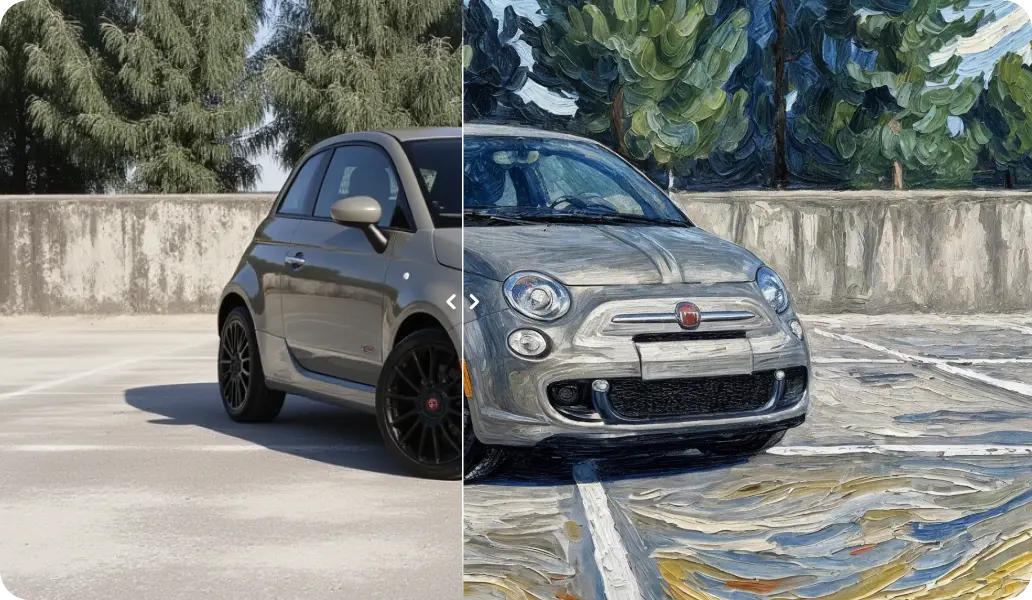
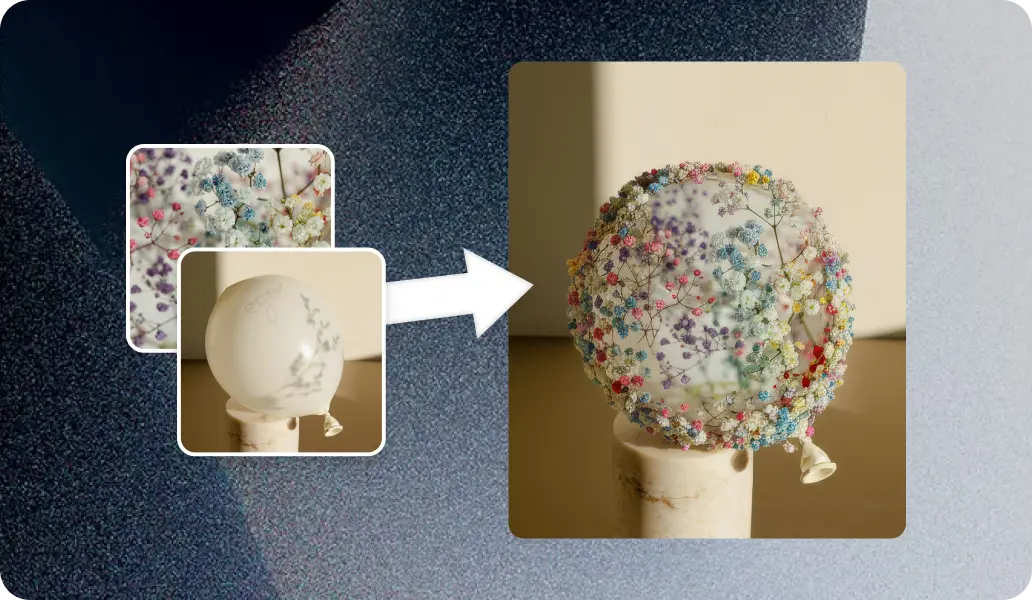
Go from first concept to client-ready interior visuals with Krea's AI tools.
Start generating