














Step 1
Upload
Add photos of yourself and your model. Select the best reference shots for face, pose, and outfit to guide the AI photoshoot generation.
Use Photoshoot app to place yourself and models anywhere in any style. Generate realistic AI photoshoots fast with pro controls. Try it online now.
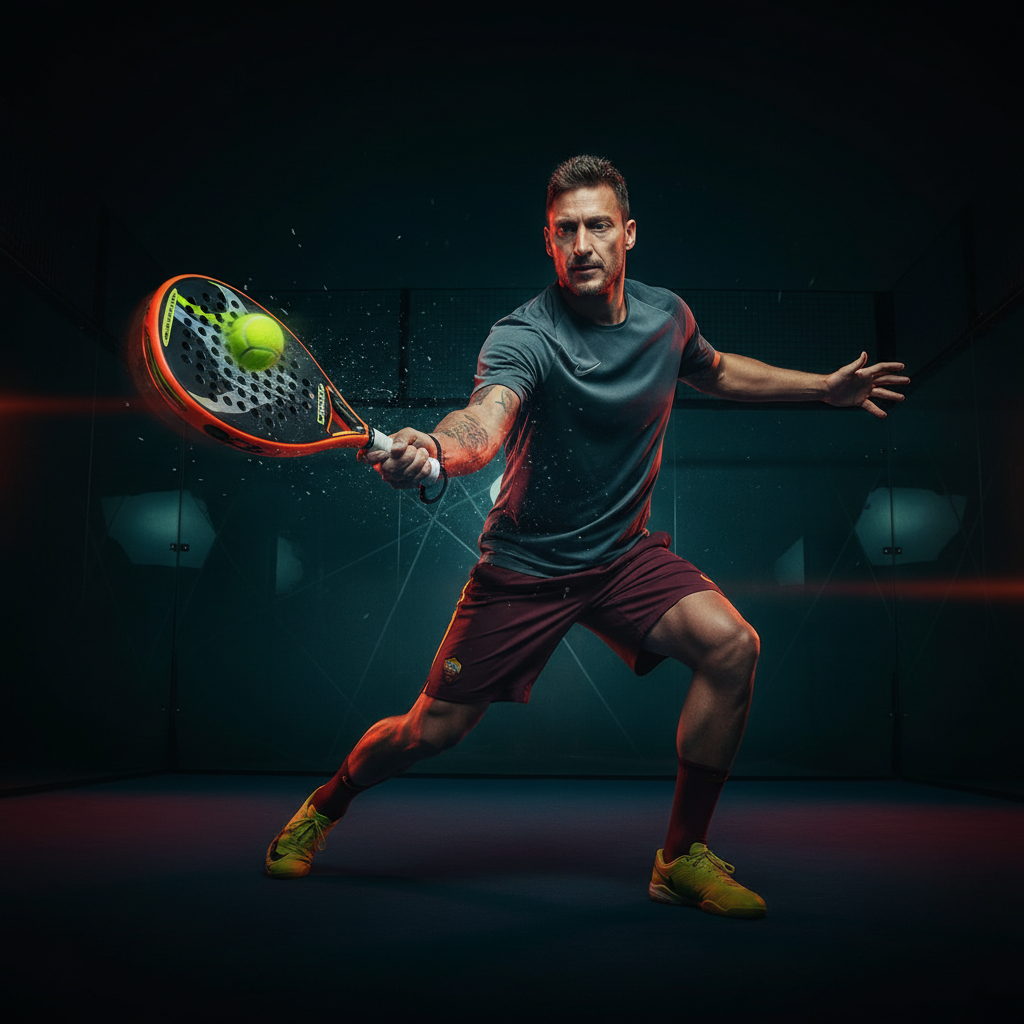
How to use Photoshoot app
Upload your photos, choose a location and visual style, then generate multiple scene variations. Refine details like framing and lighting for a polished, realistic result ready to share or download.
Step 1
Add photos of yourself and your model. Select the best reference shots for face, pose, and outfit to guide the AI photoshoot generation.

Step 2
Pick a location, camera vibe, and art direction. Adjust lighting, color mood, and background details to match your brand or concept.

Step 3
Generate multiple variations and iterate quickly. Save favorites, refine prompts, and export high-quality images for web, social, or print use.
Features
Photoshoot app combines AI scene generation with practical controls for placement, style, and consistency. Put subjects into new locations, match a chosen aesthetic, and iterate rapidly without reshoots. Create realistic portraits, fashion frames, and campaign-ready visuals while keeping your look cohesive across variations.
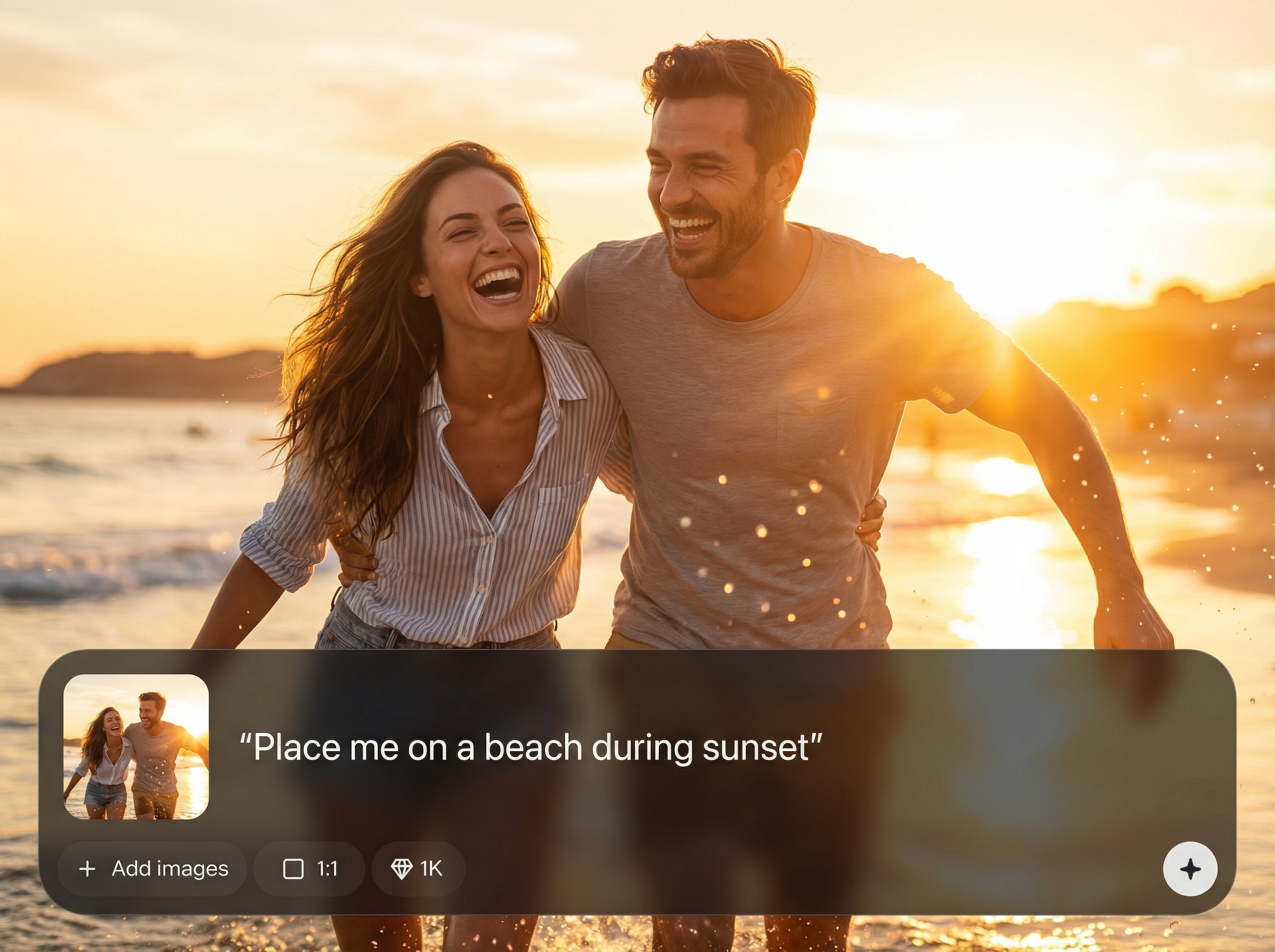
Move yourself and your model into new environments with convincing perspective and lighting. Swap backgrounds, set the scene, and keep compositions clean and believable.
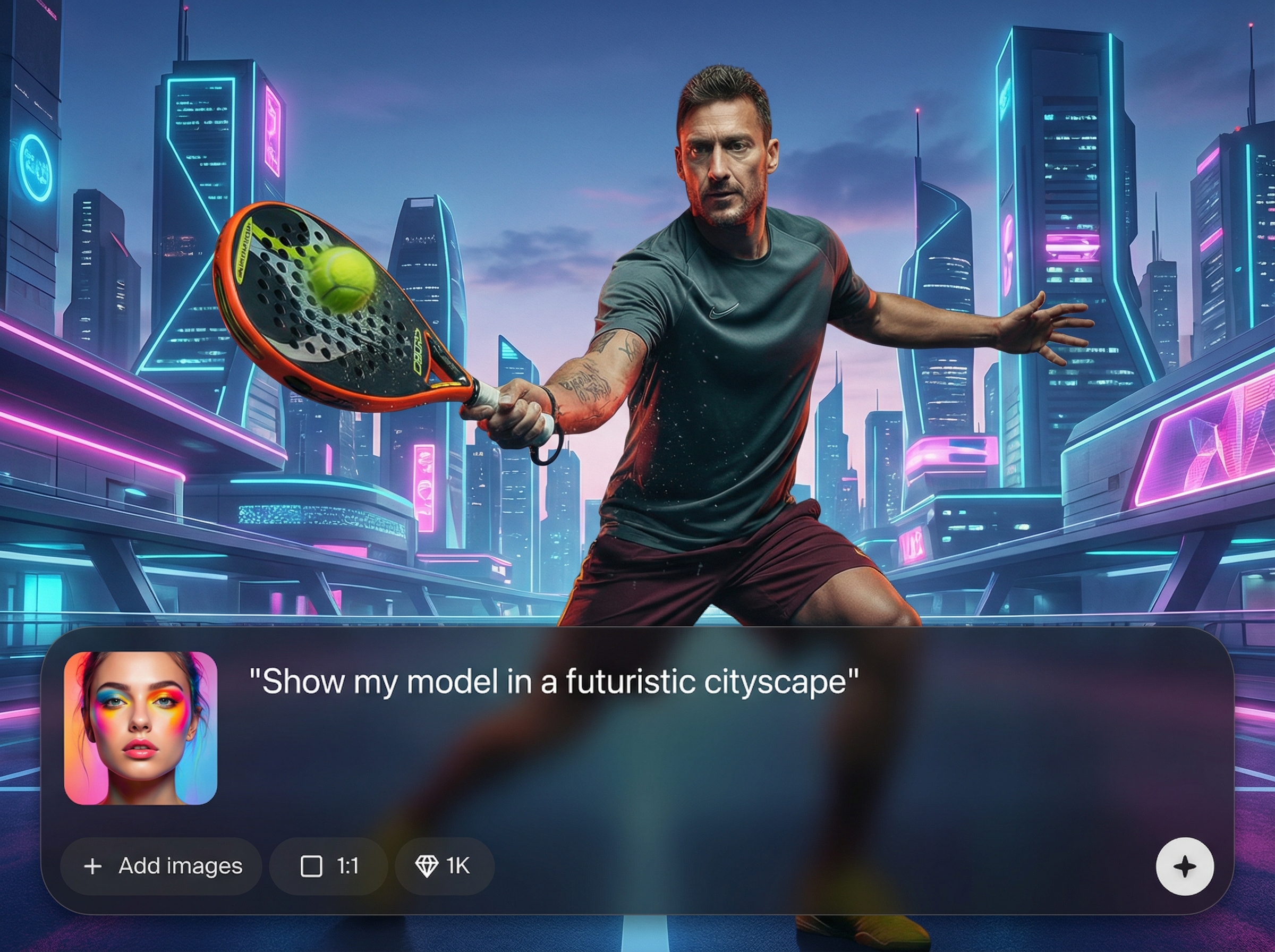
Choose a visual style—from editorial to cinematic—and fine-tune color, lighting, and atmosphere. Get consistent aesthetics across a full set of generated shots.
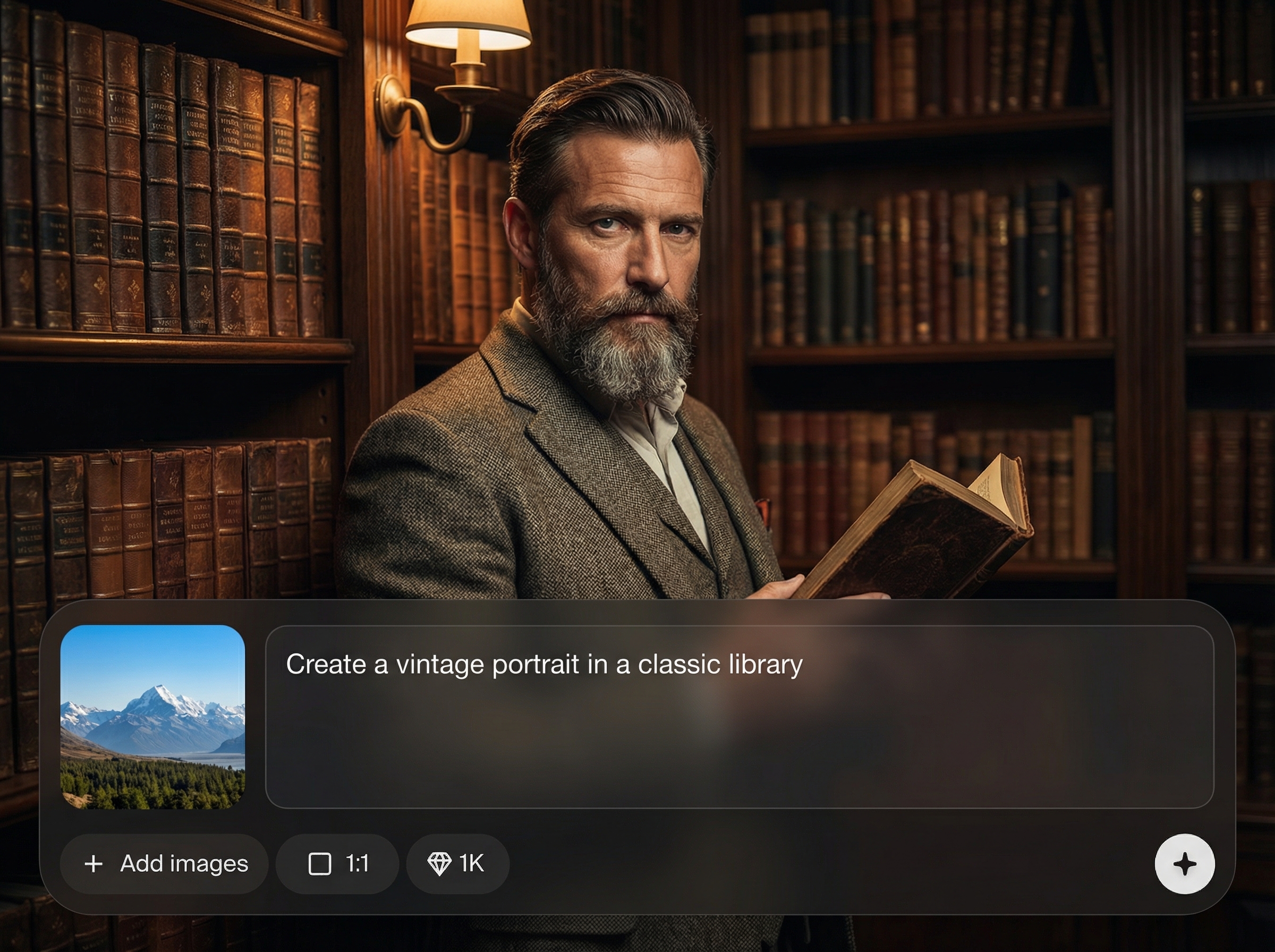
Generate multiple variations quickly, compare options, and refine with prompt edits. Reduce time spent on retakes and get usable results for campaigns and posts.
About
Photoshoot app lets you place yourself and your model anywhere, in any style you choose. Generate realistic AI photoshoots with consistent looks, lighting, and backgrounds—without a studio. Perfect for creating fashion, portrait, and product-style scenes in minutes with simple, controllable settings.
Photoshoot app delivers controllable AI photoshoots with realistic scene placement and consistent styling. Iterate faster than traditional shoots, explore multiple directions, and produce campaign-ready visuals without complex editing. Keep your look cohesive while testing locations, lighting moods, and compositions on demand.
Upload photos, choose a location and style, then generate variations. Refine prompts and settings until the scene matches your vision, and download your favorites instantly.
Use cases
Discover how different creators use this app in their workflow.
Create editorial-style outfit photos in any location or season. Keep consistent styling and mood across a complete lookbook without scheduling multiple shoots.
Generate on-brand lifestyle scenes for ads, landing pages, and social. Test backgrounds, lighting, and compositions to find the best-performing creative.
Produce polished portraits with controlled aesthetics. Explore studio, outdoor, or cinematic looks and export high-quality images for profiles and portfolios.
Krea is one of the world's leading generative AI platforms. See what others say.
Real reviews on TrustpilotSo many AI tools out there but I always come back to Krea. It's really the one AI platform that 'just works'.

FYN
Krea's interfaces are still the best in the industry. Everything looks and feels so clean and easy to use! Imo the easiest to use gen AI website.

Lynn
Ultra fast generations. Extremely simple to use. All the latest AI models.

Daniel
KREA is the only AI subscription I have right now besides ChatGPT.

Sophia M.
Answers to common questions about AI photoshoots, styling, and exports.
Photoshoot app is an AI photoshoot generator that places you and a model into new scenes and styles. Upload photos, choose a look, and generate realistic images with controllable backgrounds and lighting.
Yes. You can set the environment, mood, and aesthetic direction using prompts and style choices. Adjust lighting, color tone, and scene details to match your intended visual identity.
Use strong reference photos and repeat the same style settings across generations. Iterating with small changes helps maintain consistent framing, mood, and overall look across a set.
Clear, well-lit photos with visible facial features and minimal blur perform best. Choose images with straightforward angles and defined outfits to help the AI understand identity and styling cues.
Yes. Export your selected results in high resolution for social posts, websites, and print-ready layouts. Generate multiple options, then download the best frames for your project.
Place yourself and your model anywhere, pick a style, and export realistic images in minutes.

