















Step 1
Capture
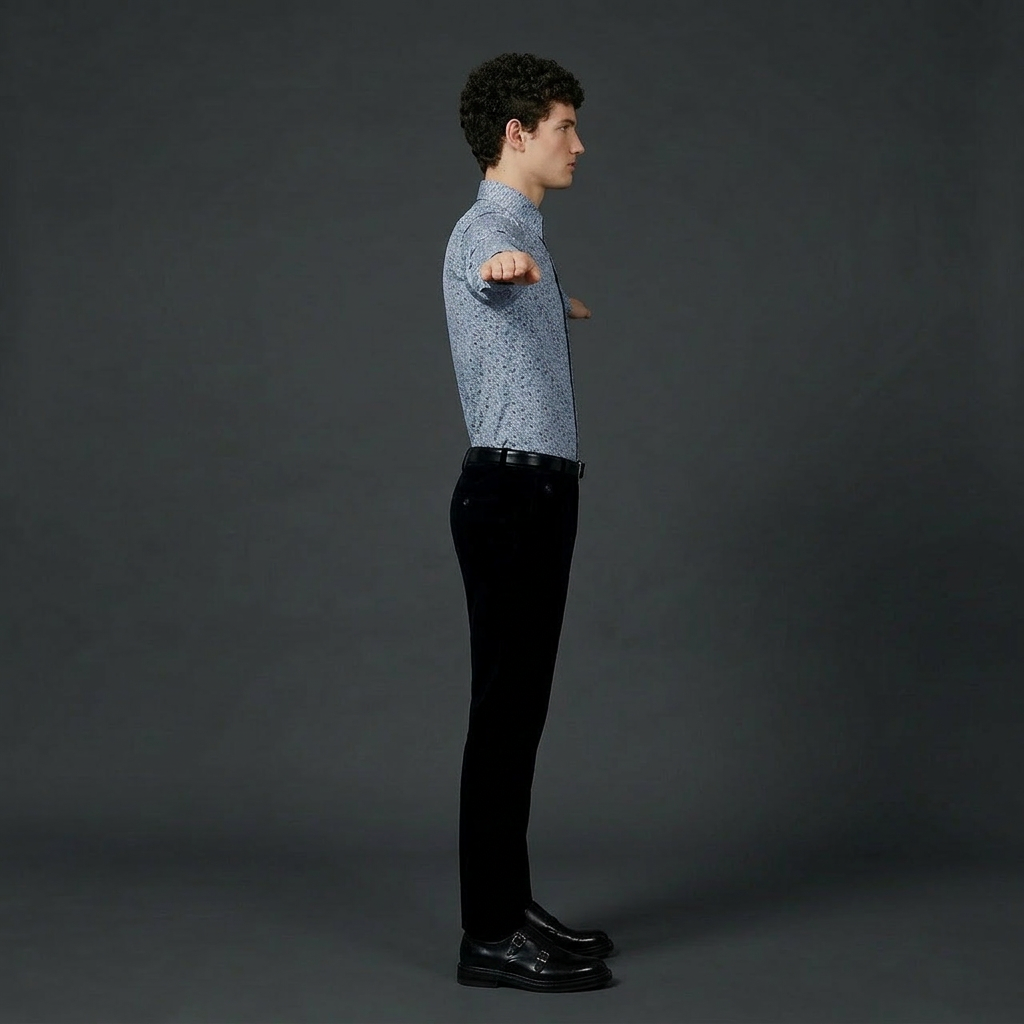
Upload an image or take a photo of your document. The scanner auto-detects page edges and crops the frame for a clean, straight scan.
 App by BlueStudios
Mini scanner uses AI to scan documents, enhance text, and export clean PDFs or images. Fast OCR, edge detection, and easy sharing—try it now.
How to use mini scanner
This quick guide shows how to scan a document with mini scanner, improve clarity with AI enhancement, and export a searchable file. Follow three simple steps to get a clean PDF or image scan.
Step 1
Upload an image or take a photo of your document. The scanner auto-detects page edges and crops the frame for a clean, straight scan.

Step 2
Apply AI cleanup to remove shadows, boost contrast, and sharpen text. Enable OCR to extract selectable text and improve searchability.

Step 3
Export as PDF or high-quality JPG/PNG. Combine pages, reorder, and share or download instantly for storage, email, or workflows.
Features
Mini scanner automates document scanning with edge detection, perspective correction, and intelligent enhancement for clearer text and cleaner backgrounds. Convert photos into ready-to-use PDFs or images, then add OCR to make files searchable and easier to reuse. Fast processing keeps scanning simple and consistent across pages.
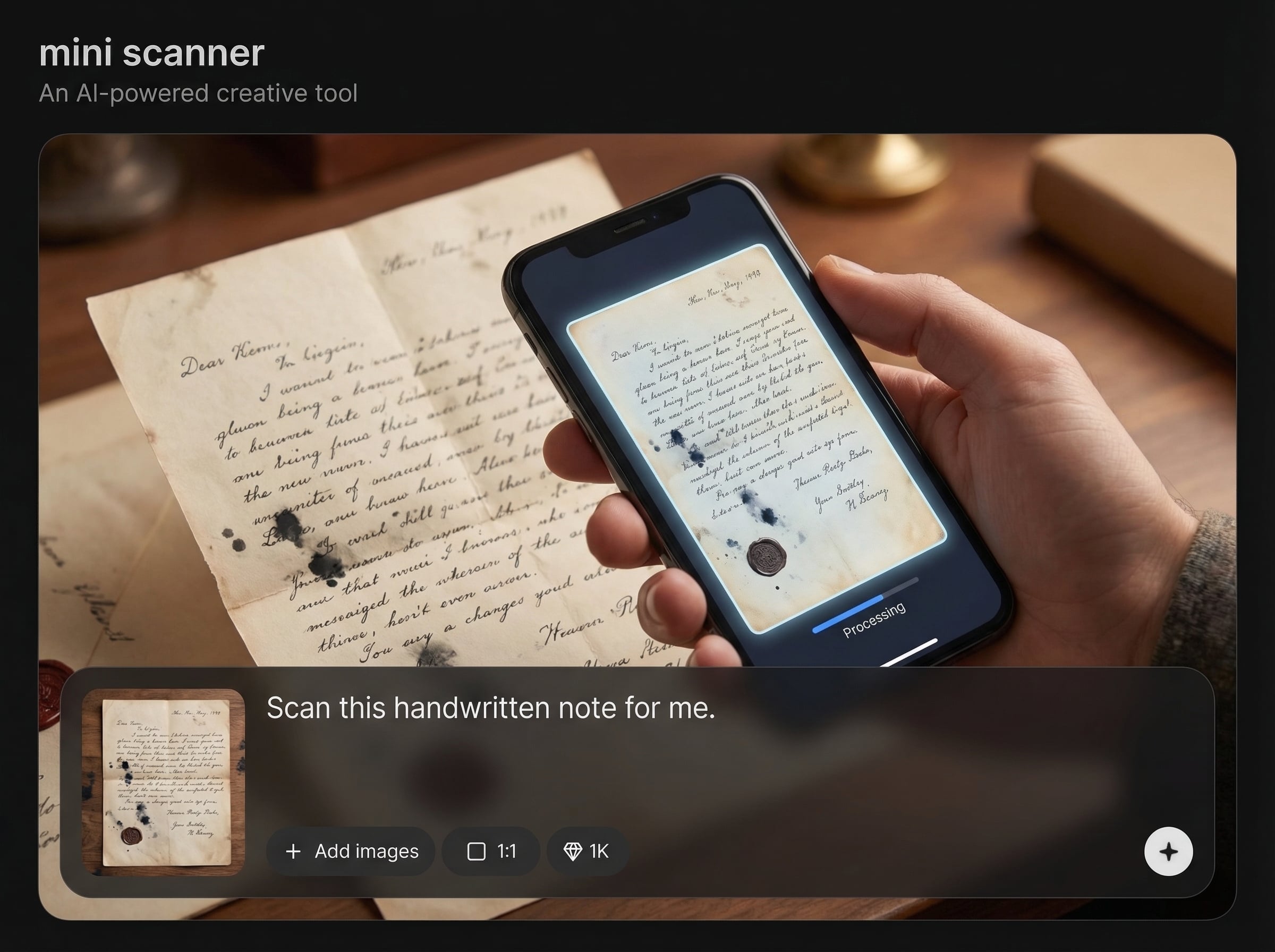
Automatically finds page borders and crops accurately, even on cluttered backgrounds. Get straightened scans with perspective correction for professional-looking PDFs and images.
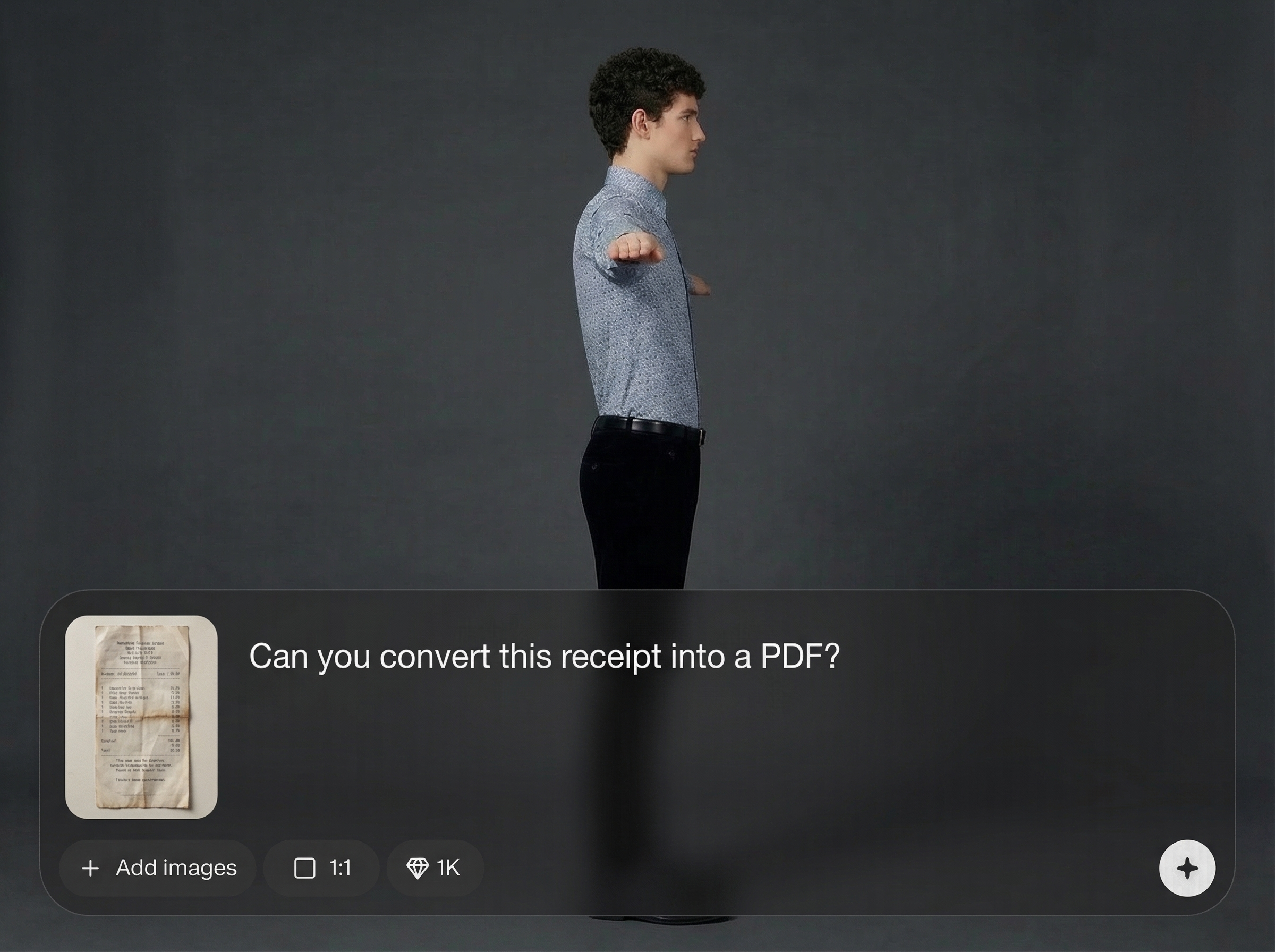
Turn scanned pages into selectable, searchable text using AI OCR. Copy key details from receipts, forms, and notes without retyping, and improve document retrieval.
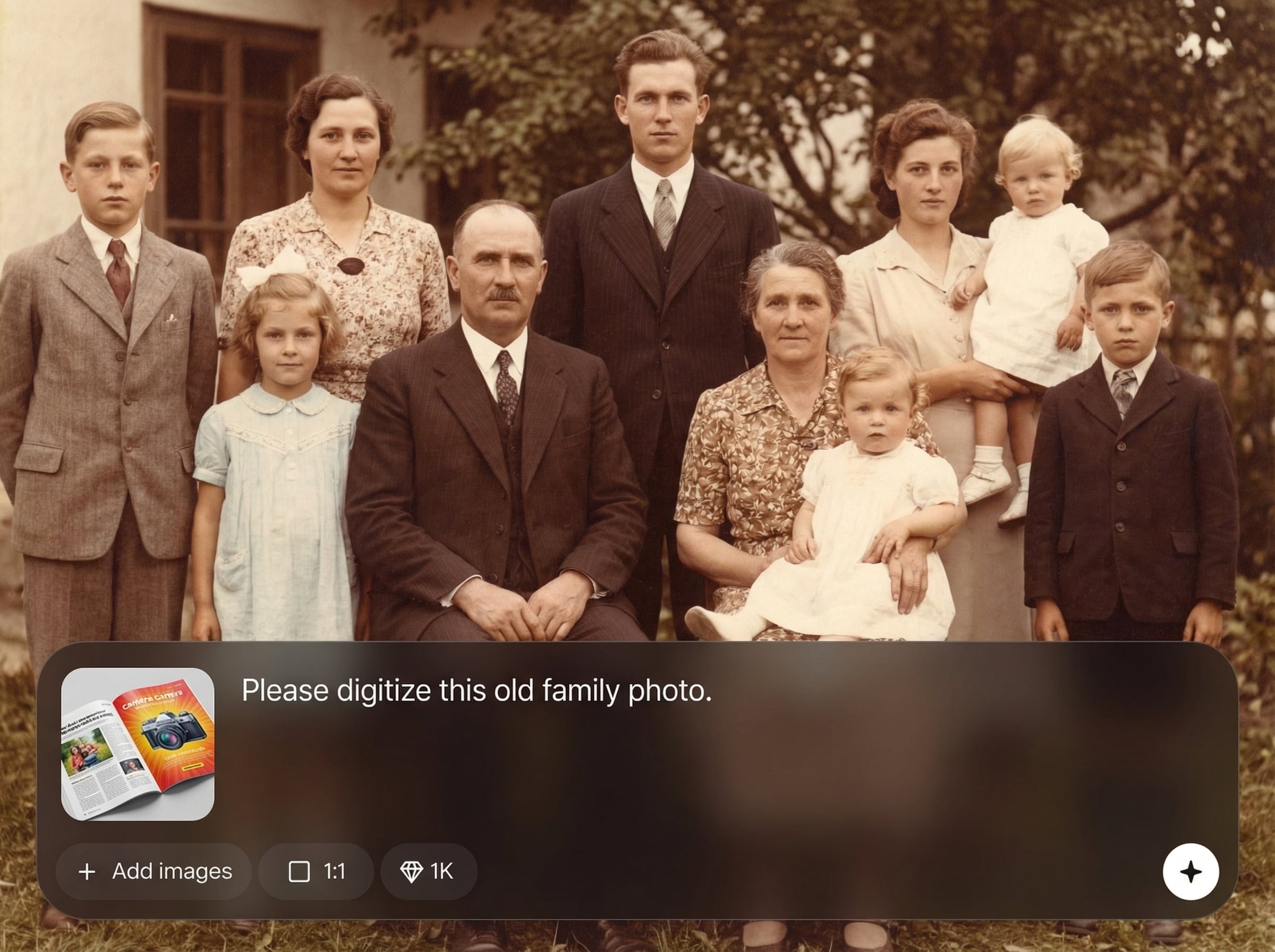
Enhance clarity by reducing shadows, glare, and noise while boosting contrast. Export multi-page PDFs or image files quickly, ready for sharing and archiving.
About
Mini scanner is an AI document scanner that turns photos into crisp, readable scans in seconds. Auto-detect edges, correct perspective, reduce glare, and enhance contrast for clean pages. Use built-in OCR to extract text, then export to PDF or high-quality images for sharing, archiving, and search.
Mini scanner streamlines scanning with reliable edge detection, consistent enhancement, and accurate OCR for everyday paperwork. Create share-ready PDFs and images with fewer manual steps, keeping files readable, searchable, and organized. Fast processing makes it ideal for quick batches or single-page scans.
Upload a photo or capture a document, then apply automatic crop and AI enhancement. Enable OCR if needed, export as PDF or images, and share or download instantly.
Use cases
Discover how different creators use this app in their workflow.
Capture receipts, enhance readability, and export organized PDFs for reimbursements or bookkeeping. OCR helps pull totals, dates, and vendor names fast.
Convert classroom notes, worksheets, and printed handouts into clear scans. Save as searchable PDFs for easy review, sharing, and long-term storage.
Scan applications and documents with clean edges and corrected perspective. Export high-quality files for email, uploads, and compliance workflows.
Krea is one of the world's leading generative AI platforms. See what others say.
Real reviews on TrustpilotSo many AI tools out there but I always come back to Krea. It's really the one AI platform that 'just works'.

FYN
Krea's interfaces are still the best in the industry. Everything looks and feels so clean and easy to use! Imo the easiest to use gen AI website.

Lynn
Ultra fast generations. Extremely simple to use. All the latest AI models.

Daniel
KREA is the only AI subscription I have right now besides ChatGPT.

Sophia M.
Answers to common questions about AI scanning, OCR, and exporting with mini scanner.
Mini scanner is an AI document scanning tool that converts photos into clean scans. It auto-crops pages, corrects perspective, enhances text clarity, and exports to PDF or image formats.
Yes. Built-in AI OCR extracts selectable text from scanned documents, receipts, and notes. This helps you copy information, search within files, and organize documents more efficiently.
You can combine multiple pages into a single PDF, reorder pages, and export in one download. It’s designed for fast document batching and consistent results across pages.
AI enhancement reduces shadows and glare, improves contrast, and sharpens text edges. The result is a cleaner background and more readable content, closer to a traditional flatbed scan.
Export scanned documents as PDF for sharing and archiving, or as high-quality JPG/PNG images. Choose the format that fits printing, uploads, or quick sharing needs.
Turn photos into clean, searchable PDFs with AI enhancement, fast OCR, and simple exports in one workflow.

