














Step 1
Configure
Select the Agoria Painting style preset and define brand rules like palette, mood, and composition. Connect nodes to control prompts, references, and constraints for repeatable results.
Generate consistent, on-theme illustrations with Agoria AI Paintings. Use a node-based AI workflow to produce brand-aligned art fast. Try it now.
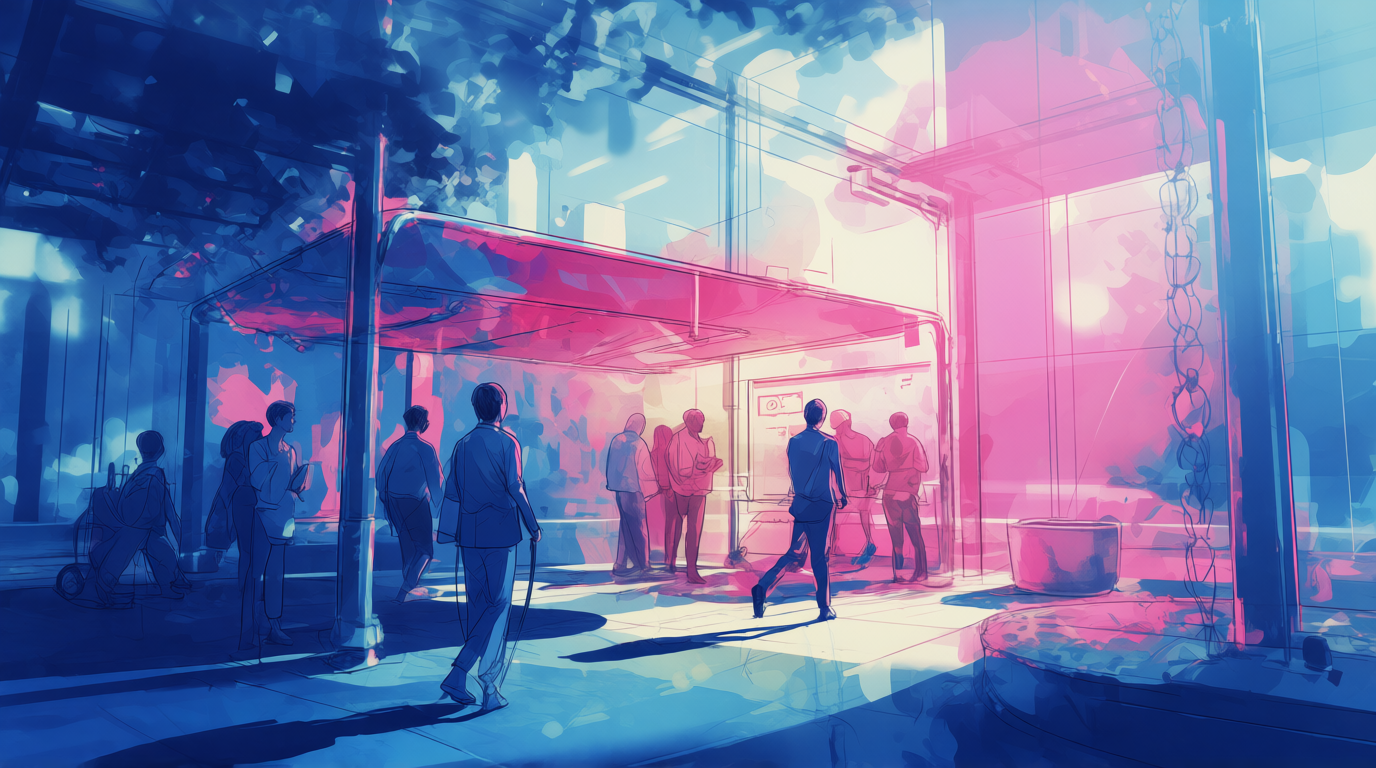
How to use Agoria AI Paintings
Follow these steps to create brand-aligned illustrations using the node-based workflow. Set style controls once, then generate multiple variations that stay consistent across subjects, layouts, and campaign needs.
Step 1
Select the Agoria Painting style preset and define brand rules like palette, mood, and composition. Connect nodes to control prompts, references, and constraints for repeatable results.

Step 2
Run the node graph to produce multiple on-theme illustration variations. Adjust a single node to iterate quickly while preserving consistent style, lighting, and visual identity.

Step 3
Review outputs and export the best images for web, social, or print. Reuse the same workflow to keep future campaigns visually consistent and brand-aligned.
Features
Agoria AI Paintings combines a node-based AI system with a predefined painting style to generate brand-aligned illustrations. Lock in visual rules like palette and mood, then iterate quickly without style drift. Create cohesive image sets for campaigns, product storytelling, and editorial visuals while keeping outputs consistent across prompts and variations.
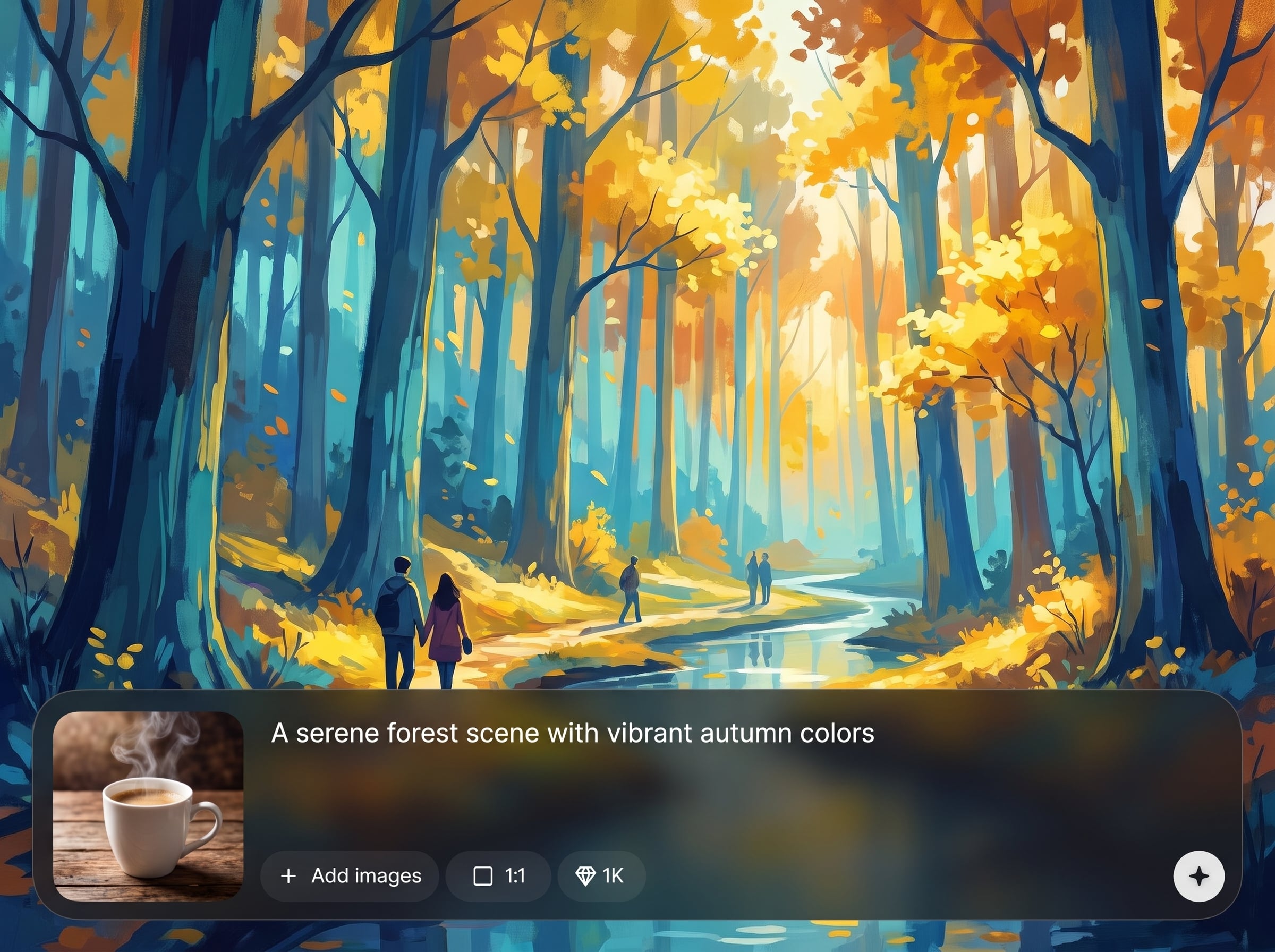
Connect nodes to define prompts, references, and constraints in one reusable workflow. Change one parameter to iterate, while keeping the Agoria Painting look consistent across every output.
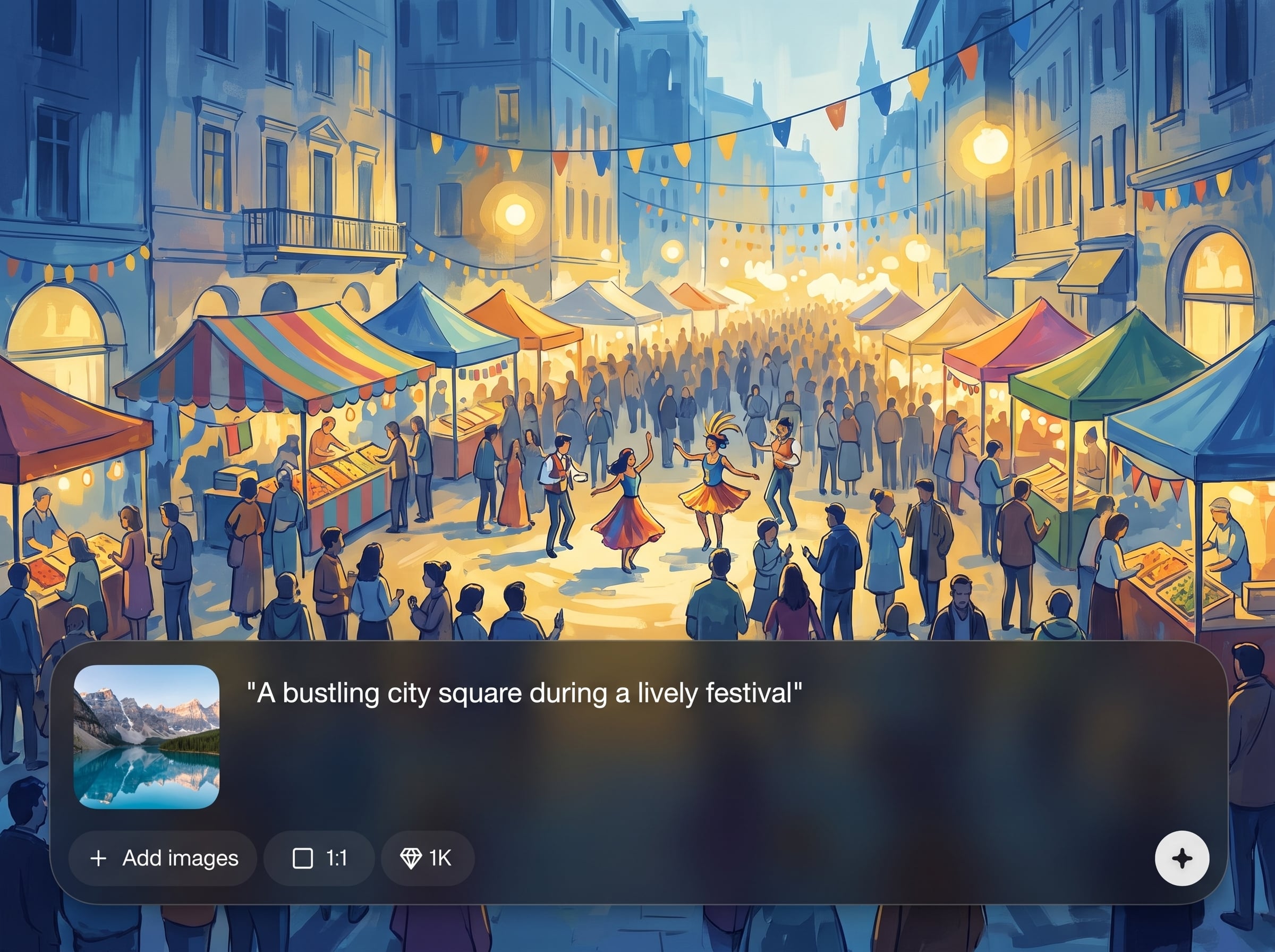
Maintain a unified visual identity with locked palette, mood, and composition rules. Reduce style drift and produce cohesive illustration sets that match campaign guidelines and on-theme direction.
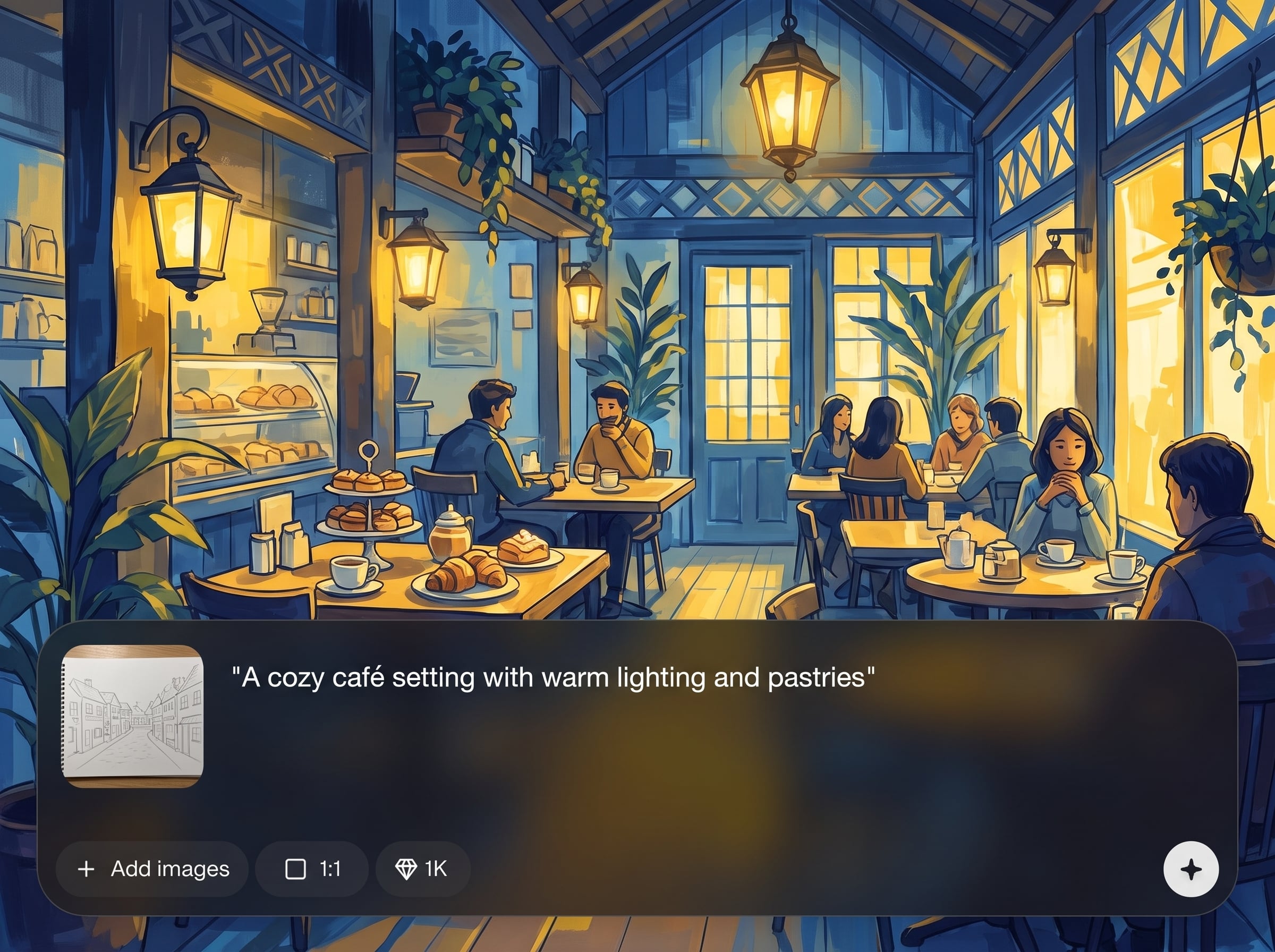
Generate multiple illustration options quickly for banners, social posts, and editorial layouts. Reuse the same node graph to scale production while staying visually consistent and on-brand.
About
Agoria AI Paintings is an AI-powered node system for generating custom, on-theme illustrations in a predefined Agoria Painting style. Build repeatable workflows that keep every output visually consistent, brand-aligned, and ready for campaigns. Quickly iterate on subjects, color palettes, and compositions while maintaining a cohesive look across assets.
Agoria AI Paintings is built for consistency-first AI illustration. The node-based workflow makes outputs repeatable, while the predefined style keeps visuals cohesive and brand-aligned. Generate fast variations without sacrificing a unified look across assets, channels, and campaign cycles.
Choose the Agoria Painting style, set your brand rules, and connect nodes for prompts and constraints. Generate variations, refine one control at a time, and export a cohesive set of illustrations in minutes.
Use cases
Discover how different creators use this app in their workflow.
Create cohesive collections of on-theme paintings for seasonal launches, ads, and landing pages. Keep style, color, and mood consistent across every asset.
Generate brand-aligned illustrations that match defined guidelines. Use node controls to preserve a consistent look while exploring new subjects and compositions.
Produce consistent AI paintings for blog headers, feature imagery, and product narratives. Iterate quickly without losing the predefined Agoria Painting style.
Krea is one of the world's leading generative AI platforms. See what others say.
Real reviews on TrustpilotSo many AI tools out there but I always come back to Krea. It's really the one AI platform that 'just works'.

FYN
Krea's interfaces are still the best in the industry. Everything looks and feels so clean and easy to use! Imo the easiest to use gen AI website.

Lynn
Ultra fast generations. Extremely simple to use. All the latest AI models.

Daniel
KREA is the only AI subscription I have right now besides ChatGPT.

Sophia M.
Common questions about generating consistent, brand-aligned AI paintings with a node-based workflow.
Agoria AI Paintings is a node-based AI painting generator that creates custom, on-theme illustrations in a predefined style. It helps maintain visual consistency and brand alignment across multiple outputs and variations.
The node graph lets you lock style rules such as palette, mood, and composition as reusable controls. When you adjust prompts or subjects, the workflow preserves the same visual identity to reduce style drift.
Yes. Configure the workflow once, then run it to produce many variations that stay on-theme. Update a single node to explore new ideas while keeping the same Agoria Painting look.
It’s designed for brand-aligned illustration generation. The predefined style plus node-based constraints help produce cohesive visuals for campaigns, editorial assets, and product storytelling with consistent outputs.
You can control prompt structure, references, palette targets, mood cues, and composition constraints through nodes. This makes it easier to standardize results and iterate quickly without breaking visual consistency.
Use fixed style and constraint nodes to anchor the predefined Agoria Painting aesthetic. Keep key parameters stable, then vary only subject or scene nodes to maintain a consistent, brand-aligned look.
Typical uses include campaign image sets, brand illustration libraries, editorial headers, and product narrative visuals. The workflow approach helps produce consistent assets quickly for repeated content needs.
Yes. Save the node setup as a repeatable template, then update parameters for new campaigns. This speeds up production and keeps future outputs visually consistent and brand-aligned.
It’s an AI-powered system that uses a predefined painting style within a controllable node workflow. You get the flexibility of artificial intelligence generation with the reliability of repeatable style constraints.
Build a reusable node workflow and generate on-theme illustrations that stay visually consistent across every campaign.

