















Step 1
Set Topic & Style
Enter your topic, keywords, and desired style. Choose aspect ratio, mood, and brand colors to guide the AI toward consistent, on-message imagery.
Generate topical images with VBO Topical Imagery System. Use AI to create on-brand visuals for blogs, ads, and social posts in minutes. Try it now.

How to use VBO Topical Imagery System
Create topical imagery from a simple prompt and optional keywords. This quick workflow helps you produce consistent visuals for blogs, ads, and social posts, then download in the right size for each channel.
Step 1
Enter your topic, keywords, and desired style. Choose aspect ratio, mood, and brand colors to guide the AI toward consistent, on-message imagery.

Step 2
Click generate to produce multiple topical image options. Review results, adjust wording or settings, and re-run to quickly explore stronger compositions and concepts.

Step 3
Fine-tune the best image with prompt edits and size presets. Export high-resolution files optimized for web, social, or ad placements in seconds.
Features
VBO Topical Imagery System helps you create visuals aligned to a specific topic, message, and style using AI. Generate consistent image sets, iterate quickly with variations, and export channel-ready sizes. It’s designed to speed up content production while maintaining brand coherence across blogs, social media, and ads.
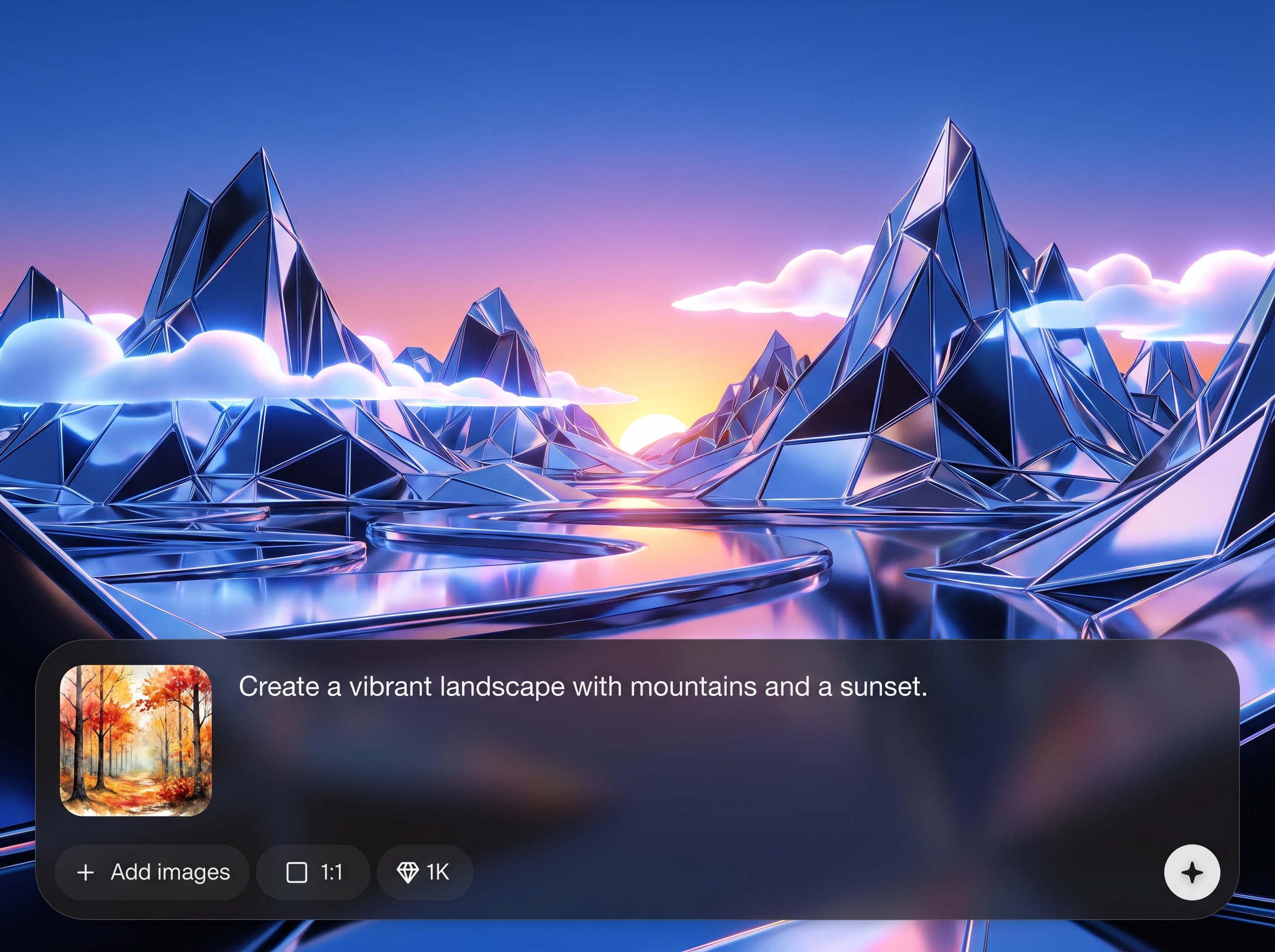
Turn a subject into clear, relevant imagery using AI prompts and keywords. Produce visuals that match intent, context, and tone for content marketing and campaign assets.
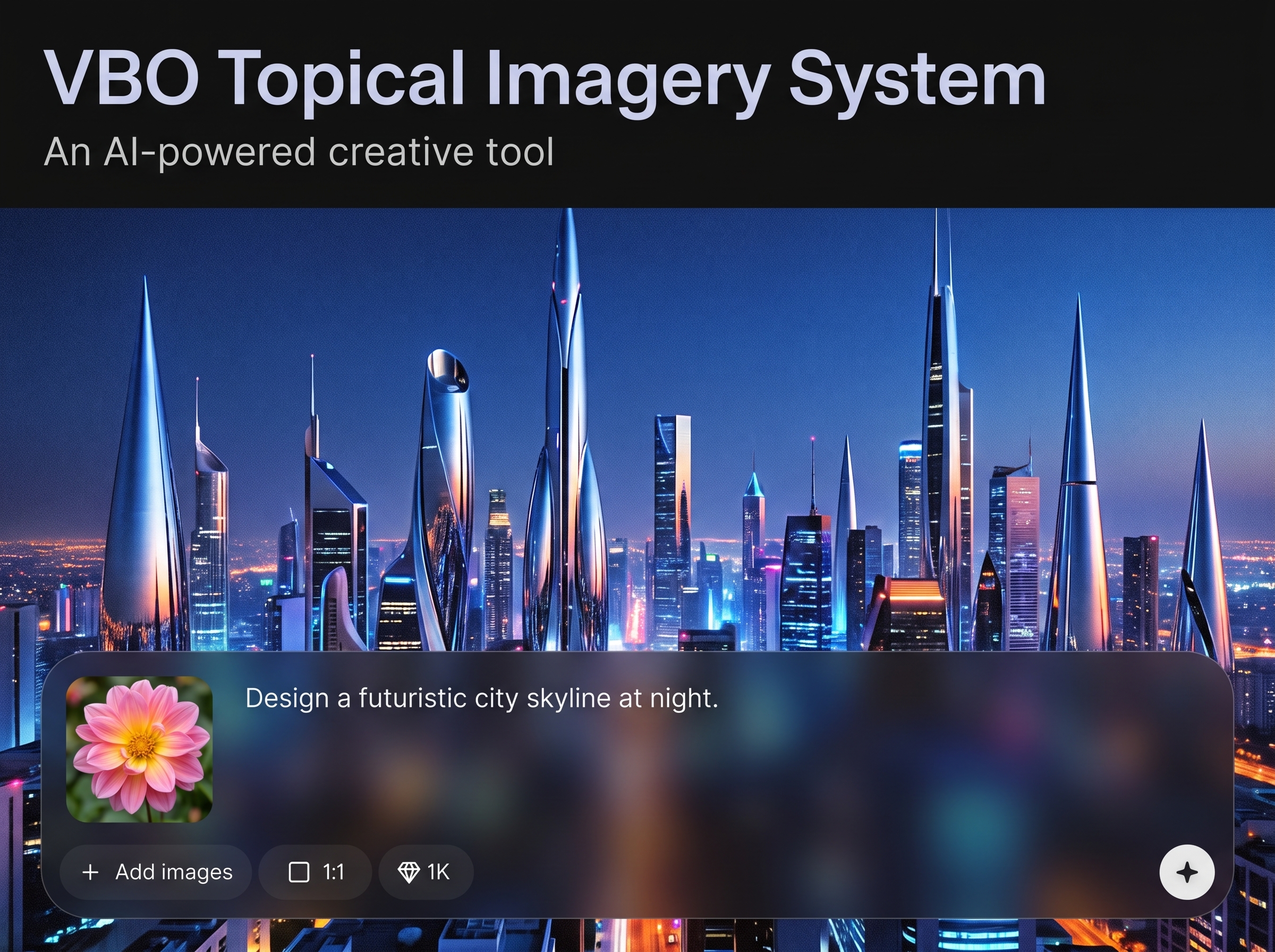
Generate multiple options in one run to compare angles, layouts, and styles. Iterate with small prompt changes to refine results quickly without restarting your workflow.
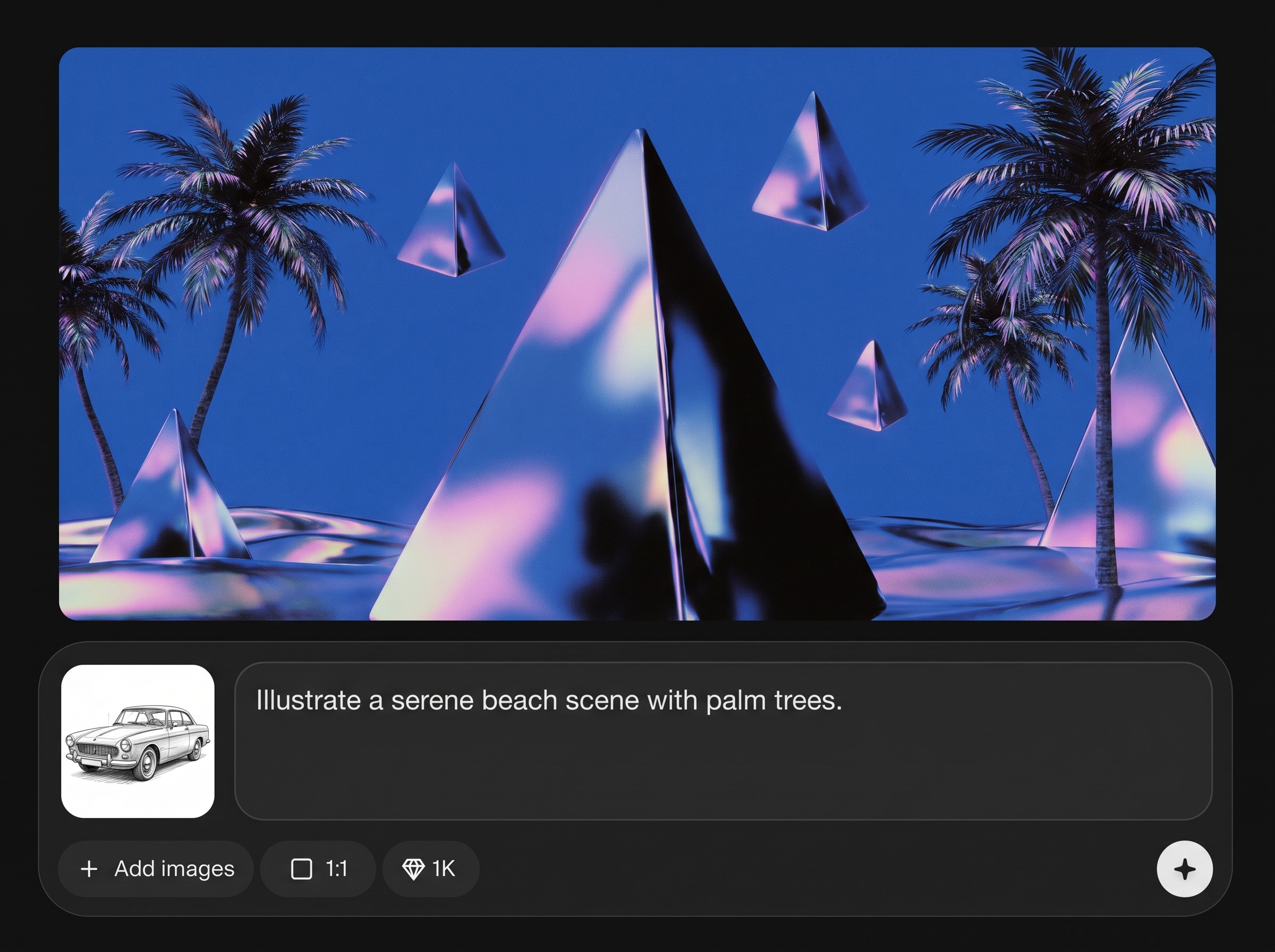
Guide results with aspect ratios, color preferences, and style direction to keep a cohesive look. Export high-quality images that stay consistent across pages, posts, and ads.
About
VBO Topical Imagery System turns topics into ready-to-use visuals with AI. Generate topical imagery for articles, campaigns, and social posts while keeping a consistent look and message. Create multiple variations fast, refine prompts, and export high-quality images sized for your channels—without complex design tools.
VBO Topical Imagery System is built to translate topics into relevant, consistent visuals using AI. Get faster iteration through variations, clearer creative control with style guidance, and exports sized for real publishing workflows. It’s a practical way to scale imagery production without sacrificing coherence.
Enter your topic and a few keywords, pick a style and aspect ratio, then generate. Review variations, refine the prompt, and export high-resolution images ready for blogs, social posts, and ads.
Use cases
Discover how different creators use this app in their workflow.
Create topical header images, inline illustrations, and featured visuals that match your article keywords and improve on-page engagement across content libraries.
Generate consistent post graphics for weekly themes, launches, and announcements. Produce variations sized for different platforms without manual redesign work.
Build topical imagery for paid campaigns and landing sections. Keep visuals aligned with offer messaging while quickly testing multiple concepts and styles.
Krea is one of the world's leading generative AI platforms. See what others say.
Real reviews on TrustpilotSo many AI tools out there but I always come back to Krea. It's really the one AI platform that 'just works'.

FYN
Krea's interfaces are still the best in the industry. Everything looks and feels so clean and easy to use! Imo the easiest to use gen AI website.

Lynn
Ultra fast generations. Extremely simple to use. All the latest AI models.

Daniel
KREA is the only AI subscription I have right now besides ChatGPT.

Sophia M.
Find quick answers about generating topical imagery with AI and exporting ready-to-use visuals.
VBO Topical Imagery System is an AI topical imagery generator that converts topics and keywords into usable visuals. It helps you create consistent images for blogs, ads, and social media quickly.
You provide a topic, keywords, and style guidance. The AI model uses machine learning to interpret intent and generate images that reflect the theme, tone, and composition you request.
Yes. Generate several variations per prompt to compare styles and layouts. Then refine the prompt or settings to iterate quickly until the imagery matches your needs.
You can guide results with style direction, colors, and aspect ratio choices. This makes it easier to produce on-brand visuals that look consistent across different pages and channels.
Export high-resolution images suited for web and social use, including common aspect ratios for posts, banners, and headers. Choose the size that fits your channel before downloading.
Yes. Topical visuals can improve readability and engagement on SEO pages. Use keyword-aligned prompts to create relevant featured images and supporting graphics for articles.
No. The workflow is prompt-based with simple controls for style and sizing. You can generate polished imagery quickly without learning advanced design software or templates.
Add specific nouns, adjectives, and context, plus desired style cues like “minimal,” “editorial,” or “3D.” Generate variations, then adjust one element at a time for control.
Yes. Create topical imagery aligned with your offer and messaging, then export in sizes suitable for ad placements and page sections. Iteration helps you test different creative directions.
Generation is designed to be quick so you can explore multiple options in minutes. Use variations and prompt refinement to reach a final image faster than manual concepting.



Turn any topic into channel-ready visuals in minutes with fast variations and easy exports.

