














Step 1
Describe
Enter a prompt describing the asset type, style, and details like materials, shape, and era. Add references if available to guide the AI toward your target look.
Generate game-ready 2D/3D assets fast with GUS Asset Generation. Use AI to create props, icons, and variations from prompts. Try it online now.
How to use GUS Asset Generation
Use GUS Asset Generation to create game assets from prompts and refine results with fast iterations. Follow these steps to generate consistent visuals, explore variations, and export assets ready for your workflow.
Step 1
Enter a prompt describing the asset type, style, and details like materials, shape, and era. Add references if available to guide the AI toward your target look.

Step 2
Run the AI generator to produce multiple options and variations. Adjust prompt wording and settings to refine silhouettes, color palettes, and consistency across a set.

Step 3
Select the best outputs and export for your pipeline. Download assets for further editing, batching, or integration into your game, prototype, or content library.
Features
GUS Asset Generation helps you produce game assets with AI-powered prompt generation and rapid iteration. Create cohesive sets of props, icons, and textures while keeping style consistent across variations. Reduce time spent on repetitive asset drafting and focus on polishing, integration, and world-building with cleaner, production-friendly outputs.
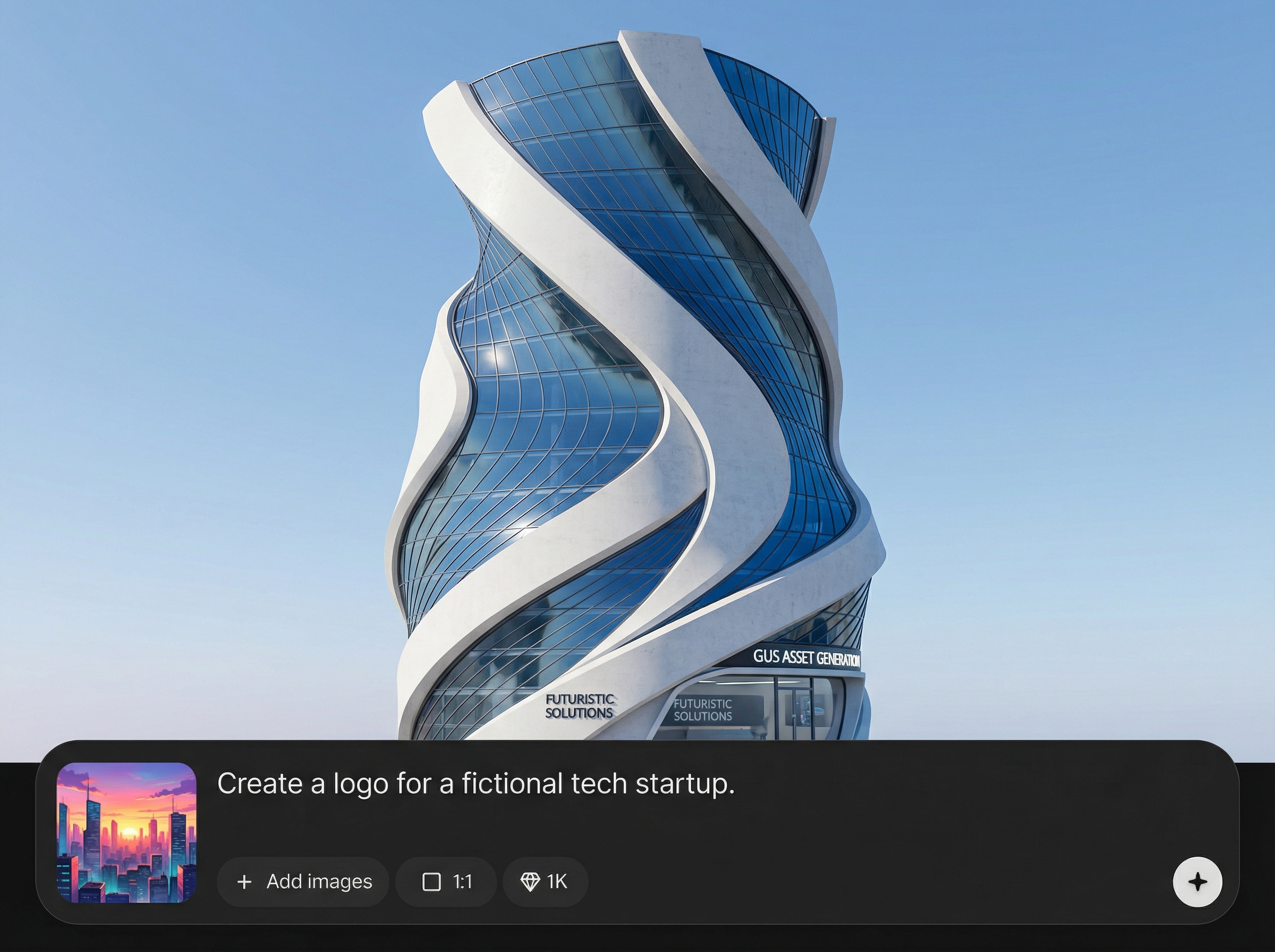
Turn text prompts into usable asset concepts quickly. Generate props, icons, and environment details with controllable style cues, helping you move from idea to asset drafts in minutes.
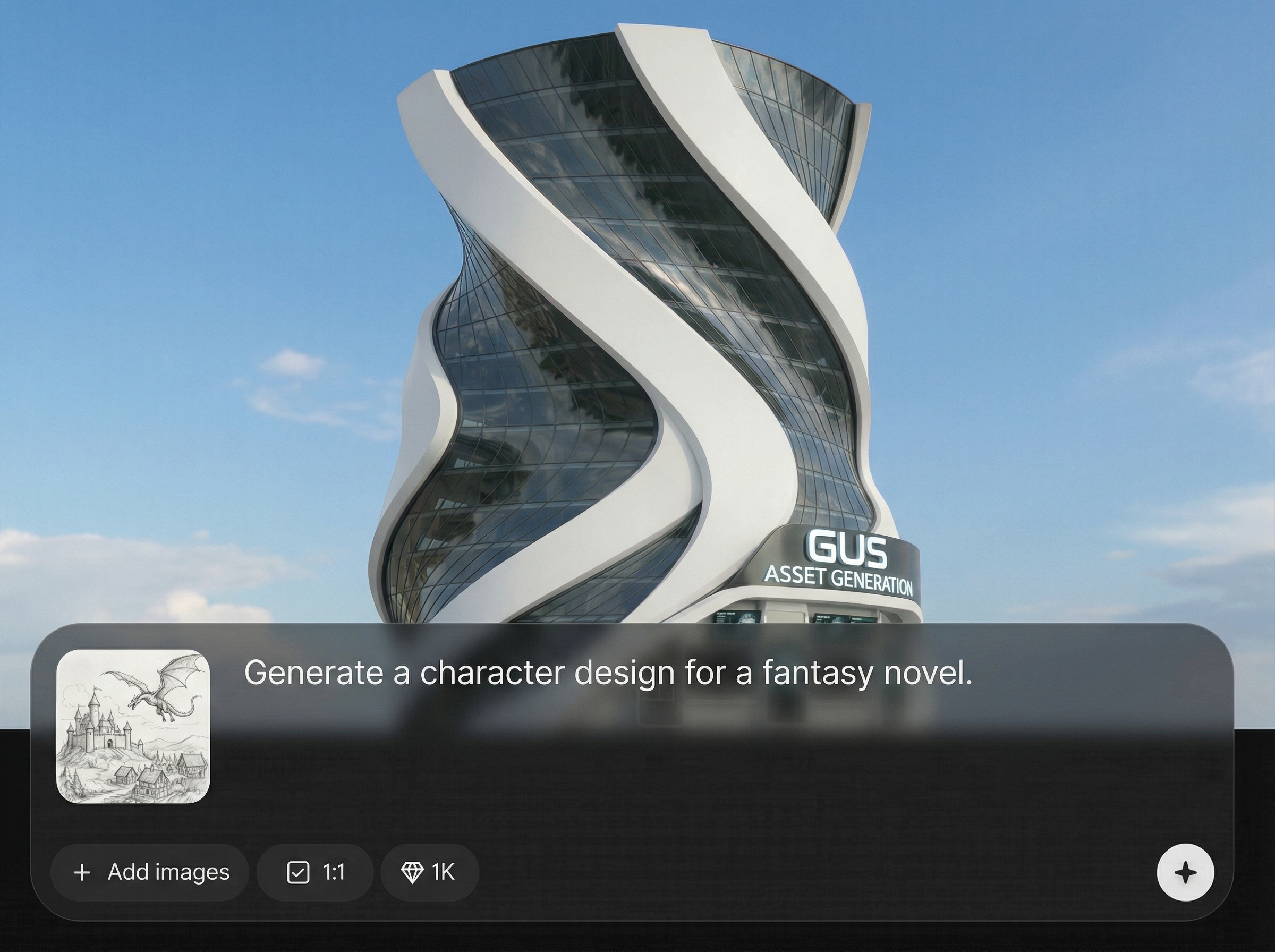
Explore multiple versions without restarting. Create variations for sets, rarity tiers, and theme changes, then refine results with small prompt edits to stay consistent across a library.
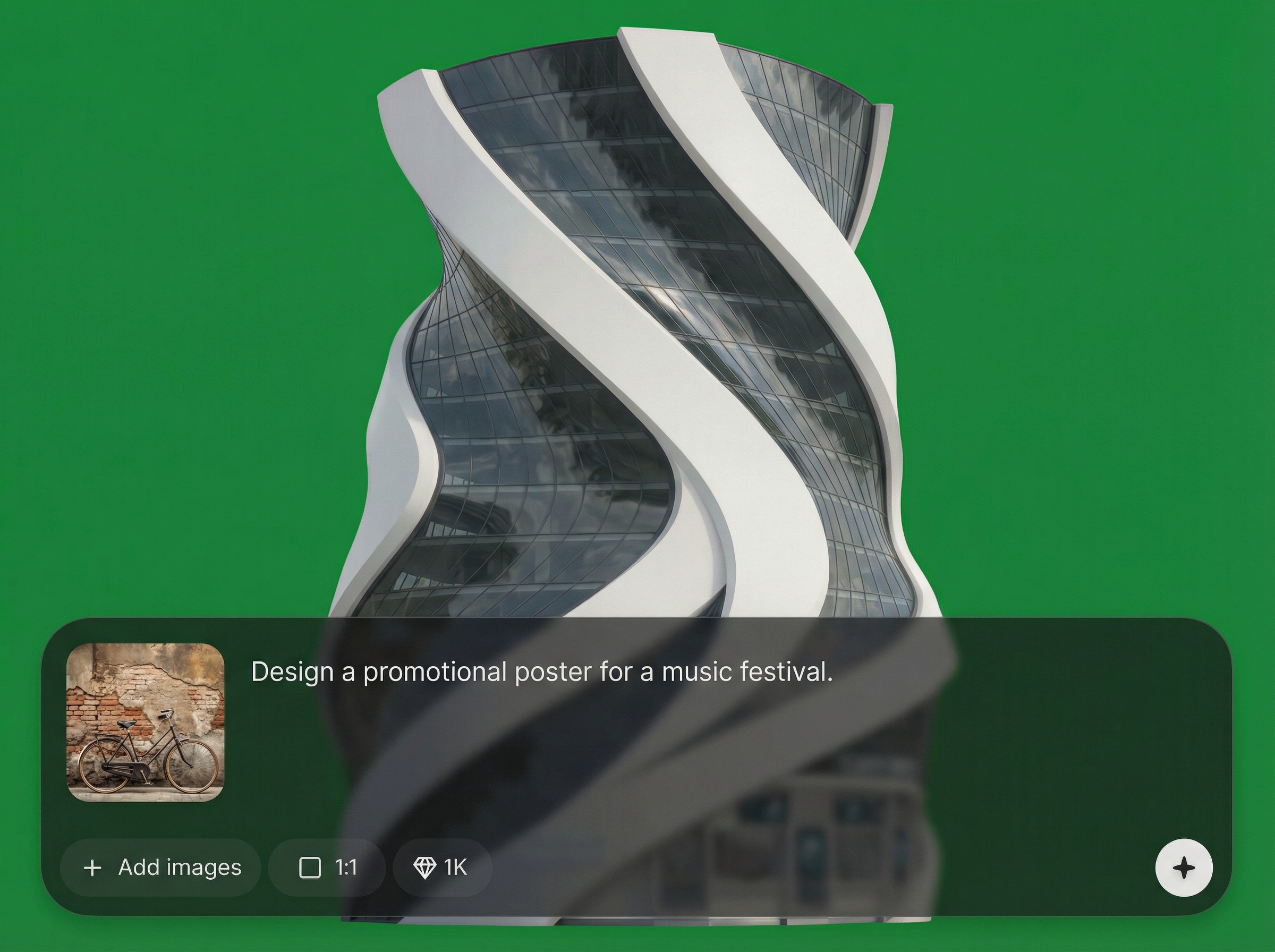
Keep a cohesive look across assets by reusing prompt patterns and constraints. Build consistent icon packs, prop families, and texture directions that match your project’s visual language.
About
GUS Asset Generation is an AI asset generator for producing game-ready visuals from simple prompts. Create props, icons, textures, and variations in minutes, then iterate quickly with consistent style and clean outputs. Use artificial intelligence to speed up asset production, reduce manual rework, and keep your pipeline moving from concept to implementation.
GUS Asset Generation delivers fast, prompt-driven asset creation with variation support and style consistency for sets. Generate options quickly, refine without heavy rework, and keep your production pipeline moving with clean, exportable outputs designed for real workflows.
Open GUS Asset Generation, describe the asset you need, and generate multiple options instantly. Refine with quick prompt edits, select the best result, and export assets for editing or integration into your project.
Use cases
Discover how different creators use this app in their workflow.
Generate placeholder or production-bound assets for prototypes and builds. Create consistent props, icons, and textures faster to keep level design and implementation moving.
Produce icon variations for menus, inventory, and skills. Iterate on readability, silhouette, and style quickly while maintaining a unified visual system.
Build themed collections for marketplaces, internal libraries, or content drops. Create cohesive sets with quick variation generation and streamlined export.
Krea is one of the world's leading generative AI platforms. See what others say.
Real reviews on TrustpilotSo many AI tools out there but I always come back to Krea. It's really the one AI platform that 'just works'.

FYN
Krea's interfaces are still the best in the industry. Everything looks and feels so clean and easy to use! Imo the easiest to use gen AI website.

Lynn
Ultra fast generations. Extremely simple to use. All the latest AI models.

Daniel
KREA is the only AI subscription I have right now besides ChatGPT.

Sophia M.
Common questions about GUS Asset Generation and AI asset creation workflows.
GUS Asset Generation is an AI asset generator that creates game-ready visuals from text prompts. Use it to generate props, icons, textures, and variations quickly, then export results for editing or integration.
You can generate assets suited for 2D and 3D workflows, including concept-style outputs, iconography, and texture directions. The tool is designed to speed exploration and iteration for your asset pipeline.
Reuse a stable prompt structure and specify style constraints like era, materials, line weight, and palette. Generate variations from the same prompt base, then refine with small edits to maintain cohesion.
Include the asset type, purpose, style, materials, and key shapes. Add constraints like color palette, lighting, and level of detail. Clear, specific prompts help the AI produce more usable, consistent results.
Yes—download and use generated assets in your workflow, then polish as needed in your preferred tools. For best results, review outputs for consistency, technical fit, and project requirements before shipping.
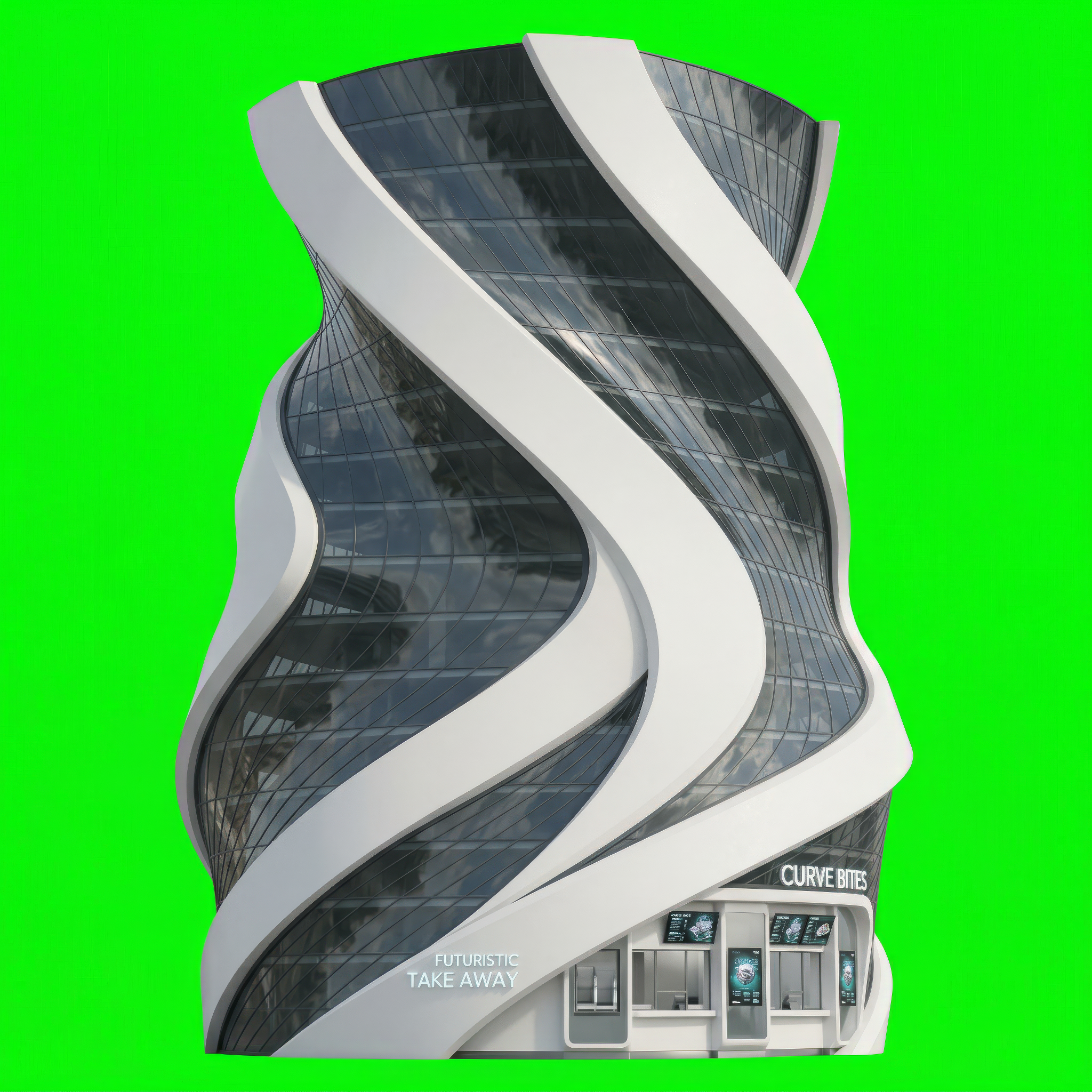
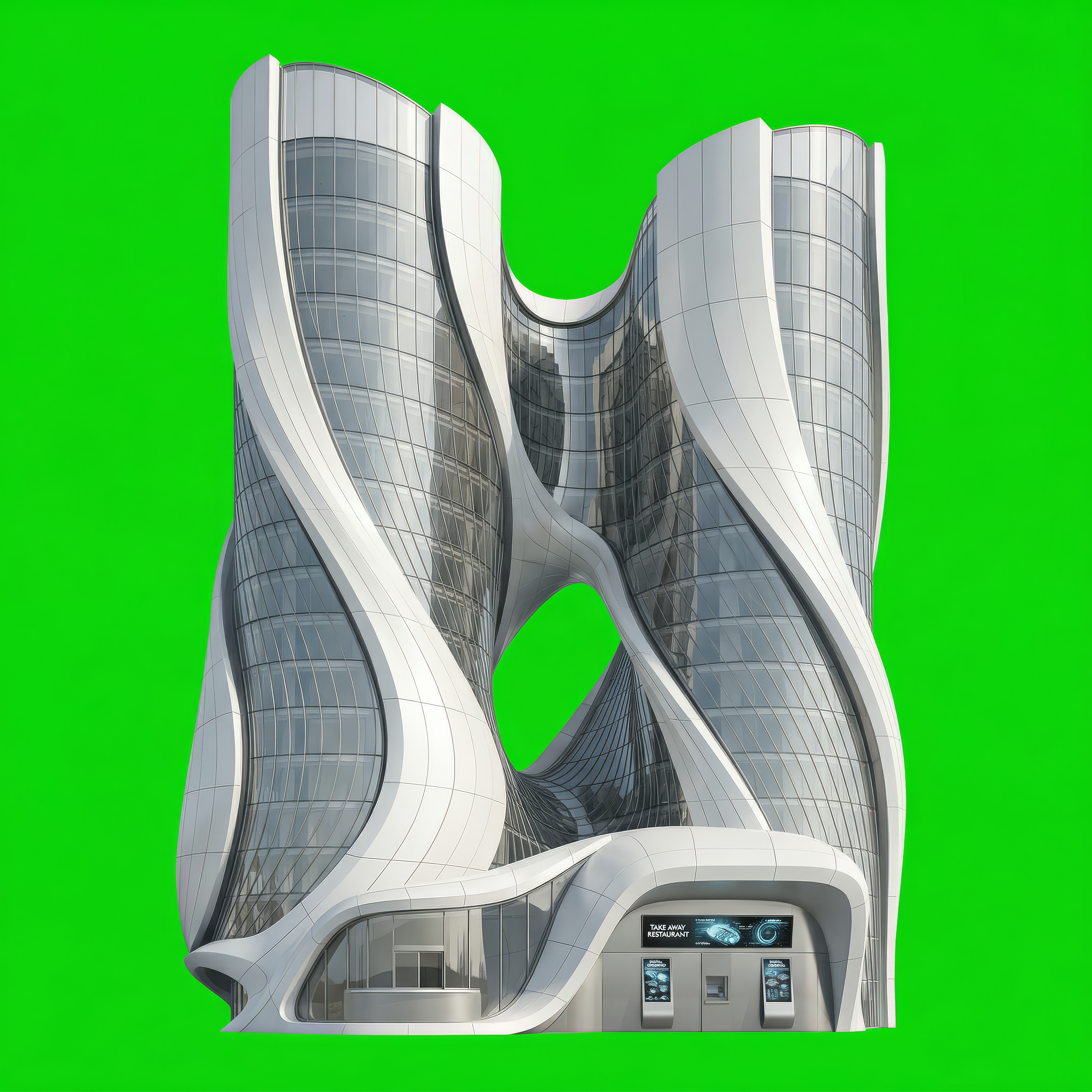
Create consistent props, icons, and textures faster with GUS Asset Generation—start generating online in minutes.

