














Step 1
Configure
Choose an object type and define the template fields such as shape, materials, colors, and key details. Add constraints to keep every generation consistent.
 App by HR M team
Generate clean, reusable object templates with AI. Customize style, size, and details, then export consistent assets fast. Try it online now.

How to use Шаблон для генерации объектов YfD
This quick tutorial shows how to set up an object template, tune AI controls, and generate consistent outputs. Follow three steps to create reusable assets and export results for your workflow.
Step 1
Choose an object type and define the template fields such as shape, materials, colors, and key details. Add constraints to keep every generation consistent.

Step 2
Run the AI generator to create multiple object variations from the same template. Adjust settings to refine structure, style consistency, and level of detail.

Step 3
Select the best outputs and export them for design, prototyping, or marketing use. Reuse the template anytime to generate matching assets on demand.
Features
Create structured object templates and generate reliable variations with AI. Keep style, proportions, and details consistent while iterating quickly. Use flexible controls to guide outputs, then export assets that fit product design, UI, mockups, and visual libraries—without rebuilding from scratch each time.
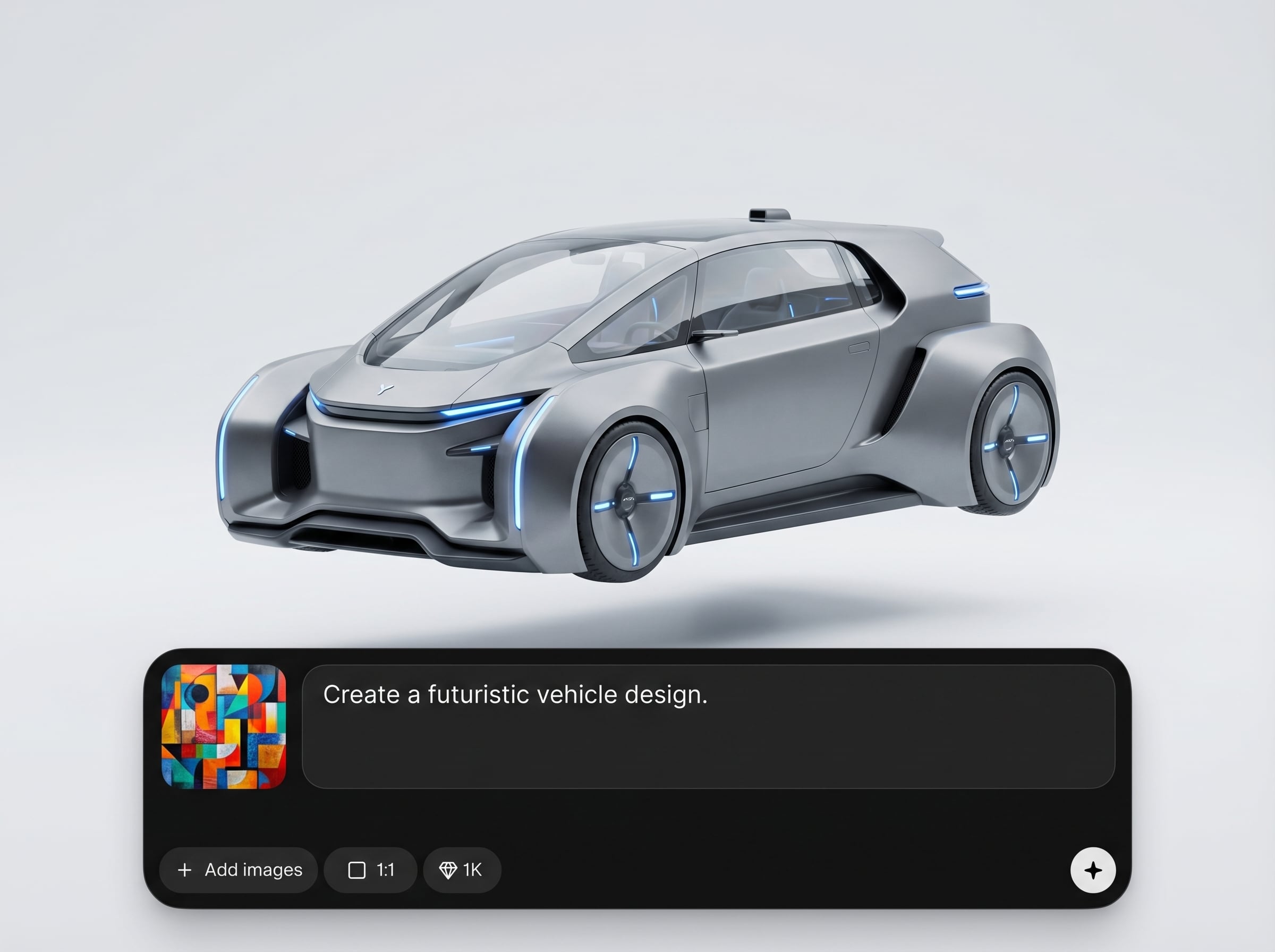
Build reusable object templates with defined attributes and constraints. The AI follows your structure to produce consistent results, making it easier to scale asset libraries across multiple projects.
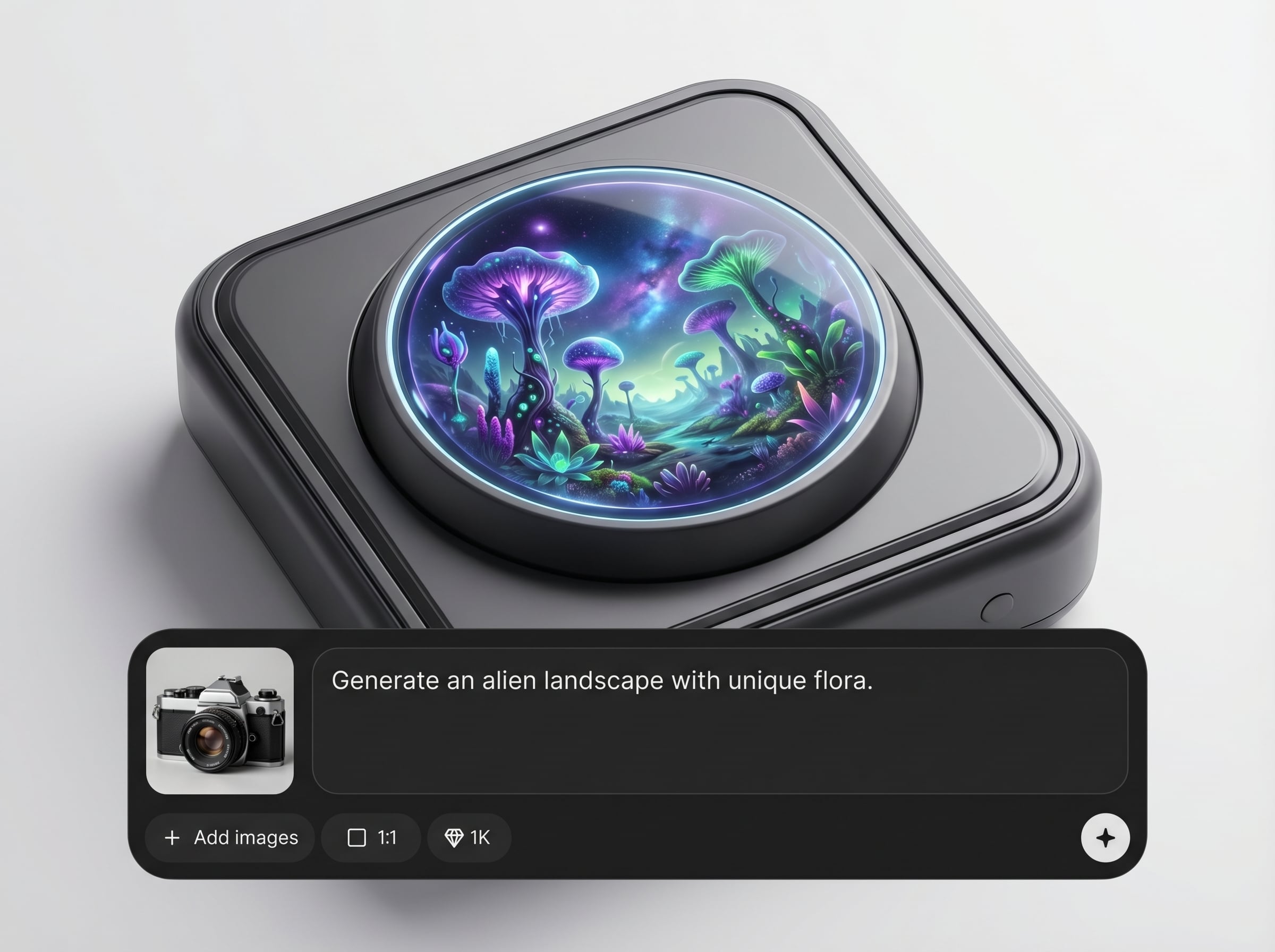
Generate multiple options in seconds while keeping the same template rules. Quickly iterate on color, material, and detail levels to compare directions without losing consistency.
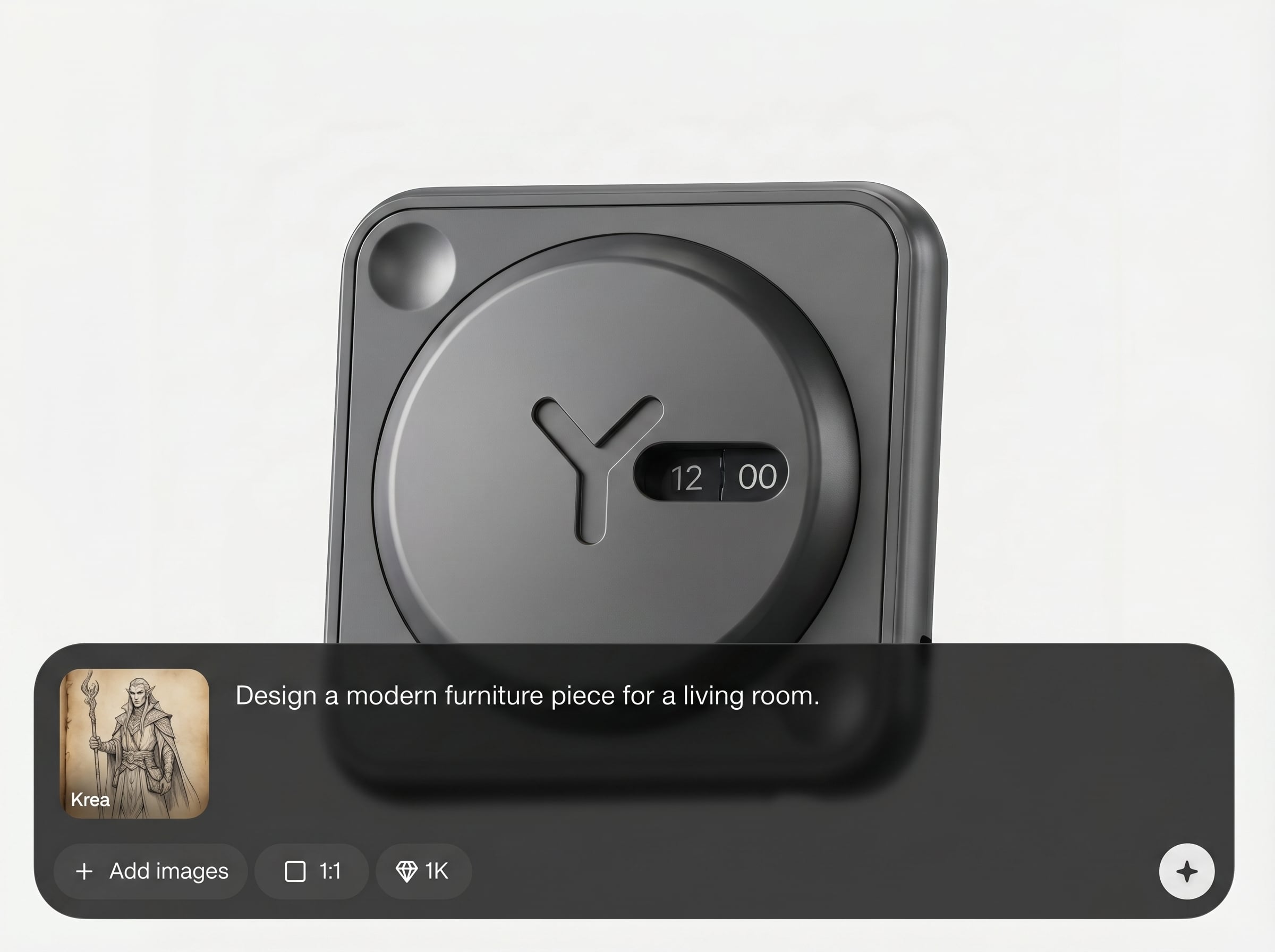
Export generated objects as ready-to-use assets for design and production pipelines. Re-run the same template later to produce matching sets for updates, new sizes, or new contexts.
About
Шаблон для генерации объектов YfD is an AI object template generator for producing consistent assets on demand. Set a visual style, define key attributes, and generate variations that stay on-brand across projects. Use it to speed up design workflows, build reusable template outputs, and export ready-to-use objects for apps, marketing, and prototyping.
Шаблон для генерации объектов YfD focuses on template-driven consistency, not one-off generations. Get predictable outputs, faster iteration, and reusable structures that scale across teams and projects. Generate more assets with less rework while keeping style and details aligned.
Open the app, choose an object type, and set your template fields. Generate a batch, refine the settings, then export the best results. Save the template to reuse later for matching assets.
Use cases
Discover how different creators use this app in their workflow.
Generate consistent object variations for product pages, catalogs, and listings. Keep a unified look while producing many angles, colors, or versions quickly.
Create reusable object sets for UI design systems and prototypes. Maintain consistent visual rules while iterating on components and layouts.
Produce on-brand objects for ads, landing pages, and social graphics. Use templates to keep style consistent across campaigns and formats.
Krea is one of the world's leading generative AI platforms. See what others say.
Real reviews on TrustpilotSo many AI tools out there but I always come back to Krea. It's really the one AI platform that 'just works'.

FYN
Krea's interfaces are still the best in the industry. Everything looks and feels so clean and easy to use! Imo the easiest to use gen AI website.

Lynn
Ultra fast generations. Extremely simple to use. All the latest AI models.

Daniel
KREA is the only AI subscription I have right now besides ChatGPT.

Sophia M.
Answers to common questions about AI object templates, generation controls, and exporting assets.
It’s an AI object template generator that helps you define a reusable structure and produce consistent object variations. You control attributes and constraints so outputs stay aligned across iterations.
Consistency comes from template fields and constraints you set—such as proportions, materials, and styling rules. The AI generates variations within those boundaries to reduce randomness and drift.
Yes. Create one template and generate many outputs by changing attributes like color, detail, or style intensity. This is ideal for building asset packs and comparing options quickly.
Use them for product mockups, UI assets, prototypes, and marketing visuals. Template-based generation helps you scale consistent libraries without repeating manual design steps each time.
No. The interface is designed for practical controls rather than technical setup. You define the template and adjust simple settings to guide the AI generation and exports.
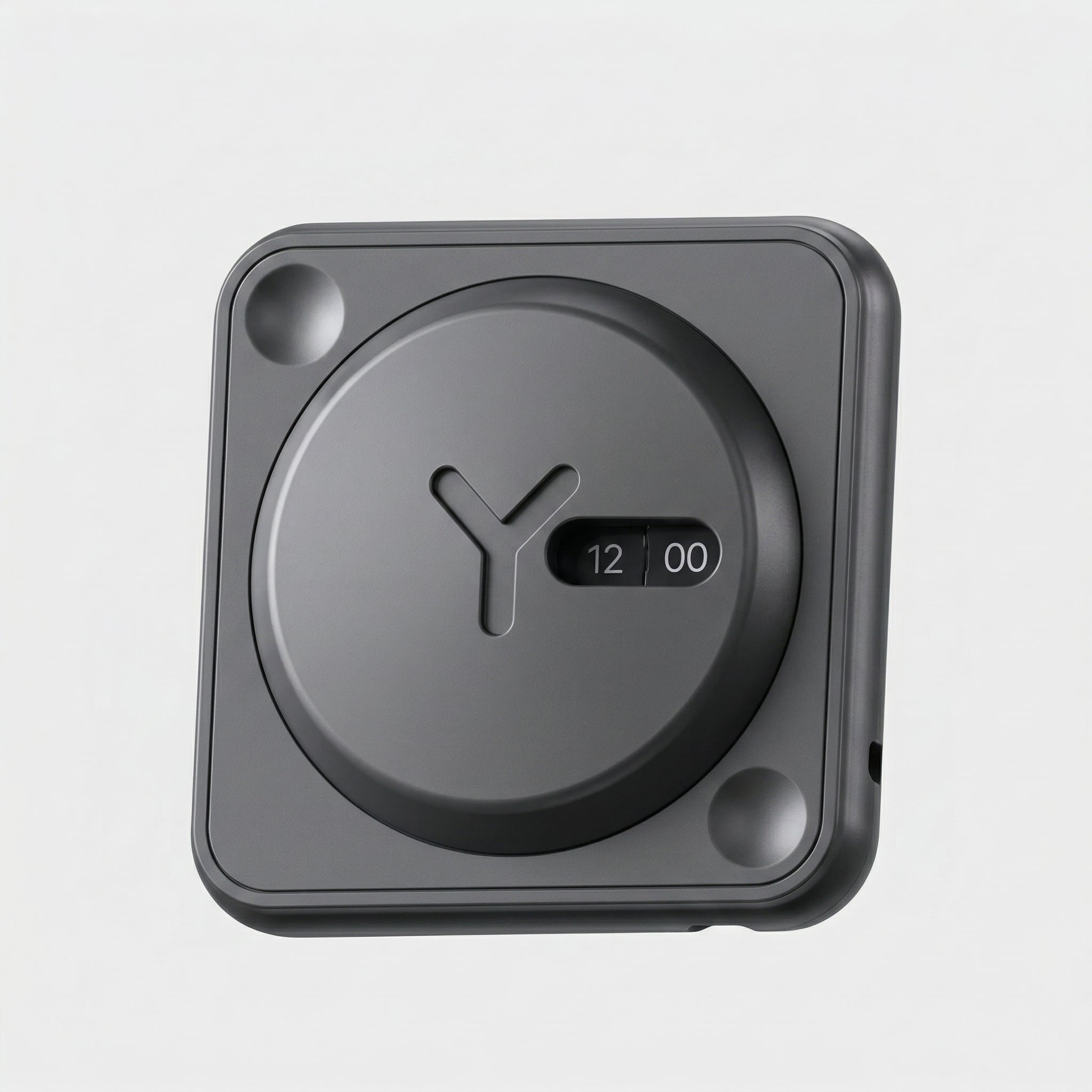
Build a reusable template, generate consistent variations, and export production-ready assets in minutes.

