














Step 1
Upload
Add storyboard frames or reference images, then group them into scenes. The tool detects sizes and proposes a consistent grid to keep the sequence readable and aligned.
Edit storyboard collages fast with אפליקציה לעריכת קולאז. AI layouts, smart cropping, and clean exports for presentations and planning. Try it online now.
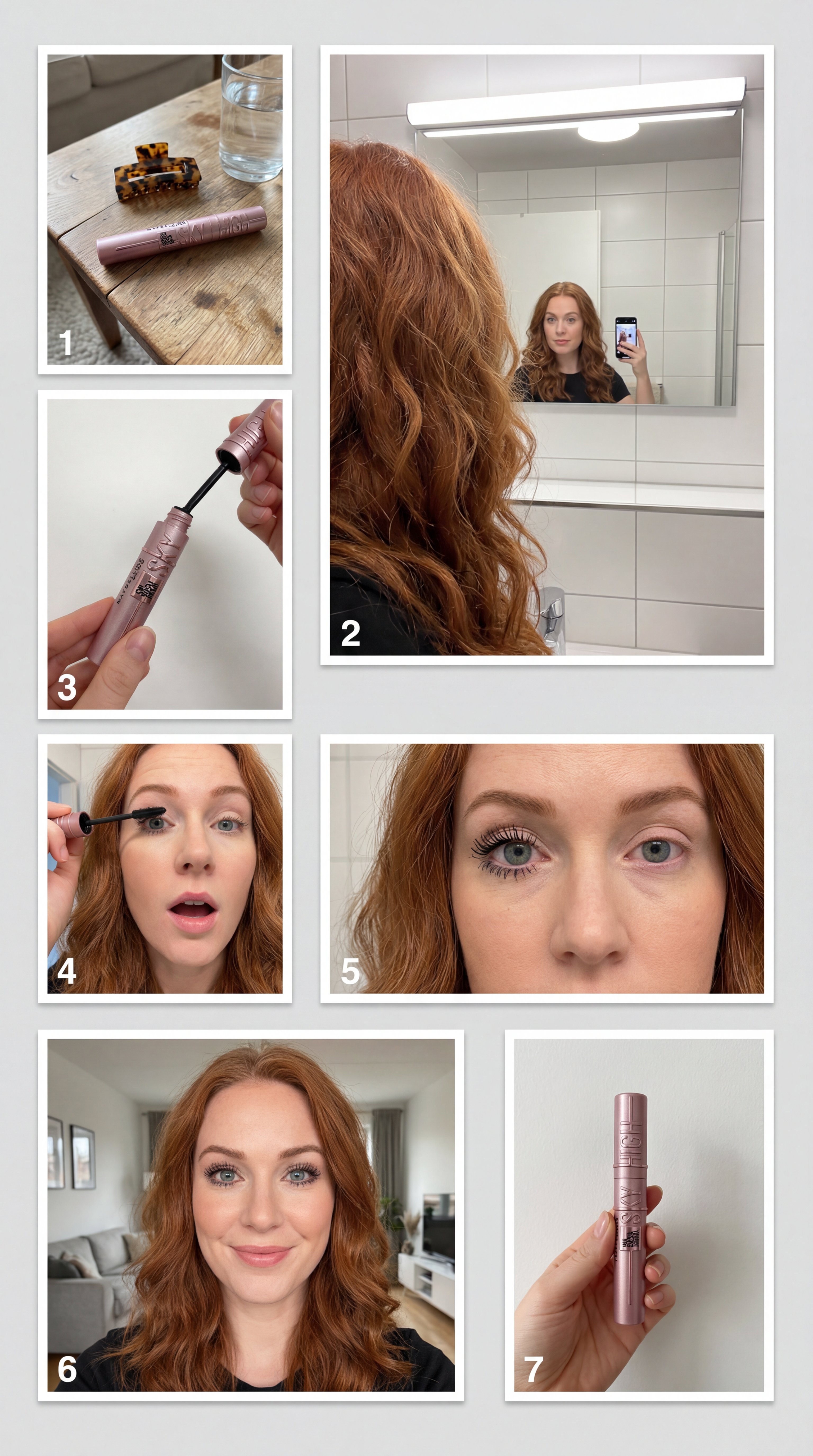
How to use אפליקציה לעריכת קולאז
Turn scattered frames into a structured storyboard collage with a simple workflow. Upload images, choose an AI layout, then refine details like crops and spacing before exporting a ready-to-share board.
Step 1
Add storyboard frames or reference images, then group them into scenes. The tool detects sizes and proposes a consistent grid to keep the sequence readable and aligned.

Step 2
Pick an AI-generated layout, adjust rows and spacing, and lock key frames. Use smart cropping to keep subjects centered while maintaining a clean storyboard rhythm.

Step 3
Download as PNG or share a link for reviews. Keep resolution sharp for presentations, and regenerate variations quickly to compare edits, pacing, and visual continuity.
Features
Build storyboard collages with AI-assisted layout, smart cropping, and quick iteration. אפליקציה לעריכת קולאז keeps frames aligned, spacing consistent, and sequences easy to scan. Edit grids, reorder panels, add labels, and export polished boards for planning, reviews, and presentations—without manual nudging or repetitive resizing.
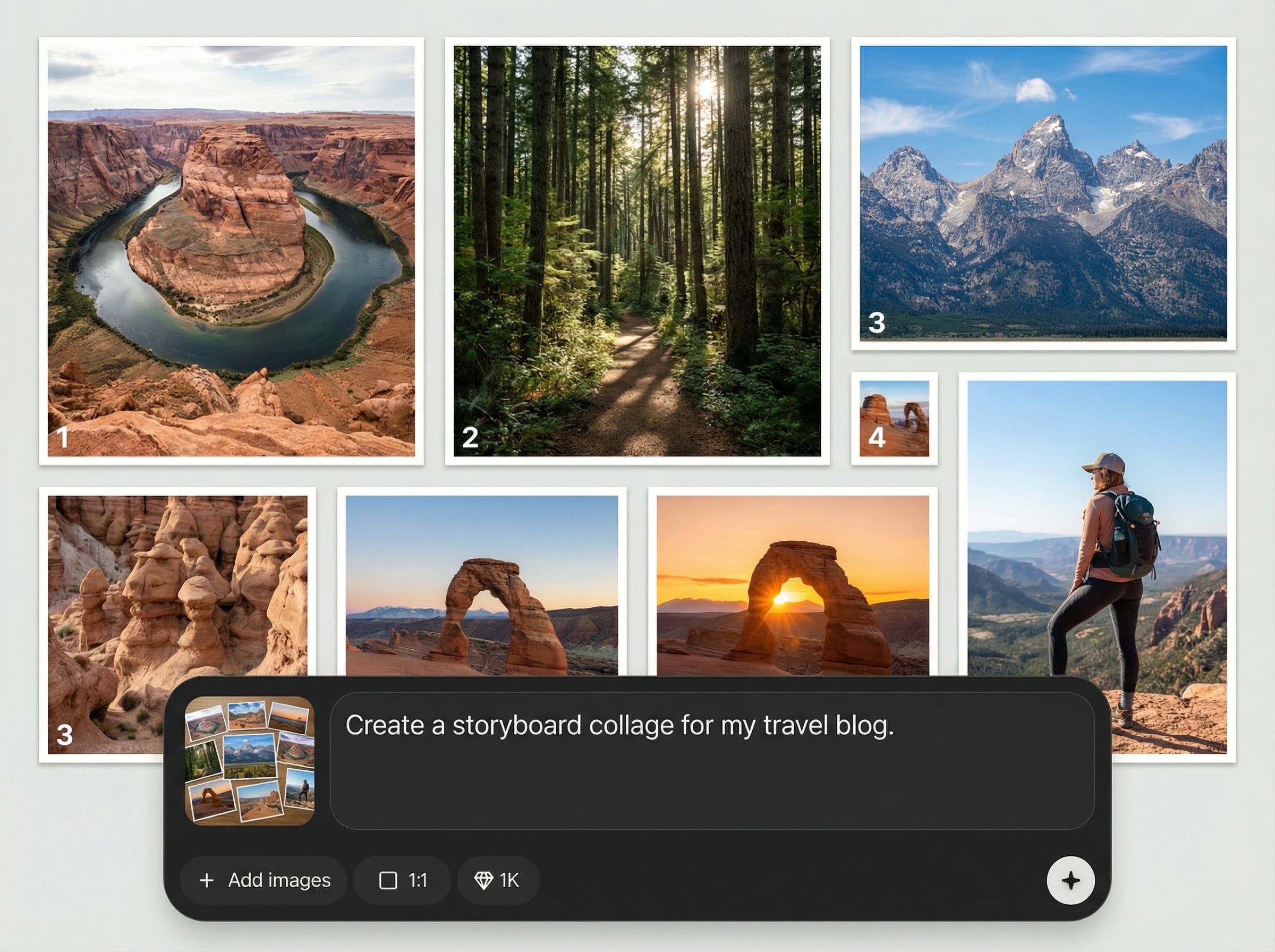
Generate balanced collage grids automatically, then fine-tune rows, gutters, and alignment. Keep your storyboard sequence clear while preserving visual hierarchy across panels and scenes.

Use AI-assisted cropping to keep subjects centered and readable. Quickly adjust framing per panel without breaking the overall layout, even when source images have mixed aspect ratios.
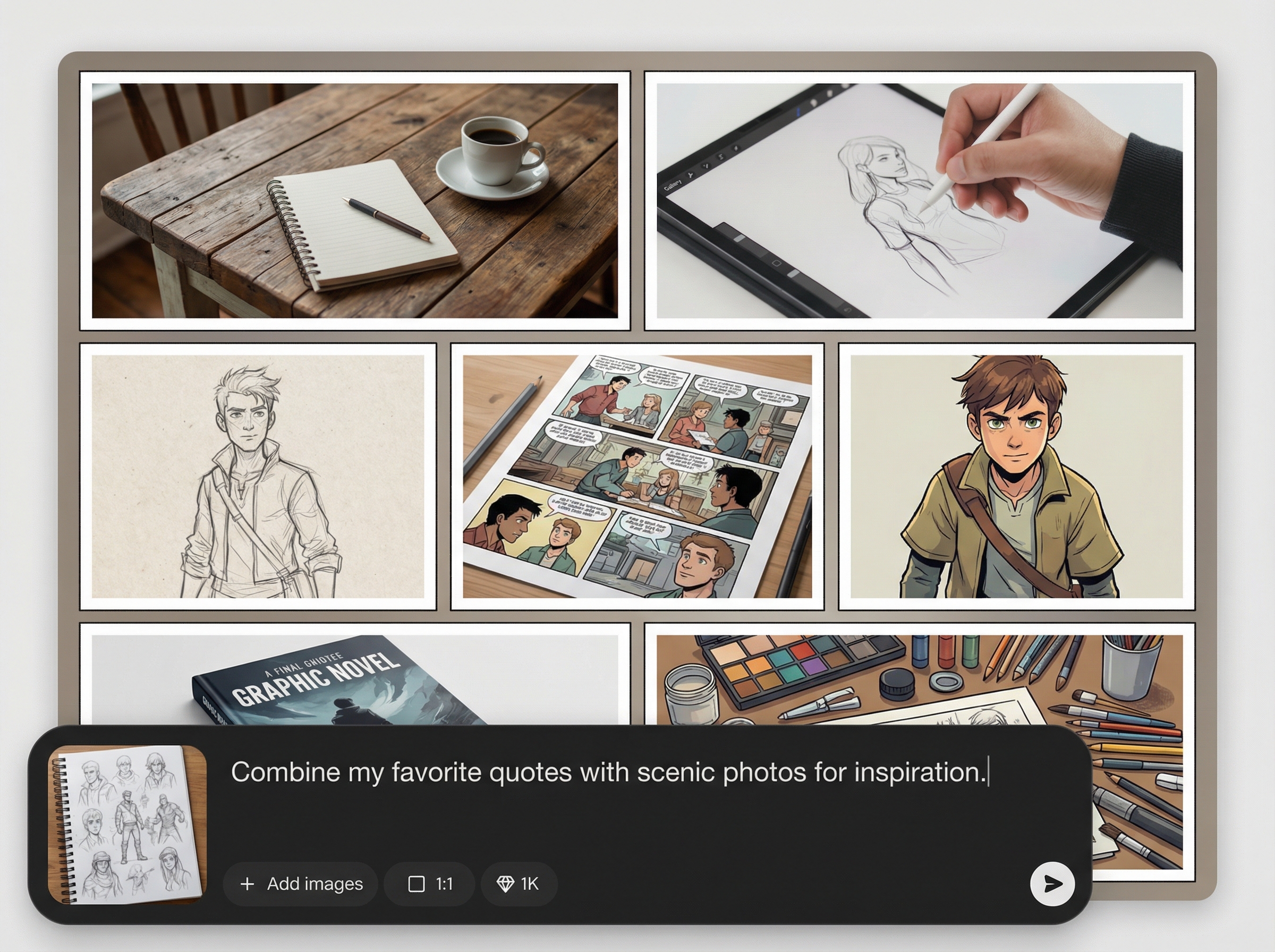
Iterate on multiple storyboard collage versions in seconds. Export high-resolution files for decks and reviews, or share online to collect feedback without messy attachments.
About
אפליקציה לעריכת קולאז helps you create clean storyboard collage edits in minutes. Upload frames, let AI arrange layouts, and fine-tune spacing, crops, and captions for a clear narrative flow. Export high-quality collages for pitching, planning, reviews, and presentations—right in your browser, with fast iterations and consistent formatting across every board.
Get storyboard collage edits that look consistent without manual resizing. AI layout suggestions, smart cropping, and quick variations help you iterate faster while keeping sequences clean and readable. Export crisp boards for decks, reviews, and planning, all from one streamlined online tool.
Open אפליקציה לעריכת קולאז, upload your storyboard frames, and choose an AI layout. Adjust crops, spacing, and order in seconds, then export a polished collage or share a review link.
Use cases
Discover how different creators use this app in their workflow.
Create a clean storyboard collage for pitch decks with consistent grids, readable sequencing, and quick layout variations that help ideas land faster.
Organize frames into scenes, reorder panels, and label beats. Keep shot continuity visible at a glance while iterating on pacing and structure.
Share a storyboard collage online for comments and approvals. Compare versions side by side and export a final board when the sequence is locked.
Krea is one of the world's leading generative AI platforms. See what others say.
Real reviews on TrustpilotSo many AI tools out there but I always come back to Krea. It's really the one AI platform that 'just works'.

FYN
Krea's interfaces are still the best in the industry. Everything looks and feels so clean and easy to use! Imo the easiest to use gen AI website.

Lynn
Ultra fast generations. Extremely simple to use. All the latest AI models.

Daniel
KREA is the only AI subscription I have right now besides ChatGPT.

Sophia M.
Common questions about AI storyboard collage editing and exports.
It’s an AI collage editor focused on storyboard collages. Upload frames, auto-generate a layout, refine crops and spacing, then export a polished board for planning, pitching, or review.
Yes. The AI proposes grid layouts based on your images and helps keep alignment consistent. You can still override the layout, reorder panels, lock frames, and adjust spacing manually.
You can edit gutters, margins, and grid structure, then drag to reorder frames to match your storyboard flow. Add simple labels or notes to clarify beats and scene transitions.
Export high-quality storyboard collages as image files like PNG for presentations and documentation. You can also share a link for quick review, reducing back-and-forth and version confusion.
It runs online in your browser, so you can start editing immediately without installing software. Your workflow stays fast: upload, arrange with AI, refine, and export when ready.
Upload frames, let AI arrange the grid, then export a presentation-ready collage in high resolution.

