














Step 1
Upload
Add two reference images and choose your format (ad, social, demo). Provide a short goal or hook so the AI understands the story you want to tell.
Turn two images into a UGC-ready storyboard with AI. Generate shot lists, frames, and captions fast for ads, social, and product demos—try it now.
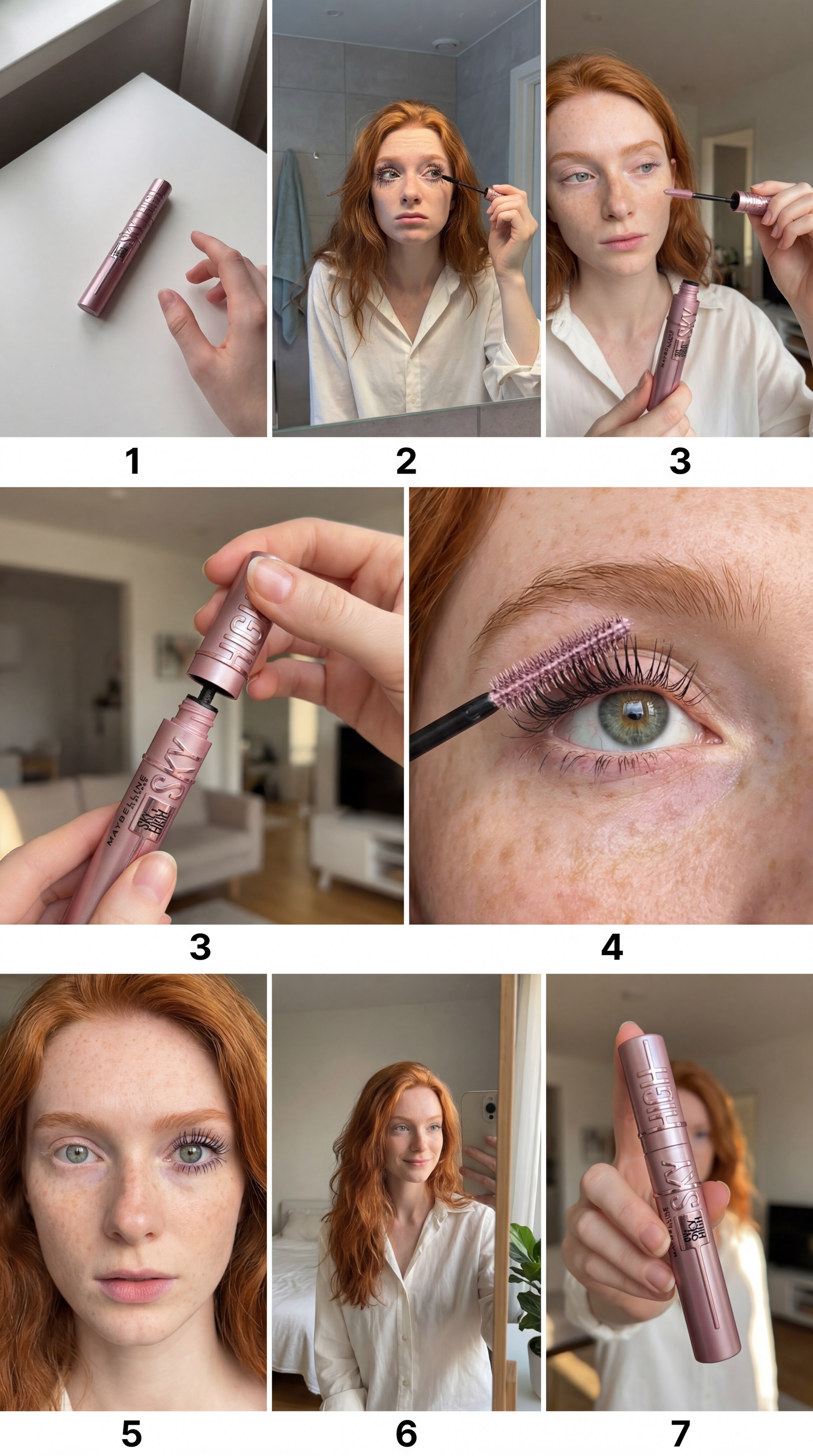
How to use סטוריבורד UGC משני תמונות
Upload two images to set the look and context, then let AI generate a shot-by-shot storyboard. Refine the structure, copy, and pacing to fit your platform, product, and message before exporting.
Step 1
Add two reference images and choose your format (ad, social, demo). Provide a short goal or hook so the AI understands the story you want to tell.

Step 2
Create a storyboard with ordered frames, shot list, scene notes, and on-screen text. Adjust tone, pacing, and length, then regenerate variants until it fits.

Step 3
Download the storyboard as a shareable plan for production. Copy captions and shot notes into your workflow, and keep versions for quick A/B testing.
Features
Generate UGC storyboards from two images with AI-assisted structure and copy. Get a clear shot list, scene direction, and on-screen text that aligns with ad performance best practices. Iterate quickly with variations, keep consistency across scenes, and export a ready-to-produce plan for teams, freelancers, or in-house workflows.
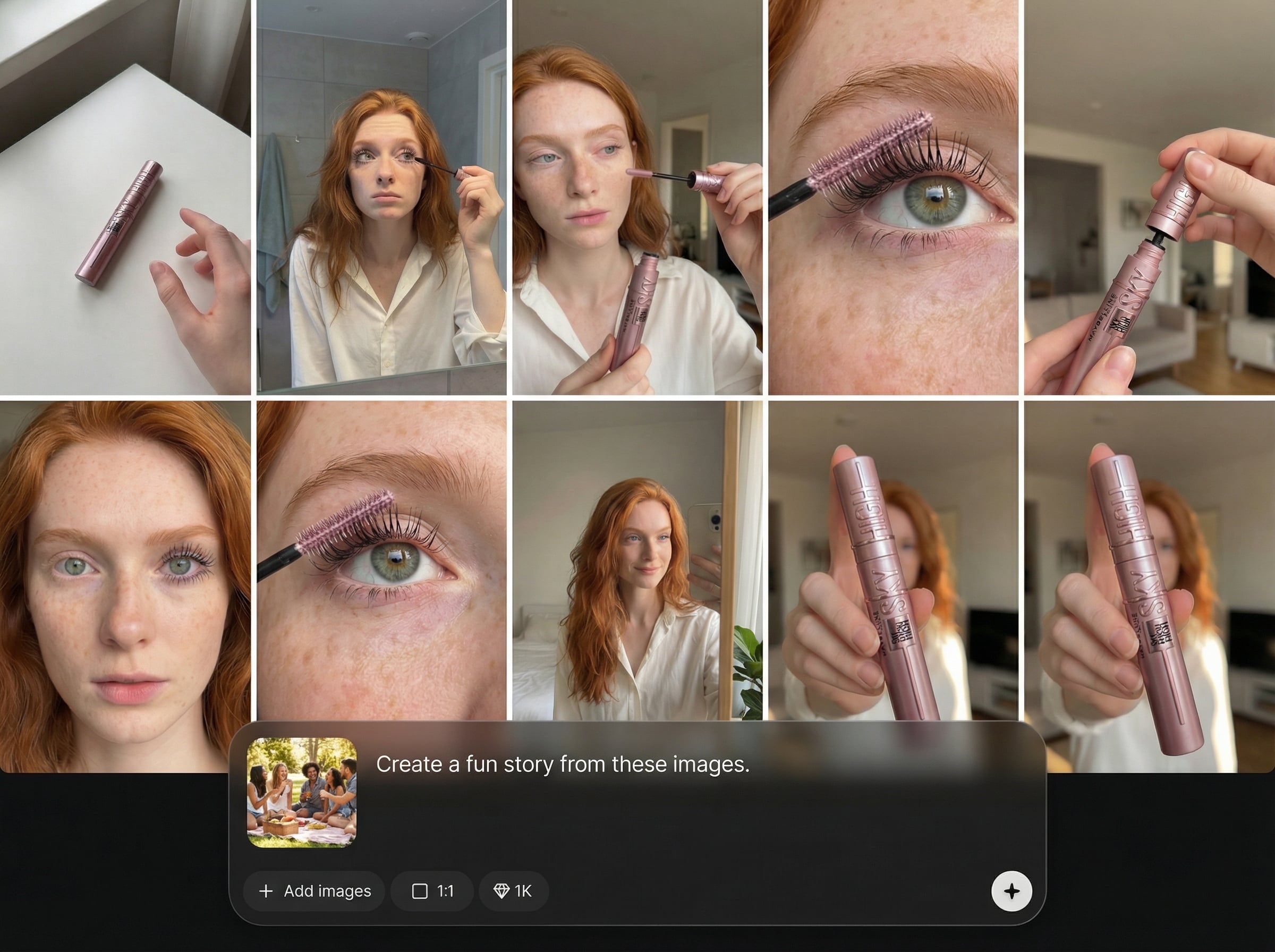
Use two images as visual anchors to produce a coherent storyboard. The AI infers style and context, then builds an ordered sequence of scenes with clear direction and continuity.
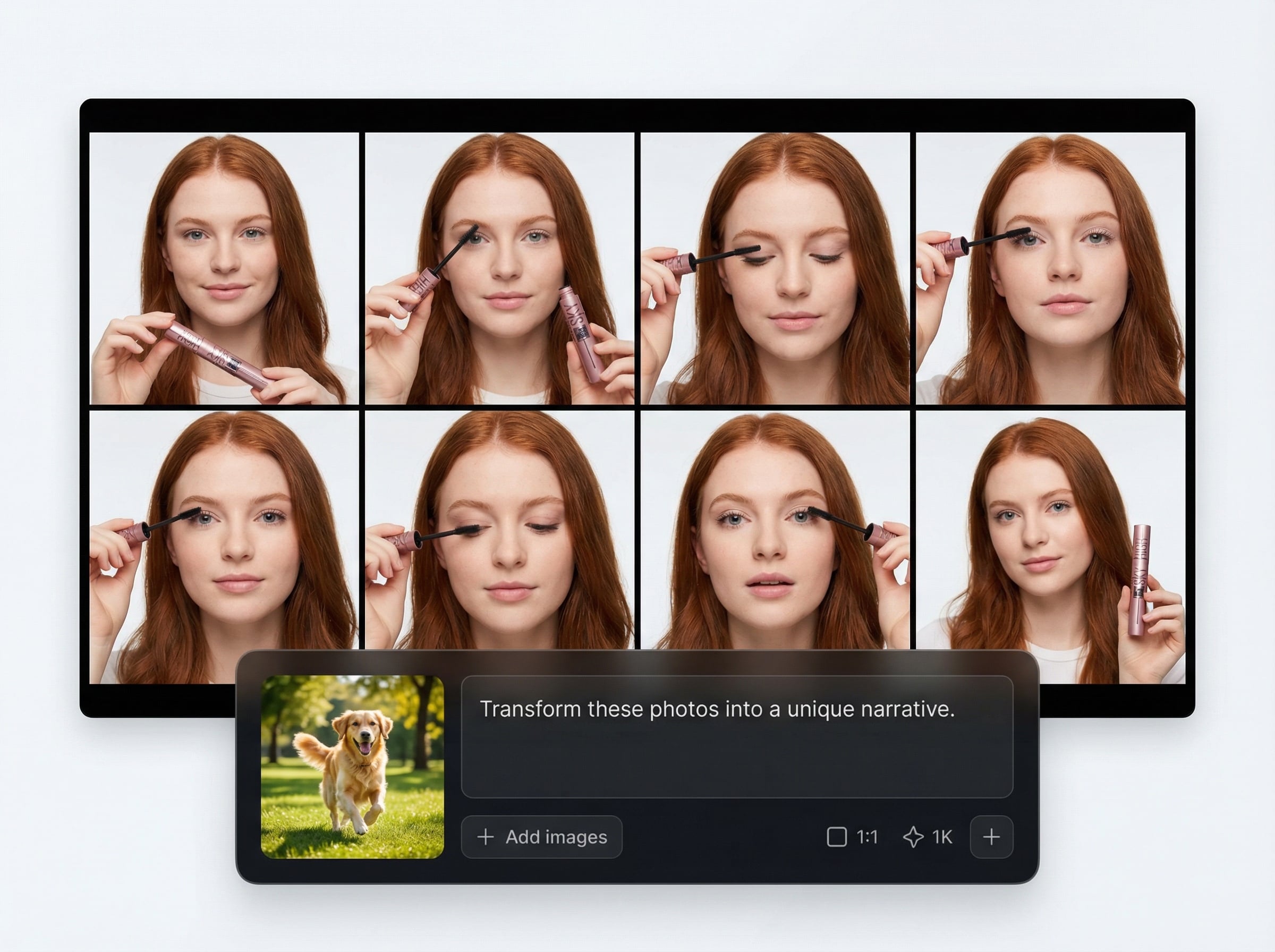
Automatically create a shot-by-shot plan with framing notes, beats, and on-screen text. Keep messaging tight for UGC ads, product demos, and social-first formats.
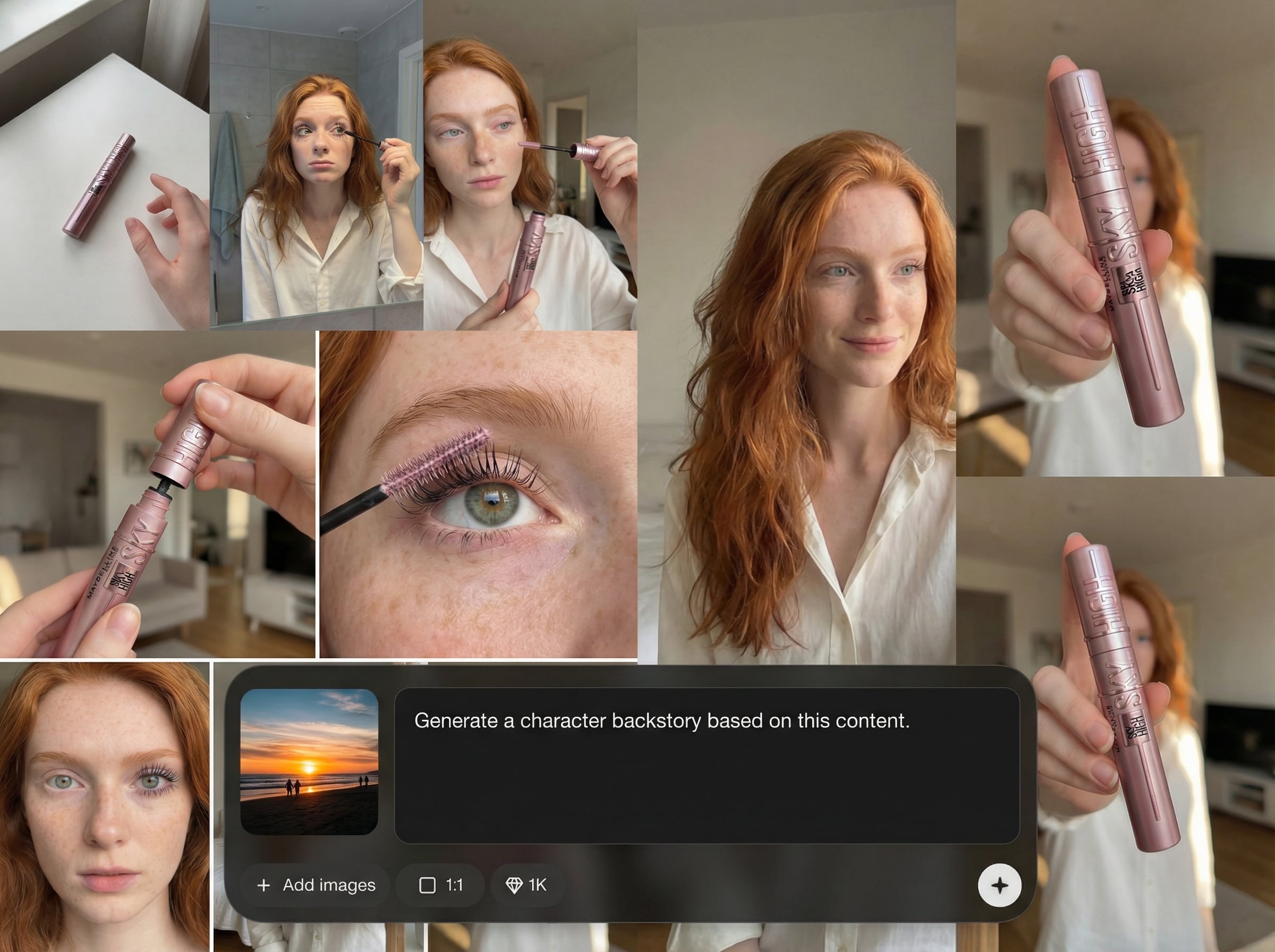
Generate multiple storyboard options to test hooks, pacing, and CTAs. Make quick edits, regenerate sections, and compare versions to improve clarity and conversion.
About
סטוריבורד UGC משני תמונות turns two reference images into a complete UGC storyboard using AI. Generate a structured sequence of shots, scene notes, on-screen text, and caption ideas tailored for ads, product demos, and social content. Build consistent creative direction in minutes, then export and iterate quickly to match your brand and platform needs.
סטוריבורד UGC משני תמונות reduces pre-production time by turning two visuals into a structured storyboard. AI helps you align shots, messaging, and pacing, so you can iterate fast, keep consistency, and ship clearer video concepts for ads and social.
Open the app, upload two reference images, and add a short brief. Generate the storyboard, tweak shots and text, then export a ready-to-share plan in just a few clicks.
Use cases
Discover how different creators use this app in their workflow.
Turn two product images into UGC ad storyboards with hooks, beats, and CTAs. Ideal for rapid iteration across paid social and short-form video.
Create a structured demo flow with scene notes and on-screen text. Keep explanations clear, show benefits fast, and maintain consistency across frames.
Generate repeatable storyboard templates from reference images. Build series formats, swap products or themes, and keep a consistent look across posts.
Krea is one of the world's leading generative AI platforms. See what others say.
Real reviews on TrustpilotSo many AI tools out there but I always come back to Krea. It's really the one AI platform that 'just works'.

FYN
Krea's interfaces are still the best in the industry. Everything looks and feels so clean and easy to use! Imo the easiest to use gen AI website.

Lynn
Ultra fast generations. Extremely simple to use. All the latest AI models.

Daniel
KREA is the only AI subscription I have right now besides ChatGPT.

Sophia M.
Answers to common questions about AI storyboard generation from images.
It transforms two images into an AI-generated UGC storyboard with an ordered shot list, scene notes, and suggested on-screen text. You can edit, regenerate, and export a production-ready plan quickly.
Use clear, high-quality images that represent the product and context. Add a short goal, target platform, and tone. Regenerate variants to refine hooks, pacing, and message clarity.
Yes. The tool is built for UGC workflows, including ad concepts, short-form social sequences, and product demos. It helps you map scenes, copy, and structure before production begins.
It can propose on-screen text and caption ideas aligned to the storyboard beats. You can adjust wording for brand voice, add compliance notes, and regenerate lines to match your platform’s style.
Export a clean storyboard plan you can share with your team or plug into your workflow. Keep multiple versions for testing, and reuse shot structures for new products or campaigns.
Upload two images, choose a format, and get a shot-by-shot plan ready for production and testing.

