














Step 1
Add Shot List
Paste your shot list or upload it as text. Optionally add notes like product name, hook, and CTA so the collage captions stay aligned with your intent.
Create UGC collages from a shot list with AI. Auto-layout, consistent branding, and export-ready visuals for ads and social—try it online now.
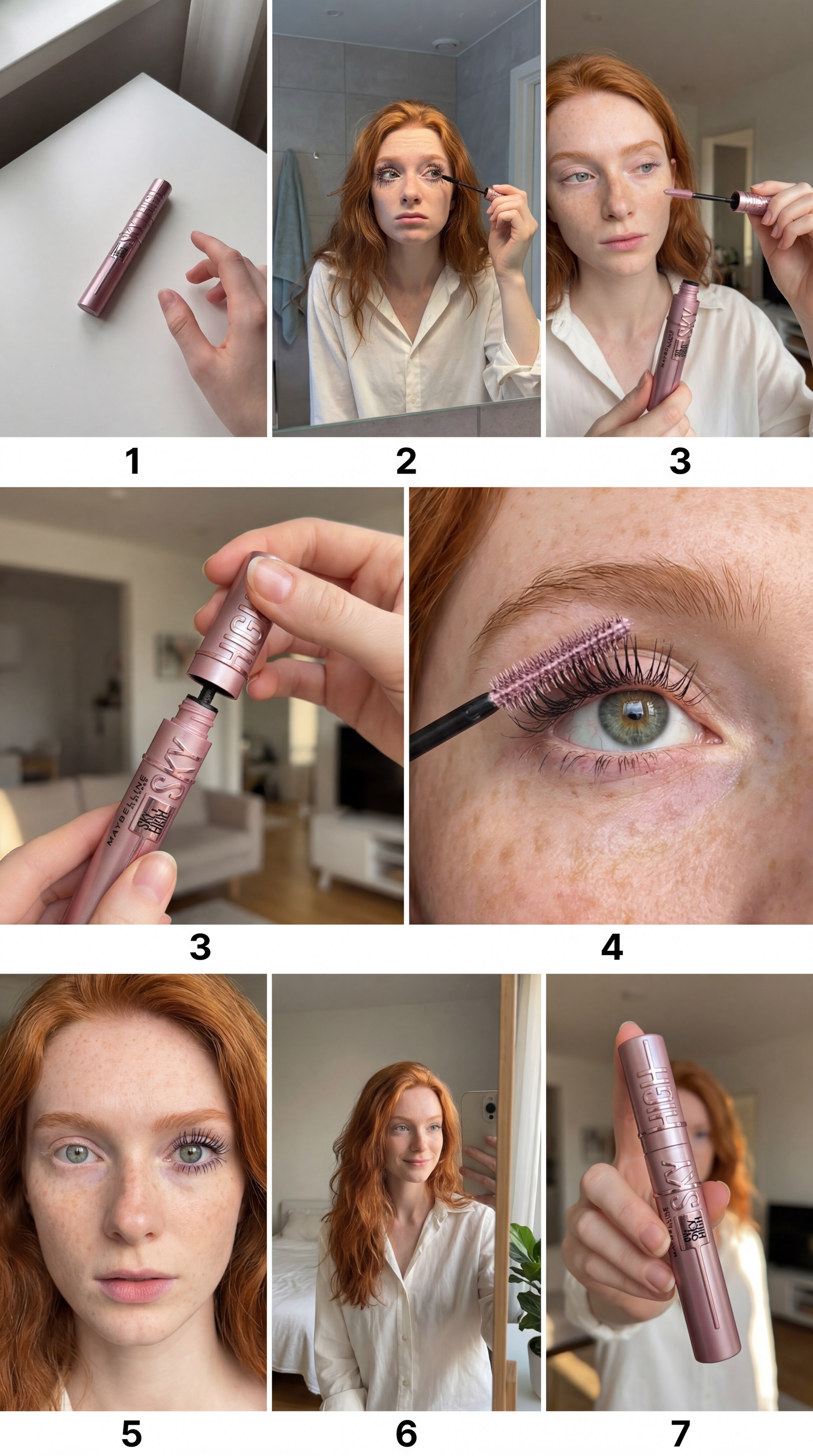
How to use UGC קולאז מרשימת שוטים
Build an export-ready UGC collage in minutes. Add your shot list, pick a layout style, and let AI arrange frames and captions into a consistent, on-brand composition.
Step 1
Paste your shot list or upload it as text. Optionally add notes like product name, hook, and CTA so the collage captions stay aligned with your intent.

Step 2
Choose grid size, aspect ratio, and visual style. Adjust spacing, typography, and label rules to match your brand and optimize for social, ads, or web placements.

Step 3
Click generate to create the UGC collage. Review and tweak placements, then export a high-resolution file ready for posting, ad managers, or design handoff.
Features
Turn a simple shot list into a cohesive UGC collage with AI-driven layout and captioning. The tool automatically structures frames, labels, and hierarchy for clean, consistent visuals. Export formats are optimized for ads, social posts, and landing pages—so you can iterate quickly without manual arranging.
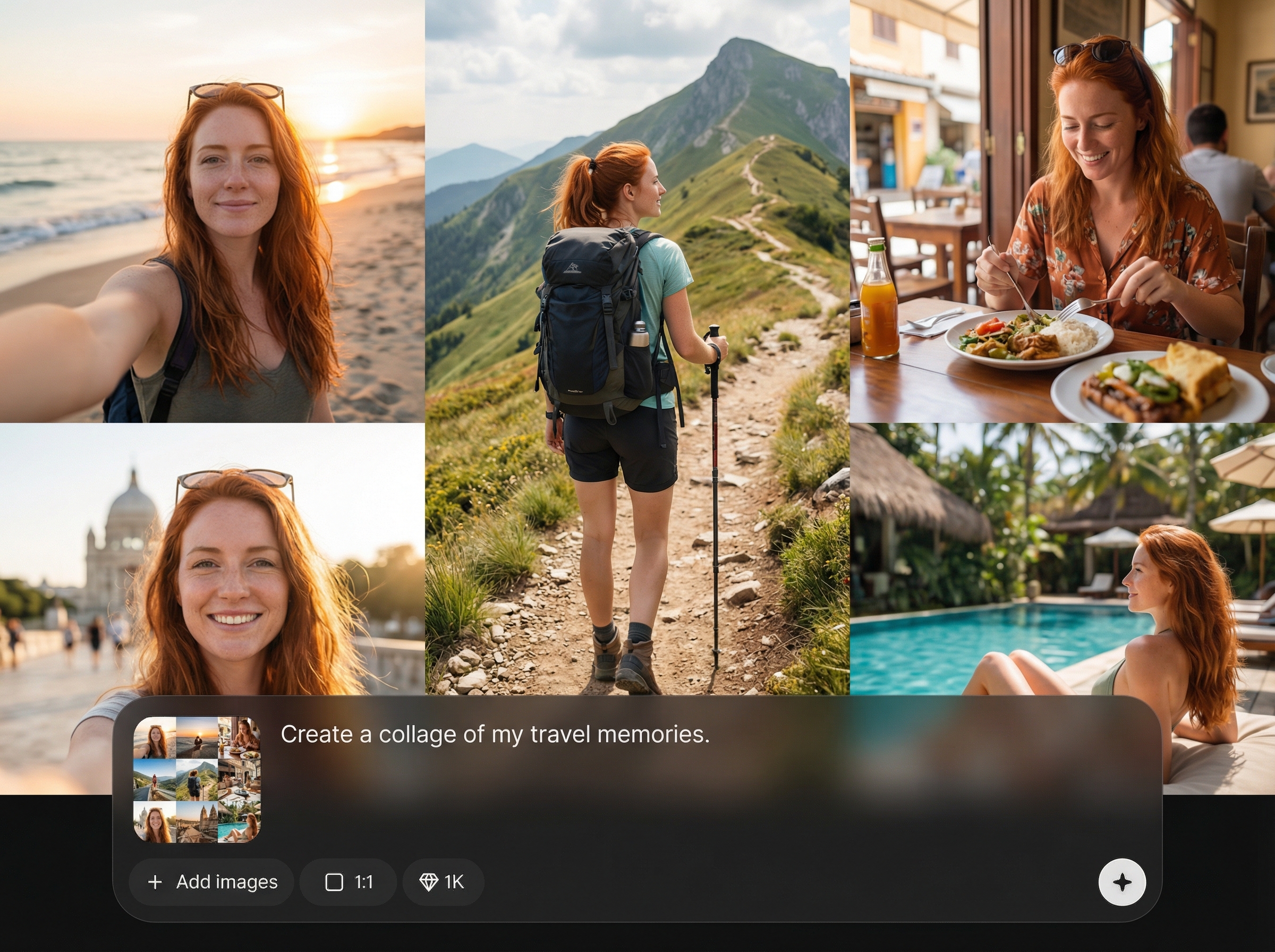
Convert shot lists into structured UGC collages automatically. AI maps shots to frames, adds labels, and keeps the layout balanced, reducing manual drag-and-drop work.
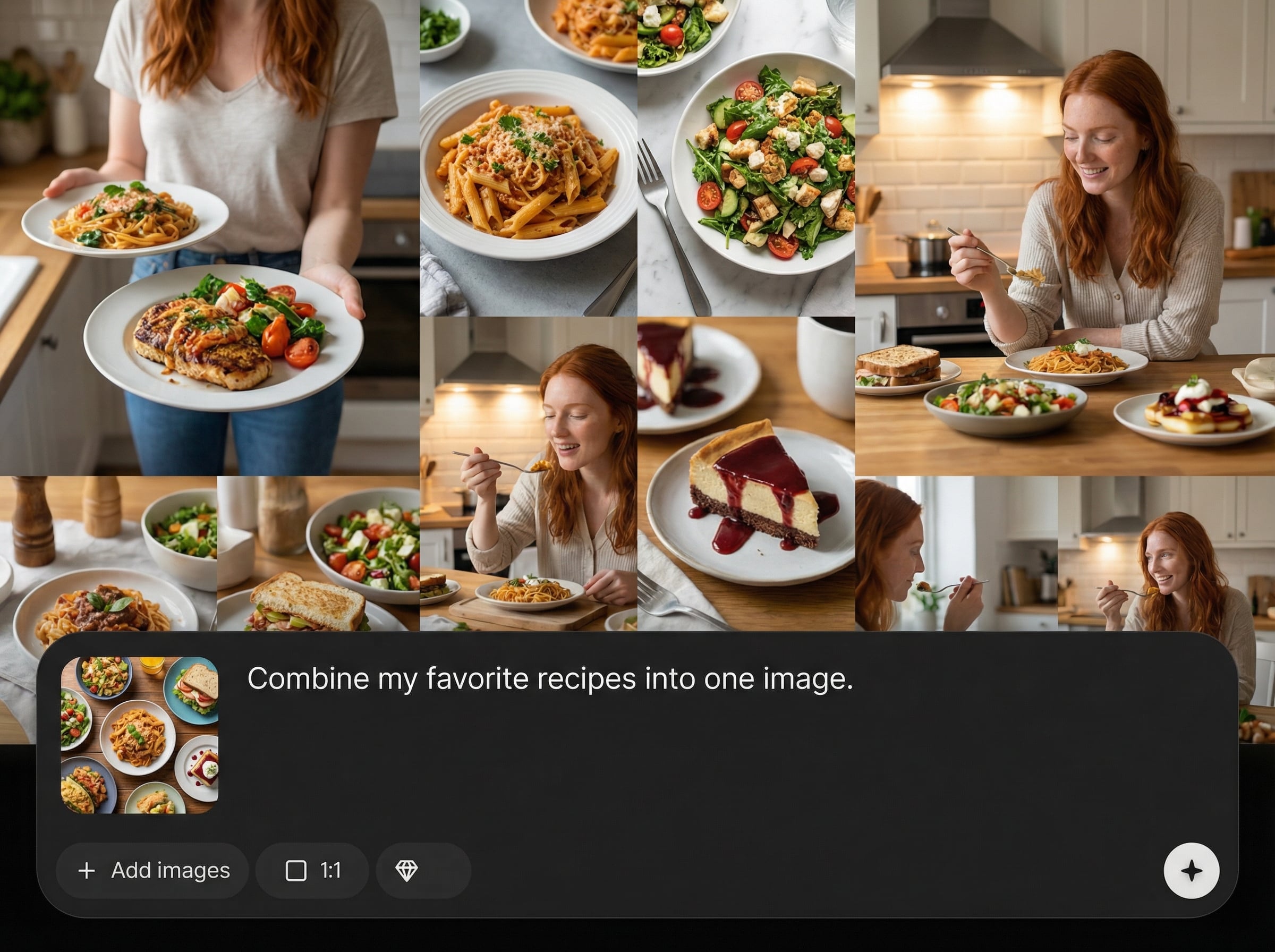
Generate multiple collage variations for different placements. Quickly switch aspect ratios and grid styles to test hooks, sequences, and messaging across channels.
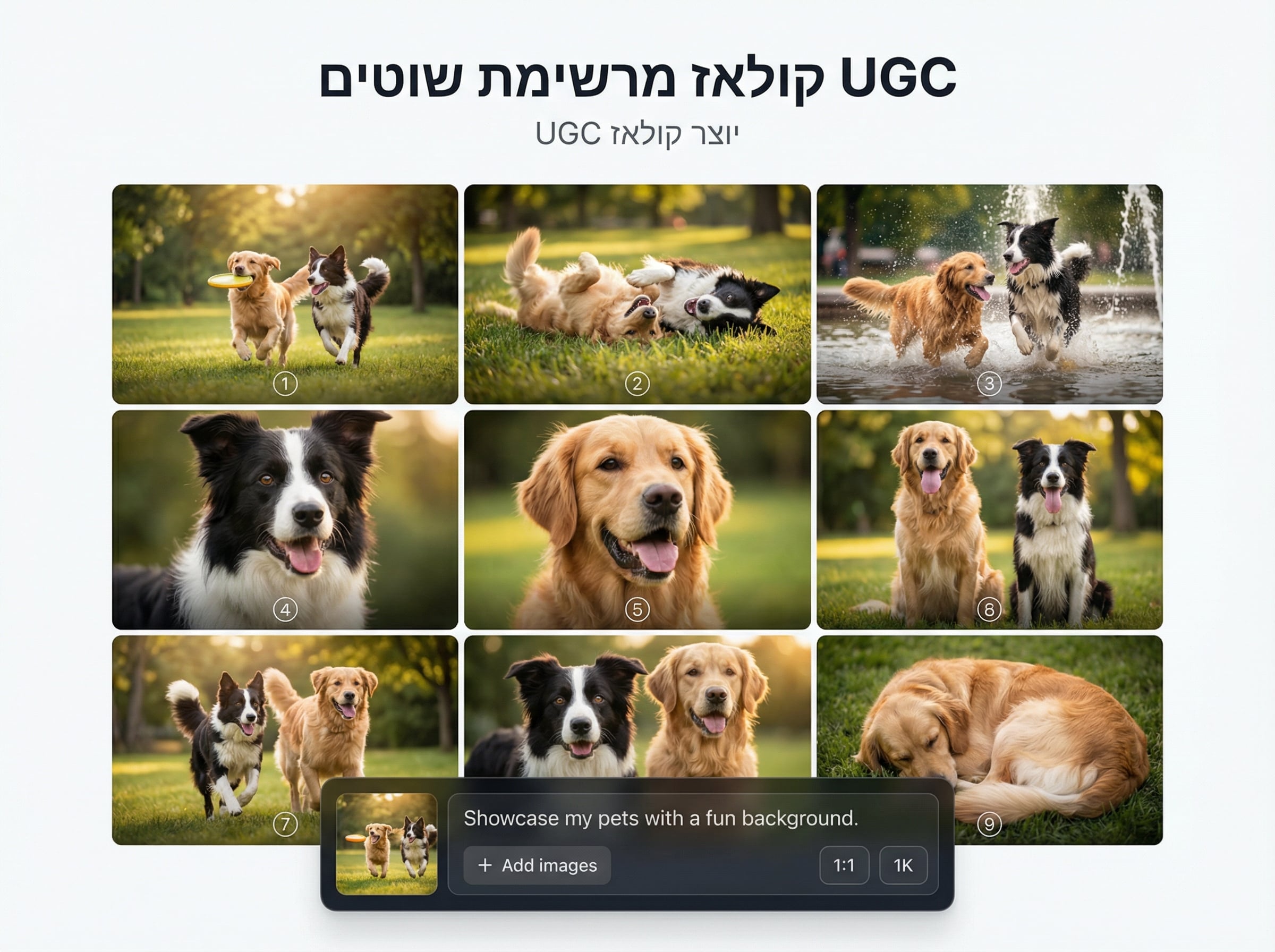
Keep visuals consistent with smart spacing, alignment, and type rules. Maintain readable captions and clear hierarchy so each shot communicates value at a glance.
About
UGC קולאז מרשימת שוטים turns any shot list into a polished UGC collage using AI. Paste or upload your shots, choose a style, and get a clean layout with consistent spacing, hierarchy, and text placement. Export high-quality collages for ads, landing pages, and social posts—fast, editable, and ready to publish.
UGC קולאז מרשימת שוטים replaces manual layout with AI-driven structure, consistency, and speed. Create clear visual sequences from shot lists, generate variations for different channels, and export polished assets that stay readable and on-brand.
Open the tool, paste or upload your shot list, and choose a layout style. Generate your collage, make quick edits, and export in the size you need for your workflow.
Use cases
Discover how different creators use this app in their workflow.
Turn campaign shot lists into clear collages for fast approval and iteration. Perfect for visualizing sequences, hooks, and CTAs before production or editing.
Generate collage templates from repeatable shot lists to batch weekly posts. Maintain consistent formatting and quickly adapt layouts for different platforms and ratios.
Create structured UGC collages that explain product benefits at a glance. Export high-quality assets that fit hero sections, feature blocks, and testimonials.
Krea is one of the world's leading generative AI platforms. See what others say.
Real reviews on TrustpilotSo many AI tools out there but I always come back to Krea. It's really the one AI platform that 'just works'.

FYN
Krea's interfaces are still the best in the industry. Everything looks and feels so clean and easy to use! Imo the easiest to use gen AI website.

Lynn
Ultra fast generations. Extremely simple to use. All the latest AI models.

Daniel
KREA is the only AI subscription I have right now besides ChatGPT.

Sophia M.
Answers to common questions about AI UGC collage generation from shot lists.
It’s an AI collage generator that transforms a shot list into a structured UGC collage. It auto-arranges frames and captions to create clean, export-ready visuals for ads, social, and web.
The AI parses each shot item, assigns it to a frame, and applies spacing and hierarchy rules. You can choose layout styles and adjust typography to match your brand and channel.
Yes. You can refine grid structure, spacing, text placement, and labeling. Generate variations, then make quick edits to ensure the collage matches your messaging and visual priorities.
Export high-resolution files optimized for common aspect ratios used in social posts, ads, and landing pages. Switch ratios to produce multiple deliverables from the same shot list.
Yes. The AI handles composition and alignment automatically, so you can focus on your shot list and messaging. Built-in layout rules help you achieve professional-looking results quickly.
Paste a shot list, pick a style, and export a brand-ready UGC collage for ads and social.

