















Step 1
Upload
Upload your base image, then add a reference style image. Use clear, high-resolution files for better texture and color transfer while keeping important subjects readable.
Use Style Transfer to apply a reference look to any photo. Upload a base image and style, generate fast AI results, and download instantly. Try it now.
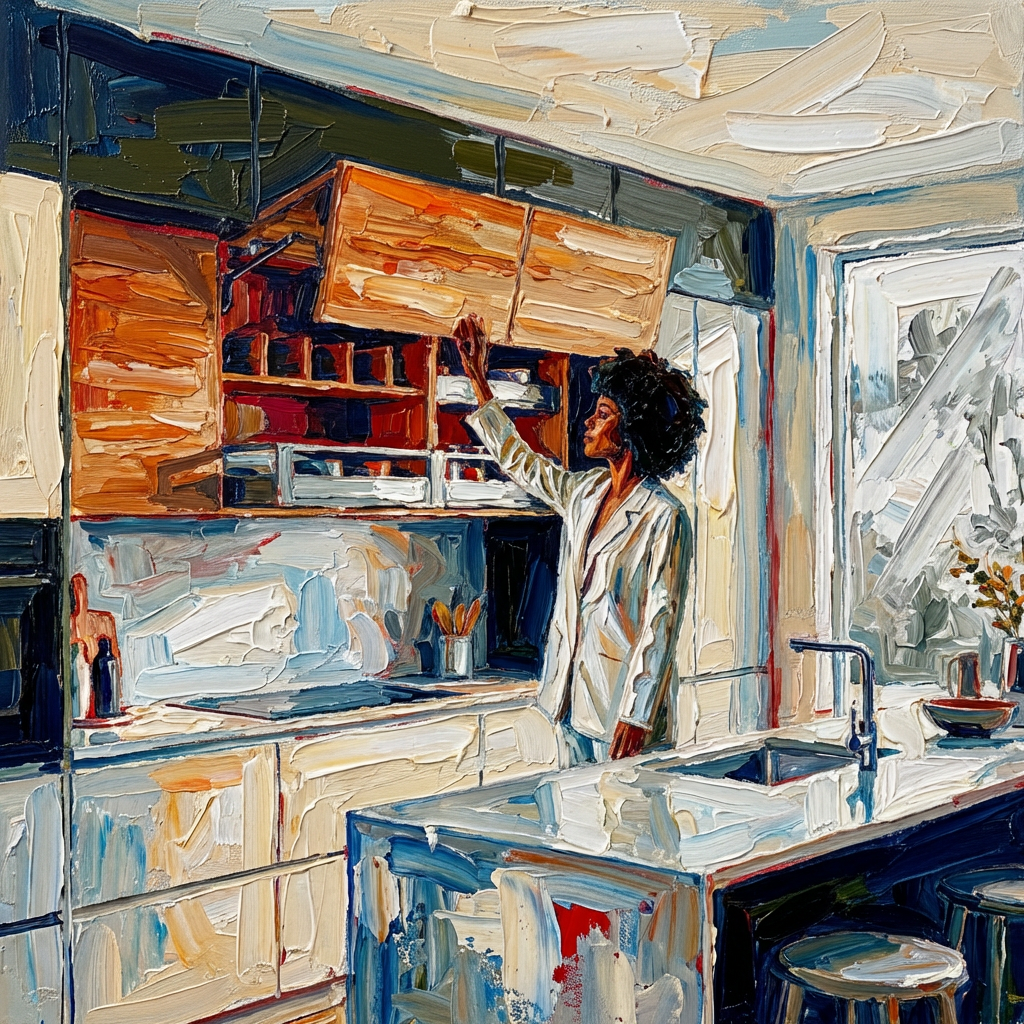
How to use Style Transfer
Learn how to stylize images with Style Transfer in minutes. Upload your base image, add a reference style, then adjust settings to control strength and detail before generating and downloading.
Step 1
Upload your base image, then add a reference style image. Use clear, high-resolution files for better texture and color transfer while keeping important subjects readable.

Step 2
Set style strength and detail preservation to balance accuracy and creativity. Preview variations and refine until the output matches your desired mood, palette, and brush-like texture.

Step 3
Click generate to create the stylized image. Download instantly in high quality, or iterate with a new style reference to explore multiple looks from the same base.
Features
Style Transfer applies a reference aesthetic to your base image using AI image-to-image processing. Preserve structure while changing color, texture, and overall mood for consistent visual results. Generate multiple variations quickly, compare outputs, and export high-quality images for web, social, or design workflows.
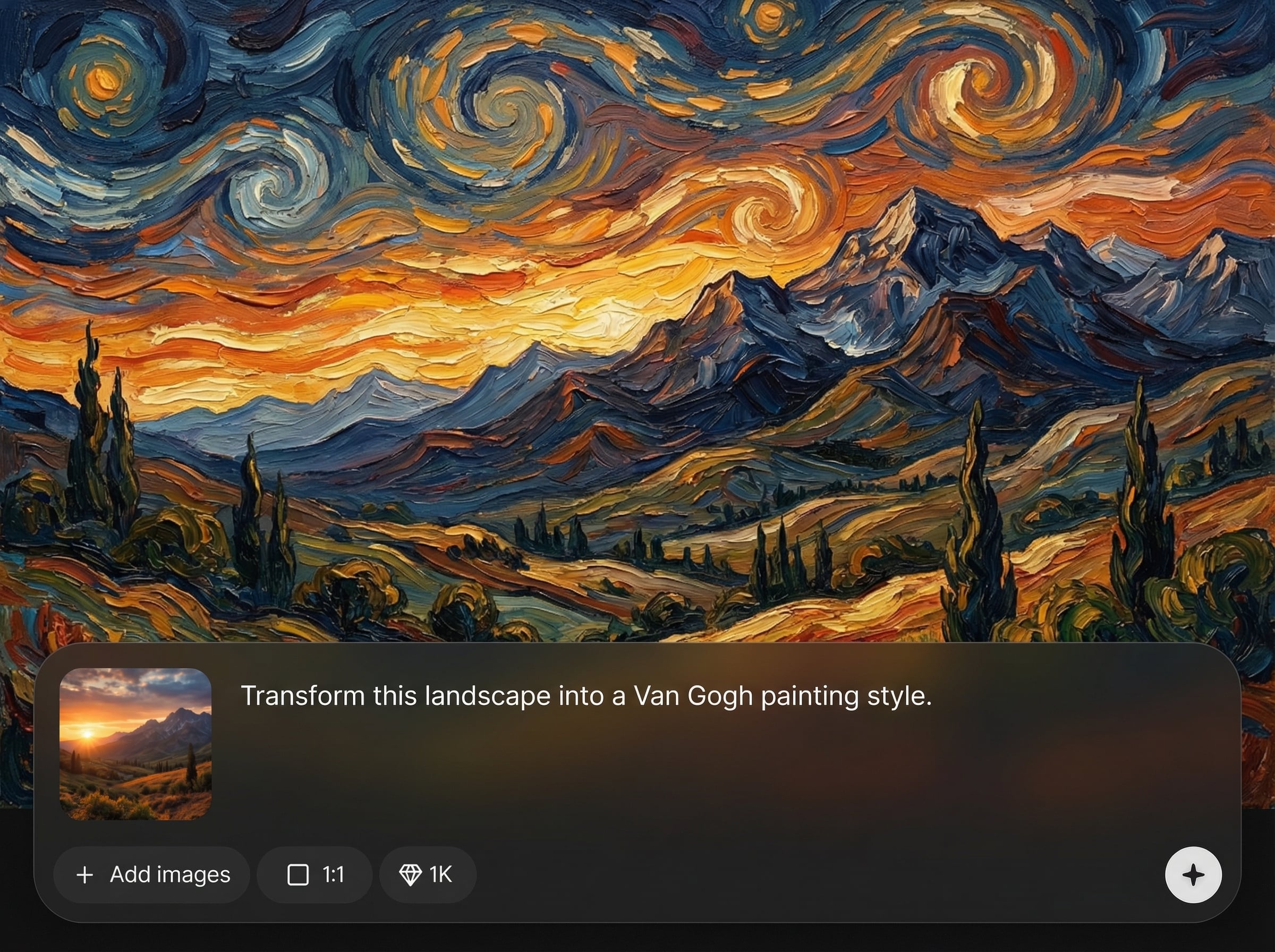
Use any style image as a visual guide to transfer color, texture, and vibe onto your base photo. Great for consistent art direction across multiple images and assets.
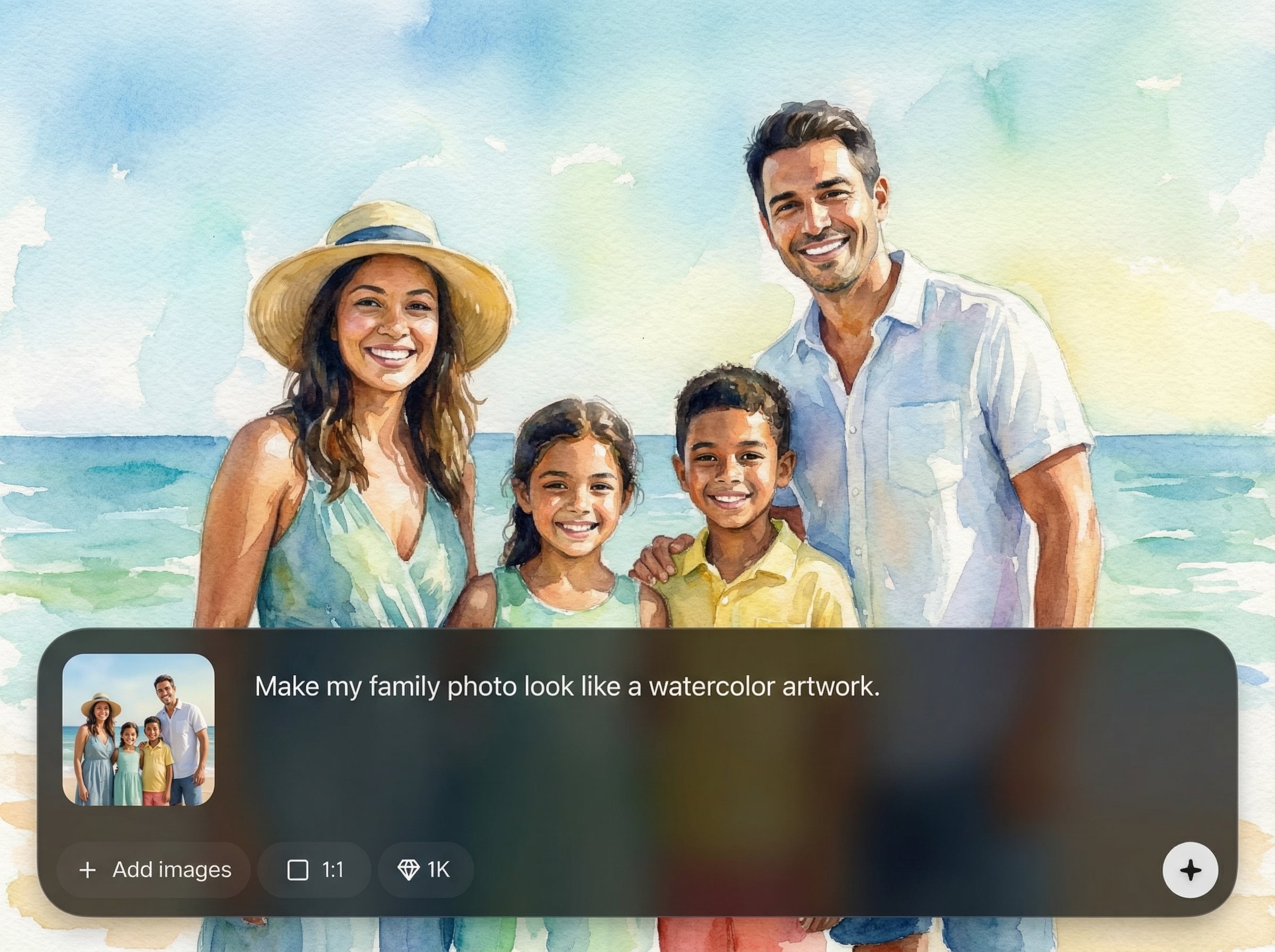
Generate stylized outputs quickly with streamlined controls. Create variations, compare results, and iterate without rebuilding prompts—ideal for rapid creative exploration and production workflows.
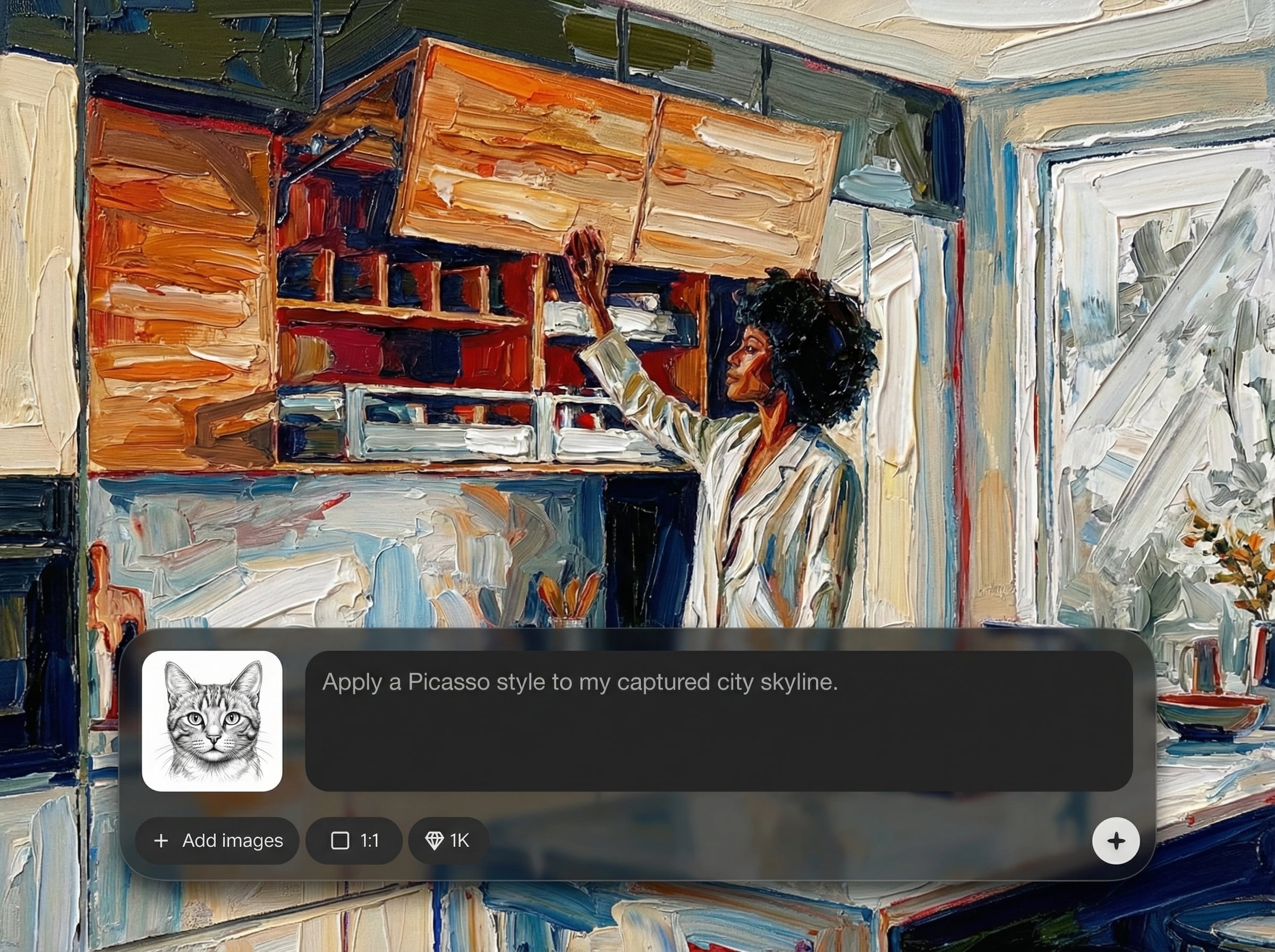
Balance style intensity with detail preservation to keep faces, products, and key shapes recognizable. Dial in subtle enhancements or bold transformations while maintaining clean, usable outputs.
About
Style Transfer lets you transform any image by applying the look of a reference style. Upload a base photo and a style image to generate polished, consistent results for portraits, products, and scenes. Fine-tune strength and details to keep key shapes while capturing the artistic texture, color, and mood you want—fast, online.
Style Transfer delivers reliable, reference-driven stylization with practical controls for structure and detail. Generate multiple variations fast, keep outputs consistent across sets, and export high-quality images for design and marketing workflows—all in an easy online tool.
Open Style Transfer, upload your base image and a style reference, then adjust strength and detail settings. Generate a few variations, choose the best result, and download instantly.
Use cases
Discover how different creators use this app in their workflow.
Apply brand-consistent textures and color grading to product photos. Create cohesive catalog imagery and marketing assets while keeping shapes and labels clear and readable.
Transform portraits with painterly, cinematic, or illustrative looks. Preserve facial structure while changing mood, palette, and texture for striking profile and campaign images.
Test multiple art directions from one base scene. Swap reference styles to explore lighting, materials, and visual themes quickly for storyboards and early design iterations.
Krea is one of the world's leading generative AI platforms. See what others say.
Real reviews on TrustpilotSo many AI tools out there but I always come back to Krea. It's really the one AI platform that 'just works'.

FYN
Krea's interfaces are still the best in the industry. Everything looks and feels so clean and easy to use! Imo the easiest to use gen AI website.

Lynn
Ultra fast generations. Extremely simple to use. All the latest AI models.

Daniel
KREA is the only AI subscription I have right now besides ChatGPT.

Sophia M.
Answers to common questions about Style Transfer and AI image stylization.
AI Style Transfer is an image-to-image technique that applies the visual characteristics of a reference style image to a base image. It changes color and texture while preserving the original composition.
Use a sharp base image with clear subjects and a style reference with strong texture or color. Higher resolution inputs generally produce cleaner transfers and more consistent details.
Yes. Adjust style strength and detail preservation to balance accuracy and transformation. Lower strength keeps more of the base photo; higher strength pushes stronger texture and color changes.
It can. Use moderate strength and higher detail preservation to maintain key shapes. For sensitive areas like faces or logos, iterate with small adjustments to avoid over-stylization.
You can start online and generate results quickly. Available usage and export options may vary by plan, but the workflow stays simple: upload, adjust, generate, download.
Upload a base image and a reference style, then generate high-quality stylized results in seconds.

