















Step 1
Configure
Choose your output type—image, video, or 3D—and set style, identity, outfit, and pose. Add references or prompts to lock in the character’s look.
 App by Joao Bolan
Character AI Gen lets you generate custom characters for images, video, and 3D in minutes. Control style, pose, and look, then export fast—try it now.
How to use Character AI Gen
Use Character AI Gen to design a character once, then generate consistent outputs for images, video shots, and 3D-ready looks. Follow these steps to control style, details, and export formats quickly.
Step 1
Choose your output type—image, video, or 3D—and set style, identity, outfit, and pose. Add references or prompts to lock in the character’s look.

Step 2
Run the AI generation and iterate with quick adjustments to facial features, colors, and lighting. Keep consistency across variations while exploring new angles and scenes.

Step 3
Download your results in the format you need for editing or production. Reuse the same character settings to generate new shots, clips, and 3D variations anytime.
Features
Character AI Gen helps you generate characters that stay consistent across image, video, and 3D outputs. Fine-tune identity, styling, and pose, then create variations for new scenes without starting over. Export assets fast for pipelines in marketing, storytelling, and interactive media.
Create one character and generate outputs for images, video sequences, and 3D looks. Maintain a unified identity while adapting style, framing, and lighting for each medium.
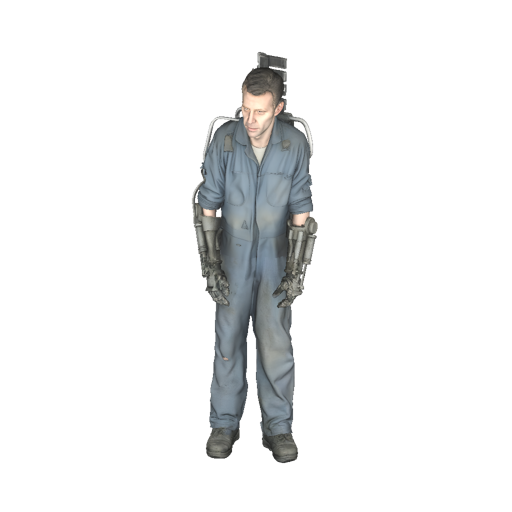
Adjust facial details, outfit, color palette, and pose to match your brief. Use references and prompts to steer results and keep a repeatable character design.
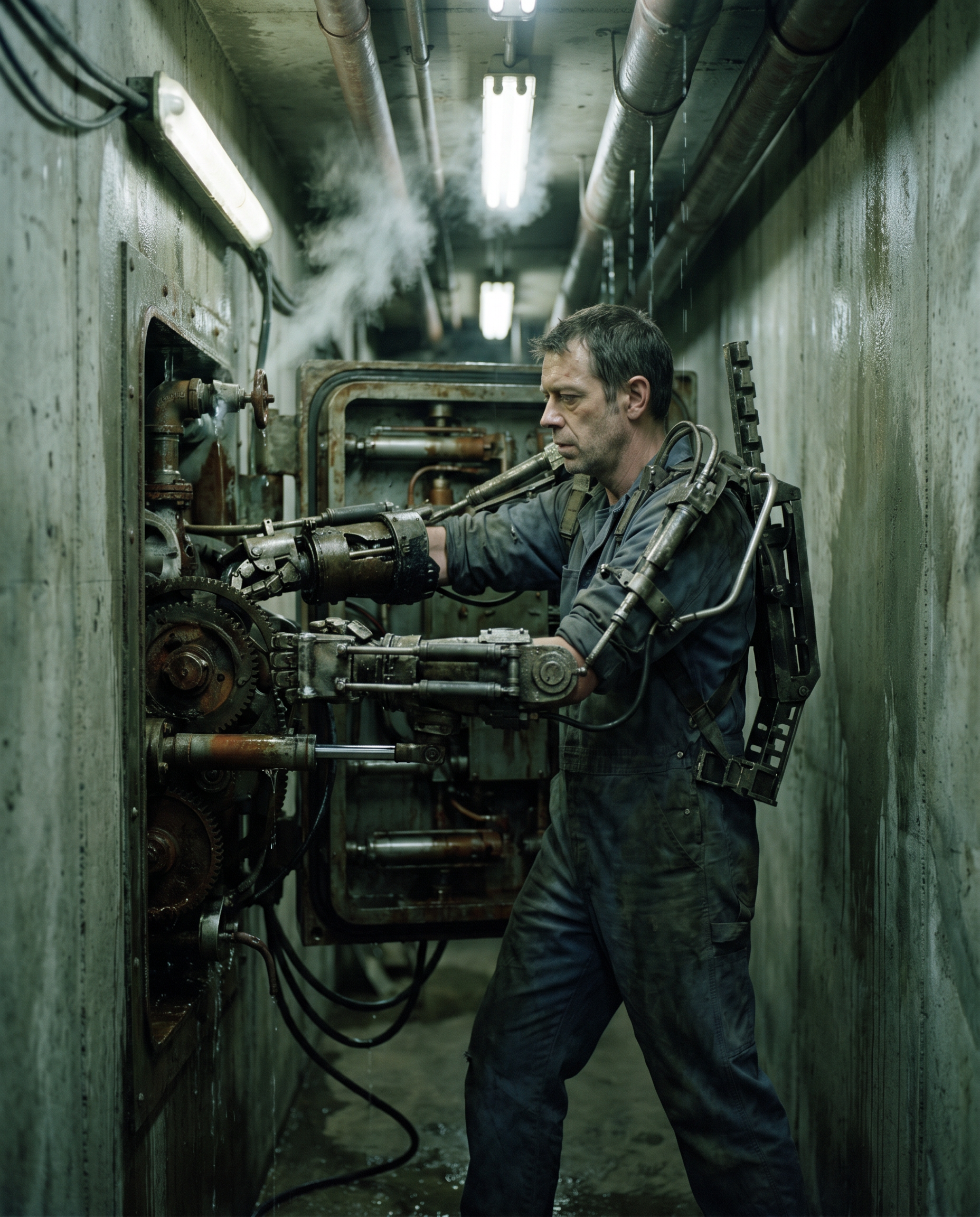
Iterate quickly with small edits instead of full redesigns. Save character settings to generate new angles, scenes, and versions on demand for consistent production workflows.
About
Character AI Gen is an AI character generator for creating consistent characters across images, video, and 3D. Set style, pose, outfit, and identity, then generate high-quality results you can reuse across scenes. Build cast-ready characters fast for stories, product demos, games, and social content—without complex pipelines or long iteration cycles.
Character AI Gen is built for speed and consistency across formats. Create a character once, then generate images, video shots, and 3D-style variations without rebuilding from scratch. Get controllable results with style and pose settings, plus fast iteration for production-ready pipelines.
Enter a prompt or add references, choose image, video, or 3D output, and set key details like style and pose. Generate, refine with quick edits, then export and reuse the same character settings for new scenes.
Use cases
Discover how different creators use this app in their workflow.
Generate brand-friendly characters for ads, explainers, and landing pages. Keep the same spokesperson or mascot consistent across images and short video clips.
Prototype character looks fast for game concepts and interactive experiences. Explore styles and variations, then reuse a consistent identity across scenes and assets.
Build a repeatable cast for reels, shorts, and episodic content. Generate new shots and clips while keeping the character recognizable from episode to episode.
Krea is one of the world's leading generative AI platforms. See what others say.
Real reviews on TrustpilotSo many AI tools out there but I always come back to Krea. It's really the one AI platform that 'just works'.

FYN
Krea's interfaces are still the best in the industry. Everything looks and feels so clean and easy to use! Imo the easiest to use gen AI website.

Lynn
Ultra fast generations. Extremely simple to use. All the latest AI models.

Daniel
KREA is the only AI subscription I have right now besides ChatGPT.

Sophia M.
Common questions about Character AI Gen, outputs, and consistency across image, video, and 3D.
Character AI Gen is an AI tool that generates custom characters for images, video, and 3D-style outputs. It’s designed to help you create a consistent character identity and reuse it across multiple scenes.
Yes. You can define identity details and reuse the same settings or references to maintain consistency. Generate new poses, outfits, and angles while keeping the character recognizable across outputs.
No. Character AI Gen handles the heavy lifting with artificial intelligence. You set the style and details, then generate 3D-style character outputs without complex modeling or rigging workflows.
Both work well. Prompts are great for quick exploration, while reference images help lock in a specific look. Combining both typically produces the most consistent, controllable results.
In most cases, yes, depending on your plan and the assets you upload. Review the platform’s usage terms for commercial rights, and avoid using restricted or copyrighted reference material.
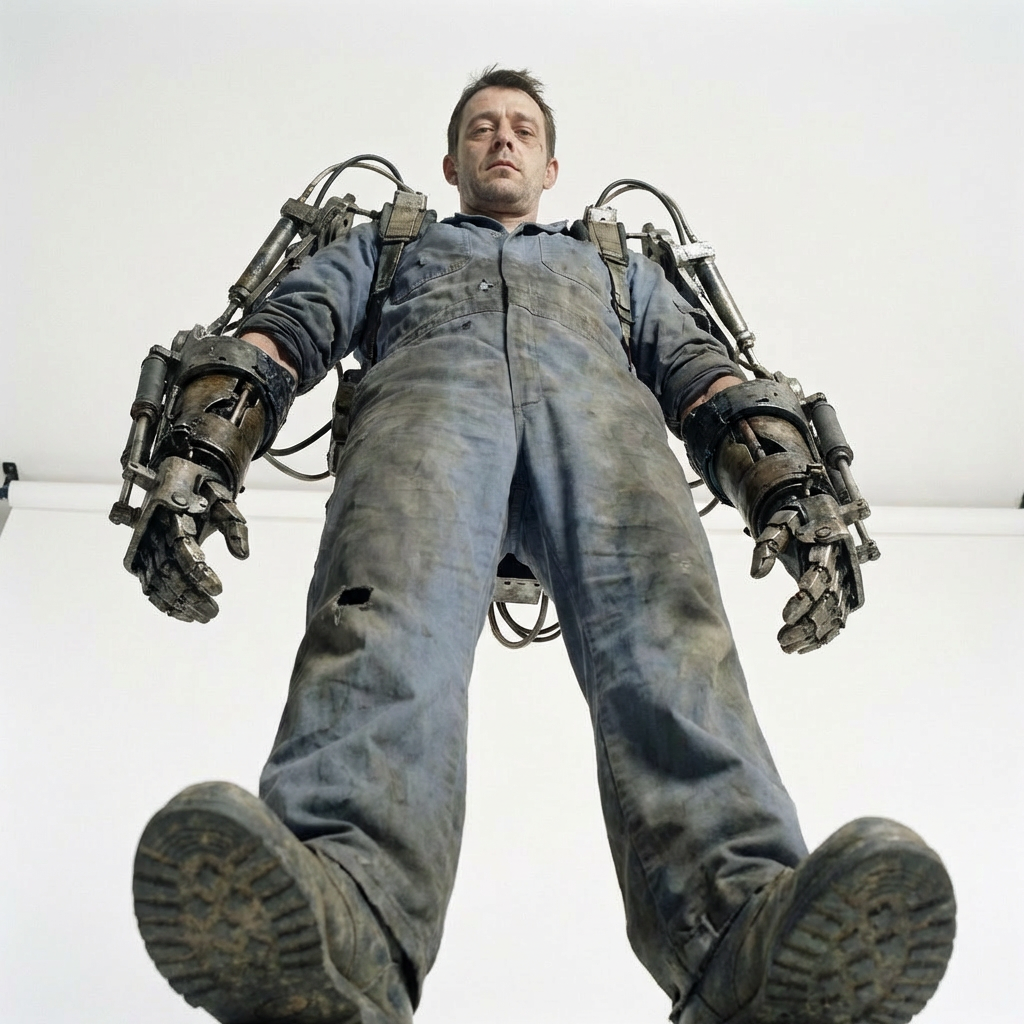
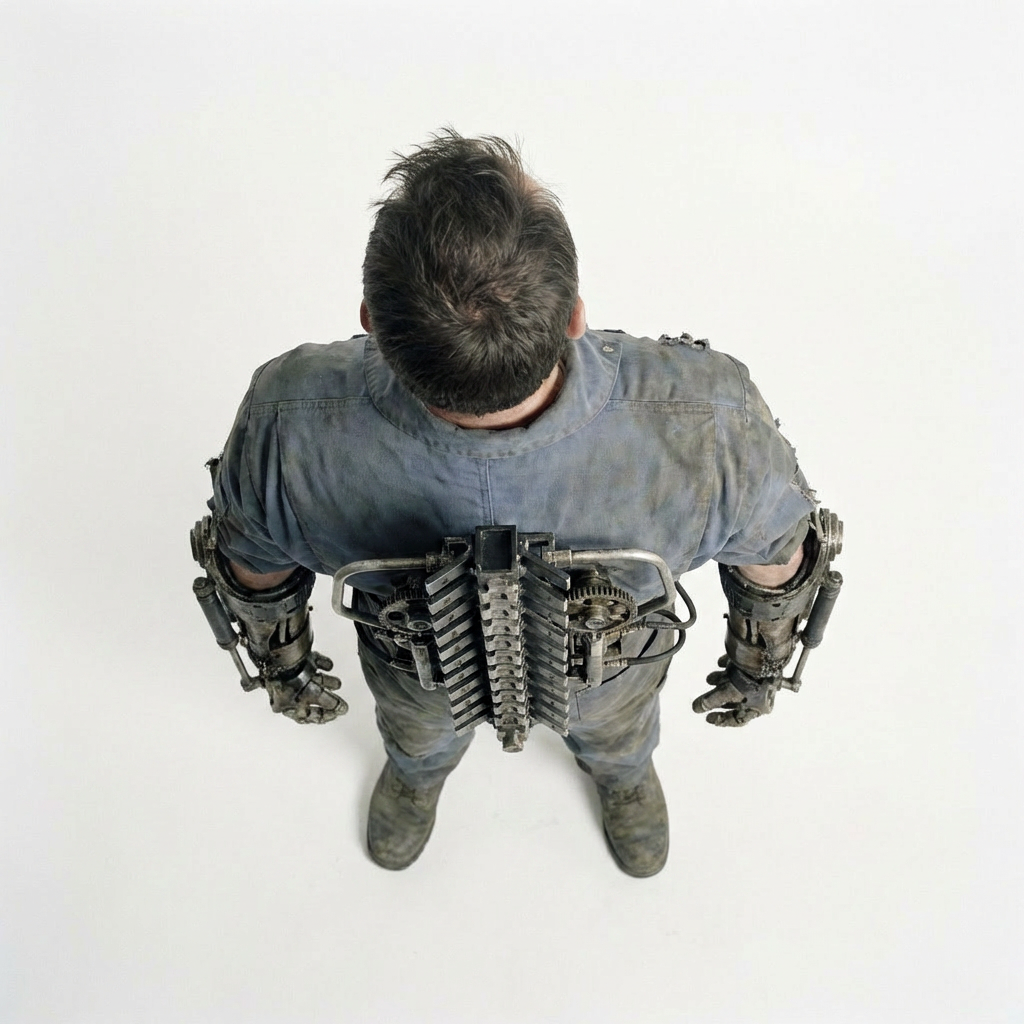
Generate consistent characters fast, iterate in seconds, and export ready-to-use outputs for your workflow.

