















Step 1
Upload
Upload a transparent PNG, SVG, or high-contrast logo. Crop and align your mark, so the pin silhouette and borders follow your design cleanly.
 App by LeoBuravlev
Turn any logo into a realistic enamel pin mockup in seconds with AI. Upload, choose styles, and export high-res renders for product pages and promos.
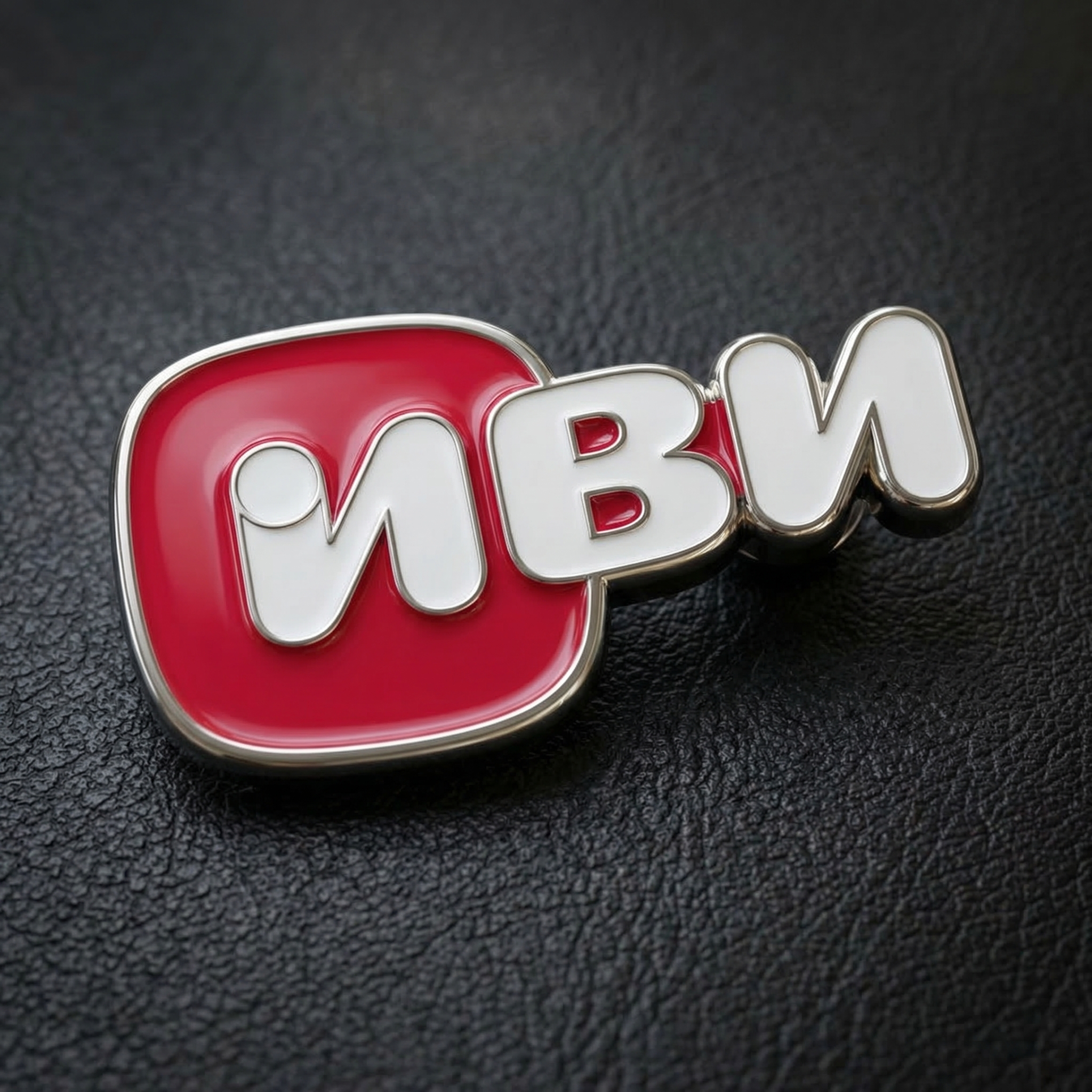
How to use Your logo into enamel pin
This quick tutorial shows how to convert a logo into a realistic enamel pin mockup using AI. Upload your logo, set materials and colors, then generate and export high-resolution renders for marketing or product pages.
Step 1
Upload a transparent PNG, SVG, or high-contrast logo. Crop and align your mark, so the pin silhouette and borders follow your design cleanly.

Step 2
Choose plating finish (gold, silver, black nickel), enamel type (soft or hard), and background. Adjust edge thickness and color palette for a production-ready look.

Step 3
Generate multiple angles and lighting options, then select the best result. Export high-resolution images for ecommerce, presentations, and social posts.
Features
Generate realistic enamel pin renders from your logo with AI-driven materials and lighting. Create clean metal outlines, crisp enamel fills, and believable shadows for product visualization. Iterate quickly across finishes, colors, and backgrounds, then export high-res assets ready for ecommerce listings and marketing.
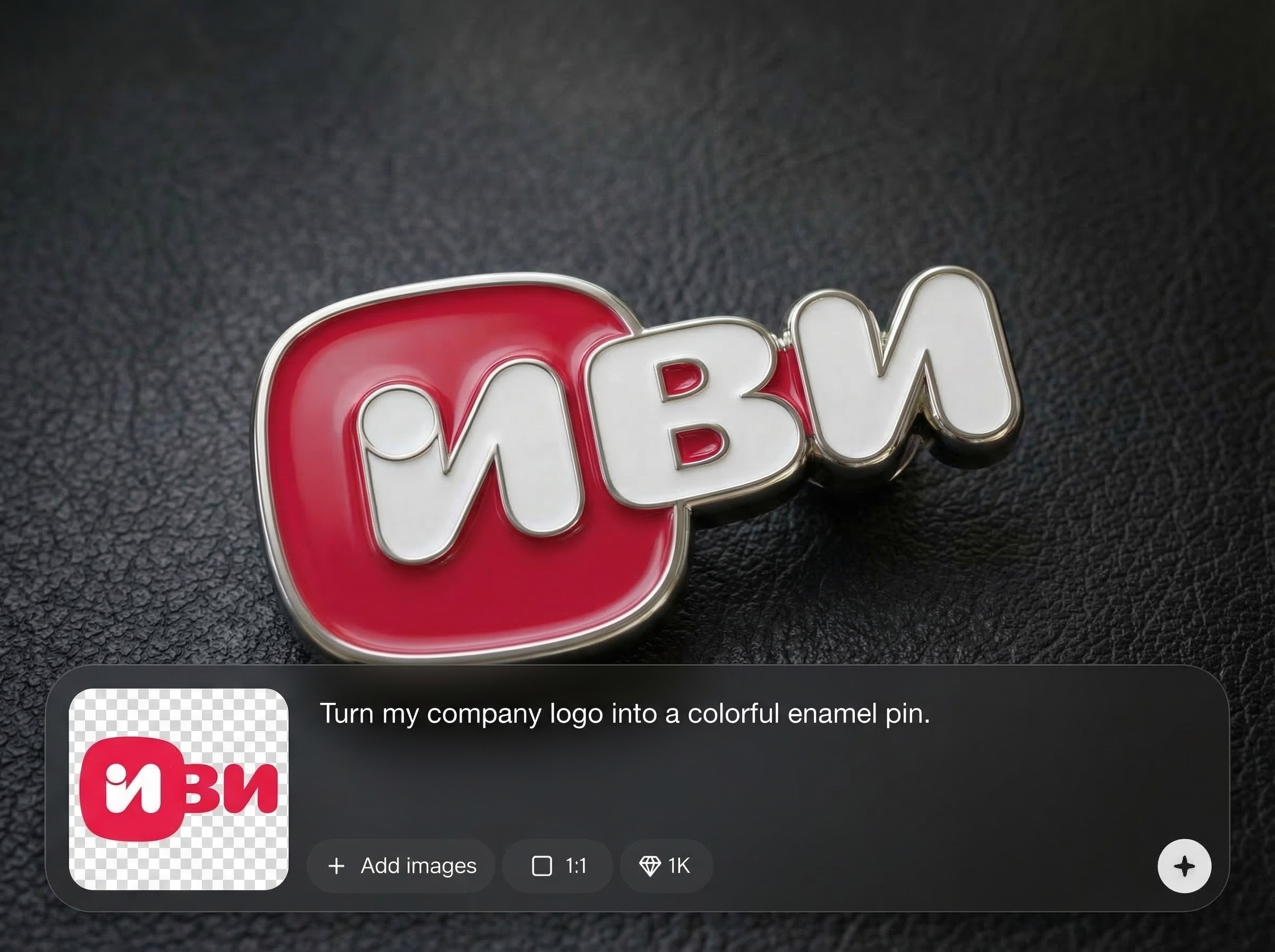
Simulate plated metal edges and glossy enamel fills with natural reflections. Produce believable pin depth and texture so mockups look like photographed products, not flat graphics.
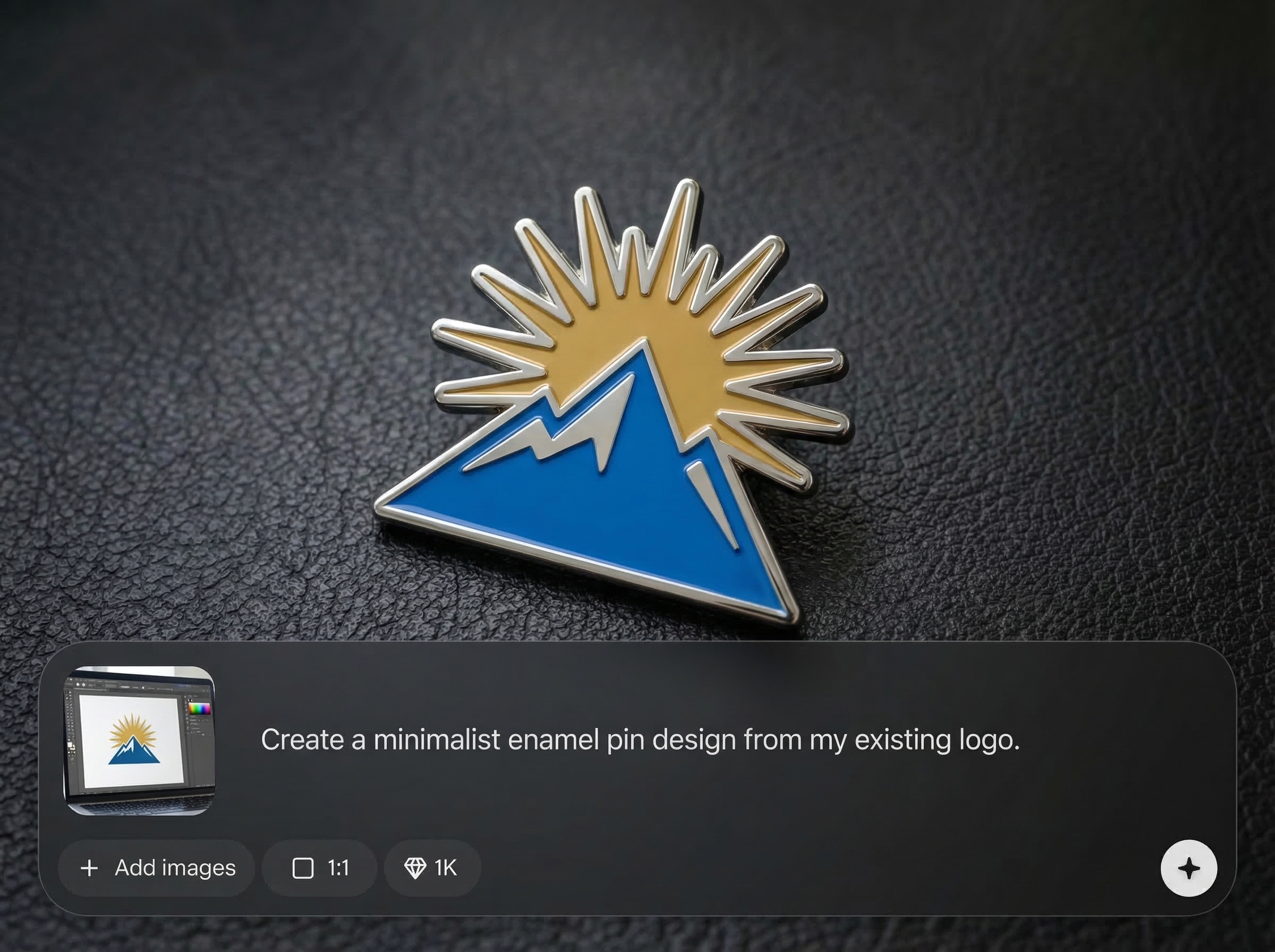
Test multiple finishes, colorways, and backgrounds in minutes. Quickly compare options for branding, store listings, or client approvals without rebuilding files or rendering in 3D.
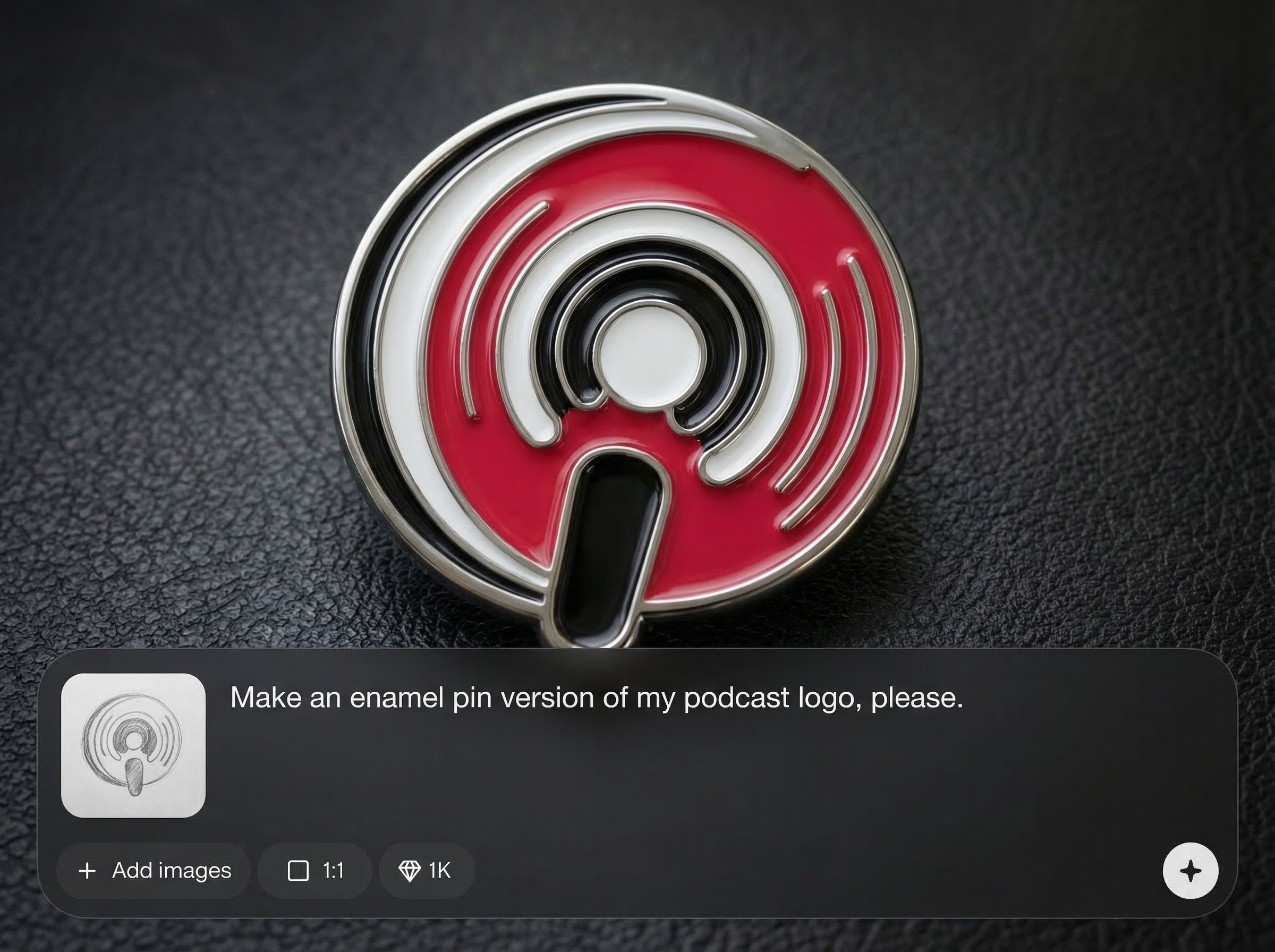
Export high-resolution enamel pin mockups suitable for product pages, ads, and pitch decks. Keep visuals consistent across campaigns with repeatable settings and easy regeneration.
About
Your logo into enamel pin turns any logo into a realistic enamel pin render with clean metal edges, glossy enamel fills, and authentic lighting. Upload your artwork, pick finishes and colors, then generate ready-to-use mockups for product listings, pitch decks, and brand previews. Get consistent results fast without complex 3D tools.
Get realistic enamel pin mockups with consistent materials, crisp edges, and believable lighting. Generate variations fast to compare finishes and colorways, then export high-res assets for ecommerce and marketing without complex 3D workflows.
Upload your logo, pick plating and enamel options, then click generate. Choose your favorite render and export high-resolution images ready for product pages, presentations, or social media.
Use cases
Discover how different creators use this app in their workflow.
Create realistic enamel pin images for storefronts, thumbnails, and detail pages. Present new designs before manufacturing with consistent lighting and sharp edges.
Preview how a logo translates into a pin for merch drops, events, and giveaways. Generate multiple finishes to match brand palettes and materials.
Share quick pin mockups for internal reviews and stakeholder sign-off. Compare variations side-by-side to decide borders, plating, and enamel colors faster.
Krea is one of the world's leading generative AI platforms. See what others say.
Real reviews on TrustpilotSo many AI tools out there but I always come back to Krea. It's really the one AI platform that 'just works'.

FYN
Krea's interfaces are still the best in the industry. Everything looks and feels so clean and easy to use! Imo the easiest to use gen AI website.

Lynn
Ultra fast generations. Extremely simple to use. All the latest AI models.

Daniel
KREA is the only AI subscription I have right now besides ChatGPT.

Sophia M.
Common questions about turning a logo into a realistic enamel pin with AI.
Transparent PNG and SVG work best for clean borders and cut lines. High-contrast logos with clear shapes produce sharper metal outlines and more accurate enamel fills.
Yes. Select plating finishes and adjust edge thickness to match common pin manufacturing looks. You can also generate variations to compare metal tones under different lighting.
Yes. Choose enamel style to control depth and surface shine. Soft enamel emphasizes recessed fills, while hard enamel creates a smoother, flatter surface appearance.
After generating, export in high resolution for crisp zoom and sharp edges. Create multiple angles or backgrounds to fit marketplaces, Shopify pages, and ad creatives.
The tool creates realistic mockups for visualization and marketing. Final manufacturing details can vary by vendor, but generating multiple variants helps you align on borders, colors, and finishes.
Upload your logo and generate polished enamel pin mockups in minutes for listings, promos, and approvals.

