















Step 1
Upload
Upload your logo as PNG, SVG, or JPG. Use a clean, high-contrast version for the sharpest outlines and accurate enamel separation.
 App by LeoBuravlev
Turn any logo into a realistic enamel pin mockup with AI. Upload, choose style, and generate pin renders for merch, branding, and product previews—try it now.
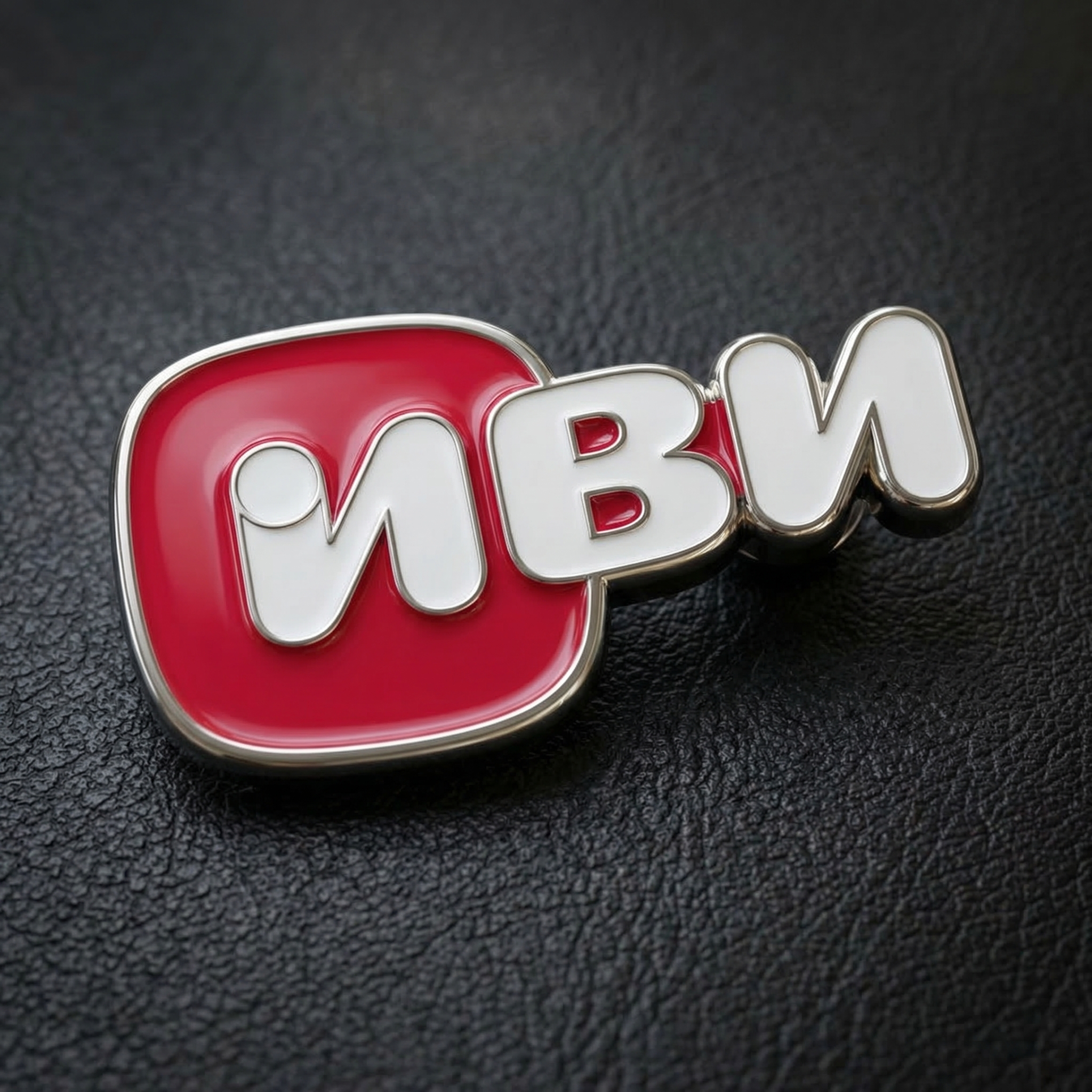
How to use Your logo into pin
Create a polished enamel pin render from your logo in minutes. Upload your file, choose a pin style, and generate realistic mockups ready for product pages, pitch decks, or merch previews.
Step 1
Upload your logo as PNG, SVG, or JPG. Use a clean, high-contrast version for the sharpest outlines and accurate enamel separation.

Step 2
Choose pin plating, enamel style, and background. Adjust edge thickness and color balance so the mockup matches your brand and print intent.

Step 3
Generate realistic enamel pin renders with lighting and texture. Download the result to use in product listings, mockups, and marketing assets.
Features
Generate believable enamel pin mockups from flat logos using AI-driven rendering. Control plating, enamel finish, and lighting to match real-world manufacturing. Get clean edges, glossy fills, and natural shadows for product previews, brand presentations, and merch design—without learning complex 3D tools.
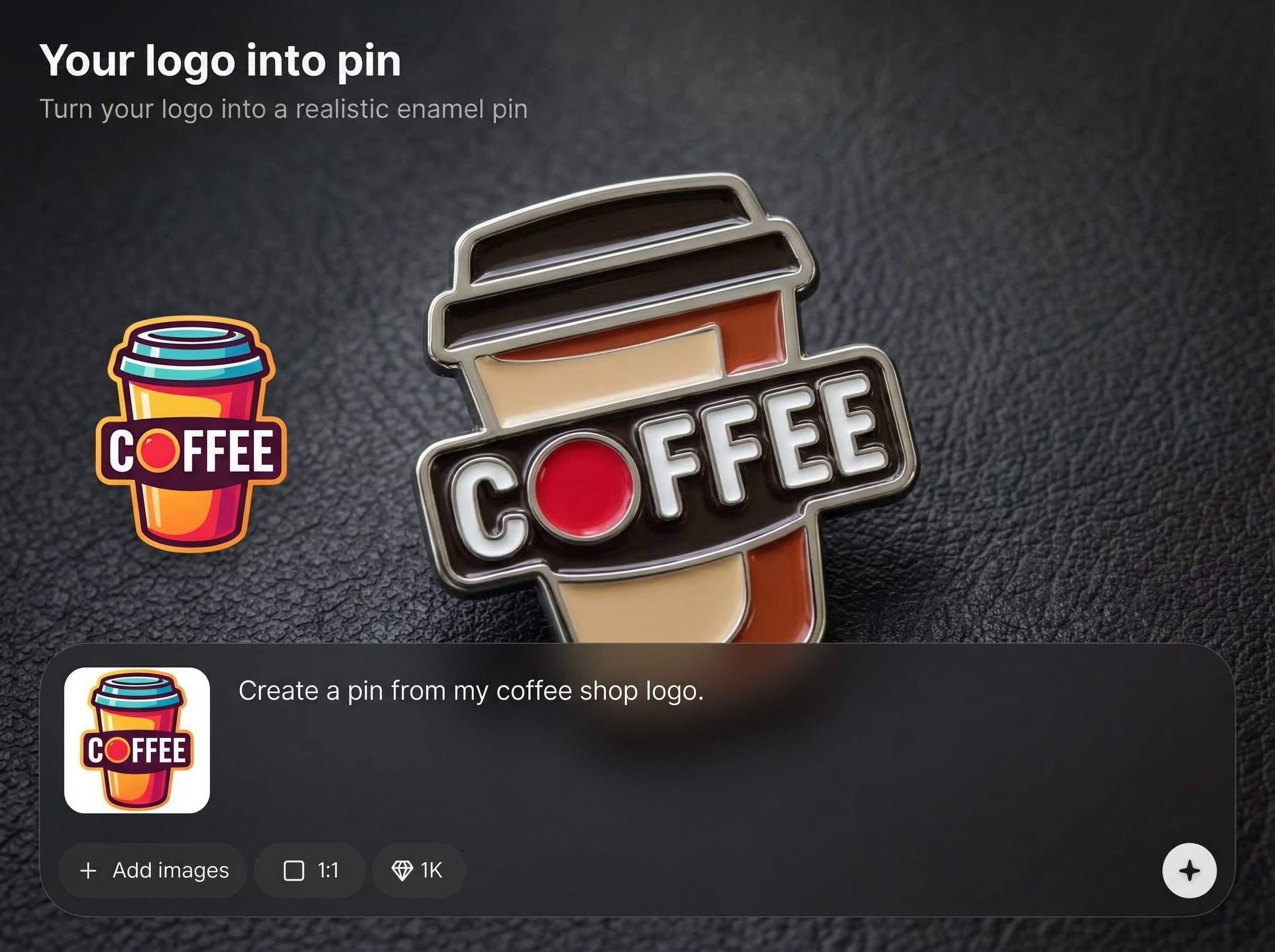
Create pins with crisp metal borders, glossy enamel fills, and natural reflections. AI rendering adds depth and texture so your logo looks like a manufactured enamel pin.
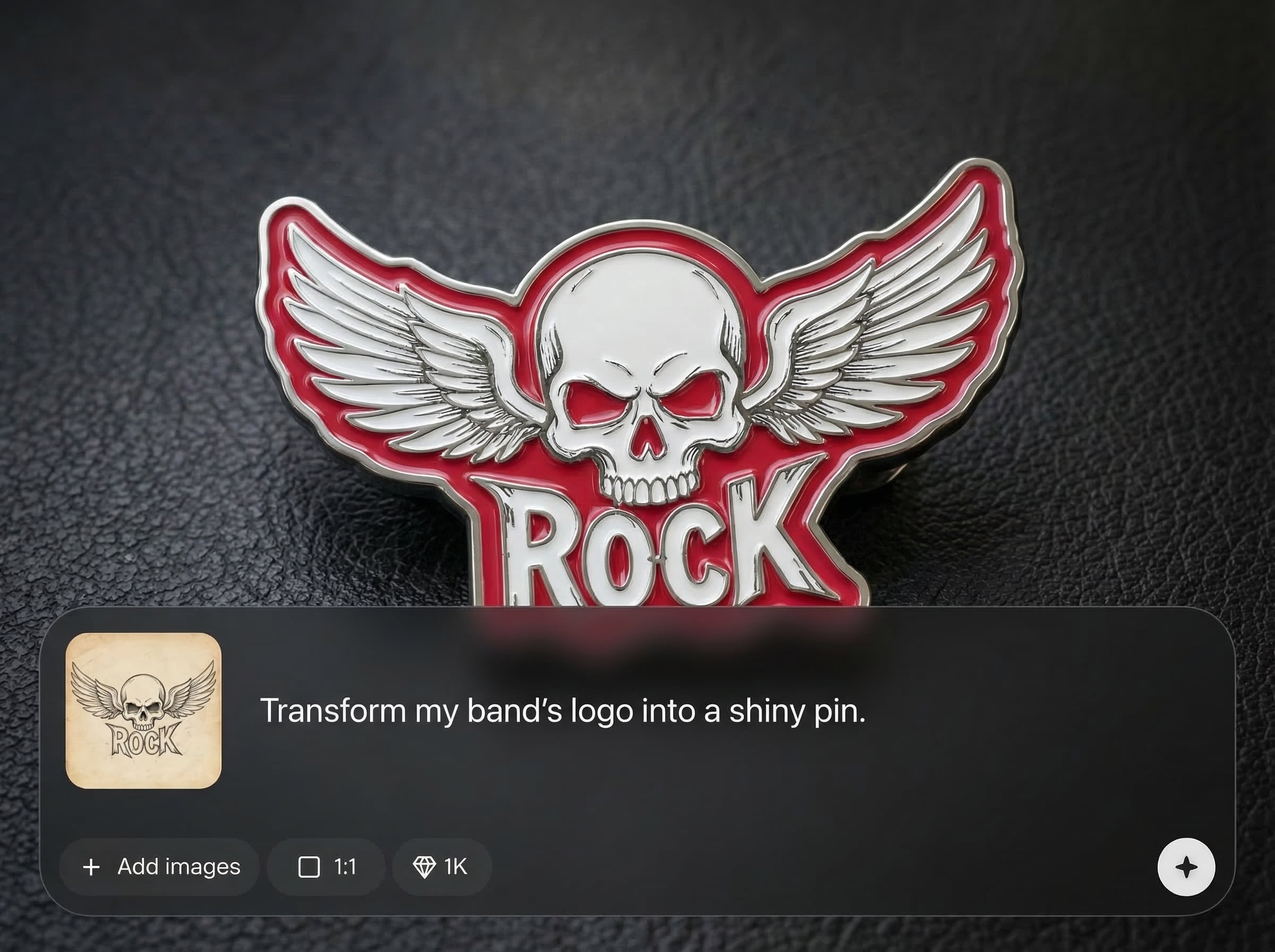
Turn a logo into a pin mockup in seconds for rapid iteration. Compare styles and finishes quickly to refine merch concepts before production or client review.
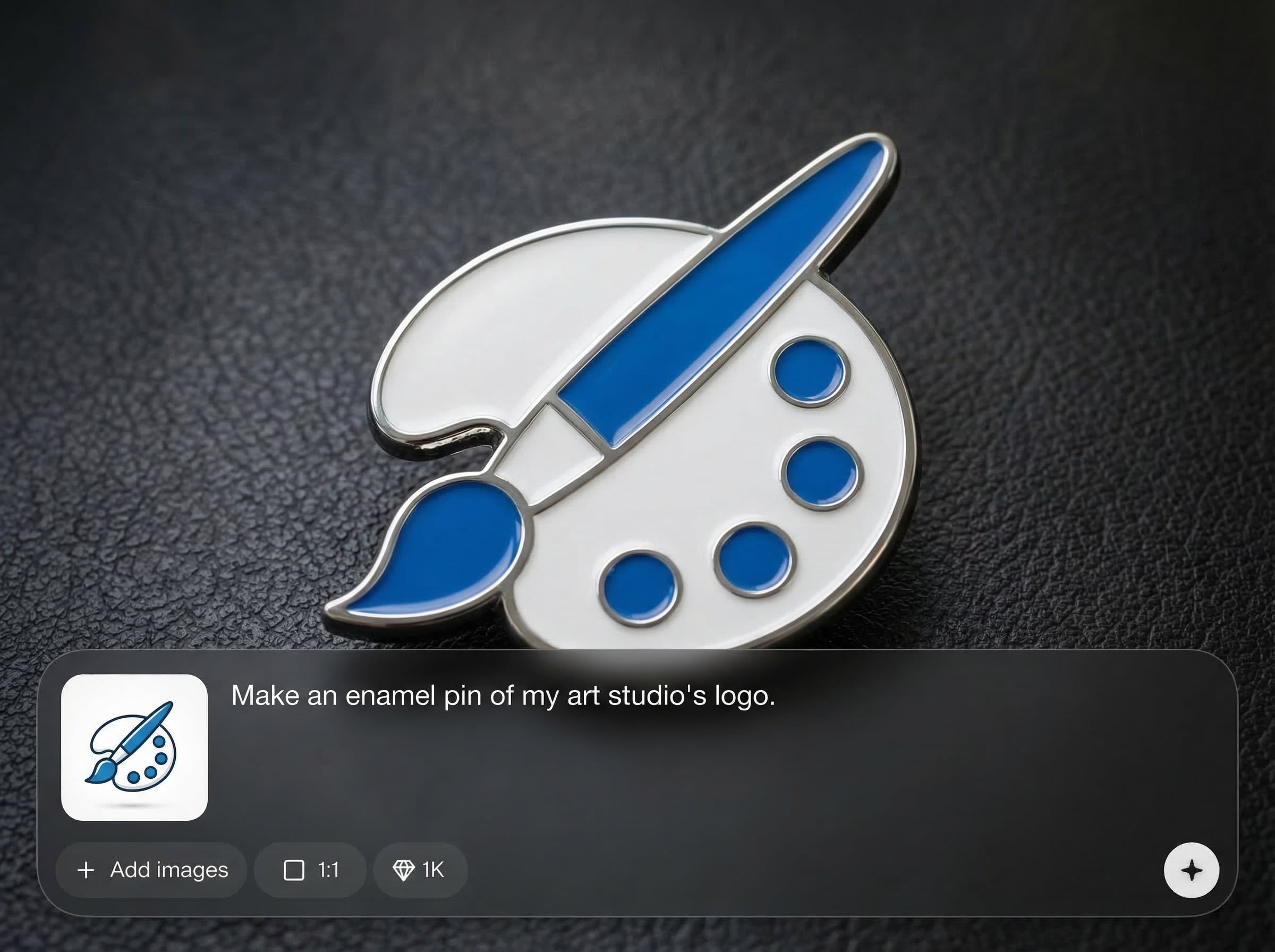
Choose plating, enamel type, and backgrounds to fit your brand. Fine-tune edge thickness and color feel to create consistent product images across a collection.
About
Your logo into pin turns any logo into a realistic enamel pin mockup in seconds. Upload your artwork, pick materials and colors, and generate high-quality pin renders with crisp metal edges and enamel fill. Perfect for merch previews, brand collateral, and product listings—without complex 3D modeling or manual mockups.
Get realistic enamel pin mockups with precise edges, believable metal shine, and consistent lighting. The AI workflow is fast, flexible, and designed for product-ready visuals—ideal for iterating on merch concepts and creating clean assets for ecommerce and marketing.
Upload your logo, pick a plating and enamel style, then generate. Download your favorite render and reuse the same settings to create consistent pin variants across a set.
Use cases
Discover how different creators use this app in their workflow.
Generate enamel pin mockups to validate designs before ordering samples. Useful for drops, online shops, and quick A/B testing of finishes.
Add realistic pin renders to presentations and style guides. Communicate materials, color direction, and product intent without custom 3D work.
Create high-quality pin images for ecommerce pages and campaigns. Produce consistent visuals across variants with matching lighting and backgrounds.
Krea is one of the world's leading generative AI platforms. See what others say.
Real reviews on TrustpilotSo many AI tools out there but I always come back to Krea. It's really the one AI platform that 'just works'.

FYN
Krea's interfaces are still the best in the industry. Everything looks and feels so clean and easy to use! Imo the easiest to use gen AI website.

Lynn
Ultra fast generations. Extremely simple to use. All the latest AI models.

Daniel
KREA is the only AI subscription I have right now besides ChatGPT.

Sophia M.
Answers to common questions about turning a logo into a realistic enamel pin mockup with AI.
Your logo into pin is an AI mockup tool that converts your logo into a realistic enamel pin render. It simulates metal plating, enamel fills, and lighting for product-ready previews.
PNG and SVG work best for clean edges and transparent backgrounds, but JPG is supported. High-contrast logos with simplified shapes typically produce the sharpest pin outlines and fills.
Yes. Choose different pin finishes and enamel looks, then adjust edge thickness and color feel. This helps match your mockup to real-world manufacturing options and brand aesthetics.
No—it's an AI rendering workflow designed for fast mockups. You upload a logo, select styles, and generate realistic pin images without building 3D geometry or setting up materials manually.
Use them for merch previews, ecommerce product listings, marketing graphics, and presentation decks. The renders help visualize finish and depth before committing to production or photoshoots.
Upload your logo and generate polished enamel pin mockups for merch, branding, and product listings in minutes.

