














Step 1
Upload
Import your style reference image and your target image. Use clear, high-resolution files for sharper textures, cleaner edges, and more accurate AI style mapping.
Transfer the style of one image to another with STYLE TRANSFER. Upload two images, tune strength, and export high-quality AI stylized results fast.
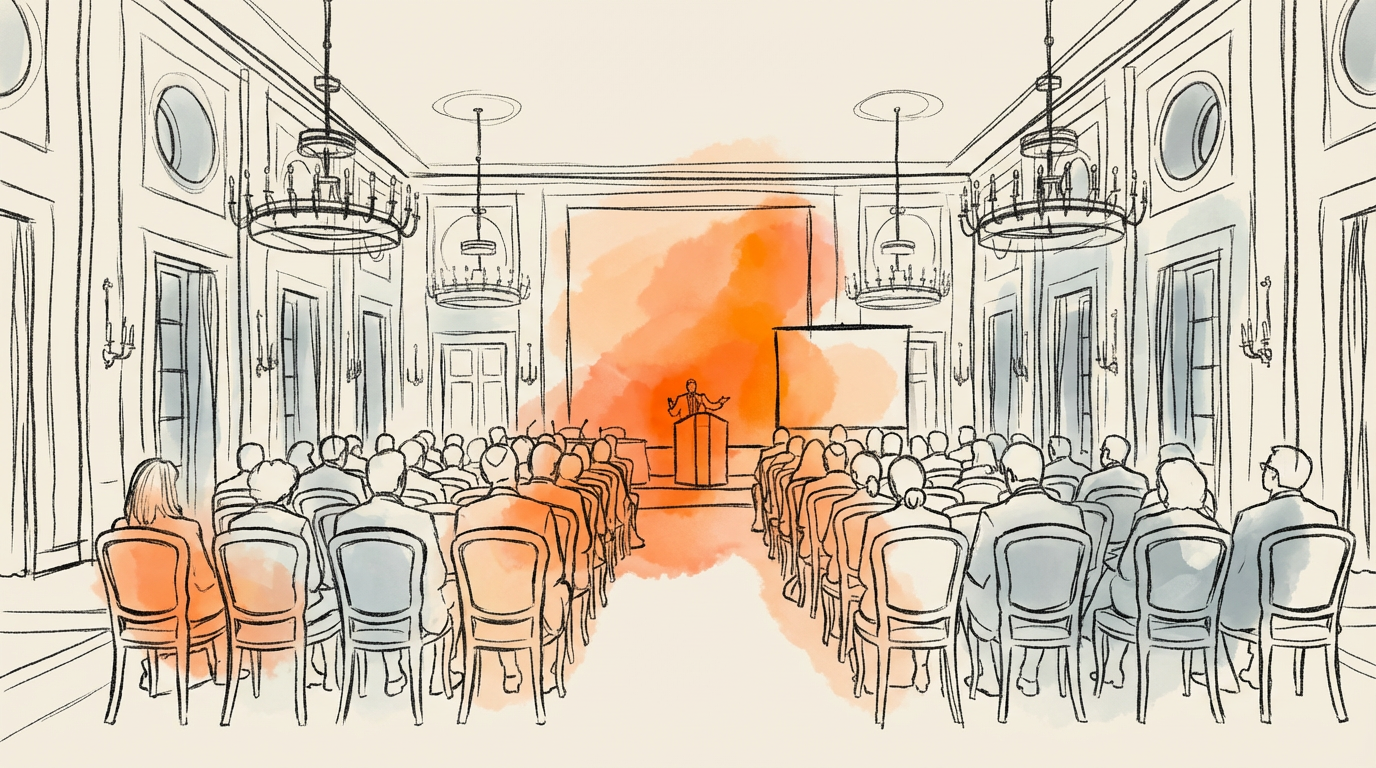
How to use STYLE TRANSFER
STYLE TRANSFER makes AI style transfer simple: choose a style image and a target image, then adjust intensity for the look you want. Preview results quickly and export a high-quality stylized image for your workflow.
Step 1
Import your style reference image and your target image. Use clear, high-resolution files for sharper textures, cleaner edges, and more accurate AI style mapping.

Step 2
Set style strength to control how much texture and color are transferred. Fine-tune until the target keeps key details while adopting the style’s visual character.

Step 3
Generate the final stylized image and download it instantly. Save multiple variations to compare looks and pick the best result for your project.
Features
STYLE TRANSFER transfers the aesthetic of one image onto another with consistent, high-quality results. Keep the target composition while borrowing color, texture, and brush-like patterns from your reference. With adjustable strength and quick previews, it’s an efficient AI photo editing tool for rapid visual exploration and production.
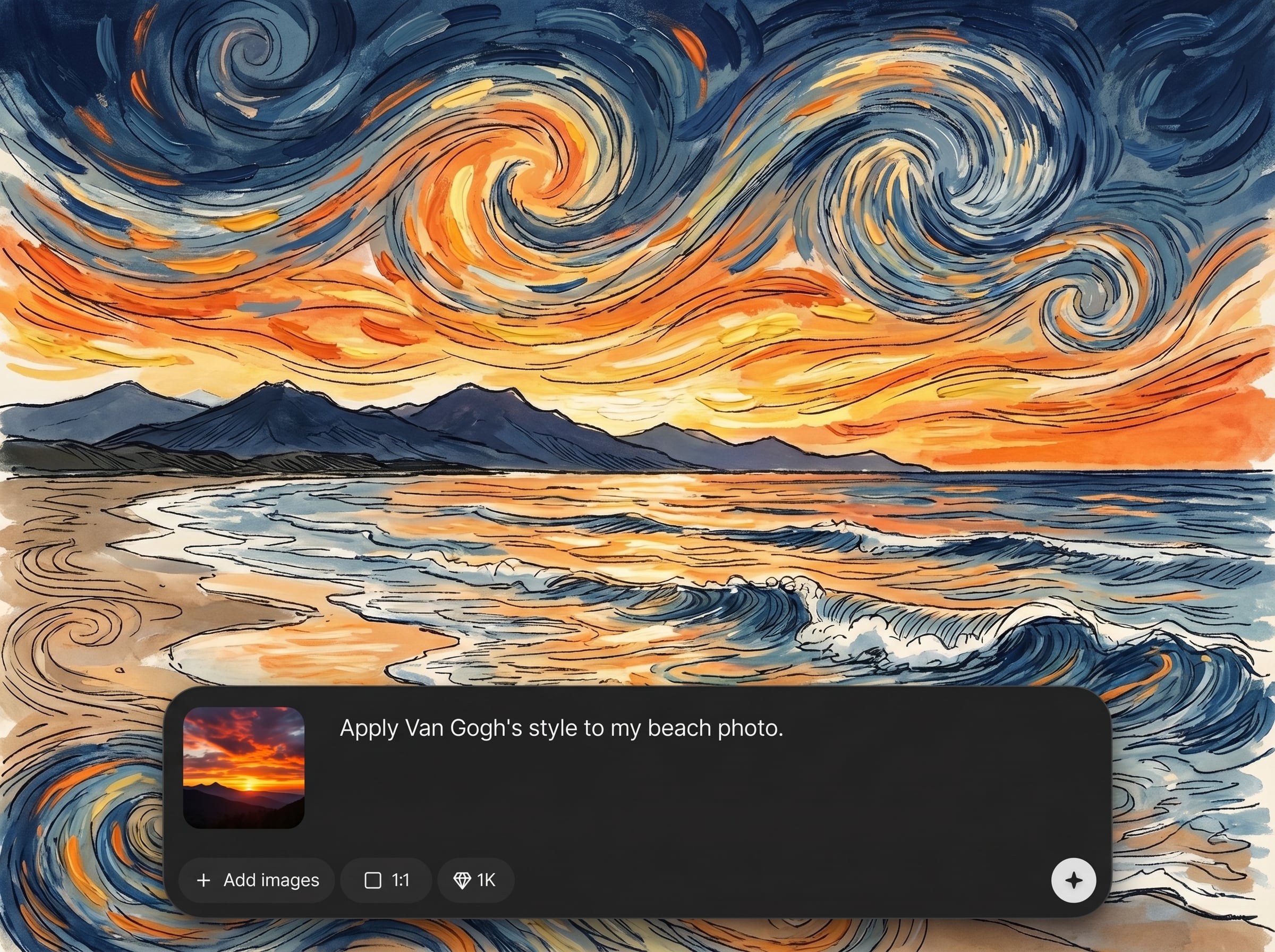
Use any image as a style reference and apply it to your target image. Preserve structure while transferring key visual cues like palette, texture, and surface detail.
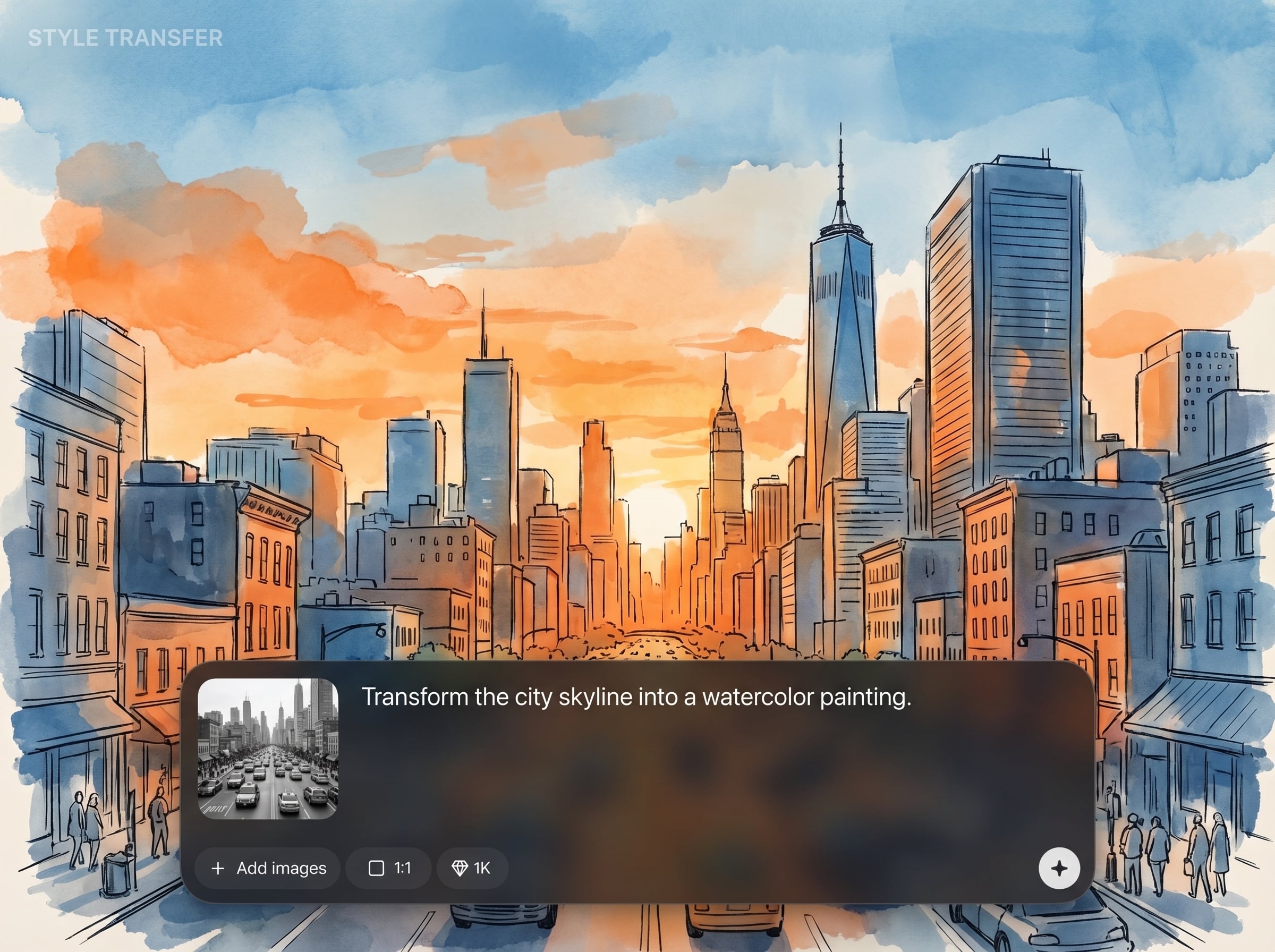
Dial in subtle enhancements or bold transformations with adjustable style strength. Balance style influence against important subject details for cleaner, more usable outputs.
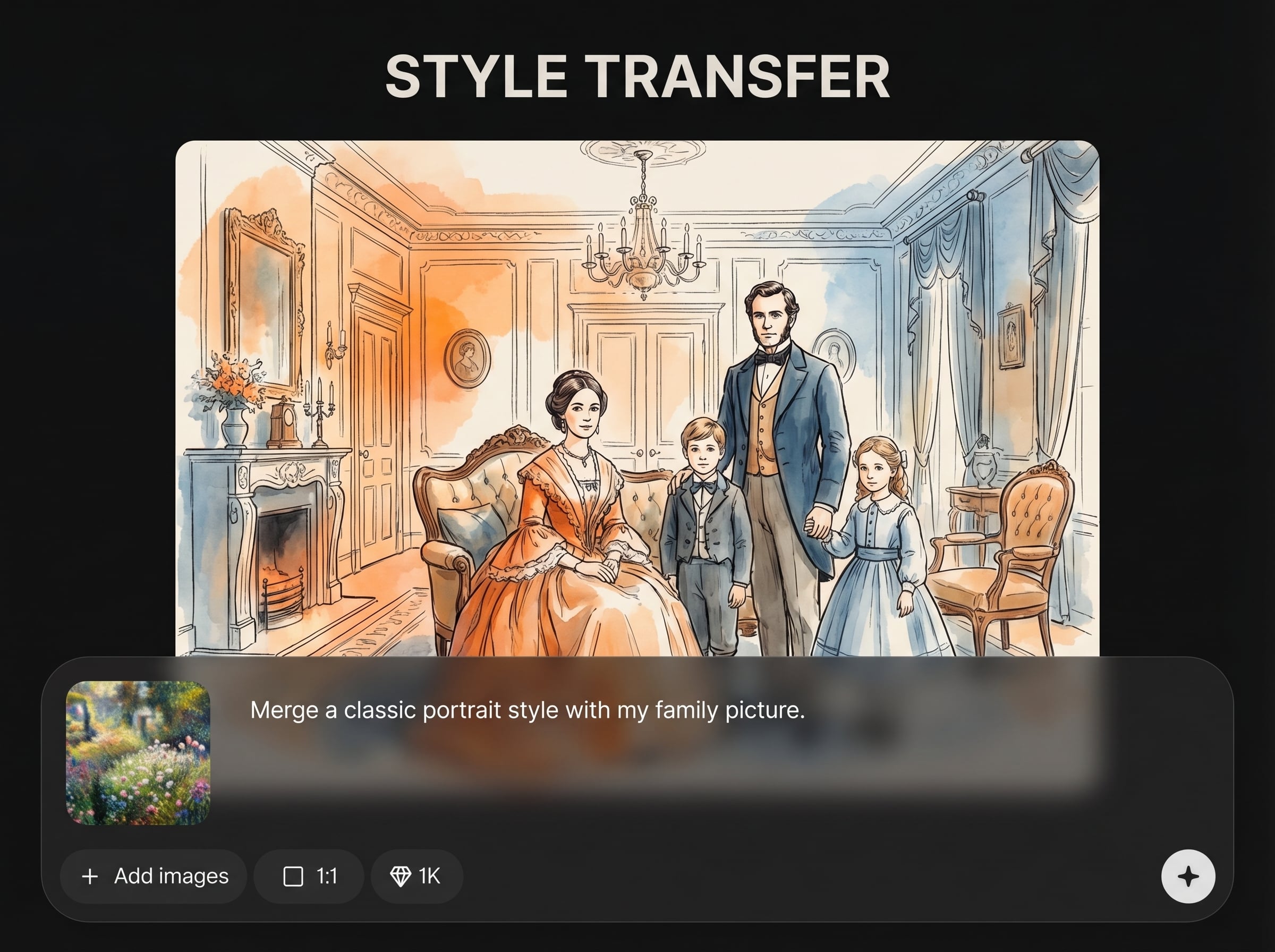
Iterate faster with responsive generation and easy variation testing. Export high-quality stylized images ready for design, marketing, and creative production pipelines.
About
STYLE TRANSFER applies the visual style of one imported image to another imported image using AI. Upload a style reference and a target photo, then control strength for clean, consistent results. Create artistic looks, brand-ready visuals, and unique variations in seconds—no manual masking or complex editing required.
STYLE TRANSFER delivers reliable AI stylization with simple controls and consistent outputs. Transfer textures and color intelligently while keeping key details readable. Rapid previews make it easy to iterate, compare variations, and reach a final look without complex manual editing.
Open STYLE TRANSFER, upload your style and target images, then adjust strength to taste. Generate a few variations, pick the best result, and export a high-quality stylized image instantly.
Use cases
Discover how different creators use this app in their workflow.
Apply a consistent aesthetic across product and campaign images. Transfer color and texture cues to keep a cohesive look while refreshing visuals quickly.
Explore multiple art directions by swapping style references. Generate fast variations to test mood, palettes, and textures before committing to a final direction.
Transform photos into painterly, cinematic, or graphic looks. Keep the original composition while adding expressive style characteristics from a chosen reference.
Krea is one of the world's leading generative AI platforms. See what others say.
Real reviews on TrustpilotSo many AI tools out there but I always come back to Krea. It's really the one AI platform that 'just works'.

FYN
Krea's interfaces are still the best in the industry. Everything looks and feels so clean and easy to use! Imo the easiest to use gen AI website.

Lynn
Ultra fast generations. Extremely simple to use. All the latest AI models.

Daniel
KREA is the only AI subscription I have right now besides ChatGPT.

Sophia M.
Find quick answers about AI style transfer, uploads, controls, and exporting in STYLE TRANSFER.
AI style transfer applies the visual characteristics of a reference image—like color, texture, and patterns—to a target image while preserving the target’s overall structure and content.
Use a high-contrast style image with clear texture or brushwork, and a sharp target image with well-defined subjects. Higher resolution usually produces cleaner edges and smoother results.
Yes. Adjust style strength to blend subtle influences or fully transform the target. Lower strength keeps more original detail; higher strength emphasizes texture, color shifts, and stylized patterns.
In most cases, the target’s composition and main shapes remain intact, while the style image influences the surface look. Results can vary depending on image complexity and strength settings.
After generating your result, download the exported image directly. Create multiple variations with different strengths, compare them side by side, and export the option that best matches your desired style.
Upload a style image and a target image, adjust strength, and export polished AI stylized results fast.

