















Step 1
Upload
Add a room photo and select the sofa area to edit. Sofa Edit detects edges and surfaces to keep walls, floors, and decor consistent.
Sofa Edit is an AI sofa editor to swap, remove, and recolor couches in photos. Generate realistic room staging in seconds—try it online now.
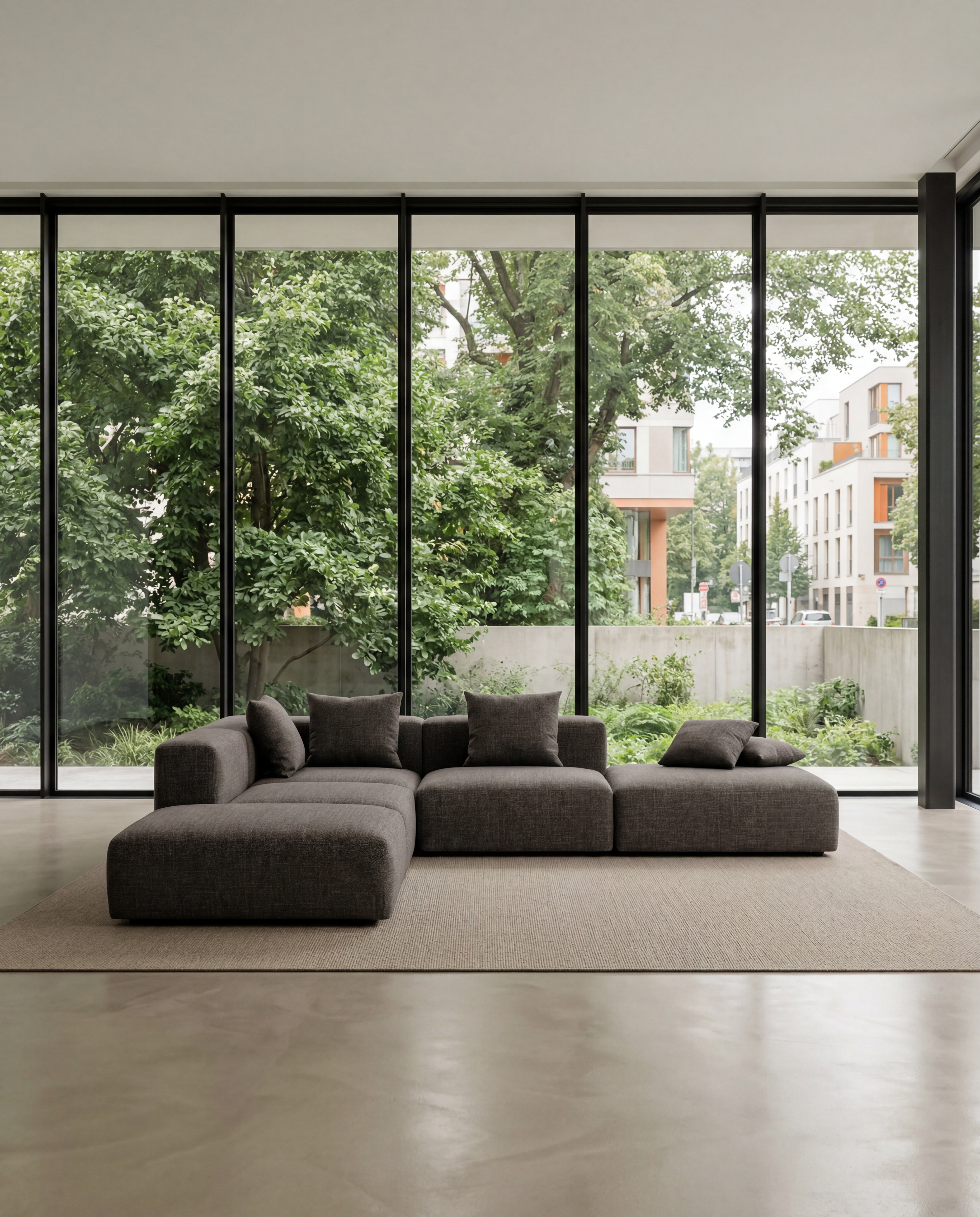
How to use Sofa Edit
Use Sofa Edit to update sofas inside real room photos without advanced editing skills. Follow these steps to upload your image, guide the AI, and export realistic results for staging and design.
Step 1
Add a room photo and select the sofa area to edit. Sofa Edit detects edges and surfaces to keep walls, floors, and decor consistent.

Step 2
Choose a style and details like color, material, and shape. Add notes such as “modern sectional” or “neutral linen” for better AI results.

Step 3
Generate multiple sofa variations and pick the best match. Export high-quality images for listings, presentations, or mockups, with minimal post-processing.
Features
Sofa Edit uses AI image editing to change sofas inside existing photos while preserving perspective, shadows, and room texture. Swap couch styles, remove clutter, or recolor fabrics in a few clicks. Generate consistent variations for real estate photos, product mockups, and interior design previews—without rebuilding the entire scene from scratch.
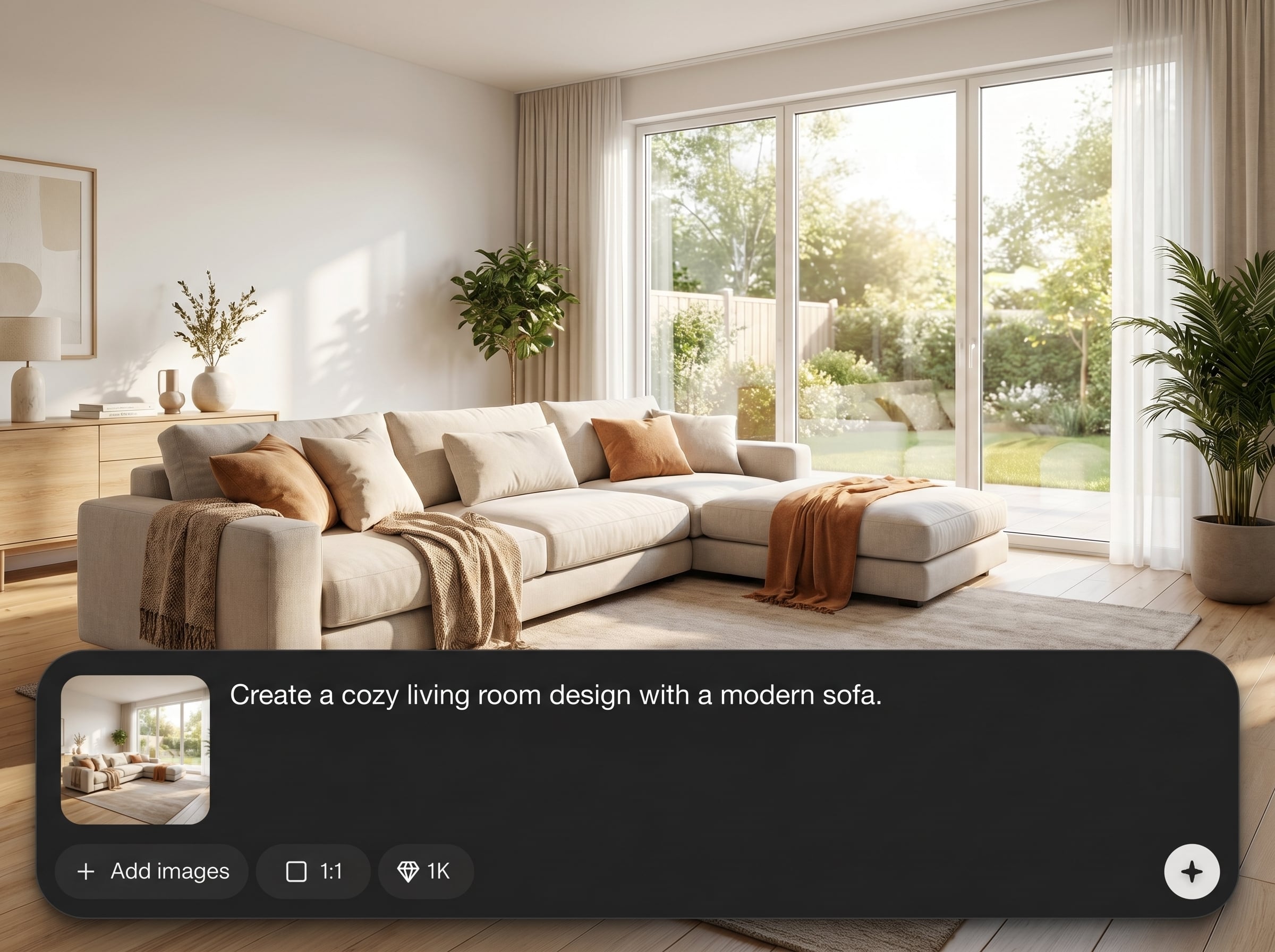
Swap a couch with a new style while keeping room geometry intact. Sofa Edit maintains scale, alignment, and natural lighting for believable virtual staging results.
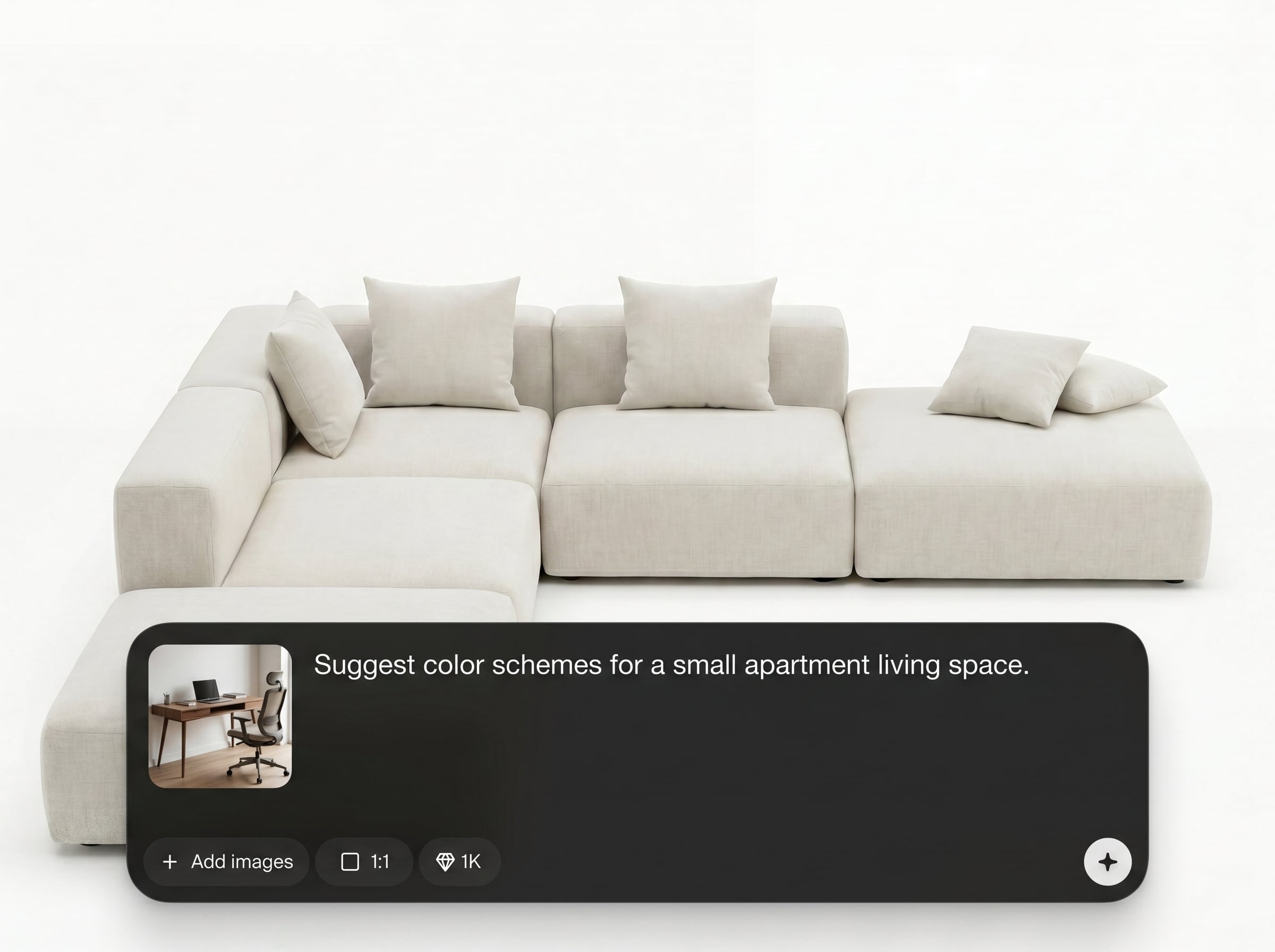
Generate multiple sofa options in seconds to compare colors, materials, and silhouettes. Reuse prompts to keep a consistent look across an entire photo set.
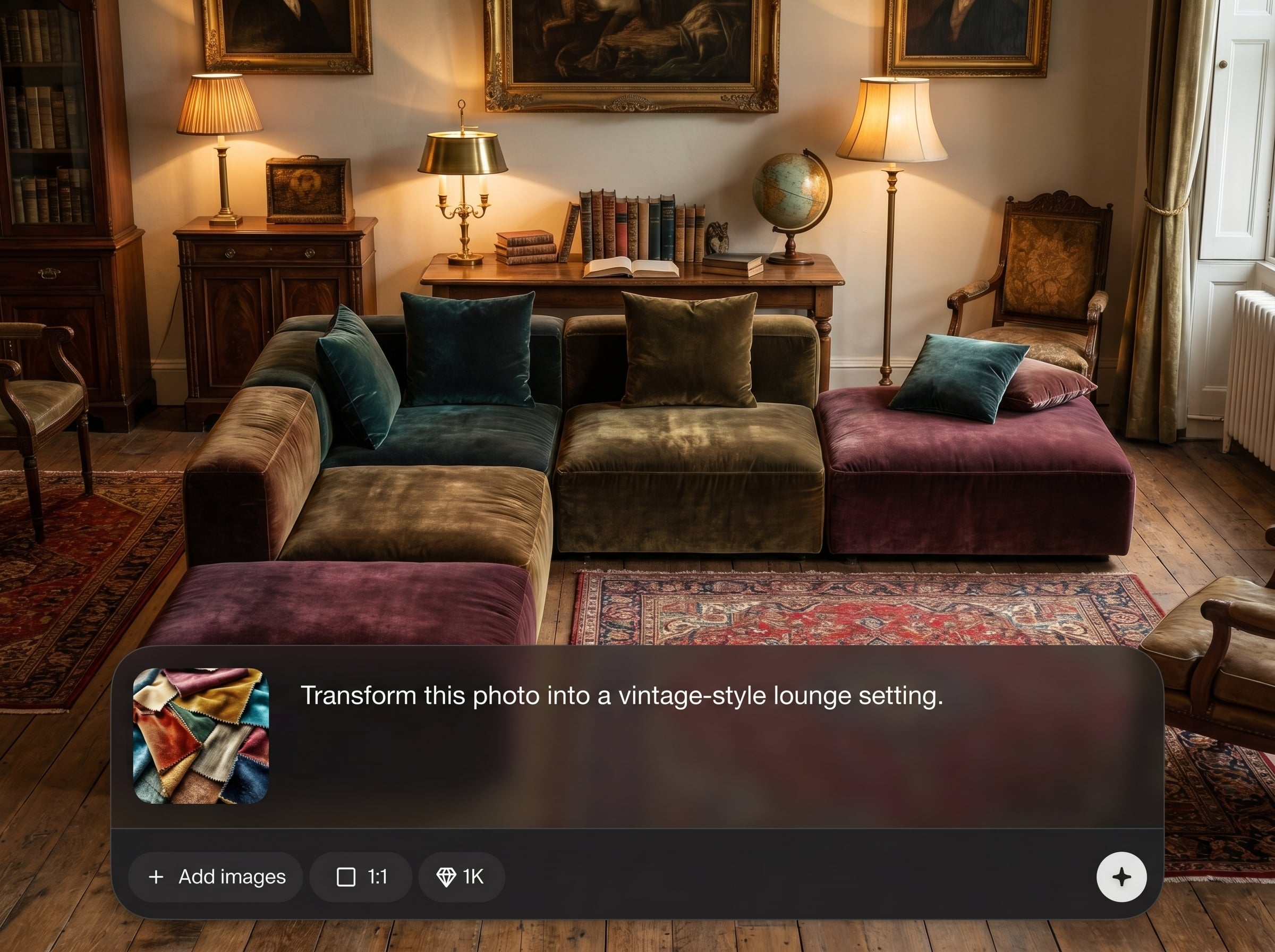
Guide the AI with short text like “beige mid-century sofa” or “remove sofa.” Get tidy, export-ready images suitable for presentations, listings, and design reviews.
About
Sofa Edit is an AI sofa editor that helps you replace, remove, or recolor sofas in any room photo with realistic lighting and perspective. Upload an image, describe the style you want, and generate clean variations for listings, mood boards, and interior concepts. Create multiple options fast without complex manual retouching.
Sofa Edit focuses on realistic sofa replacement inside existing rooms, preserving perspective, shadows, and texture. Generate multiple design options quickly, keep results consistent across a set, and export clean images ready for listings, presentations, or mockups.
Open Sofa Edit, upload a room image, select the sofa area, and type a short prompt. Generate a few variations, refine details like color or material, then export your final edit.
Use cases
Discover how different creators use this app in their workflow.
Replace outdated sofas and refresh living rooms for property photos. Create multiple staged looks to match different buyer tastes and listing styles.
Test sofa shapes, fabrics, and colors inside real spaces. Share quick mockups with teams or clients to speed up design decisions.
Visualize sofas in contextual room scenes without new photo shoots. Produce consistent variations for catalogs, ads, and A/B testing.
Krea is one of the world's leading generative AI platforms. See what others say.
Real reviews on TrustpilotSo many AI tools out there but I always come back to Krea. It's really the one AI platform that 'just works'.

FYN
Krea's interfaces are still the best in the industry. Everything looks and feels so clean and easy to use! Imo the easiest to use gen AI website.

Lynn
Ultra fast generations. Extremely simple to use. All the latest AI models.

Daniel
KREA is the only AI subscription I have right now besides ChatGPT.

Sophia M.
Common questions about Sofa Edit, AI sofa replacement, and virtual staging workflows.
Sofa Edit is an AI tool that edits sofas in room photos. It can replace, remove, or recolor a couch while keeping the rest of the scene consistent for realistic staging.
Yes. Enter prompts like “dark green velvet” or “cream linen,” and Sofa Edit generates new variations. You can iterate quickly until the fabric, tone, and style match your goal.
It’s designed for virtual staging workflows. Sofa Edit helps refresh living spaces by swapping furniture while preserving perspective and lighting, so listing photos look believable and clean.
Use sharp, well-lit room photos with the sofa clearly visible. Straight-on angles and minimal motion blur improve edge accuracy, shadows, and overall realism in the generated result.
Be specific about style, size, and materials, such as “small modern loveseat, light gray fabric.” If needed, generate multiple options and refine with shorter, clearer prompt changes.
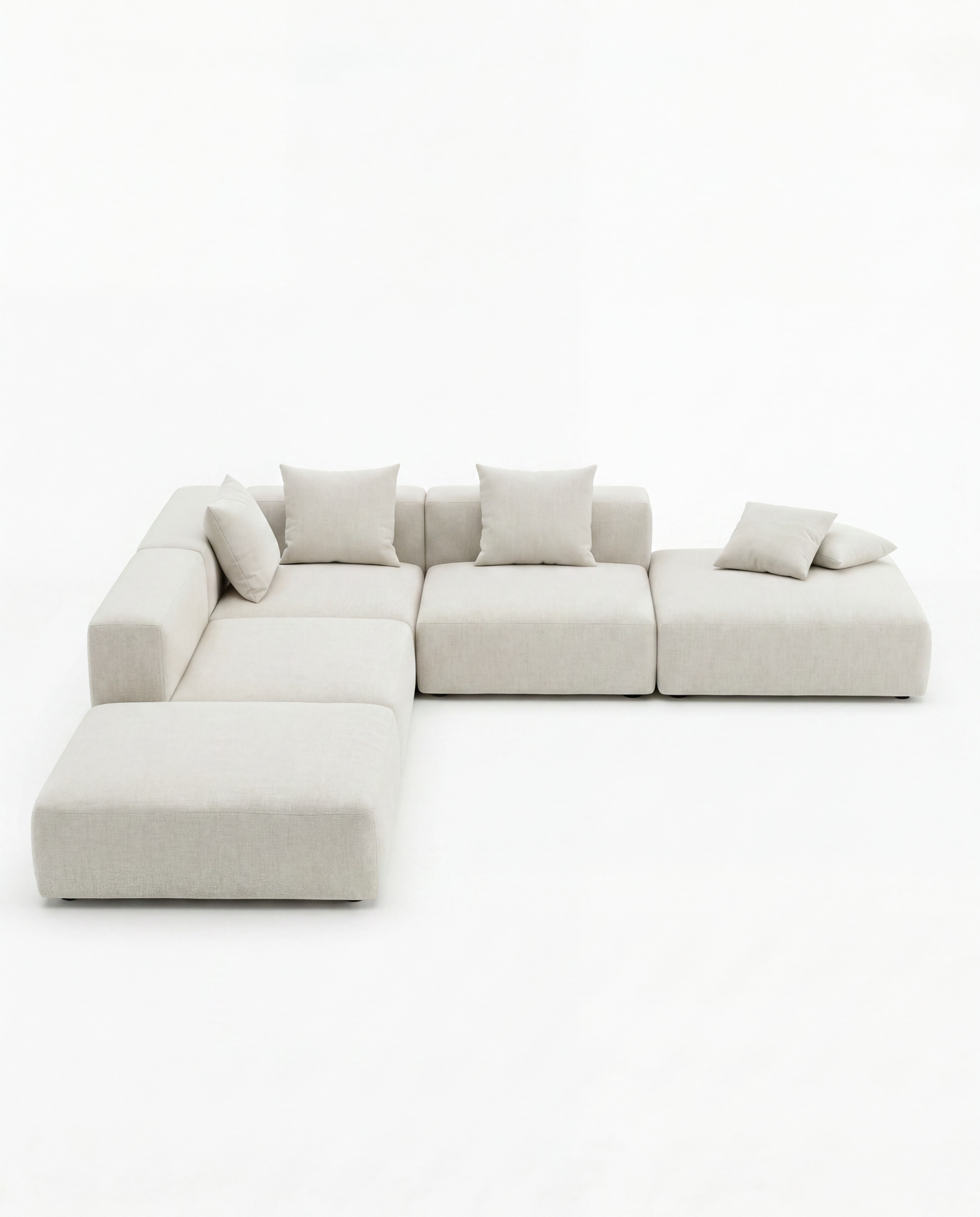
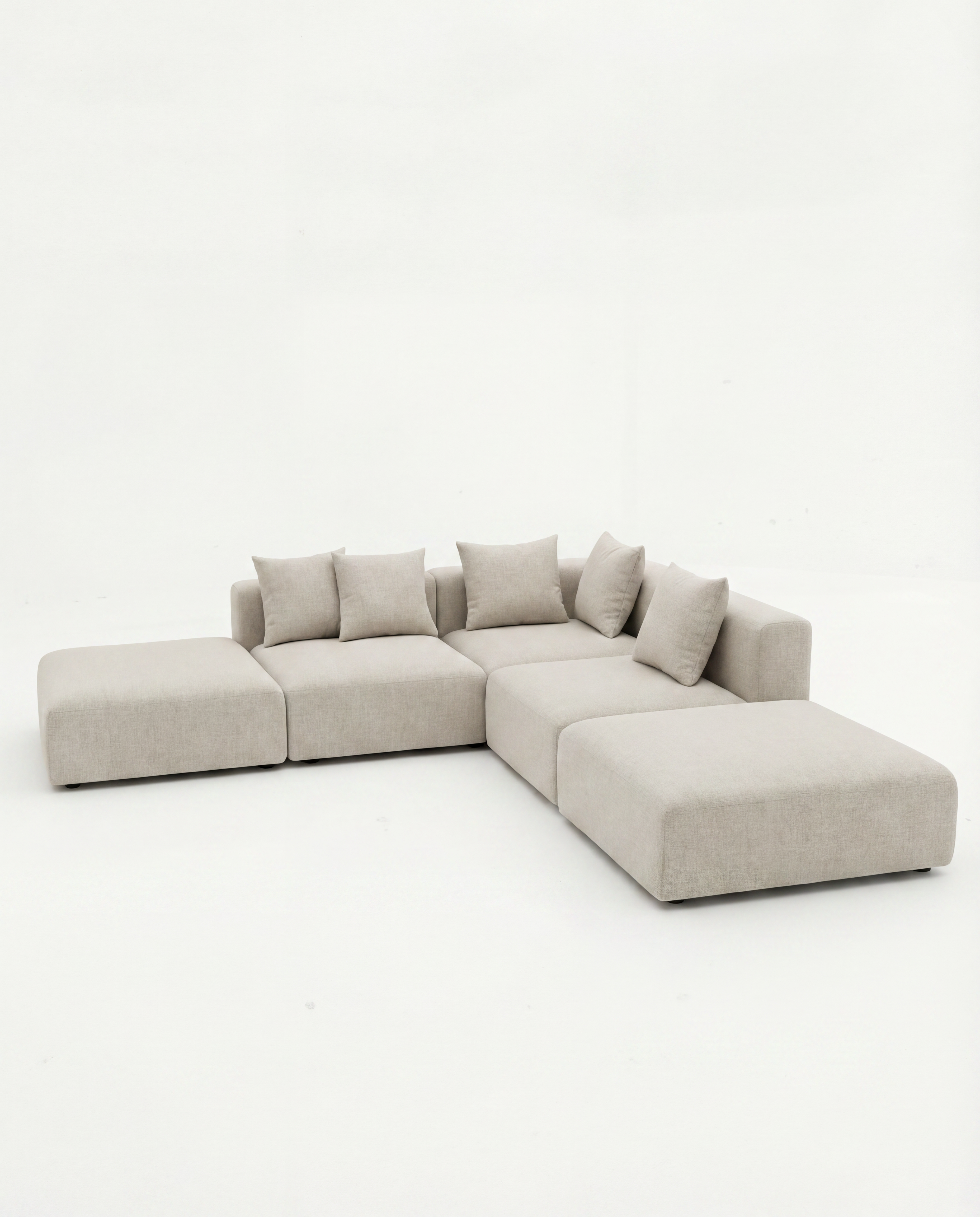
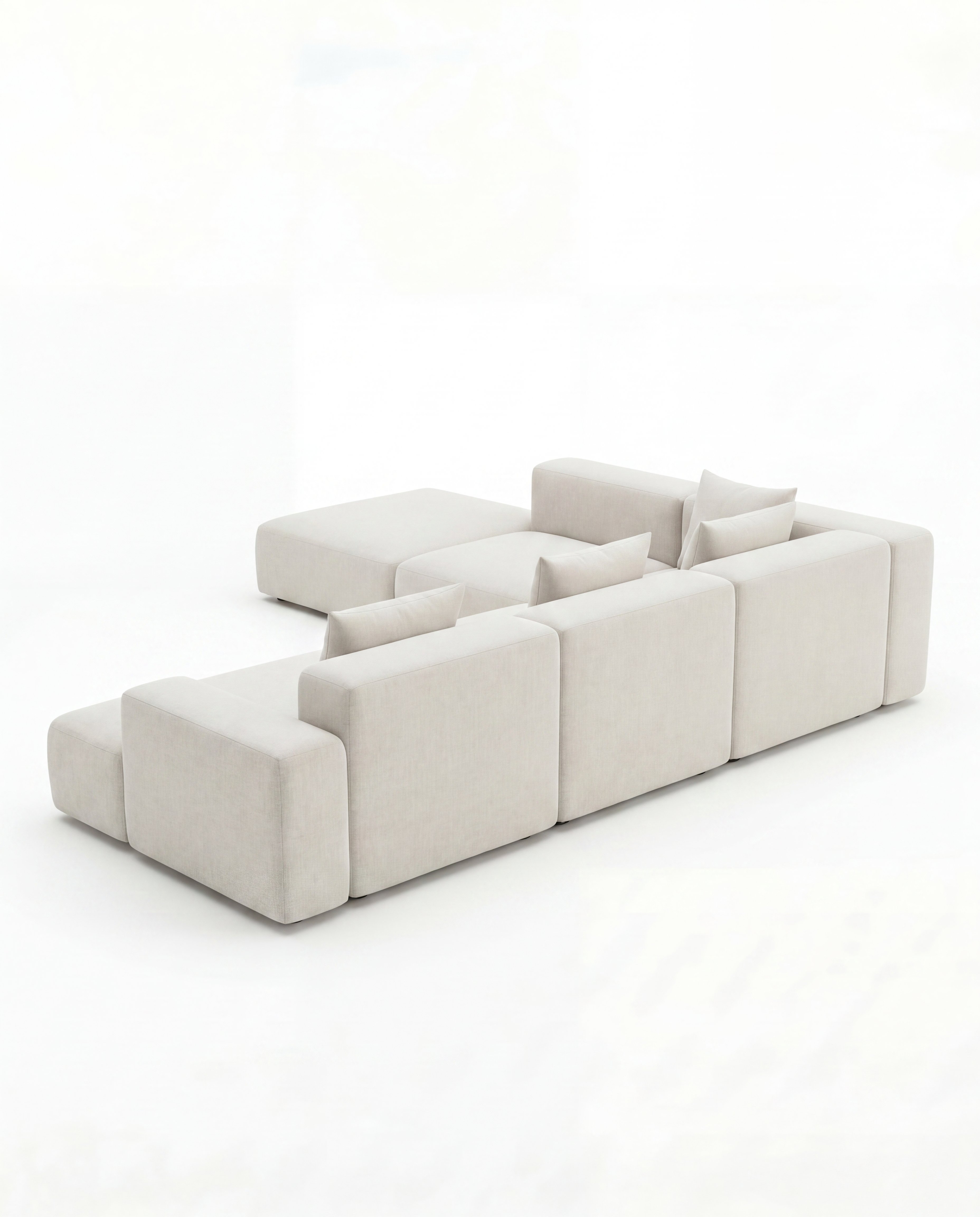
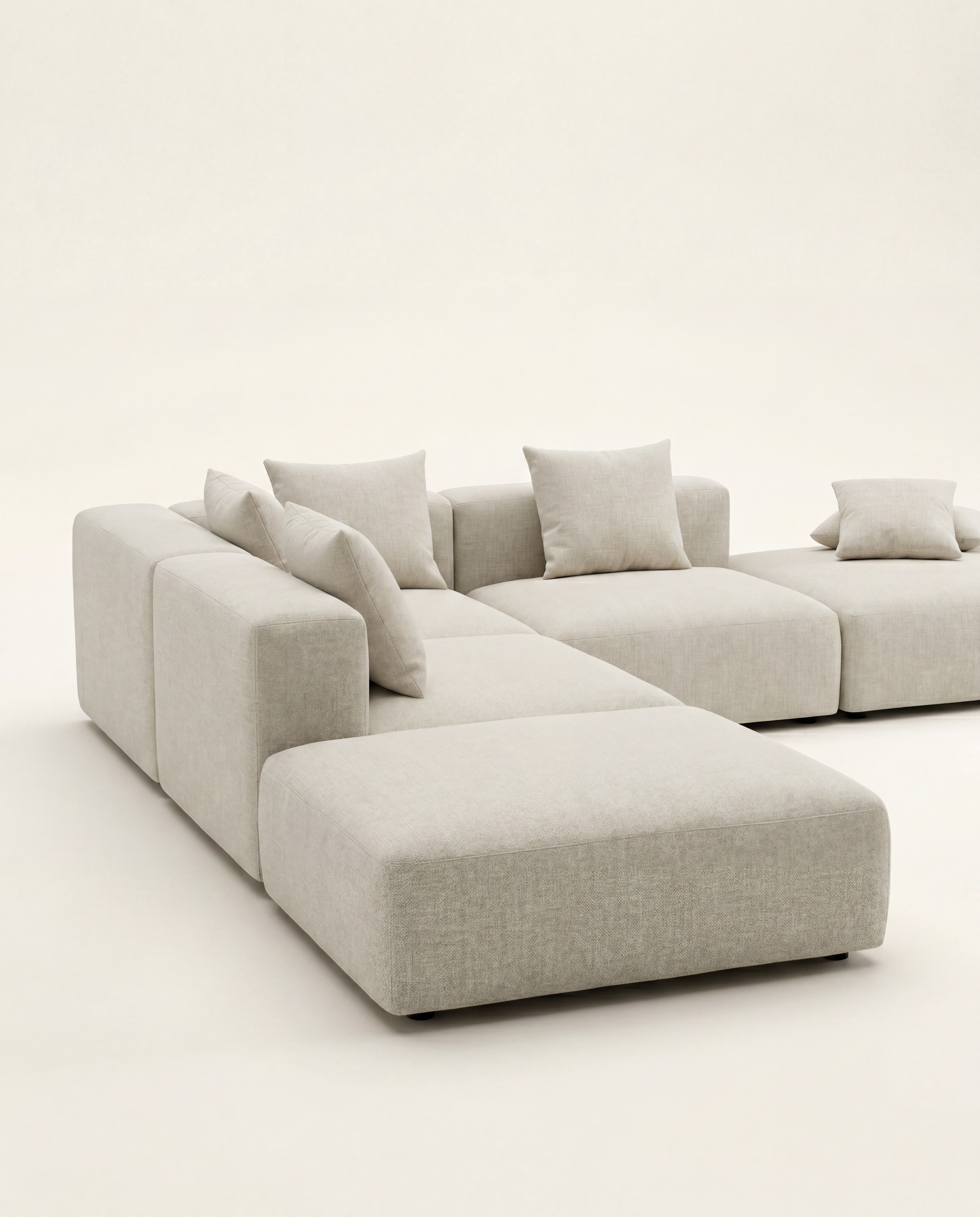
Upload a room photo, describe the sofa you want, and generate realistic edits in seconds.

