














Step 1
Upload
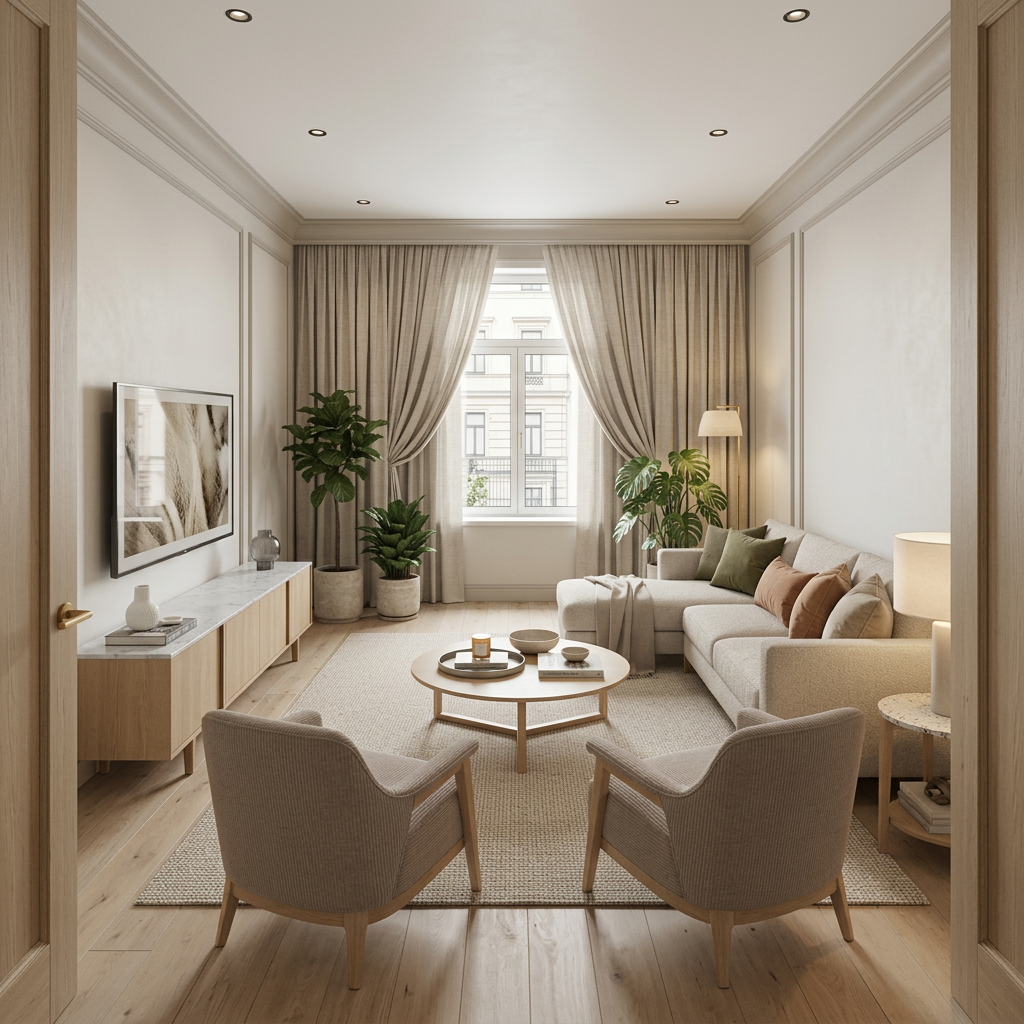
Add your screenshot as the base image, then upload a reference image that shows the desired style, materials, or lighting. Choose the output size for your target platform.
 App by Mikhail Zhilin
Transform a screenshot plus reference into a clean visualization with AI. Match style, lighting, and materials fast—upload, generate, export in minutes.
How to use Скриншот + Референс = Визуализация
This quick workflow converts your screenshot into a refined visualization using a reference for style and materials. Follow three steps to upload assets, set generation options, and export results for review or production.
Step 1
Add your screenshot as the base image, then upload a reference image that shows the desired style, materials, or lighting. Choose the output size for your target platform.

Step 2
Adjust strength and detail settings to control how closely the result follows your screenshot versus the reference. Run AI generation and iterate with small tweaks for consistency.

Step 3
Pick the best variation, upscale if needed, and download in a share-ready format. Save settings to reproduce the same look across additional screenshots and scenes.
Features
Combine a screenshot with a reference to generate clean, presentation-ready visuals. The tool preserves key structure from your base image while borrowing style cues like materials, lighting, and color from the reference. Produce consistent variations quickly, reduce back-and-forth edits, and export high-quality outputs for decks, design reviews, or mockups.
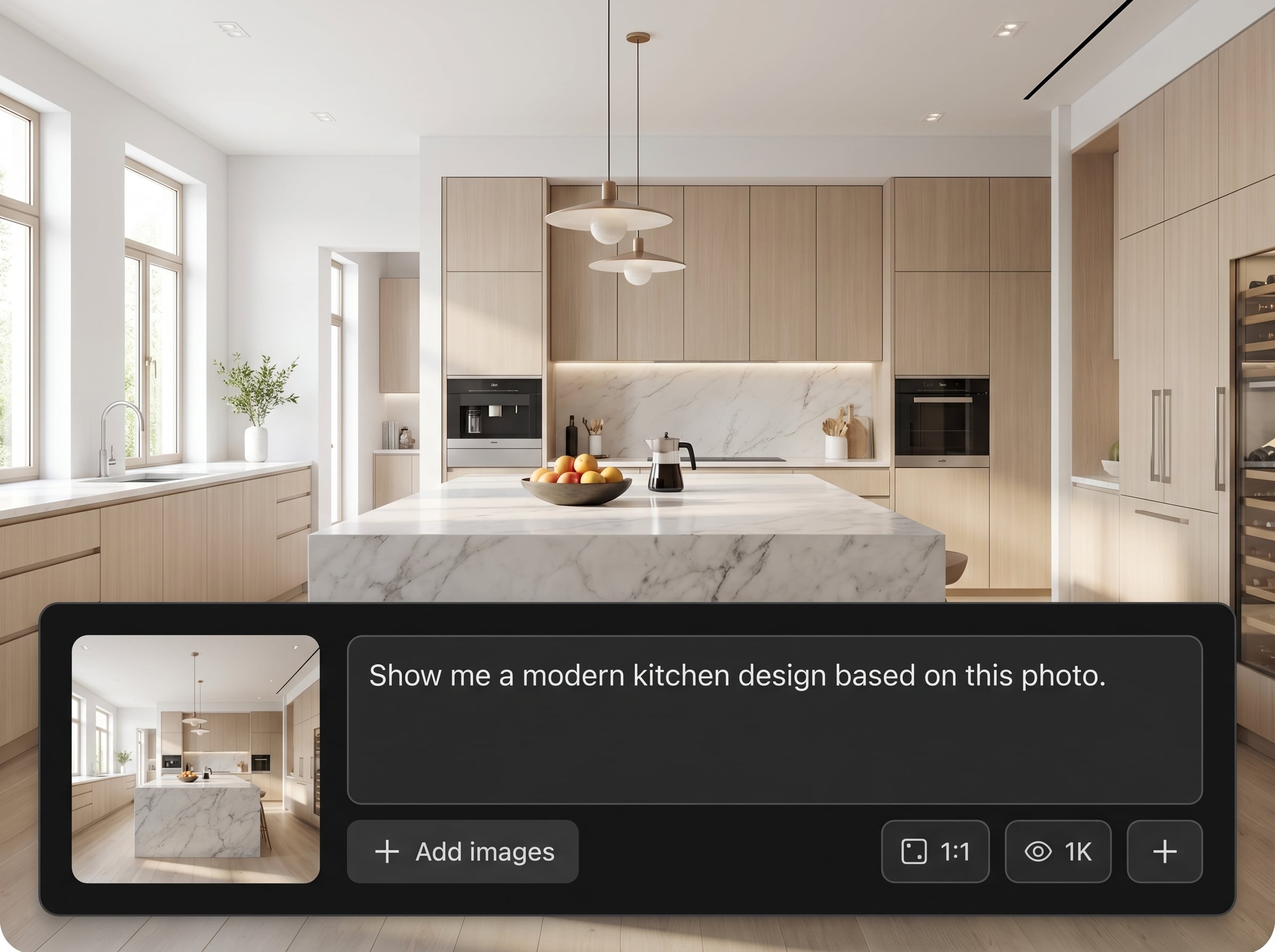
Use your screenshot as the composition anchor, then enhance it into a refined render. Keep layouts readable while improving textures, lighting, and overall clarity for professional results.
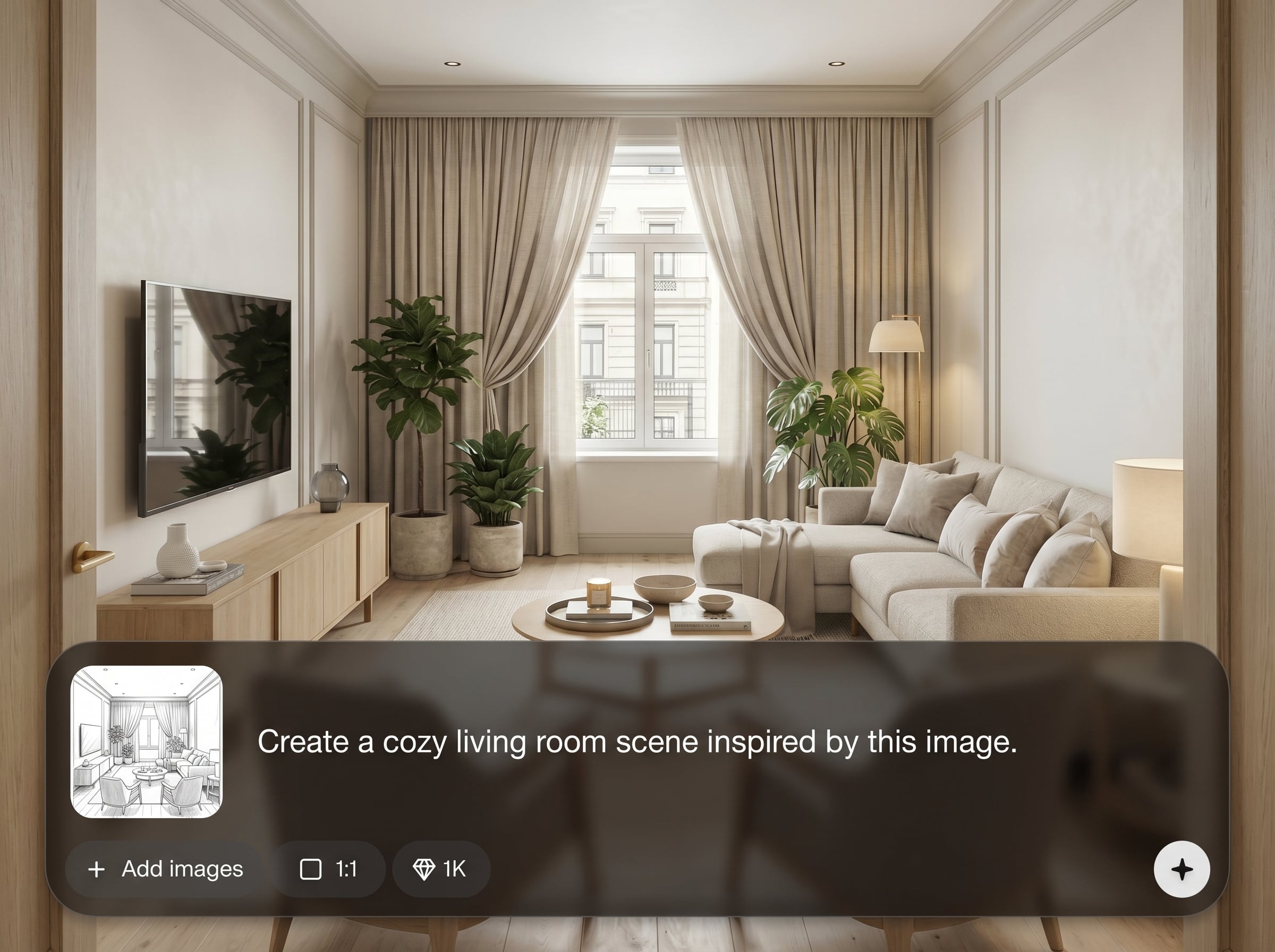
Guide the AI with a reference image to match a specific look. Transfer color palette, material feel, and mood while maintaining the original structure from the screenshot.
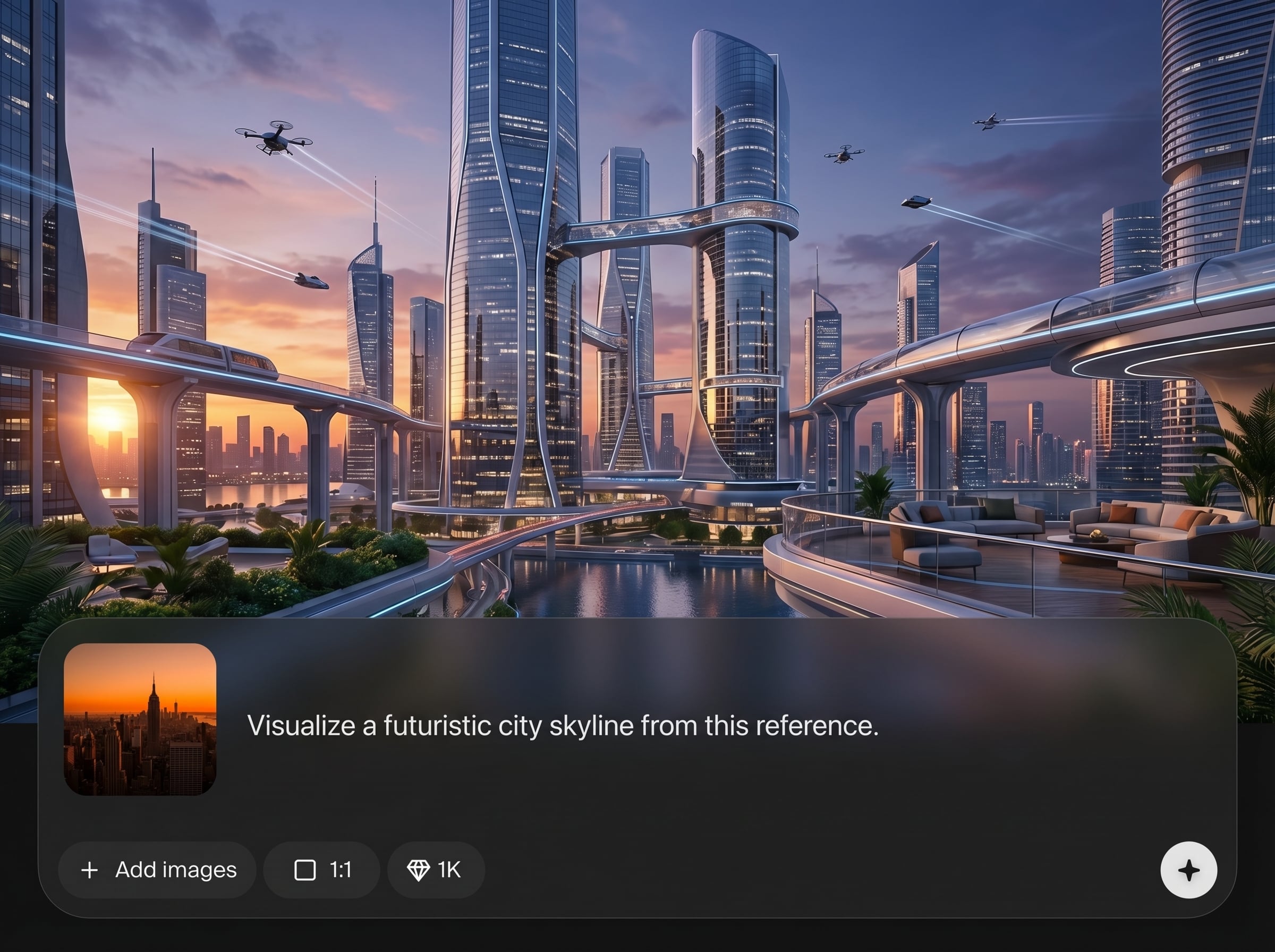
Generate multiple variations in minutes and fine-tune strength and detail for repeatable results. Ideal for rapid exploration without sacrificing cohesion across a series of visuals.
About
Скриншот + Референс = Визуализация turns a screenshot and a reference image into a polished visual using AI image-to-image generation. Upload your base screenshot, add a style or material reference, and generate consistent results that match lighting, composition, and detail. Ideal for fast iterations, clearer presentations, and export-ready visuals without manual repainting.
Get faster, clearer visual results by combining structure from a screenshot with style from a reference. The workflow is built for consistency across iterations, helping you explore options quickly while keeping layouts readable and outputs presentation-ready.
Upload your screenshot, add a reference image, and choose output size. Adjust strength for more structure or more style, generate variations, then download the best result.
Use cases
Discover how different creators use this app in their workflow.
Turn rough screenshots into realistic product visuals using a brand reference. Quickly test finishes, materials, and lighting to present options clearly to stakeholders.
Enhance interface screenshots with a reference style to create polished hero images. Keep layouts intact while improving depth, lighting, and overall visual impact.
Use a scene screenshot as the base and a reference for mood. Generate cohesive look development variations for faster decision-making and clearer direction.
Krea is one of the world's leading generative AI platforms. See what others say.
Real reviews on TrustpilotSo many AI tools out there but I always come back to Krea. It's really the one AI platform that 'just works'.

FYN
Krea's interfaces are still the best in the industry. Everything looks and feels so clean and easy to use! Imo the easiest to use gen AI website.

Lynn
Ultra fast generations. Extremely simple to use. All the latest AI models.

Daniel
KREA is the only AI subscription I have right now besides ChatGPT.

Sophia M.
Answers to common questions about screenshot + reference AI visualization and output quality.
It generates a refined visualization from two inputs: a base screenshot for structure and a reference image for style. The AI blends them to produce cleaner, more presentable visuals quickly.
Lower the transformation strength and prioritize structure-preserving settings. Use a reference that matches the same perspective and composition, then iterate with small adjustments for stable, consistent outputs.
Choose a clear reference with the materials, lighting, and color mood you want. Similar camera angle and subject matter helps the AI match style more accurately and reduces unwanted changes.
Yes. Create several variations by changing the seed, strength, or detail settings while keeping the same screenshot and reference. This is useful for quick exploration and A/B comparisons.
Upload common image formats like PNG or JPG for both screenshot and reference. Download high-resolution outputs suitable for slides, mockups, and web use, with optional upscaling for sharper details.
Upload a screenshot and reference, generate consistent visuals, and export in minutes for review-ready results.

