














Step 1
Set the brief
Add your campaign goal, audience, platform, and tone. Include key points, links, or notes so the AI can align topics, references, and visuals to your needs.
 App by Mikhail Zhilin
BIG WORKFLOW turns briefs into SMM-ready plans, references, visuals, and topics with AI. Build faster, stay on-brand, and export in minutes. Try it now.

How to use BIG WORKFLOW
Use BIG WORKFLOW to transform a goal or product brief into a complete SMM workflow. In minutes, generate a plan, gather references, create visualisations, and produce topic ideas you can refine and publish.
Step 1
Add your campaign goal, audience, platform, and tone. Include key points, links, or notes so the AI can align topics, references, and visuals to your needs.

Step 2
Run the AI workflow to produce a content plan, reference directions, visualisation prompts, and SMM topic options. Review outputs, adjust constraints, and regenerate sections as needed.

Step 3
Select the best topics and visuals, then polish captions and structure. Export your plan and assets for scheduling, approvals, or collaboration across your social media workflow.
Features
BIG WORKFLOW combines planning, reference guidance, visualisation, and topic generation into one AI workflow. Keep strategy and execution connected, so every post supports the brief. Quickly iterate, standardize content quality, and reduce time spent switching tools—while staying consistent across platforms and campaigns.
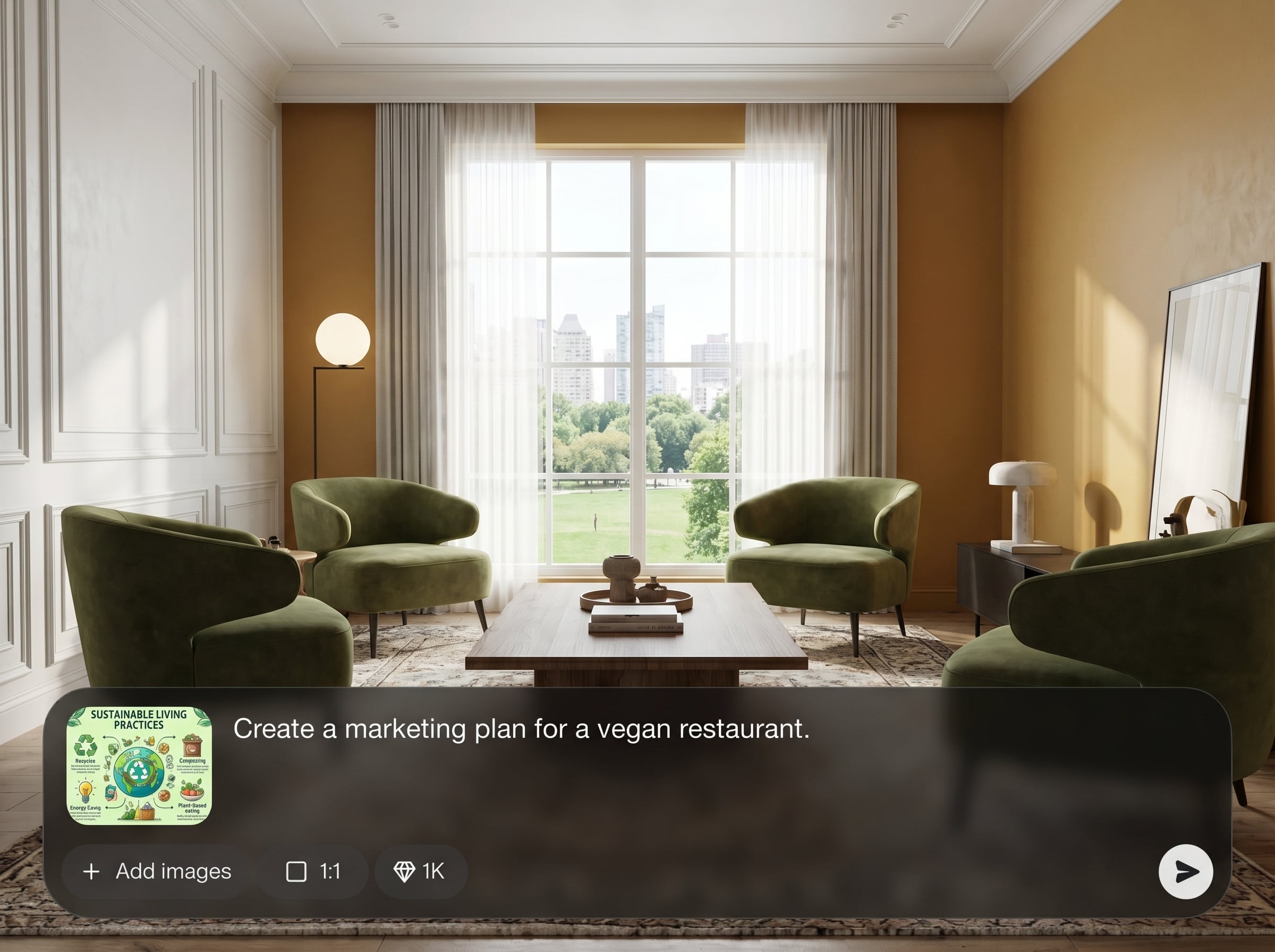
Turn a single prompt into a structured SMM content plan with clear steps, themes, and deliverables. Keep campaigns aligned with goals, audience, and platform requirements from the start.
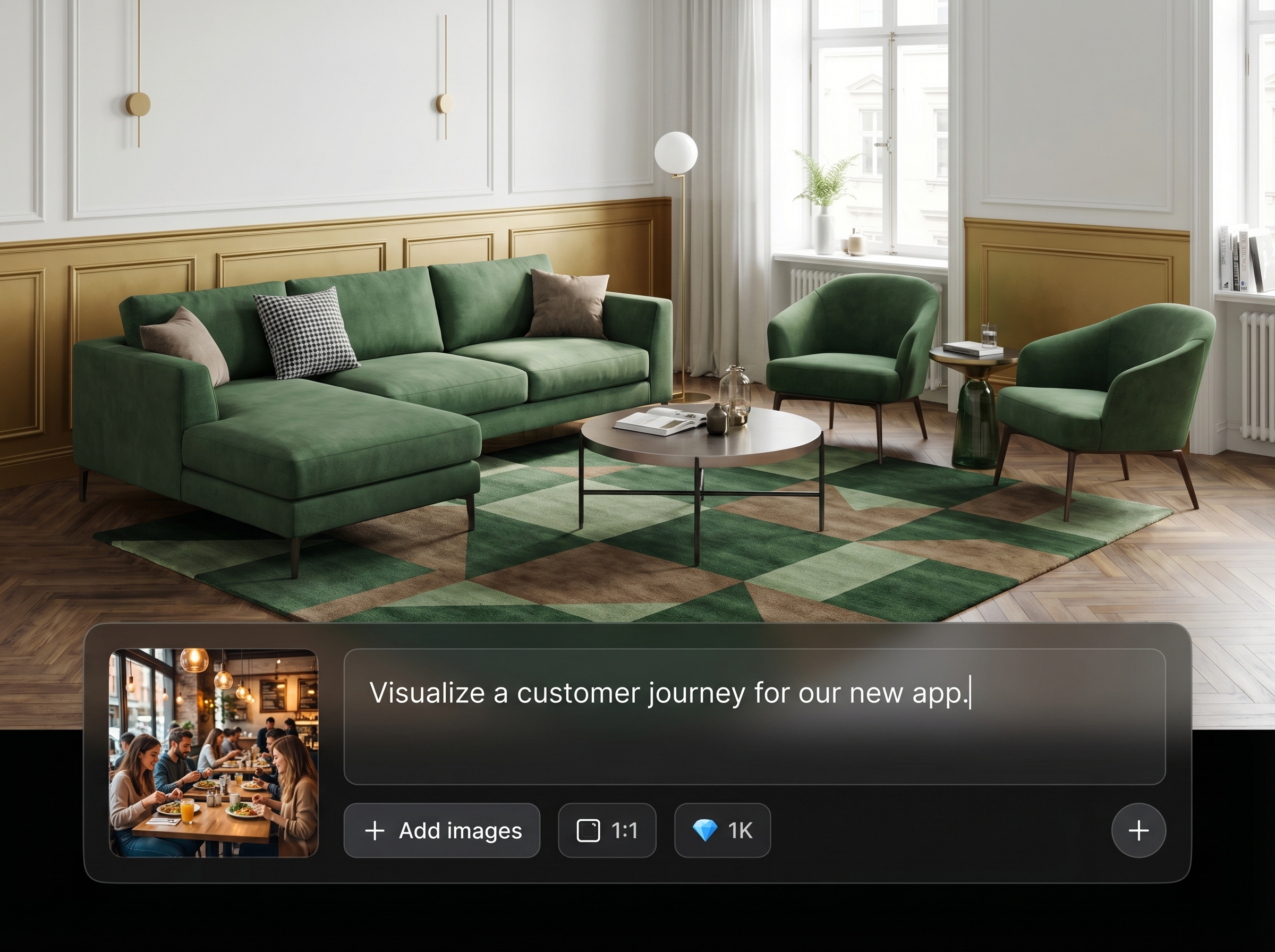
Generate reference directions and visualisation outputs that match your concept and tone. Get consistent creative guidance for designs, images, and post formats without losing the strategy context.
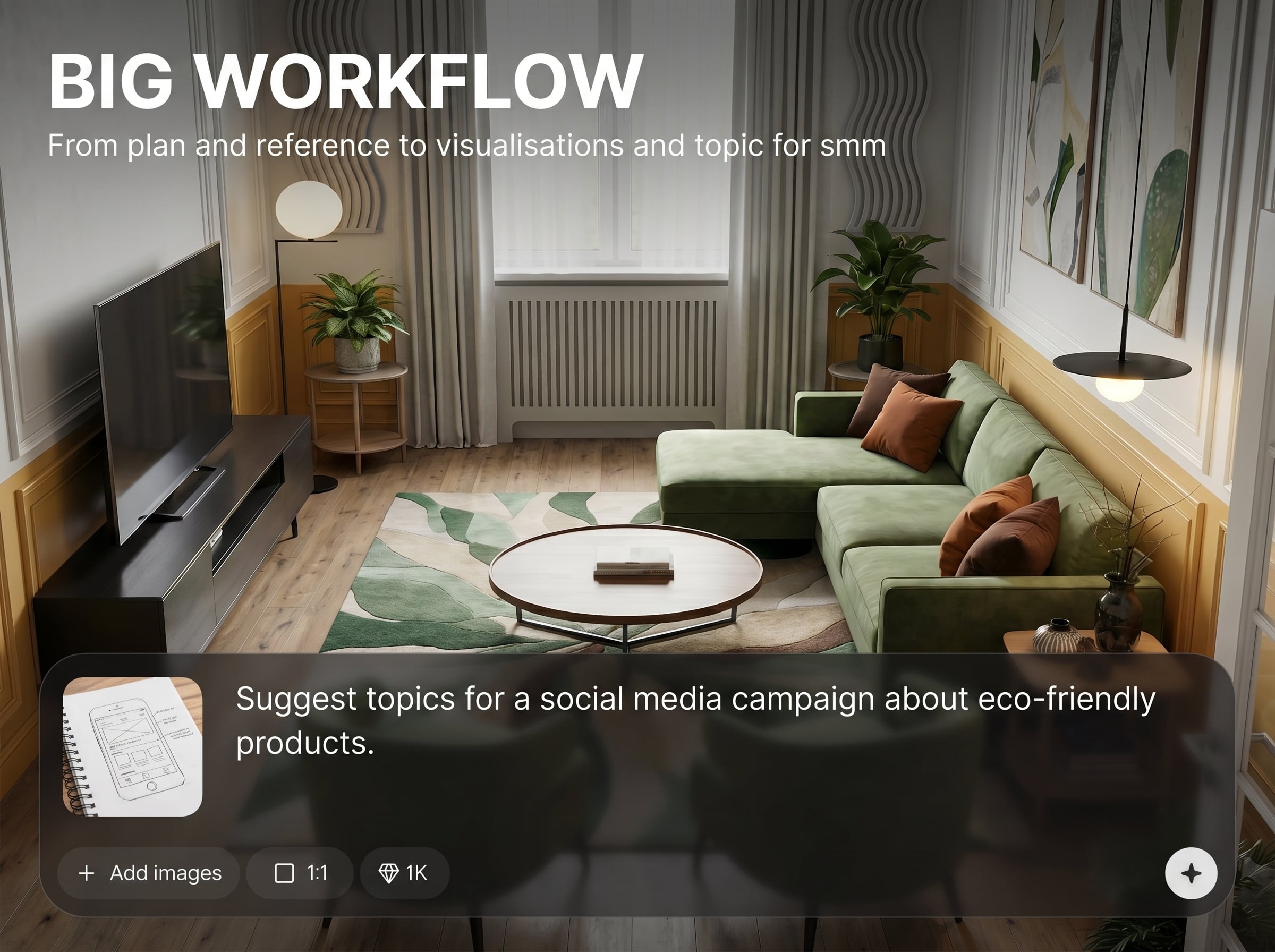
Produce SMM topic ideas optimized for engagement and consistency. Explore variations, hooks, and angles, then refine and reuse them across series to scale content production efficiently.
About
BIG WORKFLOW is an AI workflow generator that takes you from planning and references to visualisations and SMM topics in one streamlined flow. Turn a brief into structured steps, on-brand ideas, and ready-to-use assets faster. Create consistent social media content with fewer tools, less guesswork, and more clarity from start to publish.
BIG WORKFLOW keeps planning and production connected, reducing tool switching and messy handoffs. Generate structured workflows, reference direction, visualisation guidance, and SMM topics from one brief. Iterate quickly, stay consistent, and scale content output without sacrificing clarity or brand alignment.
Enter your goal, audience, platform, and tone, then run the workflow. Review the plan, references, visualisations, and topics, and regenerate any section until it matches your campaign.
Use cases
Discover how different creators use this app in their workflow.
Build repeatable SMM workflows for launches and weekly content. Align planning, references, and visuals so approvals are faster and publishing stays consistent.
Translate campaign goals into themed topics and visualisation directions. Iterate quickly to test angles, keep messaging on-brand, and fill a content calendar.
Deliver clearer plans and outputs to clients with less back-and-forth. Generate references, visuals, and topics in one flow to speed up turnaround.
Krea is one of the world's leading generative AI platforms. See what others say.
Real reviews on TrustpilotSo many AI tools out there but I always come back to Krea. It's really the one AI platform that 'just works'.

FYN
Krea's interfaces are still the best in the industry. Everything looks and feels so clean and easy to use! Imo the easiest to use gen AI website.

Lynn
Ultra fast generations. Extremely simple to use. All the latest AI models.

Daniel
KREA is the only AI subscription I have right now besides ChatGPT.

Sophia M.
Answers to common questions about BIG WORKFLOW and AI-driven SMM planning.
It generates an end-to-end SMM workflow: a plan, reference guidance, visualisation directions, and topic ideas. You can iterate on each section to match your brand voice, platform, and campaign goals.
Yes. Specify the platform, format, and tone in your brief, and the workflow adapts. Create topics and visualisation guidance tailored to channels like Instagram, TikTok, LinkedIn, and more.
Provide brand keywords, examples, and constraints in the prompt. The AI uses that context to generate aligned plans, references, and topics, and you can refine or regenerate specific parts without starting over.
It’s both a workflow planner and a creative generator. BIG WORKFLOW connects strategy, references, visualisation guidance, and SMM topics so you can move from planning to publish-ready outputs in one place.
No. Start with a simple brief and choose the level of detail you want. BIG WORKFLOW guides the workflow steps, and you can improve results by adding examples, keywords, and platform preferences.




Turn one brief into a complete plan, references, visualisations, and topics with AI—ready to refine and publish.

