














Step 1
Add Plan + References
Paste your plan or prompt, then upload 1–5 reference images. Specify key details like composition, materials, lighting, and constraints to guide the output.
 App by Mikhail Zhilin
Turn plans and reference images into clear AI visualizations fast. Generate consistent concept art, layouts, and mood boards online—try it now.
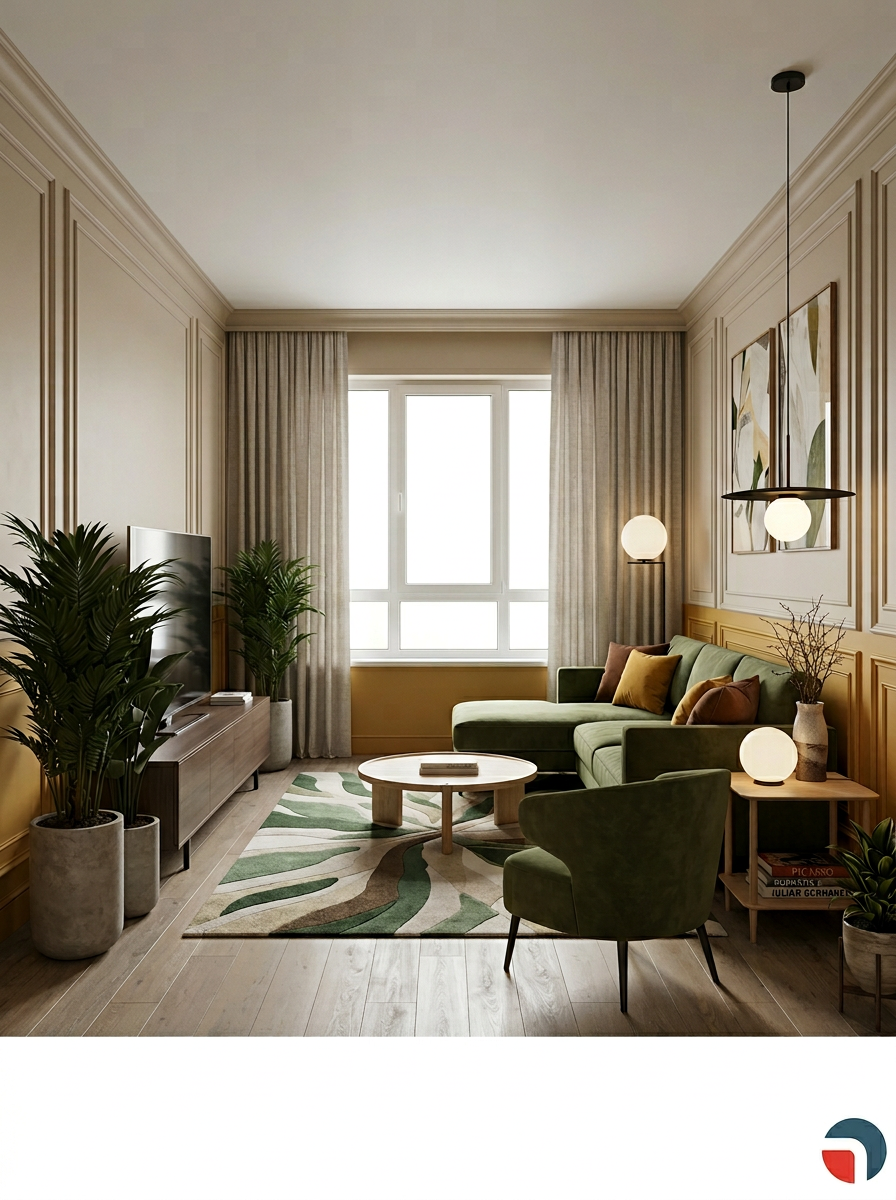
How to use Plan + Ref = VISUALISATION
Use your plan as the blueprint and your references as the style anchor. In a few clicks, generate AI visualizations you can refine, compare variations, and export for reviews, pitches, or production.
Step 1
Paste your plan or prompt, then upload 1–5 reference images. Specify key details like composition, materials, lighting, and constraints to guide the output.

Step 2
Choose output size and iteration count, then generate. Review multiple options side by side, and adjust the plan or references to steer results toward your target.

Step 3
Lock in the best result by tweaking details and regenerating selectively. Download high-quality images for presentations, feedback cycles, or downstream design and production.
Features
Plan + Ref = VISUALISATION combines structured intent with reference-based guidance to produce consistent AI images. Turn rough ideas into clear visual directions, explore variations quickly, and keep style cohesive across outputs. Useful for early-stage concepting, layout exploration, and fast alignment with stakeholders.
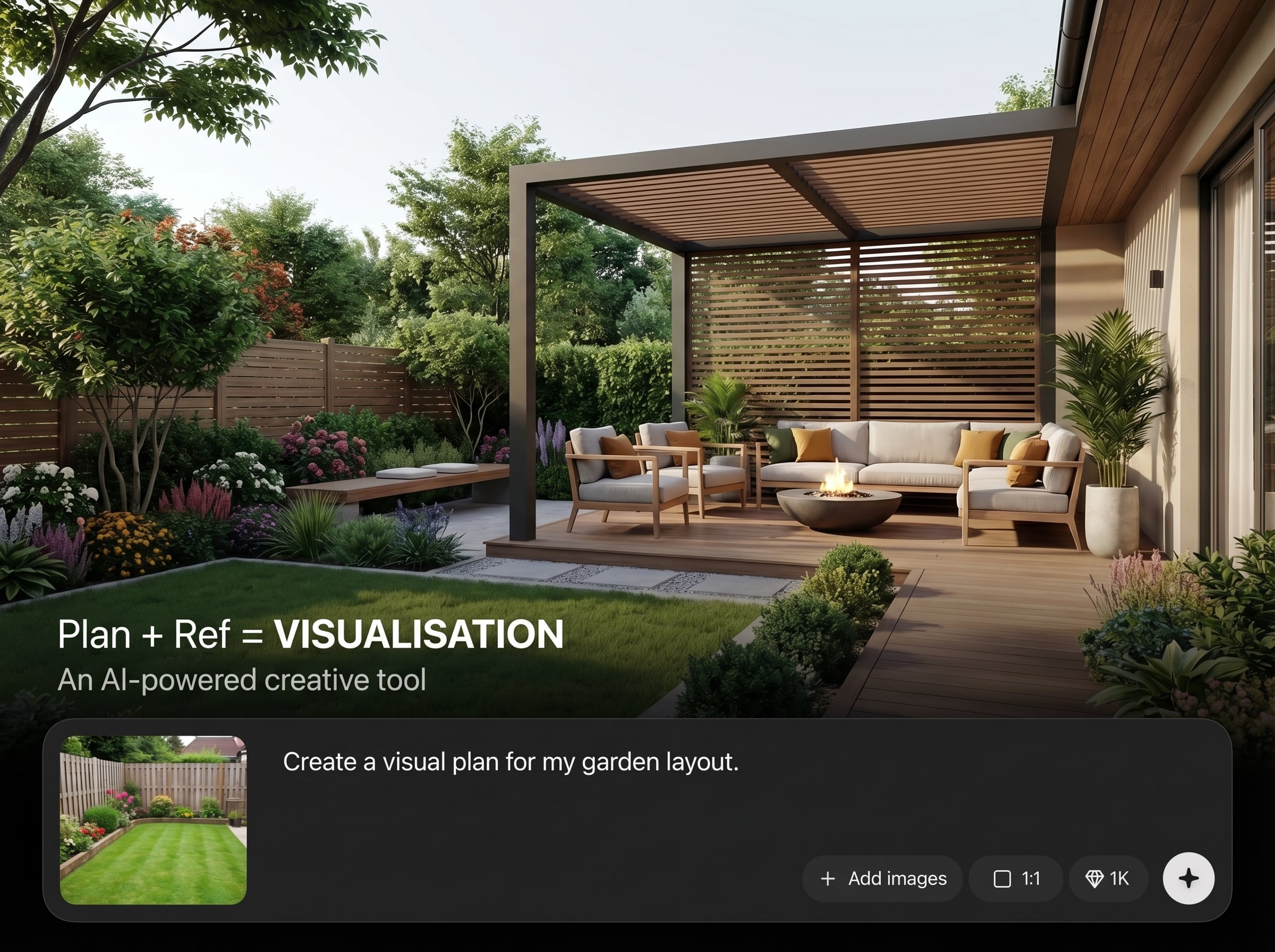
Use a written plan to define what must appear in the scene. Get more predictable composition and content, reducing random outputs and speeding up useful iterations.
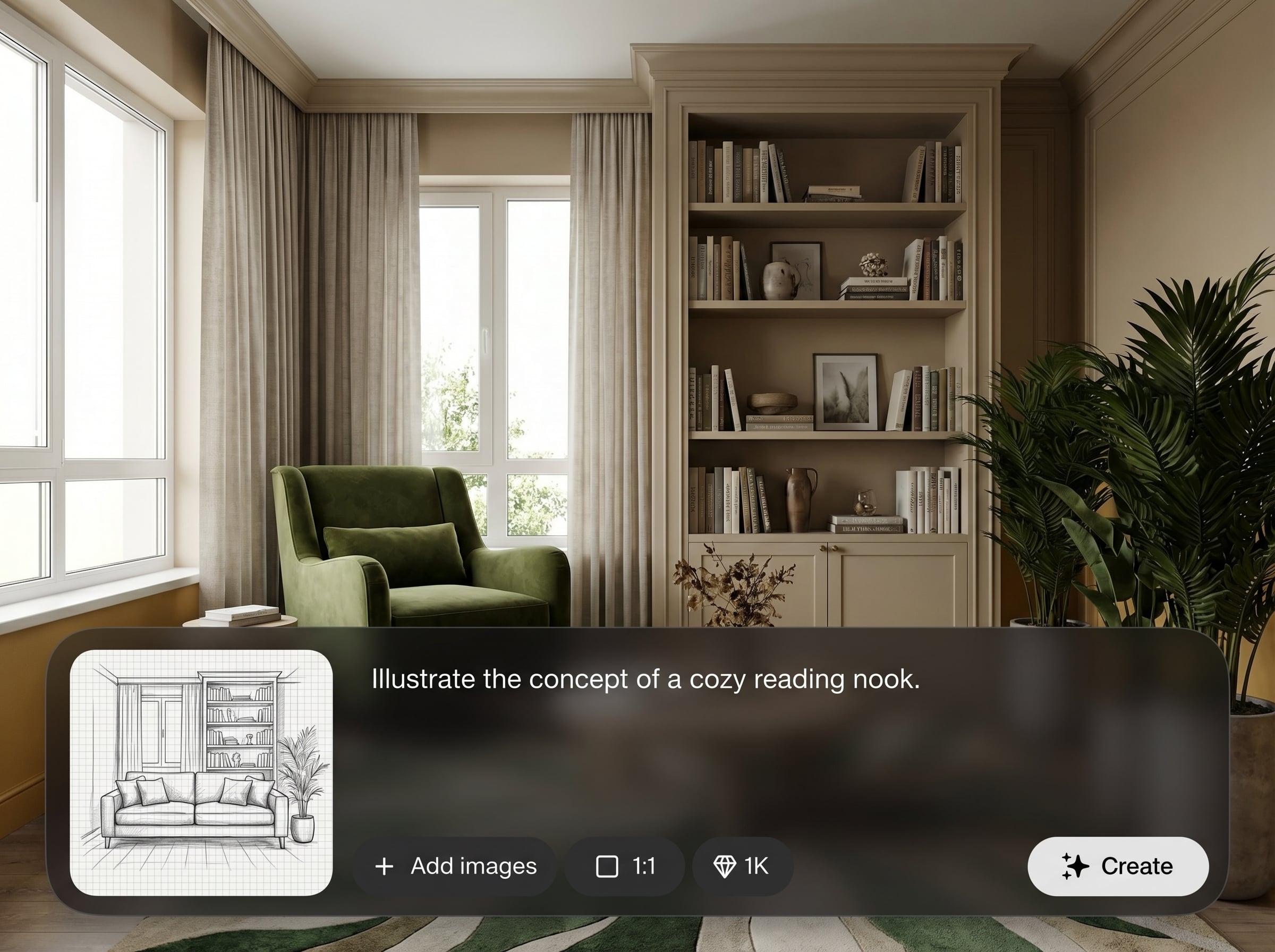
Anchor style with reference images for color, mood, and materials. Maintain a cohesive look across multiple generations while still exploring alternative directions.
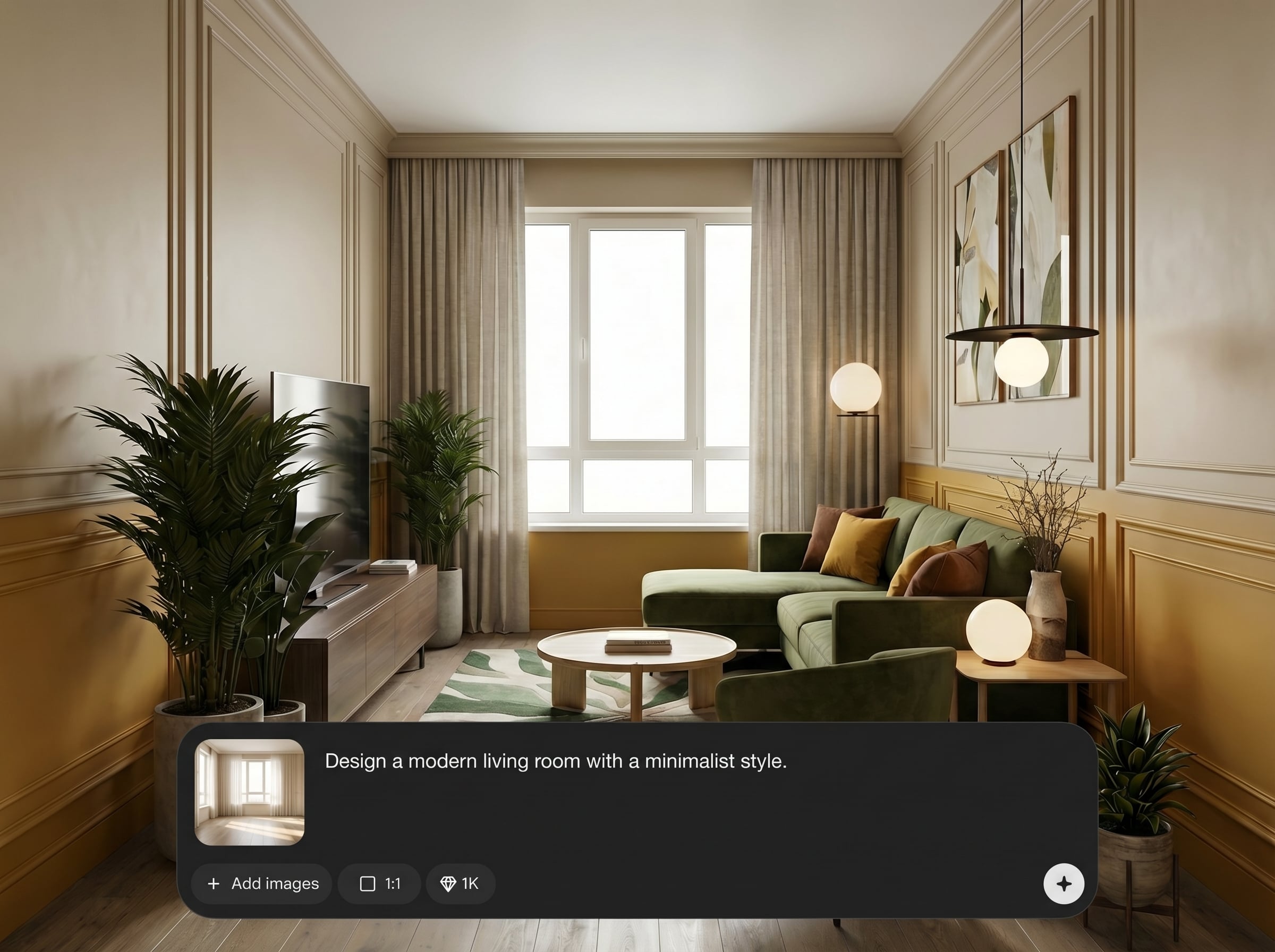
Generate multiple options quickly to compare and decide. Ideal for feedback loops, pitching, and narrowing choices before committing time to detailed production work.
About
Plan + Ref = VISUALISATION turns your written plan and reference images into polished AI visualizations in minutes. Combine structure and style guidance to generate consistent concepts, scenes, and layout studies. Ideal for quick iteration when you need clear direction, cohesive aesthetics, and shareable visuals without starting from scratch.
Plan + Ref = VISUALISATION gives you clearer control than prompt-only generation by combining structure and references. Produce consistent aesthetics, iterate quickly with variations, and create visuals that are easier to review, compare, and align on.
Add a short plan, upload a few references, and generate. Refine by tightening requirements, adjusting composition notes, or swapping references until the visualization matches your target.
Use cases
Discover how different creators use this app in their workflow.
Turn brief notes plus references into scene explorations. Generate multiple visual directions quickly to choose a style, mood, and composition.
Create on-brand visuals from guidelines and reference imagery. Explore packaging, renders, and campaign looks while keeping a consistent aesthetic.
Visualize layouts, materials, and lighting from a plan. Produce rapid studies for stakeholder alignment before moving into detailed modeling.
Krea is one of the world's leading generative AI platforms. See what others say.
Real reviews on TrustpilotSo many AI tools out there but I always come back to Krea. It's really the one AI platform that 'just works'.

FYN
Krea's interfaces are still the best in the industry. Everything looks and feels so clean and easy to use! Imo the easiest to use gen AI website.

Lynn
Ultra fast generations. Extremely simple to use. All the latest AI models.

Daniel
KREA is the only AI subscription I have right now besides ChatGPT.

Sophia M.
Answers to common questions about AI visualization, references, and generating consistent results.
It generates AI visualizations using your written plan plus reference images. The plan defines structure and requirements, while references guide style, helping outputs look more consistent and intentional.
Start with 1–3 strong references that match the target style and mood. Add more only when needed for materials or composition; too many can dilute the direction.
Yes. Include explicit requirements in your plan, like camera angle, subject placement, lighting, and materials. Iterate by refining wording and swapping references to steer results.
It’s reference-guided generation: your references influence style and visual cues while the plan drives content. This approach helps create new images without copying a single source.
Upload common image formats like JPG or PNG for references. Export generated visualizations as high-quality images suitable for presentations, reviews, and further editing workflows.
Upload references, define your plan, and generate consistent visuals for faster decisions and clearer direction.

