














Step 1
Upload
Add a screenshot of your 3D viewport or clay render. The AI reads structure, perspective, and layout to maintain the original geometry and framing.
 App by Mikhail Zhilin
Turn 3D viewports or clay renders into photoreal Scandinavian interiors. Preserve camera, geometry, and layout with AI—upload and generate now.
How to use Viewport to Reality
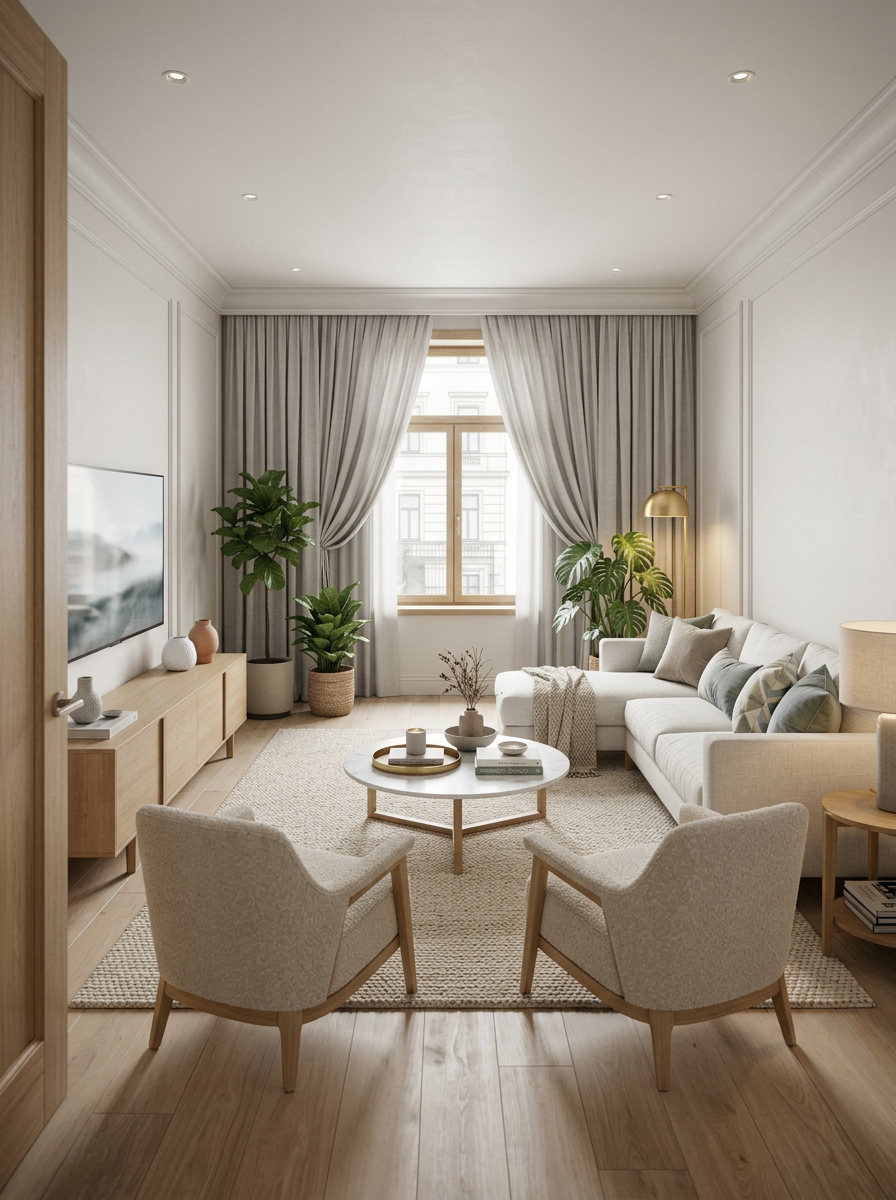
Upload your 3D viewport or clay render and choose a Scandinavian mood. Viewport to Reality keeps your camera and composition intact while generating photoreal materials, lighting, and detail for a polished interior visualization.
Step 1
Add a screenshot of your 3D viewport or clay render. The AI reads structure, perspective, and layout to maintain the original geometry and framing.

Step 2
Select a Scandinavian-style direction and refine key notes like brightness, wood tones, and textile softness. Keep the scene consistent while improving realism.

Step 3
Run the render to produce a photoreal interior visualization. Download high-quality images for presentations, mood boards, or quick design iterations.
Features
Convert basic viewport screenshots and clay renders into photorealistic interior renders without rebuilding your scene. Viewport to Reality preserves camera angle, geometry, and composition, then enhances materials, lighting, and styling for a clean Scandinavian finish. Get faster visualization cycles and consistent outputs across iterations.
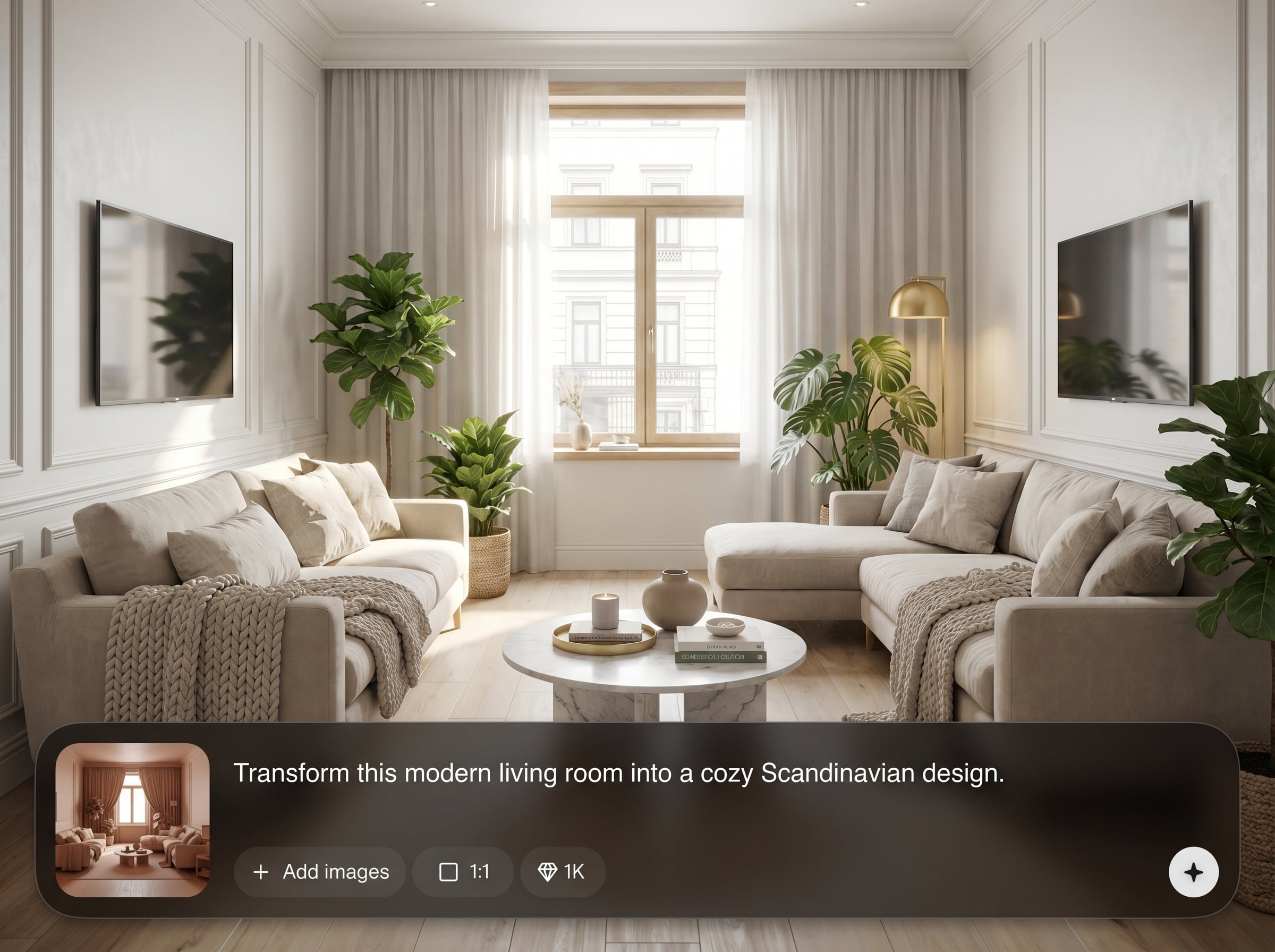
Maintain your original perspective, spatial layout, and composition. The AI respects the scene structure while translating placeholders into believable architectural surfaces and interior details.
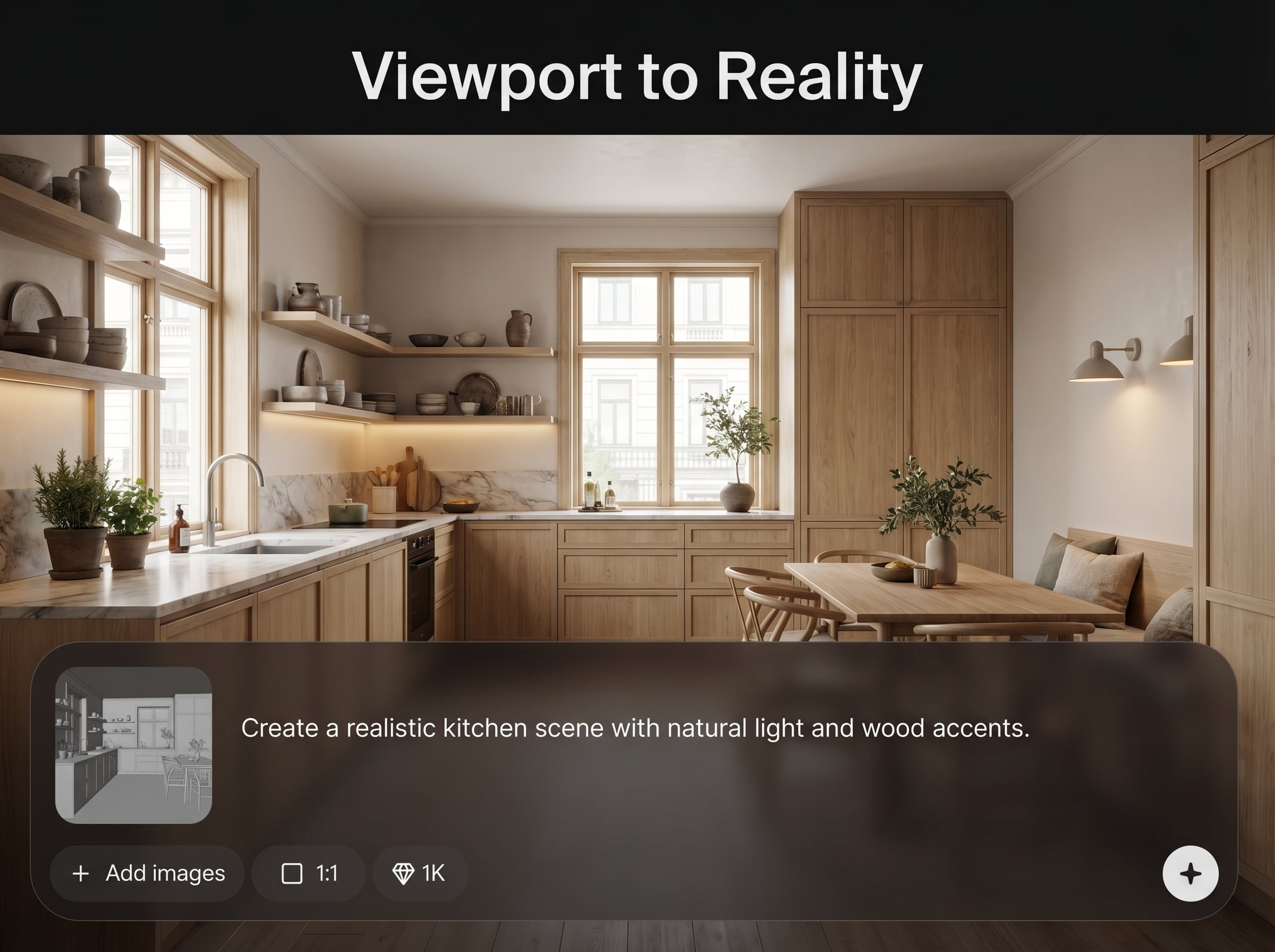
Generate bright, minimal interiors with natural materials and soft lighting. Create a cohesive Scandinavian look while keeping the design intent and room proportions consistent.
Test variations quickly without manual post-production. Produce multiple photoreal options from the same viewport to compare lighting, materials, and overall mood in minutes.
About
Viewport to Reality transforms a 3D viewport or clay render into a photorealistic interior visualization in a refined Scandinavian style. The AI preserves your geometry, camera angle, and composition while upgrading materials, lighting, and realism. Upload an image, set the look, and generate presentation-ready renders for fast iteration and client review.
Viewport to Reality delivers consistent photoreal interior visualization from simple 3D inputs. Preserve geometry and camera angle while elevating materials and lighting into a clean Scandinavian finish. Reduce manual post work, iterate faster, and produce presentation-ready renders with minimal setup.
Upload a 3D viewport screenshot or clay render, choose a Scandinavian direction, and generate. Refine with quick style notes and export high-quality renders for reviews, decks, or iteration rounds.
Use cases
Discover how different creators use this app in their workflow.
Turn early 3D blocking into photoreal visuals for client reviews. Keep the same camera and layout while improving materials, lighting, and Scandinavian styling.
Explore multiple photoreal directions from a single clay render. Compare mood, finishes, and realism without re-rendering your full 3D scene.
Create clean, bright Scandinavian interiors from simple viewports. Generate polished images that communicate space, atmosphere, and finish level with minimal setup.
Krea is one of the world's leading generative AI platforms. See what others say.
Real reviews on TrustpilotSo many AI tools out there but I always come back to Krea. It's really the one AI platform that 'just works'.

FYN
Krea's interfaces are still the best in the industry. Everything looks and feels so clean and easy to use! Imo the easiest to use gen AI website.

Lynn
Ultra fast generations. Extremely simple to use. All the latest AI models.

Daniel
KREA is the only AI subscription I have right now besides ChatGPT.

Sophia M.
Answers to common questions about AI interior visualization from viewports and clay renders.
Use a clear 3D viewport screenshot or clay render with visible edges, lighting, and perspective. Clean composition helps the AI preserve geometry and camera angle while improving materials and realism.
Yes. The system is designed to maintain your original camera angle, framing, and composition. It focuses on transforming surfaces, lighting, and styling into a photoreal Scandinavian interior look.
You can guide the outcome with style notes such as brightness, wood tone, textiles, and overall minimalism. This helps keep iterations consistent while still generating realistic material and lighting upgrades.
It’s an AI interior visualization tool that converts a viewport or clay render into a photoreal result. It complements your 3D workflow by accelerating material, lighting, and staging decisions.
It’s ideal for early design concepts, client-ready previews, mood exploration, and fast iteration. Generate photoreal interiors from simple inputs while keeping the original space layout and camera view.
Upload a viewport or clay render and generate Scandinavian-style photoreal visuals while preserving camera, geometry, and composition.

