














Step 1
Add details
Enter your product, offer, and target audience. Upload brand assets like logo, colors, and images so the AI can match your messaging and visual style.
 App by MoriMoriMori
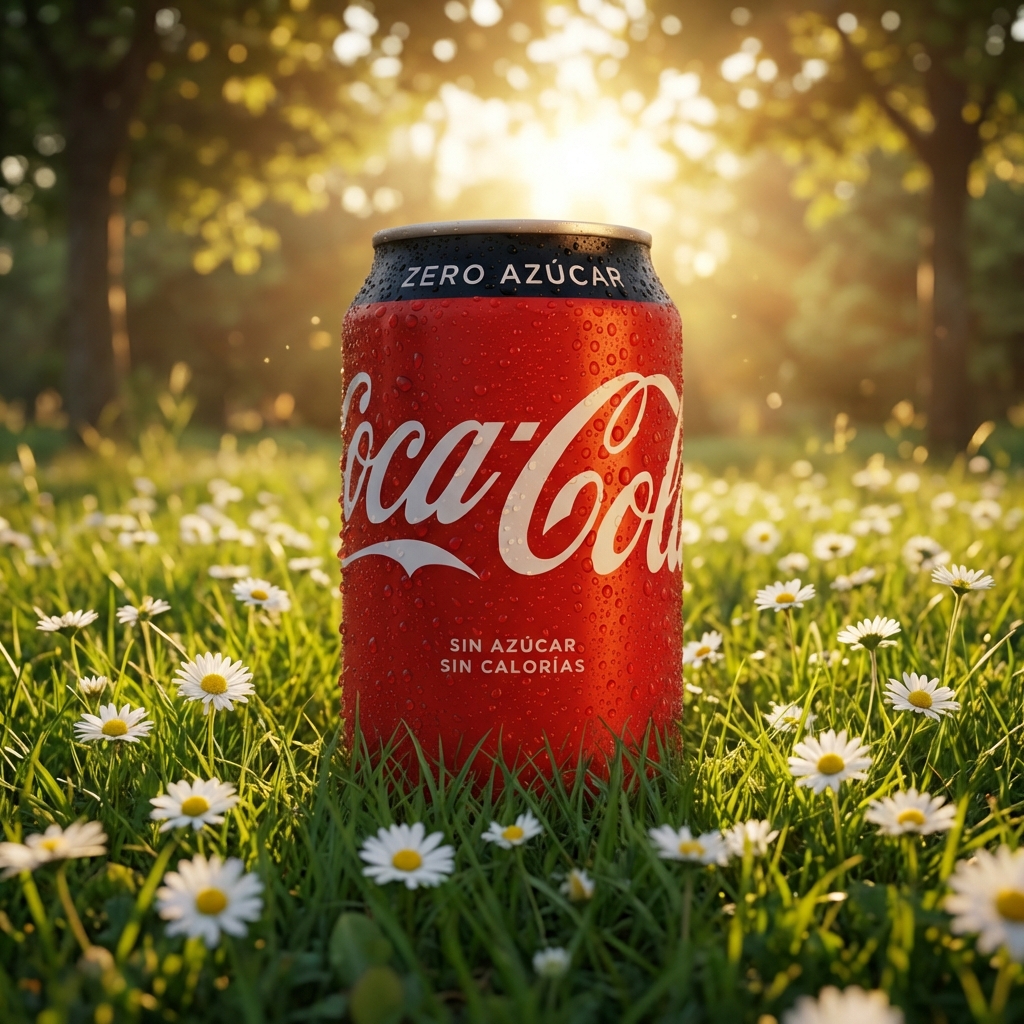
Generate high-converting display ads in minutes with Can Ad Generator. Use AI to create copy, layouts, and variants fast—try it online now.
How to use Can Ad Generator
Create polished ad creatives quickly with a simple workflow. Add your product details, pick sizes and style, then generate variations you can edit and export for your campaigns.
Step 1
Enter your product, offer, and target audience. Upload brand assets like logo, colors, and images so the AI can match your messaging and visual style.

Step 2
Choose ad sizes and platforms, then generate multiple layouts and copy options. Iterate quickly by adjusting tone, CTA, and key benefits for each variant.

Step 3
Fine-tune text, spacing, and imagery with quick edits. Export ready-to-run creatives for display, social, or retargeting campaigns without extra design steps.
Features
Can Ad Generator turns your product info into ready-to-run ad creatives with AI. Generate multiple sizes, layouts, and copy variations while staying consistent with your brand. Quickly test messages and visuals, iterate on winners, and export assets optimized for marketing channels and campaign performance.
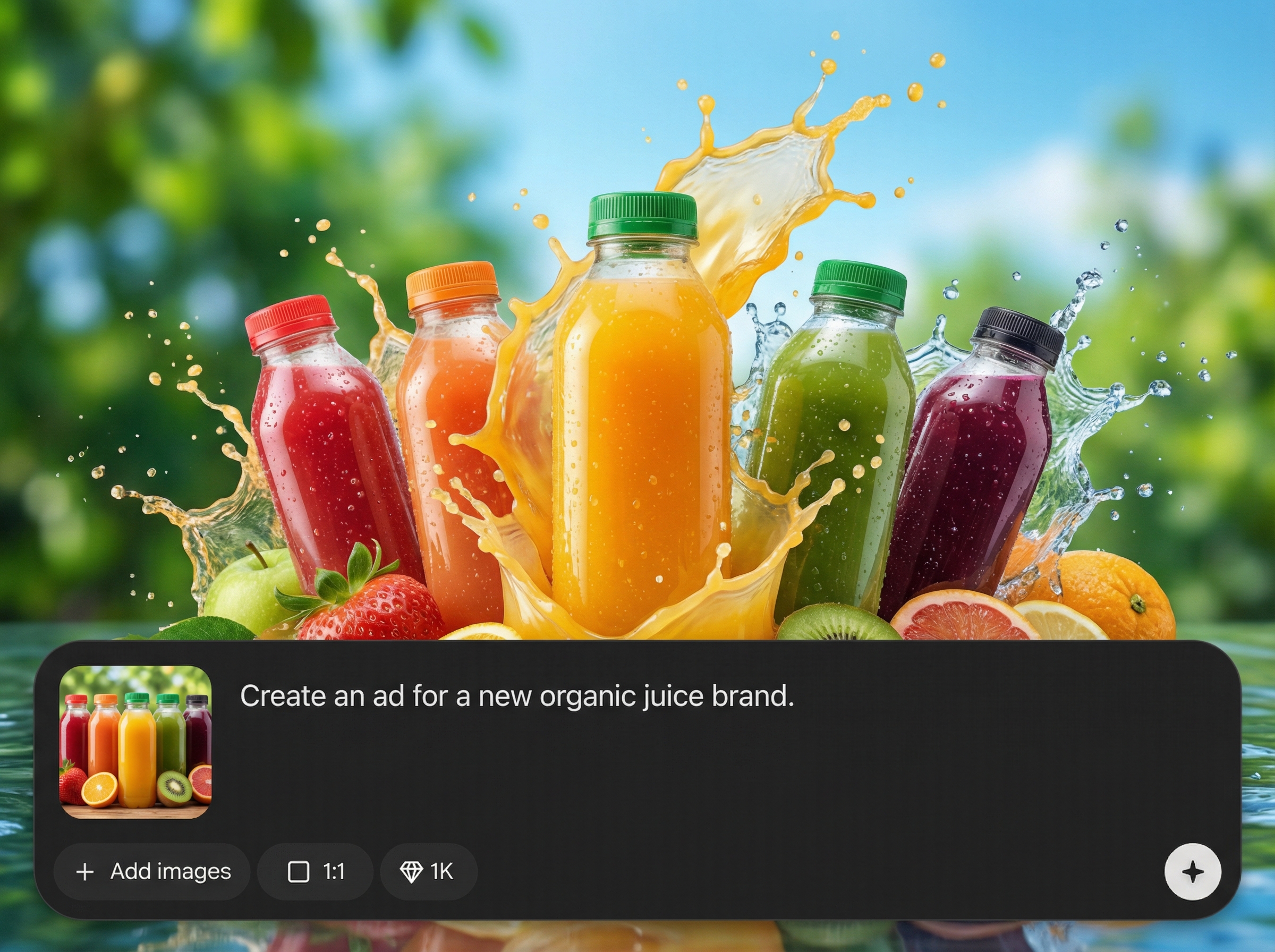
Generate persuasive headlines, descriptions, and calls-to-action based on your offer and audience. Quickly switch tone and messaging to fit different funnels, promotions, or seasonal campaigns.
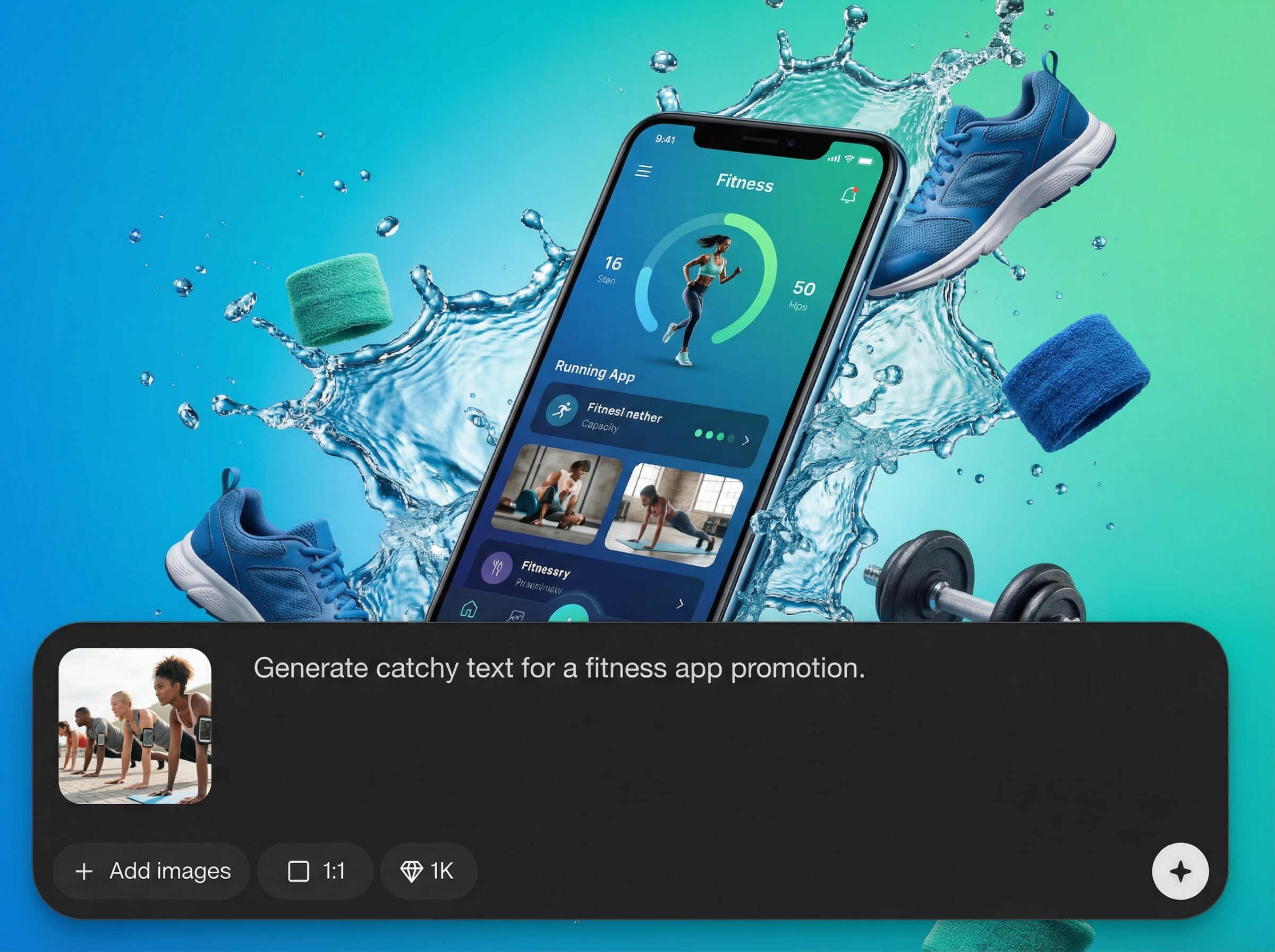
Create consistent banner and social ad layouts across common dimensions. The tool adapts composition and spacing automatically so each size stays readable, on-brand, and conversion-focused.
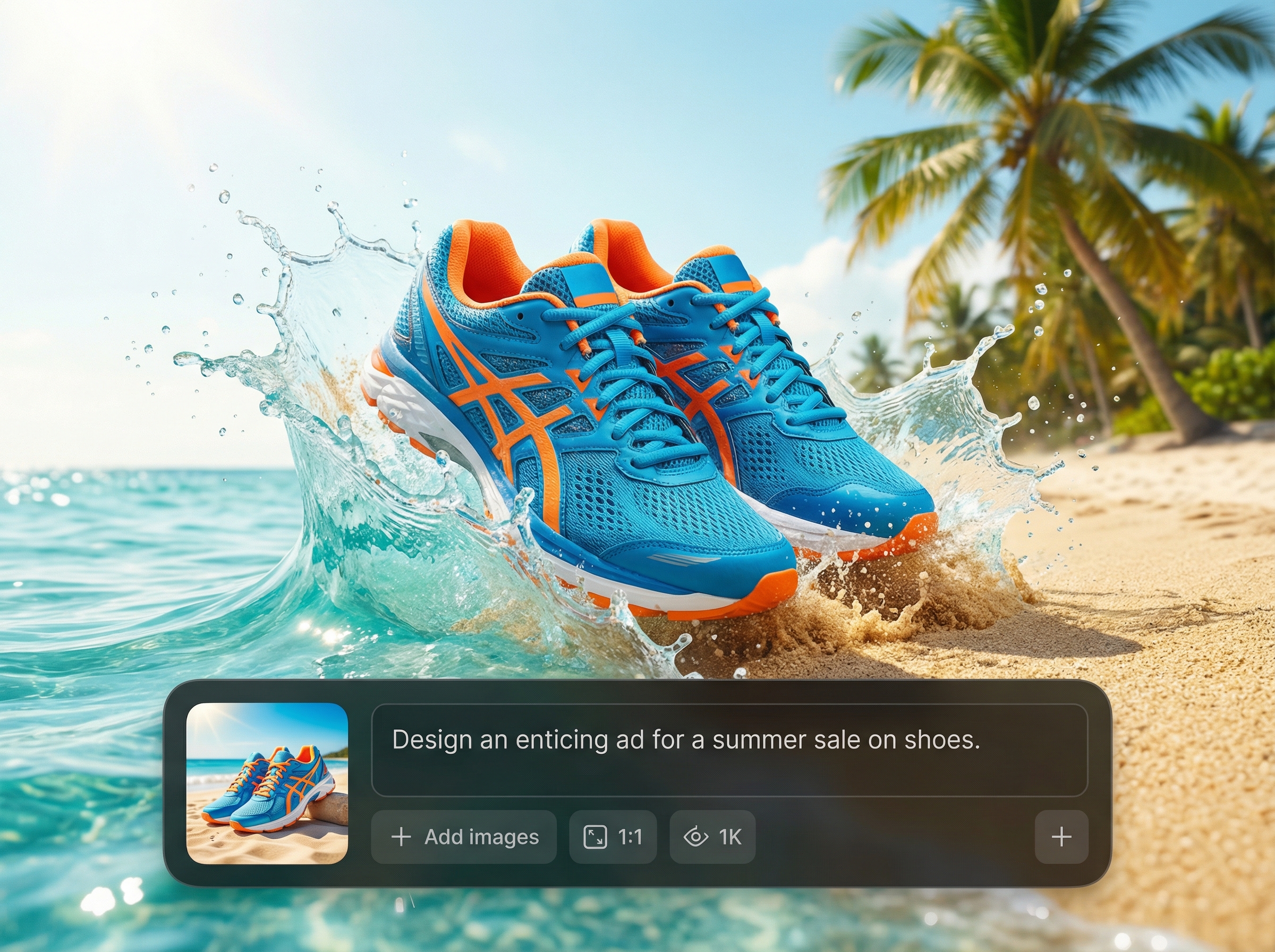
Produce multiple creative variants in minutes to test hooks, visuals, and CTAs. Compare options, iterate fast, and keep improving performance without rebuilding designs from scratch.
About
Can Ad Generator helps you create high-converting display ads fast using AI. Generate ad copy, on-brand layouts, and multiple creative variations for banners and social platforms in minutes. Upload your assets, choose sizes, and refine results with quick edits to keep campaigns consistent and performance-ready.
Get faster creative production with AI that focuses on practical ad outputs: multiple sizes, consistent branding, and rapid variations. Spend less time formatting and more time testing messaging, improving creative quality, and scaling campaigns across channels with repeatable results.
Enter your product and offer, add brand assets, and select ad sizes. Generate multiple options, make quick edits, then export creatives ready for display and social campaigns.
Use cases
Discover how different creators use this app in their workflow.
Launch more tests with less effort. Generate ad variants for different audiences, offers, and placements to improve CTR and conversion rates faster.
Create product and promo ads at scale. Keep branding consistent across sizes while producing fresh creatives for drops, sales, and retargeting.
Deliver client-ready creatives quickly. Generate, refine, and export multiple ad concepts per brief, reducing revision cycles and speeding approvals.
Krea is one of the world's leading generative AI platforms. See what others say.
Real reviews on TrustpilotSo many AI tools out there but I always come back to Krea. It's really the one AI platform that 'just works'.

FYN
Krea's interfaces are still the best in the industry. Everything looks and feels so clean and easy to use! Imo the easiest to use gen AI website.

Lynn
Ultra fast generations. Extremely simple to use. All the latest AI models.

Daniel
KREA is the only AI subscription I have right now besides ChatGPT.

Sophia M.
Answers to common questions about AI ad generation, formats, and workflow.
Can Ad Generator is an AI ad generator that creates display and social ad creatives from your inputs. It produces copy and layouts quickly so you can launch campaigns faster.
Yes. It generates headlines, body copy, and CTAs, plus multiple layout variants. You can adjust tone, value props, and messaging to fit different audiences and placements.
It supports common banner and social dimensions for marketing campaigns. Select the sizes you need, then generate consistent creatives that adapt layout and readability across formats.
Upload your logo, colors, and images, then guide style with simple settings. The AI uses your assets to keep typography, composition, and messaging aligned across all generated variants.
Yes. Generate multiple creative angles quickly—different hooks, visuals, and CTAs—so you can run structured A/B tests and iterate on the best-performing combinations.
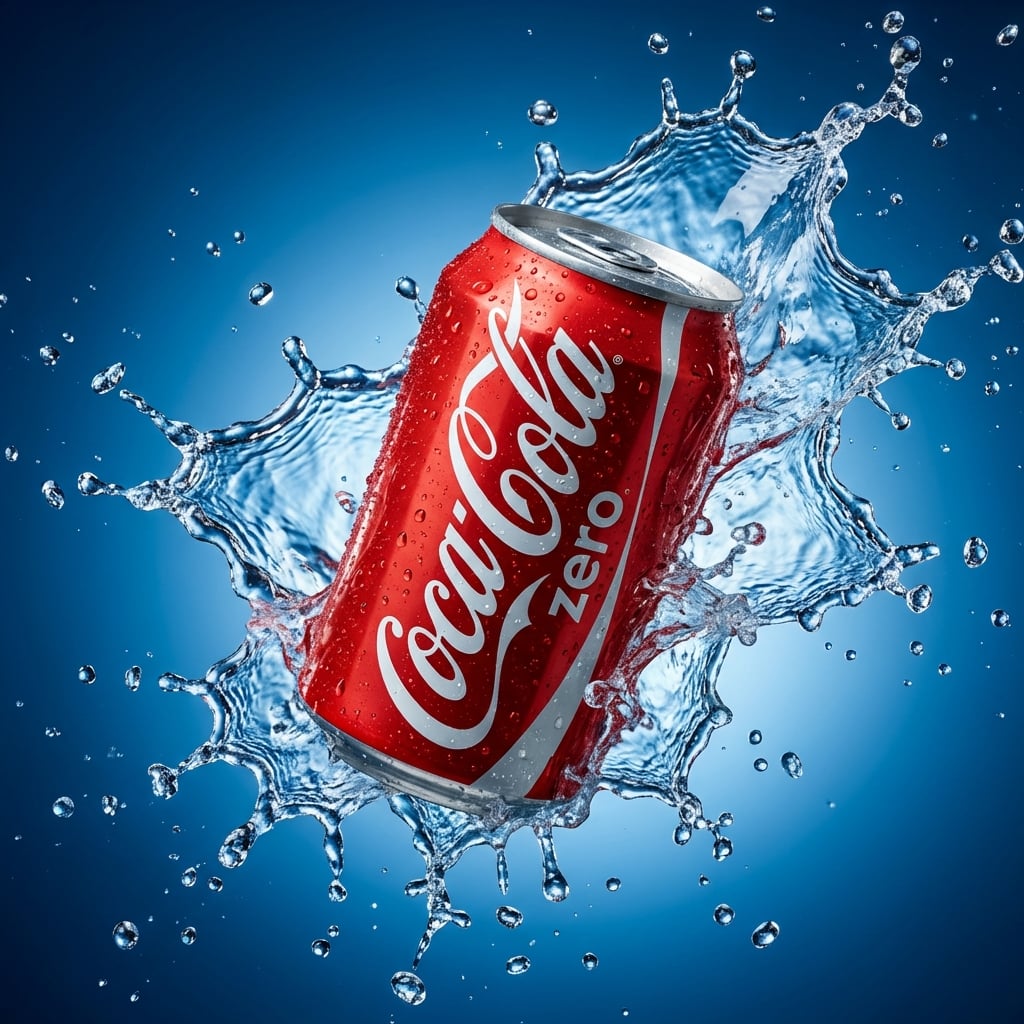
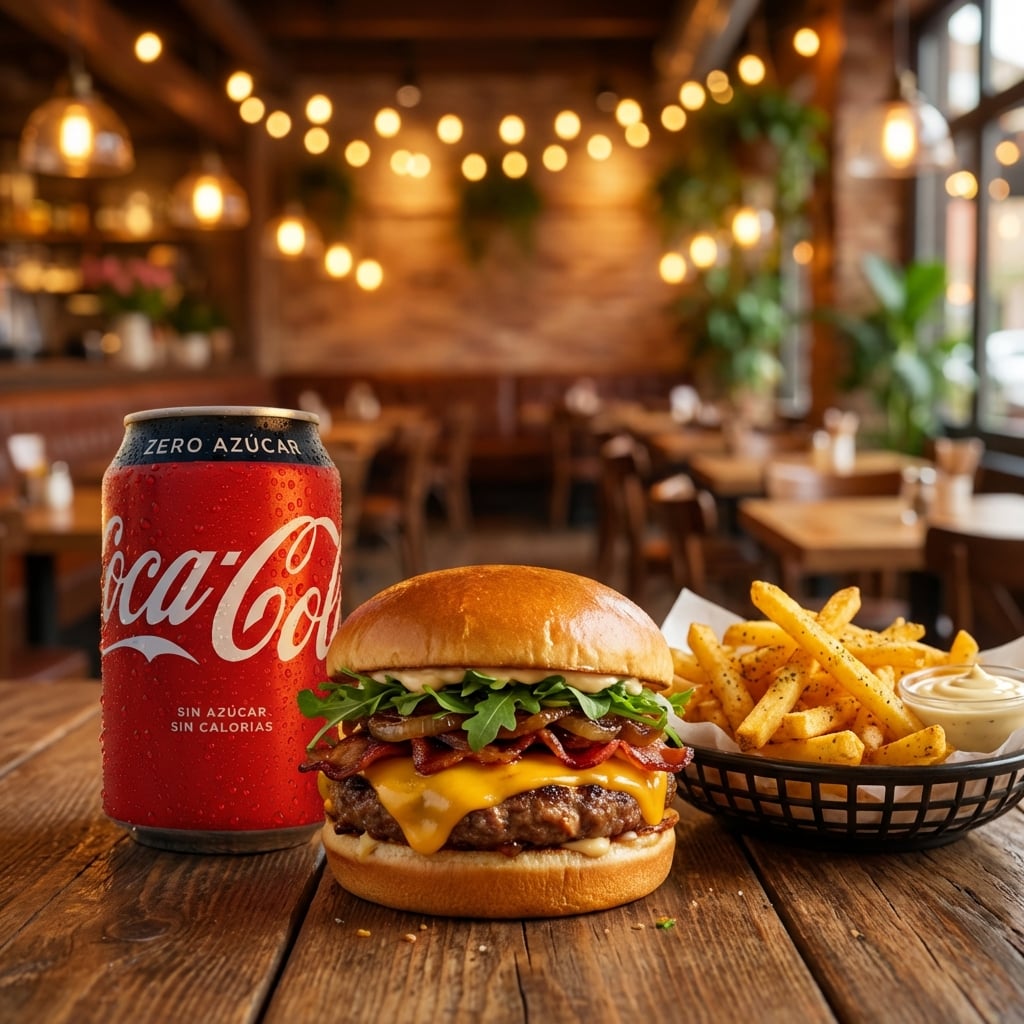
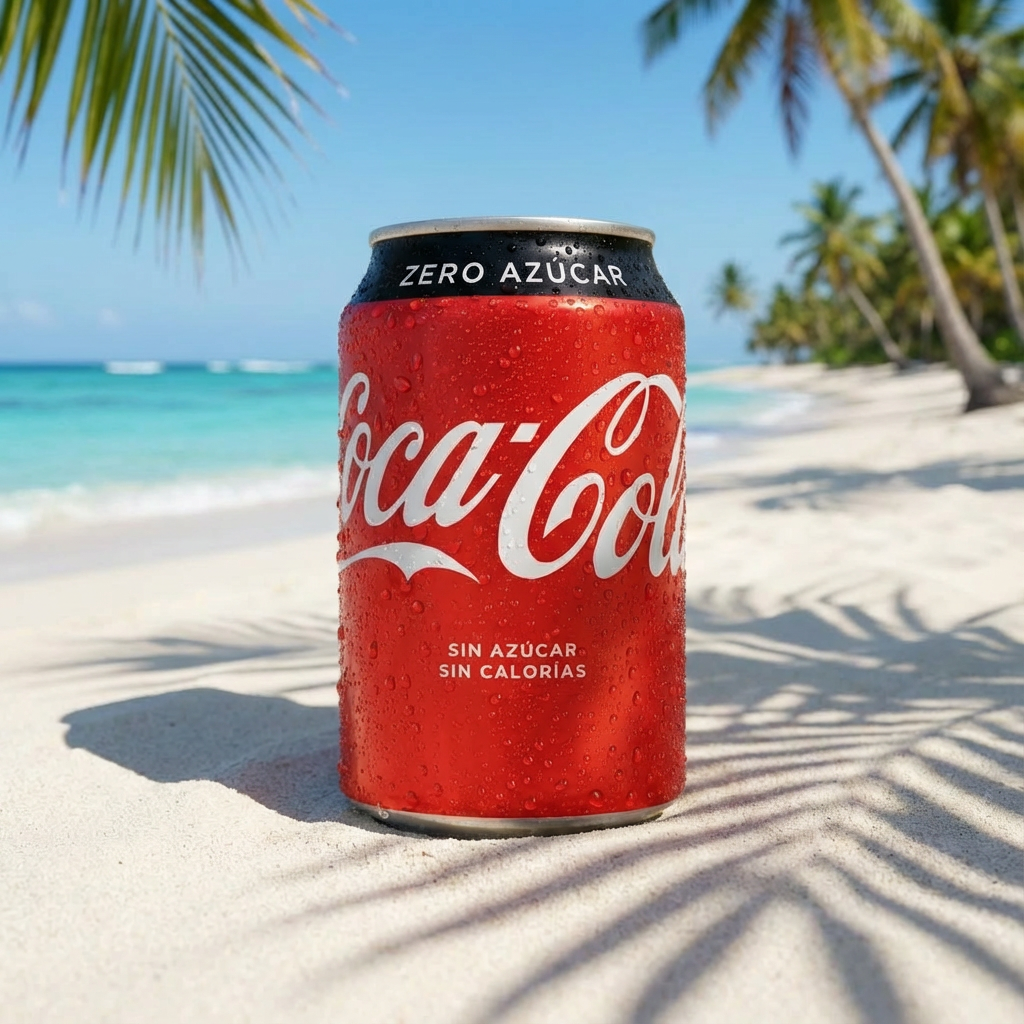
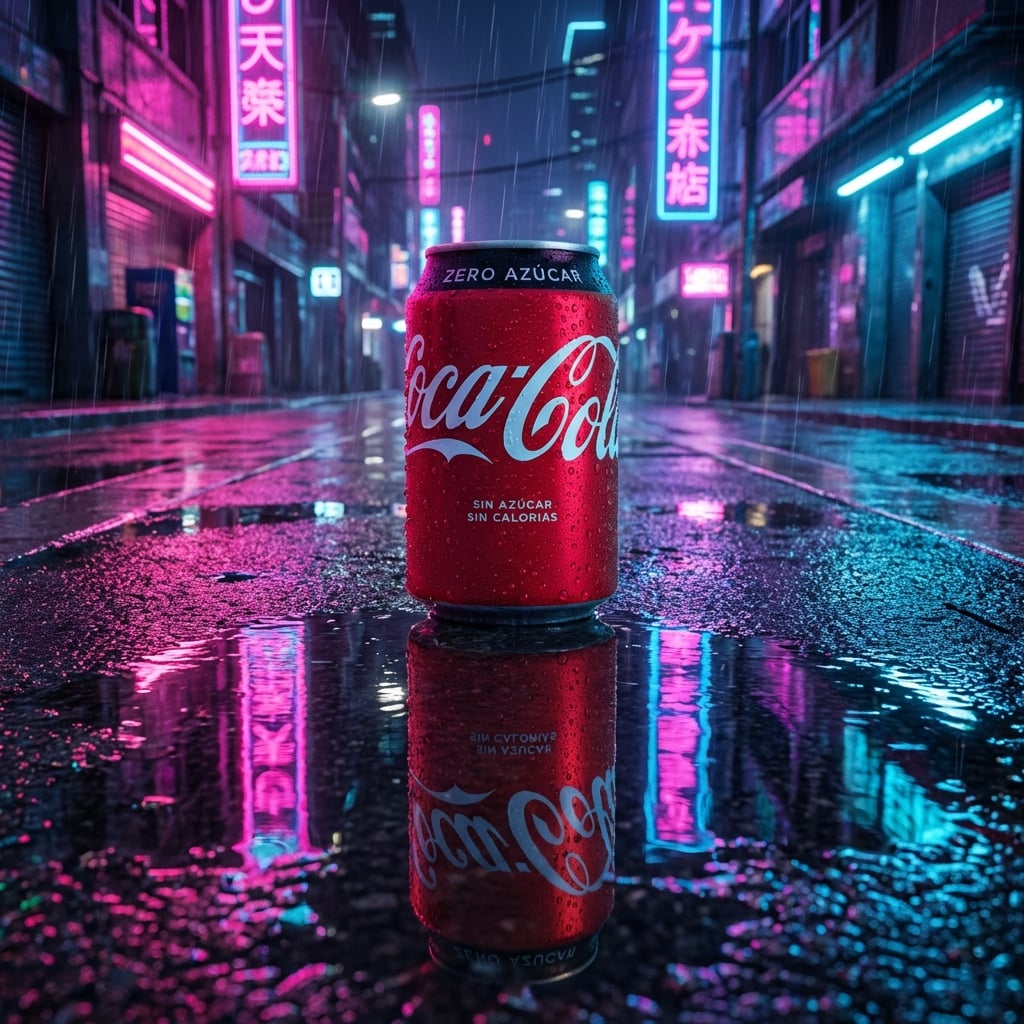
Generate AI-powered ad copy and layouts, export in the sizes you need, and launch faster.

