














Step 1
Set the concept
Select an ad style and describe the scene: background, mood, lighting, props, and framing. Keep details specific to guide the AI toward consistent product-focused visuals.
 App by MoriMoriMori
Generate 10 high-quality Coke can ad images in seconds with AI. Customize style, lighting, and scenes for campaigns. Try the Coke Ad Generator now.
How to use Coke Ad Generator
Create a full set of 10 ad images with a simple workflow. Pick a direction, add details, and generate variations you can refine for different placements and marketing goals.
Step 1
Select an ad style and describe the scene: background, mood, lighting, props, and framing. Keep details specific to guide the AI toward consistent product-focused visuals.

Step 2
Run the generator to produce 10 Coke can ad variations at once. Review options for composition, readability, and visual impact, then regenerate to explore new directions quickly.

Step 3
Download your selected images for social posts, display ads, or mockups. Create multiple sizes and iterations, and keep a consistent look across campaign assets and placements.
Features
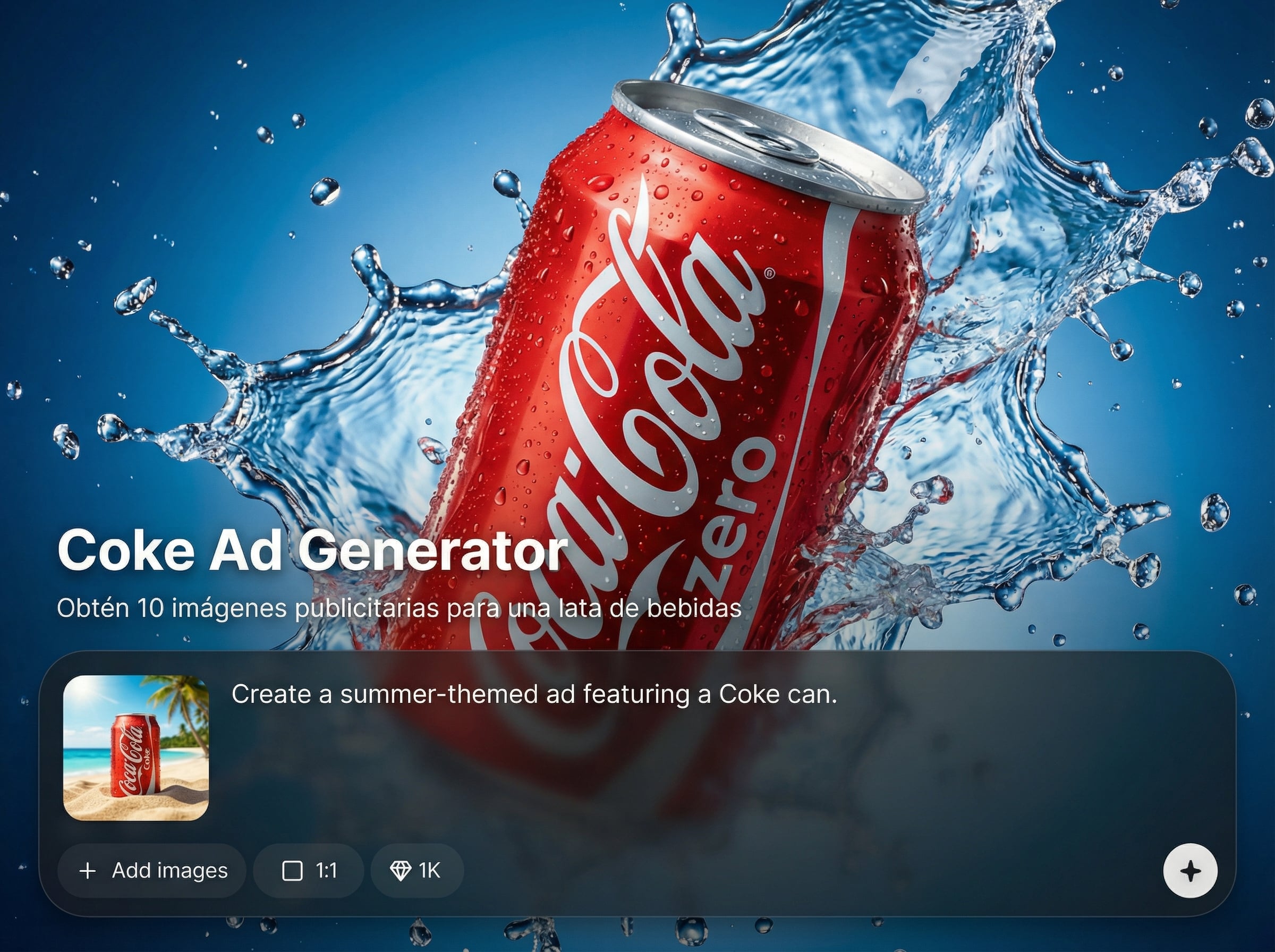
Turn one idea into 10 Coke can advertising images with consistent style and strong product focus. Use AI to explore different scenes, lighting, and compositions while staying on-brand. Generate variations quickly for testing, seasonal refreshes, and campaign drafts—without slowing down your creative pipeline.
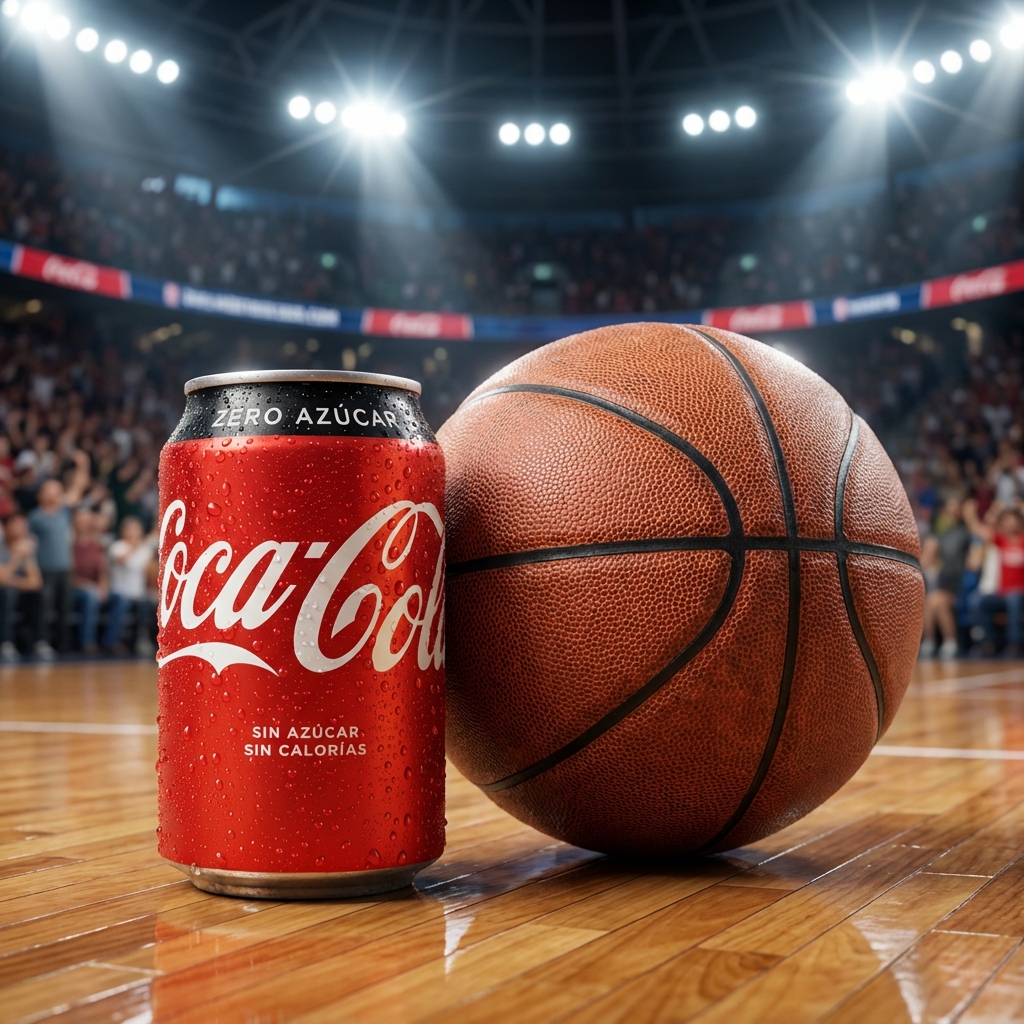
Produce a full set of 10 ad images in one run for fast iteration. Compare concepts side by side to pick the best-performing look for your campaign and placement.
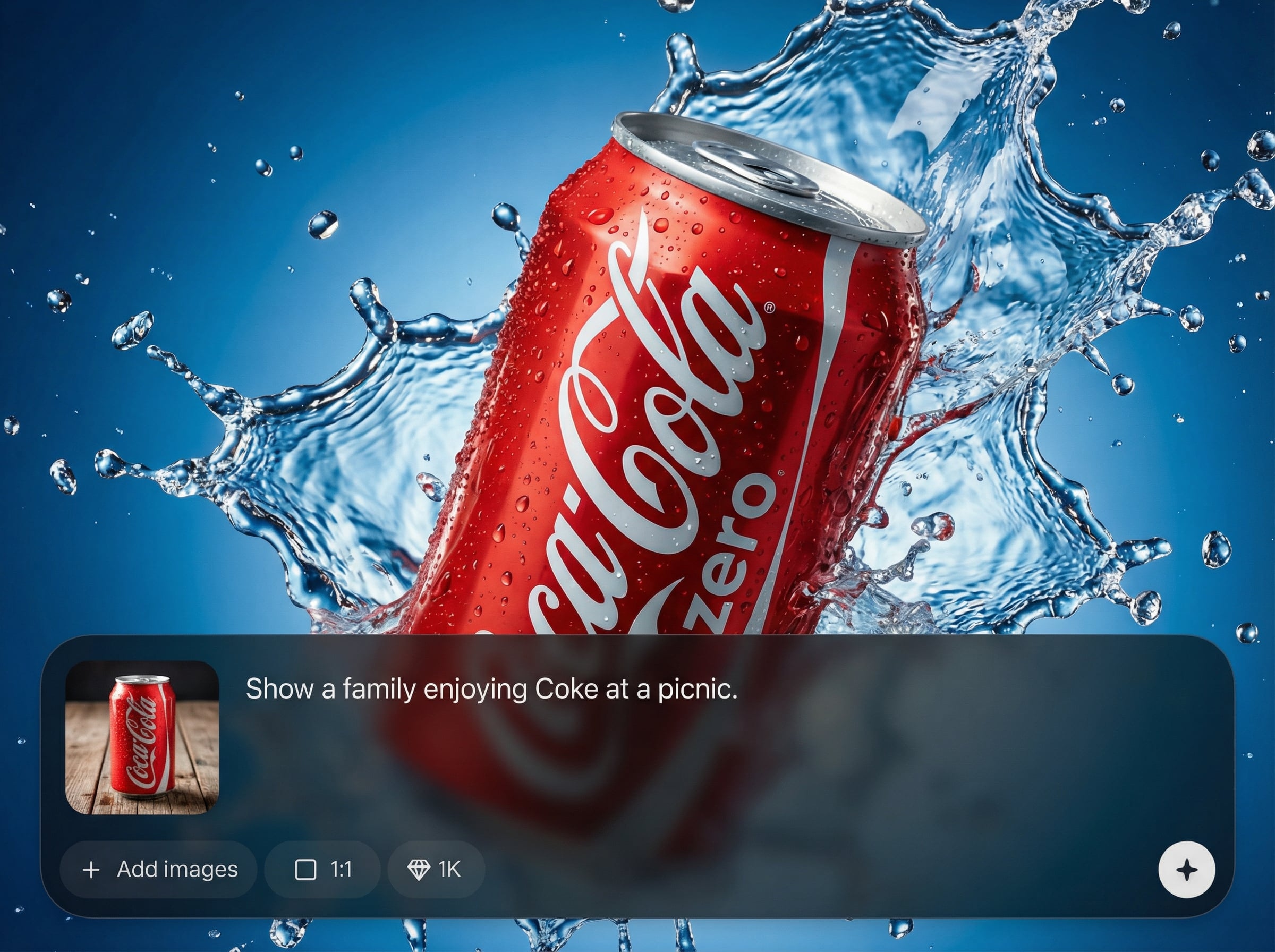
Guide the AI with clear prompts for backgrounds, reflections, mood, and framing. Get polished, commercial-style can visuals that look consistent across multiple variations.
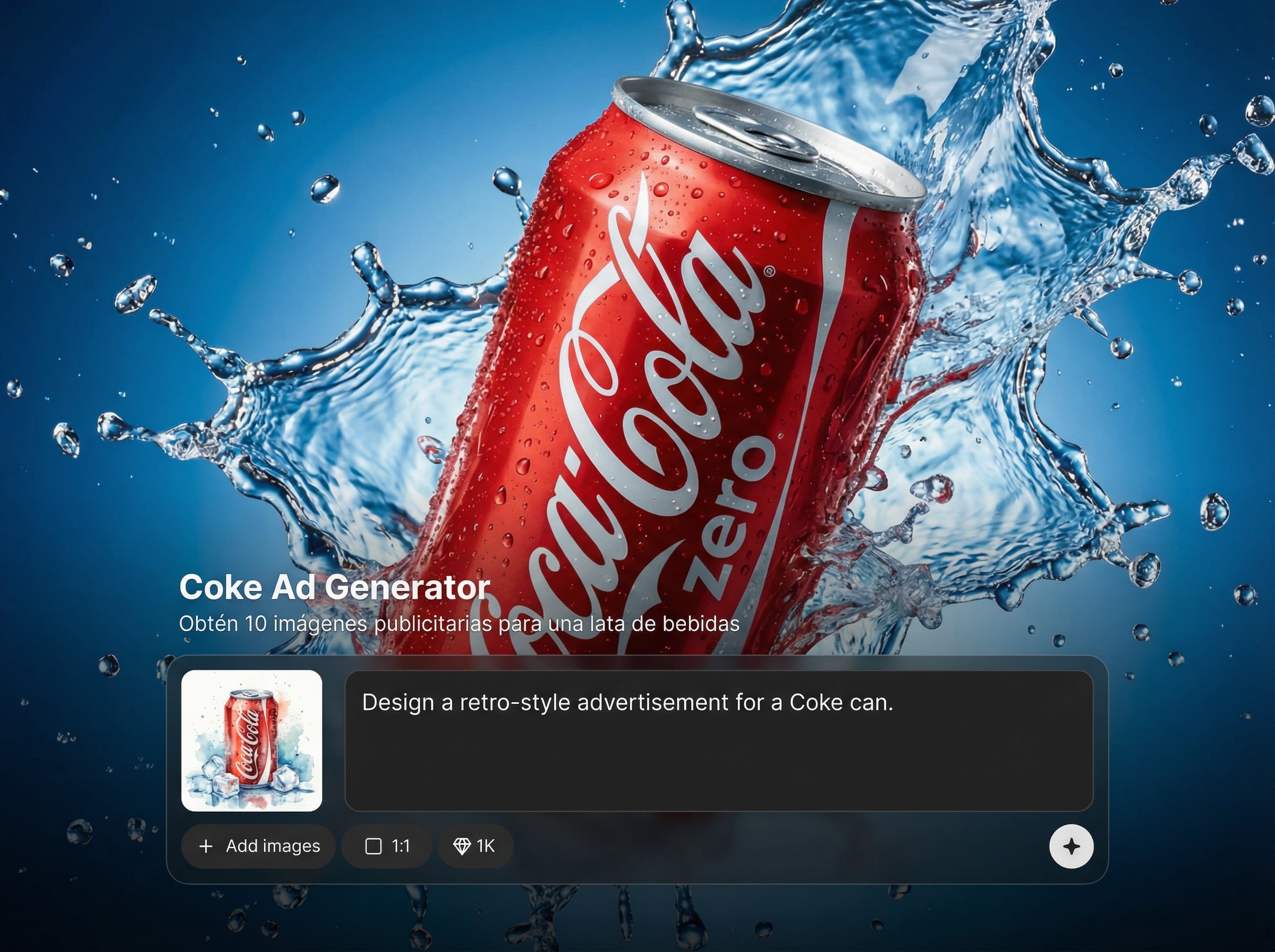
Create multiple directions for A/B testing, seasonal themes, or new promotions. Regenerate quickly to explore styles while keeping the can as the hero element.
About
Coke Ad Generator creates 10 advertising-ready images for a beverage can using AI. Choose a style, scene, and lighting to produce consistent product visuals for social ads, banners, and campaign concepts. Export multiple variations fast to test ideas, refresh creatives, and keep brand-ready quality across every image.
Coke Ad Generator helps you move from concept to a complete set of ad visuals fast. Batch generation saves time, while prompt control keeps the product centered and the look consistent. Create multiple variations for testing, seasonal refreshes, and new campaign directions in minutes.
Enter a clear concept, choose the scene and lighting direction, then generate your 10-image set. Review results, adjust the prompt for consistency, and export the best visuals for your ad placements.
Use cases
Discover how different creators use this app in their workflow.
Generate 10 scroll-stopping Coke can visuals for Instagram, TikTok, and Stories. Rotate fresh creatives frequently while keeping consistent branding and product focus.
Explore different art directions for upcoming launches and promotions. Produce multiple mood and scene options fast to align teams before final production.
Create ready-to-test ad images for banners and display placements. Build variations that match different audiences, contexts, and seasonal moments in minutes.
Krea is one of the world's leading generative AI platforms. See what others say.
Real reviews on TrustpilotSo many AI tools out there but I always come back to Krea. It's really the one AI platform that 'just works'.

FYN
Krea's interfaces are still the best in the industry. Everything looks and feels so clean and easy to use! Imo the easiest to use gen AI website.

Lynn
Ultra fast generations. Extremely simple to use. All the latest AI models.

Daniel
KREA is the only AI subscription I have right now besides ChatGPT.

Sophia M.
Answers to common questions about generating Coke can ad images with AI.
It generates 10 advertising-style images featuring a Coke can concept in varied scenes and compositions. You can steer style, lighting, and background details to match campaign needs and placement formats.
Yes. Use prompts to specify mood, environment, props, framing, and lighting. This helps the AI produce consistent, product-forward visuals across the full set of 10 images.
Generation typically takes seconds to a couple of minutes depending on settings and load. If you want more options, regenerate to quickly produce additional variations with similar direction.
Yes. The generator uses AI, artificial intelligence, and machine learning techniques to synthesize new ad-style images. Your inputs guide the model toward the commercial look you need.
Use the outputs for social ads, banners, landing-page mockups, and campaign drafts. Create multiple variations for different placements and test which compositions perform best.
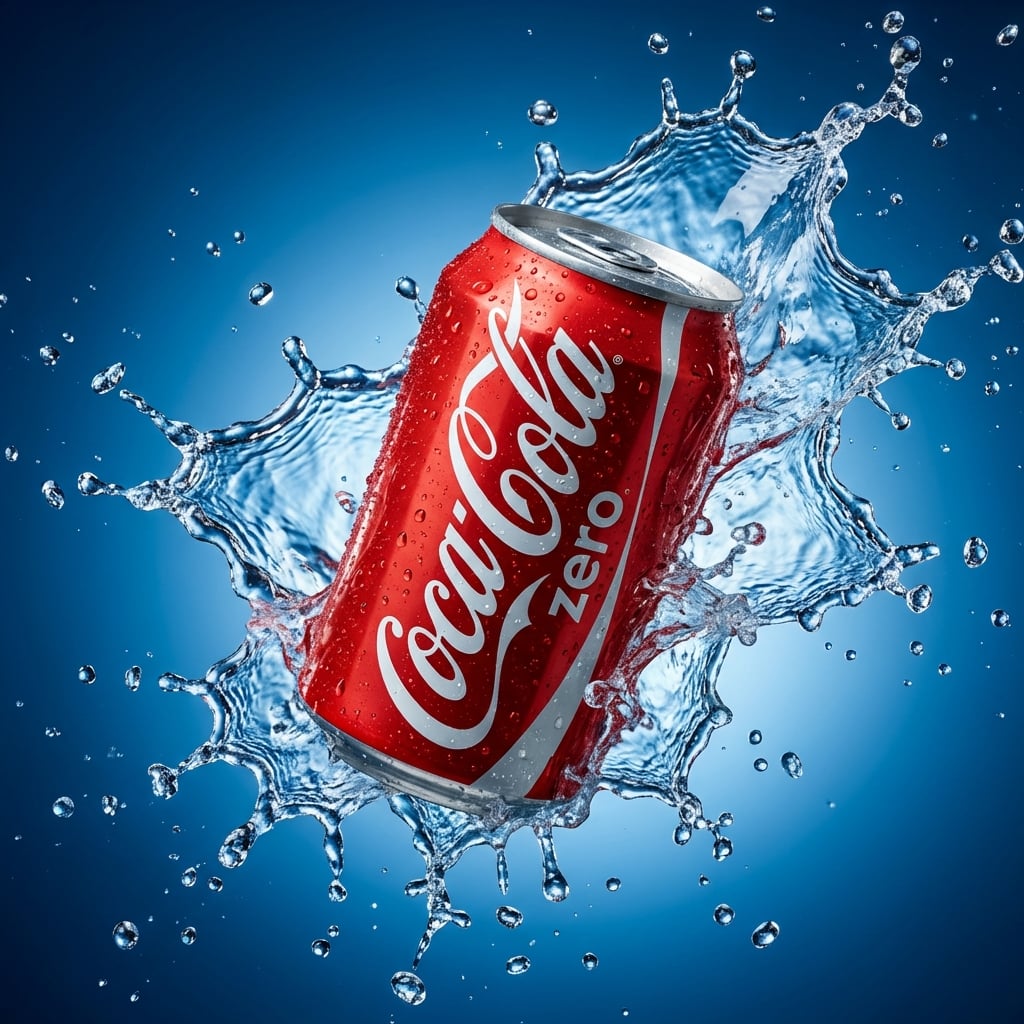
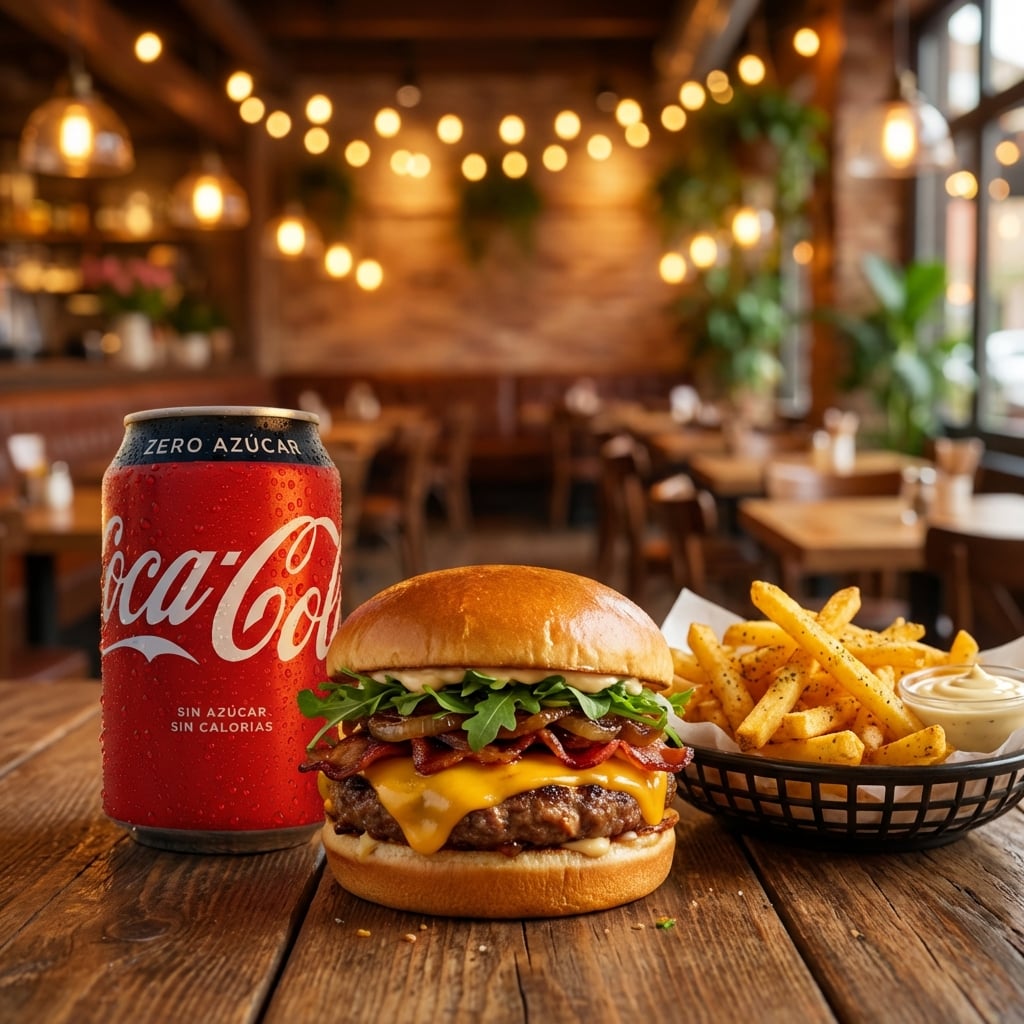
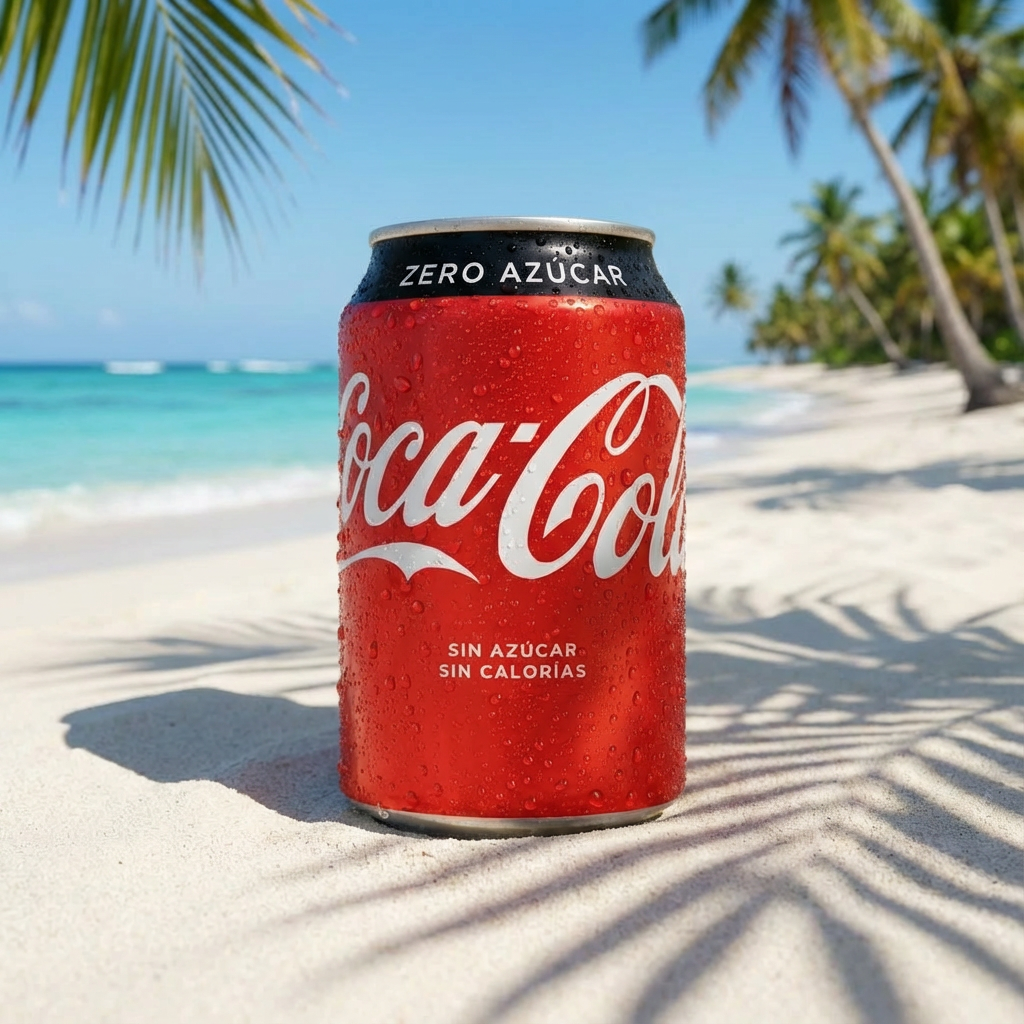
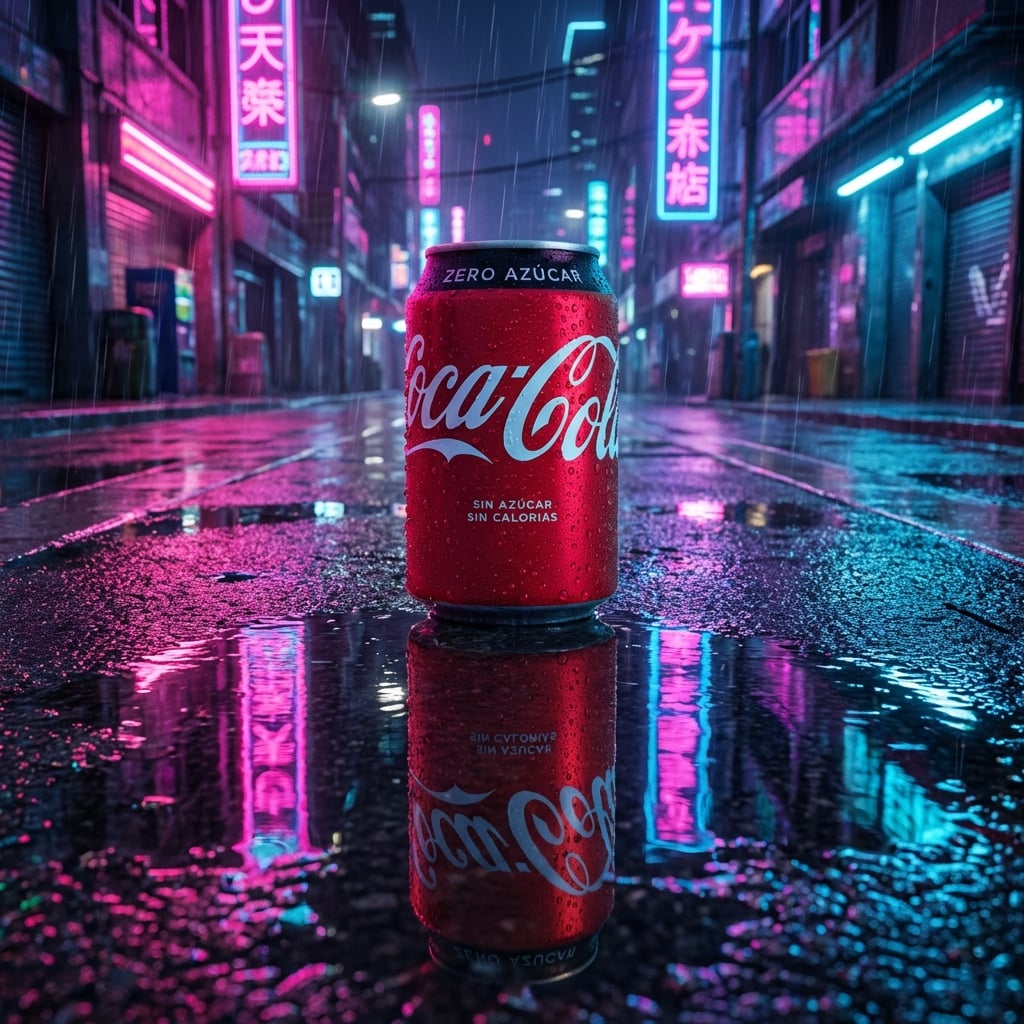
Generate batch ad creatives with AI, refine your style, and download visuals ready for testing and campaigns.

