














Step 1
Set the vibe
Type what you want: outfit, background, and mood. Optionally upload a reference photo to guide the style, framing, and overall 2016 aesthetic.
Generate 2016-style throwback photos in seconds with AI. Add prompts, pick a vibe, and export high-res images fast—try the 2016 app online now.
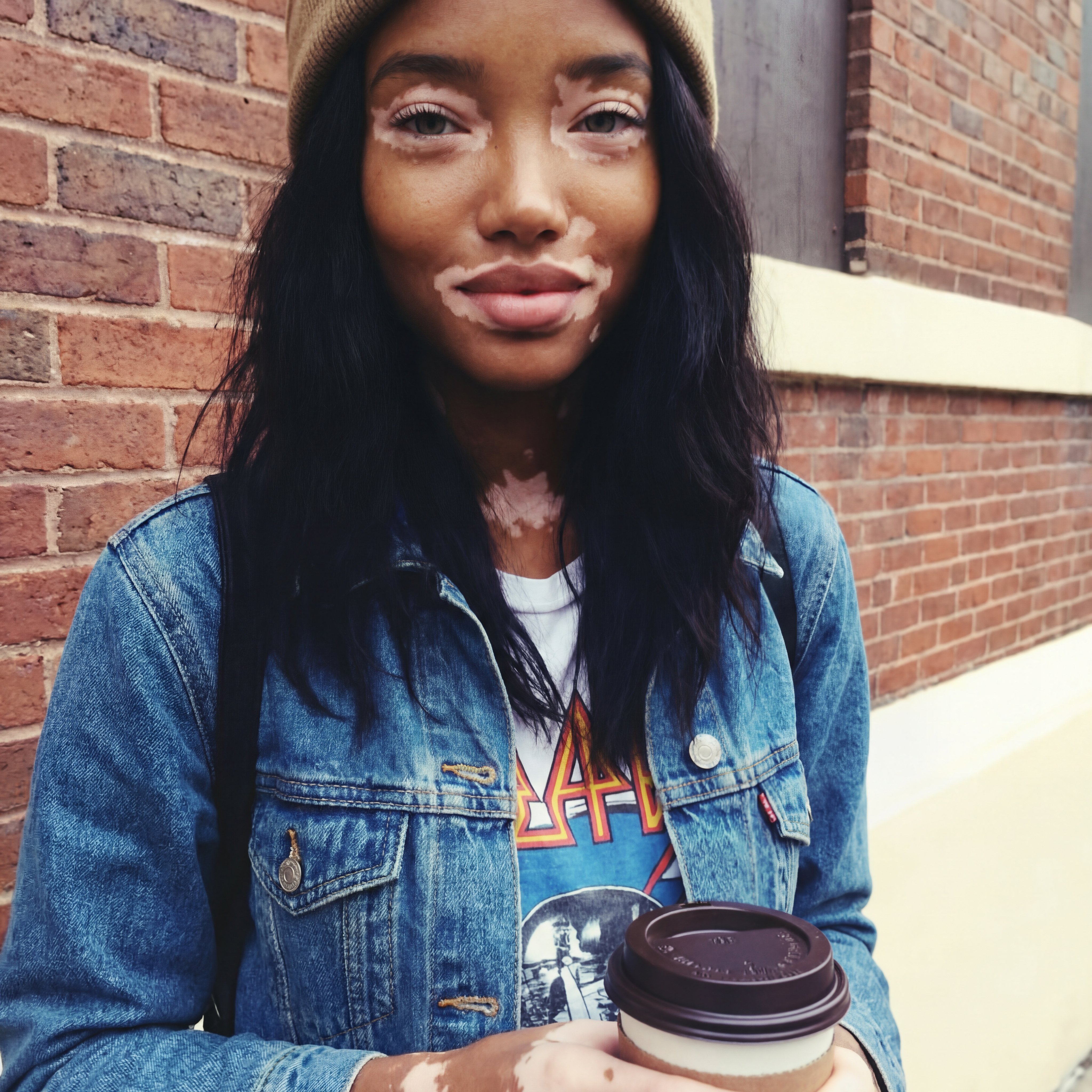
How to use 2016
Turn an idea into a 2016-style image with a quick setup. Add a prompt, optionally upload a reference photo, then generate variations until the throwback vibe feels right.
Step 1
Type what you want: outfit, background, and mood. Optionally upload a reference photo to guide the style, framing, and overall 2016 aesthetic.

Step 2
Click generate to see multiple 2016 throwback options. Adjust wording or settings to refine details like lighting, color, and era-accurate styling.

Step 3
Pick your favorite result and export a high-resolution image. Use it for social posts, profile pictures, or themed content without extra editing steps.
Features
Create authentic 2016-style photos with an AI image generator built for nostalgia. Control the scene with prompts, generate multiple variations quickly, and keep results crisp for sharing. Whether you want casual selfies, yearbook energy, or trend-inspired looks, 2016 delivers throwbacks on demand.
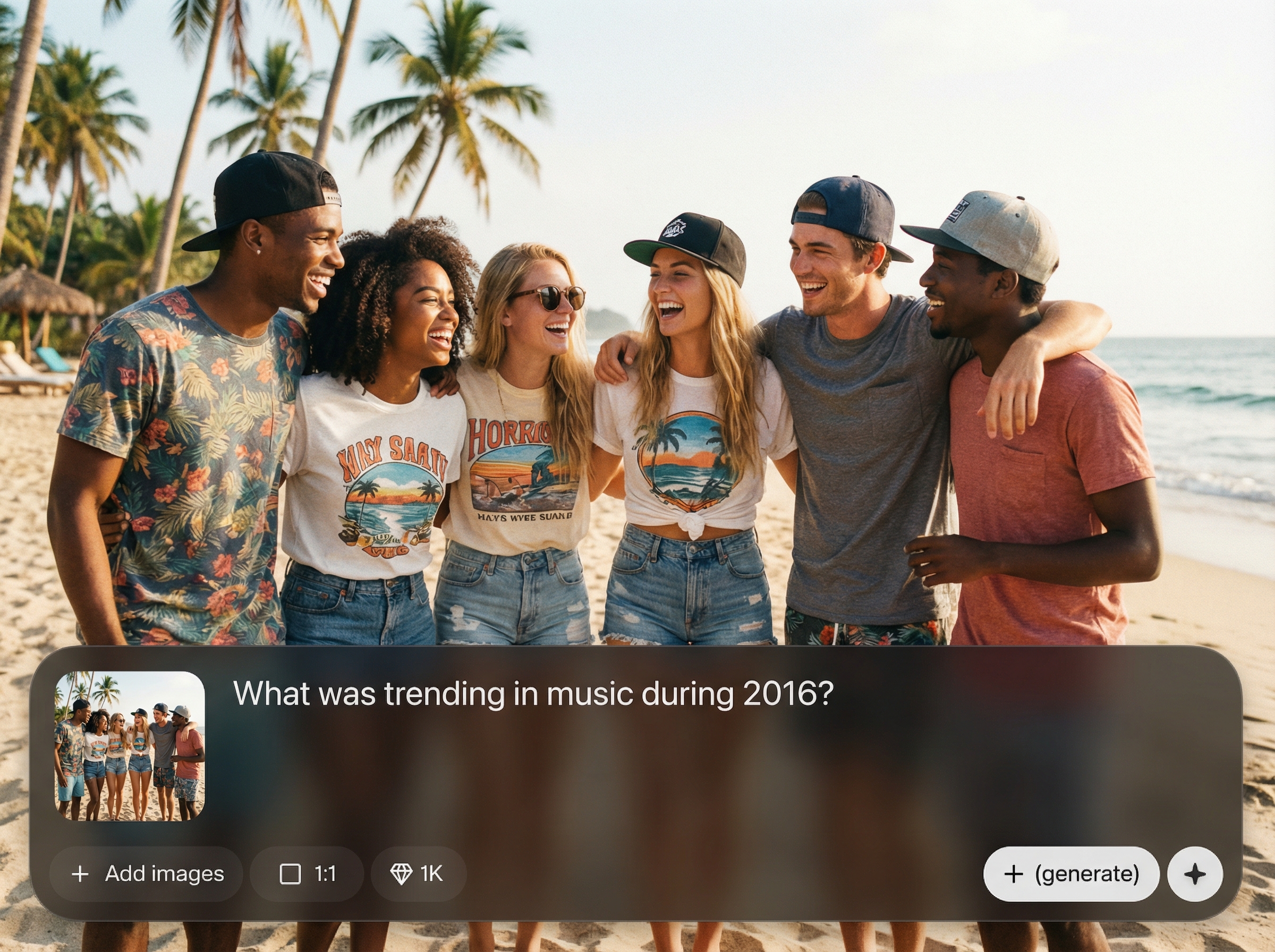
Generate images that capture 2016 trends, tones, and photo vibes. Prompt-based controls help you shape outfits, backgrounds, and moods while keeping the throwback feel consistent.
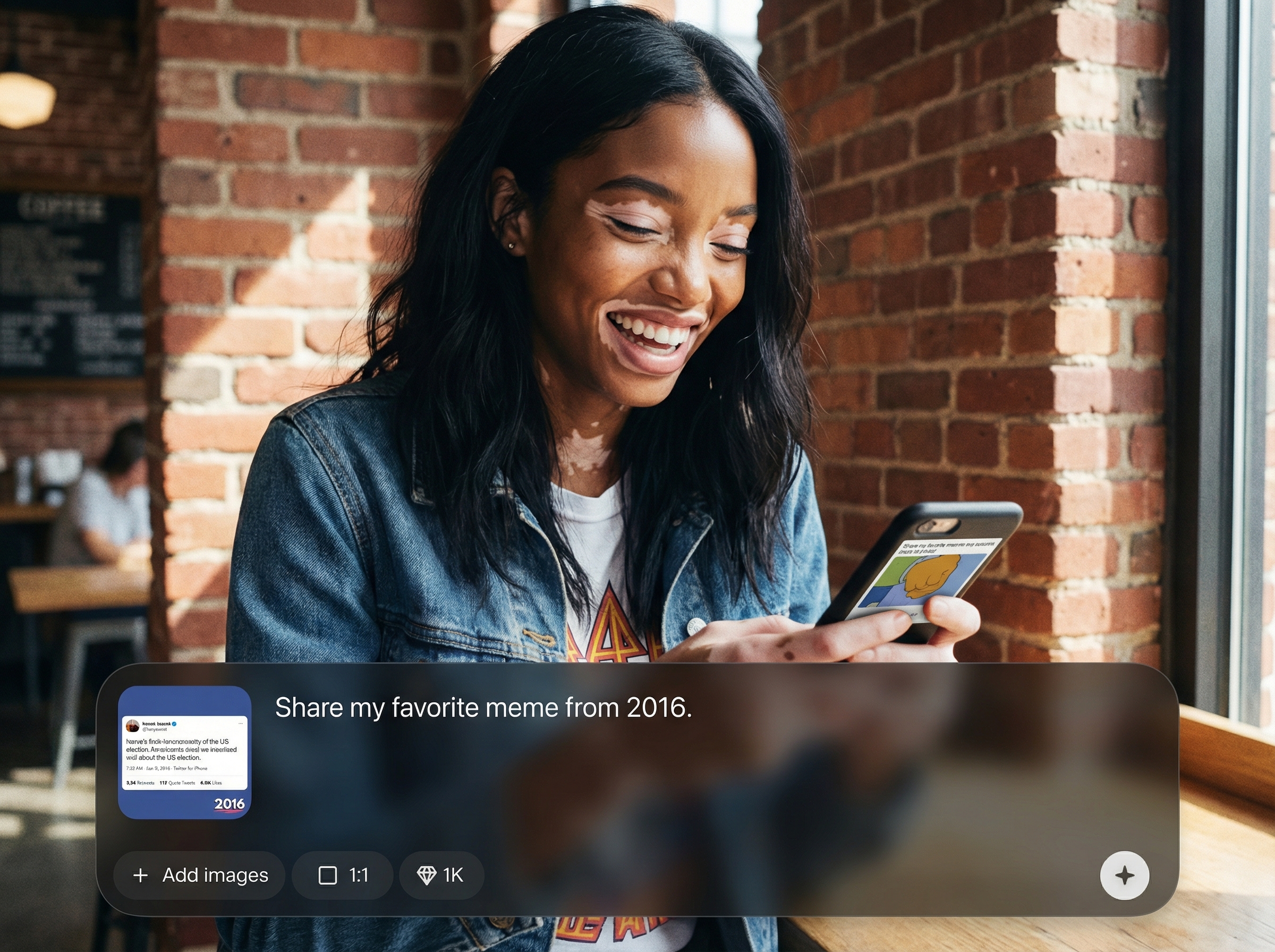
Get multiple results in seconds and iterate quickly. Small prompt edits produce new options, so you can dial in the right look without time-consuming manual edits.
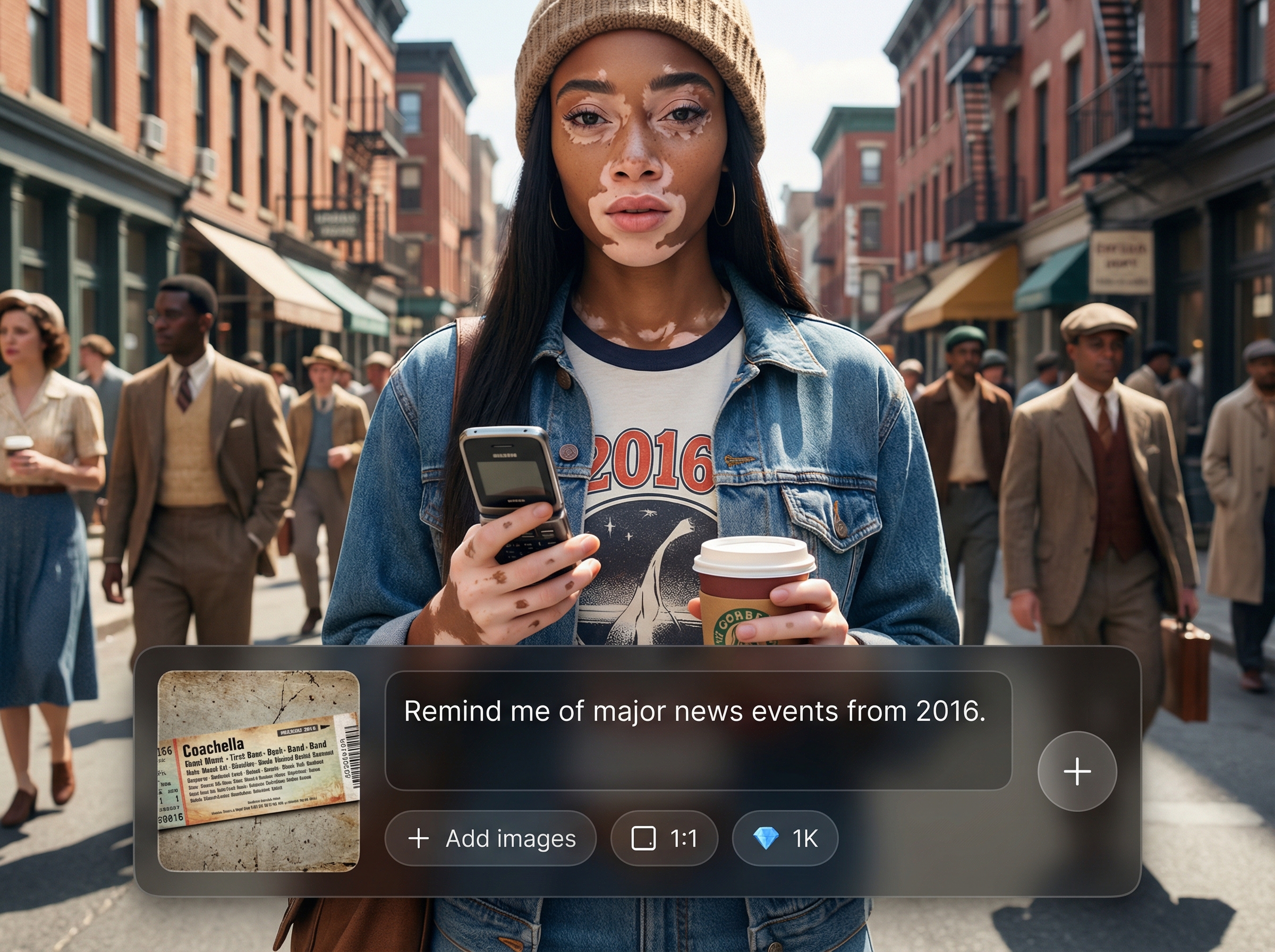
Download high-resolution throwbacks that look clean on any platform. Export results for profiles, posts, and themed projects with minimal post-processing required.
About
2016 helps you create instant throwback photos when you don’t have any from the year. Use AI to generate 2016-style looks, trends, and vibes from a simple prompt or a reference image. Get clean, share-ready results in seconds for posts, profiles, and fun nostalgia edits.
2016 delivers quick, consistent throwback results with simple prompt controls and fast iteration. Generate multiple options, refine details easily, and export crisp images ready for sharing. It’s a streamlined way to get authentic 2016 vibes on demand.
Open 2016, type a short prompt, and optionally add a reference photo. Generate a few variations, refine the prompt for accuracy, then download your favorite high-res throwback.
Use cases
Discover how different creators use this app in their workflow.
Create believable 2016 nostalgia content for feeds and stories. Generate a consistent vibe for themed posts, anniversaries, or “then vs now” moments.
Make a 2016-style profile photo or avatar in seconds. Try different outfits, lighting, and backgrounds until it matches your preferred throwback look.
Generate visuals for 2016 parties, playlists, and campaigns. Produce multiple image options quickly to match a mood board or retro theme.
Krea is one of the world's leading generative AI platforms. See what others say.
Real reviews on TrustpilotSo many AI tools out there but I always come back to Krea. It's really the one AI platform that 'just works'.

FYN
Krea's interfaces are still the best in the industry. Everything looks and feels so clean and easy to use! Imo the easiest to use gen AI website.

Lynn
Ultra fast generations. Extremely simple to use. All the latest AI models.

Daniel
KREA is the only AI subscription I have right now besides ChatGPT.

Sophia M.
Common questions about using 2016 to generate AI throwback photos online.
2016 is an AI throwback generator that creates 2016-style images from text prompts and optional reference photos. It produces share-ready visuals designed to match nostalgia trends and era-inspired aesthetics.
No. You can generate a throwback entirely from a prompt. If you have a reference image, you can upload it to guide composition and style, but it’s optional.
Use specific prompt details like “2016 yearbook,” “festival outfit,” or “soft flash selfie.” Mention colors, setting, and mood, then generate variations and refine until it looks right.
Yes. 2016 supports high-resolution exports so your results stay sharp for social media, profile photos, and themed content. Download your favorite variation when you’re ready to share.
It’s primarily an AI image generator with optional reference guidance. You describe the throwback you want, generate multiple results, and choose the best output—no complex editing workflow required.
Generate a 2016-style photo in seconds—no old camera roll needed. Try prompts, create variations, and download instantly.

