














Step 1
Upload
Add a clear face photo, then choose the ICE preset for winter lighting and cold color grading. Optionally add a prompt to set mood, outfit, or background.
Generate cold-toned winter portraits with FACELOCK · ICE. Lock facial identity, shift style fast, and export high-res images for content, ads, and profiles.
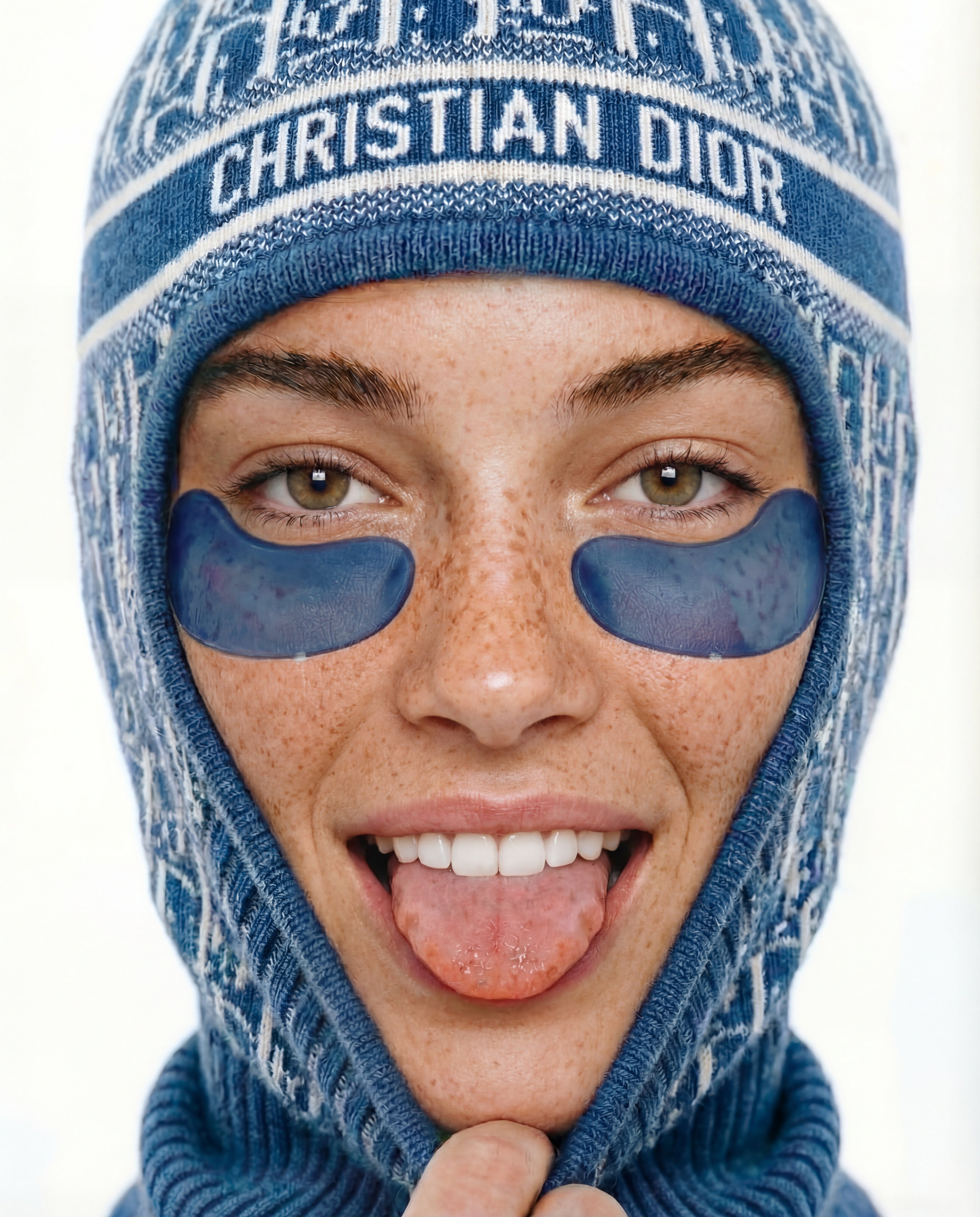
How to use FACELOCK · ICE
Use FACELOCK · ICE to keep a recognizable face while transforming the image into a cold-toned winter style. Follow these steps to upload, tune the lock strength, and export consistent results quickly.
Step 1
Add a clear face photo, then choose the ICE preset for winter lighting and cold color grading. Optionally add a prompt to set mood, outfit, or background.

Step 2
Adjust face-lock strength to preserve identity while allowing style changes. Refine details like contrast and cool tint to match the icy aesthetic across variations.

Step 3
Generate multiple options, compare consistency, and iterate with small prompt tweaks. Download high-resolution outputs for profiles, ads, thumbnails, or brand assets.
Features
FACELOCK · ICE combines identity preservation with cold-toned styling to produce consistent faces across generations. Control the strength of the face lock, guide composition with prompts, and keep details sharp with clean, high-res outputs. Create cohesive sets for campaigns, profile imagery, or stylized edits in minutes.
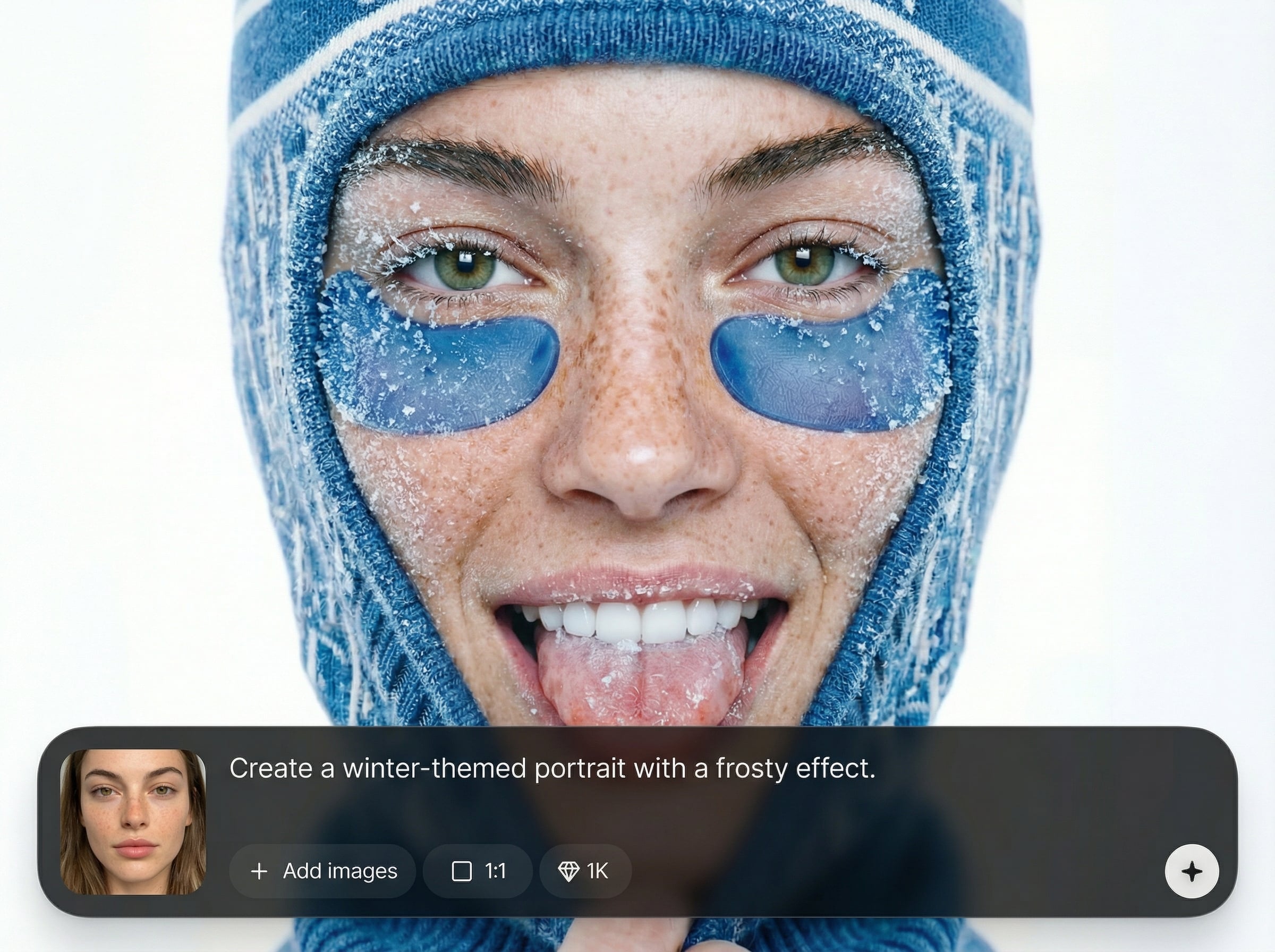
Lock key facial features for reliable consistency across poses, outfits, and backgrounds. Great for generating cohesive portrait sets without losing the recognizable look of the subject.
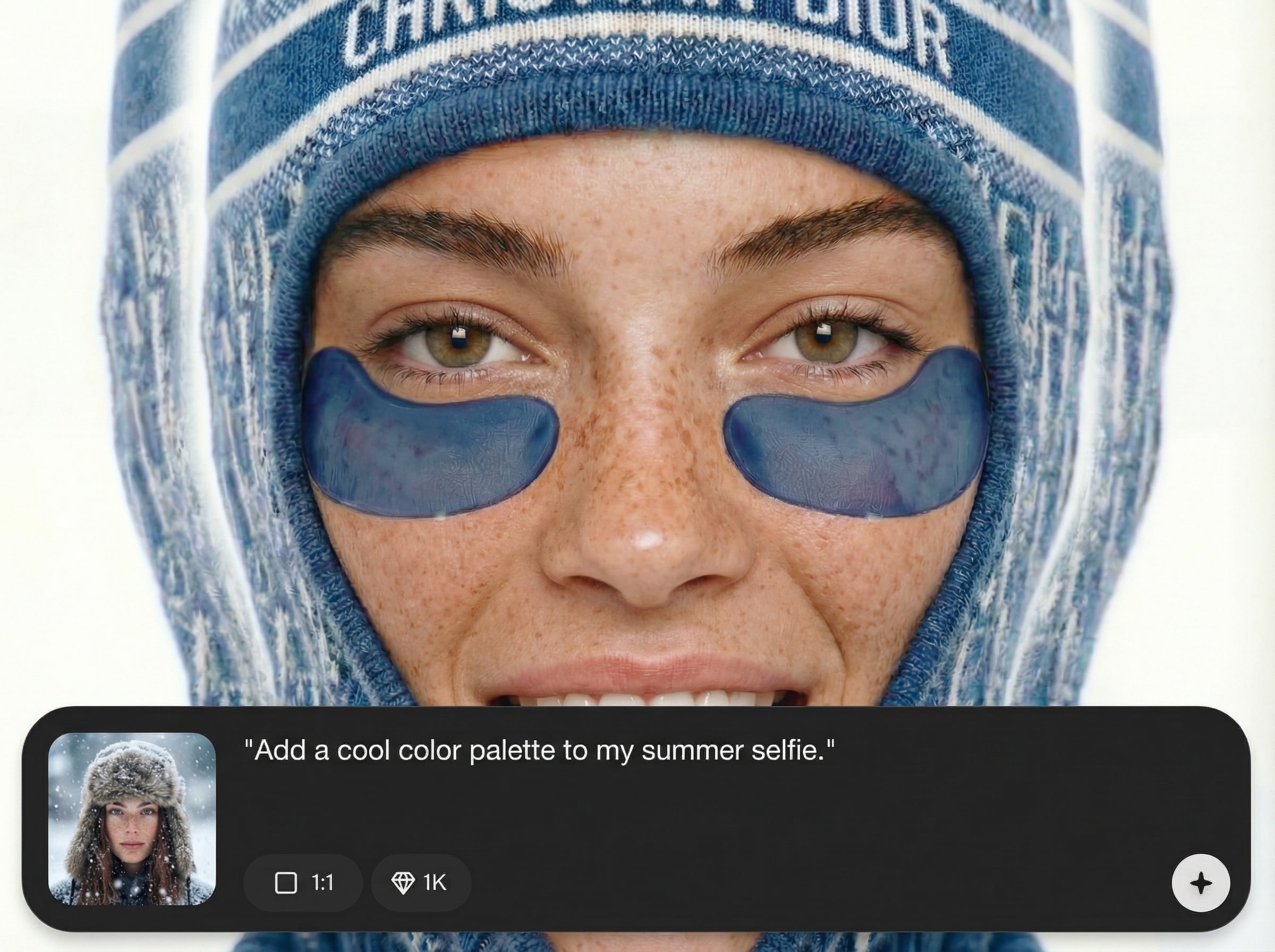
Apply crisp ICE color grading with cool highlights and clean shadows. Fine-tune tint, contrast, and mood so every output matches a winter aesthetic without manual editing.
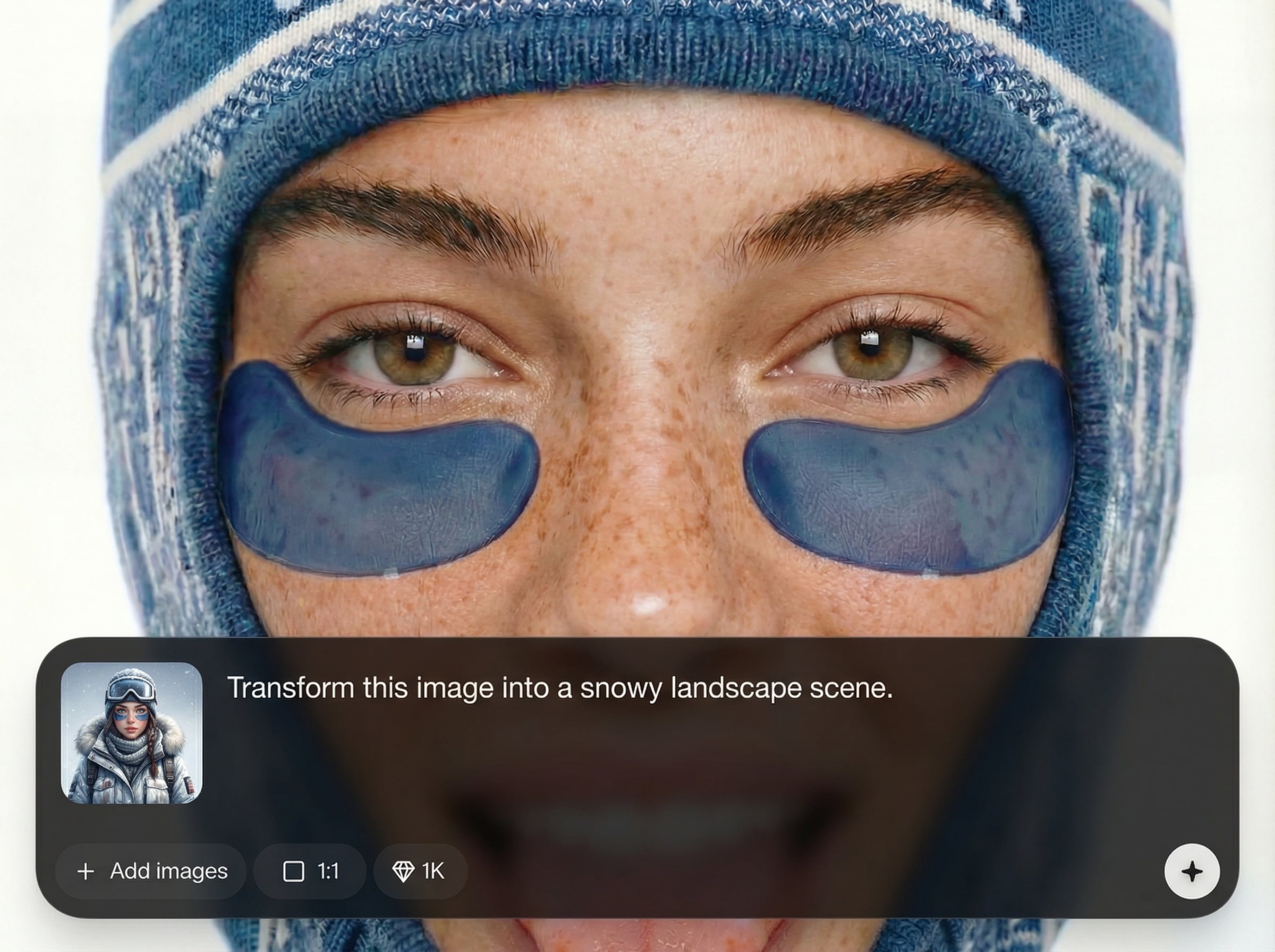
Generate multiple consistent options quickly and iterate with small prompt changes. Export high-resolution images ready for social profiles, ads, thumbnails, and marketing assets.
About
FACELOCK · ICE is an AI face-lock generator that preserves facial identity while applying a cold, winter-toned look. Create consistent portraits across poses and outfits with crisp icy color grading and clean detail. Ideal for profile updates, campaign visuals, and stylized photo edits—generate results fast and export ready-to-use images online.
FACELOCK · ICE delivers reliable facial consistency with a distinct cold, winter-grade finish. Generate cohesive sets quickly, keep control with adjustable face-lock strength, and reduce time spent on manual retouching. Get clean, export-ready results for real-world marketing and social workflows.
Upload a clear face photo, select the ICE preset, then set your prompt and lock strength. Generate variations, refine with small tweaks, and download high-resolution portraits instantly.
Use cases
Discover how different creators use this app in their workflow.
Create icy, polished portraits while keeping facial identity consistent. Perfect for professional profiles, gaming avatars, and seasonal social updates.
Generate cohesive winter campaign visuals with the same face across multiple scenes. Useful for product launches, holiday promos, and A/B testing variants.
Transform existing photos into cold-toned winter looks without losing likeness. Ideal for editorial-style edits, mood boards, and concept art references.
Krea is one of the world's leading generative AI platforms. See what others say.
Real reviews on TrustpilotSo many AI tools out there but I always come back to Krea. It's really the one AI platform that 'just works'.

FYN
Krea's interfaces are still the best in the industry. Everything looks and feels so clean and easy to use! Imo the easiest to use gen AI website.

Lynn
Ultra fast generations. Extremely simple to use. All the latest AI models.

Daniel
KREA is the only AI subscription I have right now besides ChatGPT.

Sophia M.
Find quick answers about AI face lock, identity preservation, and ICE-style generation.
An AI face-lock generator preserves key facial features while changing style, lighting, or background. FACELOCK · ICE focuses on cold winter tones, helping you keep a consistent identity across multiple generated images.
It applies an identity-preservation constraint during generation, prioritizing facial structure and likeness. You can adjust lock strength to balance consistency with creative freedom for hair, outfit, pose, and scene changes.
Yes. Add prompts like “snowy street,” “ice studio lighting,” or “frosted forest” to guide backgrounds and mood. The face lock helps keep the subject recognizable while the scene and styling change.
Use a sharp, front-facing photo with good lighting and minimal blur. Clear eyes and unobstructed facial features improve identity preservation and reduce drift across variations, especially when generating multiple poses.
It works as both: start from a photo to preserve identity, then generate new stylized outputs with winter color grading. You can iterate quickly and export high-res images for digital use.
Generate cold-toned winter portraits with consistent facial identity in seconds—ready for profiles, ads, and campaigns.

