














Step 1
Upload & Lock Identity
Add a high-quality face photo and enable face-lock. The AI anchors key facial landmarks to preserve identity across prompts, outfits, and scene changes.
Generate warm winter portraits with strict face-lock identity preservation. FACELOCK · SAND keeps features consistent across styles. Try it online now.
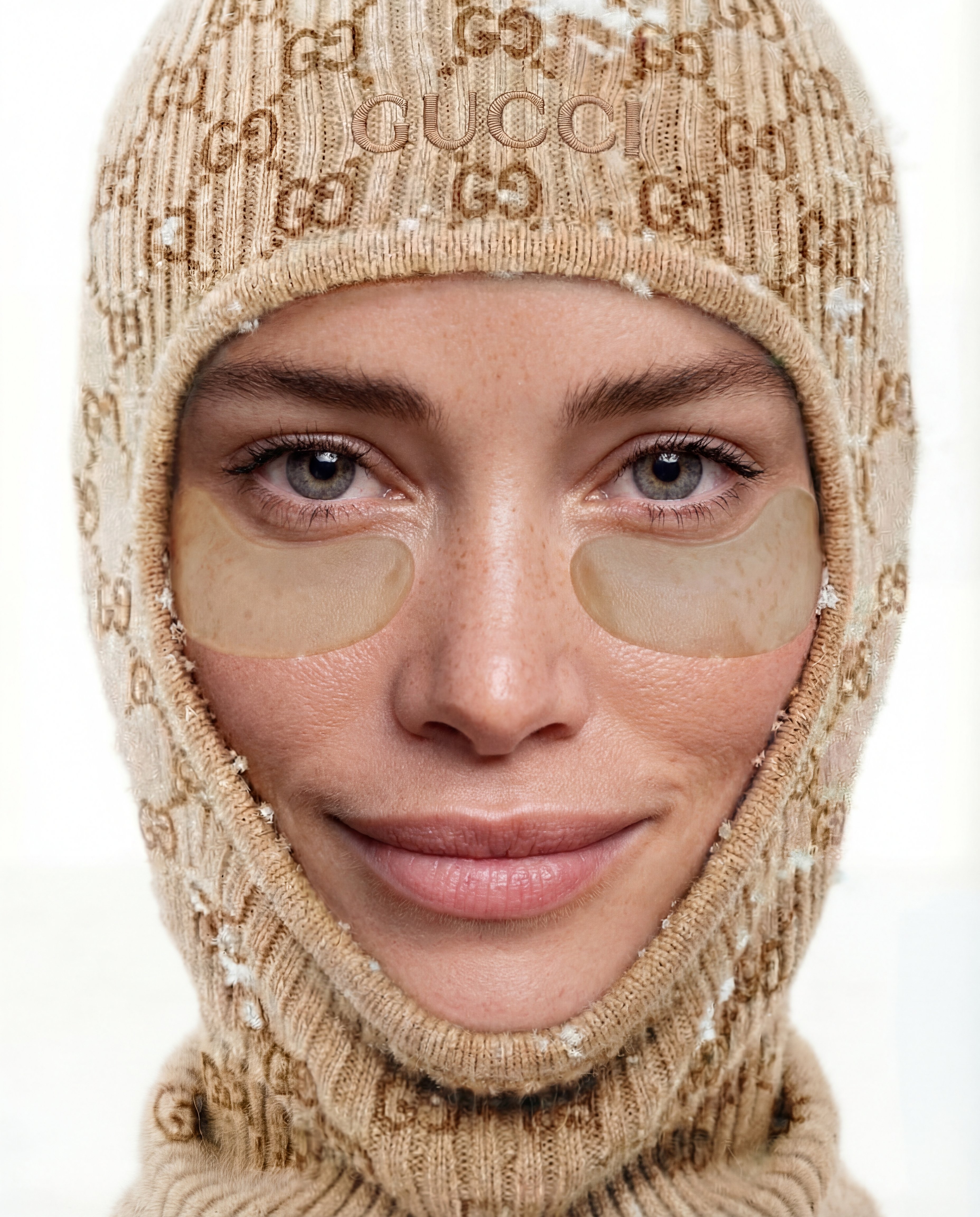
How to use FACELOCK · SAND
Upload a clear face image, then choose a warm winter look. FACELOCK · SAND applies strict identity preservation while you adjust style, lighting, and details for consistent results you can reuse anywhere.
Step 1
Add a high-quality face photo and enable face-lock. The AI anchors key facial landmarks to preserve identity across prompts, outfits, and scene changes.

Step 2
Pick warm winter styling like coats, scarves, snow lighting, and cozy tones. Adjust intensity and background while keeping face consistency stable.

Step 3
Generate variations, compare results, and refine with quick edits. Download high-resolution images for profiles, marketing assets, or concept references in minutes.
Features
FACELOCK · SAND is an AI face-lock generator designed for warm winter aesthetics and reliable identity consistency. Create new portraits while keeping facial structure, proportions, and key features stable. Use flexible prompts, fast iterations, and high-quality exports to produce cohesive sets for any workflow.
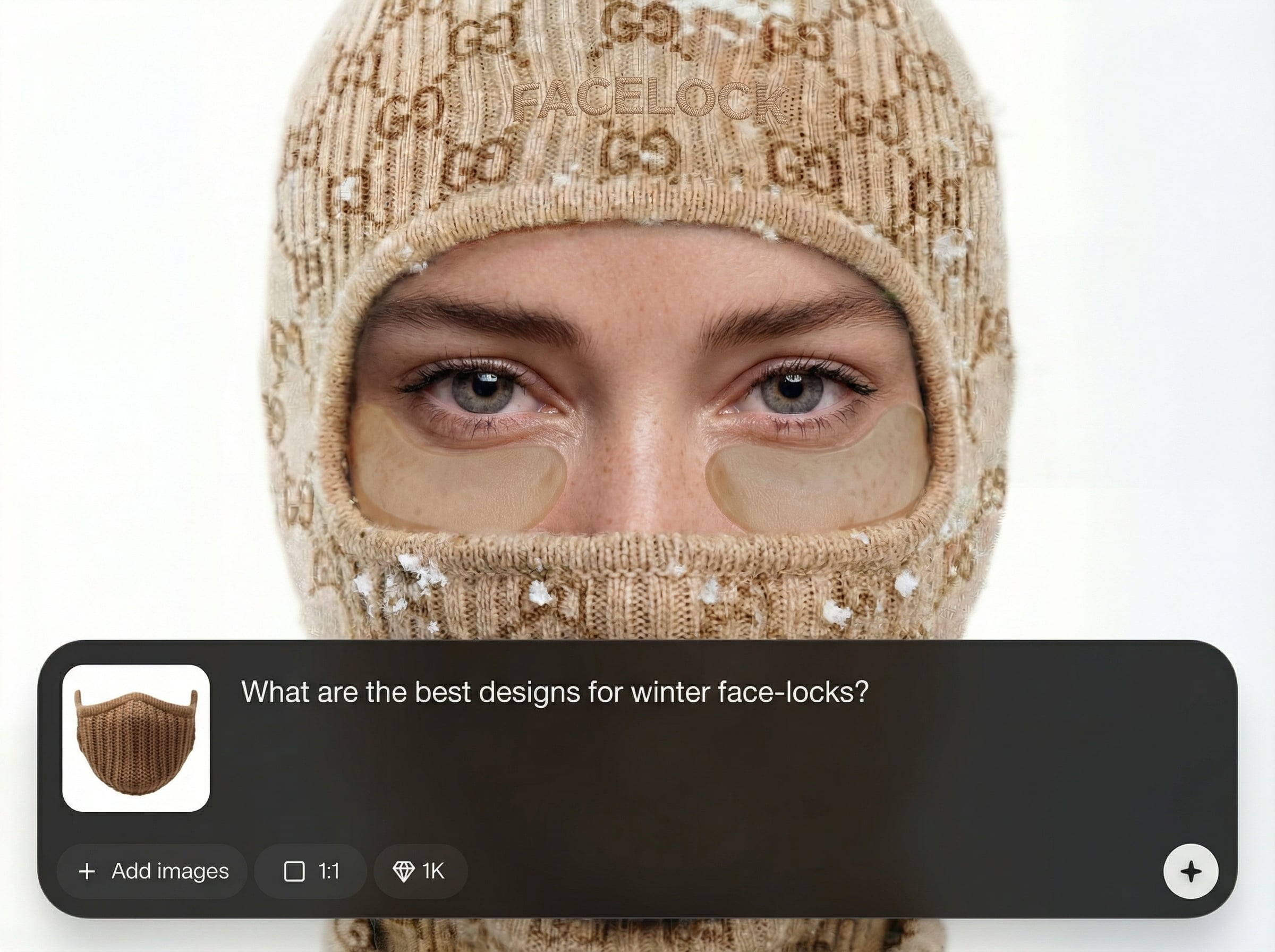
Preserve identity with strong facial landmark anchoring. Keep core features consistent across variations, angles, and styling changes for dependable, repeatable portrait sets.
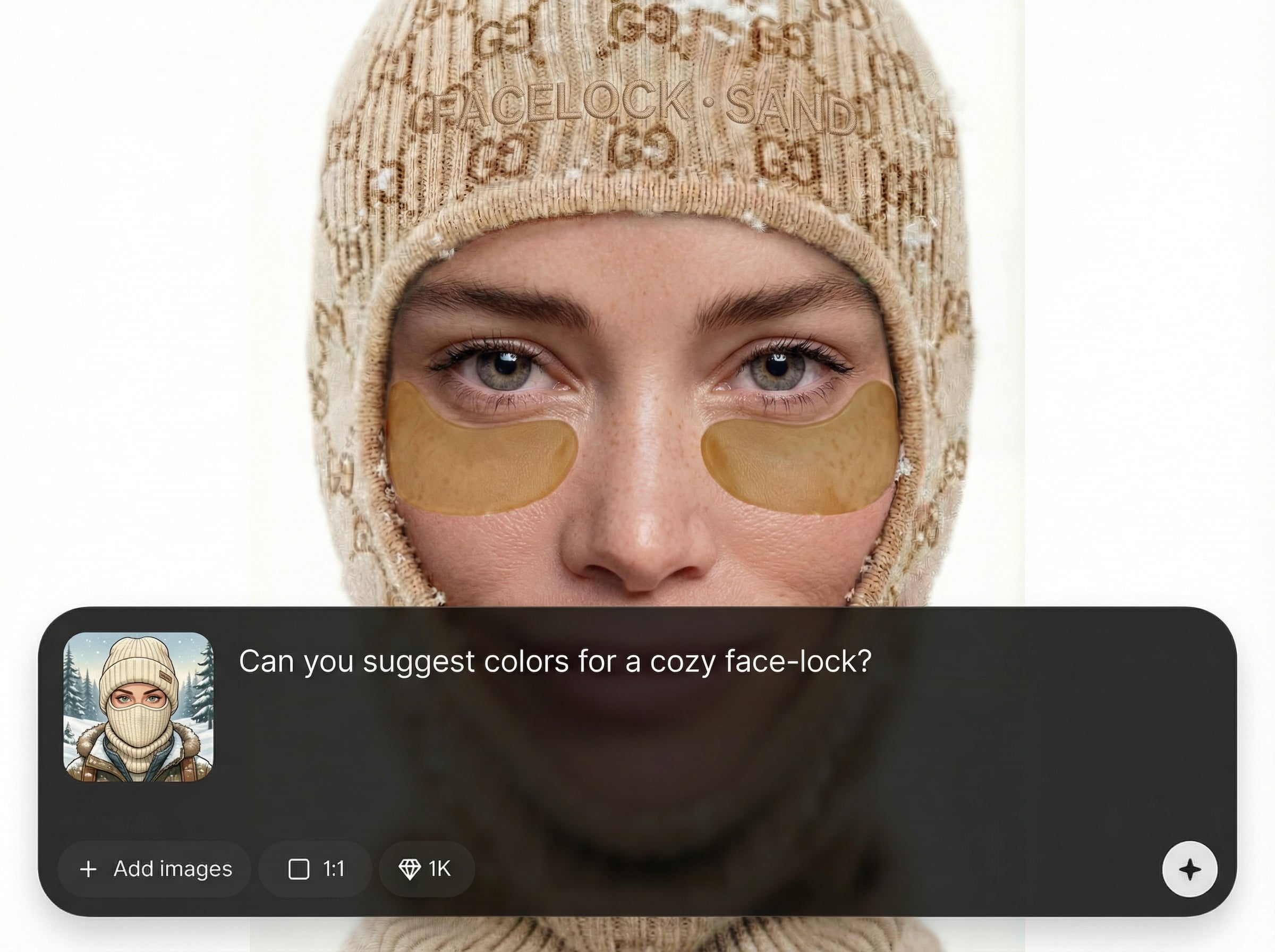
Dial in cozy winter tones, soft snowfall lighting, knit textures, and seasonal outfits. Maintain a natural look while the AI keeps the face locked and consistent.
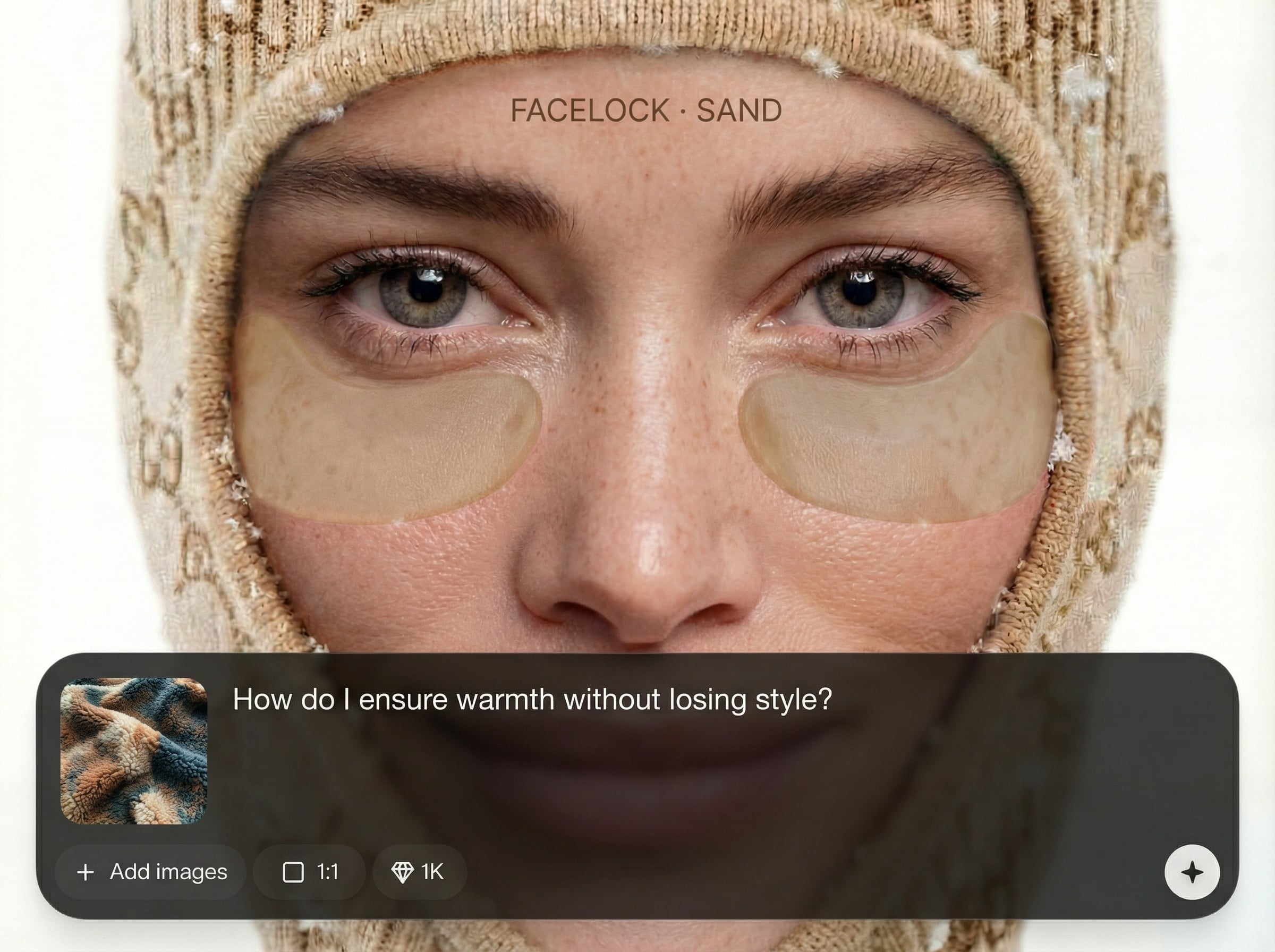
Generate multiple options quickly, then export sharp, high-resolution images. Ideal for producing consistent series without manual retouching or repeated reshoots.
About
FACELOCK · SAND creates warm winter portraits with strict face-lock identity preservation. Keep the same facial features across new outfits, lighting, and backgrounds while changing the vibe. Generate consistent, cozy results for profile images, campaigns, or concept art—fast, online, and easy to refine.
FACELOCK · SAND focuses on strict identity preservation, so your face stays consistent across multiple winter looks. Fine-tune warmth, lighting, and seasonal details while generating fast variations. Get cohesive portrait sets for profiles and campaigns without manual retouching or repeated photo shoots.
Upload a clear face photo, enable face-lock, and describe the warm winter look you want. Generate a few variations, adjust style settings, then export your favorites in high resolution.
Use cases
Discover how different creators use this app in their workflow.
Create a cohesive winter-ready look for avatars and profile photos while keeping your identity consistent across multiple platforms and crops.
Generate matching seasonal portrait series for ads, landing pages, and social posts with strict face consistency across different scenes and outfits.
Explore winter styling options, lighting setups, and backgrounds while preserving the same character identity for boards, mockups, and iterations.
Krea is one of the world's leading generative AI platforms. See what others say.
Real reviews on TrustpilotSo many AI tools out there but I always come back to Krea. It's really the one AI platform that 'just works'.

FYN
Krea's interfaces are still the best in the industry. Everything looks and feels so clean and easy to use! Imo the easiest to use gen AI website.

Lynn
Ultra fast generations. Extremely simple to use. All the latest AI models.

Daniel
KREA is the only AI subscription I have right now besides ChatGPT.

Sophia M.
Answers to common questions about AI face-lock identity preservation and winter portrait generation.
It generates warm winter portraits while preserving the same identity. Use it to change outfits, lighting, and backgrounds without losing consistent facial features across variations.
The tool uses face-lock constraints to anchor key facial landmarks and proportions. This reduces drift between generations, helping maintain recognizable identity even with new prompts and styles.
Use a clear, front-facing image with good lighting and minimal motion blur. Higher resolution and unobstructed facial features improve identity preservation and reduce artifacts.
Yes. You can swap winter outfits, add scarves or hats, adjust hair styling, and change environments while keeping core facial structure consistent through face-lock.
It works online with no install required. Upload an image, set your winter style preferences, generate results, and export files directly from your browser.
Create cozy winter portraits with consistent identity in minutes—generate variations, refine fast, and export in high resolution.

