















Step 1
Upload
Add your image and let the AI analyze exposure, contrast, and detail. It detects highlights and shadows to prepare a balanced HDR enhancement.
Boost dynamic range, recover highlights and shadows, and sharpen detail with HDR Enhancement. Create natural-looking HDR photos in seconds—try it now.
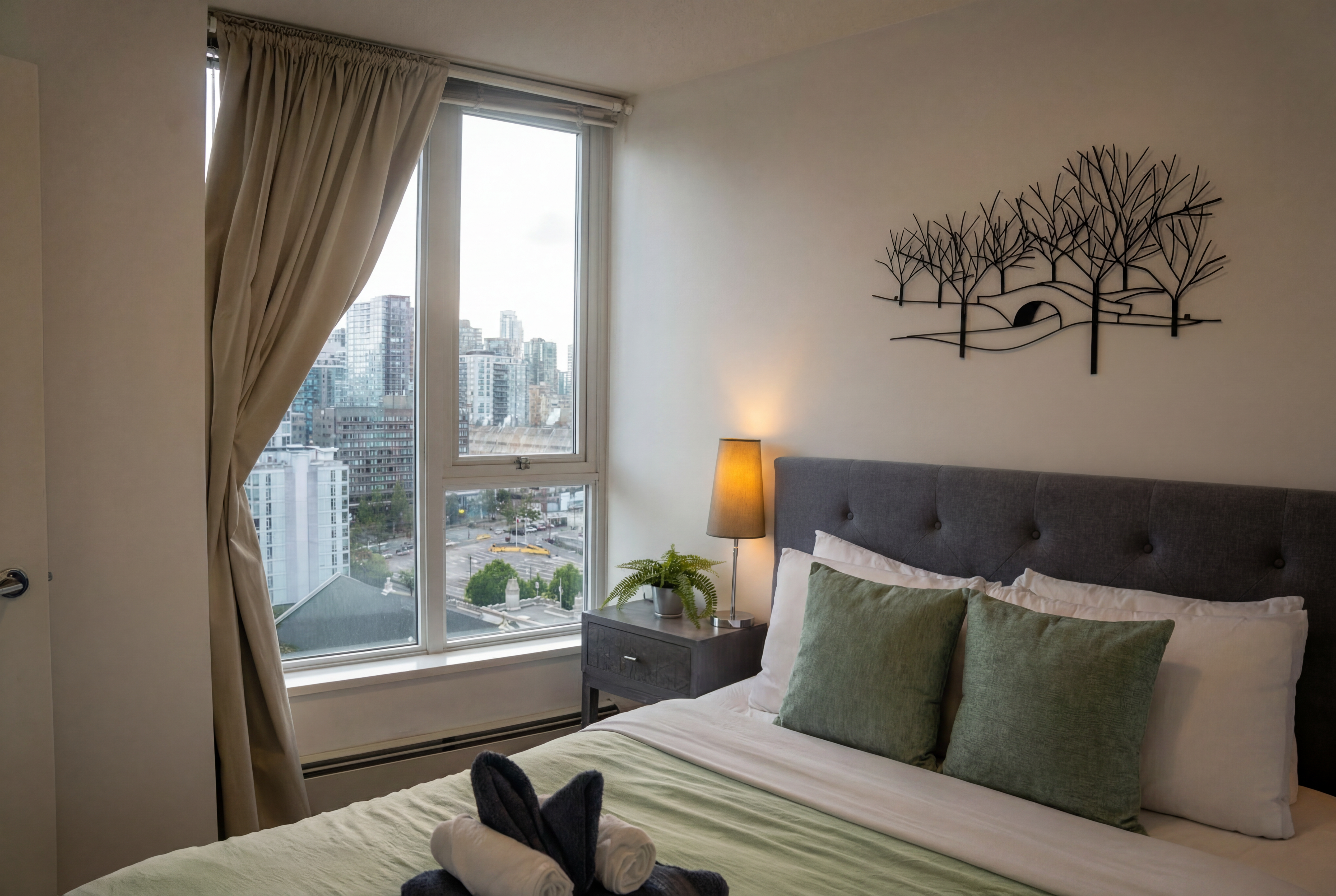
How to use HDR Enhancement
Turn flat or poorly exposed images into clean, high-detail HDR with HDR Enhancement. This quick guide shows how to upload a photo, adjust the HDR strength, and export a polished result.
Step 1
Add your image and let the AI analyze exposure, contrast, and detail. It detects highlights and shadows to prepare a balanced HDR enhancement.

Step 2
Choose HDR intensity and fine-tune strength for a natural or dramatic look. Preview changes to keep colors realistic and avoid over-processed results.

Step 3
Generate the final HDR image, then download and share. Use the enhanced photo for listings, social posts, portfolios, or print-ready assets.
Features
HDR Enhancement intelligently boosts dynamic range to reveal hidden detail while maintaining a natural finish. Recover blown highlights, lift dark shadows, and improve local contrast without manual masking. Get consistent results across photos with fast processing and simple controls designed for clean, realistic HDR—ready for web, social, or professional use.
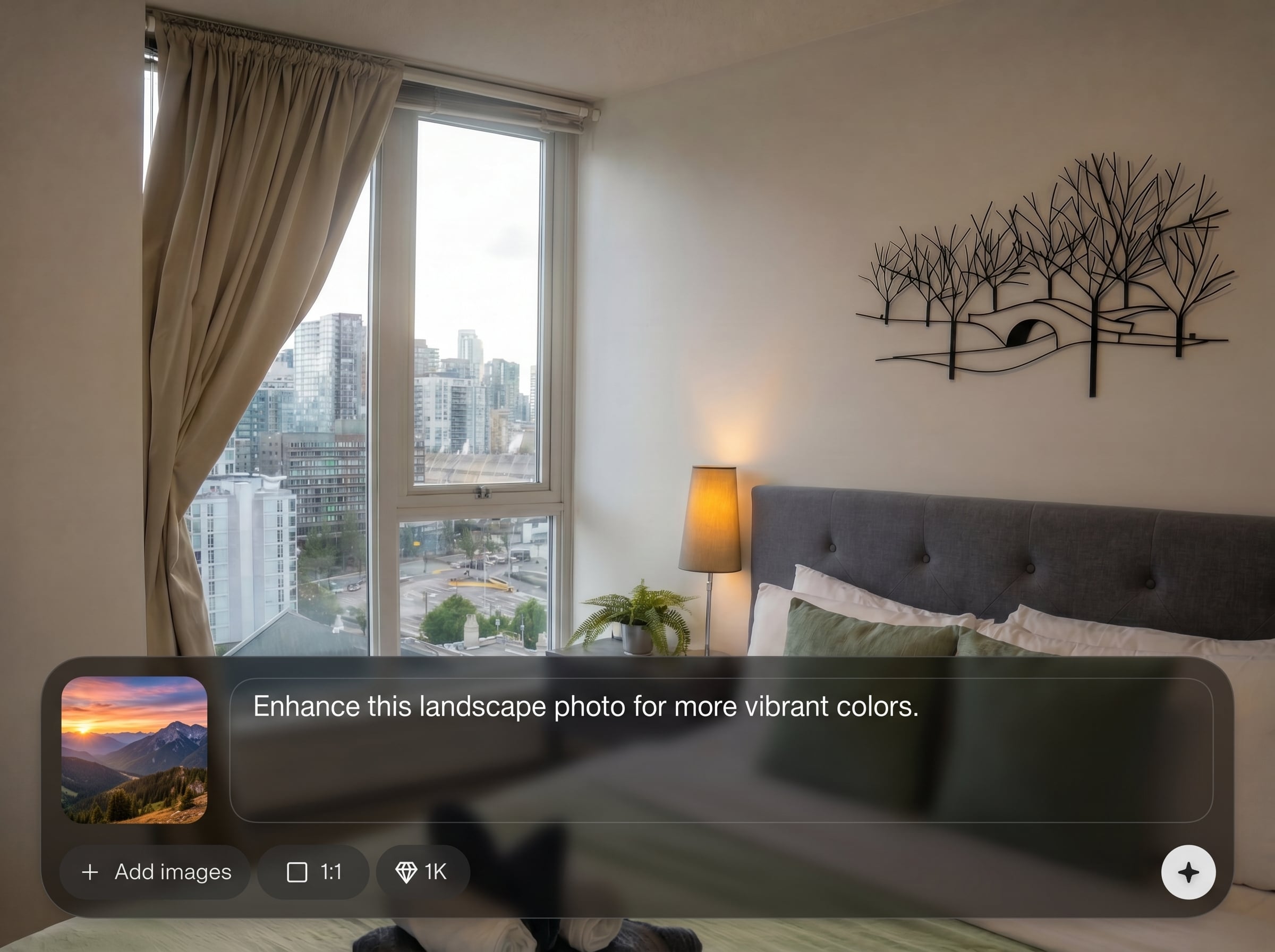
Automatically restores detail in bright skies and dark areas using AI tone mapping. Balance exposure while preserving edges and avoiding halos for a clean HDR look.
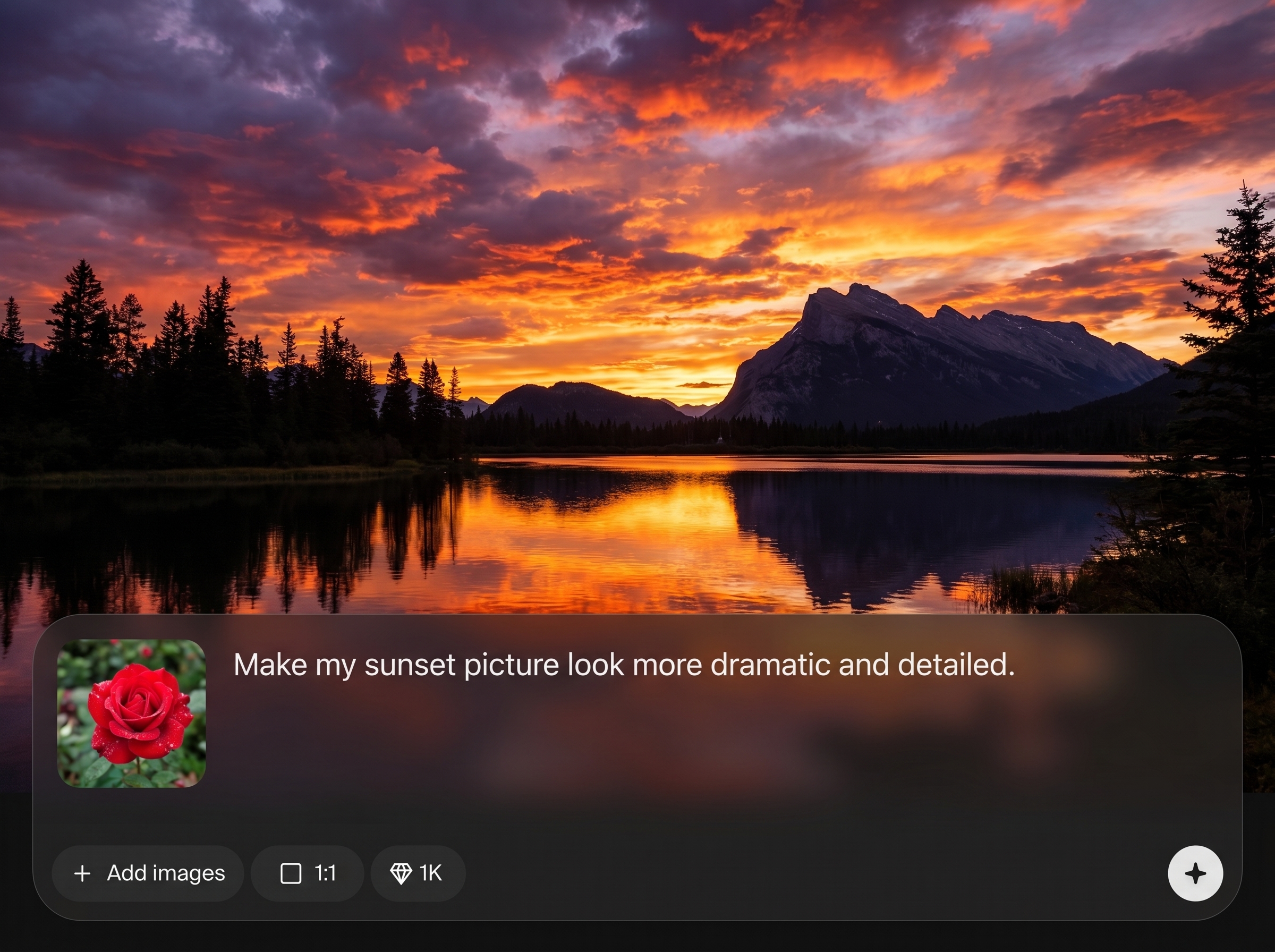
Generate HDR-style results in seconds with minimal setup. Ideal for batch-friendly workflows when you need improved contrast and clarity without a full photo-editing timeline.
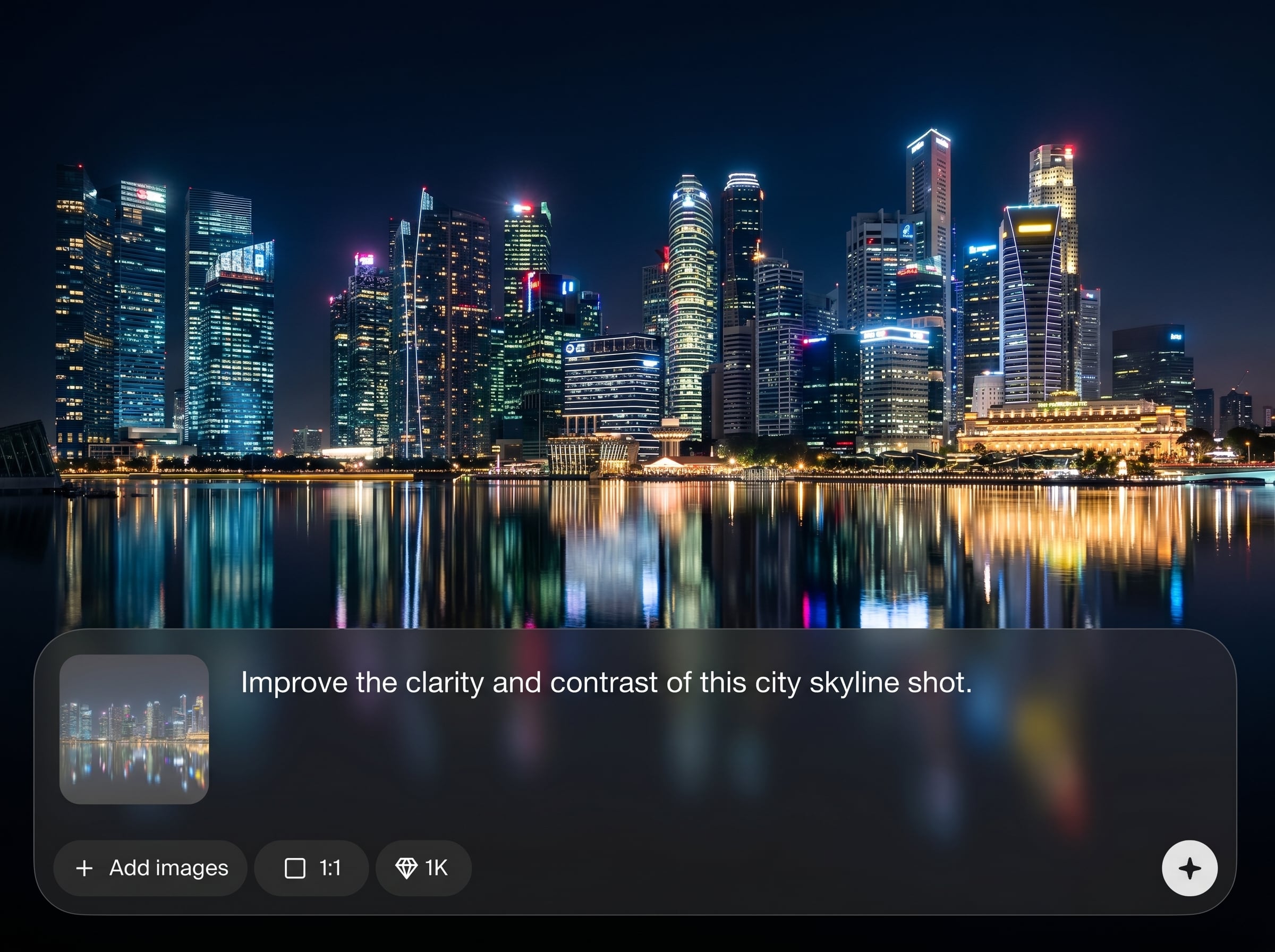
Enhances micro-contrast and texture while keeping skin tones and materials realistic. Control intensity to avoid oversaturation and keep your photos crisp, not crunchy.
About
HDR Enhancement uses AI to expand dynamic range, bringing back detail in highlights and shadows while keeping colors natural. Upload a photo, choose an intensity, and generate a crisp HDR look in seconds. Perfect for landscapes, real estate, product shots, and any image that needs clearer contrast, texture, and balanced exposure without complex editing.
HDR Enhancement delivers balanced, realistic HDR without complicated sliders or manual masking. AI tone mapping recovers highlights and shadows while protecting color and edge detail. Get fast, repeatable results that improve clarity and contrast for web, listings, and professional image sets.
Open HDR Enhancement, upload your photo, and pick an intensity level. Preview the result, adjust if needed, then export your enhanced HDR image for sharing or publishing.
Use cases
Discover how different creators use this app in their workflow.
Recover window highlights and brighten interiors for clean, inviting listings. Produce balanced HDR images that show rooms clearly without unnatural glow or harsh contrast.
Bring back sky detail, lift shadowed foregrounds, and boost clarity in mountains and water. Create vivid, natural scenery with improved depth and tone.
Improve lighting balance and surface detail on products, packaging, and jewelry. Get sharper textures and controlled highlights for professional-looking storefront visuals.
Krea is one of the world's leading generative AI platforms. See what others say.
Real reviews on TrustpilotSo many AI tools out there but I always come back to Krea. It's really the one AI platform that 'just works'.

FYN
Krea's interfaces are still the best in the industry. Everything looks and feels so clean and easy to use! Imo the easiest to use gen AI website.

Lynn
Ultra fast generations. Extremely simple to use. All the latest AI models.

Daniel
KREA is the only AI subscription I have right now besides ChatGPT.

Sophia M.
Answers to common questions about HDR Enhancement, AI HDR effects, and photo quality.
HDR Enhancement uses AI to expand dynamic range in a photo, recovering detail in highlights and shadows. It boosts local contrast and clarity while aiming for natural colors and balanced exposure.
It’s an AI HDR generator focused on enhancement rather than complex editing. Upload a photo, set the intensity, and the tool applies HDR-style tone and detail improvements automatically.
Yes—AI highlight and shadow recovery is a core feature. It can pull back blown-out areas and lift underexposed regions to reveal detail, depending on the source image quality.
Use a lower intensity and preview before exporting. Natural results come from subtle tone mapping, controlled contrast, and keeping saturation moderate, especially for skin and smooth gradients.
Photos with mixed lighting—bright highlights and deep shadows—benefit most, such as interiors, sunsets, and outdoor scenes. Sharp, high-resolution inputs generally produce cleaner, more detailed results.
It primarily improves tone, detail, and perceived clarity rather than true upscaling. You’ll see stronger texture and contrast, but resolution changes depend on available output settings.
Yes, but keep the effect subtle. Lower strength helps maintain natural skin texture and avoids heavy micro-contrast that can emphasize pores or create harsh edges around facial features.
It’s designed for fast, consistent HDR results with minimal manual steps. Use it for quick turnaround on listings, product shots, and social assets, then refine further if needed.
Upload an image, choose your HDR strength, and export a clean, high-detail result in seconds.

