














Step 1
Set format
Choose a vertical canvas and pick a photo style that matches your goal. Add a prompt or upload a reference image to guide composition and mood.
Generate vertical portraits and product shots with FOTO V1 (staand). Fast AI photo creation, style control, upscaling, and exports. Try it now.
How to use FOTO V1 (staand)
Use FOTO V1 (staand) to generate vertical AI images quickly, then fine-tune style and details. Follow these steps to set your format, guide the look, and export a sharp, share-ready result.
Step 1
Choose a vertical canvas and pick a photo style that matches your goal. Add a prompt or upload a reference image to guide composition and mood.

Step 2
Generate multiple variations, then adjust lighting, background, and details. Iterate with small prompt edits to keep the subject consistent while improving realism and clarity.

Step 3
Upscale for crisp edges and clean textures, then download in high resolution. Export files ready for social media, ads, product pages, and mobile-first layouts.
Features
FOTO V1 (staand) focuses on vertical-first AI image generation with practical controls for realistic photos. Create portraits, product shots, and branded visuals with consistent framing, clean backgrounds, and polished lighting. Generate variants fast, refine with prompt tweaks, and export high-resolution results for web and social.
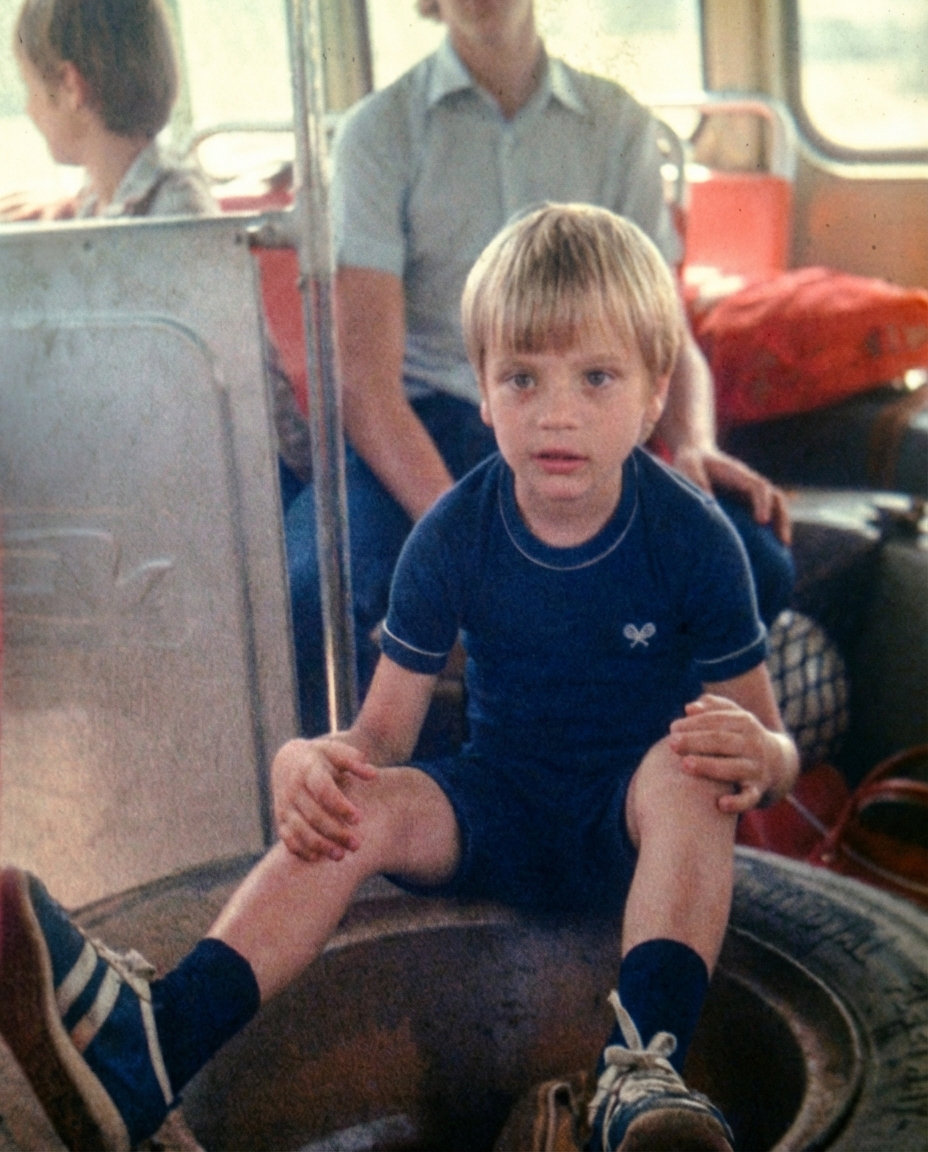
Generate images designed for portrait aspect ratios with better framing and subject placement. Keep faces, products, and key details centered for mobile-friendly results.
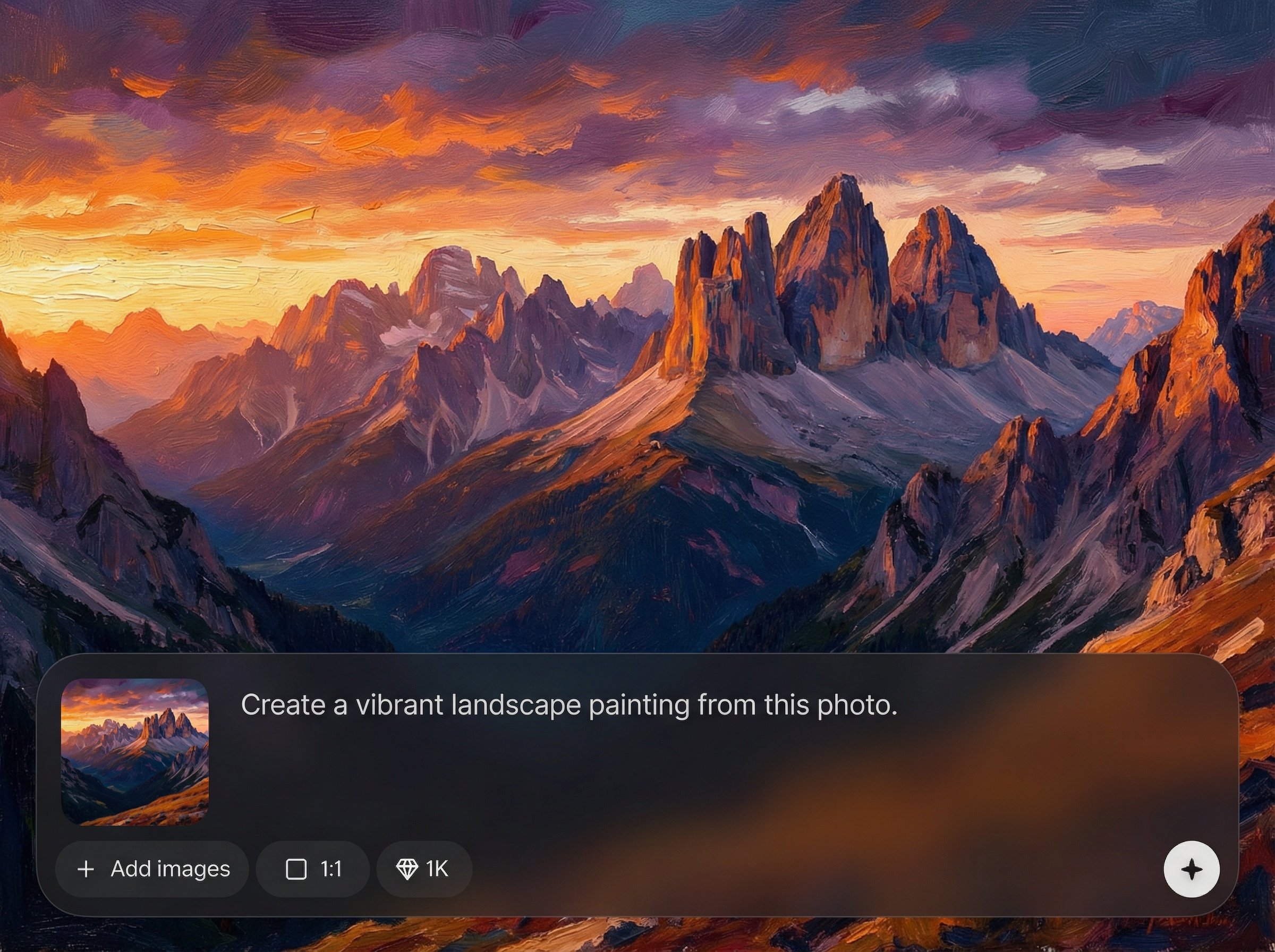
Create multiple AI photo options in seconds, then iterate with small adjustments. Compare results side-by-side to lock in the best look for your campaign or feed.
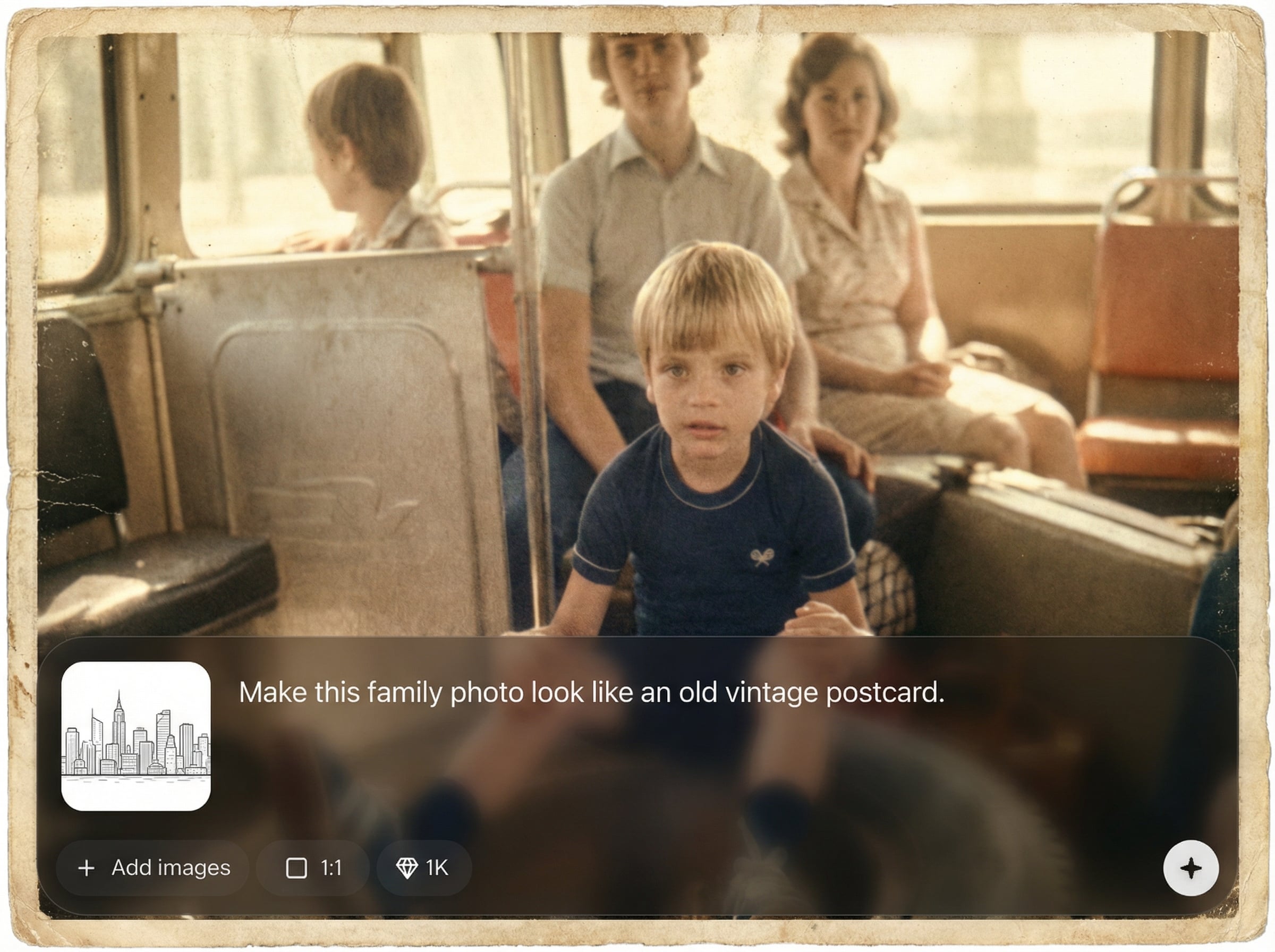
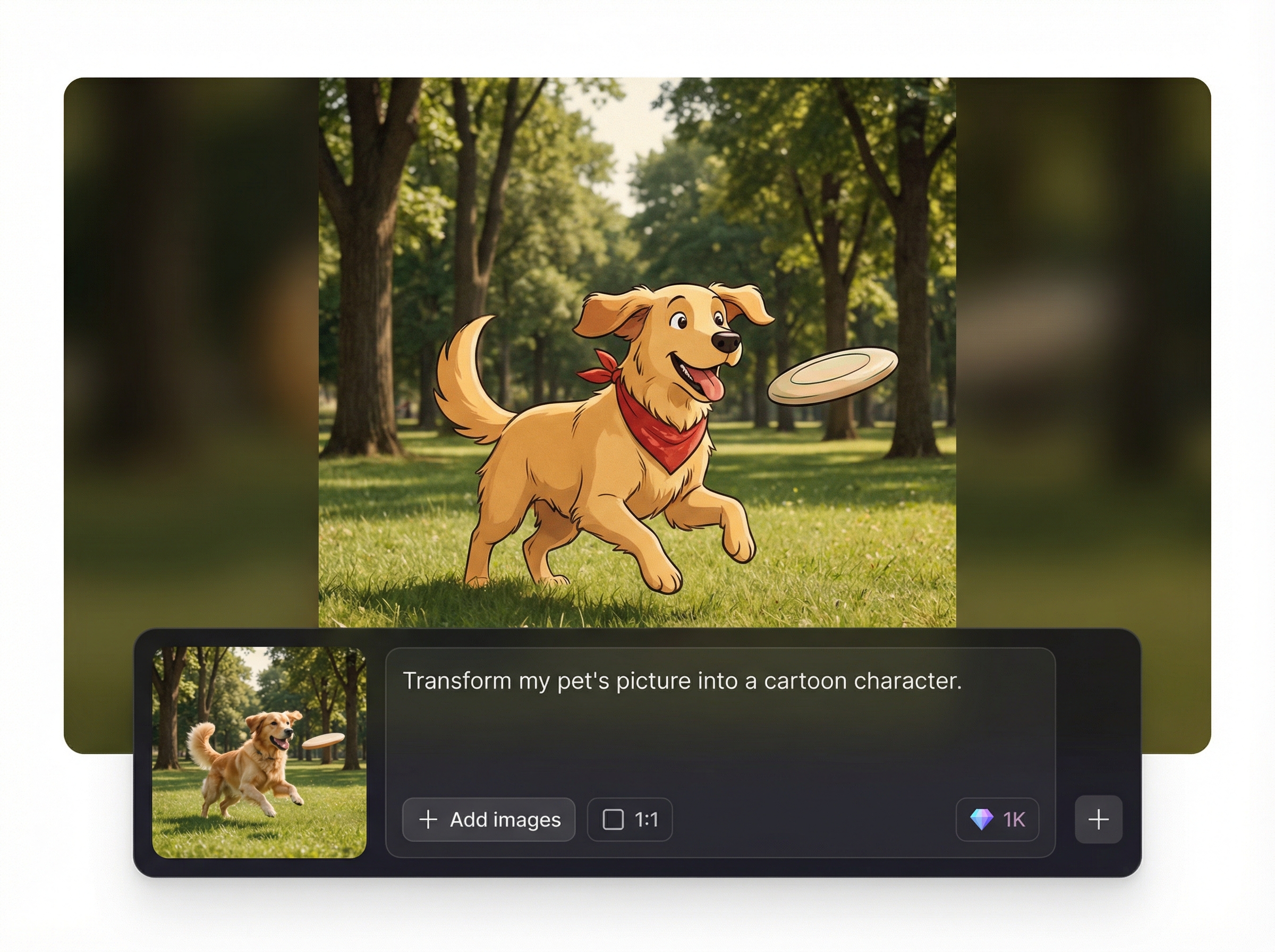
Upscale generated images for sharper details and smoother gradients, then export high-resolution files. Get assets ready for ads, storefronts, and social posts without extra editing.
About
FOTO V1 (staand) is an AI photo generator built for vertical images, portraits, and product visuals. Create clean, studio-style results from a prompt or reference, then refine lighting, background, and composition. Export high-resolution images optimized for social posts, ads, and mobile-first design workflows.
FOTO V1 (staand) is optimized for vertical composition, fast iteration, and clean, photo-like results. Generate multiple options quickly, keep framing consistent, and refine with simple prompt edits. Upscaling and high-resolution exports help you ship polished assets without extra tools or complex workflows.
Open FOTO V1 (staand), choose a vertical format, and add a prompt or reference image. Generate a few variations, refine lighting and background, then upscale and export your final image in minutes.
Use cases
Discover how different creators use this app in their workflow.
Generate vertical portraits sized for Stories, Reels, and Shorts. Keep consistent style across posts while quickly testing backgrounds, outfits, and lighting.
Create vertical product photos with clean backdrops and studio lighting. Produce variations for listings, ads, and A/B tests without reshoots.
Make mobile-first creative assets from prompts and references. Iterate quickly on concepts, color palettes, and compositions to match your brand.
Krea is one of the world's leading generative AI platforms. See what others say.
Real reviews on TrustpilotSo many AI tools out there but I always come back to Krea. It's really the one AI platform that 'just works'.

FYN
Krea's interfaces are still the best in the industry. Everything looks and feels so clean and easy to use! Imo the easiest to use gen AI website.

Lynn
Ultra fast generations. Extremely simple to use. All the latest AI models.

Daniel
KREA is the only AI subscription I have right now besides ChatGPT.

Sophia M.
Answers to common questions about FOTO V1 (staand) AI photo generation.
FOTO V1 (staand) is an AI photo generator for vertical images like portraits, product shots, and social creatives. It helps you generate, refine, and export high-resolution visuals optimized for mobile-first layouts.
Yes. Use text prompts for style and scene direction, and add a reference image to guide composition or subject details. This improves consistency when generating multiple vertical variations.
Use specific prompts, generate several variations, then refine lighting and background. Upscaling boosts sharpness and texture, making results look cleaner for ads, product pages, and social posts.
Export high-resolution images suitable for common vertical use cases like Stories and mobile ads. You can generate multiple sizes and upscale before download to match your platform requirements.
It’s designed for marketing, ecommerce, and social visuals. Always review your project requirements and ensure your inputs and outputs meet your usage needs before publishing or running ads.
Generate vertical portraits and product visuals fast, refine the style, then export high-resolution assets for web and social.

