












Step 1
Add the briefing
Paste your client requirements, style references, and constraints. Choose the project type and tone so the AI understands the desired mood, materials, and visual direction.
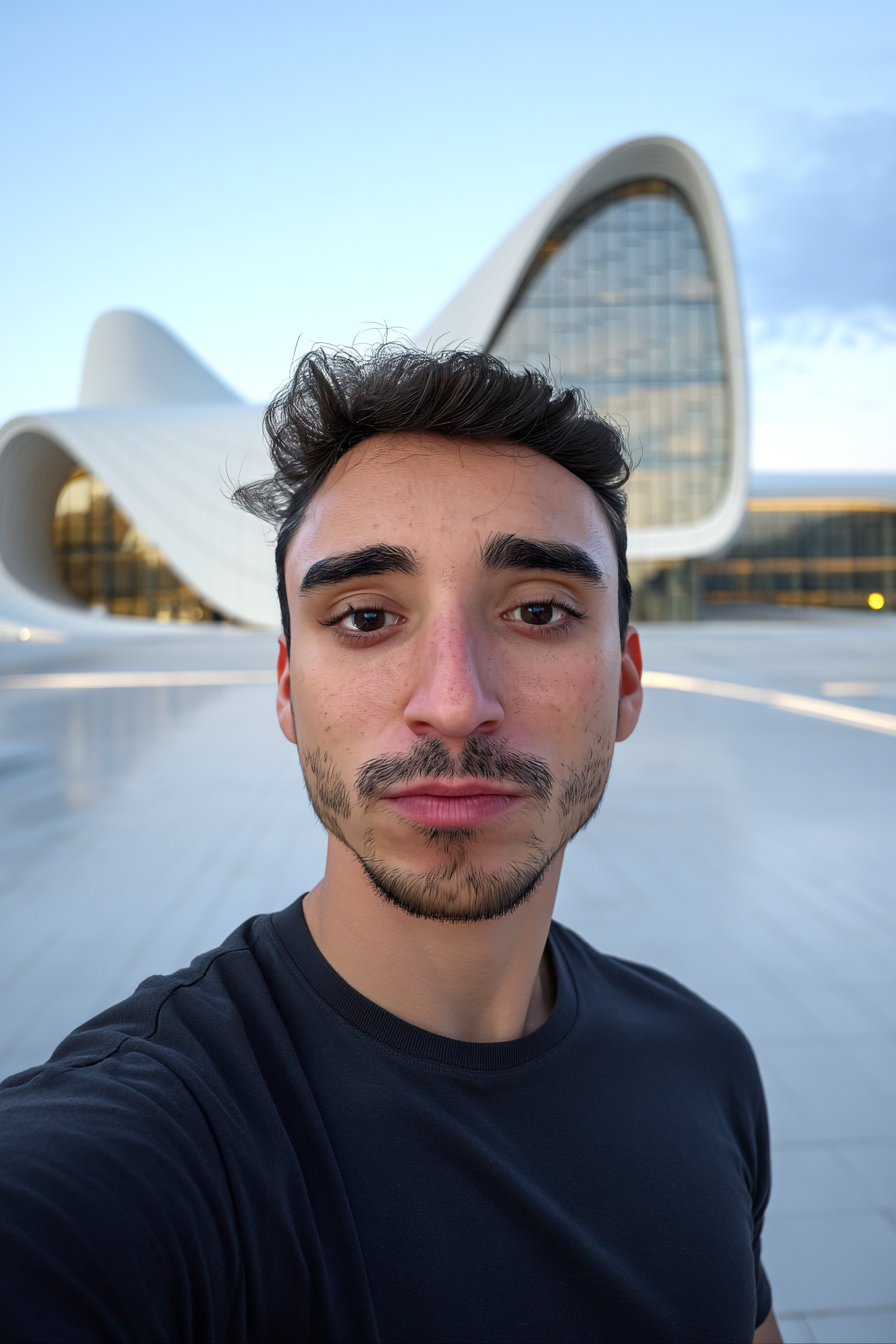 App by Sobrearquitetura
Turn client briefs into AI moodboards with materials, then upload your 3D render to auto-fit style, colors, and finishes. Try ARQTECH - MOODBOARD now.
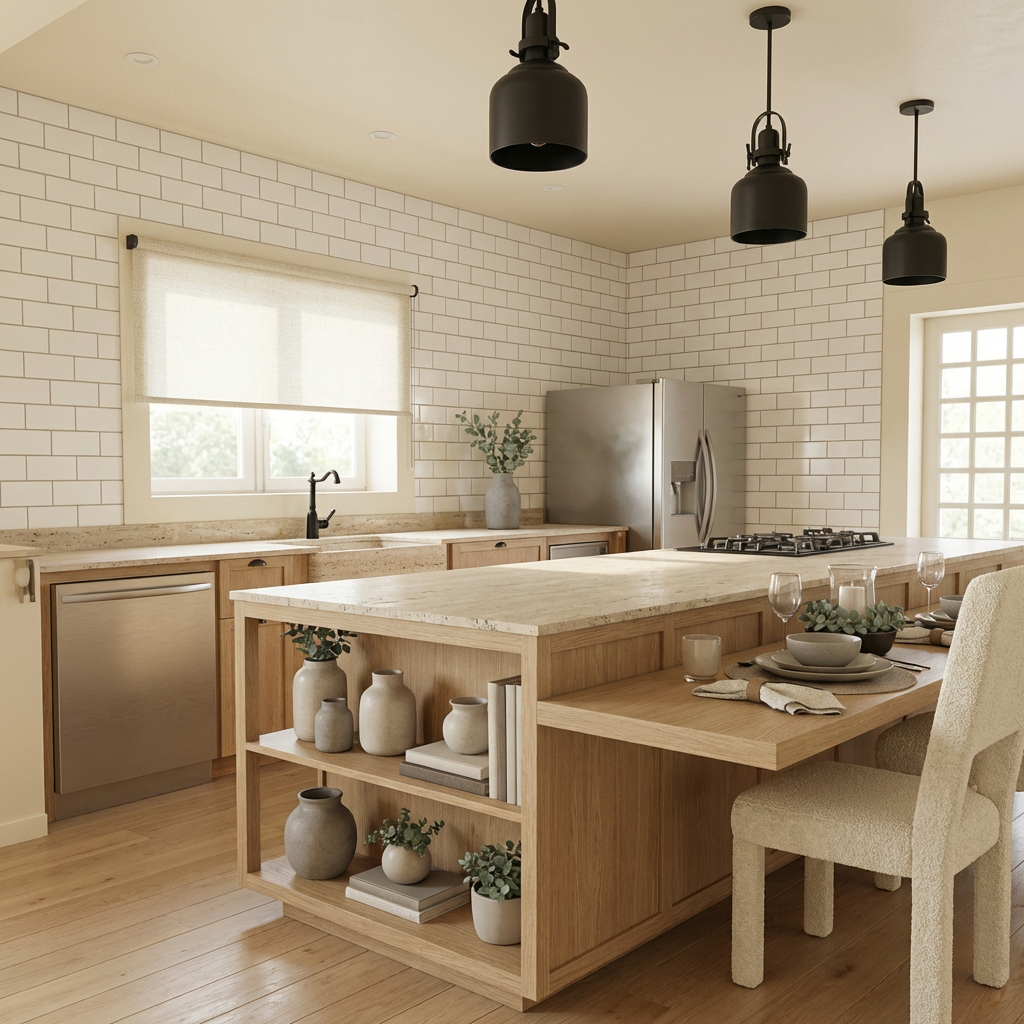
How to use ARQTECH - MOODBOARD
Start with your client briefing and let AI organize the concept into a curated moodboard. Next, add your 3D render so the moodboard adapts to your project’s look, materials, and palette.
Step 1
Paste your client requirements, style references, and constraints. Choose the project type and tone so the AI understands the desired mood, materials, and visual direction.
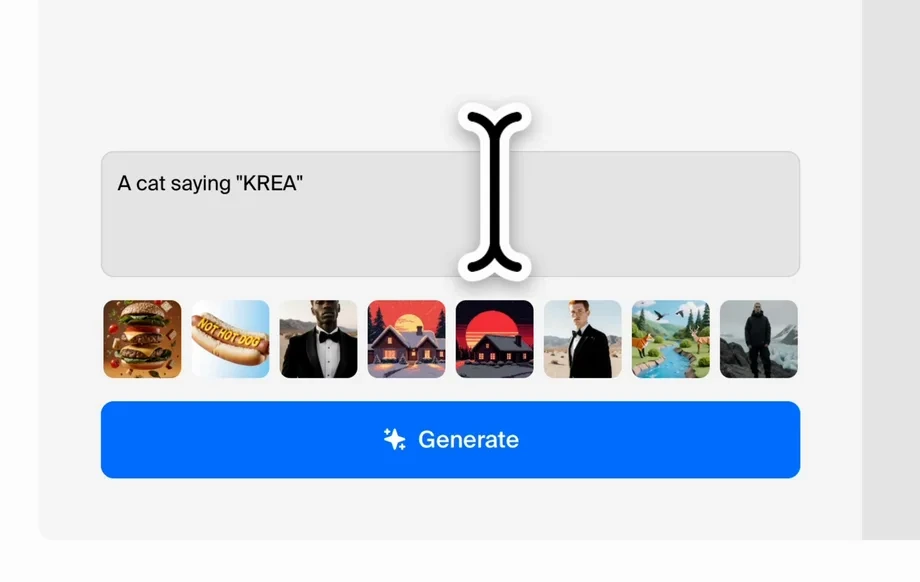
Step 2
Create an AI moodboard with material suggestions, palettes, and reference images. Review the output and refine keywords to iterate until the concept matches the brief.
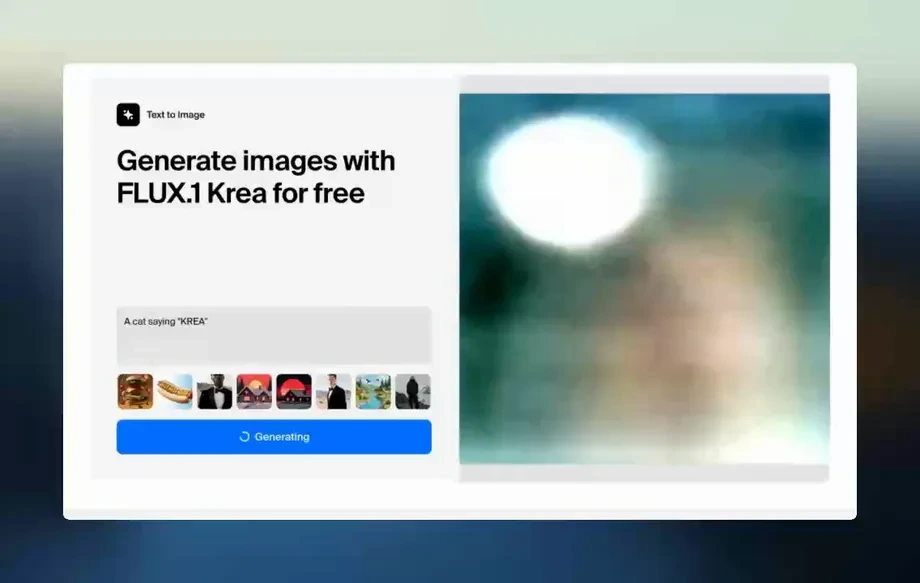
Step 3
Upload your 3D project image and let the system align the moodboard to your render. Get a cohesive board that supports your final visuals and presentation.
Features
Convert a client brief into a structured moodboard with materials, palettes, and visual references using AI. Then connect it to your 3D render so the concept fits your scene’s style and colors. Reduce back-and-forth, speed up approvals, and keep design decisions consistent across the entire proposal.
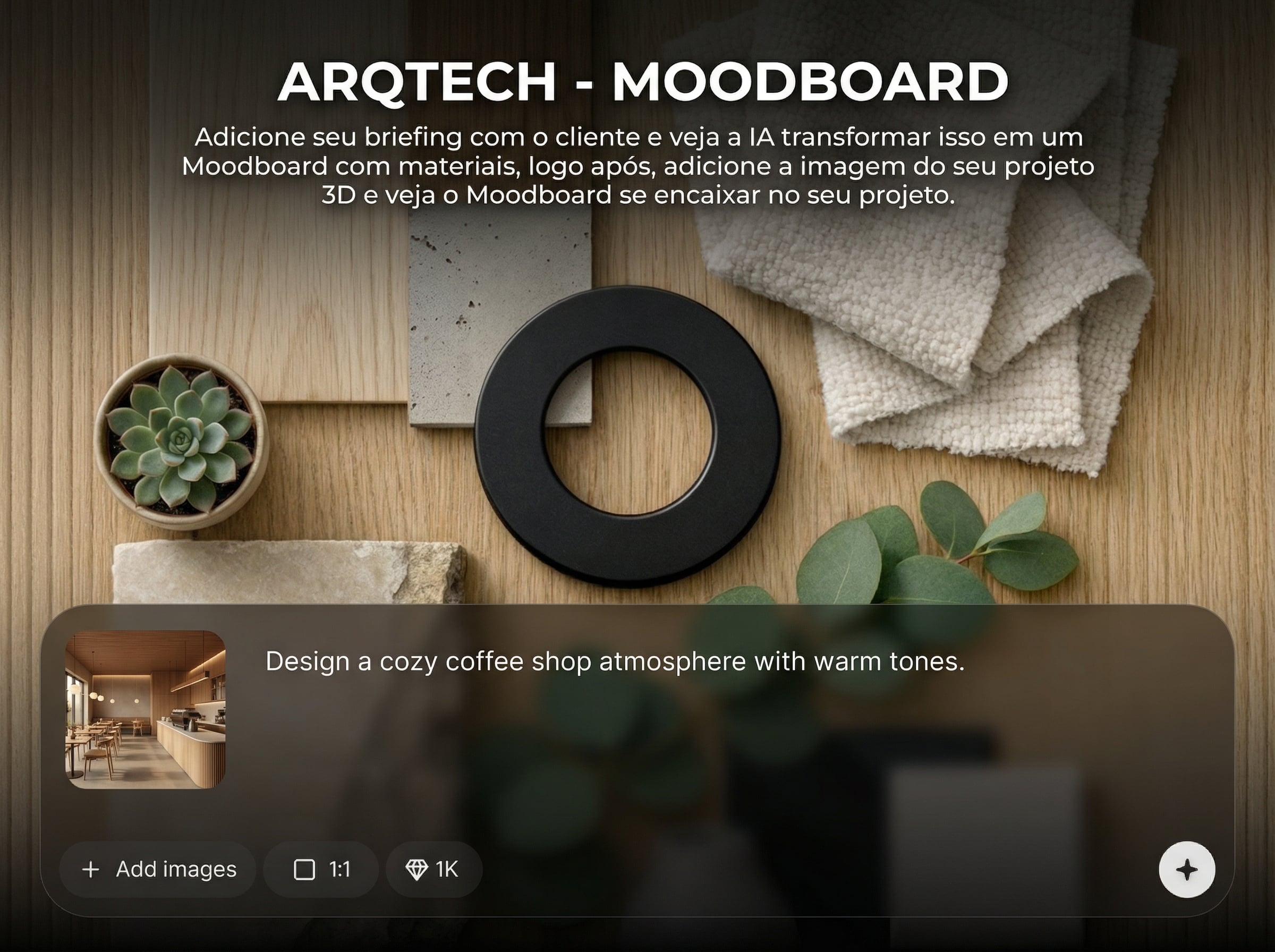
Turn text requirements into a curated moodboard in minutes. AI organizes style, colors, and material directions so you can present a clear concept and iterate fast.
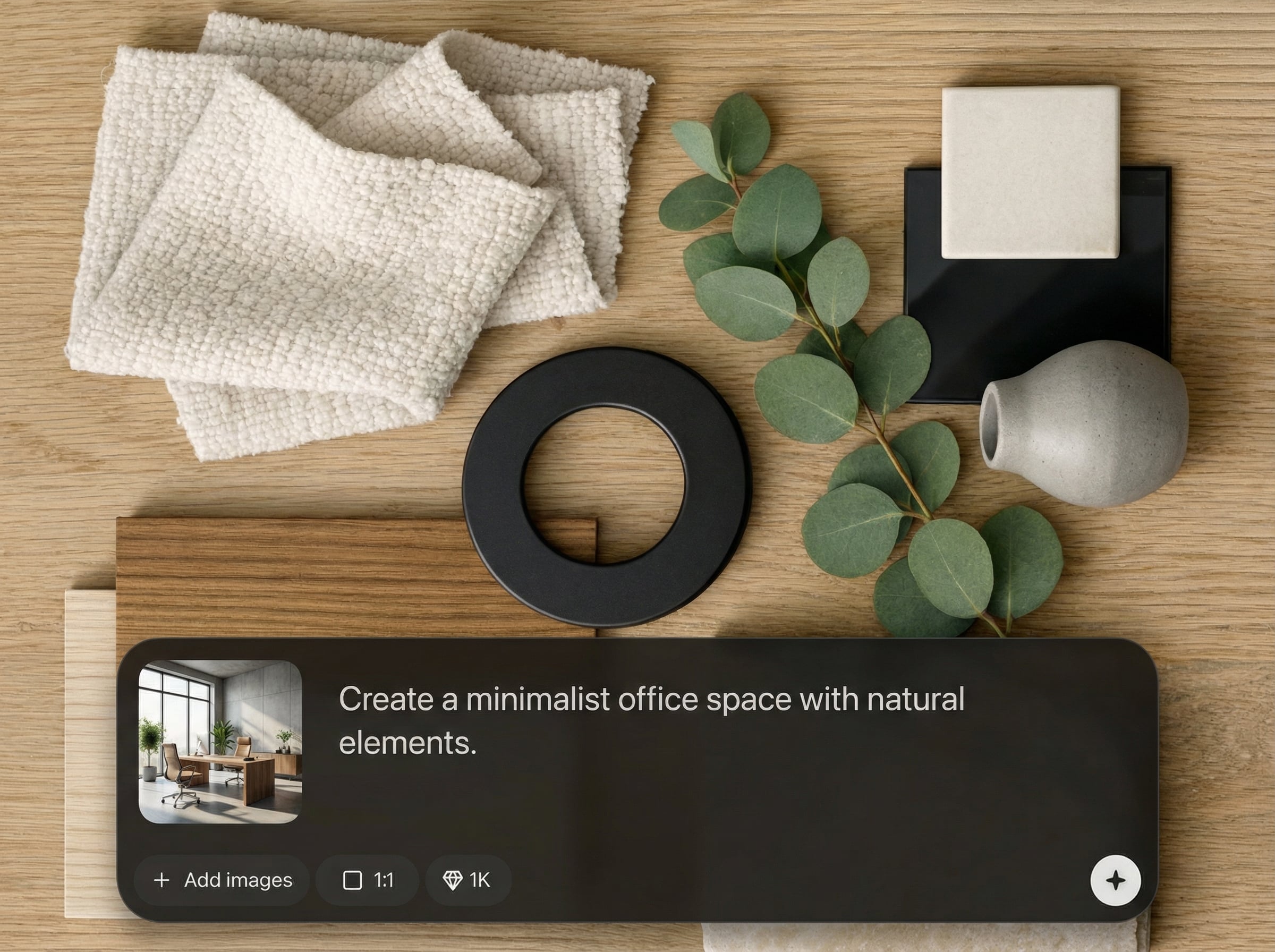
Upload a 3D image and auto-fit the moodboard to your project’s look. Keep palettes and finishes cohesive, reducing mismatched references in client presentations.
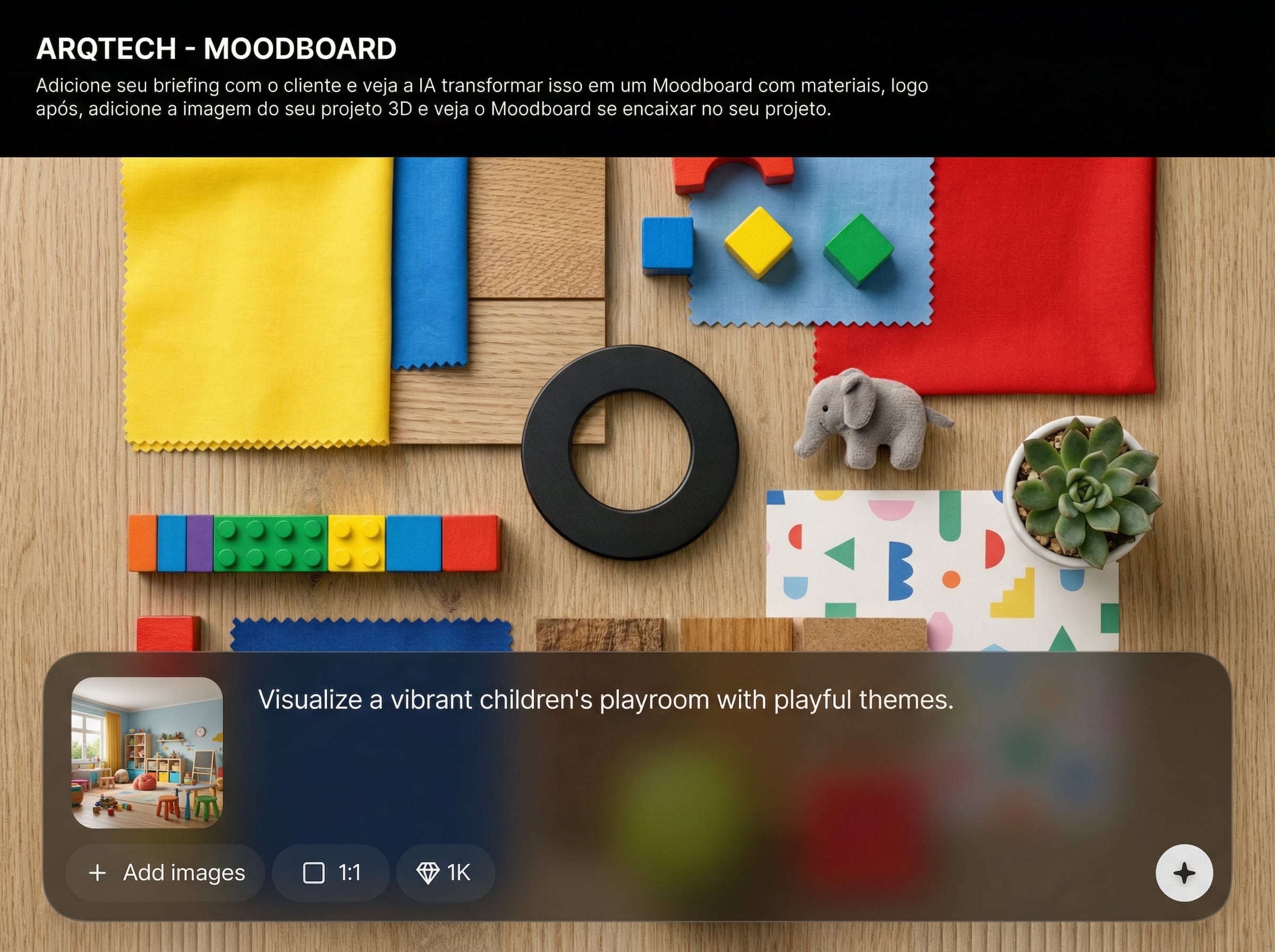
Adjust keywords and regenerate variations quickly. Compare options side by side and converge on the best direction without rebuilding boards from scratch.
About
ARQTECH - MOODBOARD transforms a client briefing into a complete AI moodboard with materials, colors, and finish references. Then upload your 3D project image to align the moodboard to your render, matching style and palette automatically. Build faster presentations, keep decisions consistent, and iterate concepts in minutes with an online workflow built for architecture and interior design.
ARQTECH - MOODBOARD connects briefing, materials, and 3D visuals in one AI workflow. Generate concept boards fast, keep palettes consistent, and reduce manual research. With quick iterations and render-based alignment, you get clearer directions and smoother approvals.
Paste your client briefing, generate the first moodboard, and refine with a few keywords. Then upload your 3D image to match the concept to your project and export a ready-to-present board.
Use cases
Discover how different creators use this app in their workflow.
Generate moodboards from client briefs to define materials and style early. Share clearer directions and reduce revisions before detailed modeling begins.
Build cohesive palettes, finishes, and references quickly. Fit the moodboard to a 3D render to keep the presentation aligned with the final atmosphere.
Match concept boards to renders for consistent art direction. Iterate look-and-feel rapidly to support multiple options and faster stakeholder decisions.
Krea is one of the world's leading generative AI platforms. See what others say.
Real reviews on TrustpilotSo many AI tools out there but I always come back to Krea. It's really the one AI platform that 'just works'.

FYN
Krea's interfaces are still the best in the industry. Everything looks and feels so clean and easy to use! Imo the easiest to use gen AI website.

Lynn
Ultra fast generations. Extremely simple to use. All the latest AI models.

Daniel
KREA is the only AI subscription I have right now besides ChatGPT.

Sophia M.
Answers to common questions about generating AI moodboards from briefs and fitting them to 3D renders.
It turns your text brief into an AI moodboard with suggested materials, colors, and visual references. You can refine the direction by adjusting keywords and regenerating until it matches the desired style.
After uploading a 3D render, the tool aligns the moodboard’s palette and material direction to your image. This helps keep references cohesive with your project’s lighting, tone, and overall style.
Yes. Regenerate variations by changing prompts, constraints, or style cues in your brief. Compare options quickly and select the most suitable concept direction for your proposal or presentation.
It works well for architecture and interior design concepts, as well as 3D visualization projects. Any workflow that needs consistent materials, palettes, and references benefits from fast moodboard generation.
No. The interface is designed for straightforward inputs: paste the brief, generate, and refine. The AI and machine learning steps run automatically in the background for you.

Add a client brief, generate an AI moodboard, then fit it to your 3D render for a cohesive presentation.

