














Step 1
Add briefing
Paste the client briefing, style keywords, budget level, and constraints. Include references like materials, colors, and brand notes so the AI understands the desired direction.
 App by Sobrearquitetura
Turn client briefings into AI moodboards with materials and logos. Upload your 3D render to auto-fit the board to your project. Try ARQTECH - MOODBOARD now.
How to use ARQTECH - MOODBOARD
Start by pasting your client briefing and key constraints, then let AI generate a moodboard with materials and brand cues. Upload your 3D render to adapt the board so it matches the project context.
Step 1
Paste the client briefing, style keywords, budget level, and constraints. Include references like materials, colors, and brand notes so the AI understands the desired direction.

Step 2
Generate the AI moodboard to get coordinated materials, palette, and logo direction. Review the layout and swap options until the concept matches the brief.

Step 3
Upload your 3D render and apply the moodboard. The tool adjusts the board to your project context, helping you validate finishes and style consistency faster.
Features
ARQTECH - MOODBOARD converts text briefings into structured moodboards with materials, colors, and logo cues. Add a 3D project image to automatically contextualize the board and keep the concept aligned with your scene. Iterate quickly, reduce back-and-forth, and present clearer visual rationale for decisions.
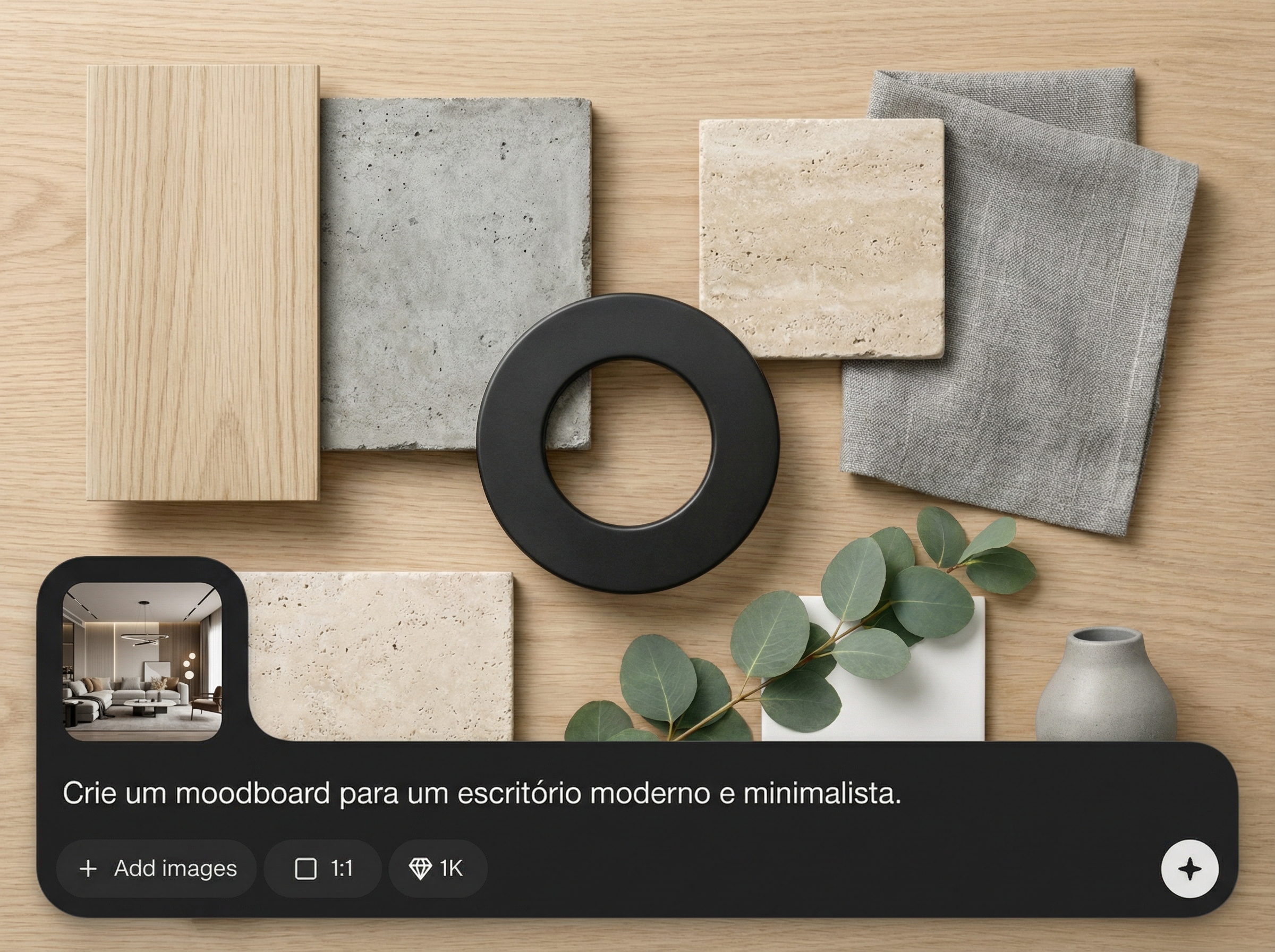
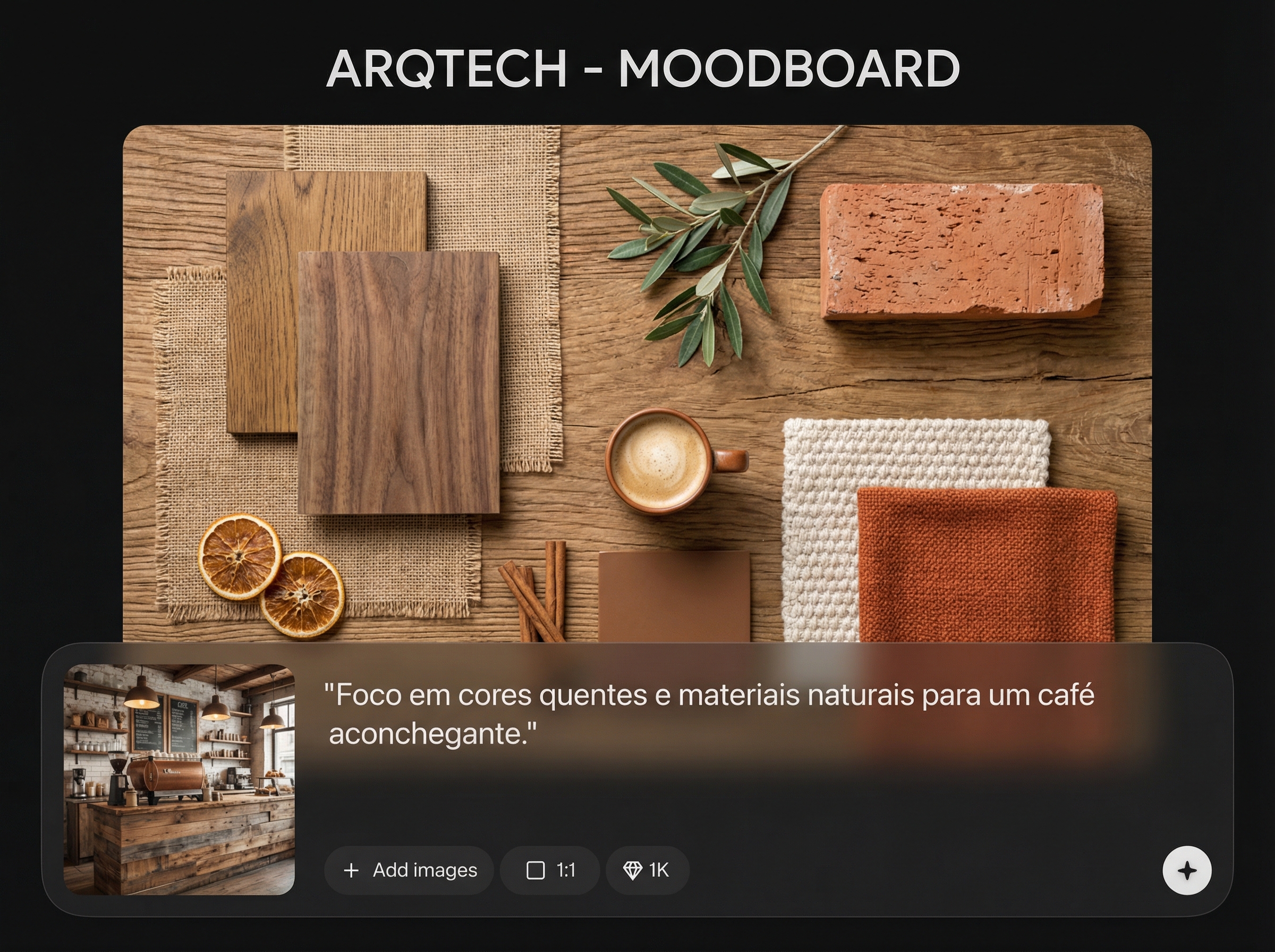
Transform client notes into a cohesive moodboard with curated materials, palette, and visual references. Use artificial intelligence to speed up early concept exploration without losing design intent.
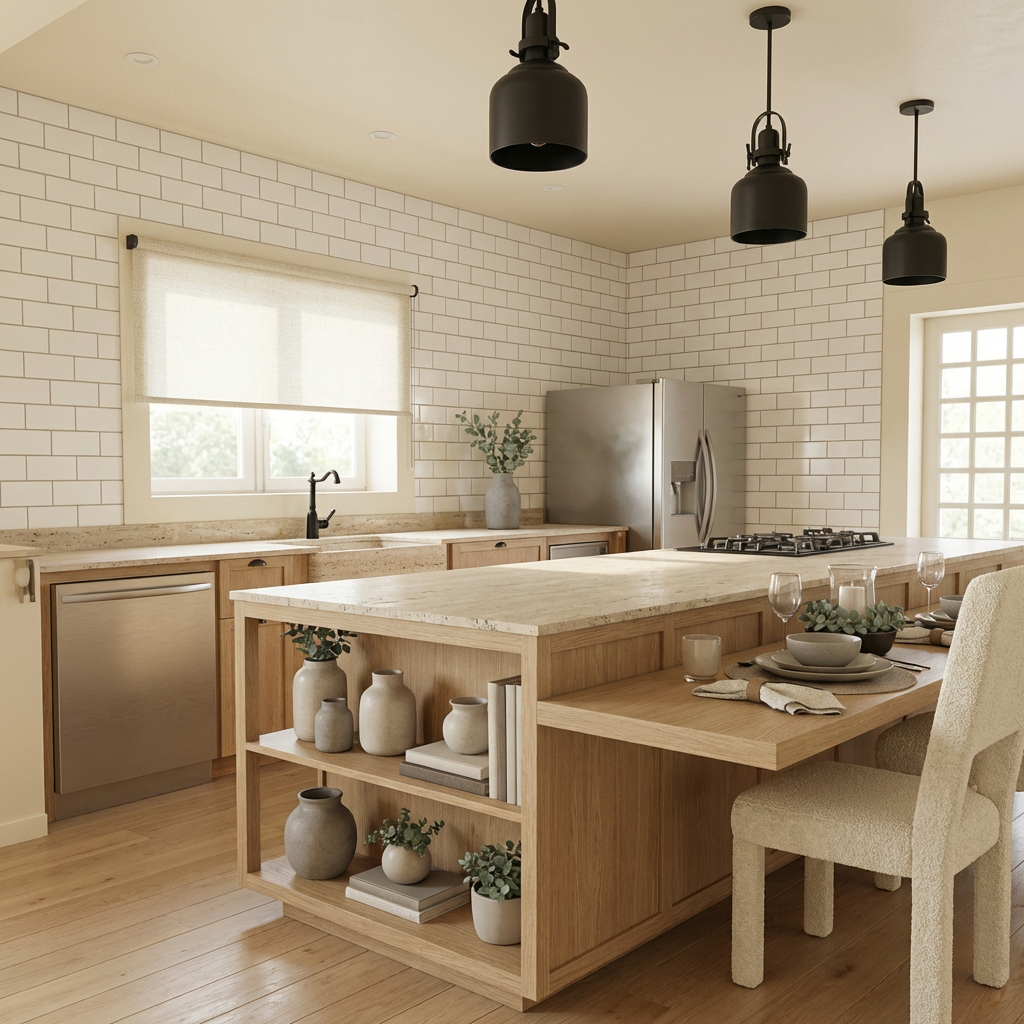
Upload your 3D image and fit the moodboard to your project. Validate finishes and style in context, making approvals easier and reducing last-minute material changes.
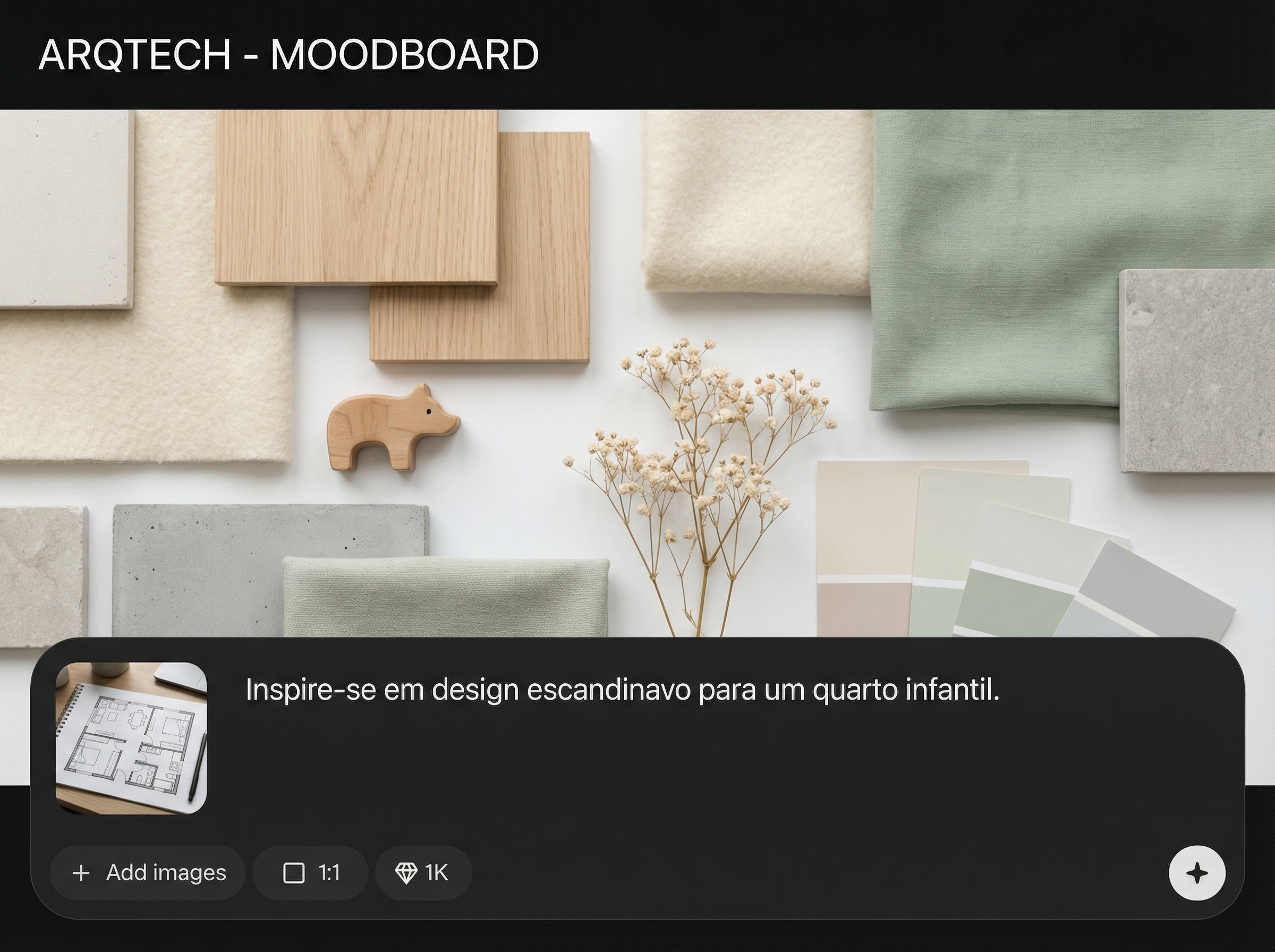
Generate multiple directions, compare options, and refine quickly. Machine learning helps keep the look consistent across materials and brand cues while you adjust constraints and preferences.
About
ARQTECH - MOODBOARD turns client briefings into polished AI moodboards with materials and logo direction in minutes. Add your 3D project image to automatically align the moodboard to your scene, keeping style, colors, and finishes consistent. Save time on concept development while presenting clearer visual direction for approvals.
ARQTECH - MOODBOARD combines briefing-based generation with 3D contextual fitting, so your moodboard reflects real project visuals. Get structured materials and brand cues fast, iterate without friction, and communicate design decisions with clearer, more consistent boards.
Paste your client briefing, generate a moodboard, then upload your 3D image to align the concept to your scene. Adjust materials and palette until the direction is ready to share.
Use cases
Discover how different creators use this app in their workflow.
Create concept moodboards from architectural briefs, with materials and palettes ready for early presentations and faster alignment on style direction.
Turn room requirements into a consistent finishes board, then match it to your 3D render to validate colors, textures, and overall mood.
Combine logo cues with material selections to keep brand identity aligned with spatial design, from reception areas to retail environments.
Krea is one of the world's leading generative AI platforms. See what others say.
Real reviews on TrustpilotSo many AI tools out there but I always come back to Krea. It's really the one AI platform that 'just works'.

FYN
Krea's interfaces are still the best in the industry. Everything looks and feels so clean and easy to use! Imo the easiest to use gen AI website.

Lynn
Ultra fast generations. Extremely simple to use. All the latest AI models.

Daniel
KREA is the only AI subscription I have right now besides ChatGPT.

Sophia M.
Common questions about generating AI moodboards from briefings and 3D images.
You enter the briefing details and constraints, and the AI organizes a cohesive concept with materials, colors, and logo direction. It prioritizes consistency and provides a structured board you can refine.
Yes. Upload your 3D project image and apply the moodboard so it adapts to the scene context. This helps validate finishes, palette, and overall style before finalizing decisions.
Include style keywords, target audience, budget level, preferred materials, color constraints, and any brand notes. The more specific the brief, the more accurate and consistent the moodboard output.
It’s an online AI moodboard generator designed for concept development in architecture and interior design. Use it to move from text briefings to visual direction and iterate faster.
Yes. Generate variations, swap elements, and refine constraints to explore multiple directions. This makes it easier to compare concepts and pick the strongest option for approval.

Generate materials, palette, and logo cues, then fit everything to your 3D render in minutes.

