














Step 1
Upload
Add a photo from your device. The AI scans the image and finds faces automatically, preparing them for fast pixelation without manual masking.
 App by Neuverge
Pixelate faces instantly with Pixelated Face Privacy. Use AI to blur identities, protect photos for sharing, and export secure images in seconds.
How to use Pixelated Face Privacy
Follow these steps to pixelate faces for privacy in any photo. You’ll upload an image, confirm detected faces, then fine-tune pixel strength before exporting a secure, shareable result.
Step 1
Add a photo from your device. The AI scans the image and finds faces automatically, preparing them for fast pixelation without manual masking.

Step 2
Choose which faces to pixelate and set the mosaic strength. Preview the result instantly to balance privacy protection with the amount of visible context you want.

Step 3
Download the pixelated image in high quality. Use it on social posts, listings, or documents while keeping identities hidden and harder to extract.
Features
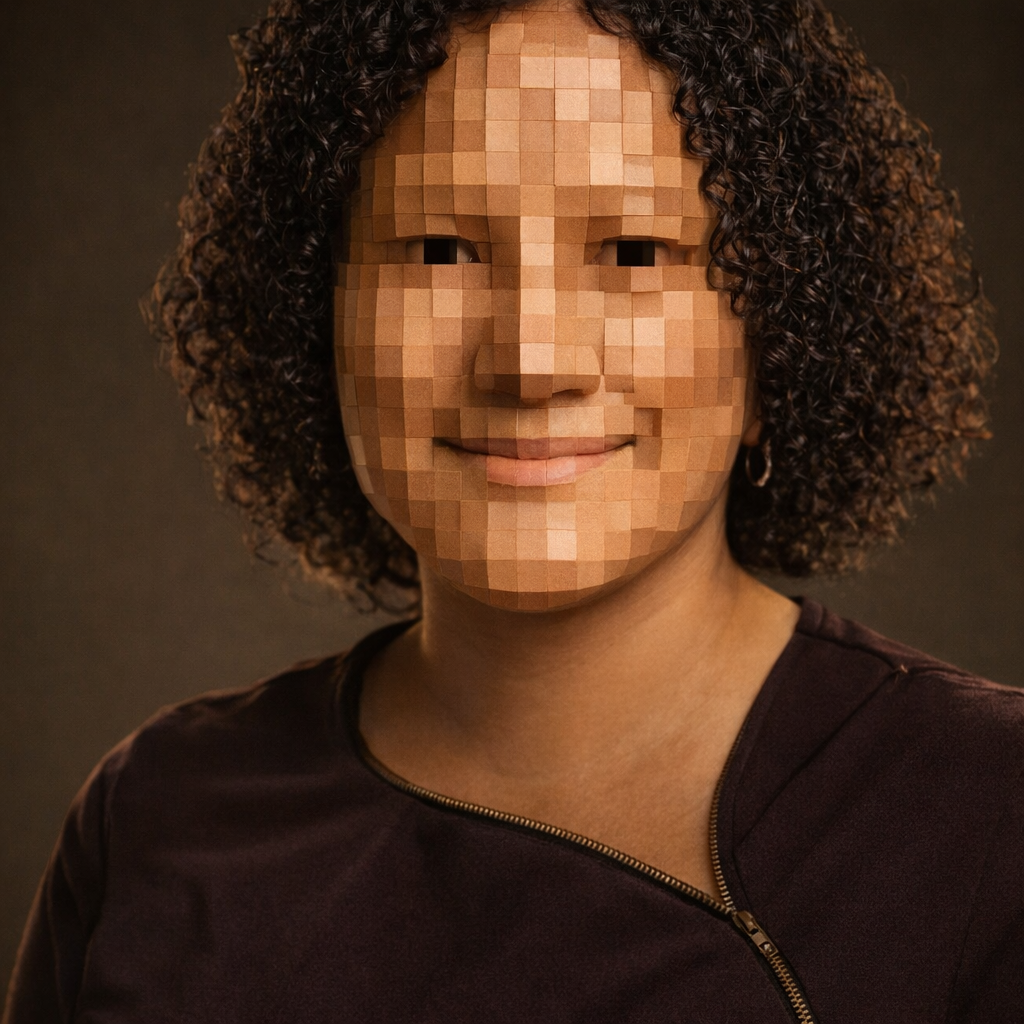
Pixelated Face Privacy uses AI face detection to apply reliable pixelation that obscures identity while preserving the rest of your photo. Adjust mosaic size, target specific faces, and preview changes instantly. Export high-quality results for safer sharing across social media, marketplaces, and documents—without complex photo editing workflows or manual blurring.

AI locates faces quickly, even in group photos. Select the faces you want to anonymize and apply pixelation with consistent coverage for dependable privacy results.

Control mosaic size and intensity to match your needs—from light anonymization to heavy pixelation. Real-time previews help you lock in the right privacy level.

Generate results in seconds and download a clean, high-quality image. Keep your workflow moving for posts, listings, and reports while protecting identities.
About
Pixelated Face Privacy is an AI face pixelation tool that protects identity in photos with clean, consistent mosaics. Upload an image, auto-detect faces, and apply adjustable pixelation for strong privacy. Export a share-ready image that reduces the risk of unwanted reuse, stalking, or identity exposure while keeping your content usable and clear.
Pixelated Face Privacy focuses on fast, reliable face anonymization with AI detection and adjustable mosaic control. You get consistent pixelation, instant previews, and clean exports that fit real-world sharing needs. It’s a practical privacy tool for anyone who wants safer images without complex editing.
Open the tool, upload a photo, and let AI detect faces automatically. Adjust pixelation strength, confirm the preview, then export your share-ready image with identities protected.
Use cases
Discover how different creators use this app in their workflow.
Hide faces in photos before posting online. Keep moments shareable while reducing the risk of unwanted identification, scraping, or misuse.
Pixelate personal photos for secondhand listings or rentals. Protect your identity while still showing items clearly and professionally.
Anonymize faces in reports, training materials, or incident documentation. Preserve context while meeting privacy expectations and internal guidelines.
Krea is one of the world's leading generative AI platforms. See what others say.
Real reviews on TrustpilotSo many AI tools out there but I always come back to Krea. It's really the one AI platform that 'just works'.

FYN
Krea's interfaces are still the best in the industry. Everything looks and feels so clean and easy to use! Imo the easiest to use gen AI website.

Lynn
Ultra fast generations. Extremely simple to use. All the latest AI models.

Daniel
KREA is the only AI subscription I have right now besides ChatGPT.

Sophia M.
Answers to common questions about AI face pixelation and privacy protection.
The tool uses AI face detection to locate faces in your image, then applies a pixelation mosaic over selected areas. You can adjust strength and preview changes before exporting the final file.
Yes. After detection, you can select specific faces to pixelate and leave others untouched. This makes it easy to protect bystanders while keeping intended subjects visible.
Strong pixelation significantly reduces recognizable facial detail, helping protect identity for sharing. For higher risk cases, use heavier mosaic settings and verify in preview at full size.
Only the face areas are pixelated; the rest of the image remains clear. You can export in high quality so your photo still looks sharp and usable.
AI detection works well in many conditions, but extreme angles or very dark images can reduce accuracy. If a face is missed, try a clearer photo or adjust the crop and retry.
Upload a photo, pixelate faces with AI, and download a privacy-safe image in seconds.

