














Step 1
Start
Enter a clear prompt or upload an image to iterate. Choose your target style, aspect ratio, and variation strength to guide the first generation.
Generate and refine image variations fast with AI. Iterate concepts, adjust style, and export high-quality results for marketing, product, and art.
How to use creative_agent_image_iterationen2
This quick workflow helps you generate image variations, compare results, and refine toward a final look. Start with a prompt or image, then adjust settings to control style, detail, and consistency.
Step 1
Enter a clear prompt or upload an image to iterate. Choose your target style, aspect ratio, and variation strength to guide the first generation.

Step 2
Generate multiple versions and review side by side. Tweak keywords, add references, or adjust variation and detail controls to push the direction you want.

Step 3
Select the strongest result and export in high resolution. Download for web or print, or run another iteration to perfect color, layout, and clarity.
Features
creative_agent_image_iterationen2 helps you explore, refine, and finalize visuals with an AI-powered iteration workflow. Generate controlled variations from prompts or images, keep style consistency across options, and quickly converge on a polished result. Ideal for design reviews, marketing creative testing, and concept exploration.
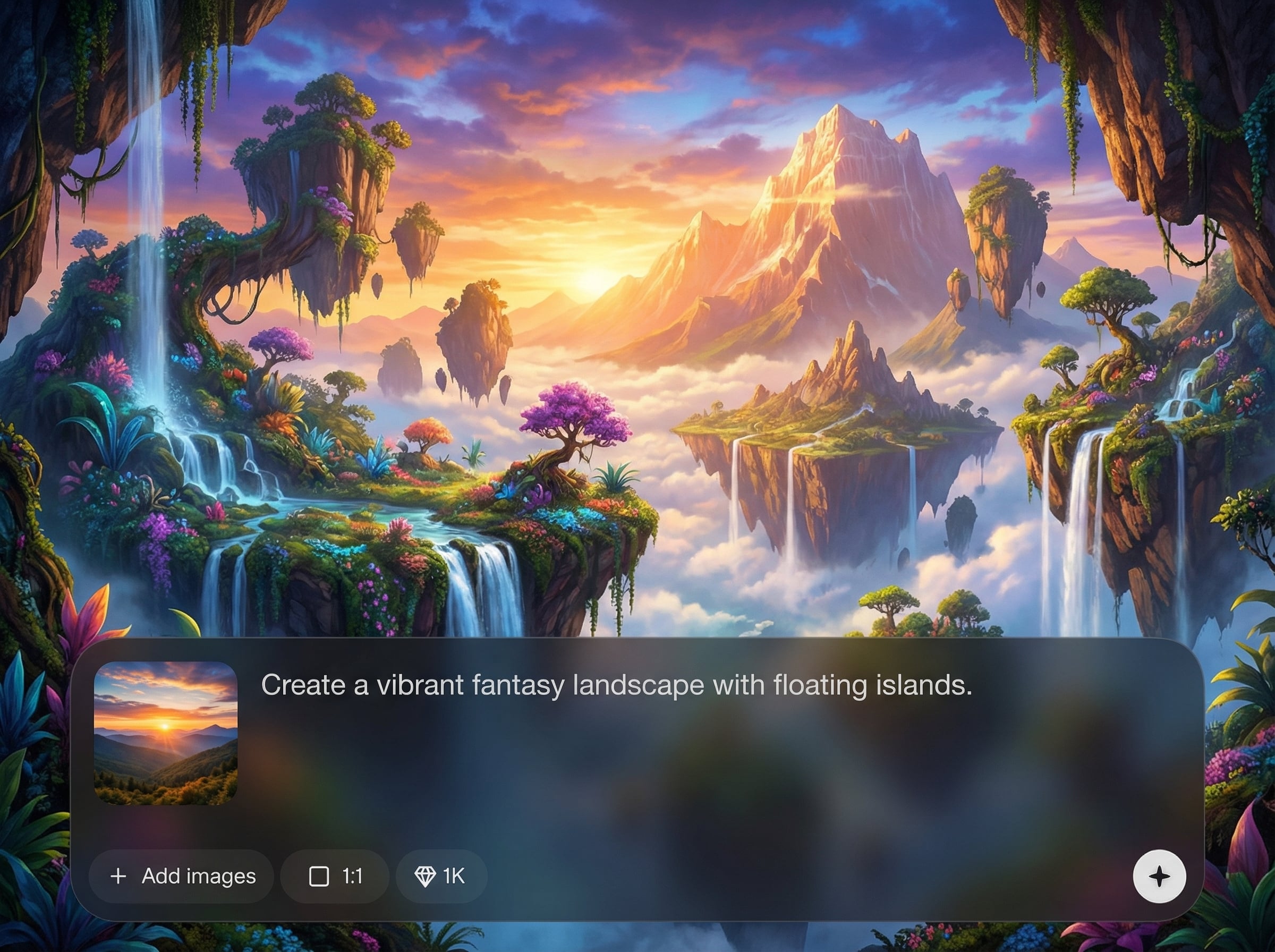
Turn one prompt into multiple strong directions in seconds. Quickly compare compositions, styles, and details, then iterate with targeted prompt edits for better control and consistency.
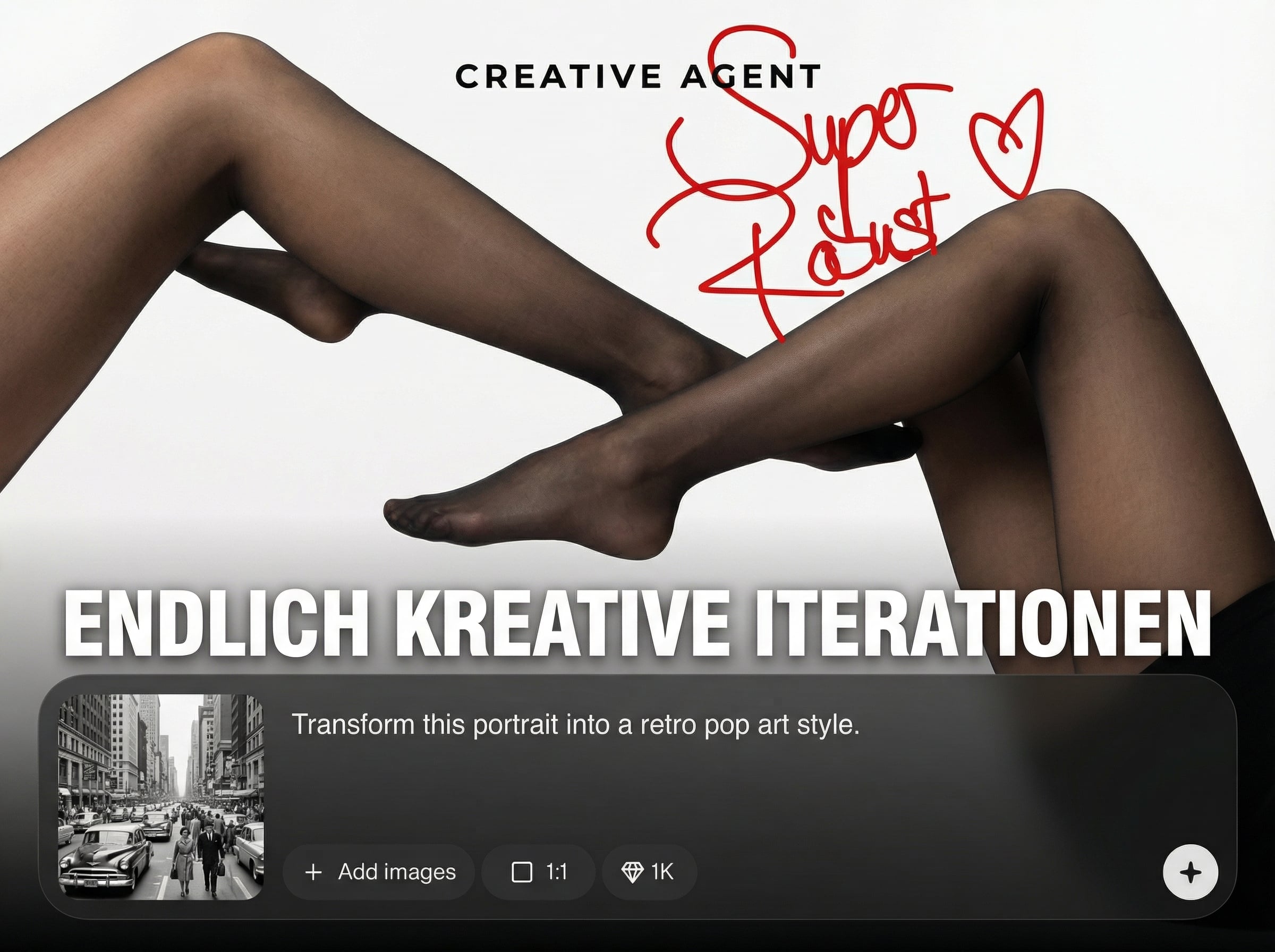
Upload an existing image to generate improved versions while preserving the core idea. Adjust variation strength to keep structure stable or explore bolder alternatives when needed.
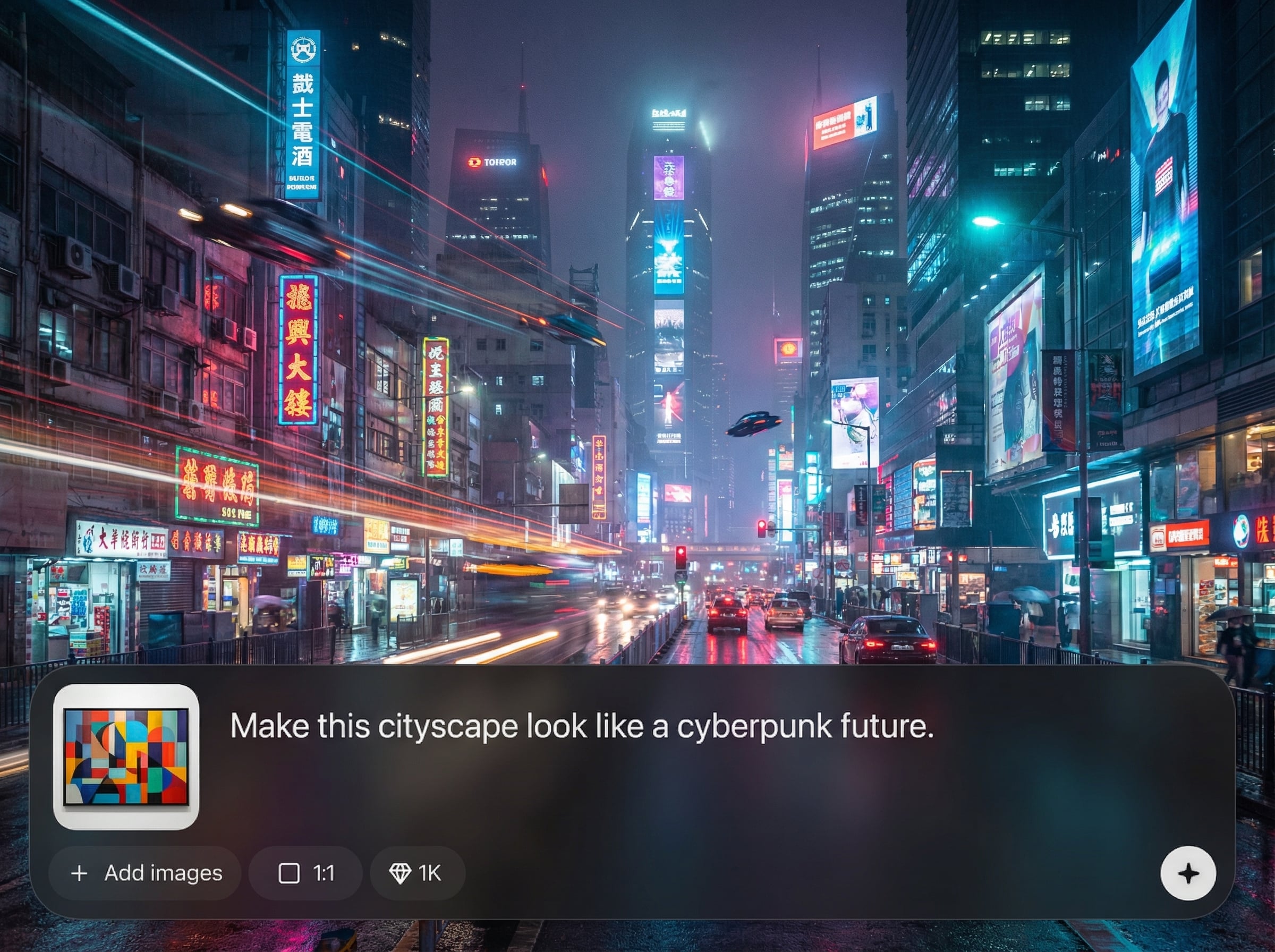
Accelerate review cycles with rapid generation and easy selection of the best candidate. Export high-quality images ready for ads, landing pages, product mockups, and social posts.
About
creative_agent_image_iterationen2 is an AI image iteration generator for fast visual experimentation. Create multiple variations from a prompt or existing image, refine composition and style, and converge on the best option in fewer steps. Use it to explore concepts, polish marketing creatives, and iterate product visuals with consistent, high-quality results.
creative_agent_image_iterationen2 streamlines visual iteration with controlled variations and quick refinement loops. Generate multiple options from one input, keep style consistency, and reduce time spent on manual revisions. It’s built for practical creative decision-making, from concept exploration to final export-ready assets.
Open the tool, add a prompt or upload an image, and generate your first set of variations. Review results, tweak settings, and iterate until the output matches your intended style and composition.
Use cases
Discover how different creators use this app in their workflow.
Generate multiple ad and banner variations quickly, then refine messaging visuals and style. Great for A/B testing concepts without rebuilding designs from scratch.
Iterate product shots, hero images, and UI illustrations with consistent styling. Produce options for stakeholder reviews and converge on a final direction faster.
Explore characters, environments, and mood boards through controlled variations. Iterate composition and lighting to discover strong directions while keeping a cohesive look.
Krea is one of the world's leading generative AI platforms. See what others say.
Real reviews on TrustpilotSo many AI tools out there but I always come back to Krea. It's really the one AI platform that 'just works'.

FYN
Krea's interfaces are still the best in the industry. Everything looks and feels so clean and easy to use! Imo the easiest to use gen AI website.

Lynn
Ultra fast generations. Extremely simple to use. All the latest AI models.

Daniel
KREA is the only AI subscription I have right now besides ChatGPT.

Sophia M.
Answers to common questions about AI image iteration, variations, and exporting results.
An AI image iteration generator creates multiple variations from a prompt or source image. It helps you explore alternatives, refine details, and quickly converge on a final visual direction.
Yes. Upload an image and generate image-to-image variations to enhance style, composition, or detail. Control the variation level to keep the original structure or explore new looks.
Use a stable prompt structure and keep key descriptors consistent across runs. Adjust variation strength in smaller increments and reuse reference images to maintain a cohesive aesthetic.
You can generate marketing creatives, product visuals, concept art, and illustration-style outputs. The tool is designed for rapid iteration, making it easy to produce multiple options for review.
Yes. Choose your preferred output and export in high quality for web or print workflows. You can also keep iterating before export to improve clarity, color, and layout.
Generate variations, compare options, and export a polished result with a fast AI iteration workflow.

