














Step 1
Upload
Import video clips or photos, then choose your working color space and targets. AVA analyzes exposure, contrast, and color balance to prepare a stable baseline grade.
AVA Grading Tool is an AI color grading app to auto-grade video and photos, match looks, balance exposure, and export fast. Try it online now.
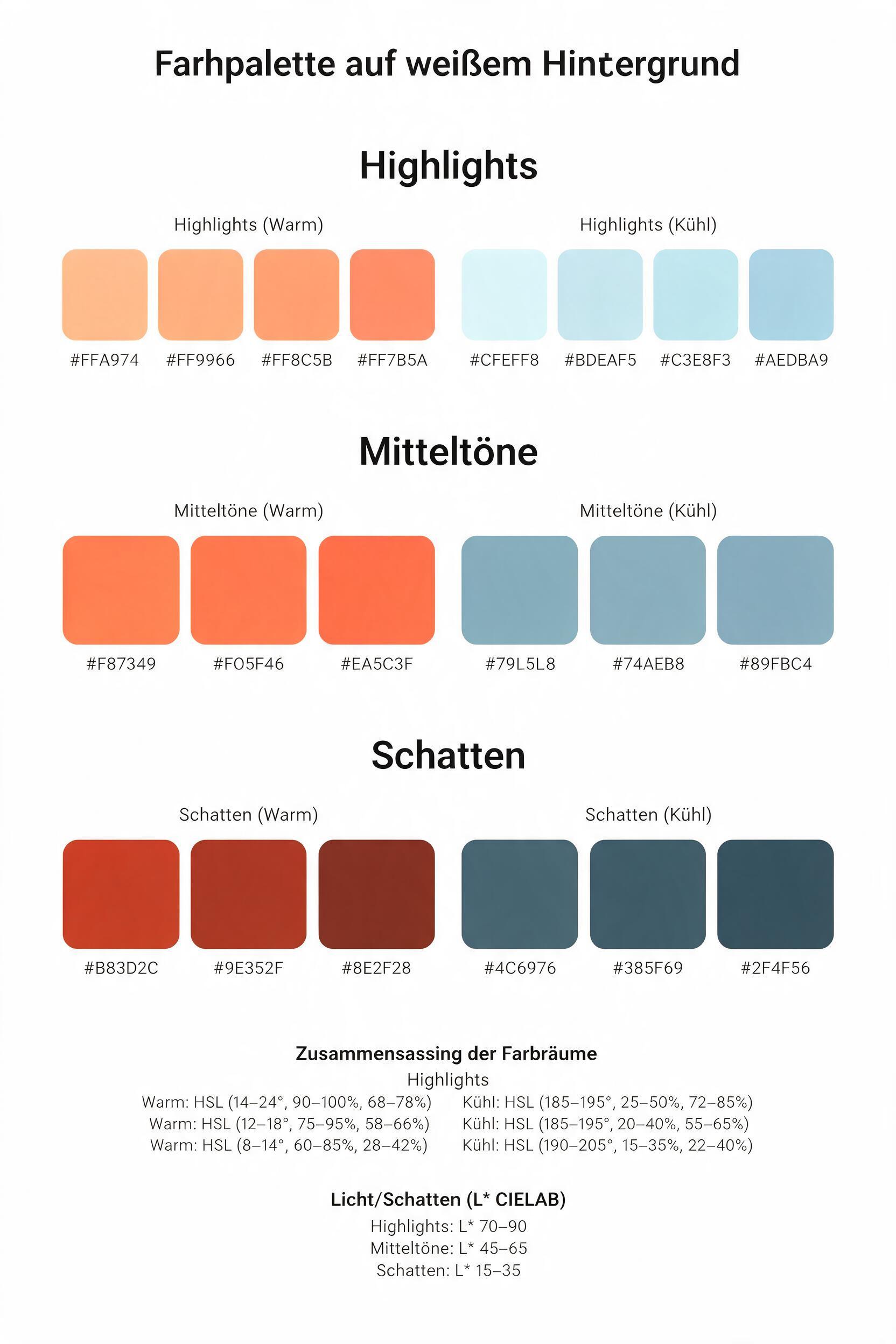
How to use AVA Grading Tool
This tutorial shows how to use AVA Grading Tool to create a clean, consistent grade. Upload your footage or images, choose a look or reference, then export a result ready for editing or delivery.
Step 1
Import video clips or photos, then choose your working color space and targets. AVA analyzes exposure, contrast, and color balance to prepare a stable baseline grade.

Step 2
Pick a style preset or upload a reference frame to match. Refine strength, saturation, and tone curves, and preview changes instantly across shots for consistency.

Step 3
Export graded files or generate LUTs for your editor. Keep settings saved for future projects, and apply the same AI grade across multiple clips in one pass.
Features
AVA Grading Tool combines AI color correction with practical grading controls for fast, reliable results. Auto-balance exposure and white balance, match reference looks, and create reusable LUTs without complex node graphs. Designed for speed, the tool helps keep shot-to-shot continuity while leaving room for precise adjustments and creative finishing.

Use AI to detect color casts, normalize exposure, and balance highlights and shadows. Get a neutral starting point that reduces manual corrections and speeds up every grade.
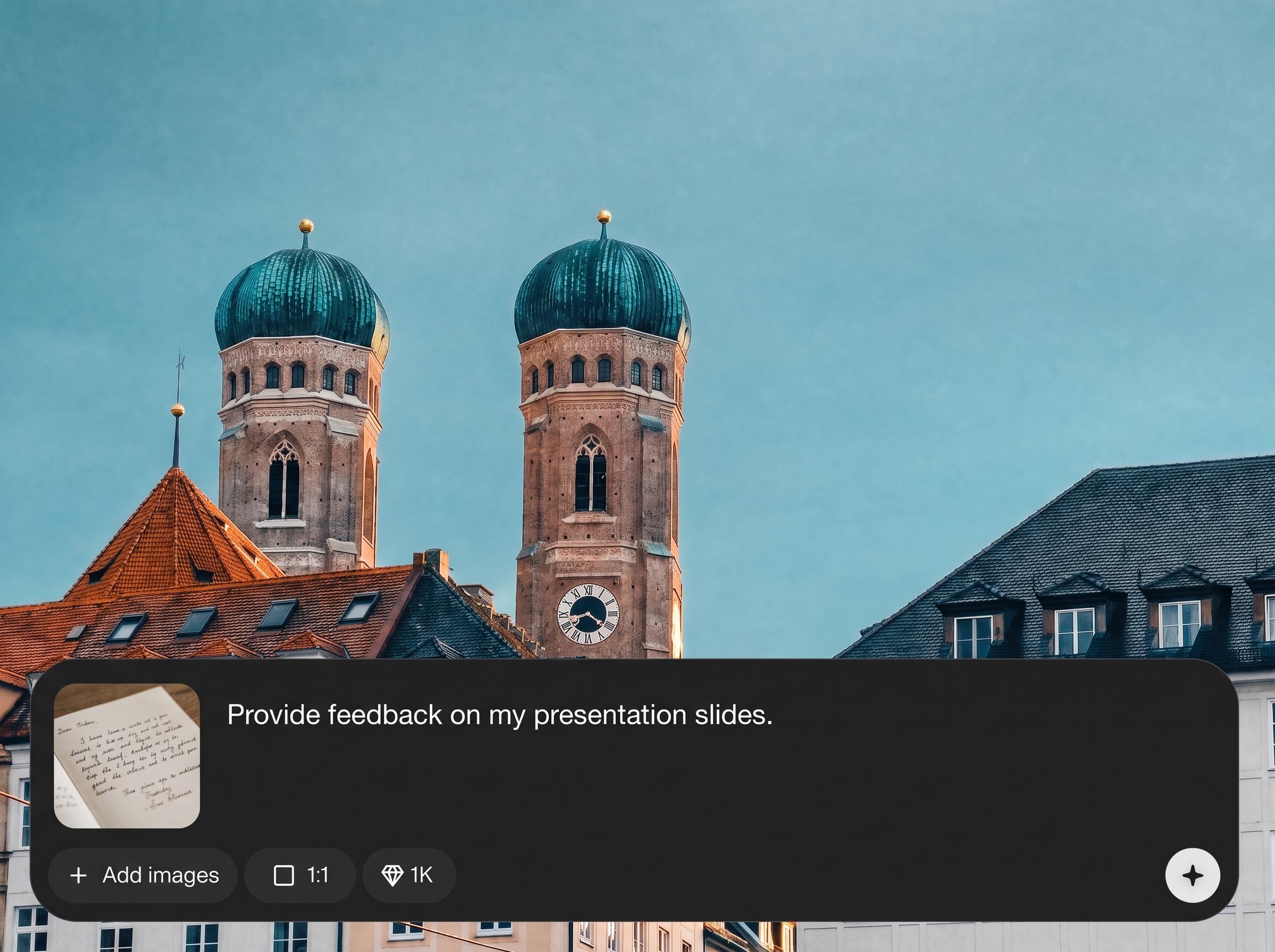
Match the color and contrast of a reference image or frame. AVA aligns tones and saturation to help maintain a consistent style across scenes, cameras, and lighting changes.
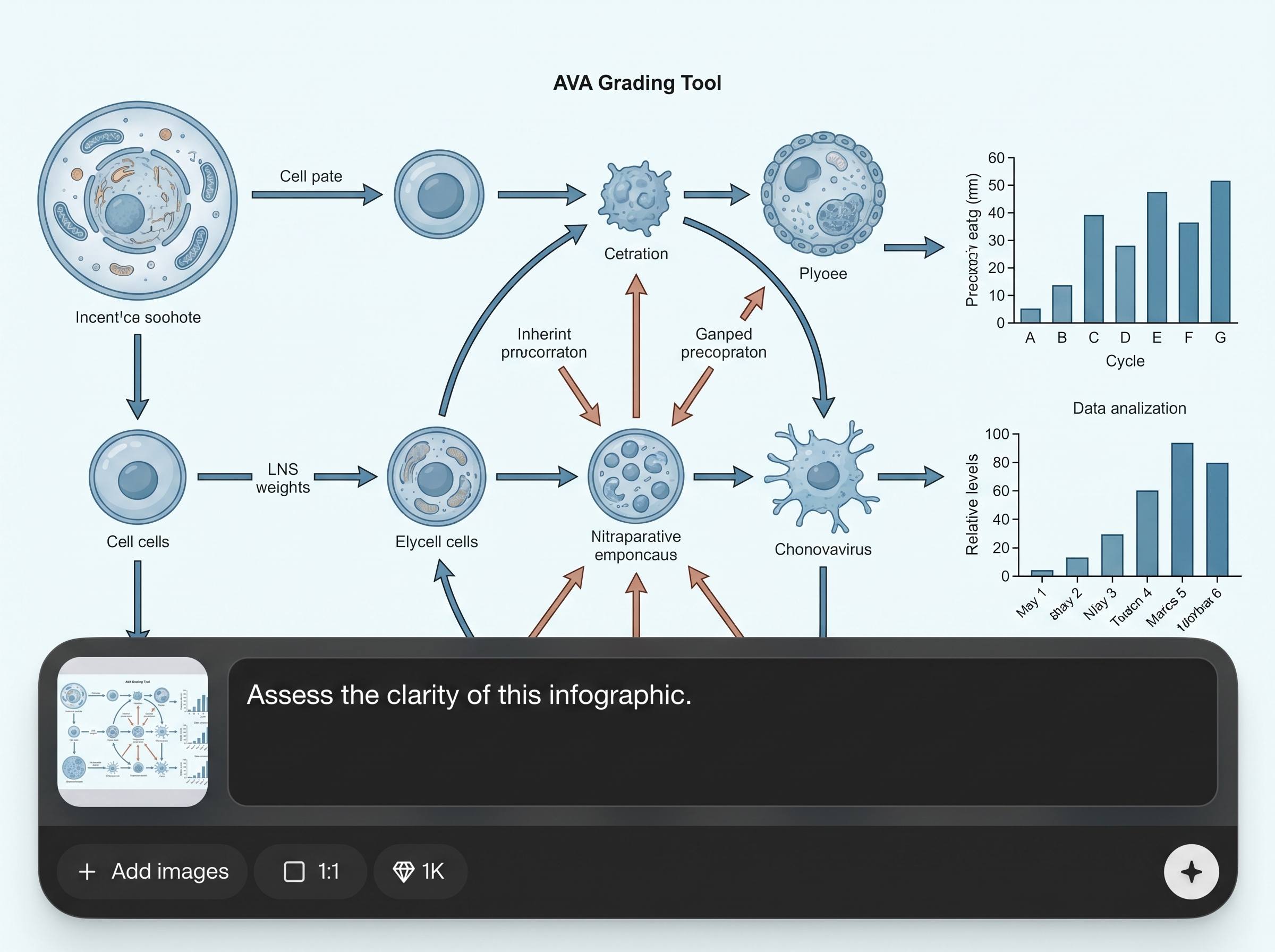
Generate LUTs and save grading presets for repeatable workflows. Apply the same look across batches, keep versions organized, and move seamlessly into your NLE or finishing pipeline.
About
AVA Grading Tool is an AI color grading app that helps you auto-grade video and photos with consistent, cinematic results. Use artificial intelligence to balance exposure, contrast, and white balance, match a reference look, and generate grading-ready exports in minutes. Fine-tune intensity and keep your style consistent across clips, scenes, and cameras for a clean, professional finish.
AVA Grading Tool delivers fast, consistent AI color grading with practical controls for real workflows. Auto-correct common issues, match reference looks, and export LUTs to keep style continuity across edits. It’s built to reduce repetitive shot matching while preserving creative control for finishing touches.
Open AVA Grading Tool, upload your clips or images, and choose a preset or reference. Adjust strength and tone as needed, then export graded media or LUTs for your editing pipeline.
Use cases
Discover how different creators use this app in their workflow.
Quickly correct and grade timelines with consistent looks. Reduce time spent on shot matching and keep results predictable across edits and revisions.
Create cinematic grades that hold up across mixed lighting and camera sources. Match references, refine the look, and export LUTs for on-set or post workflows.
Maintain brand-consistent color across recurring content. Auto-correct fast, apply saved presets, and deliver clean, polished exports on tight schedules.
Krea is one of the world's leading generative AI platforms. See what others say.
Real reviews on TrustpilotSo many AI tools out there but I always come back to Krea. It's really the one AI platform that 'just works'.

FYN
Krea's interfaces are still the best in the industry. Everything looks and feels so clean and easy to use! Imo the easiest to use gen AI website.

Lynn
Ultra fast generations. Extremely simple to use. All the latest AI models.

Daniel
KREA is the only AI subscription I have right now besides ChatGPT.

Sophia M.
Answers to common questions about AI color grading, LUT export, and workflow compatibility.
AVA Grading Tool is used for AI color grading and color correction of video and photos. It can auto-balance exposure and white balance, match a reference look, and export graded outputs or LUTs.
Yes. You can export LUTs and saved presets so the same look can be applied in common editing and finishing workflows. This helps maintain consistency across projects and teams.
The tool analyzes your media and a chosen reference frame to align color balance, contrast, and saturation. You can then adjust intensity and fine-tune the result to fit your scene.
Yes, AVA Grading Tool supports grading for video clips and still images. Use the same AI correction and look tools to keep a unified style across all campaign assets.
It can. AI-assisted correction helps neutralize color casts and stabilize exposure for a clean baseline. You still have control to adjust warmth, contrast, and tonal roll-off as needed.
Edits are applied as adjustable settings you can refine before export. This lets you iterate on looks, save versions, and reuse grading presets without permanently altering your originals.
Yes. Apply a preset or matched reference across a batch to keep shot-to-shot continuity. This is especially useful for multi-camera shoots and sequences with changing lighting.
No. The AI provides a strong starting grade and guided controls for quick improvements. Advanced users can still fine-tune saturation, contrast, and tone to match a specific style.
Export options depend on your workflow, but the tool is designed for grading-ready delivery and LUT-based transfer to editing software. Use presets to keep outputs consistent across renders.
Yes, it’s designed to work online for fast access and iteration. Upload media, generate an AI grade, and export results without setting up a complex color grading environment.

Upload footage, match a look, and export a consistent grade in minutes with AI color correction.

