













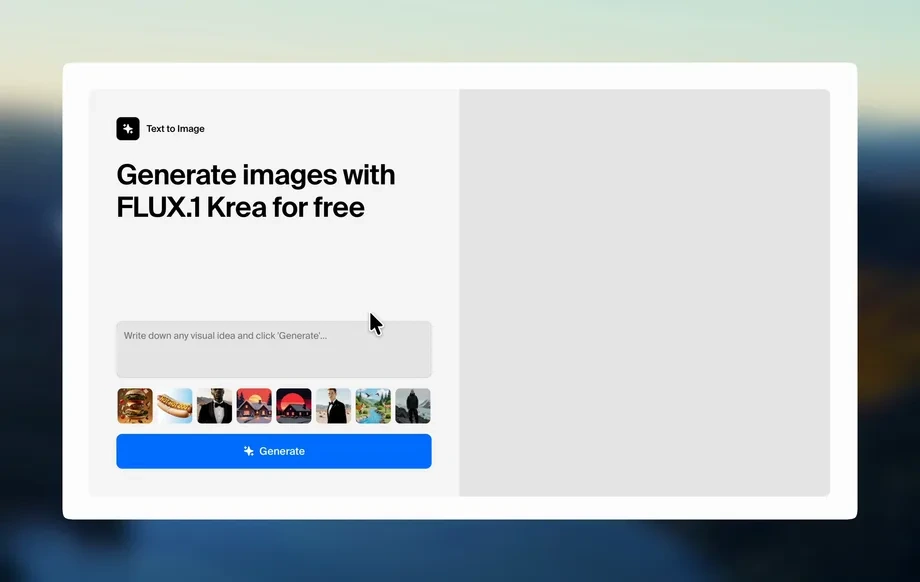
Step 1
Upload
Drop in an app screenshot or UI image. The tool detects the screen area and prepares a clean iPhone X frame fit automatically for a realistic mockup.
Generate realistic iPhone X snapshot mockups with AI. Add screenshots, customize frames, lighting, and backgrounds, then export fast. Try it online now.
Run the app to see your first output
How to use iPhone X snapshot
Use iPhone X snapshot to generate realistic iPhone X mockups from your screenshots. In a few quick steps, upload, customize the scene, and export high-quality images sized for web, stores, and social.
Step 1
Drop in an app screenshot or UI image. The tool detects the screen area and prepares a clean iPhone X frame fit automatically for a realistic mockup.
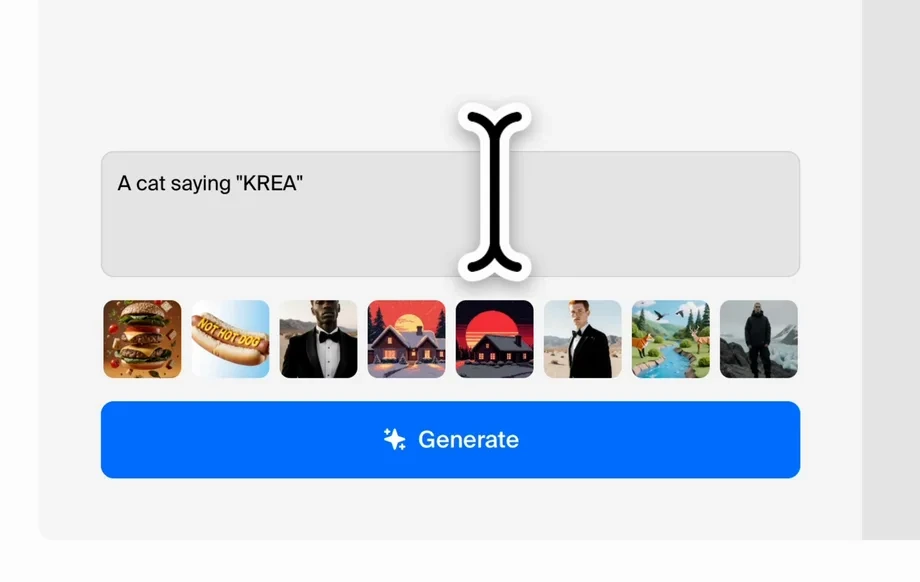
Step 2
Pick backgrounds, colors, and perspective. Adjust lighting, reflections, and shadows to match your brand style and create a natural, photo-like iPhone X snapshot.
Step 3
Download your iPhone X mockup in high resolution. Choose common aspect ratios for App Store previews, landing pages, or ad creatives, ready to publish instantly.
Features
iPhone X snapshot generates realistic device-frame mockups from screenshots with AI. Create consistent iPhone X snapshots for marketing, UI presentations, and product pages by controlling backgrounds, perspective, and lighting. Export high-resolution visuals that look photographed, without complex editing or templates.
Automatically adds natural reflections, shadows, and lighting for a photo-real iPhone X mockup. Keep your UI crisp while the frame and environment look like a real snapshot.
Upload a screenshot, choose a style, and generate results in seconds. Quickly iterate variations for A/B testing, different backgrounds, and multiple export sizes.
Match your product visuals with adjustable colors, gradients, backgrounds, and perspective. Produce consistent iPhone X snapshot images that fit ads, landing pages, and store listings.
About
iPhone X snapshot turns any screenshot into a polished iPhone X mockup using AI. Upload your screen, choose a device frame, and auto-enhance lighting, reflections, and background for a realistic snapshot. Export clean visuals for app previews, landing pages, ads, and portfolios in seconds—no design software required.
iPhone X snapshot helps you create consistent, realistic device mockups without templates or complex editing. AI automates framing, lighting, and scene realism while keeping UI sharp. Generate multiple variations quickly and export high-resolution assets for ads, product pages, and app previews.
Open the tool, upload your screenshot, and choose a style. Adjust background and lighting as needed, then export your iPhone X mockup in a size that fits your next campaign or page.
Use cases
Discover how different creators use this app in their workflow.
Turn raw screenshots into iPhone X mockups sized for app listings. Create clean, consistent preview images that improve clarity and communicate your UI fast.
Generate on-brand iPhone X snapshots for paid ads, social posts, and banners. Quickly test backgrounds, angles, and lighting to fit each campaign.
Present UI with polished device frames for landing pages and pitch decks. Keep visuals uniform across teams while exporting high-resolution assets on demand.
Krea is one of the world's leading generative AI platforms. See what others say.
Real reviews on TrustpilotSo many AI tools out there but I always come back to Krea. It's really the one AI platform that 'just works'.

FYN
Krea's interfaces are still the best in the industry. Everything looks and feels so clean and easy to use! Imo the easiest to use gen AI website.

Lynn
Ultra fast generations. Extremely simple to use. All the latest AI models.

Daniel
KREA is the only AI subscription I have right now besides ChatGPT.

Sophia M.
Answers to common questions about iPhone X snapshot, AI mockups, exporting, and customization.
iPhone X snapshot is an AI mockup generator that places your screenshot into an iPhone X frame. It enhances the scene with realistic lighting and shadows, then exports a ready-to-use image.
Upload your screenshot, select a background and style, then generate. The tool aligns your screen inside an iPhone X frame and applies photo-like effects for a realistic snapshot.
Yes. You can choose backgrounds or colors, tweak perspective, and adjust lighting, reflections, and shadows. This helps match brand guidelines and produce consistent marketing visuals.
Exports are optimized for common web and marketing uses, including high-resolution downloads. Choose sizes suited for landing pages, social posts, and app listing previews for quick publishing.
Yes. You can use UI comps, prototypes, or any image that represents a screen. The generator fits it into an iPhone X frame to create a polished device mockup.
The tool keeps the screenshot crisp while applying effects around the device and scene. You get realistic frames and lighting without blurring key text or interface details.
Yes. iPhone X snapshot runs in the browser, so you can generate iPhone X mockups online without installing software. Just upload, customize, and export your snapshot.
Absolutely. Generate multiple backgrounds, angles, and lighting options from the same screenshot. This makes it easy to compare creative performance across ads, pages, and listings.
Yes. The app uses AI, artificial intelligence, and machine learning techniques to render realistic device scenes and enhancements. It automates mockup polish that usually requires manual editing.
Upload a screenshot and get a realistic iPhone X mockup with AI-ready lighting, backgrounds, and fast exports.

