














Step 1
Set your prompt
Describe the scene, subject, and mood. Add camera notes like focal length, depth of field, and lighting style to steer realistic CGI results and reduce guesswork.
Generate realistic CGI scenes with Benghazi_realistic CGI. Use AI prompts to create high-detail renders fast for ads, games, and concepts. Try it now.

How to use Benghazi_realistic CGI
Learn how to generate realistic CGI renders with Benghazi_realistic CGI using prompts and simple settings. Follow three quick steps to refine style, control details, and export polished images for your workflow.
Step 1
Describe the scene, subject, and mood. Add camera notes like focal length, depth of field, and lighting style to steer realistic CGI results and reduce guesswork.

Step 2
Choose aspect ratio, detail level, and realism settings. Use negative prompts to avoid artifacts, and iterate variations to lock composition, materials, and textures.

Step 3
Download high-resolution renders for presentations, ads, or pipelines. Reuse prompts and settings to keep consistent CGI style across multiple scenes and deliverables.
Features
Benghazi_realistic CGI turns text prompts into realistic CGI renders with clean lighting, sharp materials, and cinematic composition. Create product-style visuals, environments, and concept frames quickly while keeping control over aspect ratio, detail, and iterations. Export high-quality images ready for marketing, pitch decks, and design reviews.

Generate realistic CGI scenes from text with improved material definition, accurate shadows, and believable reflections. Quickly explore looks without building complex 3D geometry or render setups.
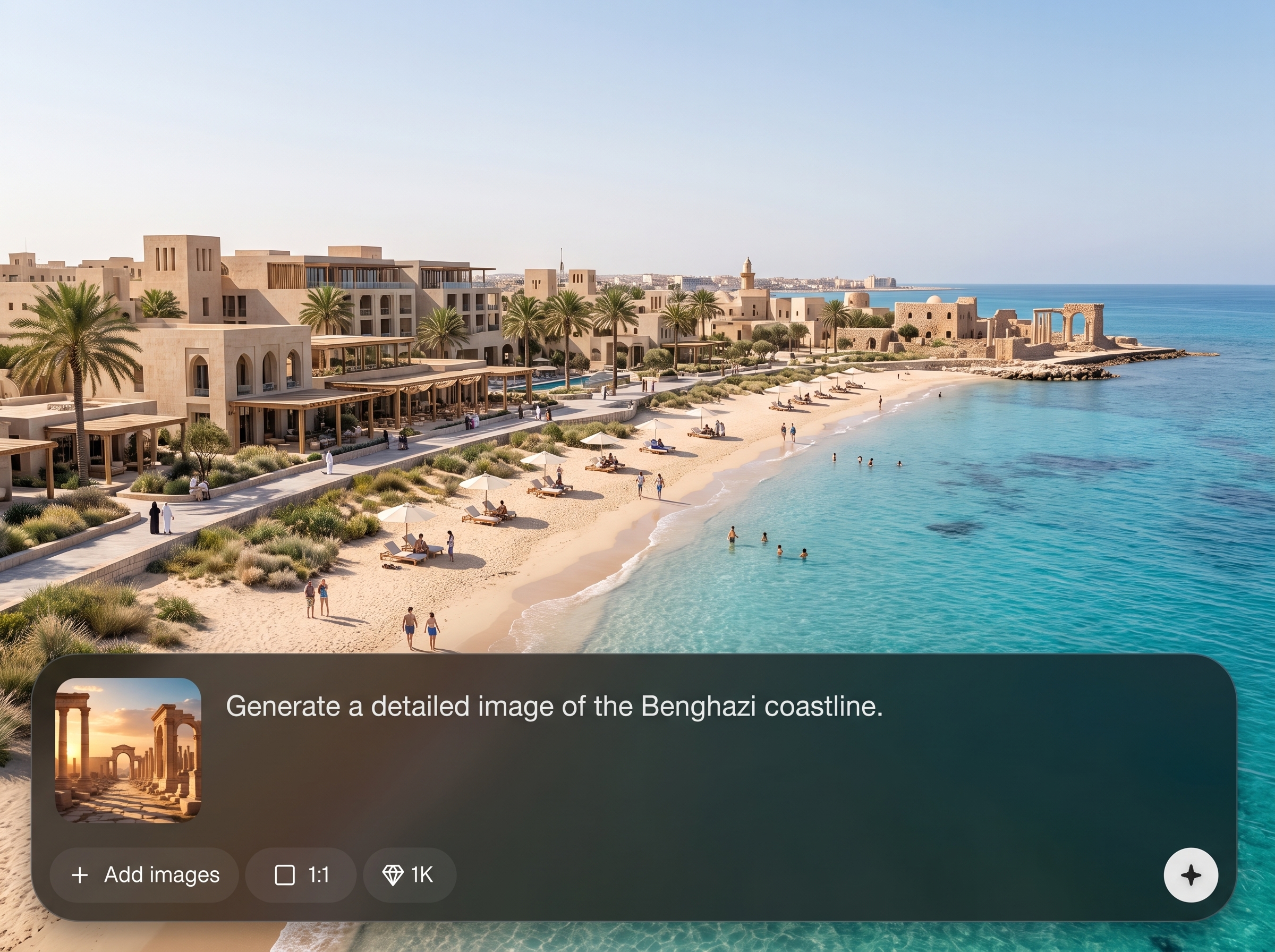
Create multiple variations quickly to refine composition and lighting. Save and reuse prompt patterns to maintain consistent CGI style across a series of shots and environments.

Export high-resolution CGI renders suitable for ads, presentations, and concept boards. Clean outputs help reduce post-editing time while keeping a polished, realistic finish.
About
Benghazi_realistic CGI is an AI CGI scene generator that creates realistic renders from simple text prompts. Generate high-detail environments, product-style shots, and cinematic visuals with consistent lighting and sharp materials in minutes. Ideal for rapid concepting, marketing visuals, and pre-visualization—no complex 3D setup required.
Benghazi_realistic CGI delivers realistic AI rendering with strong material detail, clean lighting, and fast iteration for practical workflows. Use simple prompts to explore multiple directions, maintain visual consistency, and export high-quality images that look like polished CGI without complex setup.
Enter a prompt describing your subject, materials, and lighting, then generate. Adjust aspect ratio and detail settings, iterate a few variations, and export the best render for immediate use.
Use cases
Discover how different creators use this app in their workflow.
Generate realistic product renders with controlled lighting and backgrounds for ecommerce, brand explorations, and ad concepts—without a full 3D modeling workflow.
Create cinematic environment frames and mood shots for storyboards, level concepts, and scene blocking. Iterate quickly to test composition and lighting direction.
Visualize rooms, materials, and lighting ideas using AI CGI renders. Produce fast concept options for client reviews, mood boards, and early-stage design decisions.
Krea is one of the world's leading generative AI platforms. See what others say.
Real reviews on TrustpilotSo many AI tools out there but I always come back to Krea. It's really the one AI platform that 'just works'.

FYN
Krea's interfaces are still the best in the industry. Everything looks and feels so clean and easy to use! Imo the easiest to use gen AI website.

Lynn
Ultra fast generations. Extremely simple to use. All the latest AI models.

Daniel
KREA is the only AI subscription I have right now besides ChatGPT.

Sophia M.
Answers to common questions about realistic AI CGI generation and how to get the best results.
Benghazi_realistic CGI is an AI CGI generator that creates realistic renders from text prompts. It focuses on believable lighting, materials, and composition so you can produce polished visuals quickly.
Include subject, environment, materials, and lighting. Add camera details like focal length and depth of field, plus a clear style target such as “photoreal CGI” to guide the model.
Yes. Prompt for studio lighting, seamless backdrops, and material properties like glossy plastic or brushed metal. Iterate a few variations to refine reflections, shadows, and framing.
Yes. Describe time of day, weather, and mood lighting, then specify camera angle and lens. This helps generate cinematic CGI scenes with stronger depth and atmosphere.
Use negative prompts to exclude issues like extra objects, text, or distortions. Keep prompts specific, simplify cluttered scenes, and generate multiple variations to select the cleanest result.
Yes. Set your aspect ratio before generating and include composition cues like “wide shot,” “close-up,” or “centered product.” Iterations help lock the most usable framing.
It’s ideal for fast concepting. Generate multiple directions for materials, lighting, and environments, then export images for mood boards, pitch decks, and stakeholder feedback cycles.
You can export high-quality images suitable for presentations and marketing drafts. For best results, generate at the highest available resolution and avoid excessive compression in downstream edits.
No. You only need a clear prompt and basic control settings. The tool handles rendering-style details like lighting and materials so you can focus on creative direction.
Turn prompts into polished CGI scenes fast—iterate, refine, and export visuals ready for your next project.

