














Step 1
Set your scene prompt
Describe the location, architecture, time of day, weather, camera angle, and desired realism. Add constraints like wide shot, street level, or skyline to guide composition.
Generate realistic Benghazi urban CGI contexts with AI. Create streetscapes, city backdrops, and architectural scenes fast—try Benghazi_realistic CGI_urban contexts now.
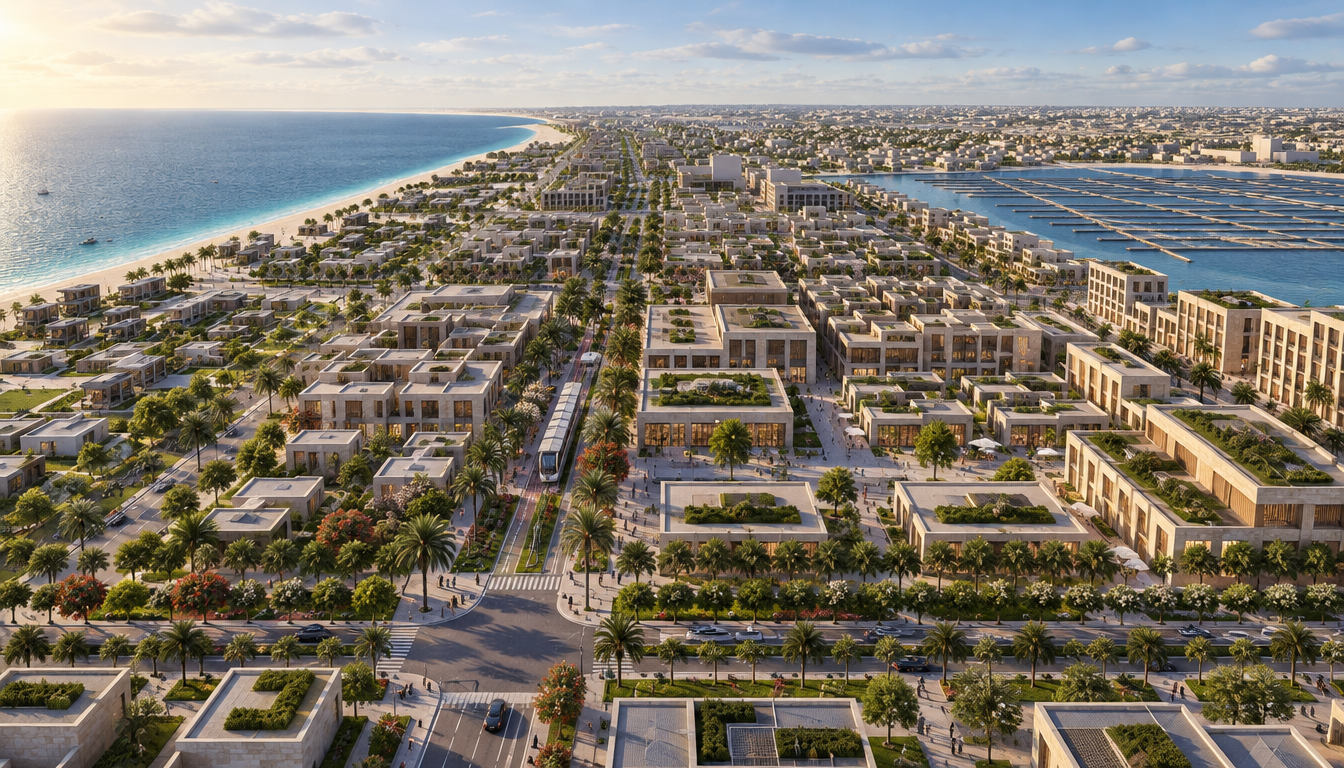
How to use Benghazi_realistic CGI_urban contexts
Follow these steps to generate consistent Benghazi-style urban contexts using AI. Set your scene requirements, run generations, then refine and export images that fit your project specs and layout needs.
Step 1
Describe the location, architecture, time of day, weather, camera angle, and desired realism. Add constraints like wide shot, street level, or skyline to guide composition.

Step 2
Run the AI generator and review variations. Adjust keywords, lighting, materials, and perspective cues to match your target look while keeping the urban context consistent.

Step 3
Select the best result, then refine details like signage, facades, and street props. Export high-quality images for presentations, mockups, or pipeline-ready CGI references.
Features
Generate Benghazi-inspired urban CGI contexts with AI for fast visualization and consistent world-building. Control composition, lighting, and realism to match architectural references and project needs. Create repeatable streetscapes, building exteriors, and city backdrops that stay cohesive across iterations, saving time in early concept and layout stages.
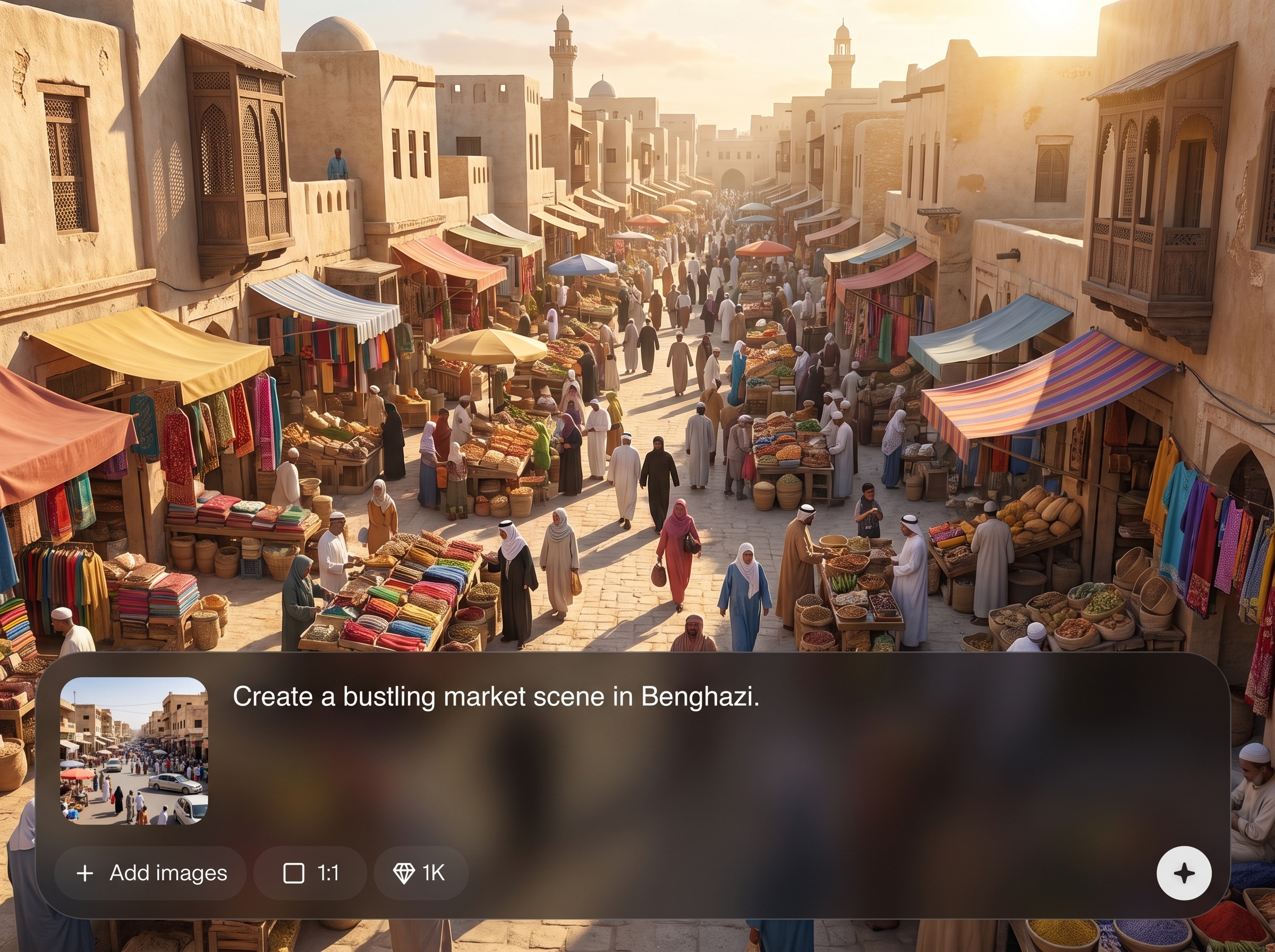
Produce believable streets, facades, sidewalks, and skyline compositions with an AI image generator tuned for urban context. Create clean CGI-style outputs suitable for architectural visualization and design boards.
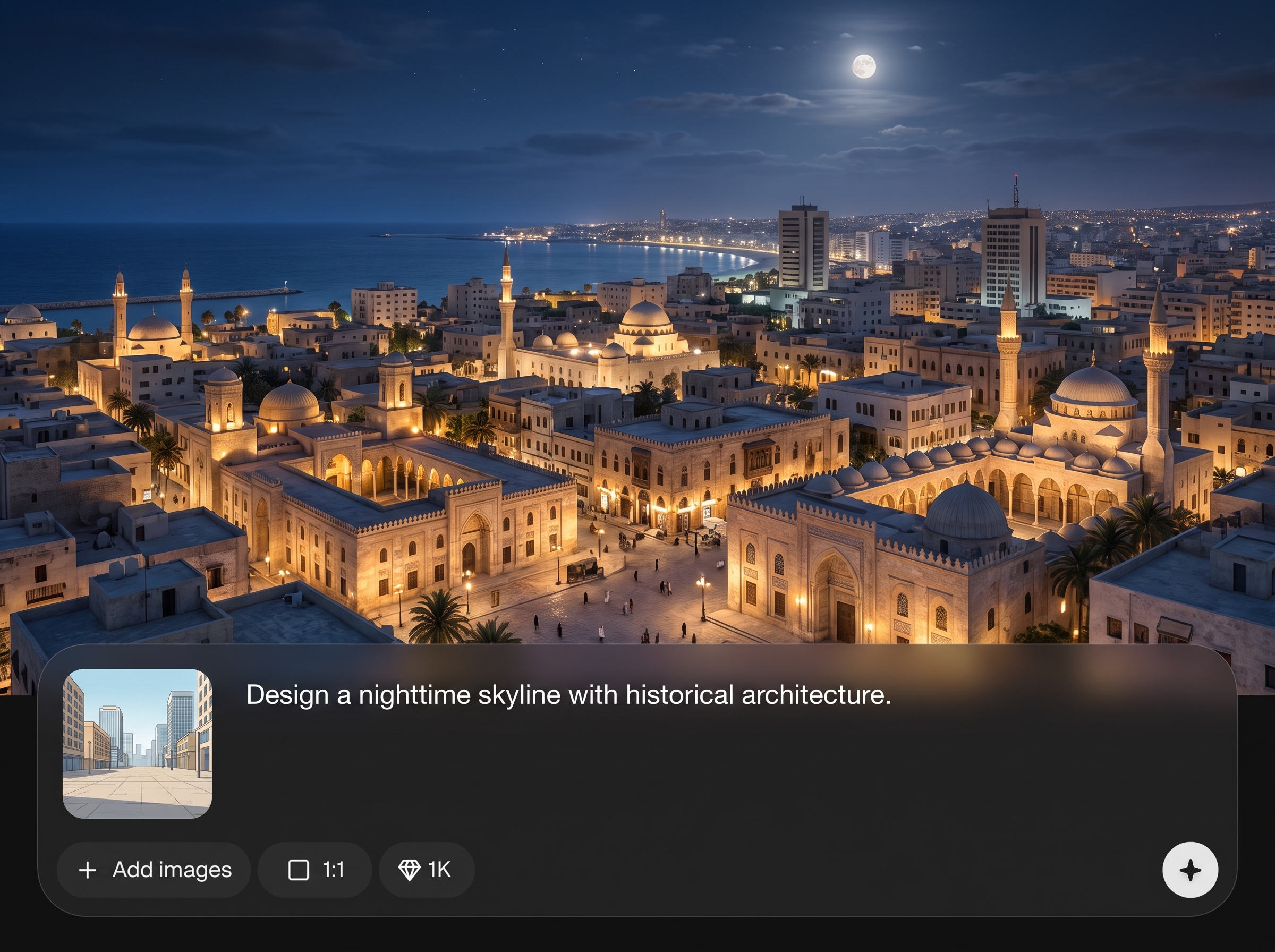
Steer lighting, atmosphere, lens perspective, and material detail using simple prompts. Generate variations for day/night, golden hour, overcast, or cinematic looks without rebuilding scenes manually.
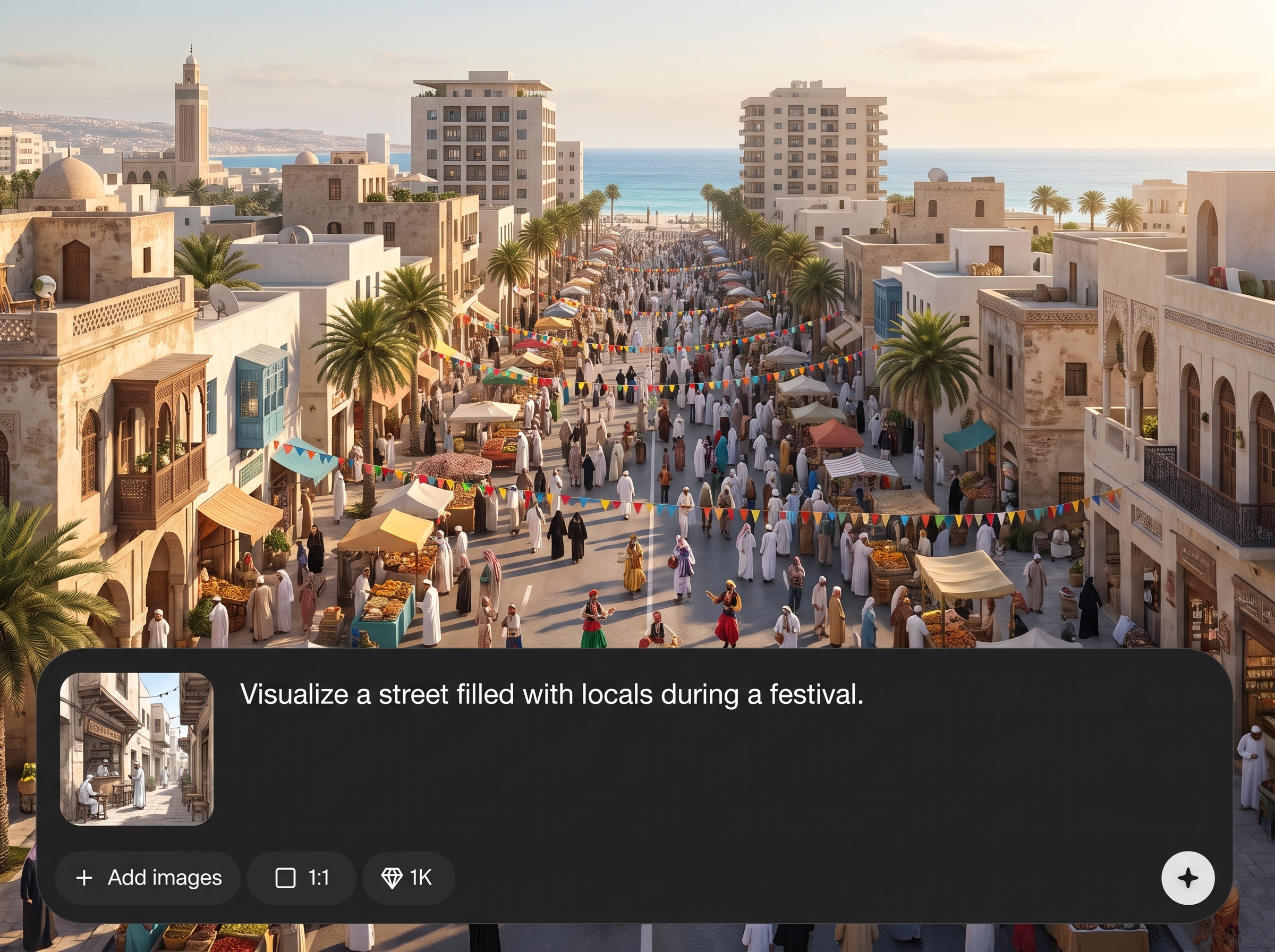
Explore multiple options quickly to find the right urban context for your concept. Reduce time spent on rough blocking and reference hunting with rapid machine learning-driven generations.
About
Benghazi_realistic CGI_urban contexts generates realistic urban CGI scenes inspired by Benghazi streets, architecture, and city textures. Use AI to create consistent city backdrops for visualization, concept art, and design mockups in minutes. Control style, lighting, perspective, and scene details to produce high-quality urban contexts that look cohesive across multiple outputs.
Benghazi_realistic CGI_urban contexts helps you generate believable urban environments with prompt-level control over composition, lighting, and realism. Produce repeatable context imagery for faster decision-making, clearer presentations, and consistent visual direction—without rebuilding scenes from scratch each time.
Enter a short prompt describing the Benghazi urban context you need, then generate variations and refine. Adjust camera, lighting, and detail cues until the CGI look matches your project requirements.
Use cases
Discover how different creators use this app in their workflow.
Generate Benghazi-style surroundings for exterior studies, massing renders, and context boards. Quickly test lighting and streetscape feel before committing to detailed modeling.
Create realistic city backdrops for story frames and location exploration. Iterate on camera angles, mood, and street details to support consistent environment design.
Build convincing CGI streetscapes for proposals and stakeholder decks. Produce multiple context options to compare scenarios, materials, and public-realm interventions.
Krea is one of the world's leading generative AI platforms. See what others say.
Real reviews on TrustpilotSo many AI tools out there but I always come back to Krea. It's really the one AI platform that 'just works'.

FYN
Krea's interfaces are still the best in the industry. Everything looks and feels so clean and easy to use! Imo the easiest to use gen AI website.

Lynn
Ultra fast generations. Extremely simple to use. All the latest AI models.

Daniel
KREA is the only AI subscription I have right now besides ChatGPT.

Sophia M.
Common questions about generating realistic Benghazi urban CGI contexts with AI.
It’s an AI tool for generating realistic urban CGI scenes inspired by Benghazi context cues. Use it to create streetscapes, architectural backdrops, and city environment images for visualization and design.
Include camera details (wide, street-level, aerial), lighting (golden hour, overcast), and materials (concrete, stone, stucco). Add realism cues like shadows, weathering, and consistent perspective for better outputs.
Yes. Prompt for cinematic, neutral archviz, documentary, or high-contrast looks. Specify time of day, haze, color temperature, and lens cues to keep mood consistent across multiple generations.
Describe setting, architecture, street elements, and viewpoint. Example: “Benghazi street, mid-rise facades, soft morning light, realistic CGI, street-level 24mm, clean sidewalks, subtle wear, clear sky.”
Yes—use it to rapidly explore context and atmosphere before detailed modeling. It’s useful for concept studies, presentation boards, and quick iteration when you need believable urban surroundings.
Reuse a stable prompt structure and keep key constraints constant: camera angle, lens, lighting, and realism terms. Change only one variable at a time, like weather or street props, to maintain continuity.
Yes. Keep the same composition cues and location descriptors, then switch lighting terms to “night,” “street lamps,” or “neon signage.” This helps produce matching variations for comparisons and story beats.
It’s an AI image generator that produces CGI-style urban scenes from prompts. For exact geometry and editable 3D assets, use it as a reference or context generator alongside your 3D pipeline.
Export generated images for slides, mood boards, and design mockups. Use high-resolution outputs when available to preserve detail in facades, signage, and street texture for presentations.
Generation is designed for quick iteration, letting you explore multiple streetscape options in minutes. Speed depends on settings and batch size, but the workflow supports rapid visual exploration.
Create consistent city contexts with AI—iterate faster on streetscapes, backdrops, and architectural scenes in minutes.

