














Step 1
Upload
Import your white model or render input, then choose output size and angle. The tool auto-prepares a neutral white-card setup for consistent results.
Turn a simple white model into clean white-card CGI renders with AI. Generate studio lighting, shadows, and crisp previews online—try it now.

How to use White simple model to White-card CGI
This quick tutorial shows how to convert a plain white model into a professional white-card CGI render. Upload your asset, tune lighting and camera, then generate consistent images for review, presentations, and iteration.
Step 1
Import your white model or render input, then choose output size and angle. The tool auto-prepares a neutral white-card setup for consistent results.

Step 2
Adjust studio lighting intensity, shadow softness, and background tone. Set camera framing and perspective to match product, architecture, or design review needs.

Step 3
Run the AI render and review variations. Export final white-card CGI images for decks, approvals, or pipelines, keeping a consistent look across updates.
Features
Create clean, neutral white-card CGI from simple models using AI. Generate consistent lighting, shadows, and backgrounds that make form and proportion easy to read. Ideal for product visualization, archviz massing, and design iteration, with fast outputs that stay uniform across angles and versions for smoother reviews.
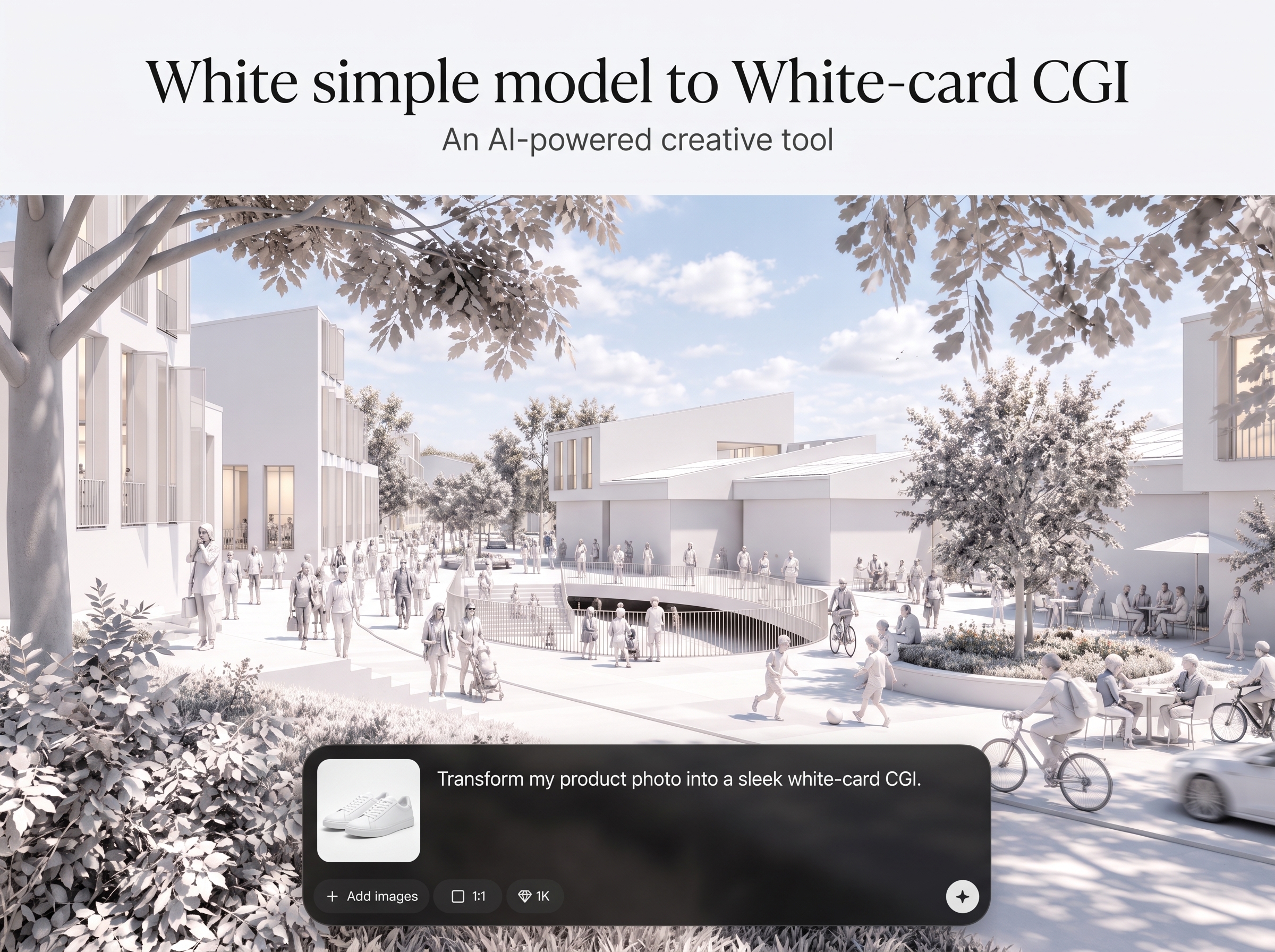
Pick white-card lighting styles that stay consistent across images. Control brightness, shadow softness, and contrast to keep forms readable and presentation-ready.

Generate multiple angles and variants quickly without rebuilding a render scene. Keep a stable white background and uniform shadows to compare design changes clearly.
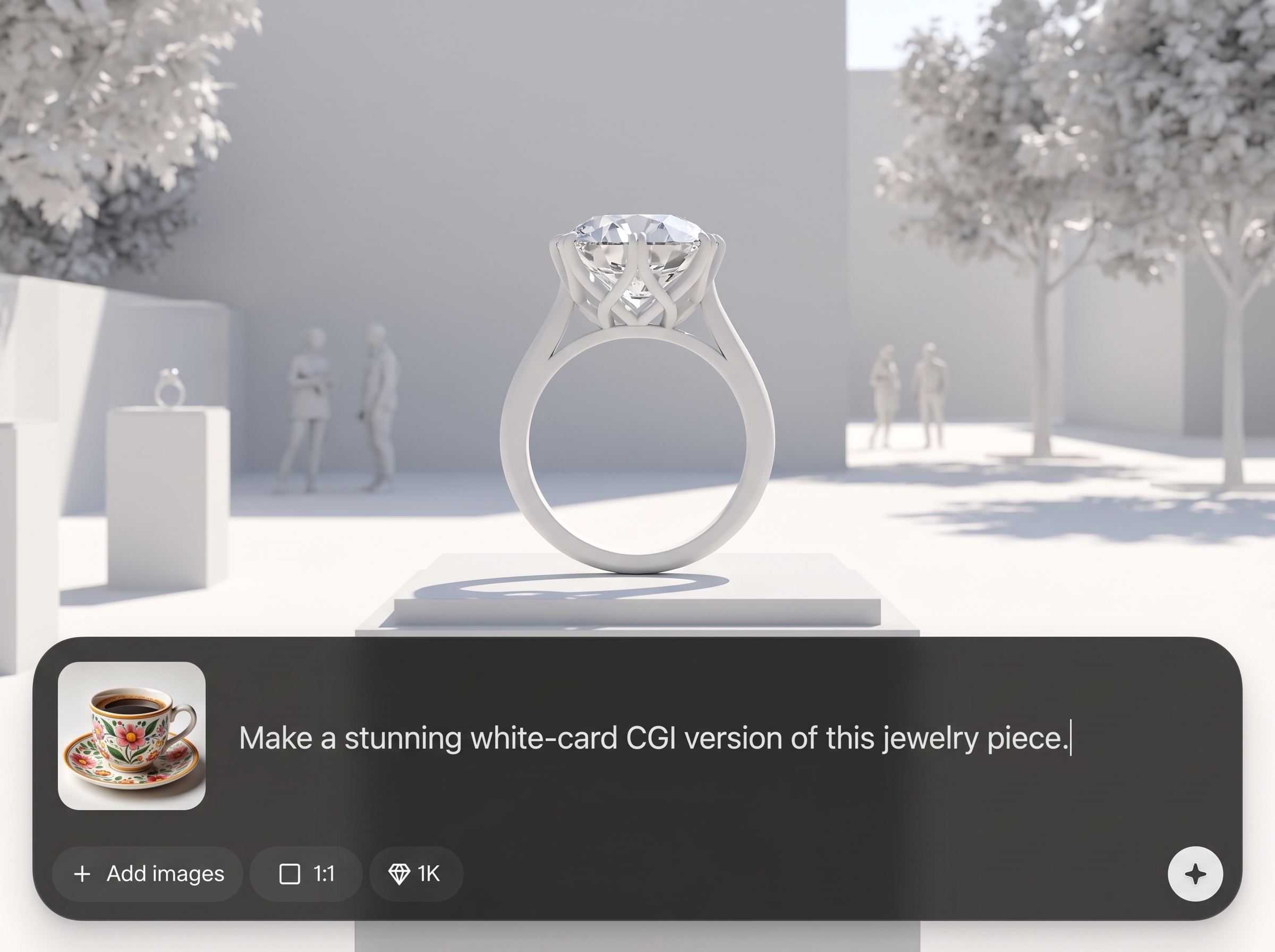
Produce uncluttered CGI previews that highlight shape, silhouette, and proportion. Export high-quality images for client decks, internal approvals, and pipeline handoffs.
About
White simple model to White-card CGI turns basic white models into polished white-card CGI previews in minutes. Use AI to generate clean studio lighting, balanced shadows, and consistent backgrounds for fast concept reviews and client-ready visuals. Upload your model, set the look, and export high-quality renders that stay neutral, readable, and easy to iterate across angles and variants.
Get clean, consistent white-card CGI without building complex render scenes. AI-driven lighting and shadows keep outputs uniform across angles, making comparisons easy. The workflow is optimized for fast iteration, neutral presentation, and reliable results for reviews and approvals.
Enter your project, upload a simple white model, and choose a white-card preset. Adjust lighting and camera, generate variations, then export high-quality renders for presentations or pipeline handoff.
Use cases
Discover how different creators use this app in their workflow.
Create white-card CGI for products and prototypes to review form, scale, and detailing with neutral lighting and distraction-free backgrounds.
Turn simple building models into white-card renders for early-stage presentations, planning reviews, and rapid comparisons across design options.
Generate consistent, repeatable renders while exploring variations. Compare silhouettes and proportions across versions without changing a full render setup.
Krea is one of the world's leading generative AI platforms. See what others say.
Real reviews on TrustpilotSo many AI tools out there but I always come back to Krea. It's really the one AI platform that 'just works'.

FYN
Krea's interfaces are still the best in the industry. Everything looks and feels so clean and easy to use! Imo the easiest to use gen AI website.

Lynn
Ultra fast generations. Extremely simple to use. All the latest AI models.

Daniel
KREA is the only AI subscription I have right now besides ChatGPT.

Sophia M.
Answers to common questions about generating white-card CGI with AI.
It converts a basic white model into a clean white-card CGI render using AI. You get neutral studio lighting, controlled shadows, and a consistent white background for fast previews.
Upload common 3D or render inputs supported by the app workflow. If your asset can be imported and framed, the AI can produce a consistent white-card CGI output.
Yes. You can adjust light intensity, shadow softness, and overall contrast to match a studio look. This helps keep surfaces readable while staying neutral and consistent.
It works as an AI-assisted rendering workflow that generates white-card CGI results from your inputs and settings. It’s designed for fast, consistent previews rather than heavy scene setup.
Use the same preset and keep lighting and background settings locked while changing camera angles. This produces uniform white-card CGI renders that are easy to compare side by side.
Yes. White-card CGI is ideal for product visualization, architecture massing, and concept reviews. The neutral style highlights form and proportion without distracting materials or textures.
You can export high-quality images suitable for presentations and review decks. Choose a larger output size when you need sharper edges, cleaner shadows, and more detail visibility.
Cleaner geometry produces better results, but the tool is built for quick previews. If artifacts appear, simplify the mesh, fix normals, or adjust lighting to reduce harsh edges.
White-card CGI focuses on a clean white background and controlled studio lighting to read form clearly. It’s similar to clay rendering, but optimized for consistent, presentation-ready outputs.
Yes. It’s designed to speed up iteration with consistent renders across versions. Generate quick, neutral visuals for approvals and feedback before investing time in materials and final renders.
Upload a simple model, set the studio look, and export clean white-card CGI images in minutes.

