















Step 1
Upload
Add your photo and zoom in for precision. Choose the area where you want an object swap, including edges and shadows for better AI blending.
Use Замена объекта to swap or replace objects in photos with AI. Remove distractions, add new items, and export clean edits fast—try it online now.
How to use Замена объекта
This tutorial shows how to use Замена объекта for AI object replacement. Upload a photo, select the target area, describe the new object, then generate and export a clean, realistic edit in minutes.
Step 1
Add your photo and zoom in for precision. Choose the area where you want an object swap, including edges and shadows for better AI blending.

Step 2
Brush or mask the object to replace, then enter a prompt describing the new object. Adjust style, realism, and size to match the scene.

Step 3
Run the AI object replacement to get multiple results. Pick the best version, refine the mask or prompt if needed, then download the final image.
Features
Замена объекта helps you replace objects in photos with AI while preserving the original scene. Use masks and prompts to control what changes, generate multiple options, and keep results consistent with lighting and perspective. It’s built for fast, practical edits—from cleanup to product swaps—without complex workflows.
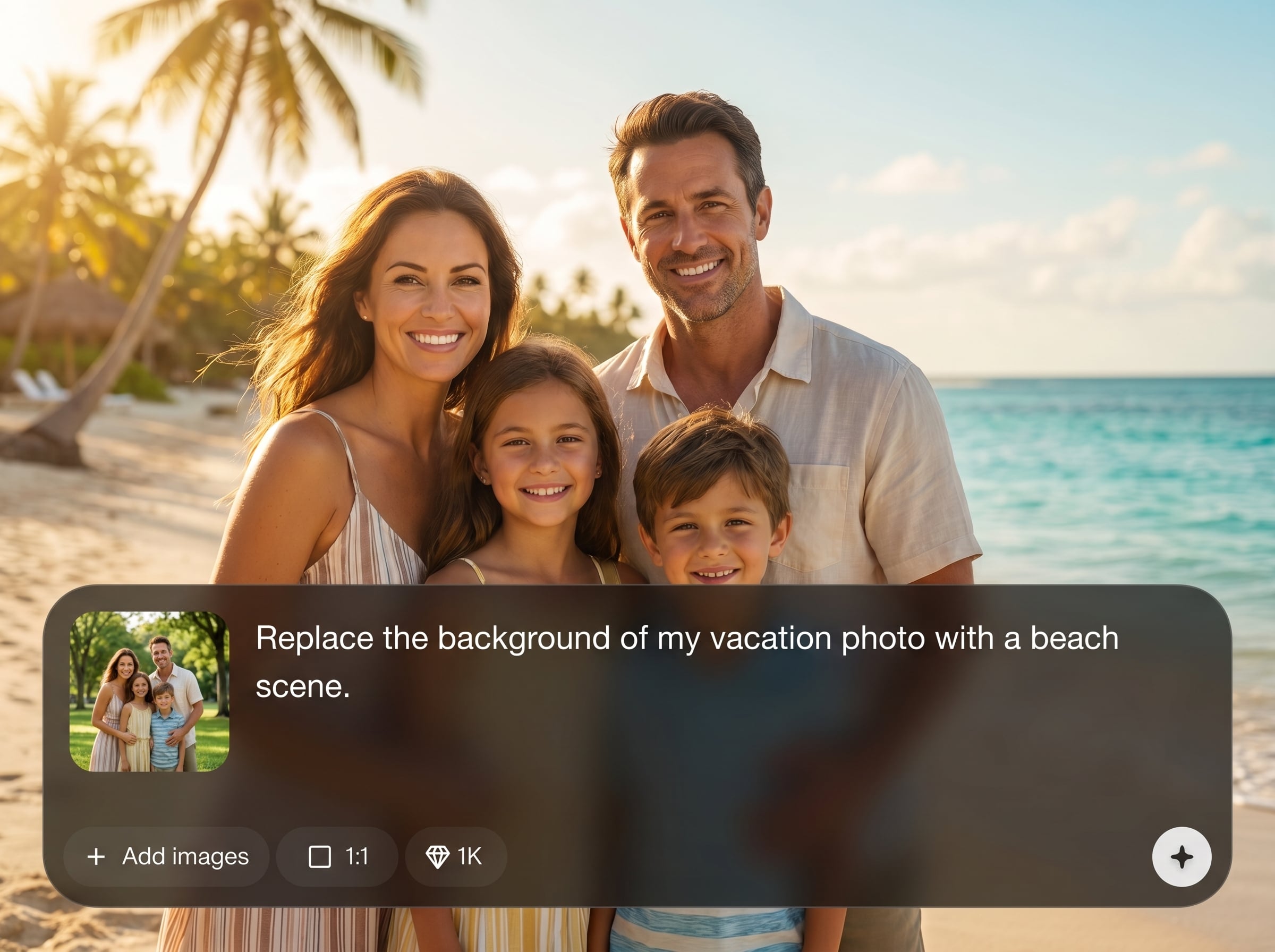
Describe what to insert and where. The AI uses your prompt plus the masked region to create realistic replacements that match context, materials, and scale.
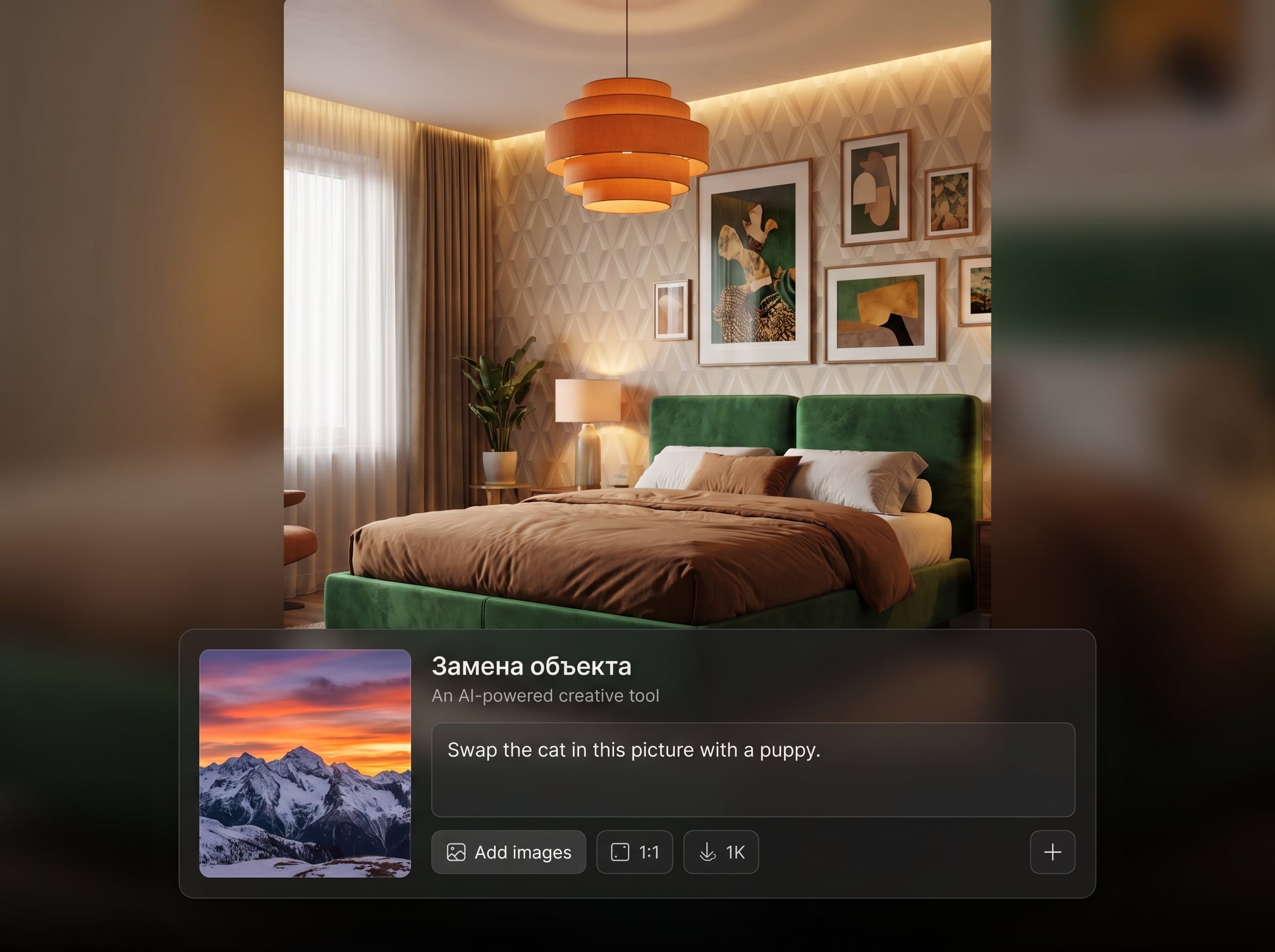
Paint the exact object to remove or replace and keep the rest untouched. Fine control helps reduce artifacts and keeps edges, shadows, and details looking natural.
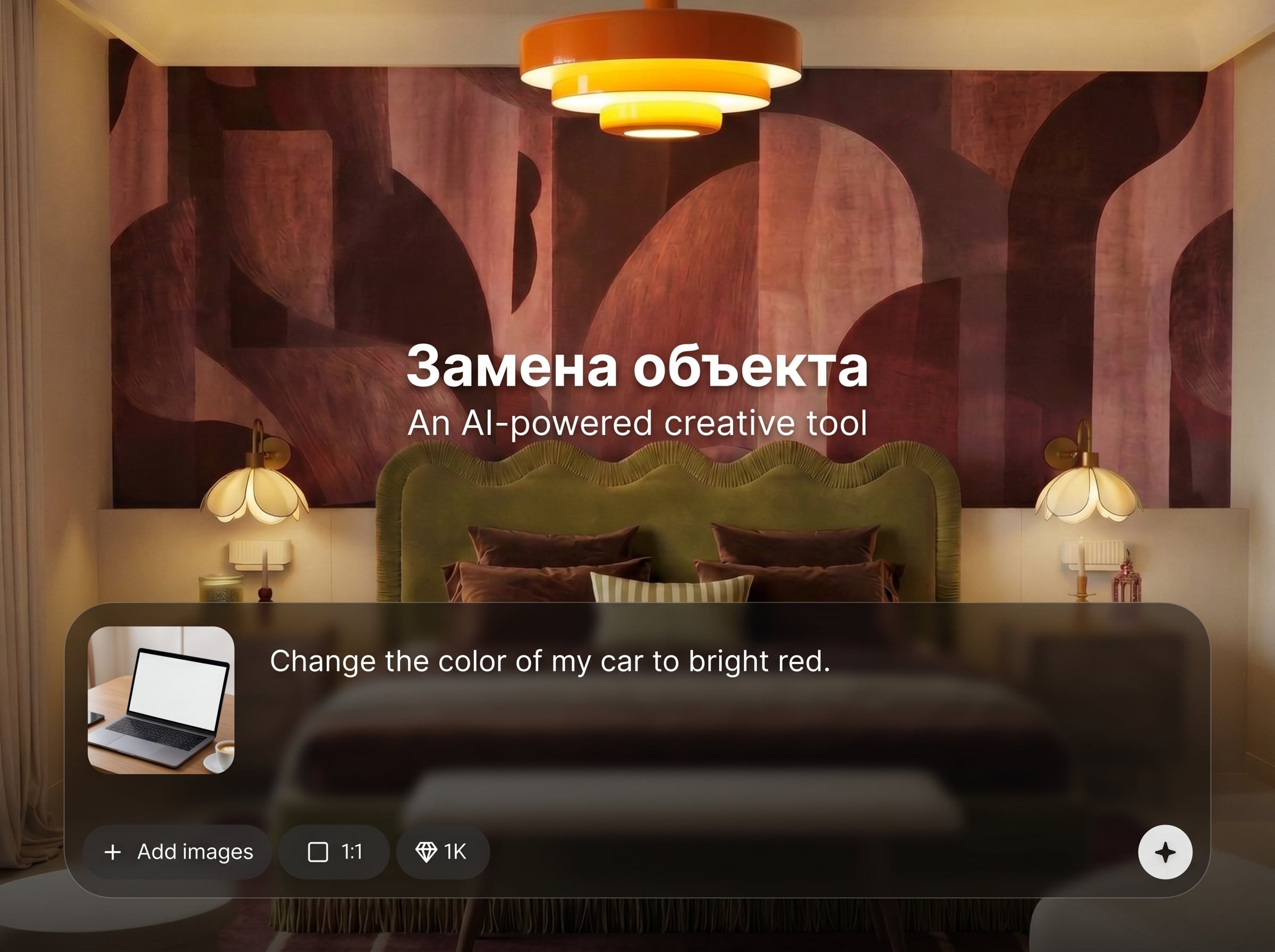
Generate several versions quickly to compare options. Iterate with small prompt tweaks, then export high-quality results for web, ads, catalogs, or presentations.
About
Замена объекта is an AI object swap tool that replaces items in photos while keeping lighting, perspective, and texture consistent. Select an object, describe what you want instead, and generate realistic variations in seconds. Ideal for quick cleanup, product image updates, and creative photo edits—right in your browser with fast exports.
Замена объекта combines AI object replacement with practical controls for predictable edits. Masking keeps changes localized, prompt guidance improves accuracy, and quick variations help you choose the best result. Produce consistent visuals for listings, ads, and catalogs without time-consuming manual retouching.
Open Замена объекта, upload an image, and mask the object you want to replace. Add a clear prompt, generate a few options, refine if needed, and export your final edit.
Use cases
Discover how different creators use this app in their workflow.
Swap packaging, labels, or props without reshooting. Keep the same scene while updating objects for new SKUs, seasonal campaigns, and A/B testing.
Remove distractions and replace unwanted items in a shot. Great for real estate, travel photos, and listings that need clean, professional visuals fast.
Generate new object concepts inside existing photos. Create multiple variations for ads and social posts while maintaining consistent lighting and composition.
Krea is one of the world's leading generative AI platforms. See what others say.
Real reviews on TrustpilotSo many AI tools out there but I always come back to Krea. It's really the one AI platform that 'just works'.

FYN
Krea's interfaces are still the best in the industry. Everything looks and feels so clean and easy to use! Imo the easiest to use gen AI website.

Lynn
Ultra fast generations. Extremely simple to use. All the latest AI models.

Daniel
KREA is the only AI subscription I have right now besides ChatGPT.

Sophia M.
Answers to common questions about Замена объекта and AI object replacement.
Замена объекта is an AI photo editing tool for object replacement. Mask an object, describe the new one, and generate realistic swaps that preserve scene lighting and perspective.
Use a precise mask and include details in your prompt like material, color, and size. Mention lighting cues (e.g., “soft daylight”) to help the AI blend edges and shadows.
Yes. Mask the object and prompt for what should appear behind it, like “empty table surface” or “clean wall.” The AI inpainting fills the area with matching texture and depth.
It’s well-suited for product photo retouching and marketing images. You can replace props, packaging elements, or background objects, then generate multiple variations for different placements.
Export options depend on your workflow, but the goal is straightforward: download a high-quality edited image suitable for web, social, and presentation use after generation and review.
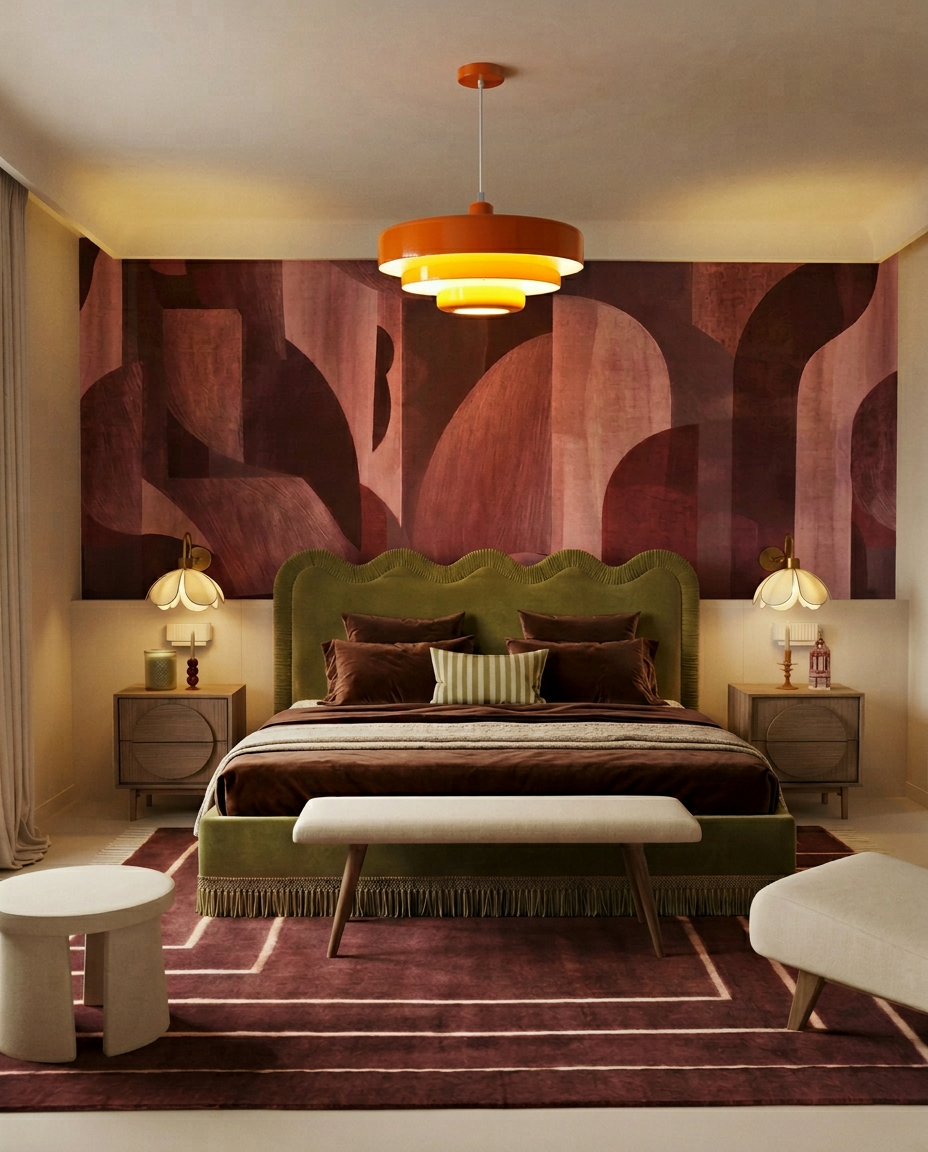
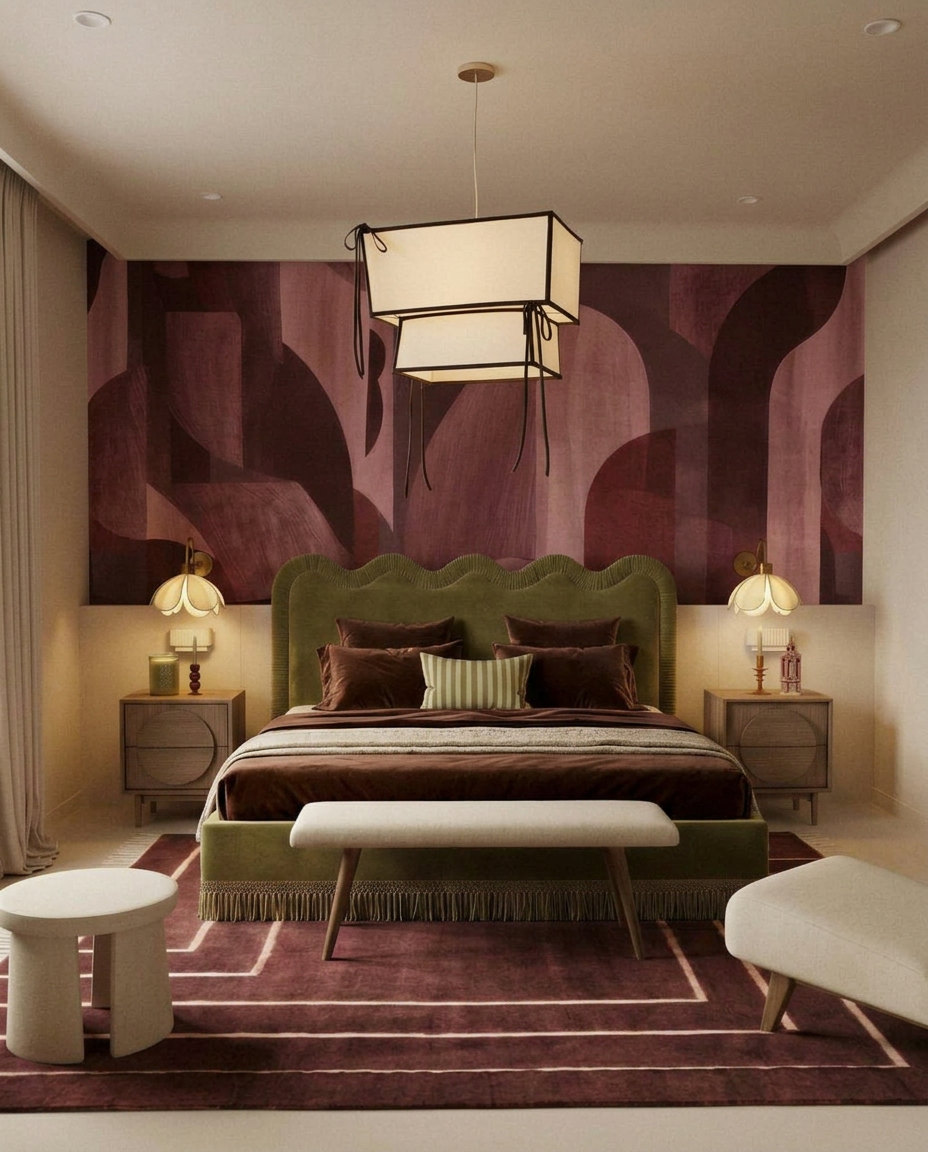
Upload a photo, mask the object, and generate clean replacements instantly with AI-powered editing.

