














Step 1
Upload or Prompt
Add a reference image or write a prompt describing the object, scene, and style. Choose output quality and aspect ratio to match your presentation needs.
Generate three-view visualizations from one prompt or image with AI. Create consistent angles fast for products, interiors, and concepts. Try it now.

How to use 3 ракурса визуализации
This quick guide shows how to generate three matching viewpoints from a prompt or reference. Set your style and camera intent, then render and refine until the angles stay consistent.
Step 1
Add a reference image or write a prompt describing the object, scene, and style. Choose output quality and aspect ratio to match your presentation needs.

Step 2
Pick three viewpoints (front, 3/4, side) and adjust camera feel. Lock key details like materials and colors to keep all angles visually consistent.

Step 3
Generate the 3-angle set, review alignment, and iterate with small edits. Download images for decks, listings, or design reviews in high resolution.
Features
Generate a coordinated 3-view set without manually re-prompting each angle. The AI keeps design intent consistent across viewpoints while letting you control style, lighting, and framing. Use it to speed up approvals, improve communication, and produce clearer visuals for products, spaces, and concept work.
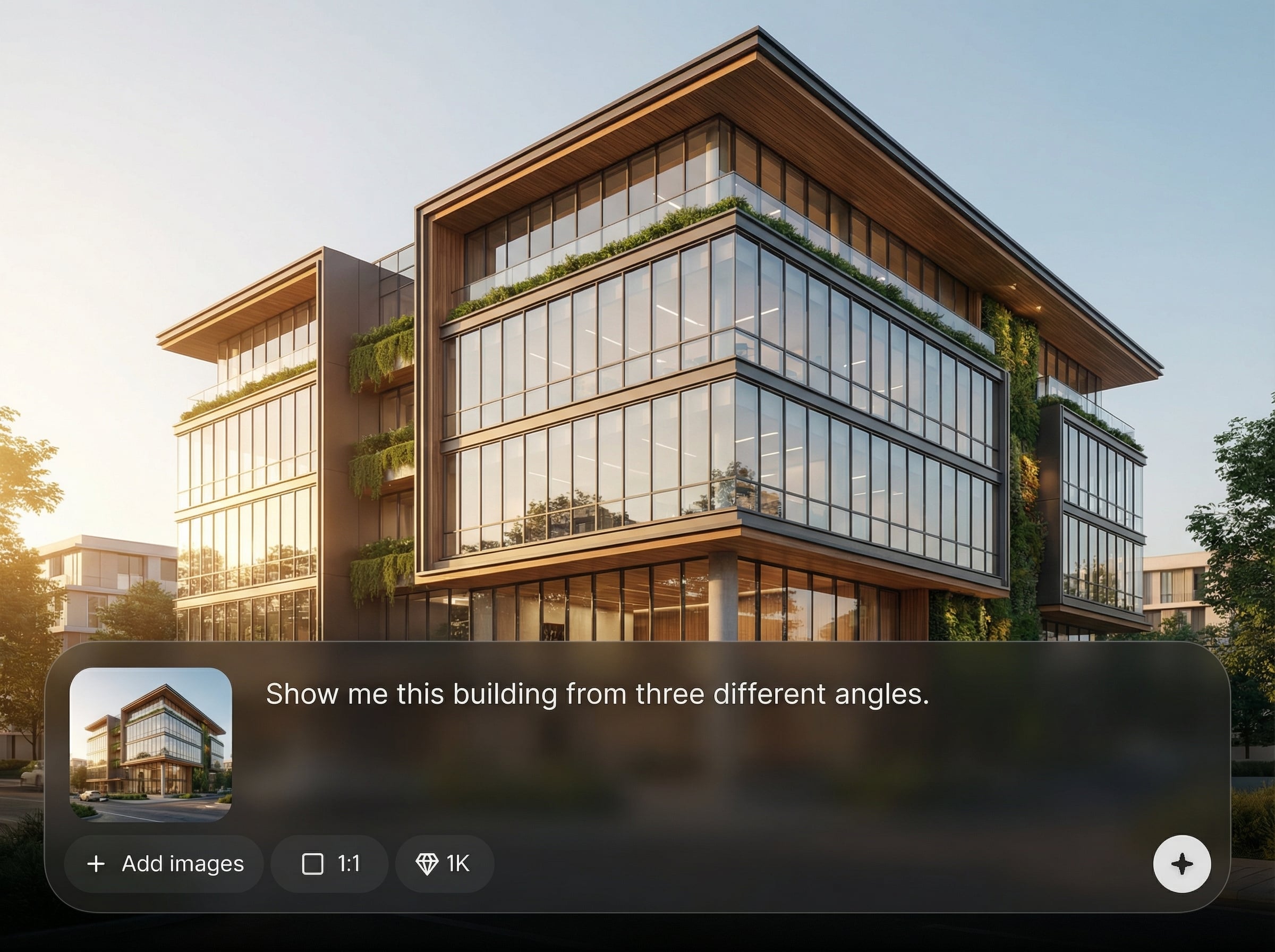
Create three matched viewpoints in one workflow. Maintain coherent proportions, textures, and style across images so your visualizations look like a single, unified set.
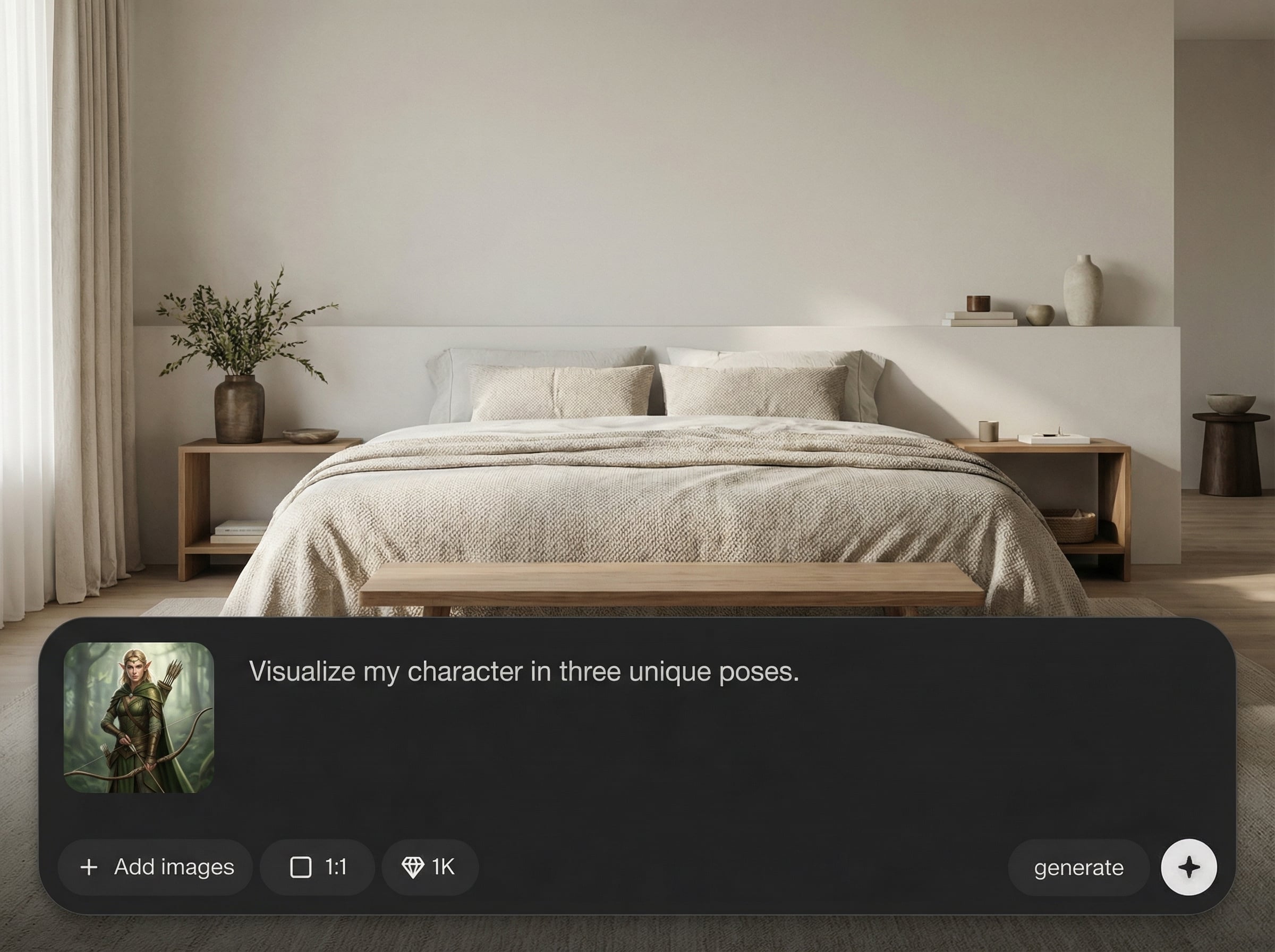
Adjust prompts, styling, and camera intent with minimal friction. Regenerate quickly to explore variants and converge on a final three-view presentation.
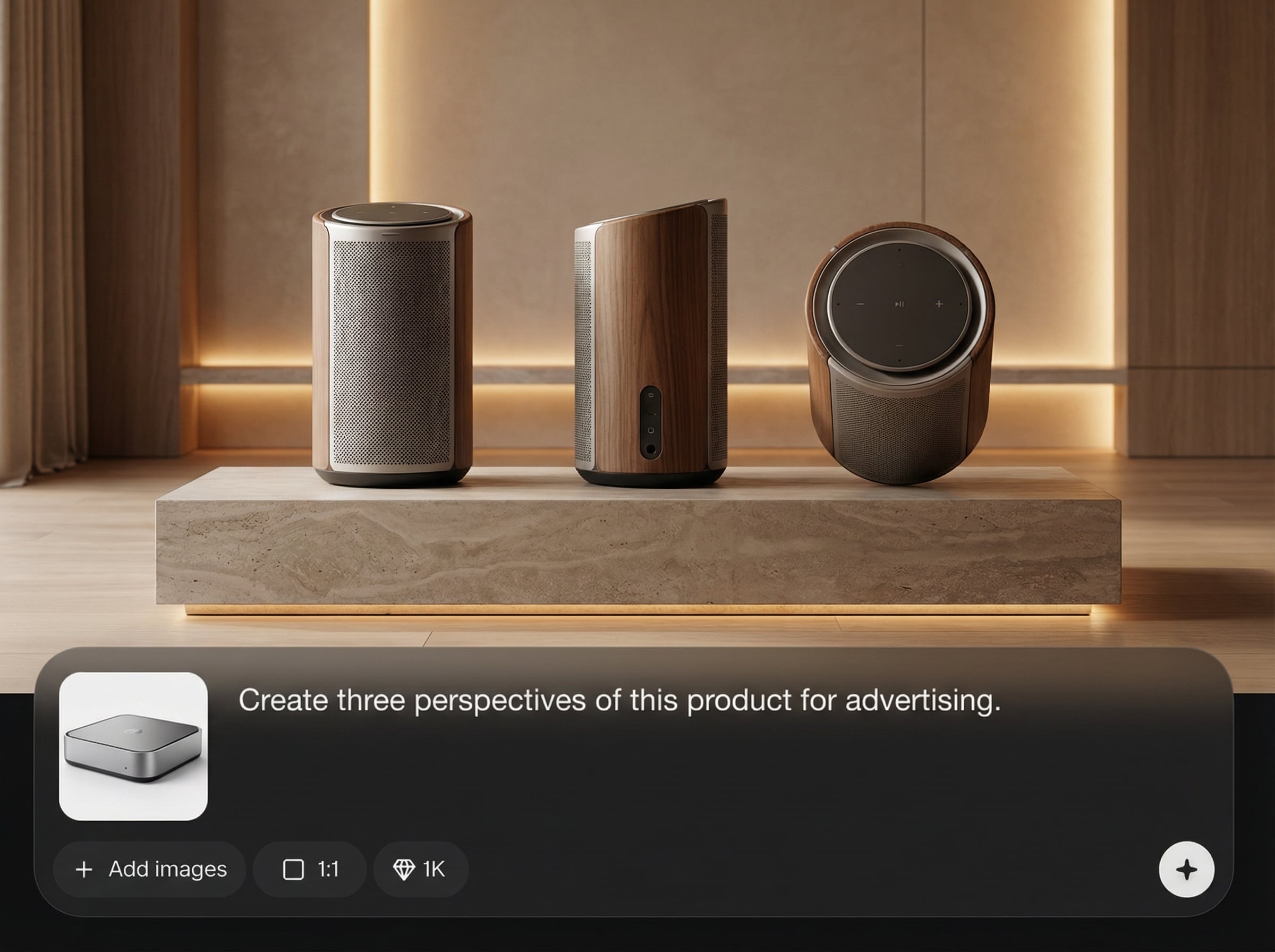
Work from text prompts or reference images for image-to-image refinement. Export high-resolution results suitable for product pages, mood boards, and review decks.
About
3 ракурса визуализации turns a single prompt or reference image into three consistent angles in one run. Use AI to keep style, materials, and proportions aligned across views for faster reviews and cleaner presentations. Generate multi-angle renders for products, interiors, and design concepts with simple controls and quick iteration.
Get multi-angle consistency without repetitive prompting. The workflow is built for speed, clarity, and control—so you can present three aligned views, iterate quickly, and reduce back-and-forth during reviews and approvals.
Enter a prompt or upload a reference, pick three angles, and generate. Refine with small edits until the set matches your target style, then export the final images.
Use cases
Discover how different creators use this app in their workflow.
Generate front, side, and 3/4 angles for listings, catalogs, and pitch decks. Keep materials and branding consistent across the full set.
Visualize a room from multiple viewpoints to communicate layout and atmosphere. Iterate lighting and style quickly while preserving core details.
Share three consistent angles to reduce ambiguity and speed decisions. Use quick re-renders to address feedback without rebuilding from scratch.
Krea is one of the world's leading generative AI platforms. See what others say.
Real reviews on TrustpilotSo many AI tools out there but I always come back to Krea. It's really the one AI platform that 'just works'.

FYN
Krea's interfaces are still the best in the industry. Everything looks and feels so clean and easy to use! Imo the easiest to use gen AI website.

Lynn
Ultra fast generations. Extremely simple to use. All the latest AI models.

Daniel
KREA is the only AI subscription I have right now besides ChatGPT.

Sophia M.
Answers to common questions about AI 3-angle visualization and consistent multi-view rendering.
It generates a set of three coordinated images showing different angles of the same subject. The tool focuses on keeping style, proportions, and key details consistent across all views.
Yes. Upload a reference image for image-to-image generation, then refine with prompts. This helps preserve shape, materials, and overall design intent while producing three angles.
Use clear prompts, lock essential attributes like color and materials, and choose defined viewpoints (front/side/3-4). Small iterative edits typically improve alignment and continuity.
Yes. Multi-angle output is ideal for product visualization, where buyers and stakeholders need multiple views. Generate consistent three-view sets faster than manual angle-by-angle prompting.
You can export high-quality images suitable for web and presentations. Choose your resolution and aspect ratio based on where you’ll use the visuals, then download the final set.

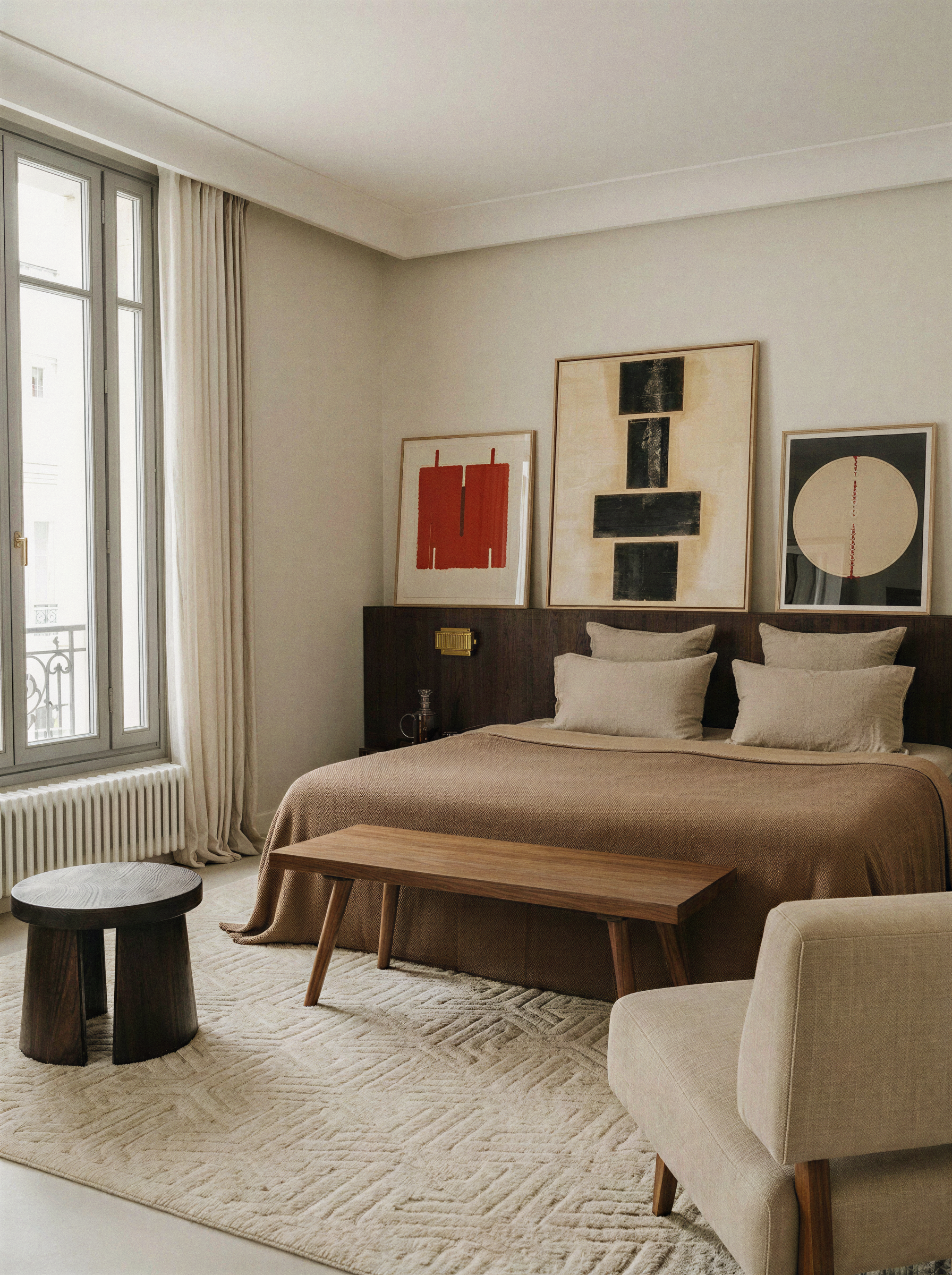
Turn one prompt or image into three consistent views in minutes with AI-powered control.

