














Step 1
Set your brief
Enter your prompt, format, and brand cues like colors, typography, or references. Choose the design type—poster, banner, UI section, or social creative.
Generate three design variants from one brief with 3 варианта дизайна. Use AI to explore styles fast, compare options, and export results online.
How to use 3 варианта дизайна
Create multiple design directions without repeating work. Start with a clear goal, then let AI generate three variations you can compare, refine, and export for your project.
Step 1
Enter your prompt, format, and brand cues like colors, typography, or references. Choose the design type—poster, banner, UI section, or social creative.

Step 2
Run the AI generator to produce three unique design variants. Review composition, hierarchy, and style differences, then pick the option closest to your intent.

Step 3
Adjust text, colors, and layout instructions to iterate quickly. Export your selected design for sharing, presentation, or production-ready handoff.
Features
3 варианта дизайна turns one idea into three polished design directions using AI and machine learning. Explore different layouts, styles, and visual hierarchies instantly, then refine with targeted prompts. Save time on early concepting while keeping creative control over the final look and format.
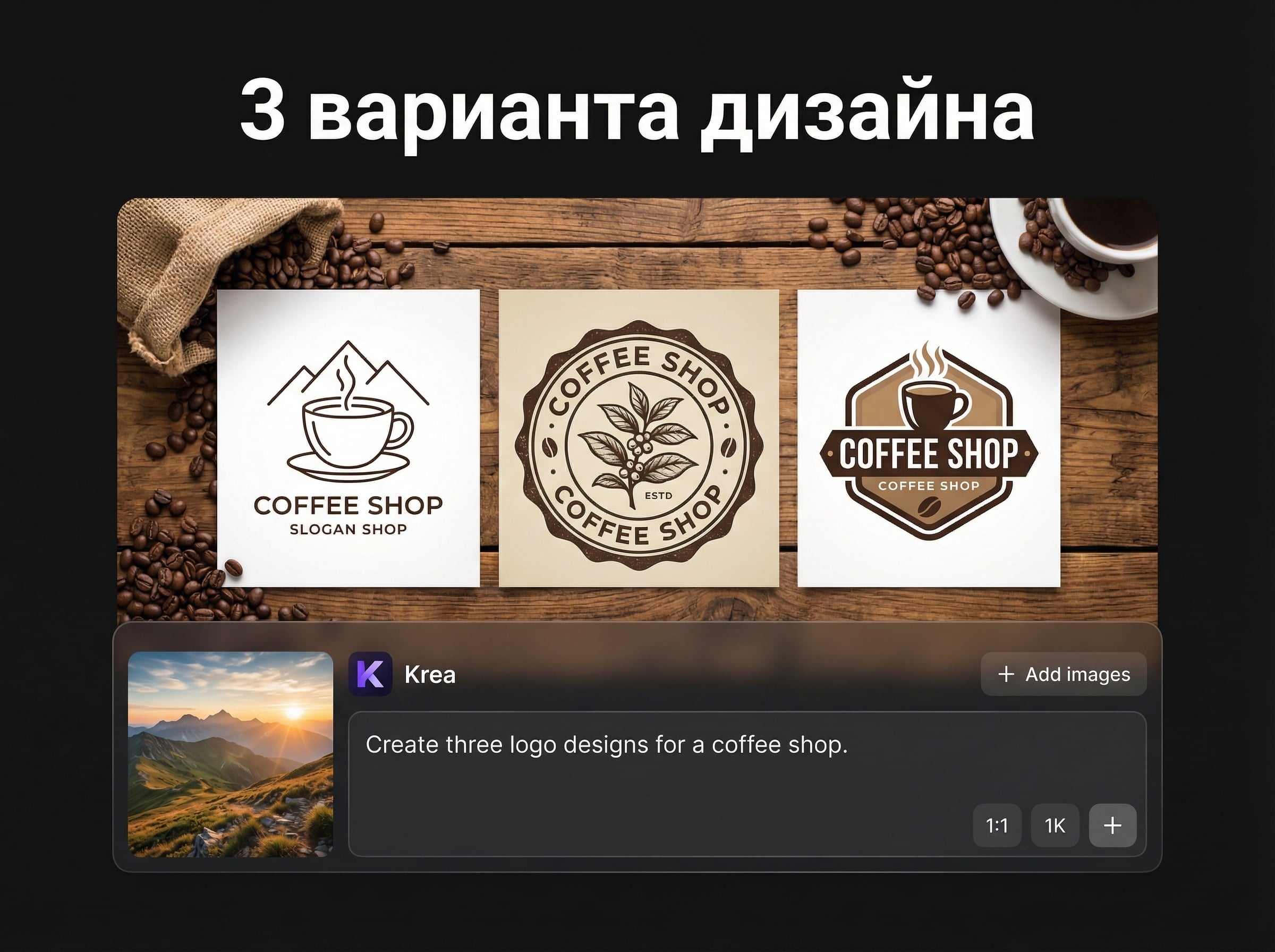
Automatically generates three visually different options from the same brief, helping you compare styles, composition, and hierarchy side by side without extra setup.
Fine-tune colors, typography, spacing, and layout by updating your prompt. Get new variants in seconds, making exploration and approval cycles significantly faster.
Generate designs for social posts, ads, posters, or UI sections with consistent styling. Export a selected direction and keep refining for different sizes and channels.
About
3 варианта дизайна generates three distinct design directions from a single prompt, brief, or reference. Use AI to explore layouts, color palettes, and typography options in seconds, then iterate on the strongest concept. Ideal for quickly comparing styles and producing ready-to-share visuals for web, social, and print workflows.
3 варианта дизайна accelerates concept exploration by generating three strong options at once. Compare direction, hierarchy, and style immediately, then iterate with precise prompts. Get consistent results across formats while reducing repetitive manual layout work.
Enter your brief, choose a format, and generate three variants. Select the best direction, refine with quick prompt edits, and export for review, sharing, or production.
Use cases
Discover how different creators use this app in their workflow.
Generate three ad or social design variants from one message. Quickly test different layouts and visual hooks before committing to a final creative direction.
Explore multiple hero or section layouts with consistent branding. Compare hierarchy and spacing options, then iterate toward a clean, production-ready look.
Create three poster concepts from one theme. Try alternative typography, color palettes, and composition styles to match different audiences or venues.
Krea is one of the world's leading generative AI platforms. See what others say.
Real reviews on TrustpilotSo many AI tools out there but I always come back to Krea. It's really the one AI platform that 'just works'.

FYN
Krea's interfaces are still the best in the industry. Everything looks and feels so clean and easy to use! Imo the easiest to use gen AI website.

Lynn
Ultra fast generations. Extremely simple to use. All the latest AI models.

Daniel
KREA is the only AI subscription I have right now besides ChatGPT.

Sophia M.
Answers to common questions about generating three design variants with AI.
It generates three distinct design variants from one brief or prompt. Each option explores different layout, typography, and style choices so you can compare directions and iterate quickly.
Yes. Add brand colors, typography preferences, references, and format requirements in your prompt. You can also refine results by requesting specific changes like “more minimal,” “stronger contrast,” or “bolder headline.”
Yes. The app uses AI, artificial intelligence techniques, and machine learning patterns to propose multiple visual solutions. You stay in control by selecting the best direction and refining it with new instructions.
You can generate designs for common use cases like social posts, banners, posters, and UI sections. Specify dimensions or platform needs in the brief to guide layout and spacing decisions.
Use clear goals, include key text, and describe the audience and mood. Add constraints like color palette and style references, then iterate by changing one variable at a time for cleaner comparisons.
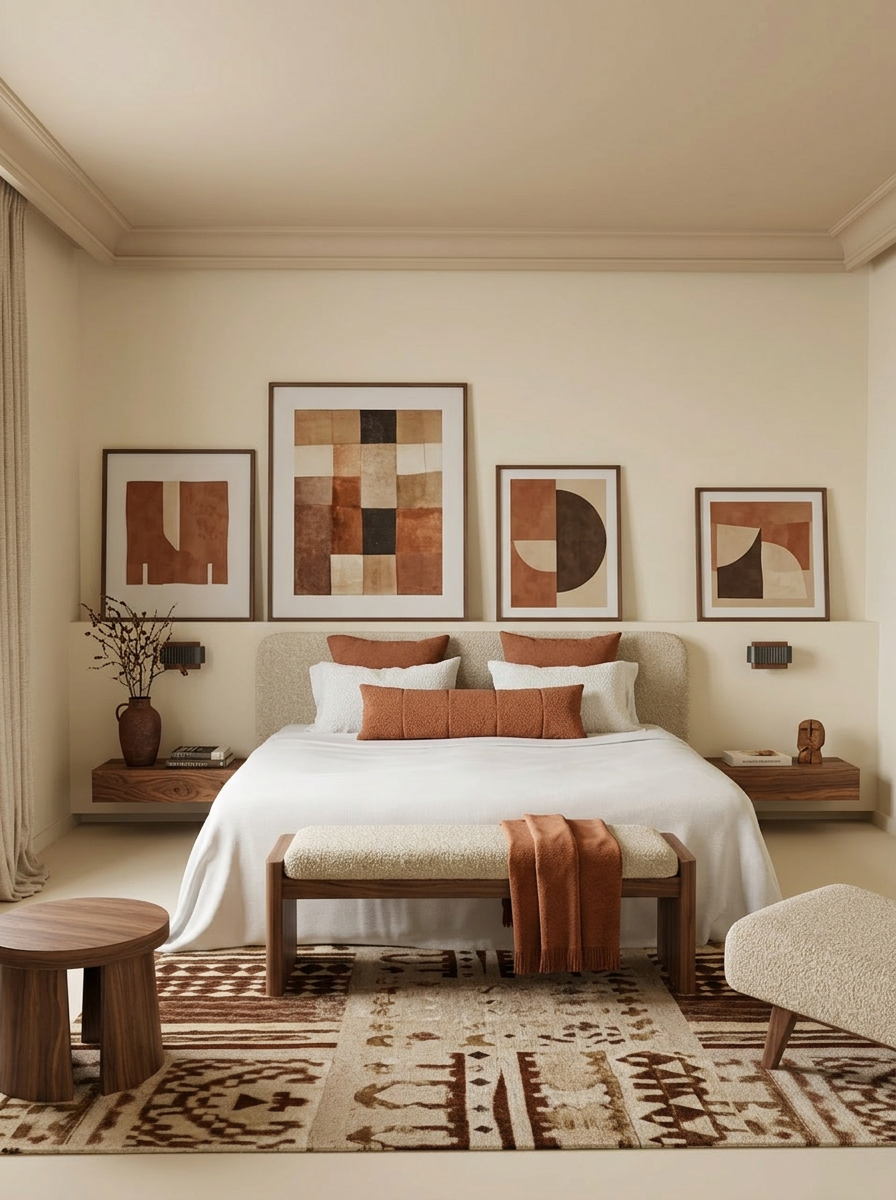
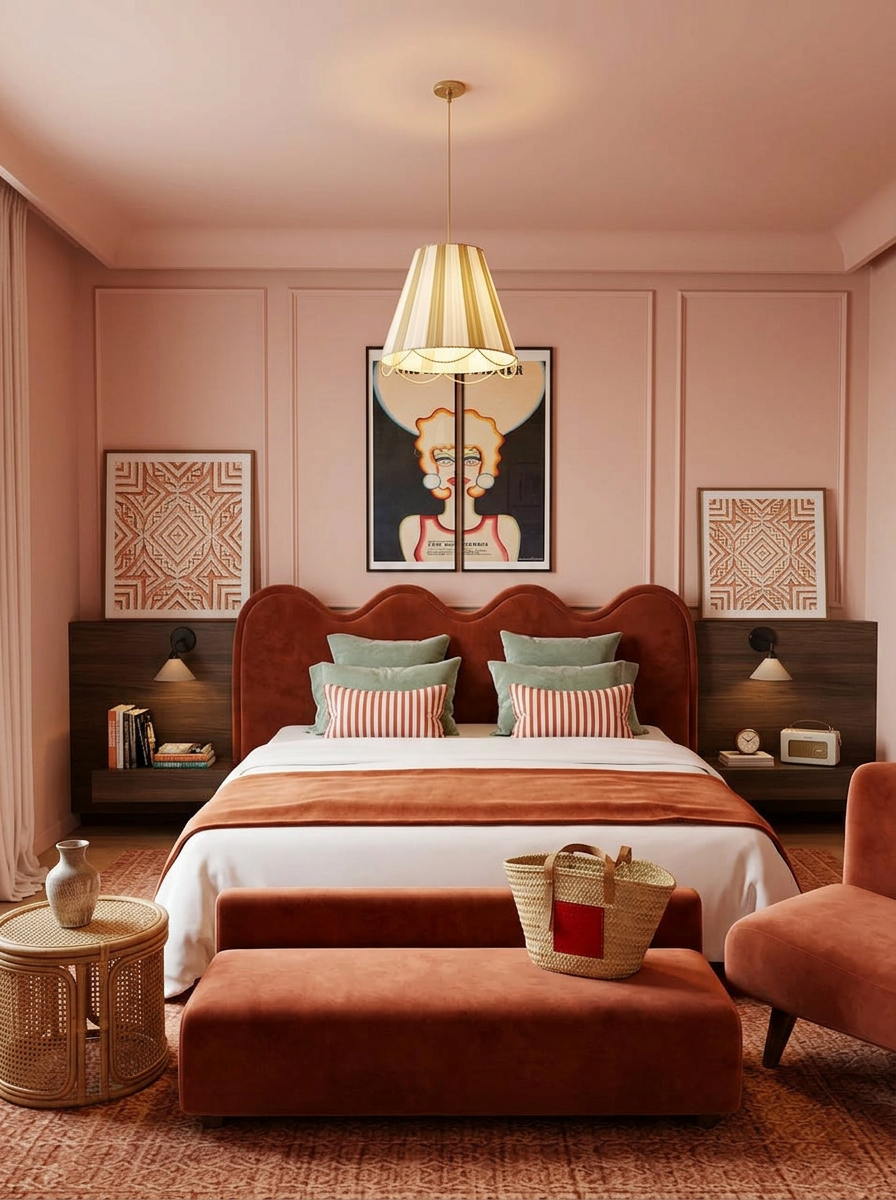
Turn one brief into three AI-generated design directions and refine the best option fast.

