














Step 1
Upload Reference
Add a reference banner image and define the target size. The pipeline detects structure and visual style to guide consistent banner assembly.
Generate on-brand banners from a reference with Banner-builder AI. Assemble layouts, match style, and export fast for ads, соцсети, and web—try now.

How to use Banner-builder
Banner-builder turns a reference banner into a repeatable AI layout pipeline. Add your reference, set output needs, and generate ready-to-export versions for ads, web, and social.
Step 1
Add a reference banner image and define the target size. The pipeline detects structure and visual style to guide consistent banner assembly.

Step 2
Insert your text, logo, and images, then choose layout constraints. Control hierarchy, padding, alignment, and brand styling for reliable outputs.

Step 3
Run the AI build to create banner variations. Review, regenerate if needed, and export assets optimized for marketing placements and web use.
Features
Banner-builder uses AI to reconstruct a banner layout from a reference and apply it to new content. It helps teams scale consistent creatives across sizes by automating structure, alignment, and style matching. Generate variations quickly, reduce manual layout work, and keep brand rules intact across ad and web formats.
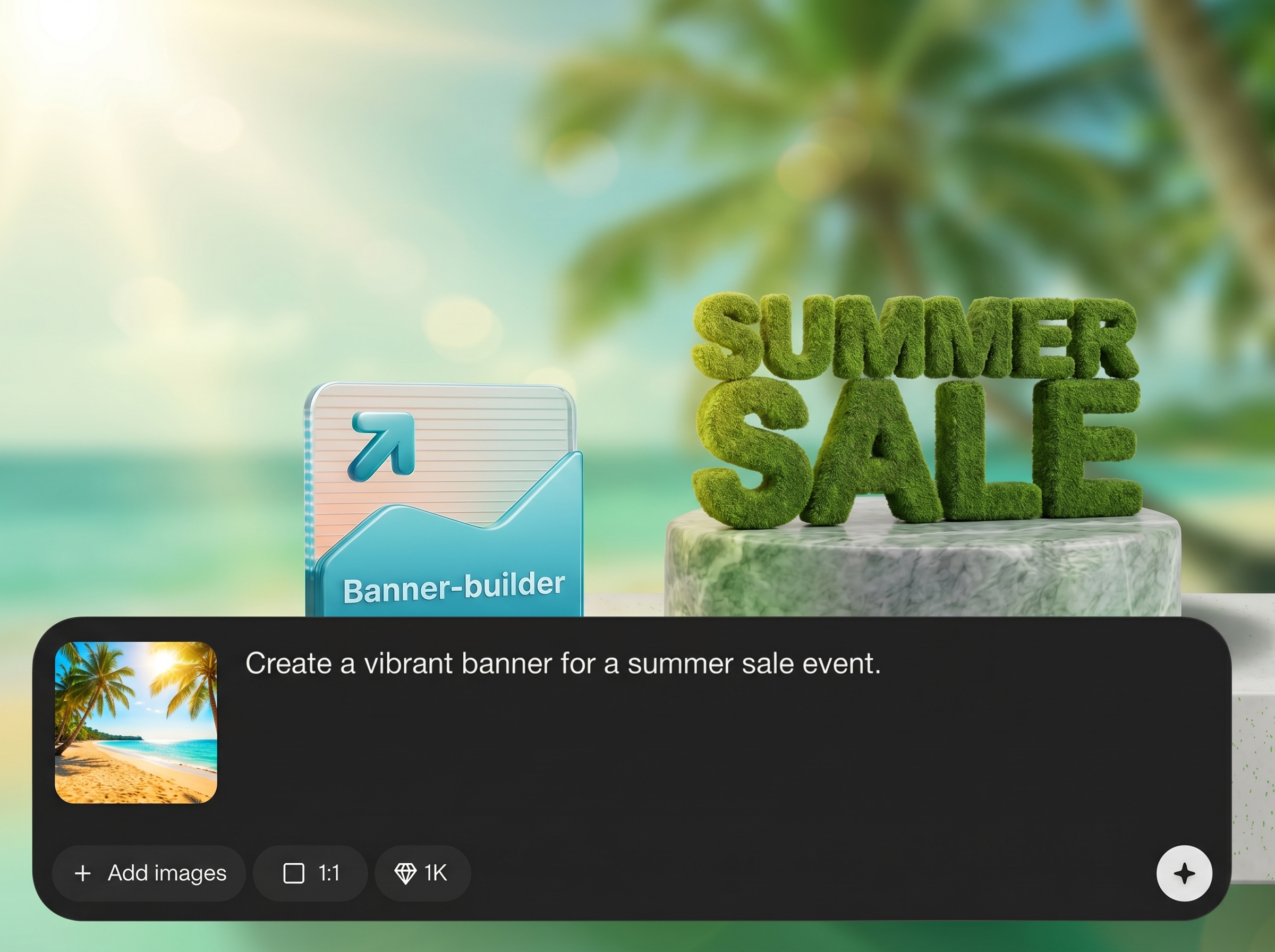
Recreates the reference banner’s composition, spacing, and hierarchy, so new banners follow the same structure while swapping in updated content cleanly.
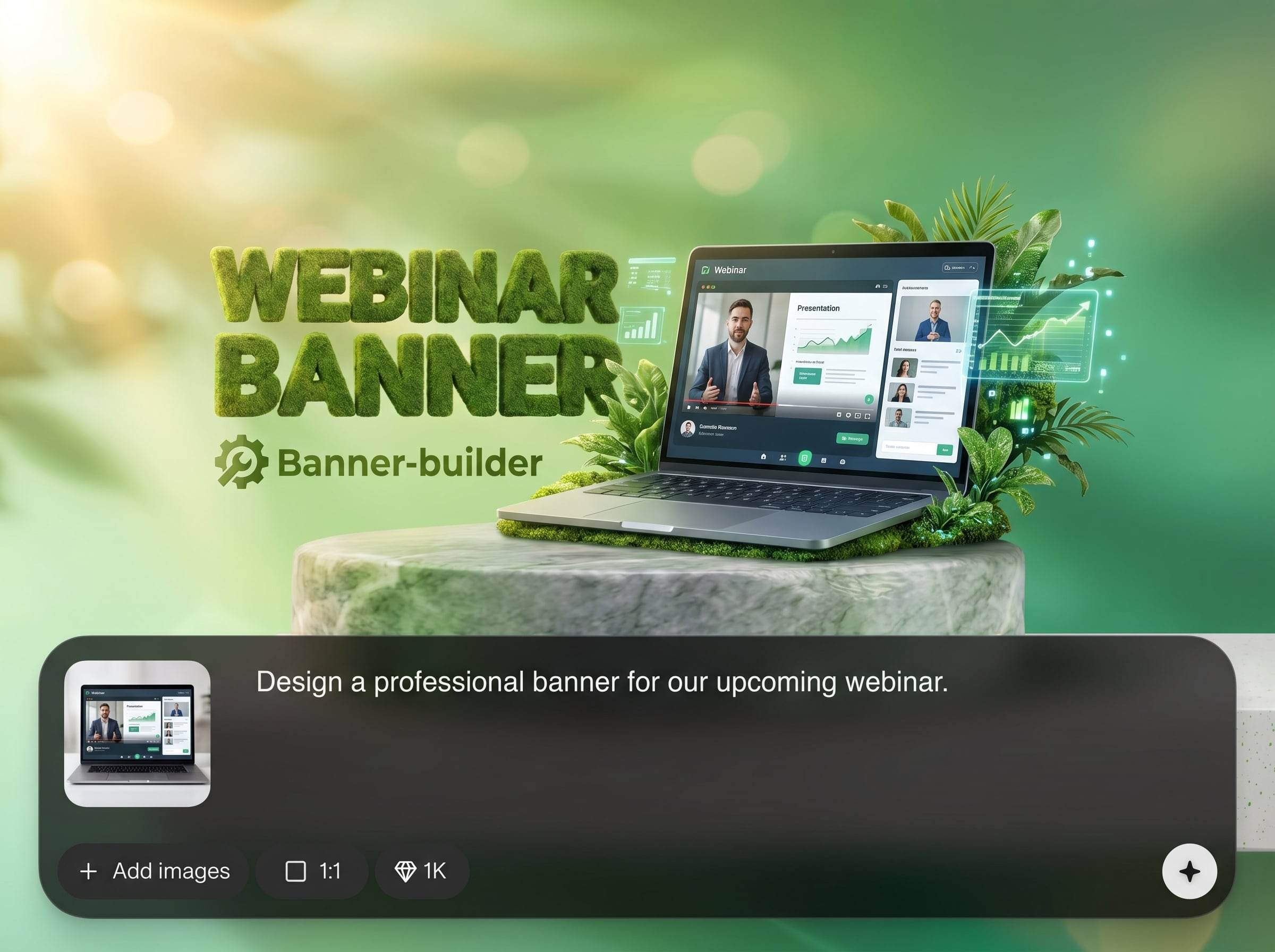
Generate banner versions for different placements and dimensions in one flow. Keep consistent styling while adapting layout constraints for each output size.
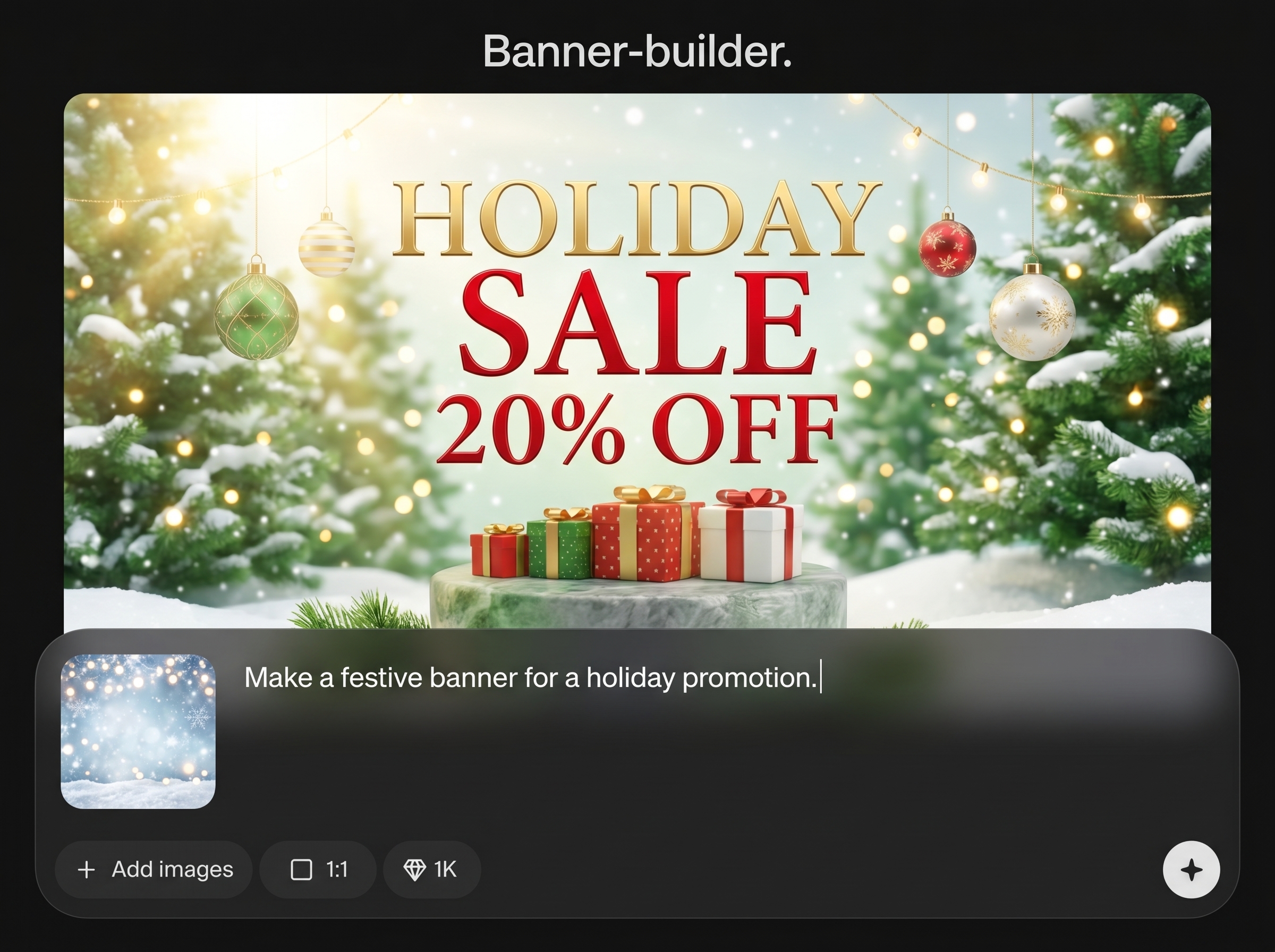
Apply rules for typography, alignment, padding, and visual rhythm. Maintain a unified look across campaigns while reducing manual adjustments and rework.
About
Banner-builder is an AI pipeline that assembles a banner from a reference image. Upload a sample, and the tool recreates the layout, spacing, and visual style while keeping your content adaptable. Generate consistent ad creatives, web headers, and social banners faster, with fewer manual design iterations and cleaner brand alignment.
Banner-builder focuses on reference-based banner assembly, not generic generation. Get consistent structure, cleaner spacing, and repeatable styling across sizes with AI-driven layout automation. Reduce manual rebuilding, speed up iterations, and keep outputs aligned with proven designs and brand expectations.
Add a reference banner, choose target dimensions, and provide your text and assets. Set simple layout rules, generate variations, and export the best version for your ad, web, or social placement.
Use cases
Discover how different creators use this app in their workflow.
Produce consistent ad creatives from a proven reference layout, then iterate messaging and images quickly for A/B tests across placements.
Rebuild hero headers from a reference style and generate updated variations for new offers while keeping structure, spacing, and branding aligned.
Create social banners that match an existing design reference, then scale into multiple sizes and versions without rebuilding layouts from scratch.
Krea is one of the world's leading generative AI platforms. See what others say.
Real reviews on TrustpilotSo many AI tools out there but I always come back to Krea. It's really the one AI platform that 'just works'.

FYN
Krea's interfaces are still the best in the industry. Everything looks and feels so clean and easy to use! Imo the easiest to use gen AI website.

Lynn
Ultra fast generations. Extremely simple to use. All the latest AI models.

Daniel
KREA is the only AI subscription I have right now besides ChatGPT.

Sophia M.
Answers to common questions about Banner-builder and reference-based AI banner generation.
Banner-builder is an AI pipeline that assembles a new banner based on a reference. It helps replicate layout and style while swapping in new text, logos, and imagery for fast production.
You upload a reference banner and specify the target size. The system analyzes structure and style cues, then generates a layout that applies those patterns to your new content.
Yes. Create multi-size variants while preserving key layout rules like margins, alignment, and hierarchy. This keeps campaigns consistent across ad networks, web, and social placements.
It supports brand-consistent outputs by following reference styling and your layout constraints. You can guide typography, spacing, and composition so results stay aligned with established visuals.
You need a reference banner image and your new content assets, such as copy, logo, and product images. Optionally define rules for padding, alignment, and element priority.
Yes. It’s designed for marketing workflows where speed and consistency matter. Generate ad-ready banners from a reference and iterate variants for different messages and placements.
You can set constraints to keep elements readable and consistent, including spacing, alignment, and hierarchy. This reduces random shifts and helps maintain a clear visual structure.
Try a cleaner reference, уточните размеры, and add stricter layout rules. Updating content lengths and priorities also helps the AI place elements more predictably across variations.
Yes. It uses machine learning and artificial intelligence to interpret the reference layout and produce new banner compositions. The goal is reliable structure replication with flexible content updates.
Export options depend on the workspace setup, but the goal is delivery-ready assets for common web and social placements. Generate at the exact dimensions you need for each channel.
Upload a reference, add your content, and generate consistent banners for ads, web, and social in minutes.

